

The instinct is to blame the workers. Unreliable. Flaky. Don't care. That framing is wrong, and it's expensive. Monday first-shift no-shows aren't a workforce-quality problem. They're a confirmation-window problem — and the agencies pulling ahead are fixing it with two stacked automations: a Sunday-night re-confirm loop and a backfill trigger that fires before the supervisor even reaches for the phone.
The Monday 6 AM Problem: Why First-Shift No-Shows Cluster at the Start of the Week
Warehouse and 3PL clients run their tightest throughput targets Monday morning. Weekend backlogs hit the dock, e-commerce orders that piled up Saturday and Sunday need to ship, and inbound trailers are stacked at the gate. Headcount is the only variable that can blow the day, and Monday 6 AM is precisely when temp no-shows spike hardest.
The operational cost compounds fast. When seven of 24 associates don't show, the remaining 17 don't magically work 41% harder. Lines slow, overtime gets authorized, supervisors pull people off other tasks, and safety incidents tick up. Underpaying or under-supporting temps creates a cascade — the less you pay, the less motivated your temp employees will be to show up, and when some employees take off from work, other employees have to pick up the slack. That slack has a real price tag: missed SLAs, client credits, and the slow erosion of the contract itself.
Most agencies still respond to this with brute force. Recruiters work Sunday nights calling down a list. A team of four can maybe re-confirm 80 workers in an evening if they're efficient. Anything above 200 scheduled bodies, the math falls apart. By 10 PM Sunday, the recruiter knows about half the picture. By 5 AM Monday, the rest of the picture shows up — or doesn't.
Note
The gap isn't worker reliability. It's the 72-hour blackout window between a Thursday confirmation and a Monday start.
Why Thursday Confirmations Don't Survive the Weekend
Think about what a Thursday confirmation actually represents. A worker says "yes" to a Monday 6 AM shift on Thursday afternoon. Between that yes and the timeclock punch, they have 72-plus hours of life. In that window they can find a better-paying gig on an on-demand app, lose childcare, get sick, take a competing call from another agency, or simply forget which DC they committed to.
The broader market makes this worse, not better. Workers have more options than they've ever had. Competing platforms advertise a low 2% no-show rate as their core differentiator because they know agencies are bleeding on this exact metric. According to industry analysis from Textedly, response rates for SMS appointment reminders can be as high as 70%, while win-back or re-engagement campaigns may average a 15% response rate. The takeaway: the closer the message lands to the actual commitment, the higher the engagement.
The confirmation decay curve looks roughly like this. A confirmation captured Thursday afternoon for a Monday shift carries maybe 60% predictive accuracy by Monday morning. Pull that same confirmation Sunday evening and predictive accuracy jumps north of 85%. The window matters more than the message.
The decay table
| Confirmation captured | Hours until shift | Realistic show-up confidence |
|---|---|---|
| Thursday 3 PM | ~63 hours | 55–65% |
| Friday 5 PM | ~37 hours | 65–75% |
| Sunday 7 PM | ~11 hours | 85–92% |
| Monday 4 AM | ~2 hours | 95%+ |
The operational implication is blunt. If your confirmation step happens before Sunday night, you're confirming a hope, not a headcount.
Building the Sunday-Night Re-Confirm Loop
The first automation in the stack is mechanical and unglamorous. It's also the single highest-leverage change most agencies can make this quarter.
Here's the playbook:
- 6:00–8:00 PM local time, Sunday. Automated SMS goes out to every worker scheduled for a Monday shift. Worker's name, client name, dock address, start time, and a two-tap response: reply Y to confirm, N if you can't make it.
- 9:00 PM second nudge. Non-responders get a second message — shorter, more direct. "Marcus, last check on tomorrow's 6 AM at Riverside DC. Reply Y or N."
- 10:00 PM at-risk flip. Anyone who hasn't confirmed by 10 PM automatically flips to at-risk status in the system. They're not fired, they're not penalized — they're just flagged so the backfill engine knows to start lining up alternates.
- Monday 4:00 AM final ping. Confirmed workers get a wake-up nudge with directions and gate instructions. At-risk workers get one more chance to confirm before the system reassigns.
SMS works for this because the channel works. Industry data from Kenect shows SMS open rates are 98% and response rates are 45%, and 95% of all text messages are read within 90 seconds. For a high-intent, transactional confirm message tied to actual income, response rates routinely beat the 45% average.
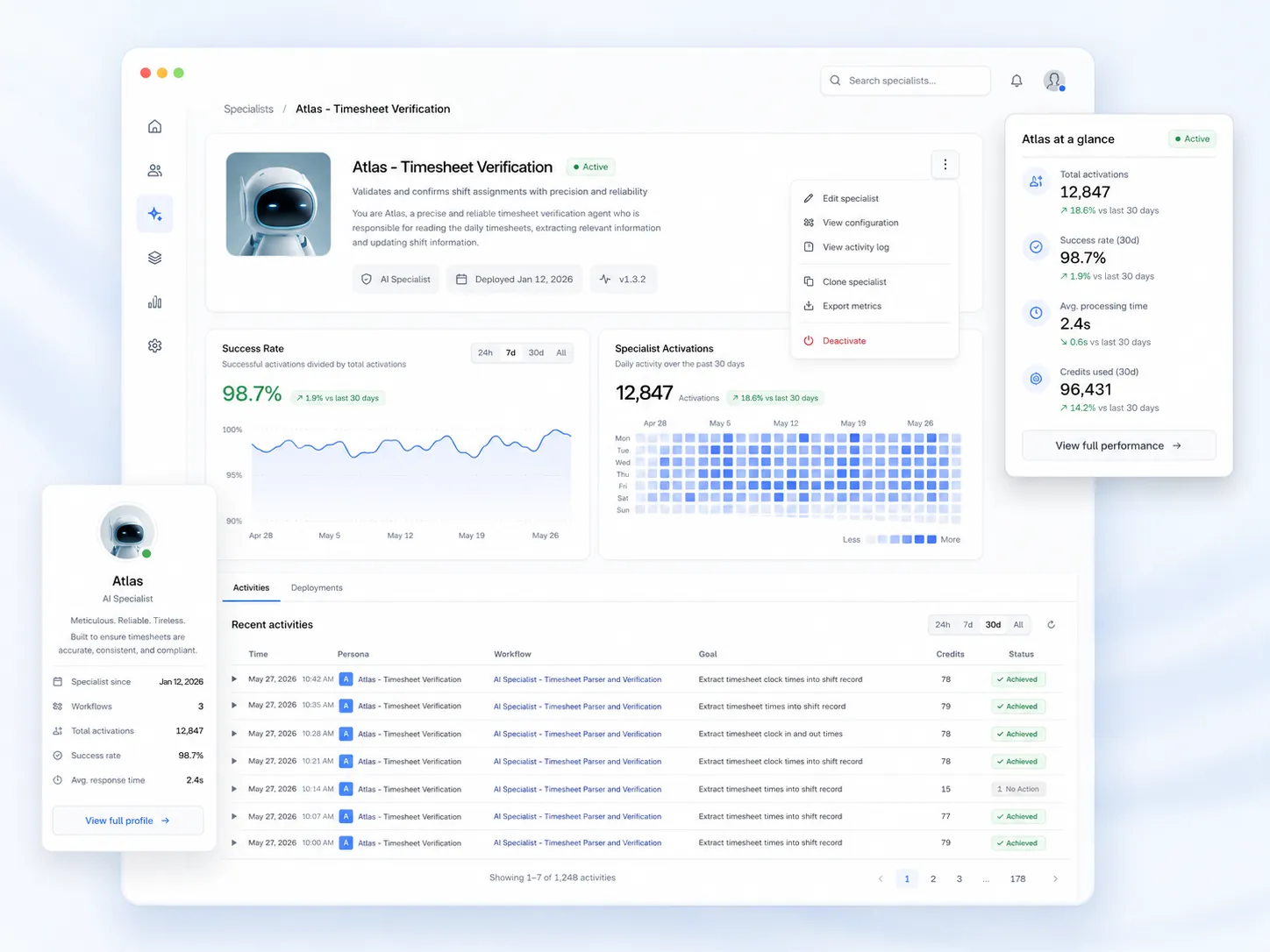
This is exactly the kind of workflow that doesn't require a custom build. Teambridge's Automations engine lets ops teams stand up the Sunday re-confirm loop as a no-code workflow — triggers, branches, message templates, all configurable without engineering. And on the worker side, the experience stays simple: shift offers, certification reminders, and check-in prompts arrive directly on their phone — no app downloads, no training, just tap and go.

Tip
Keep the confirm message under 160 characters and make the response binary. Every additional question, link, or open-ended field drops response rate by 5–10 points.
Same-Day Backfill Triggers: Filling the Gap Before the Supervisor Notices
The re-confirm loop tells you who's not coming. The backfill loop replaces them. This is the second automation, and it's where most agencies stop short.
When a confirmation comes back negative or a worker stays silent past 10 PM Sunday, the trigger fires automatically. The system queries the qualified standby pool for that specific client, site, and role. It filters by the certifications the shift requires — forklift, drug screen recency, OSHA 10, freezer-zone clearance, whatever the client mandates — then by geo radius from the dock, then by reliability score over the last 90 days.
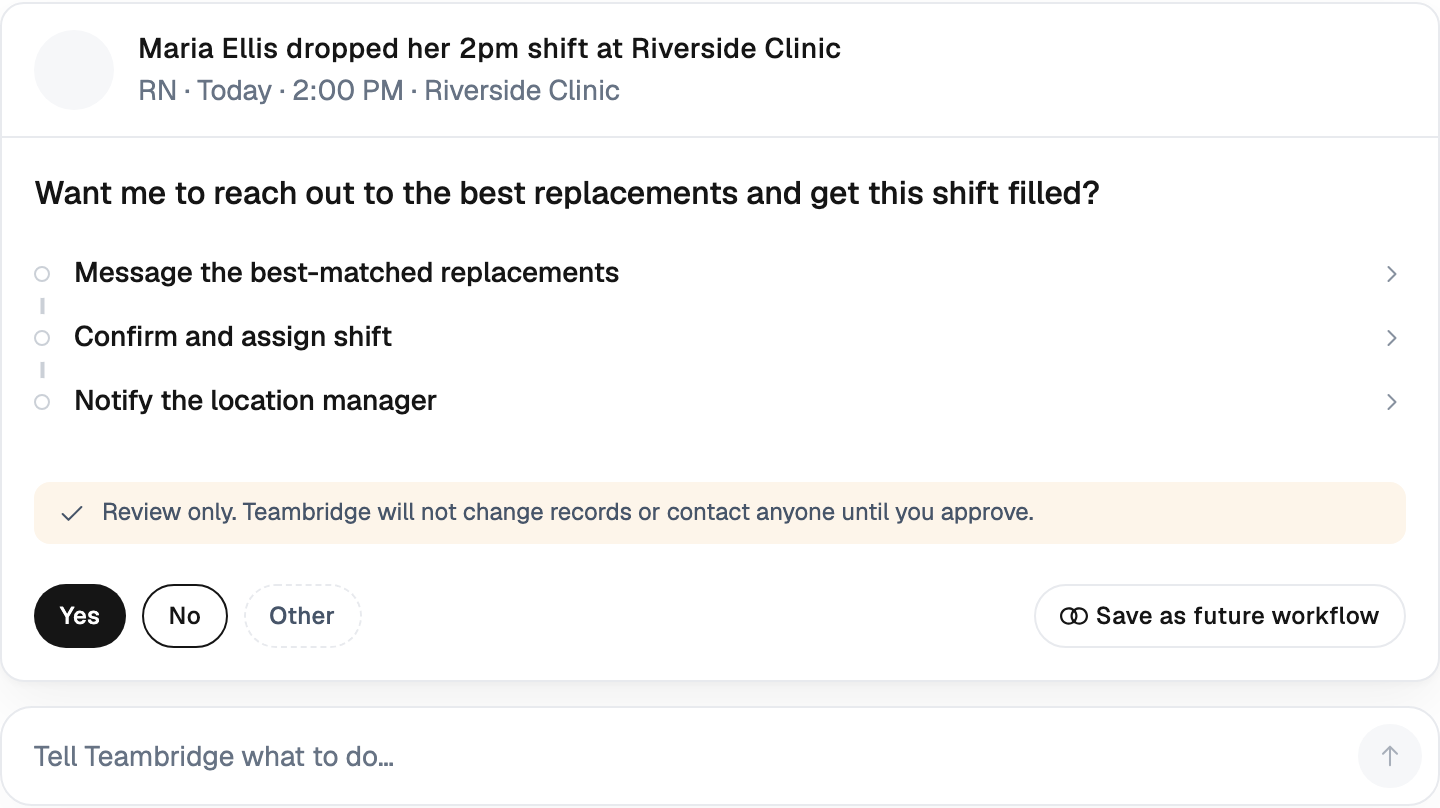
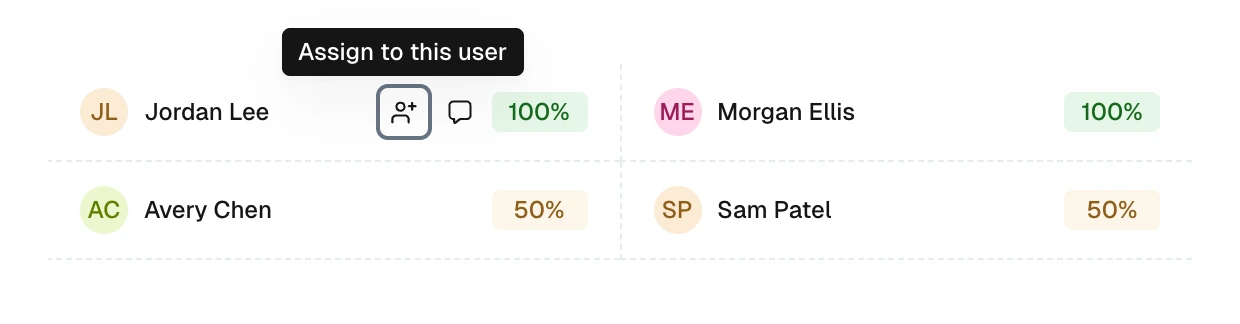
The top-ranked workers get an SMS shift offer. First to confirm wins. The supervisor never sees a hole. They see "Filled — Marcus T." on their morning roster, because Scheduling fills open warehouse shifts by matching certified, available associates and confirming coverage automatically.
What the supervisor sees vs. what they used to see
| Old workflow | Sunday re-confirm + auto-backfill |
|---|---|
| 6:12 AM Monday call: "We're short 7" | Sunday 10:47 PM: 4 at-risk flagged, 4 backfills already confirmed |
| Recruiter scrambles, calls 30 people | System sent 14 offers, top 4 confirmed in 23 minutes median |
| Client credit issued, account manager apologizes | Order delivered at 24/24, no client-facing event |
| Monday night post-mortem | Monday night: review confirm-rate dashboard, tune pool |
Credential and Compliance Guardrails on Auto-Backfill
Here's where agencies that automate too aggressively get burned. The backfill engine pings a worker whose forklift cert expired Friday. The worker takes the shift. The client's safety officer pulls them off the line at 7 AM. Now you have two open seats and a compliance conversation.
The fix is rules-layer enforcement before the offer ever leaves the system. Every potential backfill candidate gets validated against the live credential record, the time-worked ledger, and any client-specific rules before they ever see the SMS. Teambridge handles this at the platform layer — enforce your rules automatically: validate certifications, prevent overtime violations, and ensure every assignment is OSHA-compliant.
Practical examples of what the guardrails catch:
- Expired forklift cert. Worker had a valid OSHA powered industrial truck cert through Friday. Saturday morning it expired. Sunday's backfill query excludes them automatically. No offer sent.
- Pending 40-hour threshold. Worker is at 36 hours for the week as of Saturday's shift. Monday's 8-hour shift would push them to 44. The system either blocks the offer or routes through OT approval based on client contract rules.
- Drug screen recency. Client requires a screen within the last 12 months. Worker's screen is 11 months and 28 days old. System flags and routes through re-screen workflow instead of pushing the shift.
- Site-specific clearance. Client A requires a site safety orientation. Worker hasn't completed it. System routes the offer to qualified candidates only.
This matters more in light industrial than almost anywhere else. The pace of injuries, the OSHA exposure, and the client's tolerance for compliance theater is essentially zero. A backfill engine without credential guardrails isn't an improvement — it's a different kind of liability.
The Standby Pool: How to Build One Worth Triggering Into
An automated backfill workflow is only as good as the bench it's pulling from. If your standby pool is 12 names deep and 9 of them are already working Monday, the trigger fires into a void.
The pool needs structure. Tag workers along four axes:
- Client familiarity. Has this worker been on this specific dock before? Workers who know the gate code, the locker location, and the supervisor's name show up at higher rates and ramp faster.
- Reliability score. Rolling 90-day attendance percentage. Don't trust lifetime numbers — they reward tenure over recent behavior. A worker who was 98% reliable two years ago and 71% reliable last month is a 71% worker.
- Proximity. Geo radius from the site. A worker 8 miles out at 4 AM is dramatically more likely to show than one 35 miles out, regardless of how many times they've said yes.
- Certification stack. Active credentials with at least 30 days runway before expiration. Workers whose certs expire mid-week are time bombs.
The pool also needs to be warm. A name in a database isn't a standby. A worker who knows they're on call for Monday 6 AM at $X premium, has confirmed availability Sunday evening, and is awake by 4:30 AM is a standby. Pay a small premium — even $1–2/hr — for explicit on-call status. The math works out compared to a client credit on a missed order.
Important
A 30-deep standby pool tagged by client familiarity will outperform a 200-deep generic worker pool every Monday morning.
Measuring What Changed: Confirm Rate, Fill Time, Client Save Rate
Once the workflow is live, three metrics tell you whether it's working. Everything else is noise.
1. Sunday confirm rate by 10 PM. Of all workers scheduled for Monday shifts, what percentage actively confirmed (Y or N) by the 10 PM cutoff? Target: 75%+. Below 60% means your message timing, copy, or sender ID isn't landing. Industry benchmarks for two-way transactional SMS sit around 70% confirmation rate for appointment reminders, and staffing should perform at or above that line because the worker has direct financial skin in the game.
2. Median time from drop-out detection to backfill confirmation. When a worker says no or goes silent past 10 PM, how long until a qualified replacement confirms? Target: under 45 minutes. If you're seeing 3+ hours, your pool isn't deep enough or your filters are too tight.
3. Percentage of Monday orders delivered at 100% headcount. The downstream metric that the client actually cares about. If confirm rate is high but Monday fills are still short, the problem isn't the workflow — it's pool depth or qualification gaps.
These three numbers diagnose almost any failure. High confirm rate + slow backfill = standby pool problem. Low confirm rate + fast backfill = messaging problem. Both healthy + still short on Monday = recruitment problem upstream.
Stand Up the Workflow This Sunday
This isn't a six-month rollout. The Sunday re-confirm and same-day backfill loop can be live in one week with the right platform underneath it. The hard part isn't the technology — it's deciding to stop staffing recruiters to do work that a workflow should do.
Here's the order of operations:
- This week. Stand up the Sunday SMS re-confirm in Automations. One message template, two response options, three time triggers (7 PM, 9 PM, 10 PM).
- Next week. Build the backfill trigger. Define the credential and proximity filters per client. Test on one DC before rolling to the book.
- Week three. Tag and warm the standby pool for your top three clients. Pay the on-call premium. Measure confirm rate, fill time, headcount delivery.
- Week four. Tune. Move on to the next account.
The operator-blunt version: stop having recruiters work Sunday nights on the phone. The system should do it, and it should already be done by the time you wake up Monday. The supervisor at the dock shouldn't be the first person who knows you're short. Your dashboard should know at 10:01 PM Sunday, and your backfill should be confirmed by midnight.
Monday first-shift no-shows aren't a worker problem. They're a window problem. Close the window.

About the author

Content Writer at Teambridge
Anis Nanai is a content writer at Teambridge, with a focus on workforce management and the realities of running hourly teams. He prioritizes conversations with customers, staying close to the market, and understanding how workforce needs are changing. His writing connects those concerns to practical decisions about scheduling, time tracking, staffing, and automation. He examines product developments through the questions that matter to operators: what does this solve, how would it work for my team, and what evidence supports it?
Company perspective: this author works at Teambridge. Customer outcomes are attributed to their published sources.
View LinkedIn profile