Workforce data platform
A workforce management platform. Connected around your workers.
When a shift changes, time, credentials, communication, and billing should already know. Teambridge keeps every workflow attached to the same operating record.
Bring the handoff that still lives in a spreadsheet.

Worker record · Active
Maya Rodriguez
Registered nurse · North Campus
12
Credentials
37.5
Hours
Ready
Status
Shift claimed
Schedule and worker record updated
Operational data spine
Keep the context with the work.
A schedule should know the worker. A timecard should know the shift. An invoice should know the approved hours.
People
Workers and clients
Work
Jobs and shifts
Proof
Time and documents
Money
Pay and billing
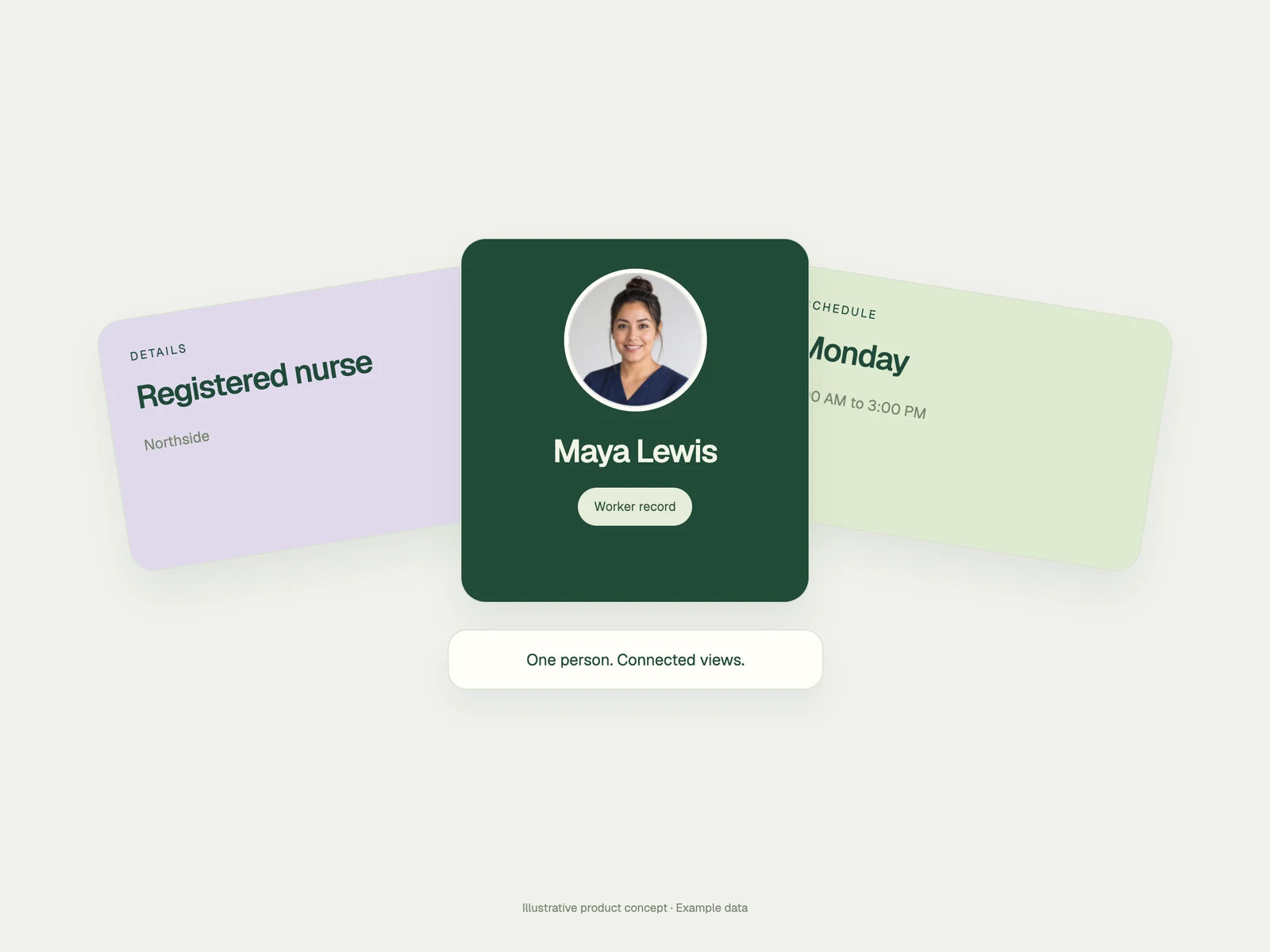
Built around the workflow
Change the view. Keep the record.
Each team sees the workflow it needs while the underlying worker and work context stays connected.
Move a hire toward readiness.
Connect forms, credential uploads, review, and missing-item follow-up to the worker and role.

Composable operations
Fit the operation without breaking it apart.
Configure views, records, forms, permissions, and workflows around the way your teams work while keeping the system connected underneath.
Configure the surface
Choose the fields, views, and actions each team uses.
Keep control visible
Use roles, permissions, and approval points to define who can do what.
Extend the workflow
Add automations, agents, and custom applications without recreating the data model.
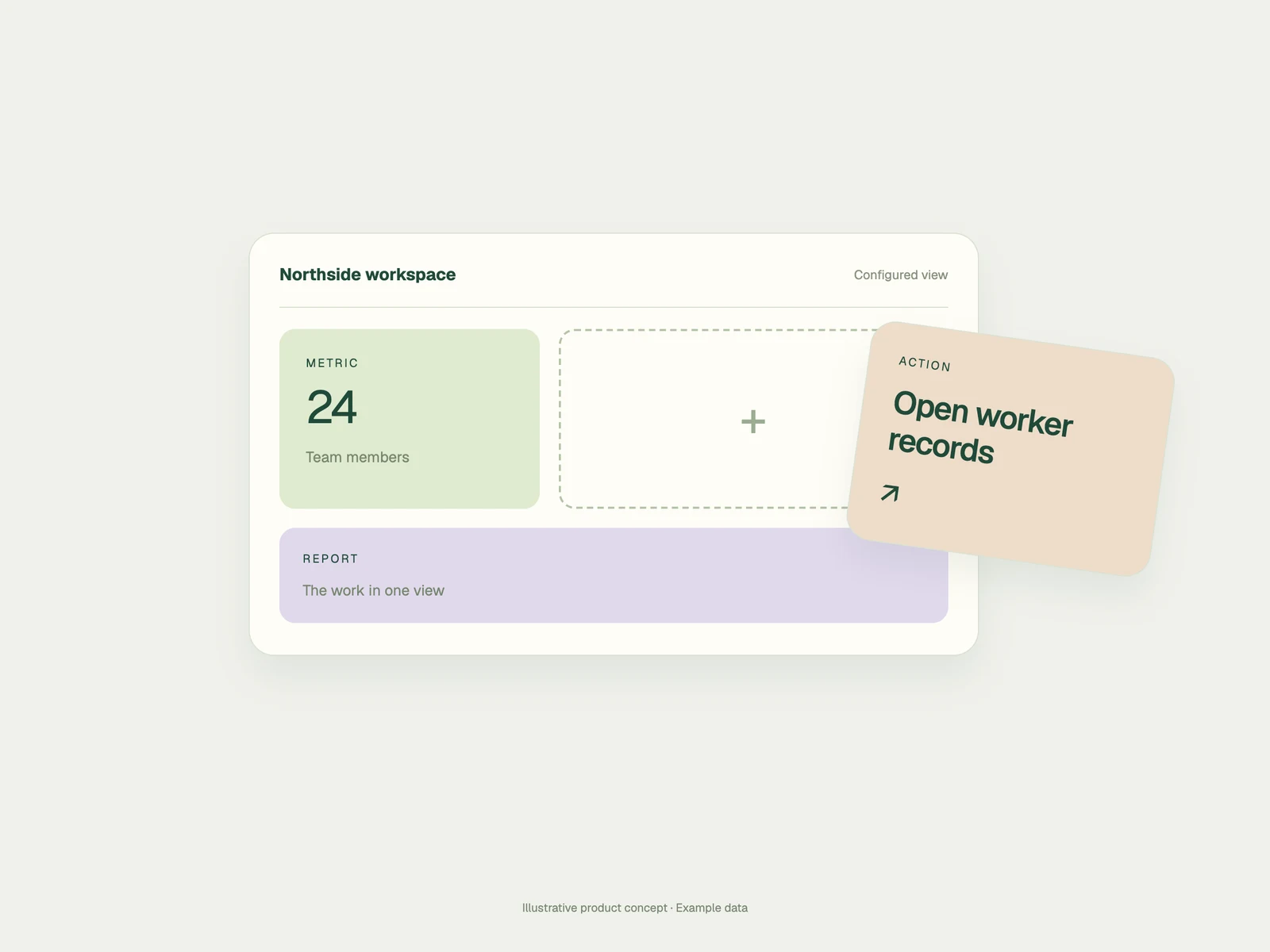
One platform, four surfaces
Use the same context everywhere work happens.
Admins, workers, automations, agents, and custom apps should not operate from separate versions of the truth.
Product questions
What operations teams ask
The practical questions behind a connected workforce data platform.
A workforce data platform connects the operational records behind workers, clients, jobs, shifts, time, documents, communication, pay, and billing so workflows can use shared context instead of separate spreadsheets and point tools.
Teambridge supports configurable records, views, fields, permissions, forms, and workflows. The goal is to fit the way your operation works while preserving one connected data model.
They can read relevant Teambridge records and conditions, perform allowed workflow actions, and write results back to the system. Permissions, policies, and review points continue to control the workflow.
Teambridge Apps can extend the platform with last-mile tools that use the same operational context. The Apps page explains that development path in detail.
Map the operation
Show us where context gets lost.
We’ll map the records, handoffs, rules, and teams behind one workflow and show how they can run on one platform.