

You open the timecard. Maria clocked in at 10:47 PM, clocked out at 12:14 AM. That's it. No GPS. No photos. No checklist. Just two timestamps and a cleaner who took the same call from her supervisor three hours ago, groggy, and said "yes I was there."
You don't know who's right. Neither does the client. So you issue the credit, apologize, and promise a re-clean. That's the 7 AM callback, and small janitorial operators pay for it every month in refunds, discounts, and eroded contracts.
This isn't a cleaner problem. It's a verification gap. And the fix isn't more supervisors driving between sites at 2 AM — it's capturing proof automatically at the punch, so there's nothing to reconstruct when the phone rings.
The 7 AM Callback: Anatomy of a Missed-Clean Dispute
Here's the structural reality of multi-site janitorial. A single cleaner rotates across 8 to 12 accounts in a night. The buildings are empty. There's no supervisor on-site, no client contact awake, and usually no Wi-Fi in the service corridor where the punch kiosk lives. The honor system is doing all the work.
When a complaint lands the next morning, the ops manager has two choices: push back with evidence, or eat the refund. Without timestamped location data, there is no evidence. So the refund gets issued. Then the next one. Then the client starts asking for a discount on the monthly contract.
This is a well-documented pattern in the industry — cleaners texting "I'm here" from the road or clocking in for each other creates phantom hours you pay for, managers spend 10+ hours every week collecting timesheets and resolving disputes, and when clients ask "Did your team even show up?" you need real-time proof, not guesswork. The economics are brutal: Swept estimates that every day without GPS-verified time tracking costs the average cleaning company $135 in time theft and errors — roughly $50,000 annually that should be profit, not payroll.
The thesis of this piece is simple. Proof of service has to be captured at the moment of the punch — not argued about in the morning. Everything below is how to build that system without breaking your crew or your margins.
Why Honor-System Punches Fail in Multi-Site Janitorial
Manual timekeeping collapses in janitorial for reasons that have nothing to do with cleaner honesty. The work happens between 10 PM and 6 AM. Supervisors are spread thin across regions. Kiosks get shared passwords. Cleaners rotate sites every 45 minutes. Buildings with concrete walls and basement service corridors kill cell signal.
All of that adds up to a punch that is, in practice, unverifiable. A cleaner can clock in from the parking lot, from home, or from the previous site's parking lot while driving to the next one. Nothing in the timesheet distinguishes a legitimate punch from a phantom one.
Geofencing is the table-stakes fix. You draw virtual fences around each cleaning location, and cleaners can only clock in when they're physically on-site. That alone eliminates the parking-lot punch and the at-home punch. Chronotek, which has been in this category for over two decades, describes the same core mechanic — instant alerts for no-shows and off-site punches, with clock-ins required at the job site, producing clean time cards that mean accurate hours, easier payroll, and tighter budgets.
The Offline Gap
One catch every operator hits: buildings with dead zones. A basement mechanical room or an interior stairwell has no cell, no Wi-Fi, and the app won't punch. If your system can't queue punches offline, cleaners abandon it within a week. The system needs to store the punch locally and upload it the moment the phone sees a signal again — with the original on-site timestamp intact, not the upload timestamp.
What Geofenced Proof-of-Service Actually Captures
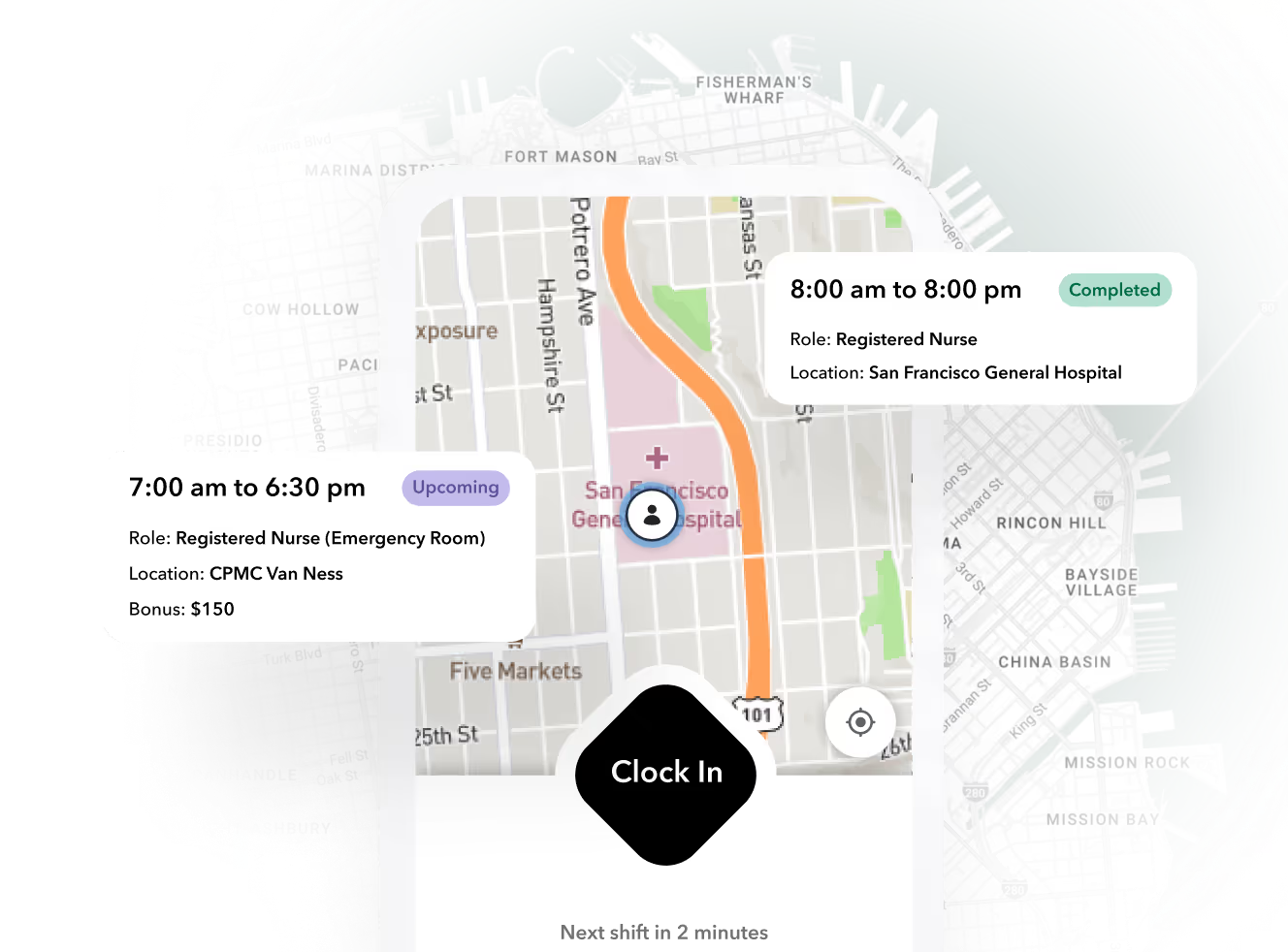
Let's define the mechanics in plain operator language. A geofence is a virtual boundary drawn around a real-world location using GPS coordinates, and when a tracked person enters or exits this boundary, the system automatically logs the event and can send an instant alert via text, email, or push notification.
For a janitorial shift, that mechanic produces four data points every time a cleaner works a building:
- Arrival timestamp — the exact minute the cleaner's device crossed the geofence.
- Departure timestamp — the exact minute they exited.
- Dwell time — how long they stayed inside the perimeter.
- Device identity — which enrolled cleaner's phone triggered the event.
That's the evidence packet. It's not theoretical — it's a standard pattern across service industries. Spytec's guide to geofencing puts it directly: for service fleets the most valuable geofencing application is automated proof of service — by drawing a geofence around each customer's property, the system logs exactly when a crew arrived and how long they stayed, called dwell time, and this data settles billing disputes before they start.
For janitorial, dwell time isn't just a labor number — it's contractual scope compliance. If the contract specifies a 90-minute nightly clean and the dwell time shows 14 minutes, the scope wasn't executed, regardless of what the timecard says.

Automated Shift Verification: Catching the Miss Before the Client Does
Proof of service is reactive — it wins the argument after the complaint. What actually kills the 7 AM callback is proactive prevention. The system needs to notice the miss at 11:15 PM, not respond to the client's email at 7:04 AM.
The pattern is straightforward. If a cleaner hasn't entered the geofence by T+15 minutes of scheduled start, the system auto-escalates:
- Push notification to the cleaner ("you're late for Riverside Plaza, tap to confirm you're en route")
- SMS to the backup cleaner on the standby list
- Alert to the ops manager's phone with a one-tap reassign option
A live operations feed makes this visible in one pane. You get a complete overview of daily operations with a live-streaming dashboard, seeing where everyone is clocked in, getting alerts if they leave, and knowing if they don't show up. The exception queue has three standard states operators should design around:
| Exception | What It Means | Auto-Action |
|---|---|---|
| No-show | Cleaner hasn't entered geofence by T+15 | Escalate to backup, notify ops |
| Short-stay | Exited geofence after 12 min on a 90-min scope | Flag for supervisor review, hold invoice line |
| Geofence violation | Punched in from outside the perimeter | Block the punch, require supervisor override |
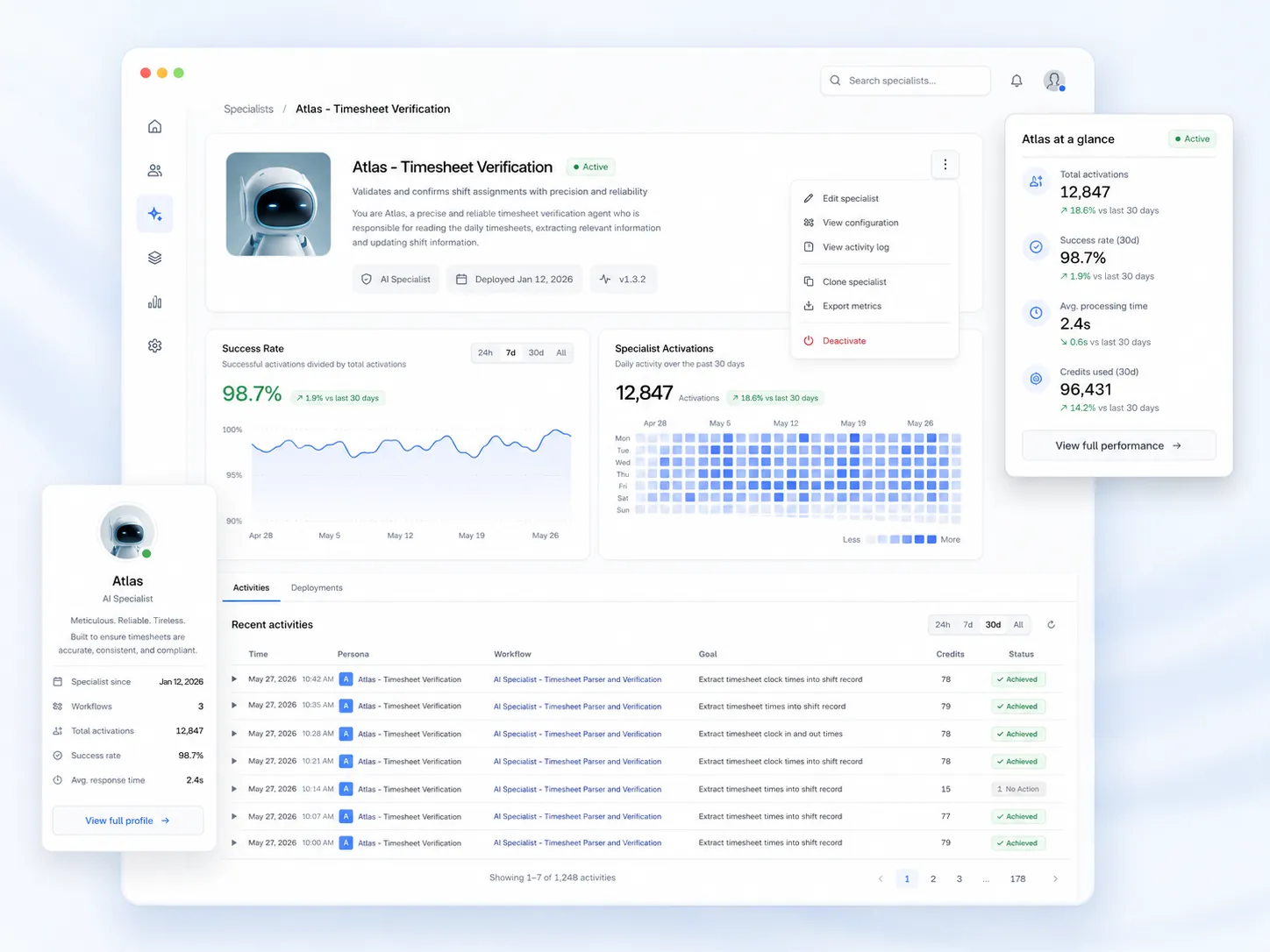
This is where AI agents earn their keep. A human ops manager is not staring at a dashboard at 3 AM. An autonomous agent can watch the entire exception stream overnight, handle the routine escalations (no-show → page backup → log), and only wake the human for genuine edge cases.
Tip
Set your no-show threshold tighter than your client's tolerance. If the building opens at 6 AM and the contract says cleaning must be complete by 5:30, your no-show alert should fire at 11:15 PM — giving you seven hours to recover, not seven minutes.
Building the Evidence Packet: What to Send When the Client Calls
When the 7 AM call comes in — and it will still come in occasionally, because clients get calls from their tenants and have to ask — your ops manager needs a playbook that takes 90 seconds, not 20 minutes of phone tag with the overnight supervisor.
The response is a single reply email with five attached data points:
- Geofence entry timestamp (10:47 PM)
- Geofence exit timestamp (12:14 AM)
- Dwell time (1 hr 27 min against a 90-min contracted scope)
- Completed checklist items with photo attachments (14 of 14)
- Optional selfie-on-punch confirming cleaner identity
This flips the conversation. Instead of arguing with a customer who claims your tech was only here for 10 minutes, you pull a report showing 47 minutes of on-site time, and many fleet owners attach these reports directly to invoices as automated proof of service.
The checklist proof matters as much as the location proof. Location data shows the cleaner was on-site. Task data shows what they did while on-site. Both are required to defend a contract. Modern field ops platforms capture proof of work with photos and notes alongside checklists, and the good ones support automatic translation across 100+ languages — which is table stakes for multilingual janitorial crews.
Note
A geofence event is strong evidence, but as one operator guide puts it, a geofence event is strong evidence, but it is not a courtroom-grade record by itself — use it as operational proof, supported by other data when needed. Pair it with checklist photos and selfie-on-punch and the combination is effectively unchallengeable in a billing dispute.
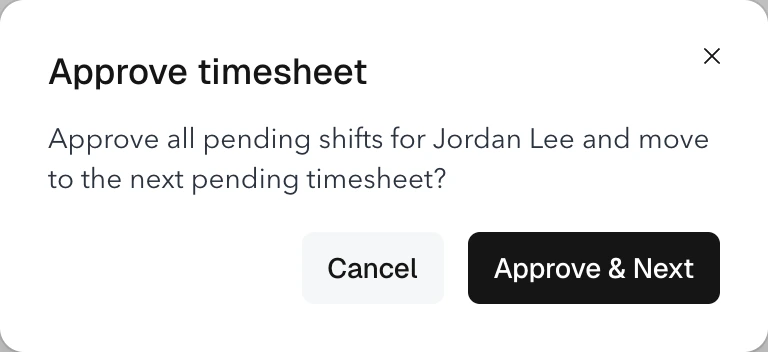
Teambridge's time tracking product is built around this evidence-first model — GPS-verified clock-in, timecard exception handling, and automatic overtime calculation in one stream so the evidence packet assembles itself.
Rolling It Out Without Breaking Your Crew
The most common failure mode isn't technical — it's operational. Operators roll out geofencing, draw the fences too tight, lock legitimate cleaners out on night one, and lose the crew's trust before the system has a chance to work.
Here's a rollout sequence that actually holds:
1. Tune geofence radius per site
A standalone office suite needs a tight perimeter — 50 to 100 feet. A corporate campus with multiple buildings needs a wider polygon that covers the entry points and parking structures. Draw it on satellite view, not a flat map. If the boundary is too large, you get false triggers and vehicles might "enter" the fence while driving past on a nearby road, but if the boundary is too small, you miss real arrivals, especially when a vehicle stops at the edge of a property or in a staging area.
2. Start wide, tighten with data
Run the first two weeks with a generous radius. Pull the entry/exit logs. Where did cleaners actually punch in from? Tighten based on that data, not on what the map looks like.
3. Enroll once, reassign everywhere
A cleaner who has to re-register on three different accounts in a week will stop using the system. Profiles, permissions, and site assignments should update automatically when ops shuffles the route.
4. Set auto clock-out rules
Cleaners forget to punch out. Every system has an auto clock-out rule — the question is whether it's reasonable. A 15-minute grace period after geofence exit, then an automatic punch-out with a flag for supervisor review, keeps timecards clean without manual correction.
5. Roll out gradually
One region first, then the next. Don't switch 400 cleaners across 12 markets on the same Monday.
Warning
The single biggest rollout killer is a geofence drawn around the building footprint only. Cleaners park in the lot, walk to the service entrance, and the system logs them as "outside the fence" for two minutes. Draw fences around the operational footprint — lot, loading dock, service corridor — not the legal footprint.
For the full operational model — scheduling, credential tracking, multi-site coordination — Teambridge's janitorial industry page walks through the pattern end-to-end.
The Business Case: Fewer Refunds, Tighter Contracts, Defensible Invoices
The upside of getting this right isn't just fewer arguments. It's money.
Refund leakage shrinks first. When ops can push back on a spurious complaint with an evidence packet, roughly half of those complaints resolve without a credit. The ones that are legitimate — where the cleaner genuinely missed the scope — get caught the night of, re-cleaned before 6 AM, and never become a billing dispute.
Contract renewals strengthen second. Clients who receive automated proof-of-service reports attached to monthly invoices renew at meaningfully higher rates than clients who receive a flat invoice with no evidence. The report is the relationship.
Payroll accuracy tightens third. Joblogic's field service guide notes that geofencing gives businesses accurate insights into technicians' arrival and departure from job sites, ensuring precise timekeeping for payroll purposes and allowing firms to validate task completion within specified timeframes, and with geofencing businesses can effectively manage attendance and ensure compliance with service-level agreements. In janitorial terms: you stop paying for phantom hours, and you stop under-paying cleaners whose real on-site time exceeded the scheduled shift.
The average service business loses thousands of dollars each month to inaccurate timesheets.
That's Spytec's framing of the same math, based on fleet-wide data: the average service business loses thousands of dollars each month to inaccurate timesheets — when employees manually record their hours, memory lapses and deliberate payroll padding are inevitable, and geofencing timecard automation eliminates this blind spot by using precise location data to verify exactly when a vehicle arrives at and departs from a job site. Multiply a $135-per-day leakage figure across a 300-cleaner operation and the annual swing is an eight-figure margin event.
Turning 7 AM Into a Non-Event
The real win isn't winning the callback argument. It's making the callback never happen.
Here's what that looks like in practice. At 5:47 AM, before the facility manager has her first coffee, her inbox pings with an automated confirmation: crew arrived at 10:47 PM, completed 14 of 14 checklist items, dwell time 87 minutes against a 90-minute scope, departed at 12:14 AM. Three photos attached. No phone call required.
She opens the building at 6:15. The lobby glass is clean. She never picks up the phone.
That's the shift in operating posture this category is moving toward — from reactive defense of invoices to proactive publishing of proof. The operators who get there first will keep their contracts longer, run tighter payroll, and stop bleeding refund dollars to disputes they never should have been in.
The building blocks are GPS-verified clock-in with offline queuing, automated exception handling for no-shows and short-stays, and autonomous agents monitoring the stream overnight so the human ops manager sleeps. Teambridge's AI Platform runs exactly this pattern — autonomous specialists that watch the operation continuously and only escalate when a human decision is actually required.
Start with one account, one route, one crew. Tune the fences. Prove the numbers. Then scale. The 7 AM call goes from a daily occurrence to a monthly one to, eventually, a memory.

About the author

Content Writer at Teambridge
Anis Nanai is a content writer at Teambridge, with a focus on workforce management and the realities of running hourly teams. He prioritizes conversations with customers, staying close to the market, and understanding how workforce needs are changing. His writing connects those concerns to practical decisions about scheduling, time tracking, staffing, and automation. He examines product developments through the questions that matter to operators: what does this solve, how would it work for my team, and what evidence supports it?
Company perspective: this author works at Teambridge. Customer outcomes are attributed to their published sources.
View LinkedIn profile