

This article walks through each one with the same structure: business impact, root cause, and the operational fix. If you run hourly teams in retail, hospitality, healthcare, manufacturing, or staffing, at least four of these are probably costing you right now.
Why bad scheduling silently eats your labor budget
Labor is the largest controllable line item on your P&L. Labor typically accounts for 50-60% of total retail operating costs, making it the single largest controllable expense. For a store doing $2 million in annual revenue, that means $1 million to $1.2 million goes directly to payroll, benefits, and labor-related costs. In services and hospitality the percentage shifts but the principle holds: small scheduling inefficiencies move six-figure numbers.
The scary part is the indirect damage. A retail business with $2M in annual revenue can lose up to 14% during poorly staffed periods—potentially $280,000 in lost annual revenue from a problem that's entirely preventable. Meanwhile, organizations implementing optimized scheduling solutions can realize cost savings of 3-5% of their total labor budget, representing a substantial opportunity for improved financial performance.
And the management tax is real. Managers spend an average of 12 hours per week resolving scheduling conflicts, handling last-minute changes, and fixing coverage gaps. For a manager earning $80,000 annually ($38/hour loaded cost), that's $23,600 per year in pure administrative overhead.
The seven mistakes below aren't independent. They're symptoms of scheduling, time tracking, and communication living in separate tools. Each section gives you a concrete fix you can put in place this quarter, and a note on how Teambridge's scheduling system and the underlying platform close the gap.
Mistake 1: Building schedules on gut feel instead of demand data
Impact: Operations end up overstaffed during slow hours and understaffed during peaks — sometimes in the same shift. You pay for idle wages in the morning and watch sales walk out the door in the afternoon.
Root cause: Most managers build next week's schedule by copying last week's, adjusting for who asked off, and trusting intuition for the rest. Weather, local events, marketing promotions, and seasonal trends never make it into the model.
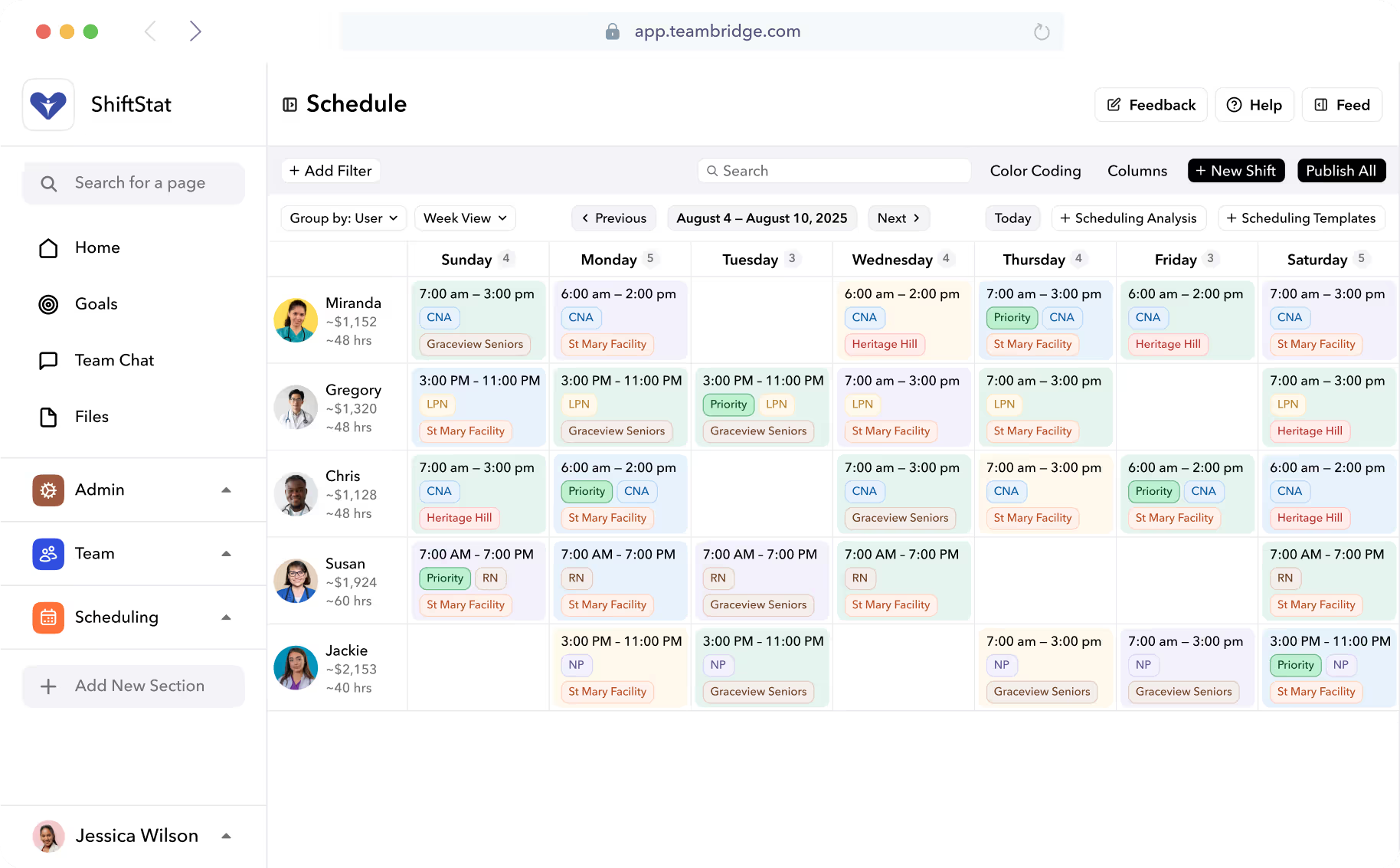
The fix: Use historical timecards plus demand signals (sales-per-hour, foot traffic, ticket volume, patient census) to forecast headcount by day-part. Let an AI scheduler auto-build the baseline so managers only handle exceptions instead of dragging blocks across a grid.
Tip
Start by pulling 8 weeks of clock-in data and overlaying it against sales or service-volume data. If your peak hour needs 6 people and you're scheduling 4 or 8, you've already found money.

Mistake 2: Letting overtime accrue invisibly until payroll runs
Impact: Unplanned overtime inflates payroll by 50% on every hour past 40. In daily-overtime states like California, Colorado, and Nevada, you can owe time-and-a-half after 8 hours in a single day — regardless of weekly totals. The Fair Labor Standards Act exposure compounds quickly when hours are tracked in a separate system from the schedule.
Root cause: Hours live in spreadsheets, paper timesheets, or a timeclock that nobody checks until Friday. Nobody sees the 38-hour employee until they're already at 46.
The fix: Real-time overtime accrual tied to the schedule, with automatic flags before someone crosses the threshold. The scheduler should refuse to publish a shift that puts an employee into overtime unless a manager explicitly approves it.
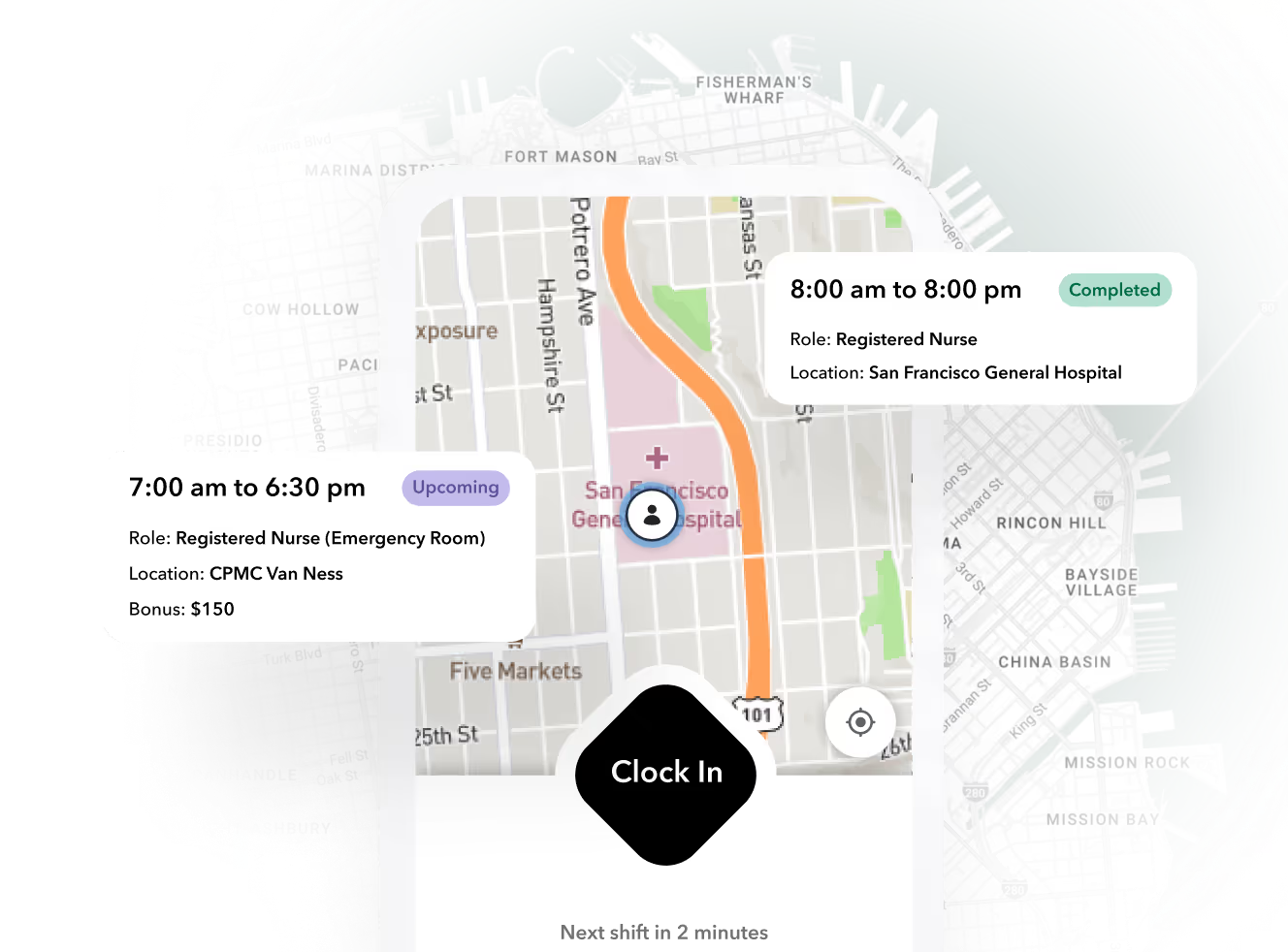
This is exactly the gap Teambridge Time Tracking closes: GPS-verified clock-in, timecard exception handling, and automatic overtime calculation, all reading from the same employee record as the schedule.
| Visibility model | When OT becomes visible | Typical OT spend |
|---|---|---|
| Spreadsheet, end-of-week | After it's already worked | Baseline + 8-15% |
| Timeclock report, mid-week | When employee is at ~36 hours | Baseline + 4-7% |
| Live accrual tied to schedule | Before the shift is published | Baseline |
Mistake 3: Chronic understaffing that hides as "we're just busy"
Impact: Understaffed teams skip breaks (wage-and-hour risk), make more errors (OSHA and quality risk), and lose sales. The data: understaffed periods see 31% lower customer satisfaction and 23% longer wait times. Retail businesses report up to 14% revenue loss during improperly staffed periods.
Root cause: Managers under-schedule to protect a weekly labor budget. Then reality hits, they backfill with overtime, and the "savings" cost more than the headcount they cut.
The fix: Build minimum-coverage rules by role and certification directly into the schedule. The system should refuse to publish a shift block that violates coverage minimums. For variable demand, use a float pool or cross-location talent sharing instead of stretching the same five people.
Warning
If your overtime line is growing faster than your headcount line, you're not saving money by running lean — you're paying a premium for the same hours.
Mistake 4: Last-minute callouts with no structured backfill
Impact: A no-show at 5:47 AM forces a supervisor into a 20-minute phone tree, usually ending with whoever picks up first — not whoever is qualified, available, and not already at 38 hours. The replacement often comes in at overtime rates, and the service hit happens anyway.
Root cause: Callouts go to one person by text or phone. There's no automated broadcast to the eligible pool, no record of who was offered the shift, and no guardrails against overtime stacking.
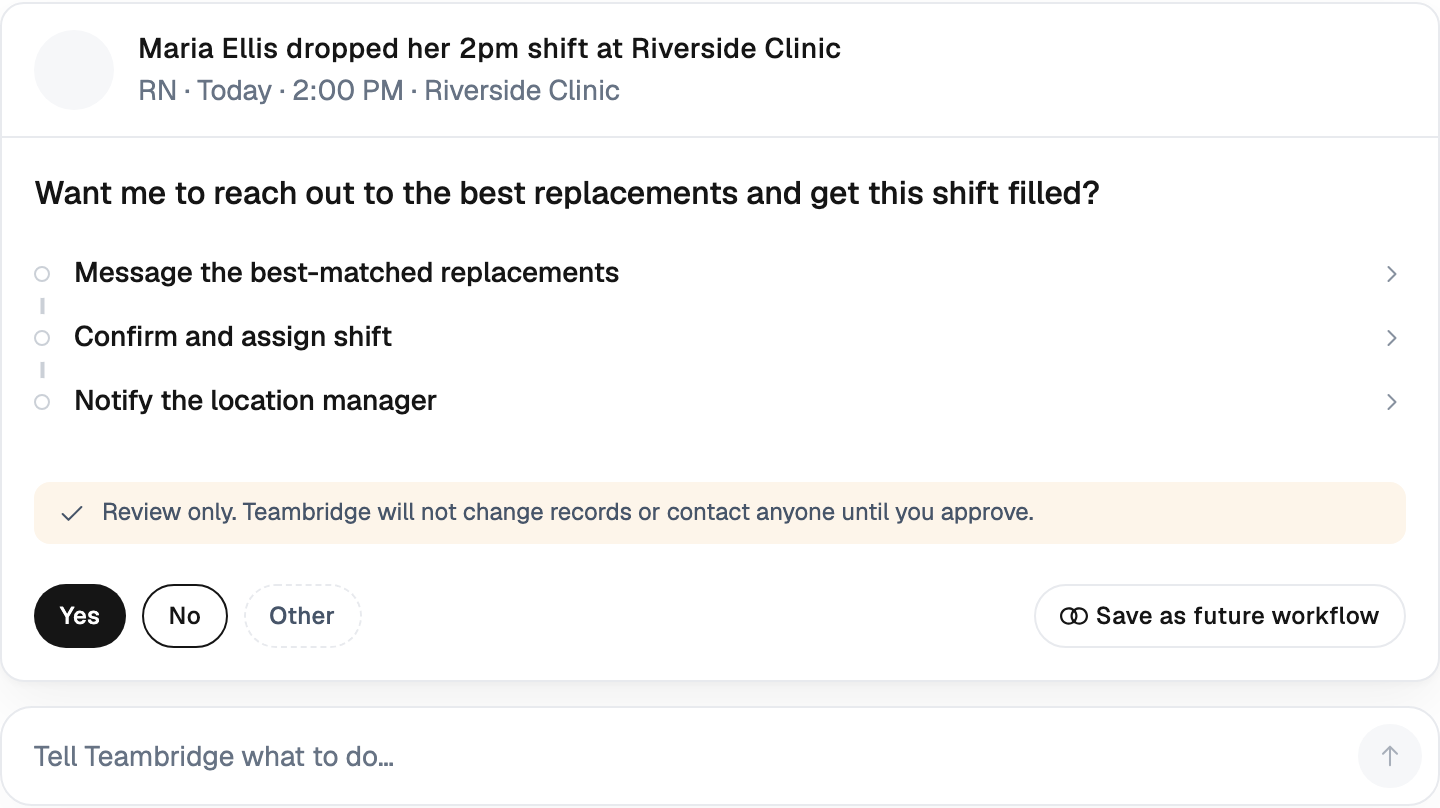
The fix: An open-shift marketplace inside a mobile app. The moment a callout is logged, the system pushes the open shift to every qualified, available, non-overtime worker. First valid pickup wins. The supervisor approves with one tap.
This is the core use case for the Teambridge Mobile App paired with Scheduling: the pickup request is filtered by credentials, availability, location, and overtime exposure before it ever reaches a worker's phone.
Mistake 5: Unfair shift distribution that quietly drives turnover
Impact: Unequal weekends, holidays, and overtime opportunities are one of the top reasons hourly workers quit. Replacement isn't cheap — the cost of replacing an employee ranging from 50-200% of their annual salary.
Root cause: Manual scheduling defaults to "who said yes last time." Over months, this creates a quiet favoritism pattern: the reliable people get all the bad shifts, and the squeaky wheels get the good ones. Nobody intended it. It just happened.
The fix: Rotation rules for desirable and undesirable shifts. Transparent overtime allocation that workers can see. Minimum rest-gap enforcement (10–11 hours between shifts) to prevent clopens — closing one night, opening the next morning — which are a leading cause of burnout-driven attrition.
A few rules worth coding into your scheduling engine:
- Rotate weekend and holiday shifts on a fair-share basis across eligible employees
- Cap consecutive days worked (typically 6) without explicit override
- Enforce a minimum rest gap of 10 hours between any two shifts
- Distribute overtime opportunities by seniority or rotation, not by who texts the manager first
- Surface shift assignments and overtime tallies to workers, so the rules are visible
Mistake 6: Running shift swaps through text threads and screenshots
Impact: Swaps get lost. An unqualified worker ends up on a credential-restricted shift. The timecard doesn't match the published schedule, and Friday's payroll turns into a dispute resolution exercise.
Root cause: Swaps happen off-system. Two workers agree in a group chat, screenshot the conversation, and assume the manager saw it. Sometimes the manager did. Sometimes they didn't.
The fix: In-app swap requests that auto-check credentials, overtime risk, and rest rules before approval. The schedule and timecard update in one place, so payroll runs against the actual worked shift — not the originally published one.
The communication layer matters here. Teambridge Communication keeps swap conversations, approvals, and the resulting schedule change in the same system of record. No screenshots. No "I thought she covered."

Mistake 7: A schedule that doesn't talk to time tracking or payroll
Impact: This is where the real money leaks. Shift differentials get applied to the wrong hours. Overtime is calculated on base rate instead of blended rate. Multi-site hours aren't aggregated, so a worker doing 22 hours at one location and 22 at another never triggers overtime even though they should.
The result is systematic underpayment, audit risk, and — when workers discover it — back-pay liability that can dwarf any "savings" from the disconnected stack.
Root cause: Scheduling, time tracking, and payroll live in three disconnected tools that exchange CSVs once a week.
The fix: One system where the schedule, clock-in, exceptions, and pay rules share the same record.
Important
Consider a manufacturing worker earning $20/hr base plus a $3 night-shift differential. If they hit overtime, FLSA requires the OT premium to be calculated on the blended regular rate ($23/hr), not the base. Disconnected systems routinely calculate it on the base — quietly underpaying every overtime hour worked on a differential shift.
This isn't a hypothetical. The U.S. Department of Labor's enforcement data on overtime miscalculation around shift differentials is a recurring source of back-pay settlements, and the pattern shows up most often when scheduling and payroll systems don't share records (DOL Wage and Hour Division).
And it's a known scheduling failure mode in finance literature too. As NetSuite notes, even with perfect headcount and fair pay, bad scheduling makes payroll inefficient because it inflates labor costs without improving output. Signs of scheduling problems include high overtime costs, low employee productivity per shift, staff seesawing between being idle or rushed, and frequent call-outs or schedule changes.
Stop fixing schedules. Fix the system underneath them.
Look at the seven mistakes again. Every one of them shares a root cause: the schedule, the timecard, the swap, the callout, and the pay rule live in different tools that don't talk to each other in real time.
You can solve any single mistake with discipline. A great manager can keep overtime under control with a spreadsheet for a quarter. Another can run a fair swap board through group texts. But the moment that manager goes on vacation — or you open a second location — the discipline collapses and the leaks come back.
The systemic fix is to put scheduling, time tracking, communication, and pay rules on the same record. When you do, four things happen automatically:
- Overtime is visible before it's worked, not after
- Callouts trigger a qualified, non-overtime pickup broadcast in seconds
- Swaps respect credentials, rest rules, and OT exposure before approval
- Payroll runs against actual worked hours with the correct blended rate
That's the architecture behind the Teambridge platform: scheduling, time tracking, and communication unified, with credential enforcement for regulated industries like healthcare and certification tracking for trades like construction.
If two of the seven mistakes above are familiar, that's your starting point. Pick those, book a demo, and we'll walk through exactly how the system handles them with your shift patterns and pay rules.

About the author

Content Writer at Teambridge
Anis Nanai is a content writer at Teambridge, with a focus on workforce management and the realities of running hourly teams. He prioritizes conversations with customers, staying close to the market, and understanding how workforce needs are changing. His writing connects those concerns to practical decisions about scheduling, time tracking, staffing, and automation. He examines product developments through the questions that matter to operators: what does this solve, how would it work for my team, and what evidence supports it?
Company perspective: this author works at Teambridge. Customer outcomes are attributed to their published sources.
View LinkedIn profile