Monday morning at 7:42 AM. Payroll lead is staring at a stack of foreman-approved timecards and a CSV export from the gate's badge reader. The numbers don't match. Twelve hours of foreman-approved labor never crossed the turnstile. Eight badge-ins have no corresponding timecard. A drywall apprentice is coded to a prevailing wage scope his crew wasn't on yesterday.
This is how ghost hours get paid. Not through some elaborate scheme — through the quiet gap between two systems that were never reconciled before the run.
Why Multi-Trade Jobsites Are a Ghost-Hour Factory
Construction has a structural fraud problem, and the labor side of the ledger is where it bleeds quietly. Research indicates over 75% of construction contractors experience some degree of time and attendance fraud, with the decentralized nature of job sites, cash payroll practices, paper records, and lack of oversight all contributing to high rates across the industry.
The scale of the loss is not theoretical. Sectors with the highest median losses per incident include mining ($550,000), wholesale trade ($361,000), manufacturing ($267,000) and construction ($250,000). And the detection lag makes recovery nearly impossible — the longer fraud schemes go undetected, the more financial losses they tend to cause, and the median fraud scheme in the 2024 study took 12 months to uncover.
Now picture the typical mid-rise project. Six subs, eighty workers, a 6 AM gang-box start. The GC has badge readers at the gate. Foremen approve paper or app-based timecards at end of shift. Payroll reconciles both on Monday morning. Three data sources, three owners, no single source of truth.
Ghost hours — paid time where no work happened — live in the gap between those systems. They're not malicious 90% of the time. They're the byproduct of an honor-code workflow running on top of incomplete data.

Badge-In Data Tells You Who Crossed the Gate, Not Who Worked
A badge swipe answers exactly one question: did this credential hit this reader at this timestamp. That's it. It does not confirm the person was on tools. It does not confirm the person was the credential holder. It does not confirm they stayed past the trailer.
The failure modes are well documented:
- Buddy badging. One worker swipes two cards. The second worker shows up at 8:30 — or not at all.
- Badge sharing on rolled-off workers. A worker leaves the project Friday. Their credential isn't deactivated. Someone uses it Monday.
- Trailer time. Worker badges in at 6:00, sits in the trailer until 7:15, gets paid for 75 minutes of nothing.
- Single-direction reads. Reader catches the entry, misses the exit. Timecard says the worker left at 4:30. Badge log shows them still on site at 6:00. Which one is right?
This is why geofencing and badge-based systems ensure workers are actually on the jobsite when clocking in, increasing accountability and reducing inflated labor hours — but only when paired with another verification layer. Treating gate badge data as ground truth for payroll is how GCs end up overpaying labor by 3-7% without ever seeing it on a P&L line.
Foreman-Approved Timecards: Trust, But Reconcile
Foremen are the people who actually know who swung a hammer. They watched the crew set forms, hang rock, pull wire. Their judgment is irreplaceable. They're also the single point of failure in most timekeeping workflows.
A foreman running a 12-person crew is asked, at the end of a 10-hour shift, to remember exactly when each worker arrived, when they took breaks, what cost code they were on between 1 PM and 3 PM, and whether the apprentice transitioned to a prevailing wage scope after lunch. Then sign off. From memory. On a phone, in a truck, with the gang box loading up.
One signature does not equal an audit trail.
Without a verification layer, foreman approval runs on an honor code. The exposure shows up in three places:
- Padded hours. A favored worker gets bumped 15 minutes. A whole crew gets rounded up to the half-hour. Multiplied across a year, this is real money.
- Breaks miscoded as worked time. Required meal periods get absorbed into the workday. This is also a wage-and-hour lawsuit waiting for a plaintiff's attorney.
- Wrong cost code or wage classification. Hours land on the wrong job, wrong scope, or wrong prevailing wage tier. The job costing you bid the next project against is fiction.
The ACFE's findings line up with this. Per the ACFE report, nearly half of reported fraud cases occurred because of either a lack of internal controls (32%) or an override of existing controls (19%), with another 18% attributable to a lack of management review. Single-approver workflows are exactly the override risk auditors worry about.
The Reconciliation Workflow: Three Data Sets, One Truth
The fix isn't picking a winner between badge data and foreman approvals. The fix is reconciling three data sets before payroll closes:
- Badge-in / GPS-verified clock events. When a credential or device hit the geofence.
- Foreman-approved timecard. Hours, cost codes, trade classifications, breaks.
- Scheduled shifts. Who was supposed to be on this job today, on what scope.
Reconcile by exception. You don't review every line — you review every line that disagrees with itself.
| Data Mismatch | What It Suggests | Resolution Path |
|---|---|---|
| Timecard hours, no badge event | Worker never crossed the gate, or reader missed the swipe | Foreman confirms with photo/GPS punch evidence |
| Badge event, no timecard | Worker on site but unaccounted for | Foreman adds or rejects; second approver signs off |
| Foreman override of clock data | Manual edit to a system-generated time | Mandatory note + second approver |
| Hours on prevailing wage code, scope not on schedule | Misclassification or scope drift | PM verifies scope before close |
| Break duration under jurisdictional minimum | Compliance exposure | Auto-adjust or flag for HR |
| Overtime not pre-authorized | Cost control breakdown | PM approval required |
This is the same loss-prevention pattern internal auditors use everywhere else: compare three systems that don't usually talk, and investigate only the rows that disagree. The exception list — not the timecard — becomes the unit of work for payroll.
Exceptions That Should Block Payroll Close
Not every exception is a hard stop. But some are. The following should not pass payroll close without resolution:
- Timecard hours with no corresponding badge or GPS event.
- Badge or GPS events with no foreman-approved timecard.
- Manual time entries approved by a single person with no second sign-off.
- Hours coded to prevailing wage without a matching scope on the day's schedule.
- Breaks under jurisdictional minimums (California meal periods, NYC prevailing wage rules, state-specific rest break statutes).
- Overtime without pre-authorization from the PM or super.
- Credentials still active for workers rolled off the project.
Warning
If your reconciliation process flags exceptions but doesn't block payroll close, you're documenting fraud, not preventing it. Hard stops have to be hard stops.
The difference between an exception that blocks the run and an exception that gets noted in a report is the difference between prevention and forensic accounting. Forensic accounting is what you do when the money is already gone.

Controls That Make Ghost Hours Hard to Create in the First Place
Detection is necessary. Prevention is cheaper. Most ghost hours are not the product of sophisticated schemes — they're the product of opportunity. Close the opportunity, the hours don't get created.
GPS-Verified Clock-In Tied to a Jobsite Geofence
Gate badge gives you the perimeter. A geofence around the actual work zone gives you the work area. Location services through GPS integration validate workers are on site when clocking in and out, and geo-fencing features generate alerts if employees attempt to clock in from outside designated job site boundaries. A worker can no longer badge at the gate, sit in the trailer, and get paid as if they were on tools.
Photo or Biometric Verification at Punch
Buddy punching dies when the punch event captures a photo or face match. Mobile time tracking software solutions remove manual processes and create digital verification trails that prevent time card fraud. Features like photo capture confirm employee identities and account for hours worked. This prevents employees from using buddy punching schemes.
Segregation of Duties
The foreman who approves time should not be the admin who closes payroll. The PM who authorizes overtime should not be the only person who can edit a timecard. This is basic internal control hygiene and it gets violated constantly on smaller projects where one person wears three hats.
Second-Approver Requirement on Manual Edits
Any time a system-generated clock event is overridden by a human, a second human signs off. The audit trail shows both approvers, the original value, the new value, and the reason. This single control kills the most common padding pattern — the foreman quietly bumping hours after the fact.
Automatic Credential Deactivation on Roll-Off
When a worker is rolled off, their badge and mobile clock-in privileges deactivate the same day. Not the next pay period. Not when someone in the office remembers.
Tip
Run a credential audit on every active project this week. Pull the list of badges that have swiped in the last 7 days and cross-check against the active roster. The gap is your exposure.
What This Looks Like Inside Teambridge
The reason most GCs don't run this workflow isn't that they don't want to. It's that their tools don't talk to each other. The badge system is the security vendor's. The timecard app is HR's. Scheduling lives in a spreadsheet. Reconciliation happens in someone's head on Monday morning.
Teambridge collapses those systems onto a single record per shift. Here's how the workflow runs:
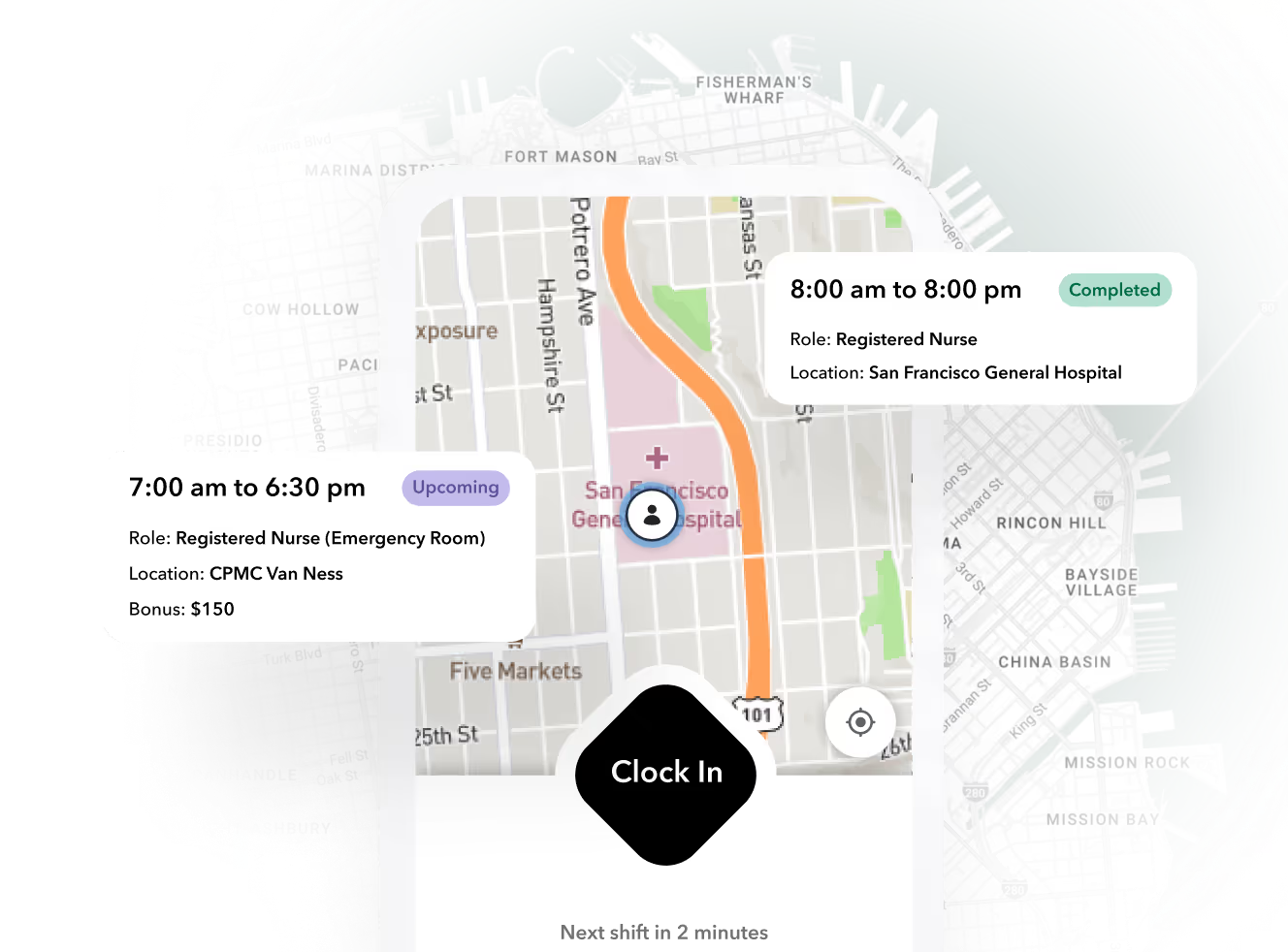
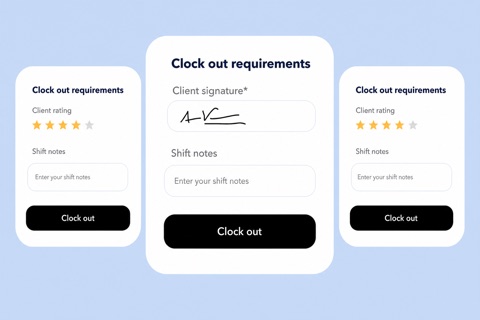
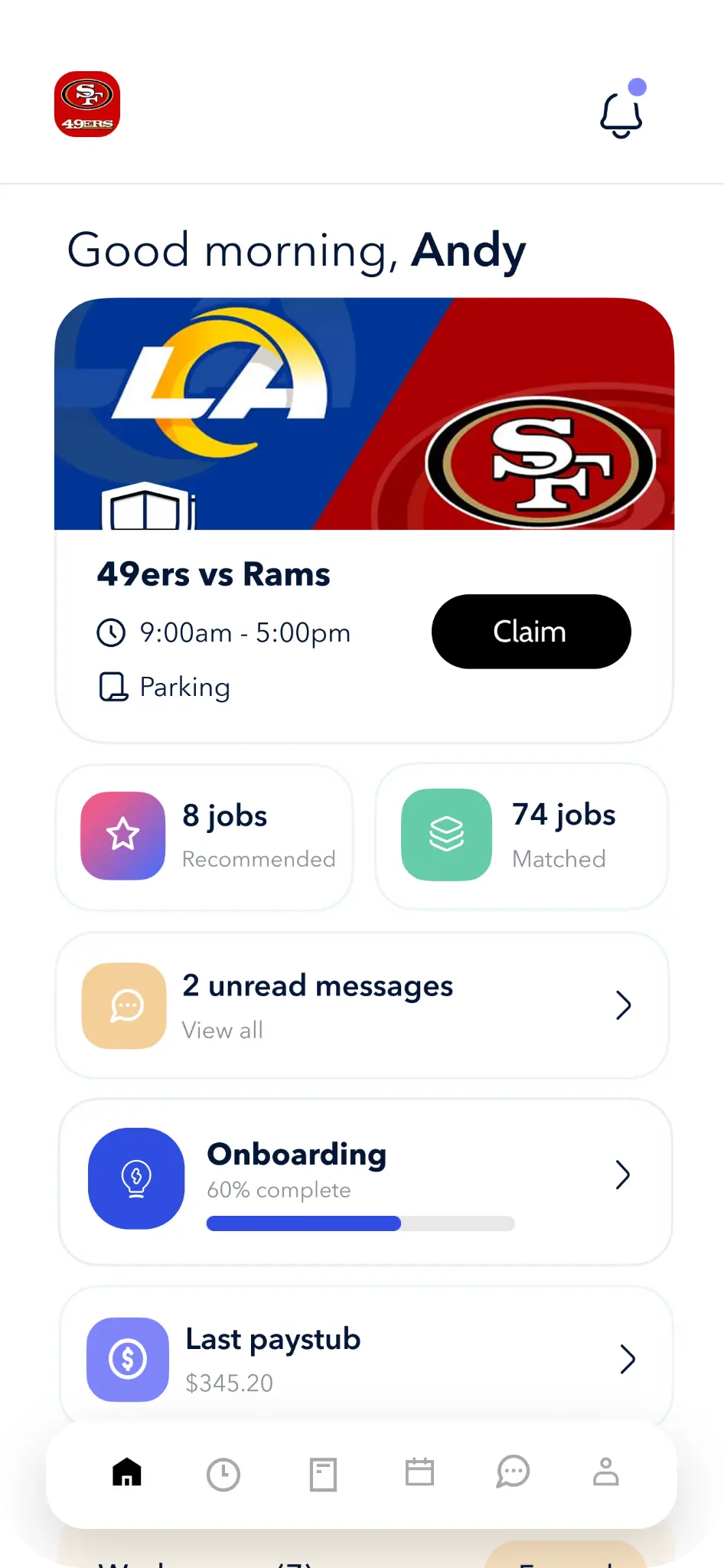
- GPS-verified clock-in with optional photo capture, tied to the jobsite geofence. Badge reader events feed in as a parallel data point. Both live on the same shift record. (Time Tracking)
- Foreman approval on mobile, with cost code and trade classification at the punch level — not aggregated at end-of-week. Every edit logs an audit trail with original value, new value, approver, and reason.
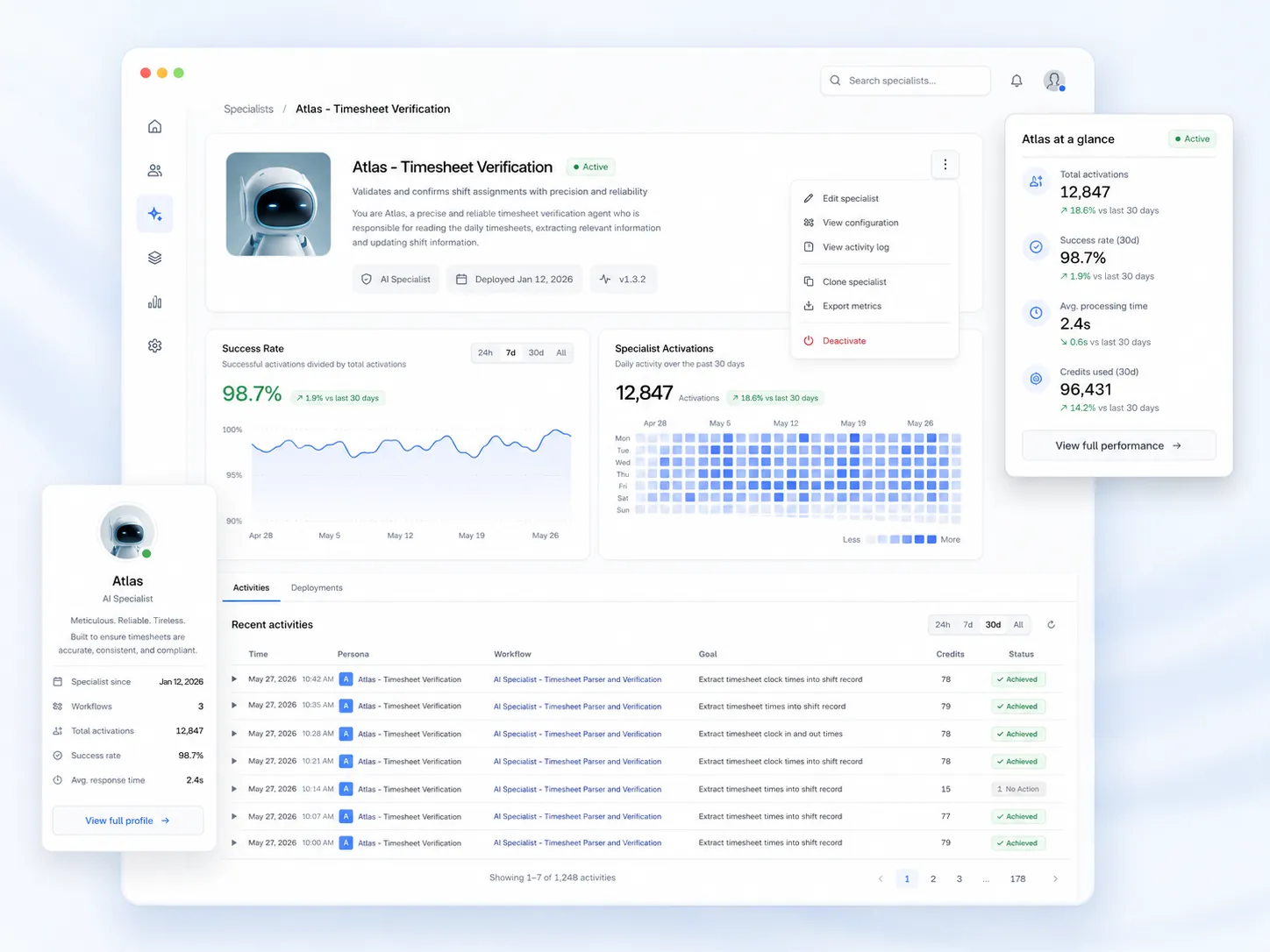
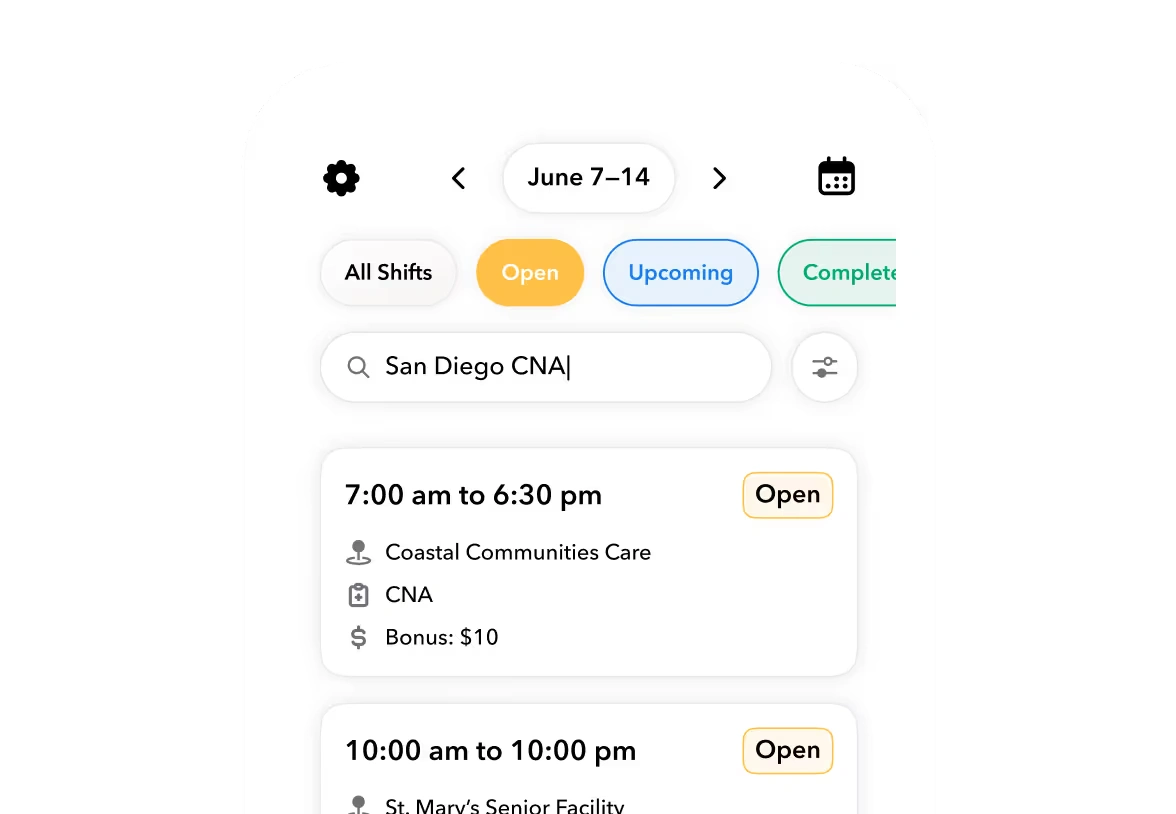
- Schedule-to-actual variance surfaces hours that don't match the day's scope before payroll runs. Prevailing wage misclassifications get caught at the source.
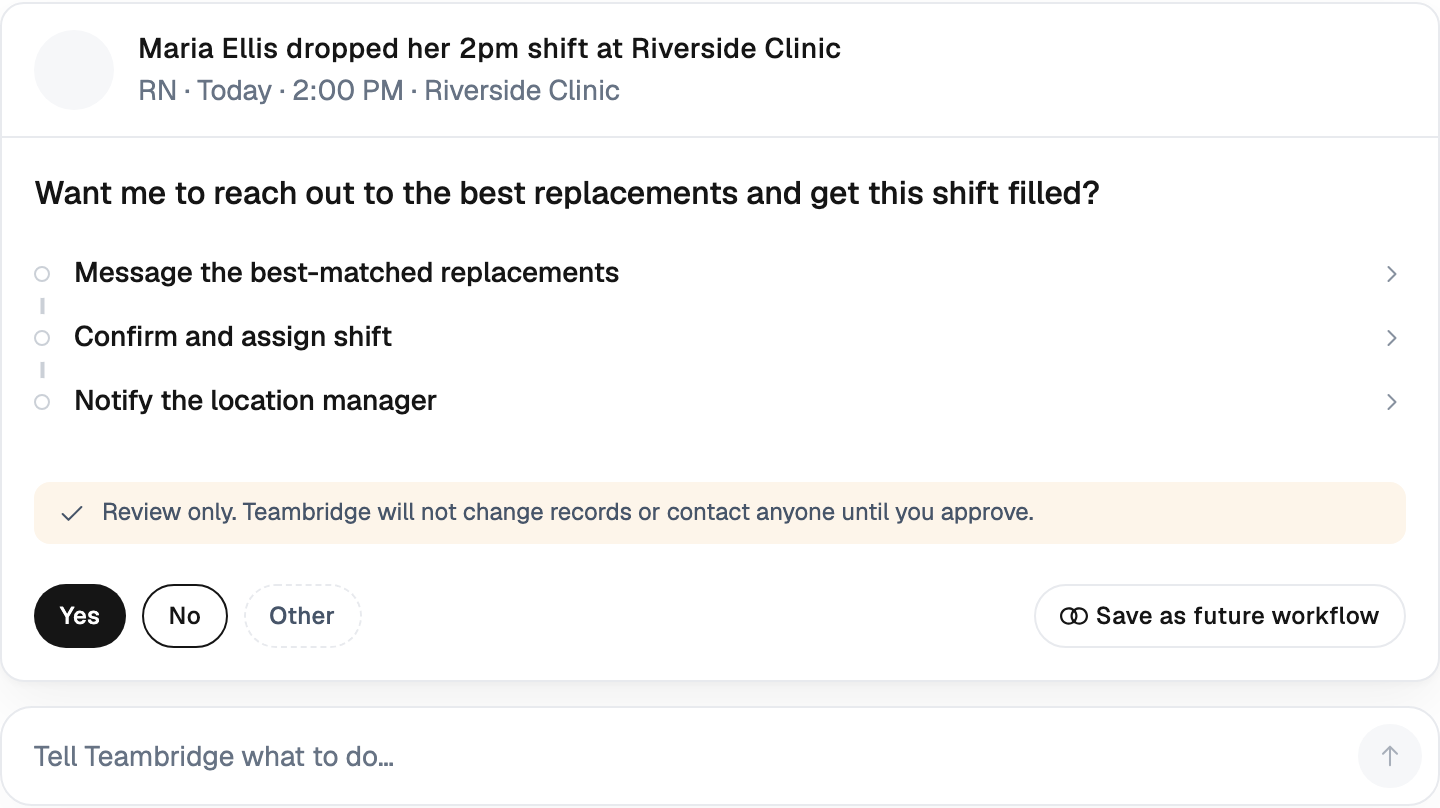
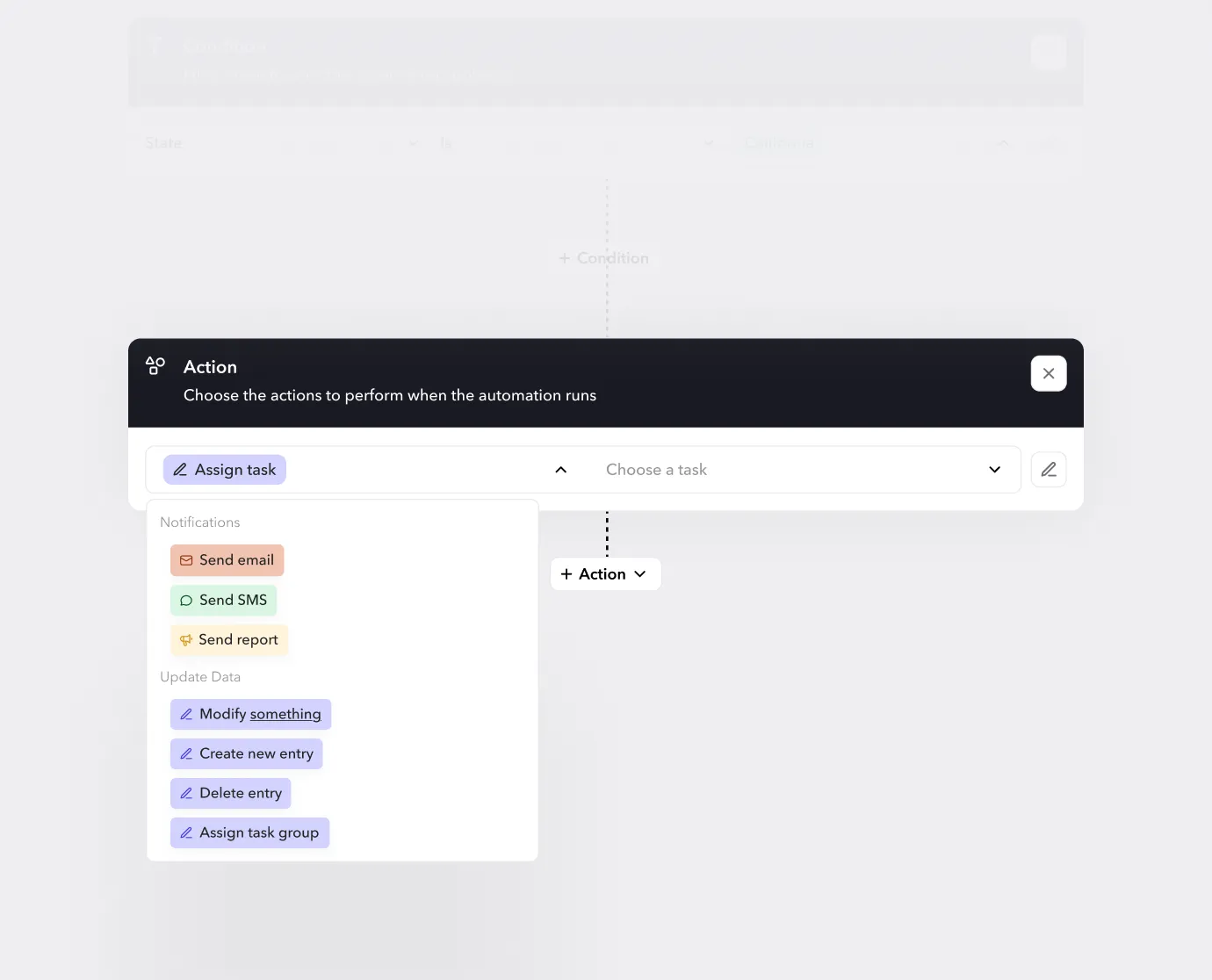
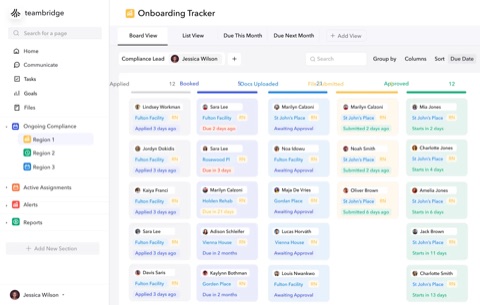
- Exception queue that blocks payroll close until items are resolved. Routed to the PM, payroll lead, or compliance owner based on exception type.
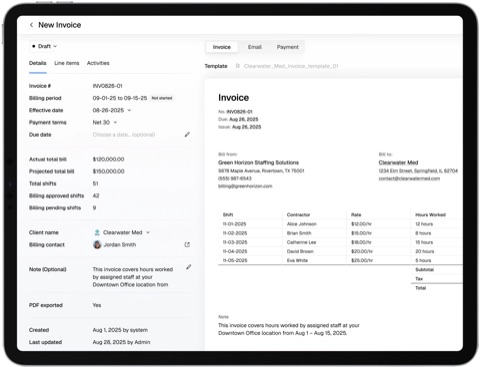
- Clean export to QuickBooks, NetSuite, ADP, or your payroll provider only after the queue clears. (Integrations, Invoicing)
For a deeper look at how GCs and trade contractors run this on multi-sub jobsites, see how Teambridge supports Construction workforce operations end-to-end.
The goal isn't to catch a foreman in a lie. The goal is to take the honor-code dependency out of payroll close so the foreman's judgment about who worked is verified by data the foreman didn't generate. That's how ghost hours stop being a line item.
The Monday Morning Test
Here's the test for whether your current workflow is reconciling or just reporting: it's 8 AM Monday. Payroll close is at noon. How many timecards have unreconciled badge gaps? How many manual edits have a single approver? How many hours are coded to scopes that aren't on Friday's schedule?
If you don't know the answers in real time, you're not reconciling. You're hoping.
The GCs who have moved past hope built the workflow described above. They reconcile three data sets — badge, timecard, schedule — before close. They block the run on hard-stop exceptions. They prevent ghost hours from being created instead of finding them in an audit a year later. The math on that change is straightforward: if industry research is right that over 75% of construction contractors experience some degree of time and attendance fraud and the median construction loss runs into six figures, the cost of running unreconciled is higher than the cost of fixing the workflow.
Close payroll on truth, not on signature.