Workforce invoicing
Workforce invoicing software.
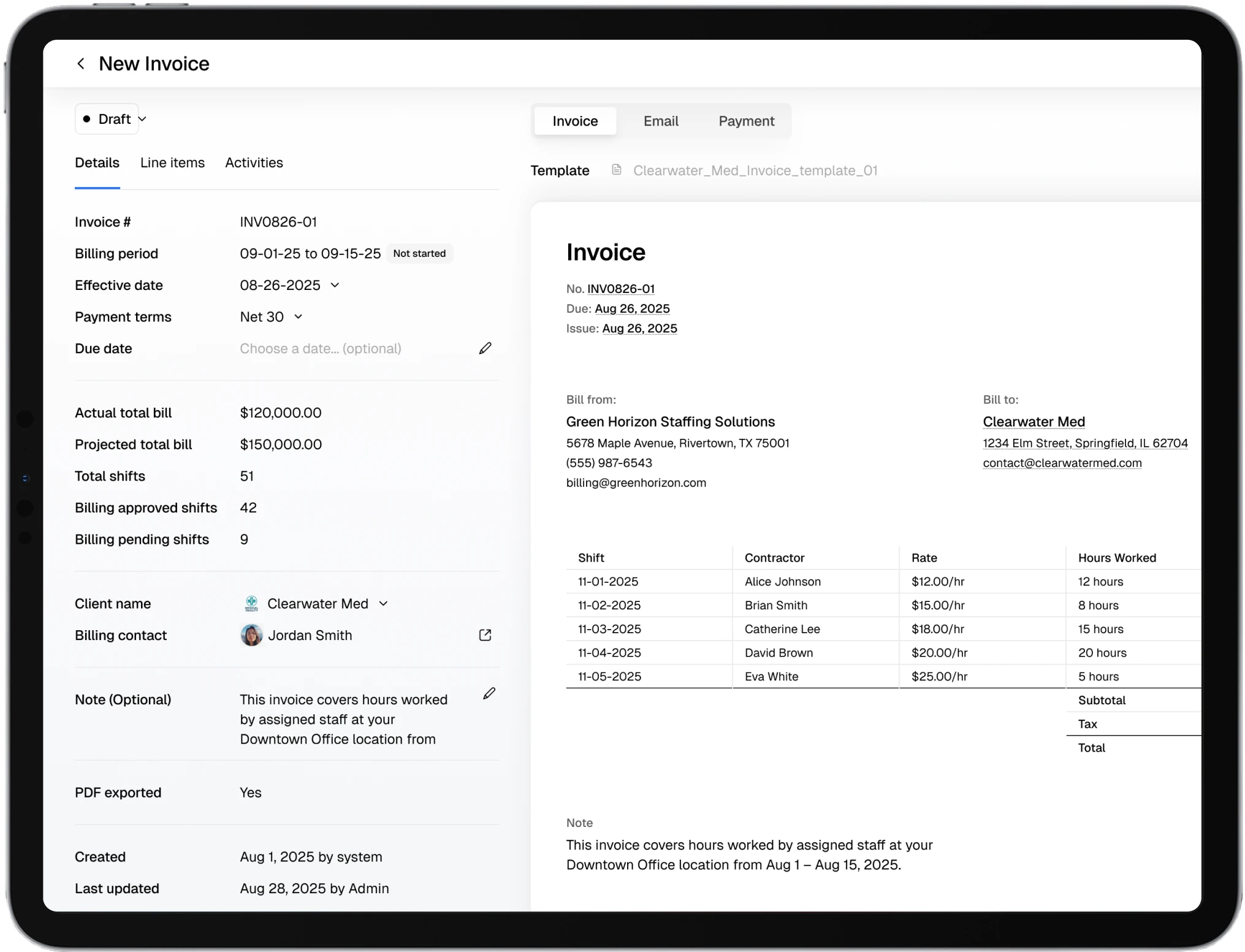
Turn approved timecards into invoice drafts using the billing period, rates, adjustments, and client format already attached to the work. Review what needs judgment, then prepare the right output.
Bring one billing workflow. We’ll trace it from approved time to invoice output.
Invoicing
Billing workspace
Billing chain
Keep the source behind every line item.
An invoice is easier to trust when each amount can be traced back to approved work and the client rule that shaped it. Teambridge keeps that chain in the same operating system.
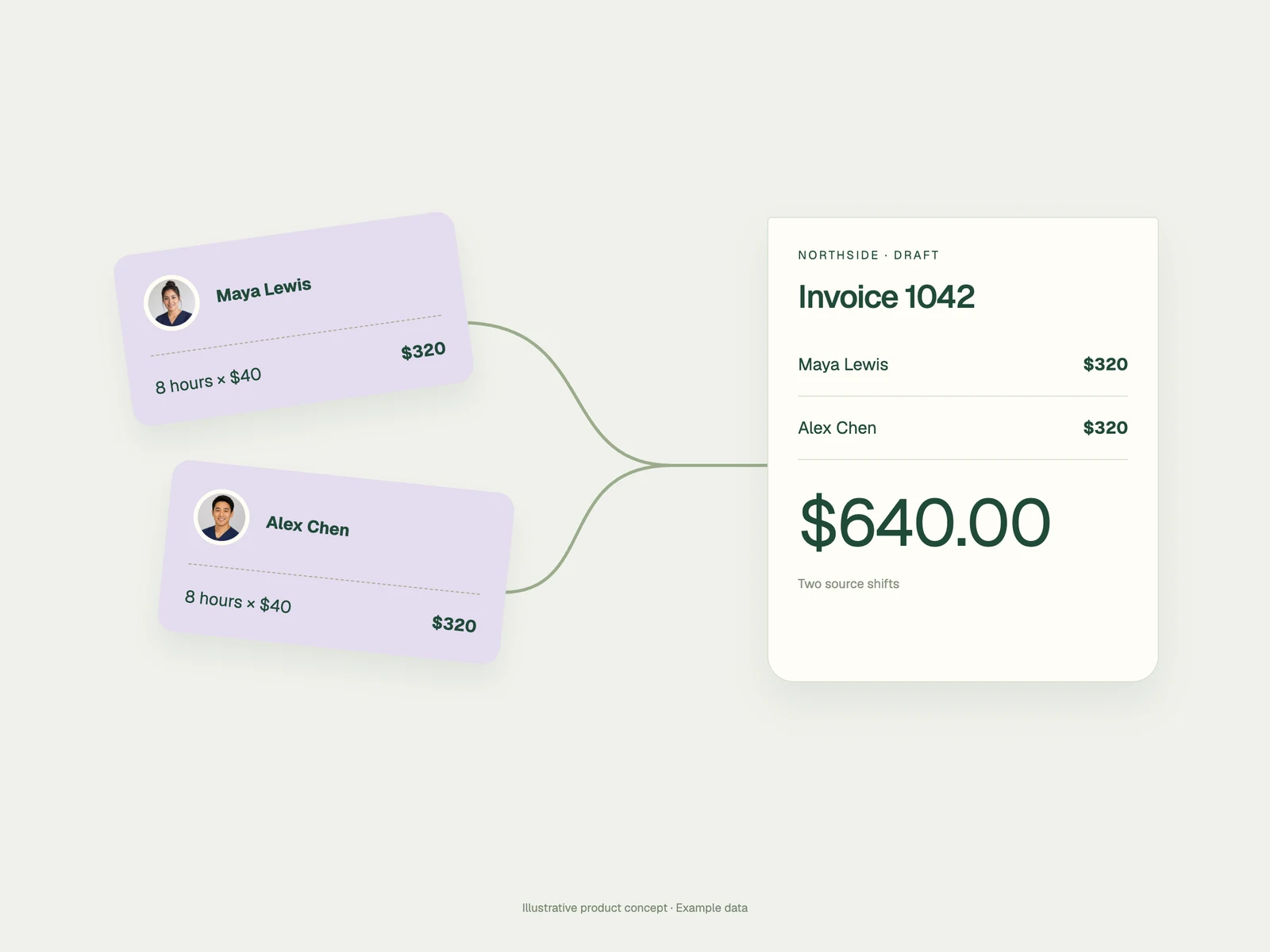
The amount stays connected to the approved work and billing configuration.
Traceable by designClient rules
Bill the agreement you actually sold.
Keep client billing periods, payment terms, role rates, blended structures, add-ons, and adjustments close to the work they govern. The draft starts from the right commercial context.
One client can bill weekly by role. Another can use a different period, rate structure, or invoice template.
Billing profile
North Campus Healthcare
Billing period
Weekly
Base rate
By role
Overtime
After 40 hours
Adjustment
North Campus premium
Next billing window
Approved time is ready to assemble
Invoice review
Review the exception. Not every clean line.
Keep the complete records moving and bring missing rates, unexpected adjustments, and incomplete source data into view before an invoice leaves your team.
Draft invoice · North Campus
Line item review
Maya Rodriguez
36.0 approved hours
$2,448.00
ReadyAndre Lewis
Rate missing for new role
Needs input
ReviewNina Patel
Site premium differs from profile
$184.00
ReviewJordan Reed
40.0 regular · 4.0 overtime
$3,124.00
ReadyResolve two records before approving this draft.
Human review stays in control.webp)
Client-ready output
Give each client the invoice they expect.
Apply the client’s template and billing context, check the final detail, and prepare the invoice for the next step in your process. Export to PDF or CSV when those formats are required.
Client format
Keep the invoice structure aligned to the account.
Useful exports
Prepare PDF or CSV output for the workflow around it.
Clear next state
Keep draft, delivery, and payment context visible to the team.
Revenue visibility
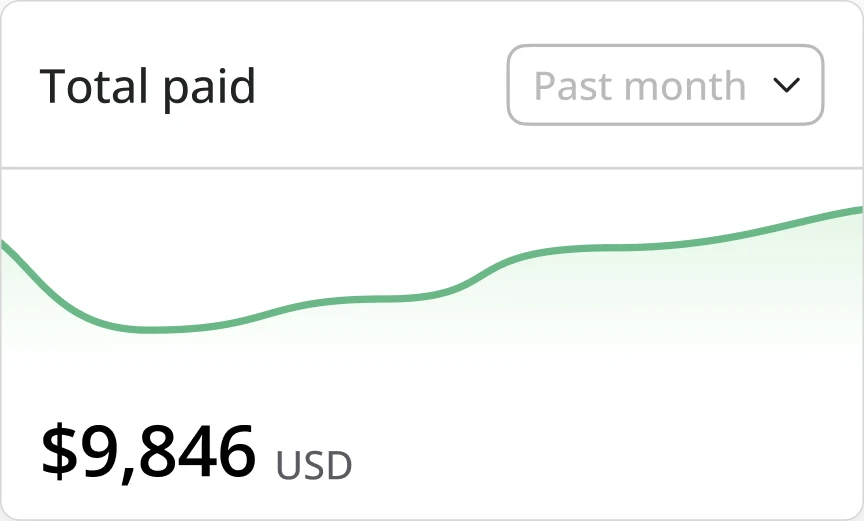
See where the billing cycle stands.
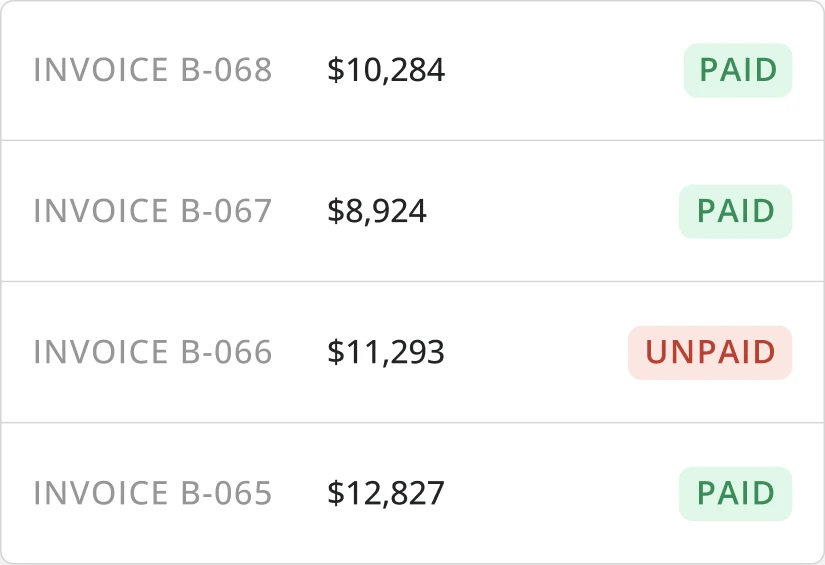
Track invoice state across the client book so operations and finance can see what is still a draft, what has moved forward, and what needs attention.
.webp)
Invoice state
Draft
Needs your team
Sent
With the client
Paid
Recorded as complete
Overdue
Needs attention
One operating record
From the worked shift to the client bill.
Invoicing is strongest when time, client rules, documents, and communication do not have to be reassembled in separate systems.
Time tracking
Start from the approved hours and punch history behind the bill.
Automations
Define when billing records should move, wait, or route for review.
Document Studio
Prepare client-facing records and signatures around the same work.
Communication
Keep client or team follow-up connected to invoice state.
Product questions
What billing teams ask
The practical questions behind source data, client rules, review, output, and invoice status.
Yes. Teambridge Invoicing can use approved workforce time records as the source for invoice drafts, keeping the worker, role, site, hours, and billing context connected to the resulting line items.
Yes. Billing profiles can support client-specific periods, terms, rate structures, add-ons, and adjustments. Your implementation should reflect the commercial rules your team has agreed with each client.
Yes. Invoices can remain in draft for review. Teams can inspect line items, source data, billing context, and exceptions before approving or preparing the final output.
Teambridge can support invoice templates and exports such as PDF and CSV. The exact format and downstream delivery process depend on your configured billing workflow.
Teambridge can keep operational invoice states such as draft, sent, paid, or overdue visible when those states are maintained in the billing workflow.
Trace the billing flow
Bring us the invoice that takes too long to build.
We’ll map the approved work, client rules, review points, and output your team needs.