
HR document management software

Workforce document management software.

Document Studio turns Teambridge workforce data into ready-to-send documents, collects the fields and signatures you require, and keeps the completed record attached to the right person, job, or client.

Bring one real packet. We’ll map the full document flow.

Document Studio

Worker packet workspace

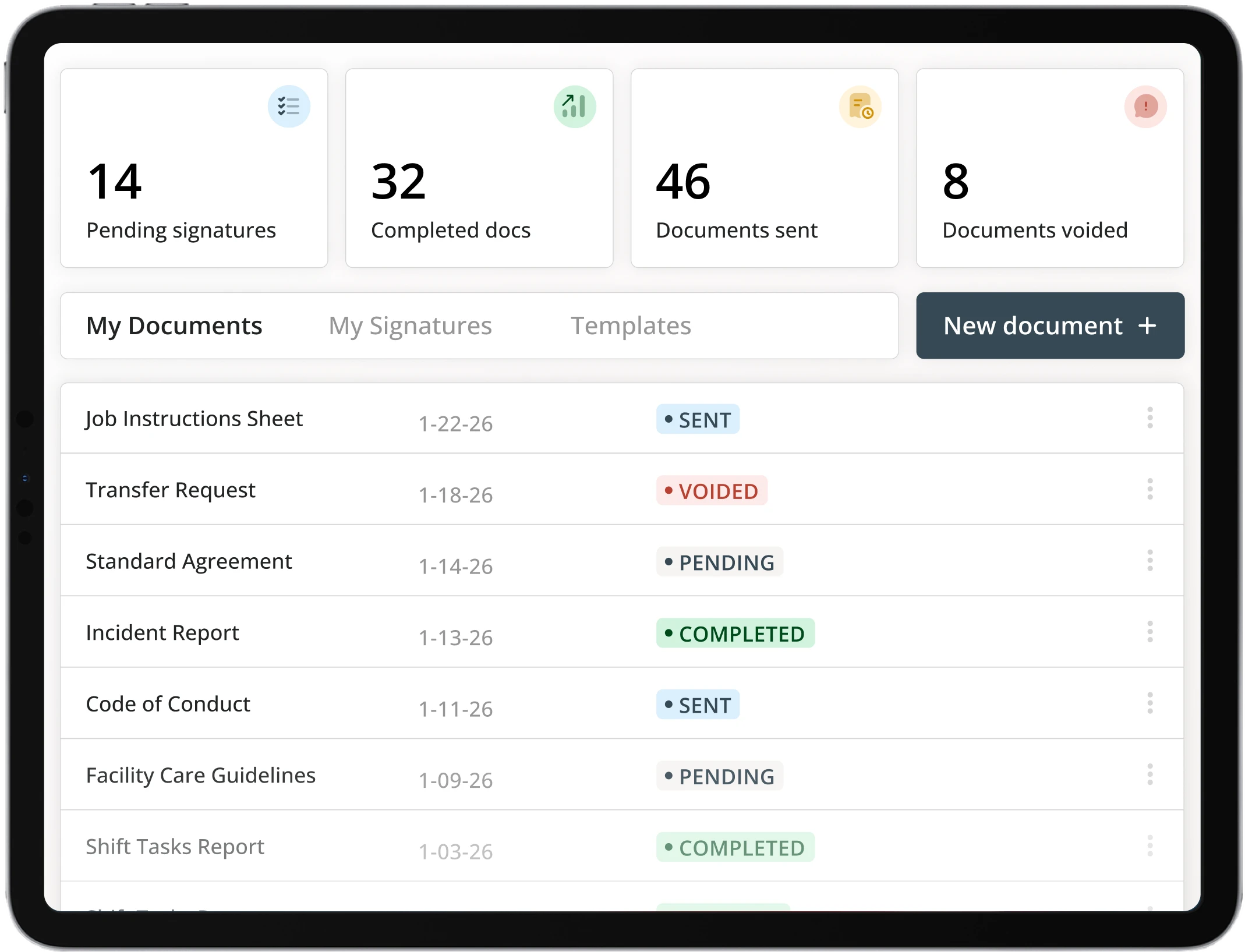
Document Studio workspace with documents, signatures, and statuses
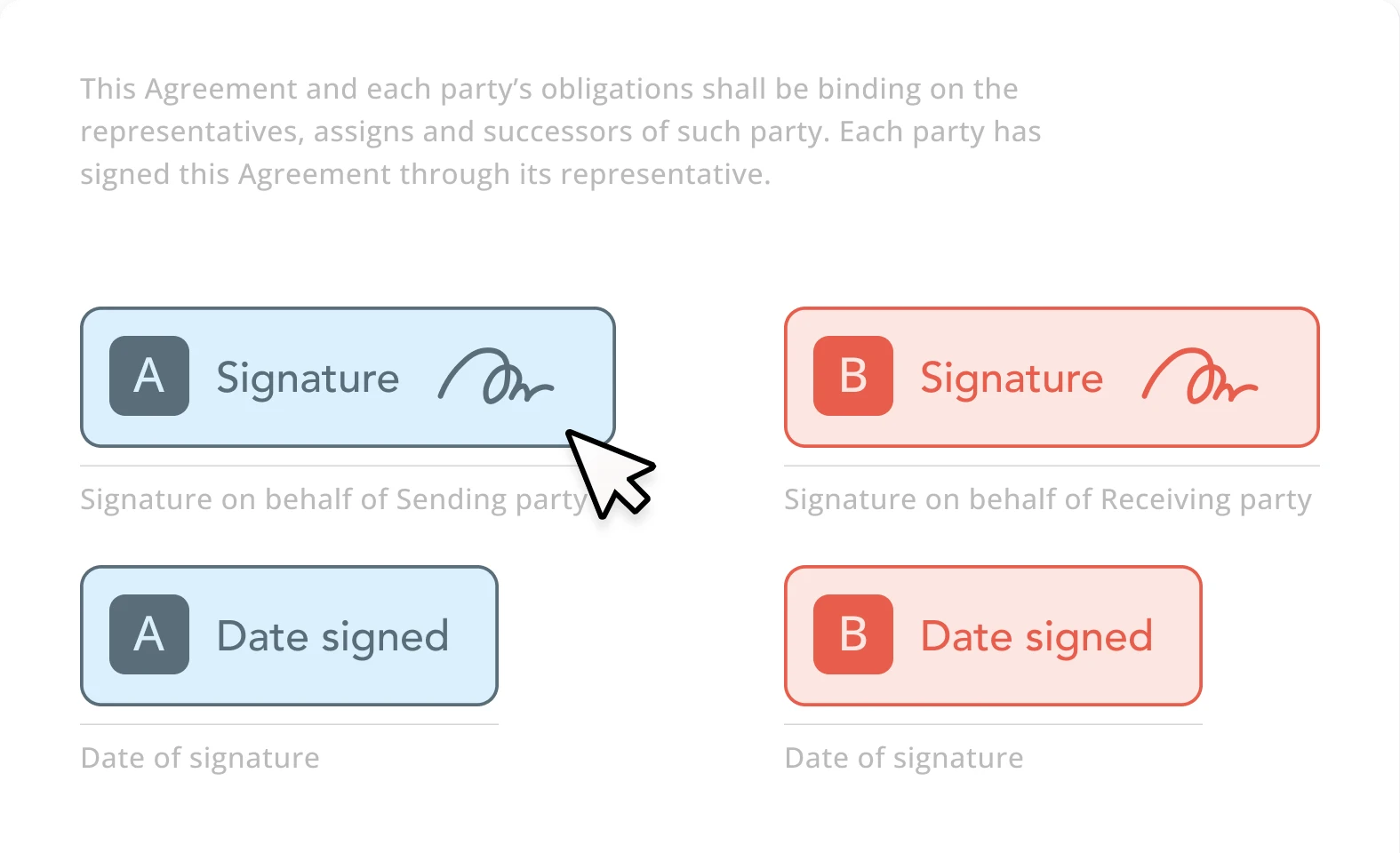
Signature field ready to complete

Data connected

Worker fields ready

Document lifecycle

One source record.
Every document it needs.

Follow the source fields into a template, then inspect the recipient’s request and the completed record. Select a stage to explore the same sample packet.

TeambridgeDocument lifecycle · Interactive example
Source fields

Start with the worker record.

The same worker and assignment details provide the context for this sample packet.

Worker
Maya Rodriguez
Role
Registered nurse
Location
North Campus
Document
Clinical shift packet
Document preview
Sample records

Clinical shift packet

Assignment details and worker acknowledgement

WorkerMaya Rodriguez
LocationNorth Campus
RoleRegistered nurse

I have reviewed the assignment details provided in this packet.

Recipient signatureRequired recipient field
Illustrative document preview
Select a stage to follow the same record.Sample data · No document is sent

Template builder

Stop rebuilding the same packet.

Build the structure once. Link fields to worker, credential, job, or client data. The next packet starts with the right context already in place instead of a blank document and another copy-paste pass.

Insert dynamic fields from Teambridge records.

Reuse the same approved structure across recipients.

Keep required fields and signing roles explicit.

Document Studio template builder with linked workforce fields

Field linked

Worker name will populate at send.

Mobile-ready document signing experience

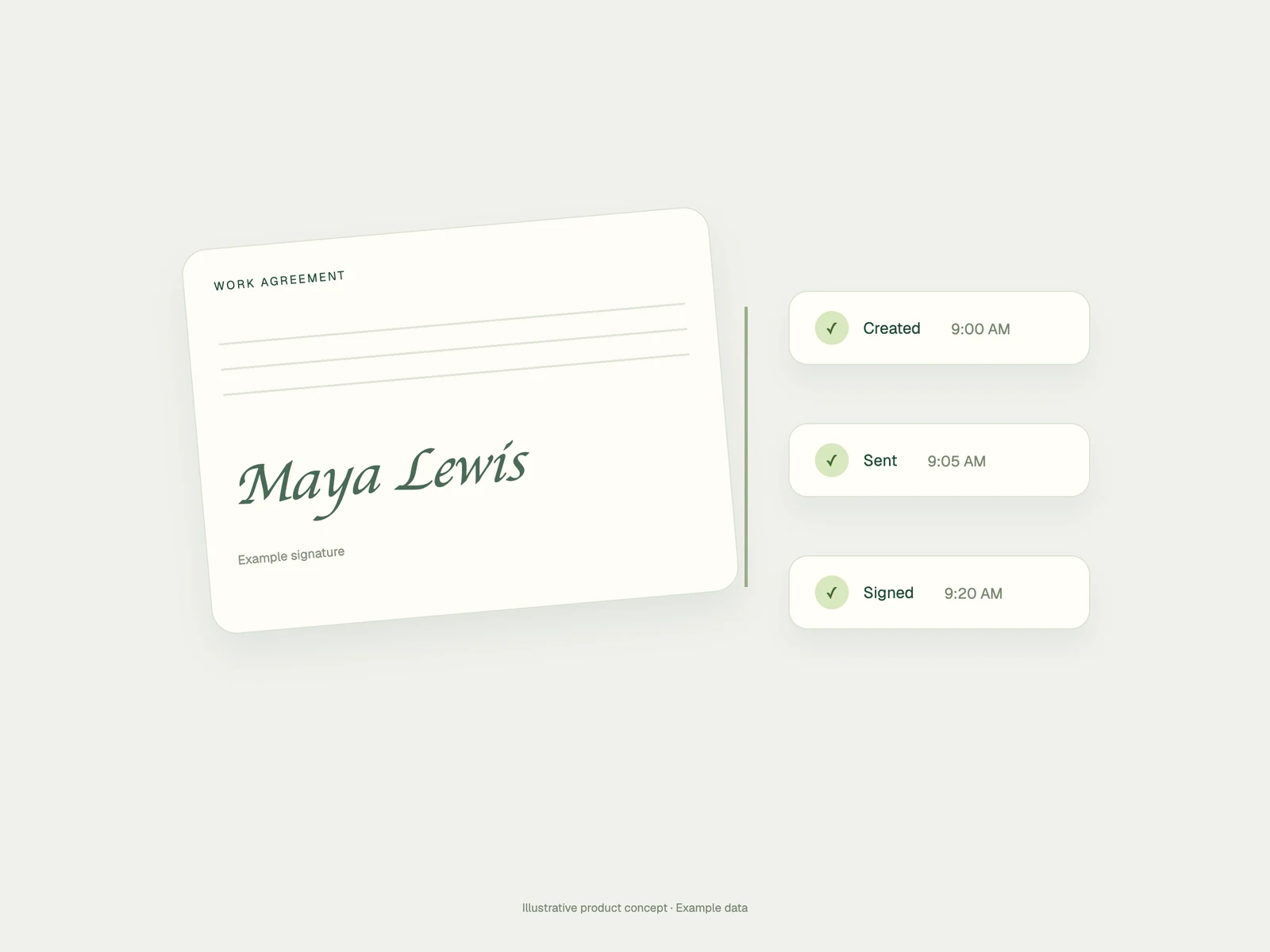
Signature attached

Recipient experience

Make the next action obvious.

Recipients get a focused form built for the fields and signatures they need to complete. The request works on mobile, and the finished document stays connected to the original workflow.

Open on the device already in their hand.

Complete only the required fields and signatures.

Return the completed record to Teambridge.

Document status workspace showing sent, pending, completed, and voided records

Sent

Waiting

Pending

Action needed

Completed

Filed

Status and control

Know what is missing before it blocks work.

See what was sent, what still needs action, and what is complete. Each record keeps its recipient and status visible so operations can follow up on the exception instead of auditing every document.

What stays visible

Recipient, document, signing status, and the workforce context behind it.

Where Document Studio fits

Use the same engine across the workforce lifecycle.

Different workflows need different documents, fields, and signers. The reusable part is the connection to Teambridge data and the status that comes back after the recipient acts.

01

New hire packet

Offer letters, policies, tax forms, and required acknowledgements.

02

Credential renewal

Collect an updated license and keep the new details with the worker.

03

Client or facility packet

Generate the right packet from assignment and client context.

04

Shift or incident record

Collect signatures, notes, and required follow-up fields.

Product questions

Document Studio, without the paperwork fog.

The important questions are where the data comes from, what the recipient must do, and where the completed record returns.

Employee document management software helps operations teams create, send, collect, track, and store documents connected to workers, jobs, clients, and compliance workflows.

Yes. Templates can use linked fields so information from worker, credential, assignment, or client records is inserted when the document is prepared.

Yes. Teams can include signature and other required fields, send the document to recipients, and track whether the request is pending or completed.

Document requests are designed to support mobile completion so frontline workers can review, enter required information, and sign without needing a desktop workflow.

Completed documents remain connected to the relevant Teambridge context, such as the worker, job, client, or workflow that produced the request.

Bring one real document

Build the flow around the work.

Show us the packet, the source data, the required signers, and where the completed information should live. We’ll map the smallest useful Document Studio workflow.

Pending signature request

From linked data to completed record.

Evaluate the workflow

Workforce document management software for the way your team works.

Keep workforce documents connected to worker records and review steps.

Request a product demo

What to explore in your demo

  1. 01Follow a document from its source record through completion.
  2. 02Review the fields, signatures, and access your process requires.
  3. 03Discuss storage, expiry requirements, and the next operational step.