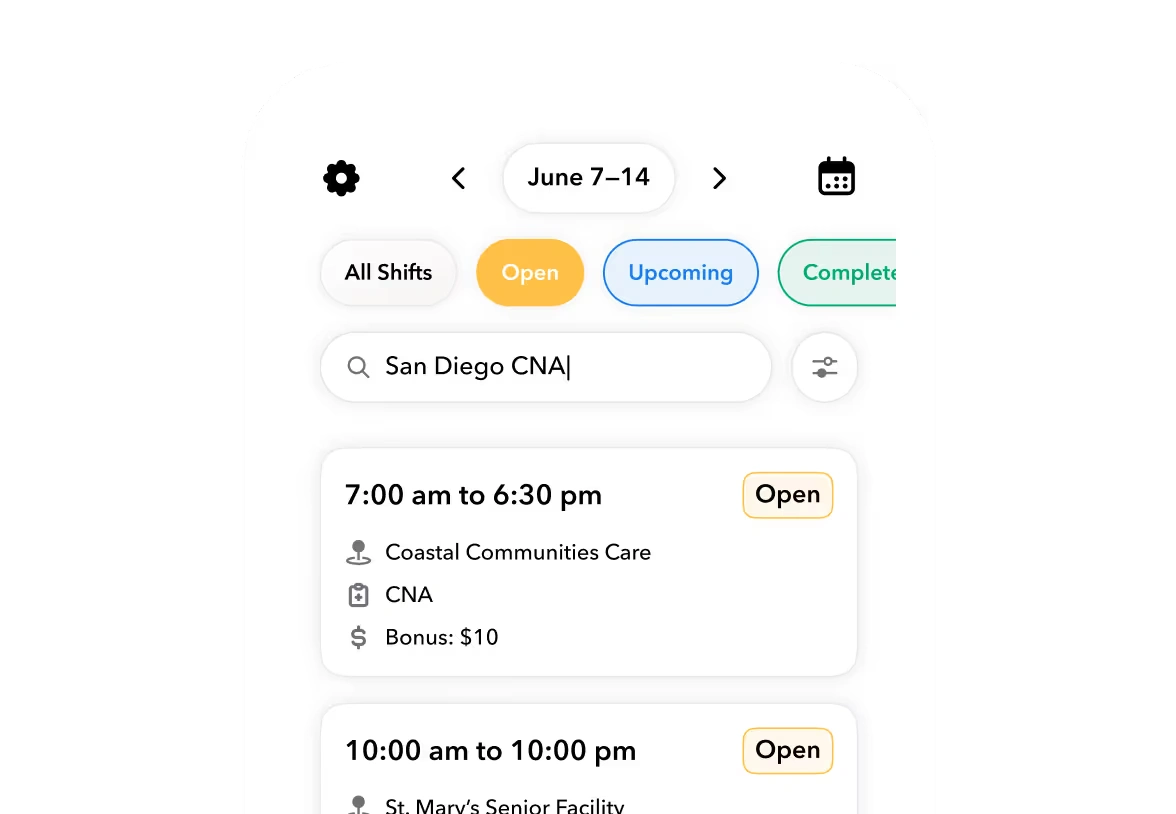


The expensive mistake is not choosing an app with fewer features. It is buying another place to enter information without deciding which system holds the authoritative record.
The best construction app depends on which work is breaking
Start with the failure you need to stop. If a foreman cannot identify the current drawing, evaluate plan and document control. If an approved kitchen change never reaches the job budget, evaluate the client approval and financial handoff. If payroll is chasing supervisors for hours, evaluate crew operations and time review.
This comparison covers Procore, Buildertrend, Fieldwire, Connecteam, and Teambridge. Recommendations are editorial judgments based on public vendor documentation, not hands-on testing or measured rankings. Product and pricing evidence supplied for this guide was checked September 9, 2026.
Unlike a single ranked list, the useful question here is which record each app should own and what must remain elsewhere. Judge the shortlist against six criteria:
- Primary workflow ownership: The record and decision the system will control.
- Field and offline behavior: The specific actions workers can complete without connectivity.
- Project scheduling versus crew scheduling: Whether the requirement is sequencing activities or assigning people.
- Time approval and accounting handoffs: Who approves hours, where they go, and who fixes rejected records.
- Configuration and feature-tier dependencies: What the proposed setup actually includes.
- Total contracted scope: The software, services, access, and connections covered by the agreement.
These criteria prevent a polished drawing demonstration from answering a dispatch question it never addressed.
Procore, Buildertrend, Fieldwire, Connecteam, and Teambridge compared
The table separates documented scope from editorial best fit. A boundary is not necessarily a missing feature. It is a purchasing question that the cited documentation does not settle for your operation.
| App | Primary work it can own | Best-fit operation | Boundary or purchase question | Official evidence |
|---|---|---|---|---|
| Procore | RFIs, submittals, drawings, project documents, daily logs, and project scheduling | Contractors coordinating formal project information between field and office | Confirm contracted modules. Project Management documentation does not establish inclusion of every financial or resource-management capability. | Project Management |
| Buildertrend | Construction scheduling, selections, daily logs, and client change orders | Home builders and remodelers managing client decisions and scope changes | Test worker dispatch separately from project sequencing. Demonstrate the change approval, budget, and invoice path in the proposed configuration. | Builder software and change orders |
| Fieldwire | Plan viewing, versioning, field markups, tasks, inspections, and punch lists | Field teams whose immediate bottleneck is drawing access and task closeout | RFIs, submittal management, change orders, and budgets depend on the tier. Offline plan annotations do not establish offline support for every action. | Usage documentation and pricing |
| Connecteam | Time clocks, job scheduling, forms, and quick tasks through its Operations Hub | Contractors prioritizing daily crew coordination, time capture, and field reporting | Verify hub coverage and feature tier. Communication and HR capabilities are organized into separate hubs. | Operations Hub and pricing structure |
| Teambridge | Worker readiness, dispatch, site time, classifications, supervisor exception review, and payroll-ready labor data | Multi-site labor operations managing qualification gaps, reassignment, and timecard exceptions | Keep project, ERP, and payroll ownership explicit. Integration availability depends on systems and implementation scope. | Construction workflows |
Read across the boundary column before narrowing the list. Buildertrend's change-order documentation describes digital approval and automatic budget and job-cost updates on approval, with connections to purchase orders, schedules, and invoices. That is directly relevant to a residential contractor losing control of client changes.
Connecteam's documented Operations Hub addresses a different center of gravity: people, jobs, time, and forms. A form may help capture a safety inspection, but purchasing digital forms is not proof that the contractor has satisfied every applicable safety obligation.
A project schedule does not prove crew dispatch, and mobile does not prove offline
A project schedule organizes activities and dependencies. Crew scheduling assigns people to work. A contractor may need both, but the word “scheduling” does not establish whether a product checks qualifications, handles reassignment, or routes a worker's hours to the right supervisor.
In a hypothetical evaluation, assume a concrete activity moves to Thursday and a replacement worker must cover another site. Ask the vendor to show both changes. Moving the activity should not be accepted as evidence that the replacement assignment, worker notification, or approval responsibility has changed correctly.
Offline behavior needs the same precision. Procore documents accessing drawings, recording daily reports, and capturing photos offline. Fieldwire documents online and offline notations on automatically versioned plans. Neither statement should become an unrestricted promise about every product action.
Mobile access describes where someone uses an app. Offline support describes what survives a lost connection.
Have the vendor perform your required action on a disconnected device, then reconnect it. Watch what happens to timestamps, edits, attachments, and competing changes. Ask whether the worker must download records beforehand and who resolves a synchronization conflict.
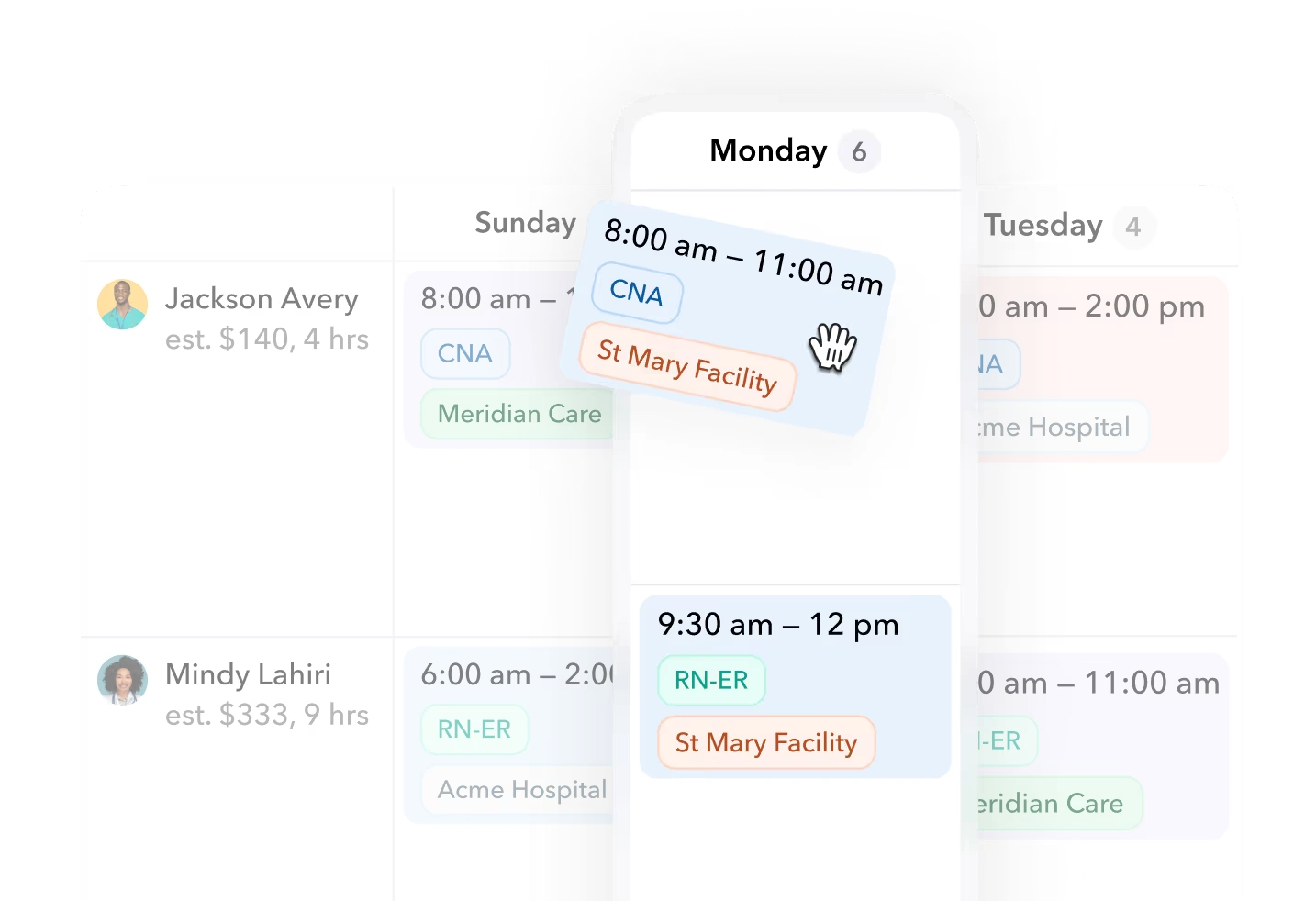
A drawing downloaded yesterday and a time entry captured today create different risks. Your evaluation should name the exact action required, rather than accepting an “offline capable” checkbox that leaves the behavior undefined.
Ready to move?
Ready to see Teambridge in action?
Products discussed
Best Construction Apps: Match the System to the Site Work tools mentioned
Official marks identify the products materially discussed in this section.
Compare contracted scope before comparing subscription prices
A subscription price is useful only after the required workflow has been mapped to the quoted tier. Fieldwire provides a concrete example. Its published USD pricing, checked in the supplied research on September 9, 2026, lists Pro at $39, Business at $64, and Business Plus at $89 per user per month, billed annually.
Its free Basic plan is limited to five users, three projects, and 100 sheets. Pro adds capabilities including reports and exports; Business adds custom forms and app integrations; Business Plus adds RFIs, submittal management, change orders, and budget. These are scope anchors, not evidence that Fieldwire is the cheapest option for a particular contractor.
One detail shows why feature labels need scrutiny: Fieldwire lists a submittal extractor on Pro and above, but submittal management on Business Plus. Those are not interchangeable purchases. The same pricing page marks API access, training programs, dedicated account management, and SSO as “Contact us” items on paid tiers rather than establishing automatic inclusion.
For every shortlisted vendor, request written inclusion or exclusion of required modules, implementation, integrations, support, and external-user access. Also establish user-count assumptions and who will configure permissions and approval routing. This is a scope request, not a claim that every vendor charges separately for each item.
Warning
“Integrates with accounting” is not a complete handoff specification. Identify the record transferred, its approval state, its destination, transfer timing, and the owner of any correction.
An approved timecard is not the same object as an invoice or a payroll result. Ask what happens when hours change after transfer: which system receives the correction, whether someone must reapprove it, and how duplicate processing is prevented.
For Teambridge, use the integrations directory to investigate the proposed connection. It distinguishes connection availability and implementation approaches; it does not establish that every construction-system pairing is prebuilt. Its QuickBooks description, for example, concerns approved hours exported as invoices and customer and product synchronization, not a generic promise of payroll export or unrestricted two-way accounting synchronization.
Assign one owner to each construction record before adding another app
Use the construction app ownership register below before procurement. A proposed owner is the authoritative record holder, not necessarily the only system allowed to display that record. Leaving a dependency blank until it is demonstrated is more useful than recording an assumed integration as settled.
Construction app ownership register
| Operational record | Current system | Proposed owner | Permitted editors | Downstream recipient | Sync method | Unresolved dependency |
|---|---|---|---|---|---|---|
| Drawing revision | ||||||
| Change order | ||||||
| Crew assignment | ||||||
| Qualification record | ||||||
| Approved timecard |
Copy this table into a shared document and complete it with operations, project management, and payroll or accounting. Keep vendor sales language out of the entries. “Integration” is not a sync method until the direction, records, and mechanism are established.
- Record the current path. Include spreadsheets, email approvals, and manual reentry, not just licensed software.
- Assign authority and editing rights. Name the system that controls the record and the roles allowed to change it.
- Trace the next handoff. Identify the recipient and whether transfer is manual, file-based, or through a demonstrated connection.
- Leave unresolved work visible. Record unknown field mappings, correction rules, permissions, and implementation commitments before signing.
Two proposed owners for the same record signal a decision you have not finished. If both the project platform and crew app can alter site assignments, establish which change wins. If accounting rejects a timecard, identify where the correction starts rather than allowing separate versions to develop.
The register also exposes acceptable manual work. A deliberate export with a named owner may be workable; an export everyone assumes someone else performs is not.
Choose a project system, a crew system, or a clearly bounded pair
Keep formal project coordination separate from residential client control
Procore belongs on the shortlist when RFIs, submittals, drawings, and field-office document coordination are the central problem. The tradeoff is that a project-management decision still leaves you responsible for establishing the contracted scope of financial and workforce workflows. Do not treat a broad product portfolio as a single included package.
Buildertrend belongs on the shortlist when residential selections, client approvals, and scope changes dominate. Its documented approval-to-budget behavior is relevant to that decision, but the proposed configuration should demonstrate the complete path. A successful client change-order demonstration does not settle worker dispatch.
Fieldwire deserves consideration when crews primarily need current plans, field markups, and task closeout. Its plan-centered starting point may match the immediate problem, while expanded project-management requirements can move the purchase into a different tier. Price the required scope, not just the entry point.
Compare crew systems around the assignment and the approved hour
Connecteam is a candidate when job scheduling, time clocks, forms, and quick tasks match the daily coordination gap. Verify the Operations tier and any additional hubs required for communication or HR workflows using its documented subscription structure.
Teambridge is a candidate when the operational gap centers on readiness, dispatch, site time, classifications, and supervisor review across sites. Its construction scope describes those workflows, while the Teambridge platform provides context for configurable records, views, permissions, and approval points. Evaluate that configuration against your register rather than assuming the desired rules arrive fully configured.
The reviewed Teambridge documentation does not establish native drawing management, takeoff, or certified-payroll filing. Treat those capabilities as unverified and assign them explicitly elsewhere unless the proposed scope demonstrates otherwise.
Keeping an existing project system and adding a workforce layer can be reasonable when document control already works but crew coordination does not. The tradeoffs are duplicate entry, connection work, permissions administration, and correction ownership. Any pairing here is a proposed architecture, not evidence of a native integration between the named products.
Sign only when workflow ownership and unresolved dependencies are explicit
A defensible shortlist follows the broken workflow, not the broadest feature list. Use these routes to focus the final evaluation:
Decision framework
Three checks before selecting a system
Before signature, the ownership register should show which systems stay, which records move, and which dependencies remain unproven. Open dependencies need an accountable owner and an agreed resolution, not a verbal assurance that implementation will sort them out.
If crew readiness, dispatch, or time review is the gap, bring the register to a Teambridge walkthrough. If drawings or client approvals are the gap, prioritize the relevant project or residential platform instead.

About the author

Content Writer at Teambridge
Anis Nanai is a content writer at Teambridge, with a focus on workforce management and the realities of running hourly teams. He prioritizes conversations with customers, staying close to the market, and understanding how workforce needs are changing. His writing connects those concerns to practical decisions about scheduling, time tracking, staffing, and automation. He examines product developments through the questions that matter to operators: what does this solve, how would it work for my team, and what evidence supports it?
Company perspective: this author works at Teambridge. Customer outcomes are attributed to their published sources.
View LinkedIn profile