Reviewed August 2026
2026 buyer update: evaluate the operating layer, not a feature list
Home care operations break when the scheduler, caregiver, client requirement, time record, and last minute change live in separate workflows. A useful evaluation follows one visit from demand through caregiver readiness, confirmation, completion, and exception resolution.
Caregiver readiness
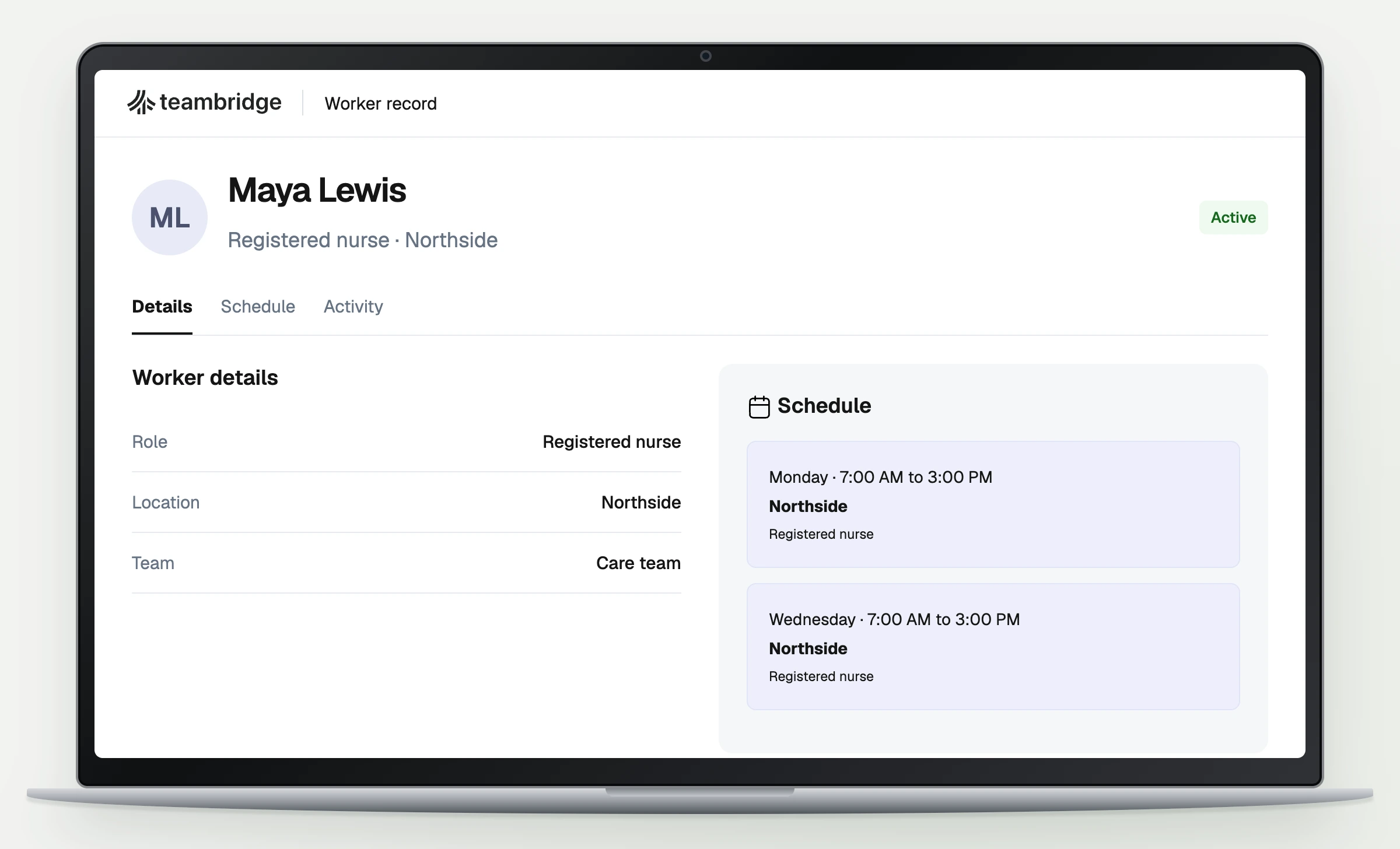
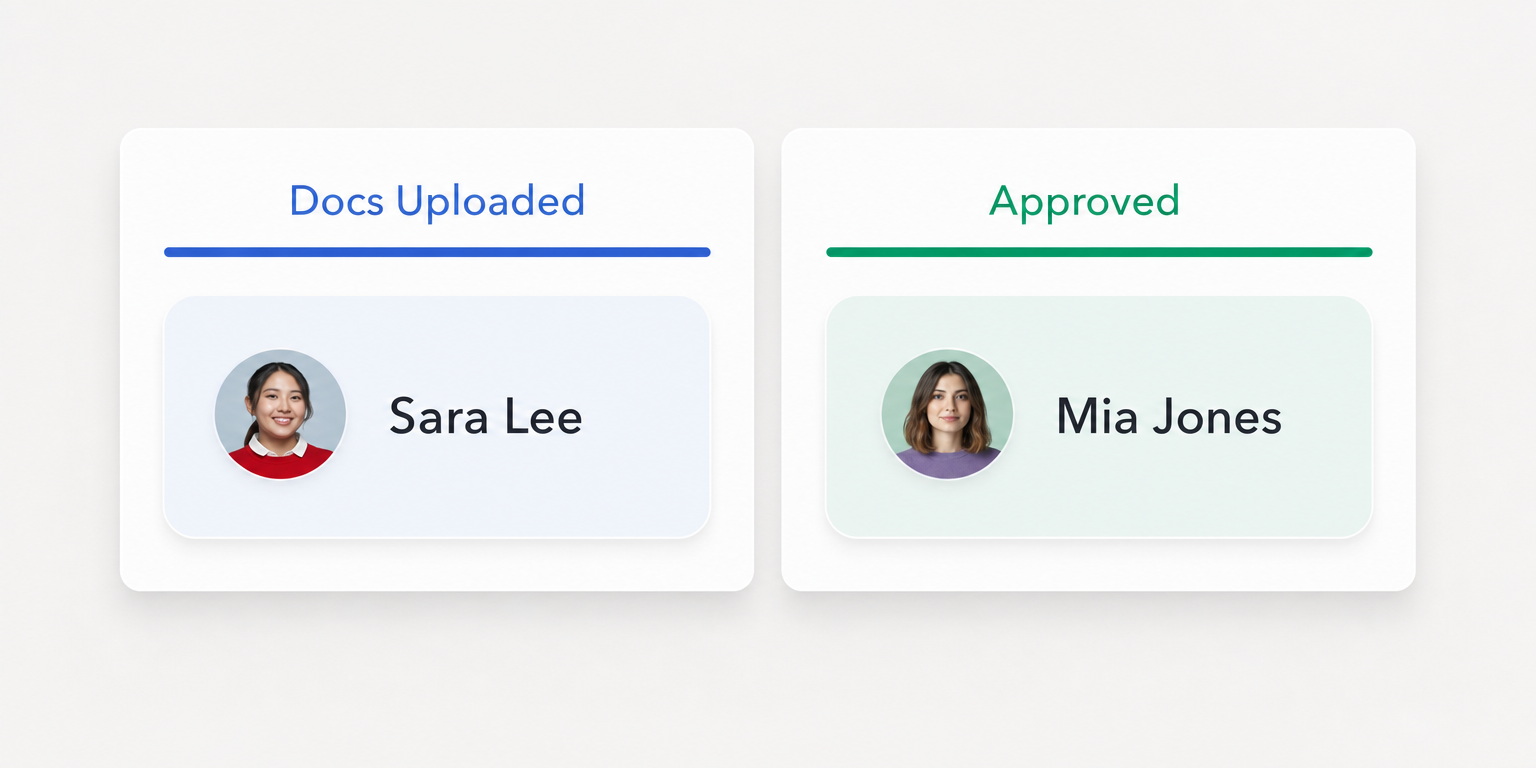
Verify availability, credentials, documents, training, preferences, and client requirements before assignment.
Scheduling and coverage
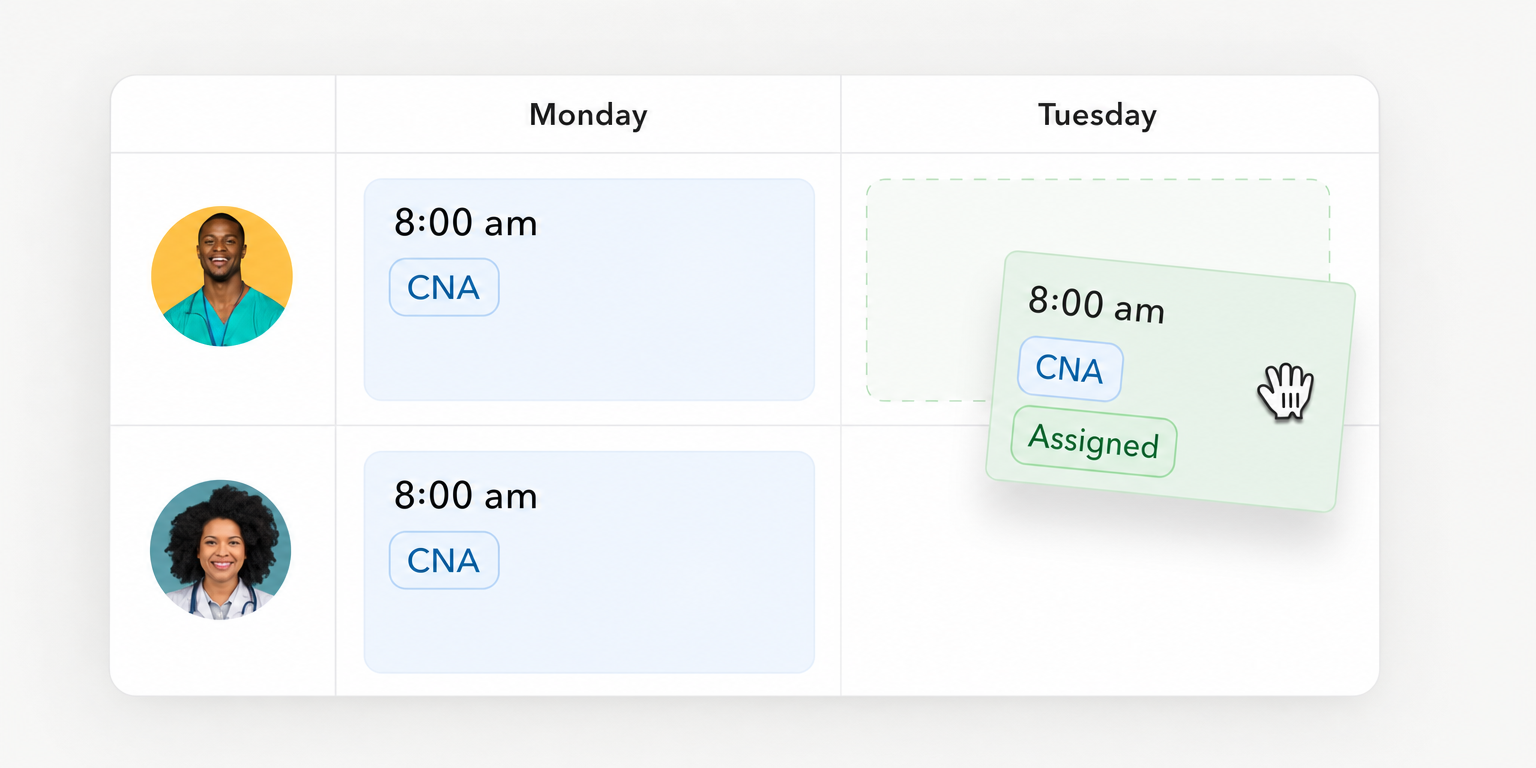
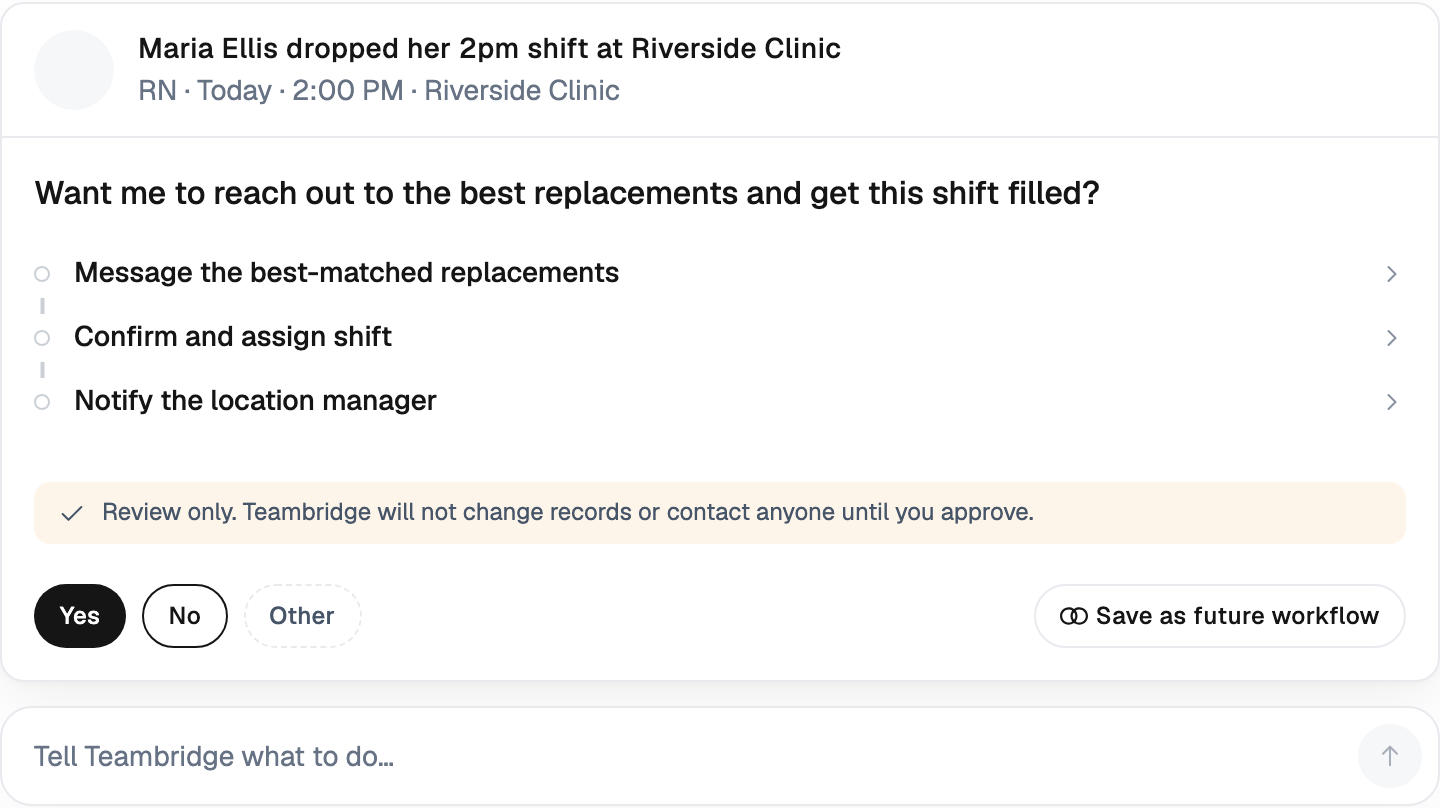
Test recurring visits, availability changes, open coverage, absences, replacements, and manager approvals.
Caregiver communication
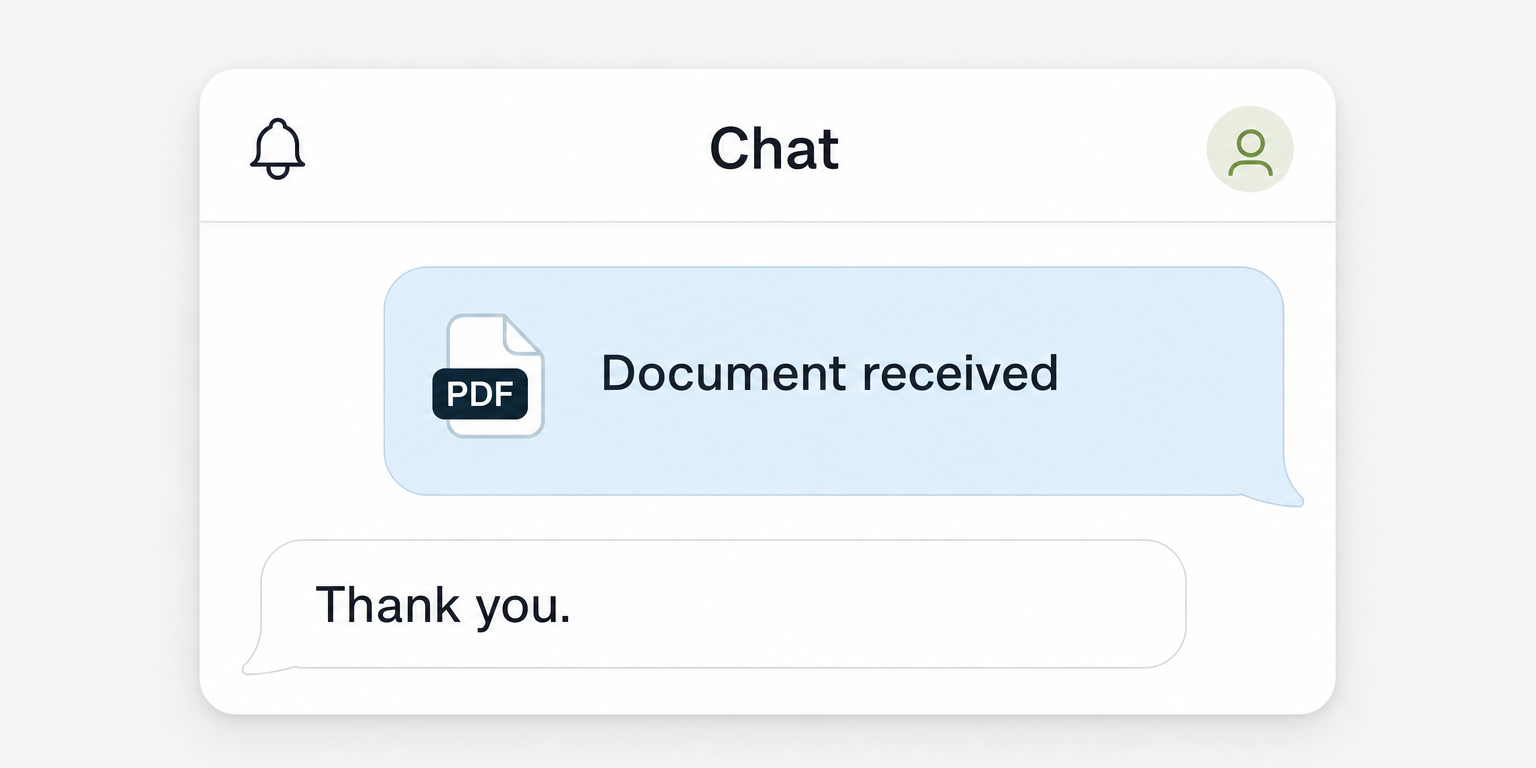
Confirm how workers receive schedules, acknowledge changes, submit information, and reach operations from a mobile device.
EVV and time boundaries
For each payer's EVV requirements, identify the official system of record and validate the integration or handoff in the demo.
Exception workflows
Walk through missed visits, late arrival, incomplete records, unavailable caregivers, and unresolved timecards.
Implementation fit
Score data migration, permissions, integrations, workflow ownership, training, and time to a usable first rollout.
Product boundary
Teambridge supports nonclinical workforce operations. It does not replace a clinical record, care plan system, payer billing platform, or clinical documentation system. Buyers should define which system owns each record before selecting the operating stack.
The best home health care platform depends on the services you deliver and the payers you bill. Compare CareSmartz360 and WellSky Personal Care for personal care agency management. Evaluate Axxess Home Care for medical, pediatric, and nonmedical services, and Axxess Home Health for skilled clinical workflows. Evaluate Teambridge when your priority is running hourly workforce operations.
For senior home care, the same distinction applies. A client’s age does not determine whether you need personal care administration, skilled clinical documentation, or both. The strongest shortlist starts with your care model, then tests whether one actual visit can move from coverage through payroll and billing without losing its record.
What is the best non medical home care software?
These are evaluation recommendations based on published product scope, not hands on testing or a universal ranking.
Operator view
Decision criteria
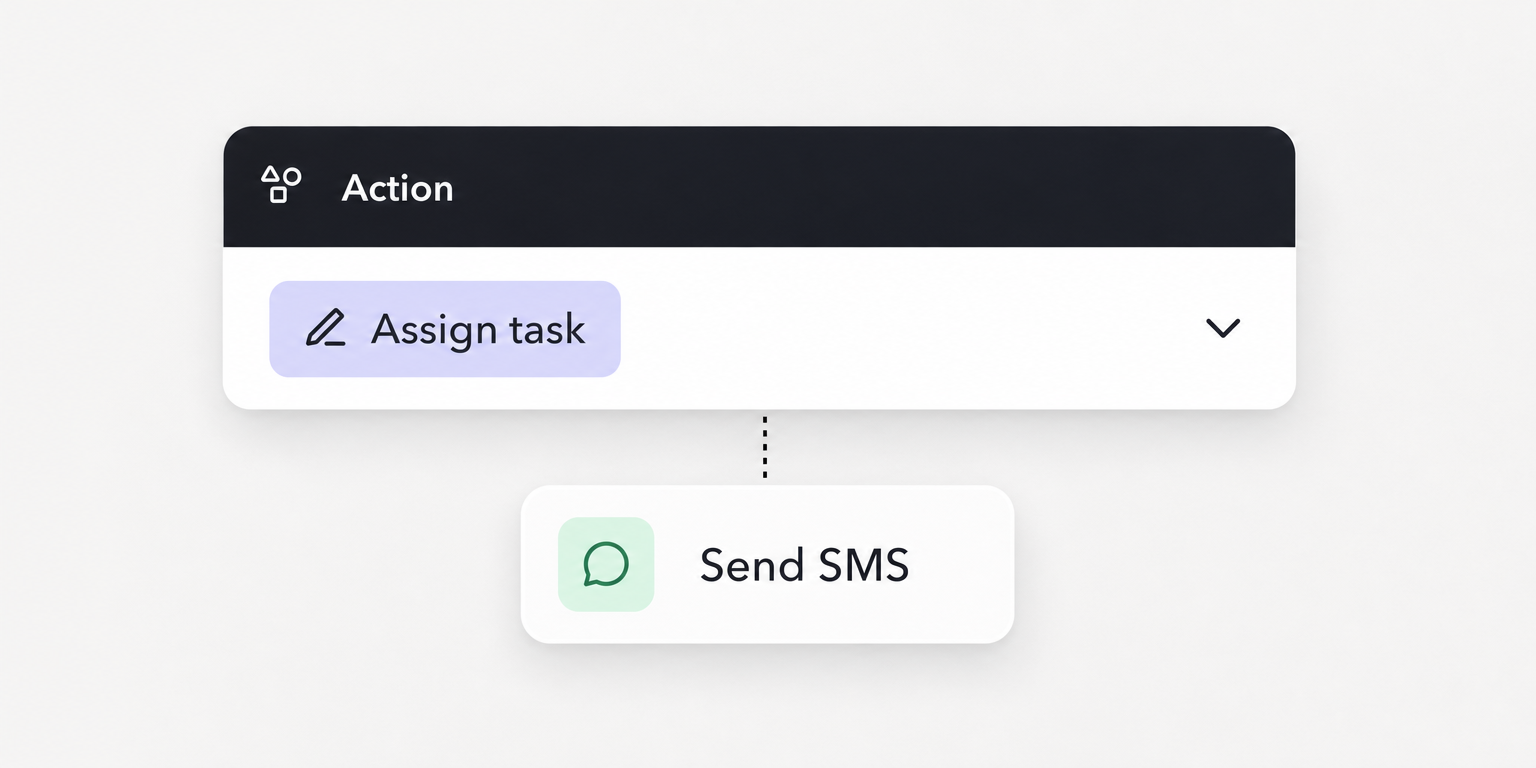
Teambridge is the all in one platform for hourly teams, tailored to each company. Its home care workflow belongs on the shortlist when caregiver readiness, recurring schedules, call off coverage, and actual hours drive the buying decision. Those capabilities do not establish skilled clinical documentation or acceptance by a particular state EVV aggregator.
Home care software and home health software serve different care models
Home care software, homecare software, home care management software, and home care agency management software commonly describe systems for running personal care services. When comparing home care software solutions, start with client instructions, recurring visits, caregiver availability, and billing requirements.
Caregiver software and caregiver management software narrow the focus to the workforce: who is available, qualified, familiar with the client, and ready to work. That is an important operating layer, but it does not establish clinical or payer fit.
Home health agency software, home healthcare software, home health software, and home health care software may include skilled clinical documentation as well as operations. Product names alone are unreliable. Axxess Home Care describes medical and nonmedical services with care documentation, while Axxess Home Health explicitly describes clinical documentation and OASIS analysis.
A skilled agency should therefore evaluate the clinical edition against its actual documentation requirements. A personal care agency should not buy clinical complexity merely because a product appears in a broad search for the best home care software.
Compare exact product editions, payer support, and buying requirements
The table separates published scope from questions that still need answers. An unpublished detail is not evidence of a missing feature. Public product pages also do not replace a proposal naming your edition, connections, and implementation responsibilities.
| Product or tier and source | Care model and published size | Payer evidence | Buying requirements and unresolved scope |
|---|---|---|---|
| CareSmartz360 Growing Agencies | Personal care operations; card says 0 to 100 active clients | Billing listed; confirm exact payers | Personalized quote. Navigation separately describes 11 to 100 clients, so confirm your band. Implementation amounts not established. |
| CareSmartz360 Large Agencies | Personal care operations; 101 to 249 clients | Multiple payer billing and payer integrations listed | Personalized quote. Personalized onboarding listed; charges and exact connections require confirmation. |
| CareSmartz360 Enterprise Agencies | Personal care operations; 250 or more clients | Medicaid workflows listed | Personalized quote. Confirm tier entitlements, state connections, and implementation charges. |
| CareSmartz360 Franchisor | Franchise network management; client band not established | Confirm payer scope across locations | Personalized quote. Confirm franchise terms, location access, and implementation charges. |
| WellSky Personal Care | Personal care; brochure addresses enterprise operations without client count bands | Exact payer compatibility not established by this brochure | Request scoped proposal. Implementation services are described, but subscription and implementation amounts are not supplied. |
| Axxess Home Care | Medical, nonmedical, and specialty programs; minimum size not established | Medicaid, managed care, and Department of Labor billing described | Request scoped proposal. Confirm program connections, edition scope, and implementation charges. |
| Axxess Home Health | Skilled clinical workflows and OASIS analysis; minimum size not established | Confirm your specific payer and submission requirements | Request scoped proposal. Confirm clinical requirements, included connections, and implementation charges. |
| Teambridge | Hourly workforce operations; no size band asserted here | State EVV and payer acceptance not established by this source | Request a scoped proposal covering required workflows and implementation responsibilities. Clinical fit needs separate evidence. |
CareSmartz360 belongs on a personal care shortlist where client volume and organizational structure help define purchasing scope. WellSky Personal Care belongs where the agency wants to evaluate enterprise personal care operations, configurable workflows, and its documented Home Connect API. Neither recommendation establishes compatibility with your exact payer.
Axxess Home Care merits evaluation for mixed service programs. Axxess Home Health is the more direct starting point for skilled clinical requirements. Teambridge merits evaluation for scheduling, timesheets, onboarding, credential tracking, invoicing, and workflows.
Caretap remains an unverified candidate here because accessible current product documentation was not established in the supplied research. No documentation savings claim or substantive comparison is included. For every shortlisted product, obtain written confirmation of offline behavior and edition limits.
Put the workflow into practice
See how your team could use this workflow
4 essential features of top non medical home care software
1. Client management and care planning
Ask a caregiver to open the instructions applicable to the visit, using the access they would actually have at work. Confirm which version appears, who can update it, and how a changed instruction reaches the next caregiver.
For recurring visits, test a change that applies to future visits without rewriting completed records. A readable client profile is useful only if the worker receives the right instructions for that visit.
2. Caregiver scheduling and matching
Test coverage against availability, qualifications, expiring credentials, and client preferences. Ask the scheduler to distinguish a familiar caregiver from someone qualified but new to the client. A filled shift can still create a continuity problem.
Teambridge scheduling supports evaluating shift creation, publishing, and filling around workers, sites, qualifications, and availability. Bring your actual coverage rules to the demonstration rather than assuming every matching or exception rule is already configured.
3. Billing and payment processing
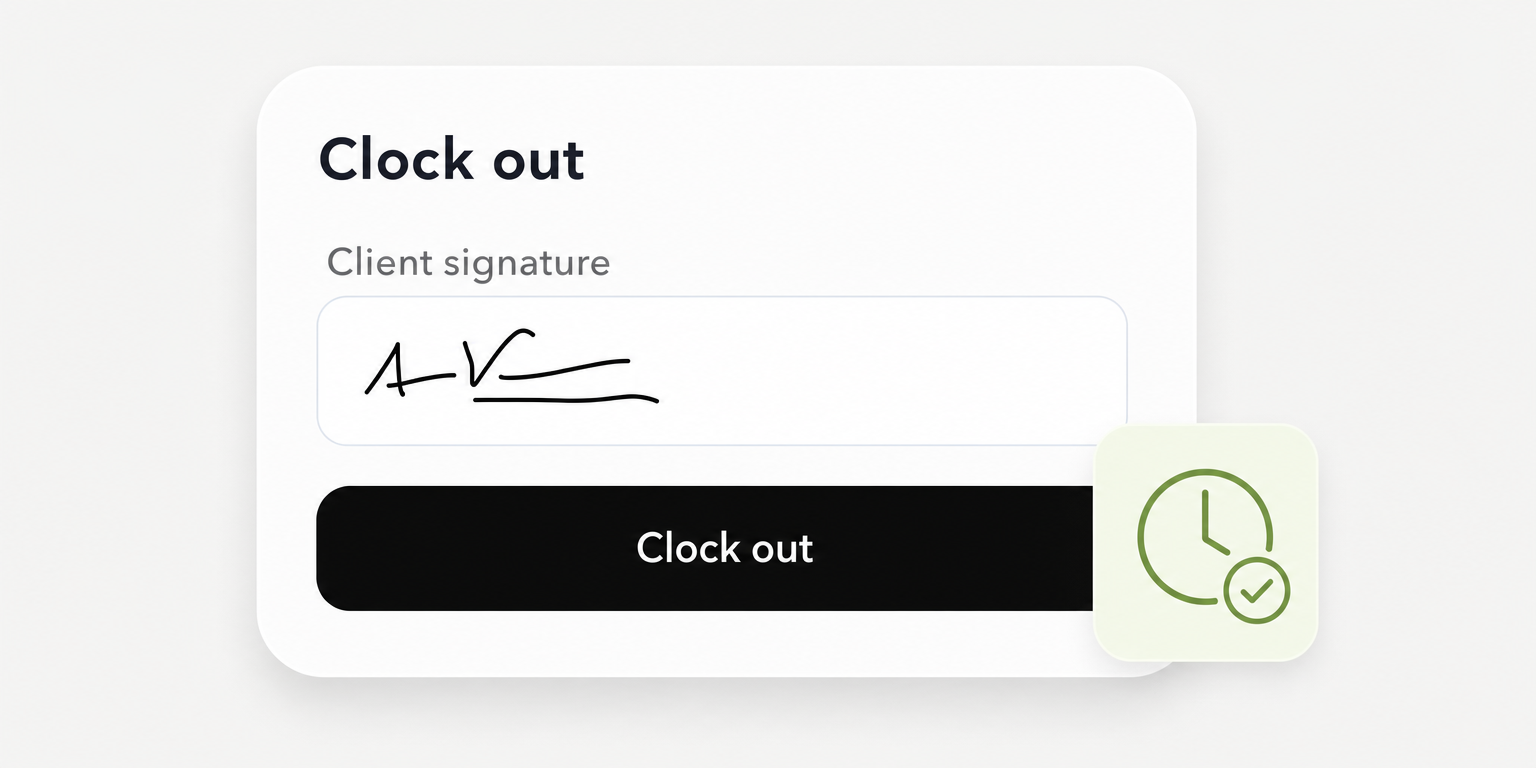
Require one approved visit record to reconcile with both payroll output and billing. Scheduled time, worked time, paid time, and billable units can differ. The system should make those differences explainable rather than silently treating them as interchangeable.
Test a missed punch, an authorization limit, and a correction after approval. Ask which records change, which approvals reopen, and whether an invoice or claim must be corrected separately.
4. Compliance and documentation management
Ask who can edit a completed visit, approve a correction, and retrieve the original record. Require role appropriate access and a traceable history, not just a folder containing documents.
Expiring credentials and authorization limits need visible ownership. Establish who receives the exception, who resolves it, and what prevents an unresolved record from moving forward when your policy requires a hold.
Make vendors pass a call off to billing demo
Use this acceptance sheet with every vendor. The exercise is hypothetical: assume one recurring personal care visit, an unexpected call off, an expiring credential, an offline location, and a missed punch requiring correction. These are purchasing requirements, not confirmed features of any platform.
Use test data rather than client information. Scheduling, payroll, and billing should observe the same visit throughout the demonstration.
| Owner | Scripted request | Pass criterion | Evidence captured | Result |
|---|---|---|---|---|
| Scheduling | Replace the call off while checking credentials, availability, and client preferences. | Qualified replacement accepts; any continuity exception remains visible. | Assignment history, acceptance, credential check, exception record. | Pass / Fail / Open |
| Payroll | Show overtime exposure, travel time, and correction of the missed punch. | Approved hours reconcile to payroll output; original and amended entries remain traceable. | Timesheet, rule settings, correction history, payroll output. | Pass / Fail / Open |
| Billing | Capture the visit offline, reconnect, check authorization, and reconcile actual time with billable units. | No duplicate visit; original timestamps survive; authorization status and required submission acceptance or rejection are visible. | Synced visit, authorization check, unit calculation, submission response. | Pass / Fail / Open |
For each row, require the vendor to:
- Identify whether the behavior is native, configured, integrated, or manual.
- Demonstrate the action with the required user permissions, then reopen the saved record.
- Trigger a failure and show the recovery path, responsible owner, and retained history.
Hypothetical completed entry: Billing records “Open” when the offline visit syncs once with its original timestamps, but the demo cannot show the required aggregator response. The evidence captured is the synced visit and authorization check. The next action is a witnessed submission test before acceptance, not an assumption that syncing proves submission success.
A visit is not reconciled merely because it appears on three screens. The approved record must explain what was worked, what will be paid, and what can be billed.
Verify state EVV acceptance and security scope before signing
For applicable Medicaid services, CMS identifies six EVV elements in question 8 of its guidance: service type, recipient, date, location, provider, and beginning and ending times. The same guidance explains state discretion over EVV systems. GPS alone does not establish a complete or accepted visit record.
Require written confirmation for your specific state, program, service, and aggregator. Ask for a demonstrated submission response and evidence that the supported connection covers your intended implementation.
Warning
“EVV ready” is not proof of acceptance by your state’s aggregator. Require evidence for your exact service and connection before treating the requirement as satisfied.
Make these independent purchasing checks explicit:
- Authorization tracking, including exhausted or changed authorizations.
- Rejected submissions and the owner responsible for correction.
- Exception reasons, original records, amended records, and audit access.
- Applicable security documentation, access controls, subcontractor responsibilities, and a BAA where required.
HHS cloud computing guidance explains that a cloud provider handling electronic protected health information can be a business associate even when it cannot decrypt the information. Applicable relationships require an appropriate business associate agreement. Security review also needs to address risk, availability, recovery, and return of data.
WellSky’s published HITRUST claim names WellSky Personal Care. Request current certificate dates, covered systems, scope, and exclusions. Do not treat that statement as blanket HIPAA compliance for every WellSky product or your agency’s implementation.
Integration capabilities that matter
A published API is not a tested connection to your payroll system, payer, or clinical edition. Ask the vendor to show the actual handoff and identify who maintains it when either system changes.
Assign one system of record for client identity, authorization balance, actual visit timestamps, pay rules, and billing units. Without that ownership, two systems can accept different versions of the same visit while both appear correct.
Require demonstrations of rejected records, duplicate submissions, corrected timesheets, and updates after payroll closes. A corrected visit may require a payroll adjustment and a separate billing correction. Ask who performs each action and how the status returns to the operating record.
For Teambridge’s platform, evaluate supported scheduling, timesheets, onboarding, credential tracking, invoicing, and workflows against those handoffs. Do not infer clinical record replacement or payer acceptance from connected workforce records.
Before contracting, request written migration scope, implementation responsibilities, training, support, and cost disclosures. Identify who maps fields, validates opening balances, tests integrations, and signs off before live visits begin.
Choose the platform that passes your agency’s operating tests
Shortlist by care model. Eliminate candidates that cannot substantiate required clinical or payer fit. Then have scheduling, payroll, and billing sign off on the same demonstrated visit, not separate feature presentations.
Keep undocumented requirements marked open until the vendor resolves them in writing. An attractive scheduling screen does not settle an authorization question, and a successful payroll export does not prove billing acceptance.
If hourly workforce operations are your priority, evaluate Teambridge for home care using your recurring visits, call offs, credentials, and timesheet exceptions. Test scheduling with your own operating rules while separately validating any clinical and EVV requirements.
Bring one real scheduling problem and one reconciled visit record to the vendor demo.

Put this research into operation
Evaluate caregiver readiness, visit coverage, communication, and time workflows in one operating layer. home care scheduling software.
About the author

Content Writer at Teambridge
Anis Nanai is a content writer at Teambridge, with a focus on workforce management and the realities of running hourly teams. He prioritizes conversations with customers, staying close to the market, and understanding how workforce needs are changing. His writing connects those concerns to practical decisions about scheduling, time tracking, staffing, and automation. He examines product developments through the questions that matter to operators: what does this solve, how would it work for my team, and what evidence supports it?
Company perspective: this author works at Teambridge. Customer outcomes are attributed to their published sources.
View LinkedIn profile