This guide compares five widely used shift scheduling platforms, Deputy (@ deputy.com), When I Work (@ wheniwork.com), Connecteam (@ connecteam.com), Homebase (@ joinhomebase.com), and Teambridge (@ teambridge.com), on the operational criteria that determine whether your shifts actually fill and your time data actually flows. Pricing figures are pulled from published pricing pages and third-party reviews current at time of writing; vendors change tiers, so verify before you sign.
What Breaks When Shift Scheduling Software Falls Short
Scheduling-only tools draw a clean line around the calendar grid and hand everything outside it to other systems. That is fine until the boundary becomes the problem. The failure modes operators report are consistent:
- Credential expiries discovered at check-in. The worker was eligible when you scheduled them three weeks ago. Nobody checked whether their license, certification, or client-specific training was still valid on shift day.
- No-show scrambles with no recovery loop. A cancellation opens a gap, and the tool shows you the gap. Filling it is still you, a phone, and a contacts list.
- Timecard exceptions piling up downstream. The schedule lives in one tool, the clock-ins in another, and the reconciliation happens in a spreadsheet before payroll.
- Multi-client or multi-site blind spots. The tool was built for one location with one set of rules. Your operation has eight sites with eight sets of requirements.
If none of these sound familiar, a lightweight scheduler will serve you well and cost less. If two or more do, the decision criteria below matter more than any feature grid.
Ready to move?
Ready to see Teambridge in action?
The Six Decision Criteria That Actually Matter
1. Auto-fill and gap recovery
What good looks like: when a shift opens, the system identifies eligible workers, reaches out, and confirms a replacement with minimal manual effort. What most tools do: flag the gap and wait for a manager to work the phones.
2. Credential and compliance enforcement at assignment time
What good looks like: a worker cannot be assigned to a shift requiring a credential they do not currently hold. The check happens at assignment, not at check-in and not in a quarterly audit.
3. Mobile worker experience
What good looks like: workers can see schedules, claim open shifts, swap, and clock in from a phone without calling anyone. Adoption is the whole game here. A tool workers ignore is a tool you pay for twice.
4. Time tracking integration depth
What good looks like: scheduled shifts, actual clock events, and pay rules live in one data model, so exceptions are exceptions, not a weekly reconciliation project.
5. Pricing model and plan gating
What good looks like: the price you model is the price you pay. Watch for auto-scheduling, reporting, and integrations sitting on higher tiers, and for per-location versus per-user math that flips the winner depending on your headcount per site.
6. Fit for multi-client or multi-site operations
What good looks like: each site or client can carry its own requirements, rates, and rules without a separate account or a workaround.
Head-to-Head: Deputy, When I Work, Connecteam, Homebase, and Teambridge
| Criterion | Deputy | When I Work | Connecteam | Homebase | Teambridge |
|---|---|---|---|---|---|
| Auto-fill and gap recovery | Open shifts and swaps; auto-scheduling on higher tiers | Auto scheduling included at $2.50/user tier | Auto-scheduling on Advanced tier and above | Manual fill with team messaging | AI-driven auto-fill and gap recovery built in |
| Credential enforcement | Compliance and document features on higher tiers | Limited; not credential-centric | HR hub tracks documents; enforcement is manual | Limited; hiring and HR on higher tiers | Credentials enforced at assignment time |
| Mobile worker experience | Strong | Strong | Strong, deskless-first design | Strong for small teams | Strong; claim, swap, clock-in in one app |
| Time tracking depth | Separate plan or bundled on Premium | Included in all plans | Separate hub, priced independently | Included; advanced tracking gated | Native to the same platform as scheduling |
| Pricing model | Per user, roughly $5 to $9/user/month by tier | $2.50 to $5/user/month | Per hub, $29 to $99/month base per hub | Per location, $0 to $96/location/month | Platform pricing for staffing and healthcare ops |
| Multi-client / multi-site fit | Multi-location on Pro | Multi-location at $5/user tier | Multi-site via groups | Per-location pricing gets expensive at scale | Built for multi-client staffing and healthcare |
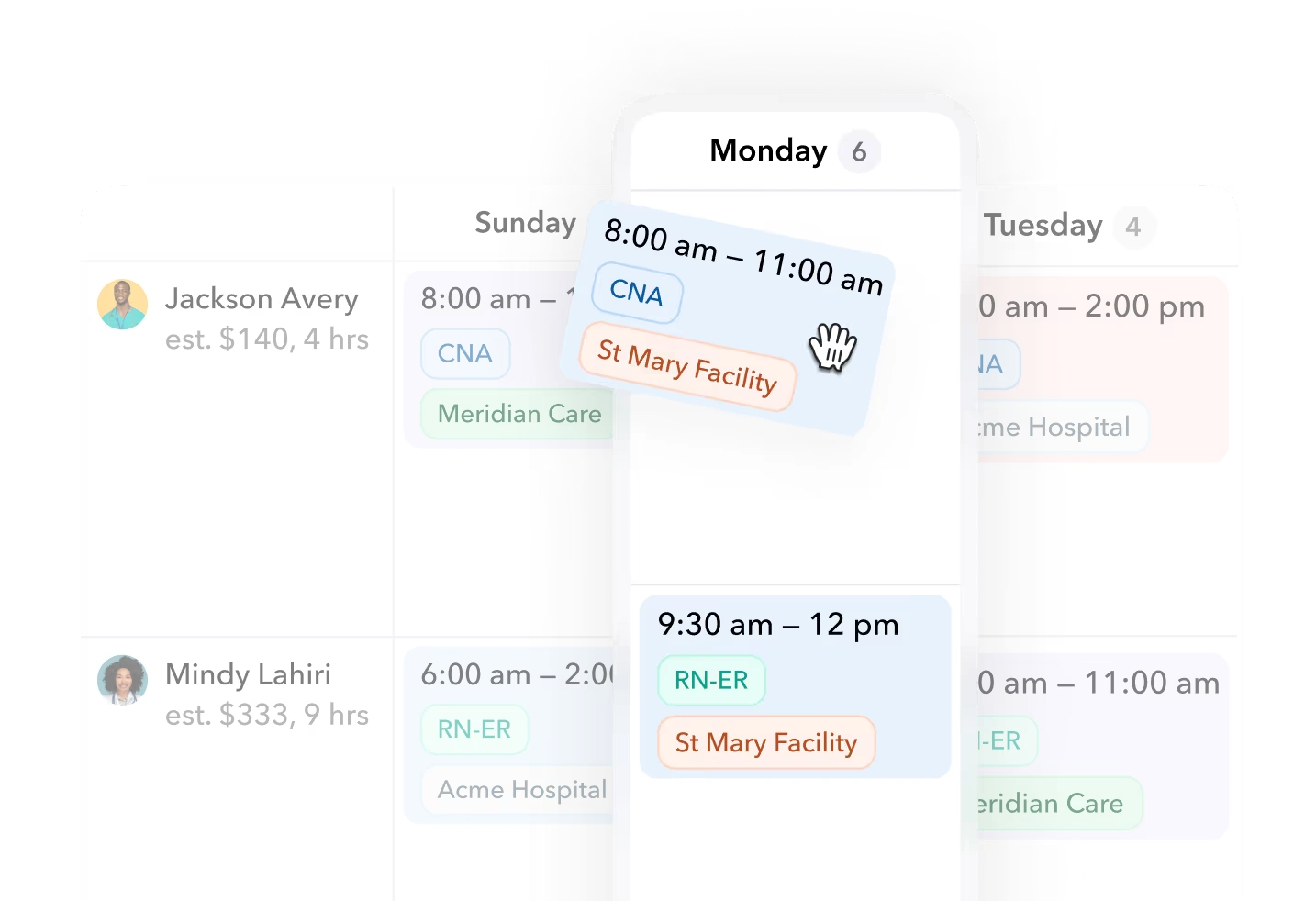
Where does each tool genuinely win? Homebase's free tier and per-location pricing are hard to beat for a single-location restaurant or shop. Connecteam's deskless-first design and free plan for up to 10 users fit small field teams. When I Work is the cheapest credible per-user option with auto-scheduling included. Deputy has deep compliance and labor-costing features for hourly workforces. Teambridge fits operations where credentials, multi-client rules, and gap recovery are the actual bottleneck, which is why its scheduling product treats eligibility and auto-fill as core, not as an add-on.
Products discussed
Best Shift Scheduling Software: 2026 Buyer's Comparison Guide tools mentioned
Official marks identify the products materially discussed in this section.
Real Cost Math: Sticker Price vs. What You Actually Pay
Important
This is a hypothetical worked example, not a quote. Assumptions: a 120-worker staffing operation across 8 client sites, all workers active monthly, annual billing where offered, and the mid-tier plan each vendor positions for multi-site use. Prices from the sources cited above.
| Vendor | Plan assumed | Pricing model | Monthly math | Approx. monthly cost |
|---|---|---|---|---|
| When I Work | Multi-location, $5/user | Per user | 120 x $5 | $600 |
| Deputy | Core, $6.50/user | Per user | 120 x $6.50 | $780 |
| Connecteam | Advanced, 3 hubs | Per hub base + per-user over 30 | 3 x $49 + 90 users x hub rates | ~$800 to $1,000 |
| Homebase | Plus, $56/location | Per location | 8 x $56 | $448 |
| Teambridge | Platform | Scoped to operation | Custom | Custom |
Two lessons fall out of this math. First, per-location pricing looks cheap until your location count grows and you realize credential enforcement and advanced reporting still are not in the tier. Second, per-user pricing punishes high headcount, but the sticker price is not the real cost line anyway. The real cost is the coordinator hours spent filling gaps manually and the payroll admin hours spent reconciling timecards. If a tool saves a coordinator ten hours a week at $28 an hour, that is roughly $1,100 a month in recovered labor, which dwarfs the differences in the table above.
Best-Fit Scenarios by Operation Type
Single-location retail or food service: Homebase or Sling. The free tier covers basic scheduling and time tracking for one location, and per-location pricing stays sane while you stay small.
Deskless SMB teams under 30: Connecteam. The per-hub model is confusing at scale but genuinely cheap for small field teams, and the free plan covers up to 10 users.
Compliance-heavy hourly workforces at one company: Deputy. Labor costing, break compliance, and audit features are mature, and per-user pricing works when headcount is stable.
Budget-first multi-location hourly teams: When I Work. Auto scheduling at the entry price is unusual, and the $5 multi-location tier is honest pricing.
Staffing agencies and healthcare with credential requirements and multi-client scheduling: Teambridge. This is the segment where the six criteria above stop being theoretical. Credential checks at assignment time, AI gap recovery, and scheduling plus time tracking on one platform exist because staffing operations break exactly at those seams. You can see how operators in this segment use it in the customer stories.
A Worked Scenario: Filling 40 Call-Offs Before a Monday Shift
Hypothetical scenario, assumptions stated: a staffing agency runs 200 shifts across 10 client sites on a Monday. By 6 a.m., 40 workers have called off. Here is how the morning plays out in each tool category.
- Gap detection. Scheduling-only tool: the coordinator sees red cells on a grid and starts a call list. Credential-aware platform: the system already flagged 6 of the 40 gaps as high no-show risk on Friday, and outreach started before the weekend.
- Eligibility filtering. Scheduling-only tool: the coordinator mentally filters who has the right site badge and certification, or worse, does not filter at all. Credential-aware platform: only workers whose credentials are valid for that specific client site appear as candidates.
- Outreach. Scheduling-only tool: individual texts and calls, one worker at a time. Credential-aware platform: the open shift goes to all eligible workers at once, first to confirm gets it.
- Confirmation. Scheduling-only tool: replies trickle in across three channels; the coordinator updates the grid by hand. Credential-aware platform: confirmations write back to the schedule automatically, and the client sees coverage status.
- Timecard sync. Scheduling-only tool: the replacement clocks in on a different system; someone reconciles on Wednesday. Credential-aware platform: the confirmed shift and the clock event live in the same record, so payroll exceptions are the outliers, not the norm.
The difference is not convenience. Forty gaps at ten minutes of manual handling each is almost seven coordinator hours, every single Monday.
Buyer's Checklist and Demo Questions
Take these into every vendor demo. If the answer is vague, that is the answer.
- Which plan unlocks auto-scheduling, and what does it cost at my headcount?
- Show me a worker being blocked from a shift because a credential expired. Not a report after the fact. A block at assignment.
- When a worker cancels two hours before a shift, walk me through exactly what happens next, step by step.
- Does time data flow to payroll natively, or through an export? Show me an exception, not the happy path.
- What is the minimum monthly spend, and what features sit above my tier?
- Can each of my client sites carry its own requirements, rates, and approval rules?
- What does the worker-side app look like for claiming an open shift? Time it.
How to Run Your Own Evaluation
Shortlist two or three tools against the six criteria. Then run a two-week pilot on one site or one client, with real workers and real shifts, and measure three things: fill rate on open shifts, hours coordinators spend on gap recovery, and timecard exception volume at payroll. The tool that wins those three numbers wins the decision, regardless of what the feature grid said.
If your operation runs multi-client scheduling with credential requirements, start with Teambridge's scheduling product and book a demo with your actual call-off data in hand. If you run a single location with straightforward needs, take the free tiers seriously and spend the savings elsewhere. The worst outcome is paying enterprise prices for a calendar grid.

About the author

Content Writer at Teambridge
Anis Nanai is a content writer at Teambridge, with a focus on workforce management and the realities of running hourly teams. He prioritizes conversations with customers, staying close to the market, and understanding how workforce needs are changing. His writing connects those concerns to practical decisions about scheduling, time tracking, staffing, and automation. He examines product developments through the questions that matter to operators: what does this solve, how would it work for my team, and what evidence supports it?
Company perspective: this author works at Teambridge. Customer outcomes are attributed to their published sources.
View LinkedIn profile