

Cleaning business software must connect customer work, crews, hours and billing
A calendar demonstration proves that someone can place work on a schedule. It does not prove that a cleaner receives the right instructions, a supervisor resolves a missed punch or finance produces the expected invoice.
Test the whole business cycle during real operating hours. The Bureau of Labor Statistics reports that part time work is common among janitors and building cleaners, with schedules that can include evenings, nights, weekends and holidays. A workflow that depends on an office administrator being available may fail during the cleaning shift.
Define your cleaning contracts and operating requirements before requesting demos
Prepare a shared brief before asking vendors to demonstrate anything:
- The business owner defines the service model. Include residential appointments, commercial contracts or both, with the actual billing terms.
- Operations defines crew execution. Bring site instructions, assignment rules and onboarding requirements.
- Finance defines the outputs. Specify invoice inputs, payroll handoffs and which existing systems will remain.
Separate mandatory requirements from preferences. If bid estimation, supplies, route optimization or inspection scoring are essential, name them now. Otherwise, a polished booking screen can conceal a dependency you discover only after signing.

Give each requirement an owner in one cleaning software purchase gate record
Copy this table into your buying document. It is an editorial recommendation for managing the decision, not an industry standard. Complete one version for each vendor using the same sample work.
| Requirement | Accountable owner | Vendor question | Demonstration evidence | Unresolved dependency | Purchase decision |
|---|---|---|---|---|---|
| Customer agreement produces the expected invoice | Business owner | Can you take our sample agreement through completed work to the invoice we expect? | Record source agreement, billing inputs and resulting invoice | Record required accounting setup or manual work | Unresolved until tested |
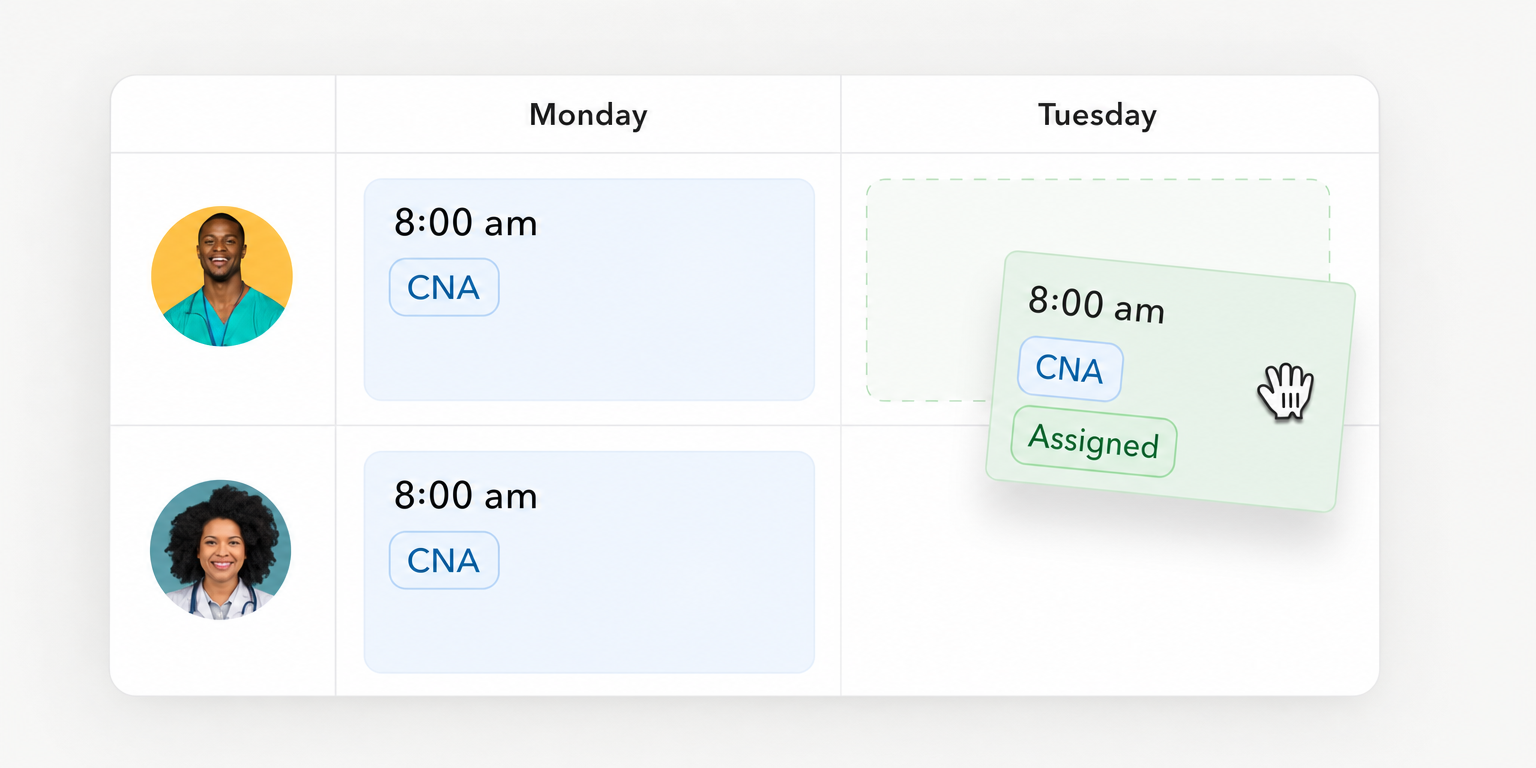
| Call off becomes accepted replacement coverage | Operations lead | How does a replacement accept the work and receive the correct site instructions? | Record the call off, acceptance and final assignment | Record eligibility rules, access and escalation needs | Unresolved until tested |
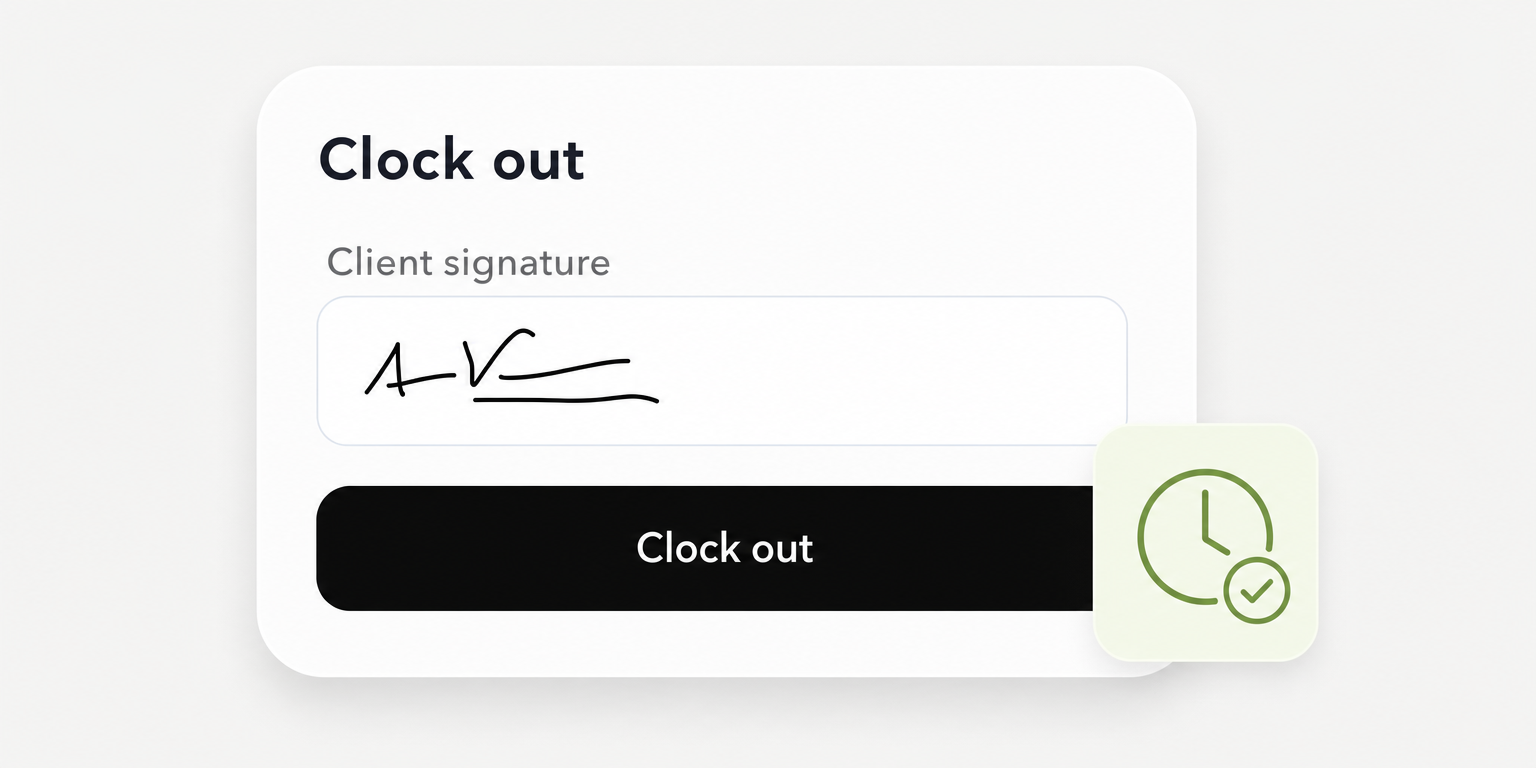
| Missed punch becomes approved hours | Payroll owner | Who can correct the punch, approve it and hand off the corrected hours? | Record original entry, correction, approval and output | Record permissions and payroll connection requirements | Unresolved until tested |
| Cleaning completion is evidenced separately from attendance | Site supervisor | How do we capture and review the evidence this customer requires? | Record saved completion evidence and supervisor review | Record checklist, photo or inspection requirements | Unresolved until tested |
| Imported and exported records reconcile | Implementation owner | Which records can move, and who resolves rejected records? | Record source totals, accepted records, rejects and export | Record formats, integration work and support ownership | Unresolved until tested |
Use only three decision states: demonstrated, unresolved or unacceptable. A presentation slide is not demonstration evidence. Save the test output or record what happened, which user performed the action and what remained incomplete.
Ask vendors to use the access level each employee will actually have. An administrator completing every task does not prove that cleaners, supervisors and payroll staff can perform their assigned work.
A completed entry should expose the remaining dependency
Hypothetical example: Assume a commercial cleaning company bills a fixed monthly contract amount and charges separately for approved extra work. During a vendor test, finance can produce the base invoice, but an extra service requires manual entry from an email approval.
The completed row reads: requirement, agreement to invoice; accountable owner, business owner; vendor question, can approved extras reach the invoice with their supporting approval; demonstration evidence, base invoice saved and extra entered manually; unresolved dependency, finance must retrieve the approval email; purchase decision, unresolved.
That result does not automatically disqualify the vendor. It gives the owner a concrete choice: require a different workflow or accept the manual step with a named operator and an understood operating cost.
Important
Treat attendance and cleaning completion as separate requirements. A clock event can establish a time record. It does not establish that the agreed cleaning was completed or passed inspection.
Put the workflow into practice
See how your team could use this workflow
Compare documented capabilities without assuming every cleaning feature is included
Jobber and Teambridge are operational options with different documented starting points. Compare them against your purchase gate record rather than declaring a winner from feature counts.
The evidence below describes vendor documentation, not independently tested performance. Package availability, implementation details and the proposed configuration still need confirmation before purchase.
Jobber documents customer intake and cleaning execution
Jobber’s cleaning software page documents online booking, quote templates, cleaning assignments, recurring cleans, time tracking and mobile checklists. This makes it relevant to a buyer whose evaluation starts with customer requests and quotes, then follows the work into the field.
Check package fit explicitly. Jobber’s checklist documentation says checklists are available on select plans. Ask which proposed package includes the requirements in your record and which employees will have access.
Use the documented checklist behavior as a demonstration test. Have a worker with checklist access open a visit checklist, enter the required information and select Save or Save Progress. Confirm that the saved information remains available to the reviewer.
The documentation warns that unsaved changes can be lost when switching checklists. It also describes pending and failed uploads in Sync Queue during connectivity problems. Test that exception path without assuming the same behavior applies to every Jobber feature.
Teambridge documents the hourly workforce path
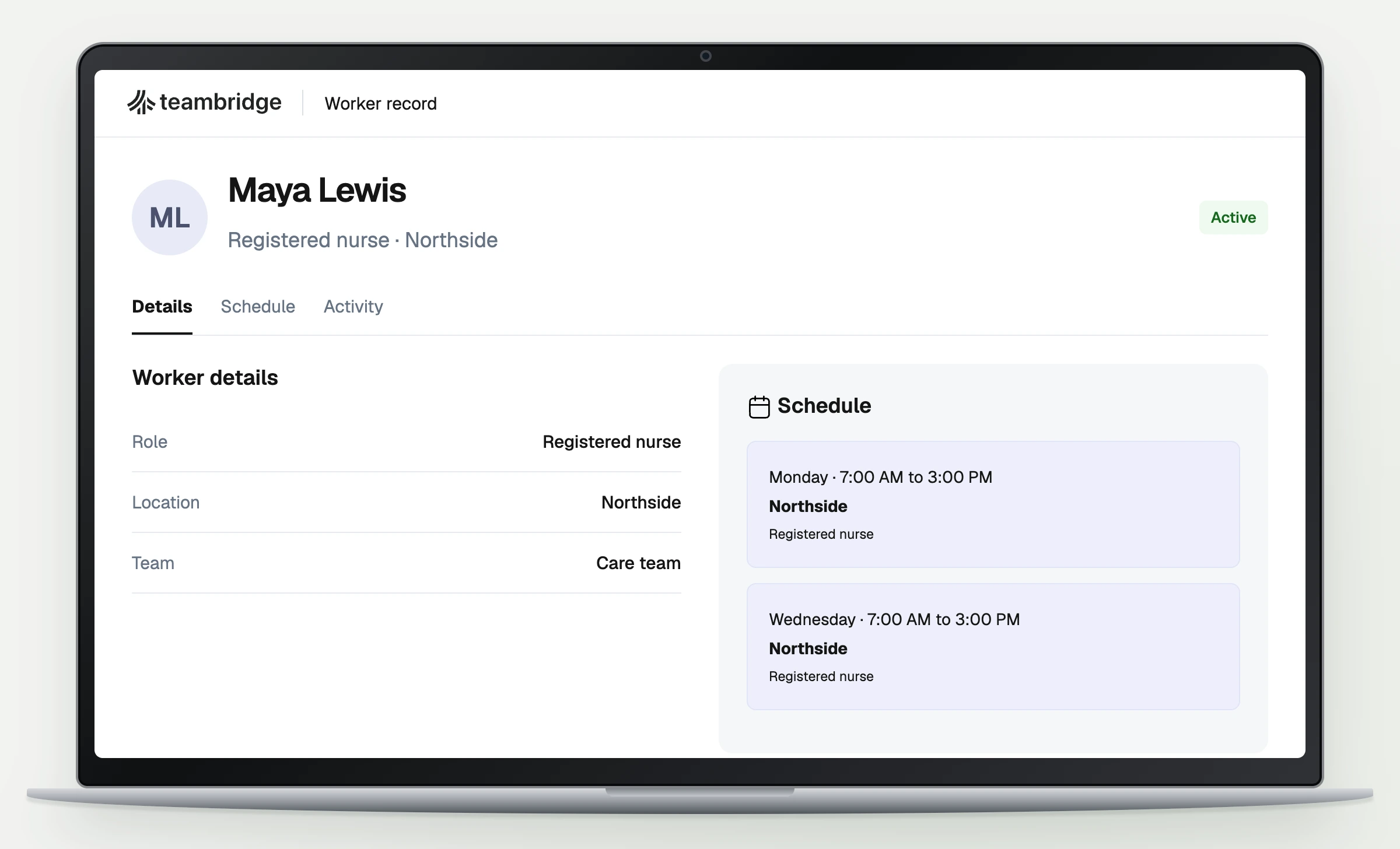
Teambridge is the all in one platform for hourly teams, tailored to each company. Its documented capabilities include scheduling, time tracking and timesheets, onboarding and invoicing. Evaluate it when the central requirement is coordinating hourly workers through assignments, actual hours and billing preparation.
The janitorial workforce page connects site requirements, cleaner readiness, schedules and actual hours. Use your own cleaning contract to test that operating path rather than treating an industry page as proof of every specialized cleaning function.
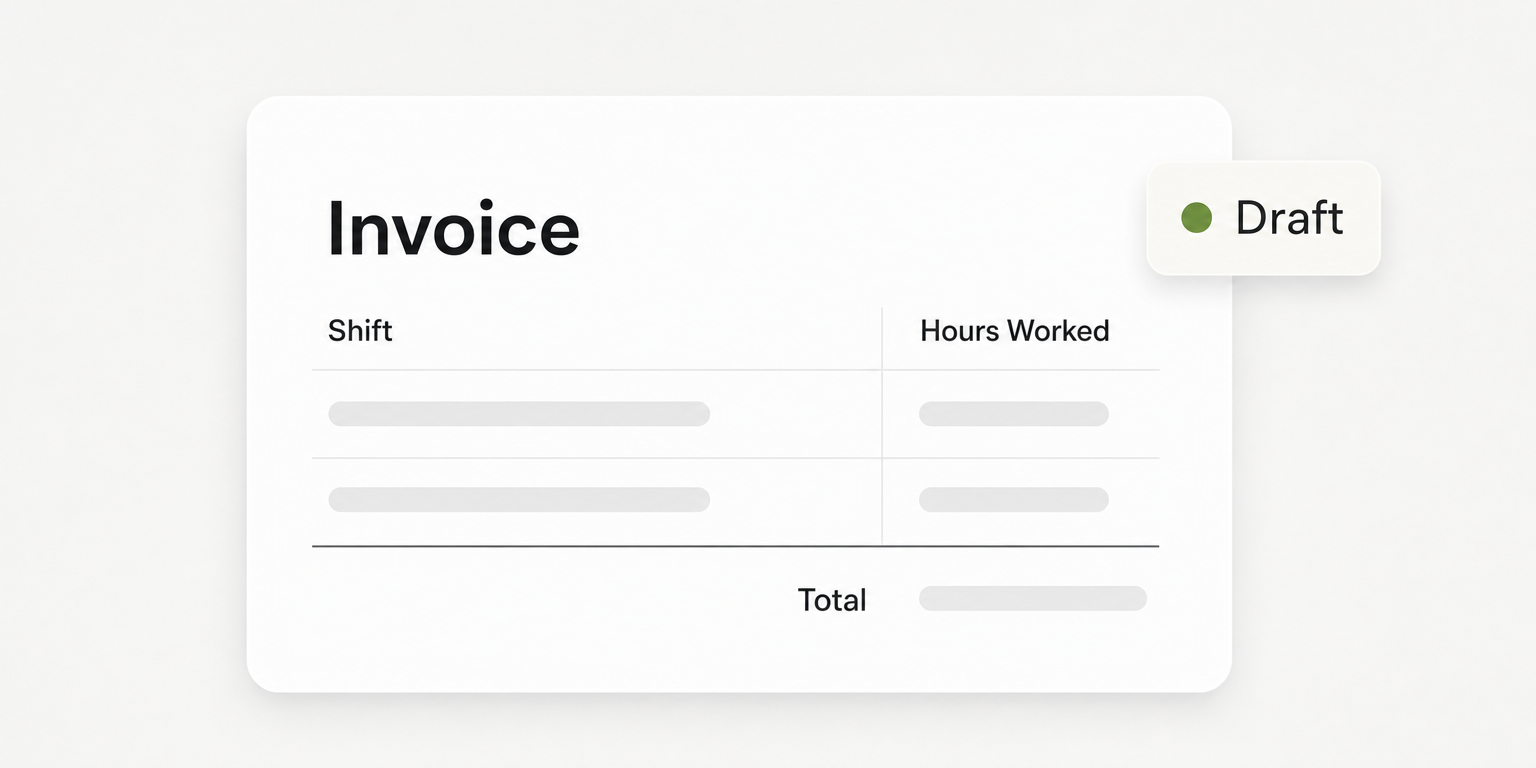
For billing, Teambridge’s invoicing documentation describes generating invoice drafts from approved timecards using configured billing rules. Draft review and PDF or CSV output are documented. Confirm required access, billing configuration and downstream delivery for your proposed setup before marking the invoice requirement demonstrated.
The cited platform and invoicing pages do not establish native cleaning bid estimation, supply inventory, route optimization or inspection scoring. Request demonstrations if those are mandatory. That documentation boundary is neither proof that a capability exists nor proof that it is absent.
Operator view
Supporting evidence
https://www.getjobber.com/industries/cleaning-business-software/
https://www.teambridge.com/product/platform
Reconcile a sample migration before committing to implementation
The implementation owner should test representative records before approving the migration scope. Include the customer, site, worker and operating records your proposed setup must support. Use approved sample data and restrict access to people who need it.
Run the migration test in this order:
- Agree on the source records. Identify the current system of record and how customers, sites and workers are distinguished. Resolve ambiguous naming before importing.
- Load a representative sample. Ask the vendor to demonstrate the documented import method and required permissions. Confirm which fields persist and which need configuration.
- Reconcile accepted and rejected records. Compare the source with the saved destination records. Assign each rejection to someone who can correct it and confirm the retry succeeded.
- Test the outputs. Export the records and have finance reconcile billing inputs and approved hours against the source. Demonstrate any required payroll or accounting connection using the proposed setup.
A successful file upload is not a successful migration. Duplicate sites can split work history. Missing worker records can prevent assignments. A promised payroll connection may still leave someone reentering approved hours.
A requirement is demonstrated only when its owner can show the saved result and explain the exception path.
Keep those findings in the existing purchase gate record. Do not create a separate implementation document that hides unresolved buying requirements.
Request written responsibility for configuration, training, support and rejected records. Obtain written implementation and ongoing costs, including required packages and integration work. Where public documentation does not establish import formats, permissions or connection behavior, require the vendor to supply implementation documentation before approval.
Pilot one complete work cycle with cleaners, supervisors and finance
Operations should run a bounded pilot that reaches the relevant payroll and billing cutoffs. Include onboarding where applicable, published work, a call off, a missed punch and supervisor review. If an exception is staged, label it as a test rather than reporting it as an actual operating result.
Site supervisors should check that cleaners can access instructions at the site during their normal working hours. Test with worker permissions, not the administrator account used during configuration. If reception is poor, ask the vendor to show the documented behavior and the recovery path for the specific action being tested.
For Teambridge, the scheduling page describes site instructions attached to shifts, mobile claims and confirmed assignments returned to the schedule. In the pilot, inspect the saved assignment after a replacement accepts. Then test what operations must do if nobody accepts before the coverage deadline.
Payroll must test actual hours independently of the schedule. The Department of Labor’s recordkeeping guidance identifies daily and weekly hours worked among the required records for covered, nonexempt workers. A published assignment alone does not supply that record.
Have an authorized user correct the staged missed punch, obtain the required approval and inspect the saved output that will reach payroll. Confirm how payroll sees an unresolved correction at cutoff. Do not let an apparently complete schedule conceal an incomplete timesheet.
Set acceptance thresholds before the pilot starts
Establish a baseline from a comparable operating cycle, then agree on the measures and thresholds that will control rollout. Useful measures include:
- Missed shifts: Scheduled assignments left uncovered, using a definition operations applies consistently.
- Unresolved punch exceptions: Time records still requiring action at the processing cutoff.
- Invoice corrections: Drafts or issued invoices requiring changes because source information was missing or wrong.
- Manager reentry time: Time spent copying the same operating information between systems.
Record the period, scope and counting method with each measure. Do not claim improvement from a smaller pilot that excluded the difficult sites or contracts. Finance should reconcile both approved hours and invoice inputs before the pilot is considered complete.
Authorize rollout only when exceptions have owners and success thresholds are met
The business owner makes the purchase and expansion decision with operations, payroll and finance. Review every mandatory row in the purchase gate record. An unresolved requirement blocks approval unless the owner explicitly accepts its documented dependency and operating cost.
Keep an operating cadence after launch. Operations reviews coverage before each shift. Supervisors review unresolved time records daily, and finance reconciles payroll and billing at each processing cutoff.
During expansion, review the pilot measures weekly against the agreed thresholds. Pause expansion when a threshold is missed, assign the corrective action and repeat the failed test before adding more sites. Keep the purchase gate record as the shared record of what was demonstrated and what the business agreed to operate around.
Bring an actual customer agreement, a crew workflow and a timesheet exception to every vendor demonstration. Include Teambridge when its documented workforce capabilities match those requirements. The right buying decision is the one your operators can prove through a complete work cycle.

About the author

Content Writer at Teambridge
Anis Nanai is a content writer at Teambridge, with a focus on workforce management and the realities of running hourly teams. He prioritizes conversations with customers, staying close to the market, and understanding how workforce needs are changing. His writing connects those concerns to practical decisions about scheduling, time tracking, staffing, and automation. He examines product developments through the questions that matter to operators: what does this solve, how would it work for my team, and what evidence supports it?
Company perspective: this author works at Teambridge. Customer outcomes are attributed to their published sources.
View LinkedIn profile