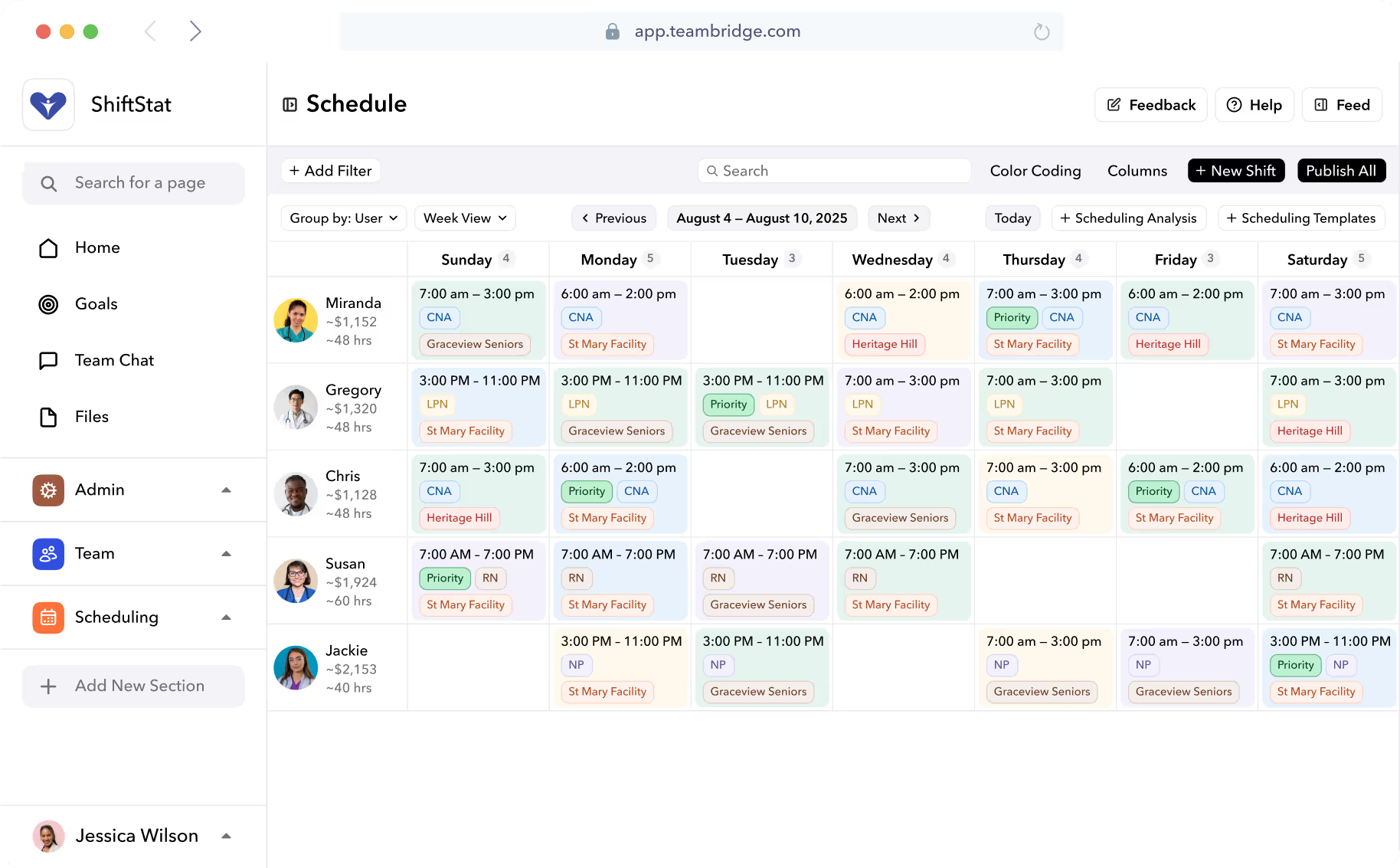


The buying question is concrete: can two managers assign the same worker without creating a problem that scheduling or payroll must discover later? Operations should own the decision, with scheduling, site managers and payroll responsible for proving their part.
Choose software that coordinates shared workers, not just location calendars
Start with the shared worker checklist below. Copy it into your evaluation document and use the same tests for every vendor. These are proposed acceptance tests, not claims that any product passes them.
| Order | Owner | Vendor question | Acceptance criterion | Evidence or unresolved limitation |
|---|---|---|---|---|
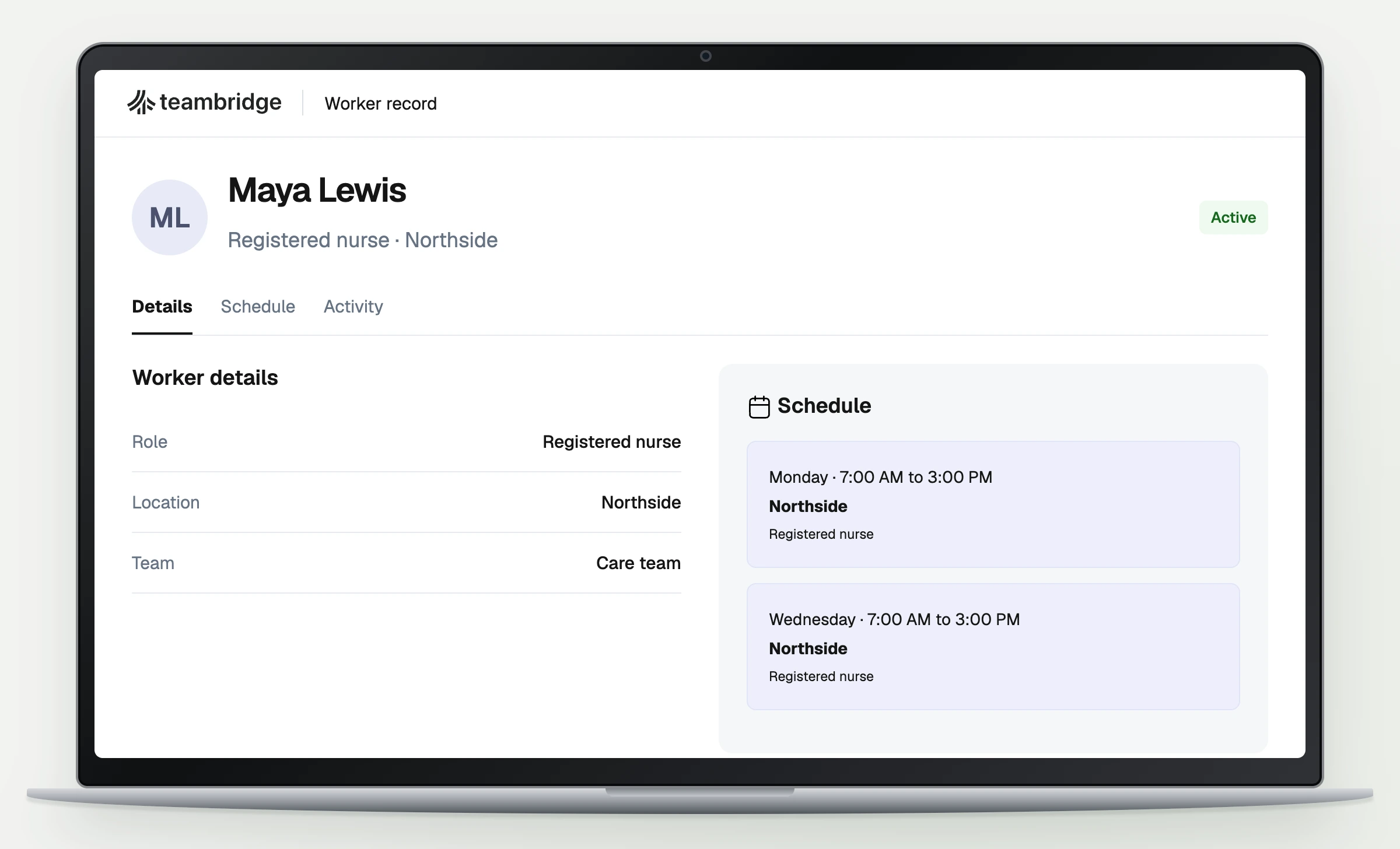
| 1 | Operations | Can two managers assign one worker while seeing existing commitments? | Both authorized managers see the same saved assignments. | Record each manager’s view and access settings. |
| 2 | Scheduling lead | What happens when managers assign overlapping shifts? | Conflict behavior is documented and the overlap is resolved before publication. | Capture the warning, block or manual review procedure. |
| 3 | Receiving site manager | Can an eligible worker replace a call off at another site? | Correct instructions reach the worker and the accepted assignment appears on the schedule. | Capture the worker view and final assignment. |
| 4 | Payroll | Does reassigned work retain the correct worked location? | Approved hours reconcile to where work occurred. | Inspect saved time records, corrections and any required travel time treatment. |
The workflow basis is documented in Teambridge Scheduling, which describes assignment requirements, shift instructions and open shift claims, and the Teambridge Platform, which describes connected workforce context. Neither page establishes that every shared worker rule is automatically enforced.
A location calendar can look complete while a worker is committed somewhere else. The useful demonstration is not a clean weekly view. It is what happens when a second manager tries to change an already committed worker’s day.
Define who can assign a worker across locations before configuring schedules
Operations should first define each location, its scheduling manager and the workers allowed to cover it. Then choose who has authority over shared assignments. Software configuration should reflect that decision rather than quietly make it for you.
Two operating models are worth considering:
- Local assignment: Site managers assign shared workers directly, with agreed visibility and conflict review requirements.
- Central approval: Site managers request shared coverage, and a scheduling lead approves the assignment before it becomes a commitment.
Choose based on who can resolve competing requests. If two sites both need the same worker, someone must have authority to decide which assignment stands.
Record who maintains availability, who approves changes and who owns each site’s instructions and qualifications. Ask vendors how schedule membership affects what managers can see and which workers they can assign. A manager may need visibility into another site’s commitment without needing permission to edit that site’s schedule.
Travel feasibility needs its own rule. Specify the interval your managers require between assignments at different locations, then test it. Do not assume that seeing two locations on a schedule means the software calculates the journey between them.
Travel feasibility and paid time are separate questions. The Department of Labor’s Hours Worked Advisor states that travel between job sites during the workday, as part of an employee’s principal activity, counts as hours worked. A manager’s scheduling buffer does not, by itself, determine the correct payroll treatment.
Use one shared worker rollout checklist in every vendor demonstration
Use the checklist as a record of observed behavior, not a collection of yes answers. Ask the vendor to demonstrate each test using separate manager access and a worker view where relevant. An administrator’s unrestricted screen does not prove what a site manager will experience.
Run the demonstration in this order:
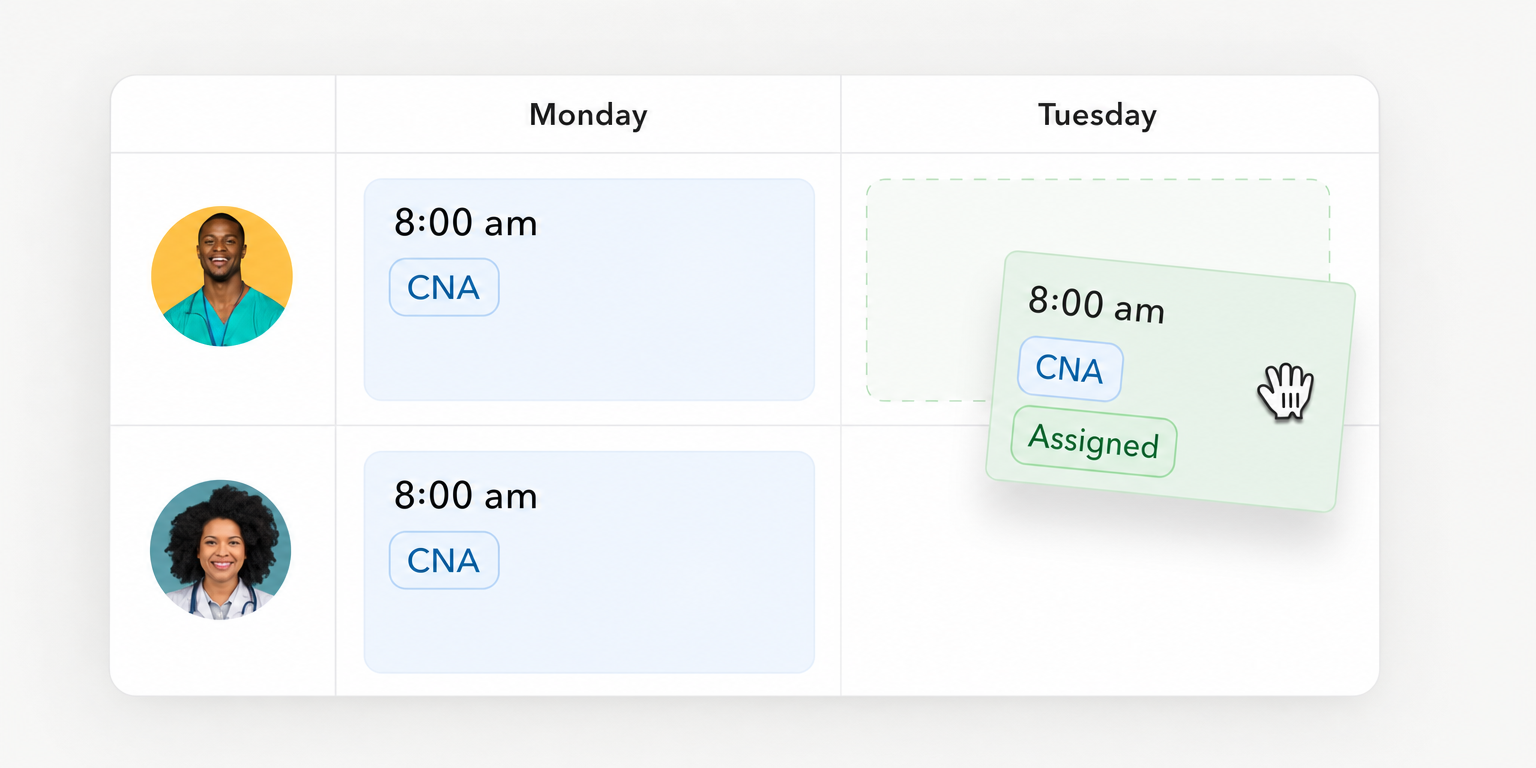
- Establish the shared commitment. Assign a worker at the first location, save it and inspect the second manager’s view. Record the access required and whether both managers see the same assignment state.
- Create an intentional overlap. Attempt another assignment during the same time. Record whether the software blocks it, warns someone or relies on review, including who can override the response.
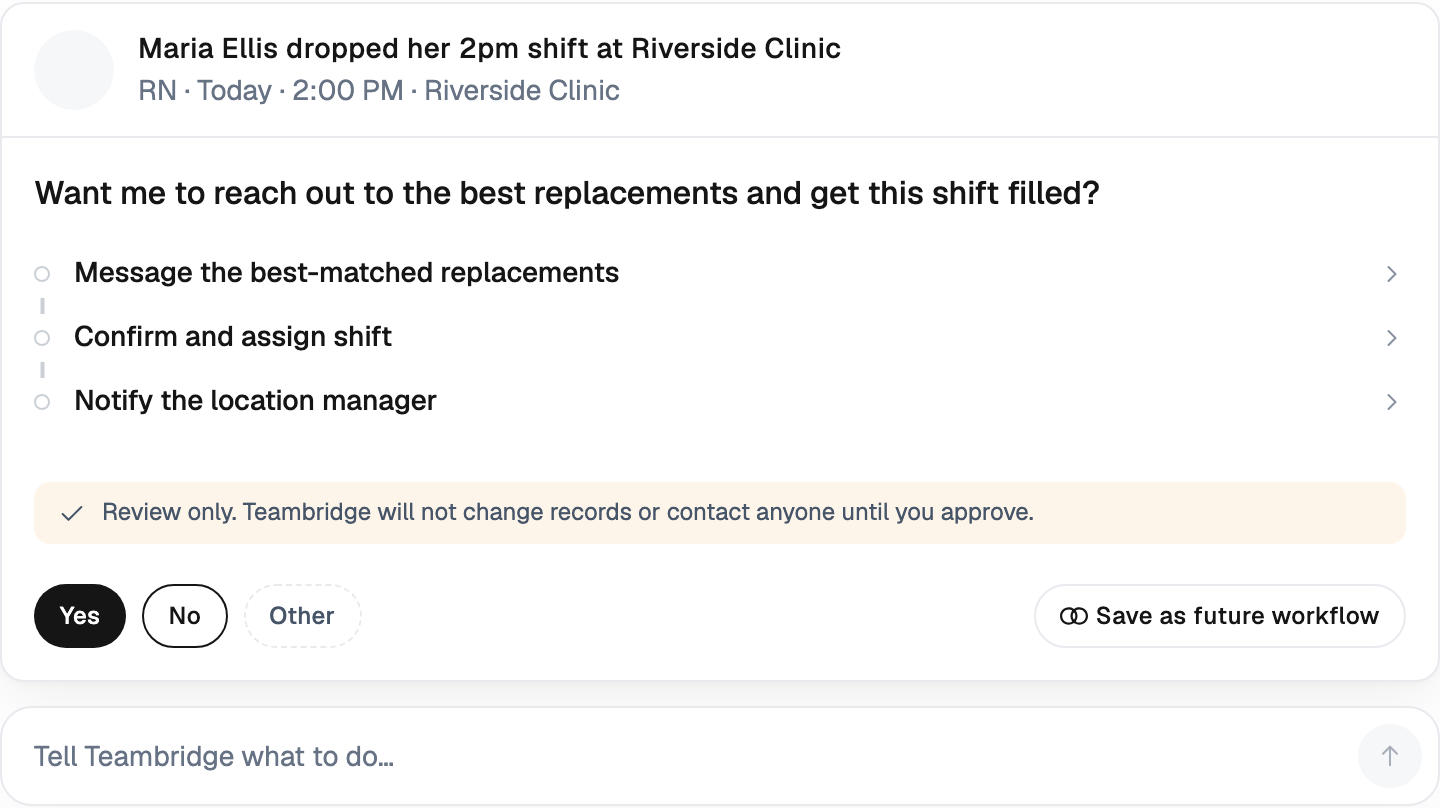
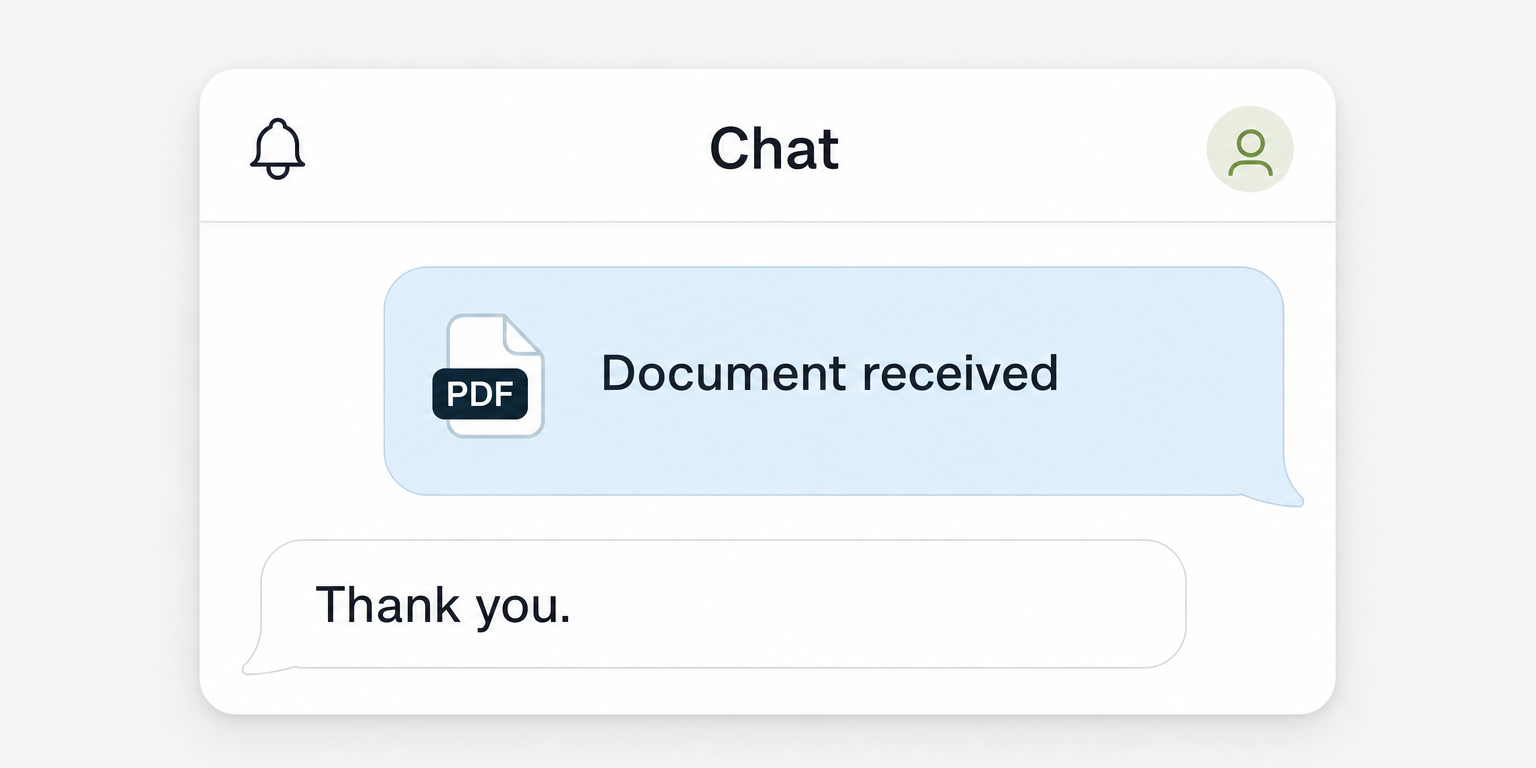
- Replace a call off. Show eligibility, receiving site instructions and worker acceptance. Refresh the schedule and inspect the saved replacement assignment.
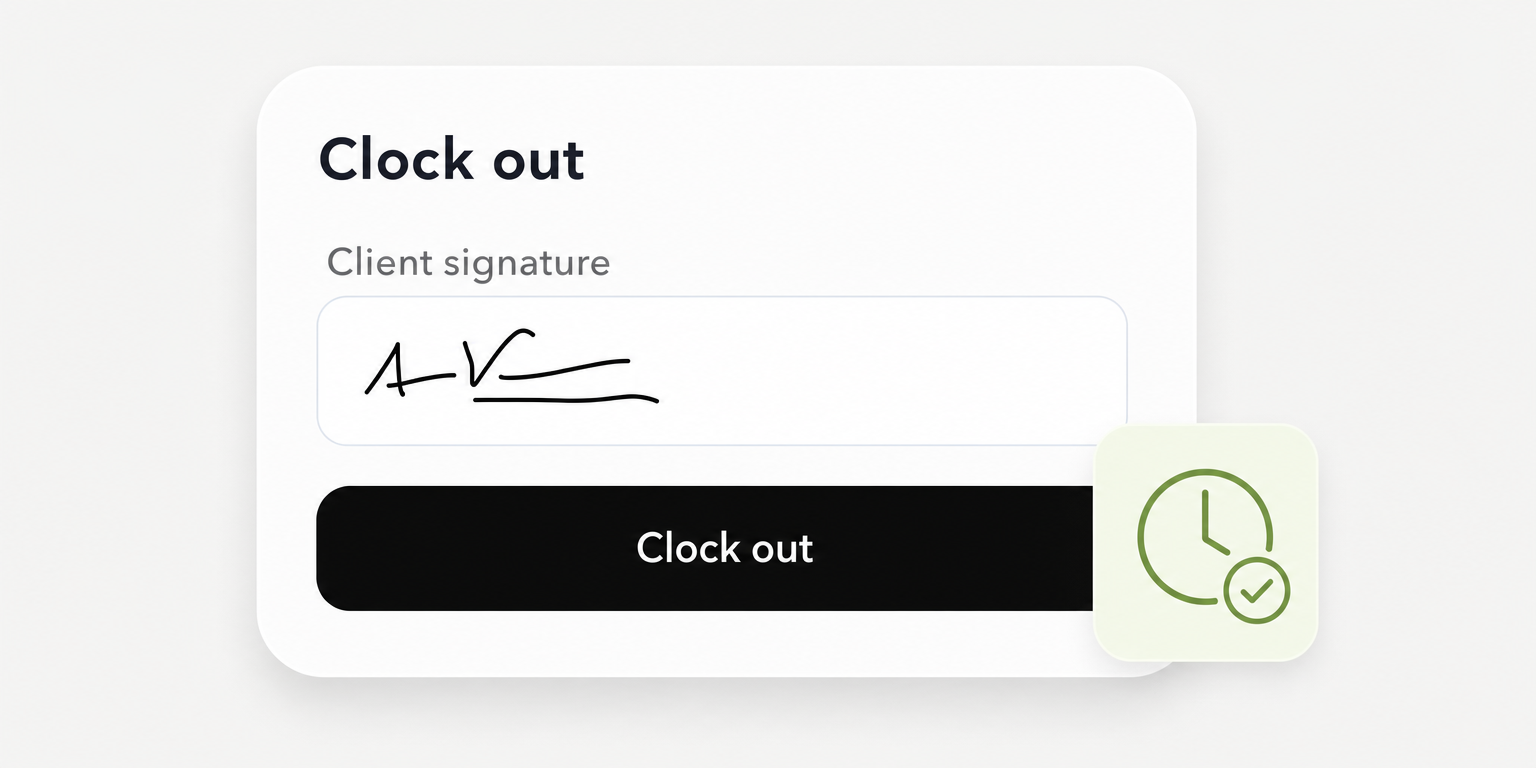
- Follow the work into time records. Using test records, inspect the worked location and correction process. Have payroll identify any extra step needed before approval.
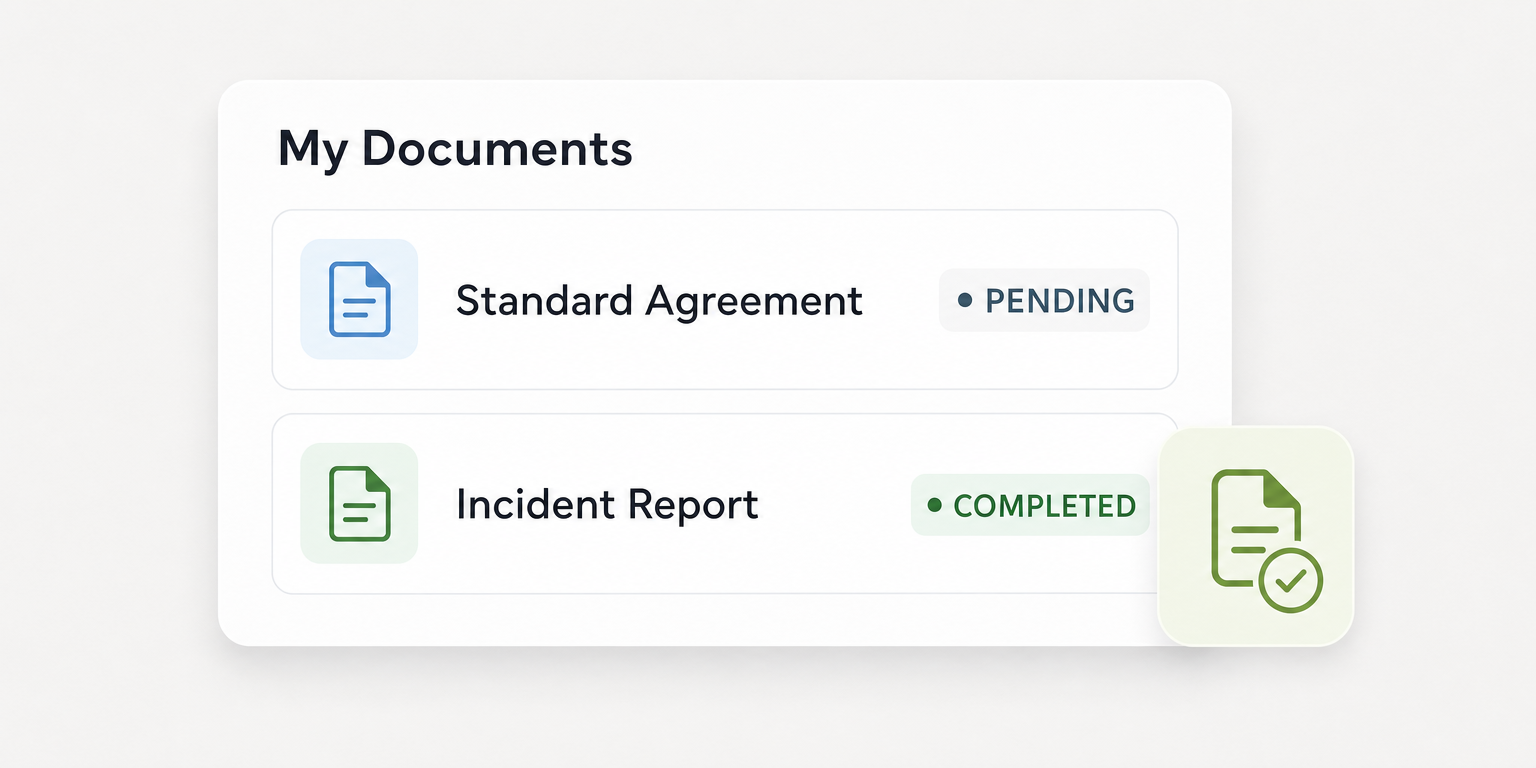
For each row, write down the configuration dependency, required access, saved result and exception owner. If the demonstration cannot establish one of those details, mark it unresolved. A promised future feature is not evidence that the current workflow passes.
A sent message does not count as coverage. The receiving manager needs a confirmed assignment on the schedule.
The checklist should also distinguish a product limitation from an acceptable operating procedure. A warning might be sufficient if a named scheduling lead reliably reviews it before publication. A warning that nobody owns leaves the shared worker problem unresolved.
Put the workflow into practice
See how your team could use this workflow
Products discussed
Employee Scheduling Software for Multiple Locations: A Playbook tools mentioned
Official marks identify the products materially discussed in this section.
Test a cross location call off through confirmed replacement coverage
Give the vendor a scenario with a real scheduling constraint
Hypothetical demonstration: Assume one worker is eligible at both Site A and Site B. The worker is assigned at Site A from 8 a.m. to noon. Operations requires a 45 minute travel interval before an assignment at Site B.
Another worker calls off a Site B shift starting at 12:30 p.m. There is no clock overlap, but the shared worker cannot meet the stated travel rule. This separates simple overlap detection from your actual staffing requirement.
Ask the vendor to show how the scheduling lead discovers the problem. If the software does not calculate travel feasibility, identify the manual review step and its owner. The test can still produce a workable procedure, but the limitation must remain visible in the checklist.
Next, change the hypothetical Site B start to 1 p.m. Have the receiving manager confirm that the worker meets the site requirements, can see the instructions and can accept the assignment. Inspect the saved schedule rather than ending the demonstration at the notification screen.
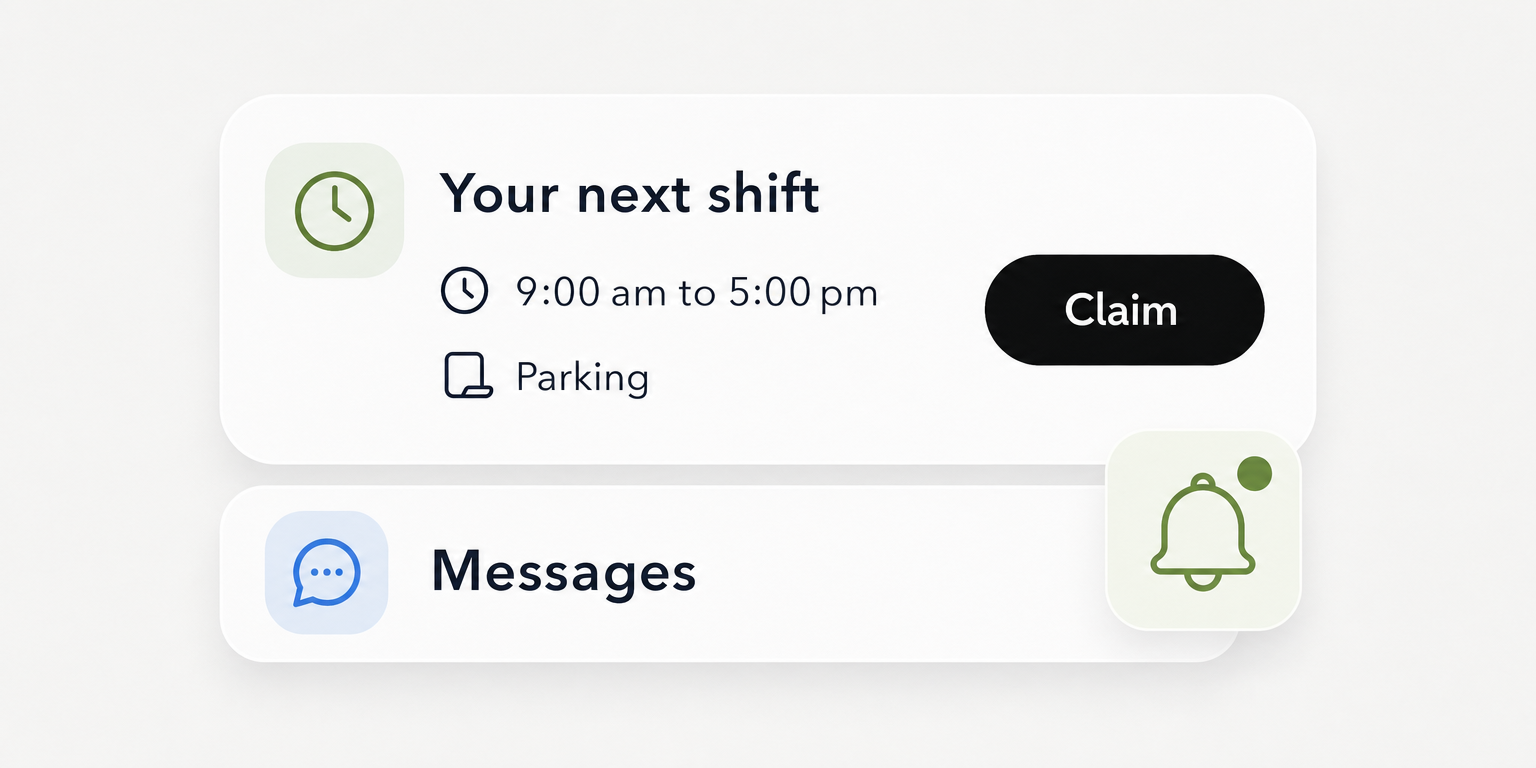
Teambridge’s scheduling page describes eligible workers reviewing open shifts on mobile, claiming them and returning a confirmed assignment to the schedule. That supports testing the saved assignment as the endpoint. It does not establish automatic travel calculations or universal conflict blocking.
Complete the checklist with explicit observations
Here is a fictional completed example, not a Teambridge demonstration result. Assume the vendor session showed shared assignments, an overlap warning, a successful replacement claim and a corrected time record.
For row 1, operations records that both manager accounts displayed the saved Site A assignment. For row 2, the scheduling lead records that overlaps produced a warning, while travel feasibility required manual review; the assigned lead must resolve both before publication.
For row 3, the receiving manager records that the revised 1 p.m. replacement showed Site B instructions and remained assigned after the schedule was refreshed. For row 4, payroll records that the test time entry initially retained Site A, required correction to Site B and then saved correctly.
That fourth result is not an automatic pass. Operations and payroll must decide whether the correction procedure is acceptable or whether reliable location retention is mandatory before purchase. The checklist makes that decision visible instead of hiding it behind a successful scheduling demonstration.
Warning
Do not count an offered shift, delivered text or worker reply as a filled assignment without checking the saved schedule. Keep unresolved coverage with the receiving site manager until confirmation is established.
Check Teambridge against the shared worker requirements
Teambridge is the all in one platform for hourly teams, tailored to each company. Its documented scheduling workflow gives buyers specific functions to test against the shared worker checklist.
Teambridge Scheduling documents filters for role, credentials, location, tier and worker fields, along with availability, preferences and hours as scheduling considerations. It also describes shifts retaining site, role, instructions, pay details and assignment. Ask the demonstration team to apply the relevant requirements to your shared worker scenario.
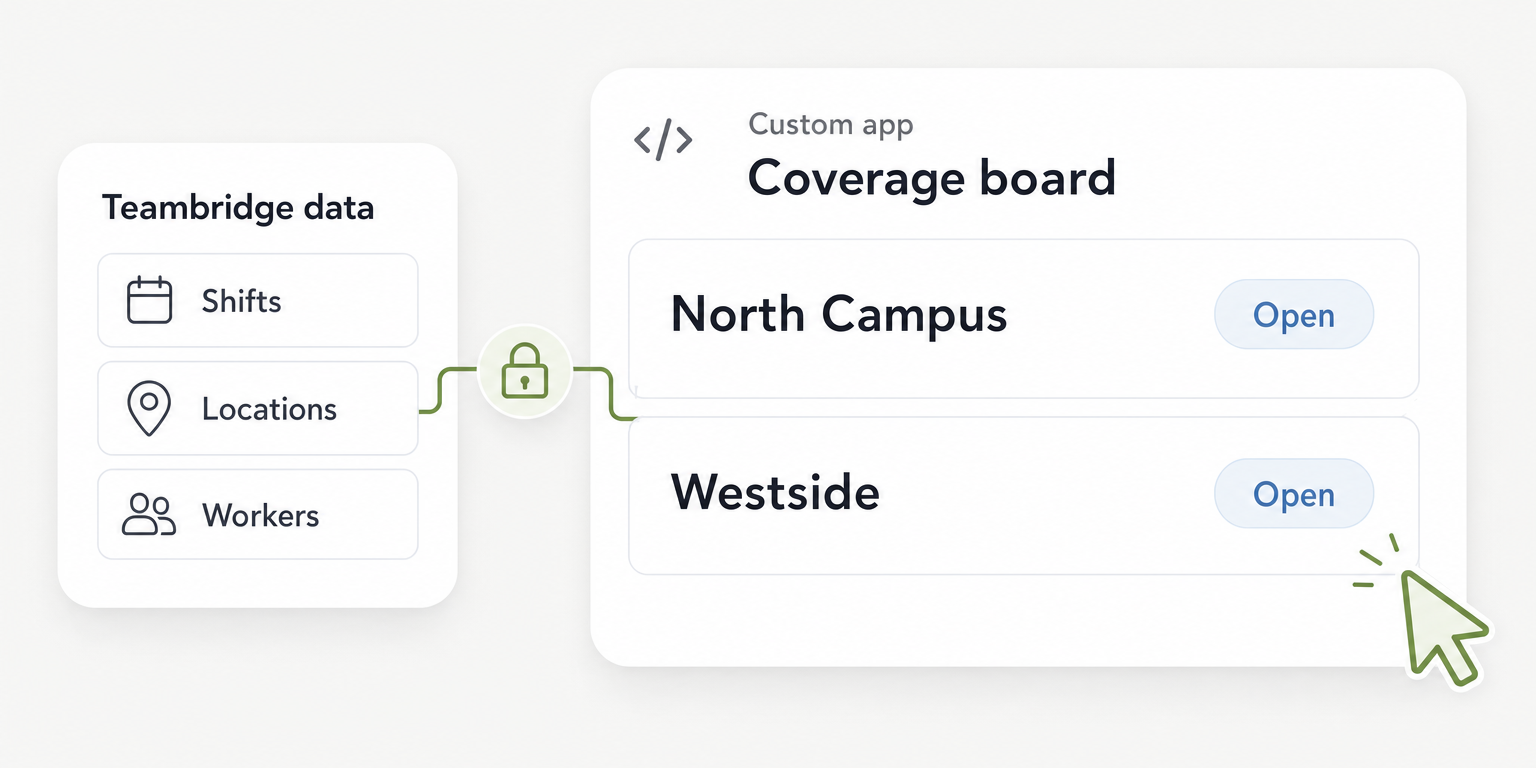
The Teambridge Platform describes shared context across workers, shifts, time, documents and communication, plus configurable permissions and approval points. Use that as the basis for questions about manager access and connected records, not as proof of a particular configuration.
Operator view
Supporting evidence
Scheduling
Platform
The public pages do not establish automatic travel calculations, universal overlap blocking, protection against simultaneous assignments or guaranteed location retention after reassignment. Require configuration details and demonstration evidence for each requirement you consider mandatory.
Keep the product boundary clear. Connected scheduling and time records do not establish that every pay rule, travel obligation or downstream payroll requirement is handled automatically. Payroll still needs to verify the applicable treatment and the records it will approve.
Pilot shared staffing at two locations before expanding
Select two locations that genuinely share workers. Piloting isolated sites may prove that managers can publish schedules, but it leaves the purchase’s central risk untested.
Operations should set proposed success criteria before configuration. Use zero unresolved overlapping assignments at publication, correct location instructions for every accepted replacement and complete site allocation for approved pilot hours. These are proposed acceptance standards, not reported product outcomes.
Measure call off response using a consistent definition: elapsed time from the recorded call off to the saved, confirmed replacement assignment. Compare pilot performance with your own baseline. Record unresolved shifts separately so they do not disappear from the assessment.
Put checks at publication, shift start and time approval
The scheduling lead reviews assignment conflicts before each publication. That review includes any manual travel feasibility check identified during evaluation. If the lead cannot resolve a conflict, escalate it to the operations owner rather than publishing competing commitments.
Before each shift, the receiving site manager reviews unresolved coverage and verifies accepted replacements. Correct instructions matter here: a worker assigned to the right shift but sent to the wrong entrance or location has not received a usable assignment.
Before approving timesheets, payroll reconciles worked locations and corrections. The Department of Labor’s Fact Sheet 21 lists daily hours and total weekly hours among required records for covered workers who are not exempt. Location allocation is an additional operational acceptance criterion in this playbook, not a universal requirement established by that fact sheet.
Keep the pilot checklist current as exceptions appear. A mismatch should identify the affected record, the person correcting it and the evidence that the correction saved. Counting notifications as coverage or approving hours without location checks defeats the purpose of the pilot.
Expand only when managers can resolve shared staffing exceptions
Operations should review the completed checklist with the scheduling lead, receiving site managers and payroll. Approve expansion when mandatory criteria pass and each accepted limitation has an operating procedure, an owner and a review date. Leave unmet mandatory requirements open rather than treating them as training issues by default.
Review unresolved exceptions weekly during rollout. Keep the publication, shift and timesheet checks as ongoing duties, since weekly review cannot resolve a worker’s conflicting assignments in time for today’s shift.
Ask shortlisted vendors, including Teambridge where appropriate, to demonstrate failed tests again before adding locations. The decision is whether your managers can share workers and resolve exceptions with evidence. A polished calendar is only the starting point.

About the author

Content Writer at Teambridge
Anis Nanai is a content writer at Teambridge, with a focus on workforce management and the realities of running hourly teams. He prioritizes conversations with customers, staying close to the market, and understanding how workforce needs are changing. His writing connects those concerns to practical decisions about scheduling, time tracking, staffing, and automation. He examines product developments through the questions that matter to operators: what does this solve, how would it work for my team, and what evidence supports it?
Company perspective: this author works at Teambridge. Customer outcomes are attributed to their published sources.
View LinkedIn profile