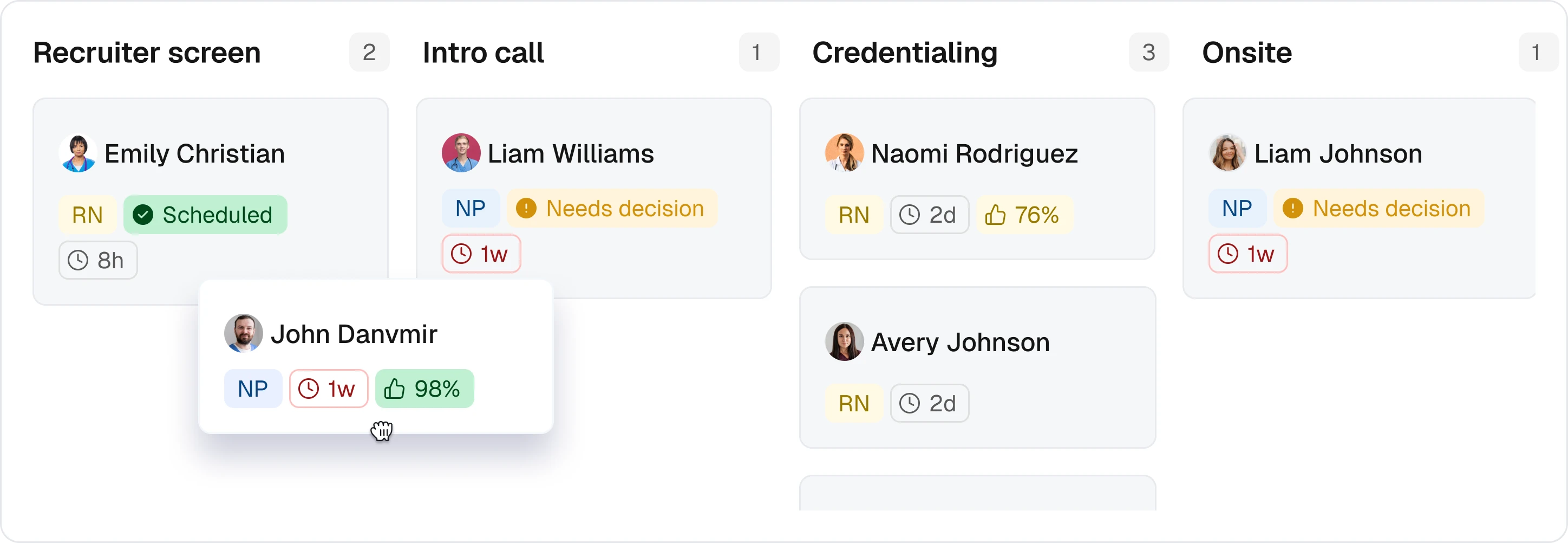
Healthcare workforce management software connects coverage to approved time
A shift looks covered on the schedule, but the worker lacks facility clearance. Another worker received an offer but never accepted. A third completed the assignment, yet a missing clock-out leaves the timecard unresolved. Healthcare workforce management software should make those differences visible before someone treats the work as finished.
The useful definition is an operational system connecting worker records, assignment readiness, scheduling, communication, time capture, and downstream handoffs. Its job is not just to put a name against a shift. It should preserve the assignment’s context as responsibility moves from the scheduler to the worker, manager, and payroll or billing team.
The starting point varies. A healthcare staffing agency may receive demand from an external facility, while a care operator may generate it internally. A hospital buyer may also need clinical workload planning based on patient demand. Those requirements should shape the evaluation rather than disappear inside a generic scheduling checklist.
The buying question is concrete: can the team trace an assignment from demand to approved time, see what is blocking it, and identify who owns the next action? A calendar alone cannot answer that question.
Follow an assignment through six operational handoffs
Evaluate the workflow below using one assignment and a consistent assignment identifier. This is an operating sequence buyers should verify, not a promise that every step runs autonomously.
Capture facility demand and role requirements. The demand record gains a facility, role, start and end time, and required qualifications. The facility requester supplies the requirements, and the scheduler owns operational completeness. Missing or contradictory requirements should block outreach until someone resolves them.
Check worker readiness and availability. The candidate record is evaluated against the assignment’s requirements and the worker’s availability. The scheduler owns the candidate pool, with credential or facility reviewers responsible for their respective records. An unresolved requirement should exclude the affected candidate, not silently become an assumption.
Offer the assignment and record acceptance. The offer and response history change when a worker accepts, declines, or does not respond. The scheduler owns follow-up and escalation. Being available or eligible does not establish acceptance, so an unanswered offer should not be counted as confirmed coverage.
Confirm coverage and communicate instructions. The assignment record identifies the accepted worker and the applicable site instructions. The scheduler owns confirmation and communication, including any changed instructions. Buyers should test how delivery status is recorded and what happens when communication fails.
Capture time and route exceptions. The timecard gains actual punches and any supporting attendance information. The worker supplies time information, while the designated manager owns review. Missing punches or disputed entries require a visible exception path rather than an unexplained adjustment.
Approve hours for the agreed downstream handoff. The approval and transfer records change after review. The approver owns the time decision; payroll or billing operations owns the receiving process. A rejected transfer should remain visible with an accountable owner and a recovery path.
Teambridge’s platform documents connected worker, client, shift, time, document, and communication records. Its scheduling documentation describes eligible audiences, shift offers, and worker claims written back to the schedule. Those are relevant building blocks, but the buyer still needs to demonstrate the complete sequence in the proposed configuration.
An eligible candidate is not an accepted assignment, and a completed assignment is not an approved timecard.
Six available workers do not equal six eligible replacements
Worked example: an open shift and a missing clock-out
This is a hypothetical operator scenario, not a customer result. Assume one 12-hour clinical shift opens and six workers appear available. Two fail a required credential check, one different worker lacks facility clearance, and the remaining three meet all stated requirements. The excluded groups do not overlap.
The calculation is straightforward: 6 minus 2 minus 1 equals 3 eligible candidates. It does not produce three acceptances, and it says nothing about how quickly the shift will fill.
Assume one eligible worker subsequently accepts, works the shift, and misses clock-out. Coverage has moved through acceptance and performance, but time approval remains unresolved. The manager must review the available evidence and document a correction or another review decision before the affected timecard moves forward.
Warning
A 12-hour scheduled shift does not establish 12 approved hours. In this scenario, the missing clock-out remains an exception until the designated reviewer resolves it. No approved-hours total is assumed.
Reusable artifact: assignment-to-approved-time acceptance test
Copy this table into your evaluation workbook. It is an original buyer-testing template, not a list of verified product behaviors. Replace the hypothetical requirements, owners, and exceptions with your own, then require evidence for every row.
| Trigger | Required record | Rule | Owner | Exception | Proof of completion |
|---|---|---|---|---|---|
| Shift opens | Facility, role, start/end, requirements | Complete demand before outreach | Scheduler | Missing facility requirement | Recorded requirement set linked to the assignment |
| Six workers appear available | Availability, credential status, facility clearance | Apply separate readiness checks | Credential reviewer and scheduler | Two credential failures; one clearance gap | Three eligible candidates and documented exclusion reasons |
| Assignment offered | Offer and response history | Do not equate availability with acceptance | Scheduler | Decline or no response | One recorded worker acceptance |
| Coverage confirmed | Accepted assignment and instructions | Link the worker to the applicable instructions | Scheduler | Changed instructions or failed delivery | Assignment, instruction version, and delivery status |
| Clock-out missing | Timecard and supporting evidence | Route the gap for review; do not infer worked hours from scheduled duration | Manager | Missing punch | Documented correction or review decision |
| Hours approved | Approval and transfer records | Test the agreed payroll or billing handoff | Approver and receiving operations team | Rejected or duplicate transfer | Approval history and receiving-system acknowledgment |
For each row, use this copyable demonstration log:
Trigger: ___; Demonstrated behavior: ___; Configuration required: ___; Integration dependency: ___; Unresolved gap: ___; Accountable owner: ___; Retest date: ___.
Keep the last column strict. A vendor describing what should happen is not proof that it happened. Record the screen, event history, approved test record, or receiving-system result that demonstrates completion. If a step depends on implementation work, label it as a dependency rather than a passed test.
Ready to move?
Ready to see Teambridge in action?
Products discussed
Healthcare Workforce Management Software: From Shift to Pay tools mentioned
Official marks identify the products materially discussed in this section.
Keep clinical, credentialing, and payroll ownership explicit
A connected operational record does not mean one platform should own every underlying decision. An ATS may remain the source for candidate information, a credentialing service for verification, a clinical system for patient-related records, and a payroll provider for payroll processing. Name those boundaries before configuring the workflow.
Checking a recorded credential requirement is different from independently verifying a license. NCSBN’s license-verification guidance describes Nursys as a database for licensure, discipline, and practice privileges in participating jurisdictions, with QuickConfirm supporting employer and recruiter verification. A scheduling rule passing against a stored record does not, by itself, establish that such verification occurred.
Likewise, transferring approved hours is different from calculating payroll, applying payroll deductions, or disbursing wages. Billing preparation also needs its own acceptance criteria. The assignment workflow should identify what is approved and transferred without implying that the workforce platform owns every downstream calculation.
Teambridge’s healthcare mobile workforce management page describes coordination around ATS, credentialing, clinical, payroll, and billing systems, with integration scope dependent on implementation. That is not a claim of universal integrations, an EHR replacement, clinical decision support, or automatic legal compliance.
For each system boundary, document four independent controls:
- Source of truth: which system owns each field, and who can change it.
- Transfer direction: what moves, when it moves, and which identifier connects the records.
- Approval responsibility: who authorizes the information before transfer.
- Failure handling: who sees rejected, stale, or duplicate data and how it is corrected.
Apply those controls to the acceptance-test table. A handoff is not complete merely because the sending system reports success.
Compare coordination methods against the work your team actually owns
Do not start by asking which product has the longest feature list. Start by identifying whether the difficult work is defining clinical demand, coordinating assignments, or maintaining a manageable manual process.
| Approach | Primary operating need | Handoffs the buyer must test | Conditions that justify the approach |
|---|---|---|---|
| Spreadsheet-led coordination | Maintain a roster and assignment log through explicit manual ownership | Credential updates, acceptance recording, instruction changes, time reconciliation, and version control | Manual work is manageable, ownership is clear, and exceptions remain visible |
| Enterprise clinical scheduling | Translate clinical workload and patient demand into staffing requirements | Clinical-input feeds, demand forecasts, staffing rules, assignment execution, and downstream time processes | Census, acuity, or similar clinical-demand inputs materially drive staffing decisions |
| Connected workforce operations | Carry worker and assignment context through readiness, acceptance, communication, and time review | Eligibility inputs, worker responses, manager exceptions, and approved-hours transfers | Repeated cross-team handoffs are the operating problem and specialist-system ownership is defined |
For a documented example of the clinical-demand approach, UKG Clinical Scheduling Extensions, combined with UKG Advanced Scheduler, addresses workload intensity and patient needs using inputs including census, acuity, and churn.
Teambridge’s documented emphasis on shared workforce and assignment records gives buyers a different evaluation starting point: whether operational context survives each handoff. This comparison concerns documented emphasis, not proof that either product lacks capabilities described for the other. There is no universal winner independent of the operating requirement.
See how Teambridge supports eligible assignment and manager review
Teambridge is an operational option when the problem is connecting worker readiness, facility assignments, communication, and time review. Its scheduling page documents assignment considerations including role, credentials, location, availability, and hours, alongside shift context such as instructions and pay details.
The healthcare workflow page connects facility requirements and clinician readiness with confirmed assignments, time review, and downstream preparation. That supports evaluating the connected workflow. It does not remove the need to verify your facility-clearance rules, approval permissions, or receiving-system requirements.
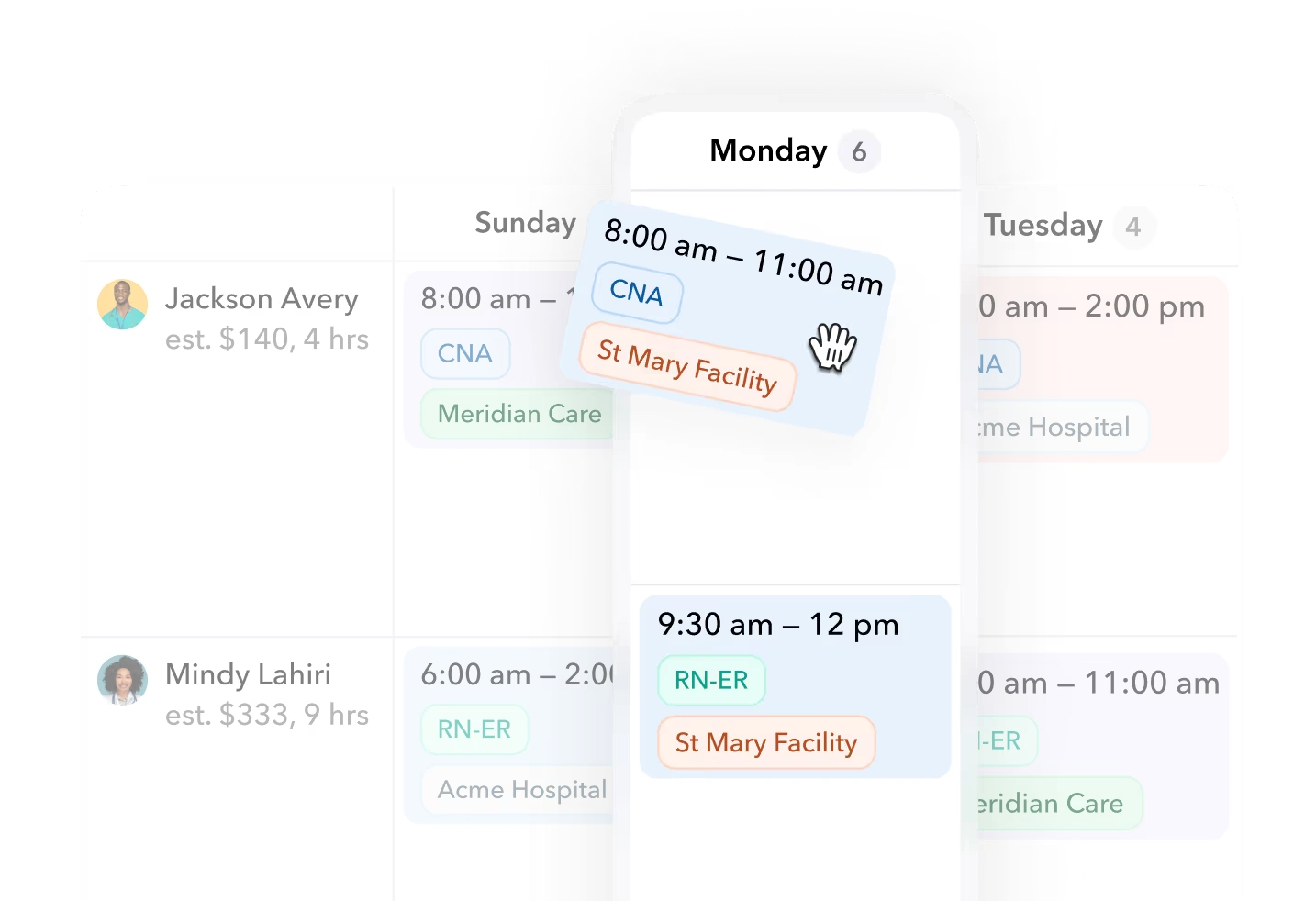
Teambridge scheduling product view. Displayed identities are demo data, not customer evidence.
Use your own assignment scenario alongside this view. Ask the demonstrator to show the excluded candidates, record a worker’s acceptance, introduce the missing clock-out, and identify the manager responsible for review. The screenshot provides interface context; it does not prove every downstream capability. Capture the demonstrated behavior and remaining dependencies in the acceptance-test log.
Choose a system only after it passes your assignment acceptance test
Run three decision gates in order. First establish how staffing demand is determined. Then test whether assignments become ready and accepted without hiding exceptions. Finally, confirm where approved information goes and who owns failures.
Decision framework
Three checks before selecting a system
Use the results to make a bounded decision:
- Retain specialist ownership where clinical planning, credential verification, payroll, or billing requirements demand it.
- Connect workforce operations where repeated handoffs need shared assignment context and clear exception ownership.
- Delay commitment where a critical rule, approval, or transfer remains unproven and has no accountable resolution plan.
A product can pass the scheduling demonstration and still fail the operational test. Require the missing-punch review and downstream transfer to receive the same scrutiny as shift assignment. Mark each acceptance-test row as demonstrated, dependent on implementation, or unresolved, and assign an owner and retest date wherever evidence is incomplete.
Bring one difficult assignment, one readiness exception, and one timecard exception to a Teambridge walkthrough. Use the reusable table to record what actually happens, what must be configured or connected, and what remains unresolved before committing.

About the author

Content Writer at Teambridge
Anis Nanai is a content writer at Teambridge, with a focus on workforce management and the realities of running hourly teams. He prioritizes conversations with customers, staying close to the market, and understanding how workforce needs are changing. His writing connects those concerns to practical decisions about scheduling, time tracking, staffing, and automation. He examines product developments through the questions that matter to operators: what does this solve, how would it work for my team, and what evidence supports it?
Company perspective: this author works at Teambridge. Customer outcomes are attributed to their published sources.
View LinkedIn profile