Worker readiness workflow
Credential expiration prevention
Track upcoming credential expirations, notify workers before they become unschedulable, and route exceptions to managers before coverage is affected.
Start with your policies and approval points.


Credentials Specialist
Ready to act
30 days
advance readiness window
Best for
Credentialing teams, compliance operations, schedulers
Signal
Sarah's CPR certificate expires in 5 days
Rules
Role, schedule, site requirement, urgency
Control
Exceptions and approvals stay visible
Outcome
Scheduling pool reflects true readiness
Built in Automations
This is an automation recipe, not a separate product.
The trigger, conditions, actions, and outcome use the same automation system shown on the product page. This page applies that engine to one real operating problem.
See how the builder worksAutomation recipe
Credential expiration prevention
When
Expiration approaching
Credential reaches reminder window
If
Readiness impact
Role, schedule, site requirement, urgency
Then
Renewal request
Worker uploads renewal or asks for help
Reminder cadence
Follow up based on urgency and schedule risk
Manager review
Owner sees workers at coverage risk
Outcome
Ready or blocked
Scheduling pool reflects true readiness
Built with the same triggers, conditions, and actions shown in Teambridge Automations.
Explore AutomationsHuman control
Automation does not erase the operator.
Teambridge carries the repeatable steps. Managers keep the approvals, exceptions, and policy decisions that require judgment.
Credentials Specialist
Working inside your rules
Credential renewal
Sarah's CPR certificate expires in 5 days
Result
Renewal active before scheduling is blocked
Where the work breaks
The manual version keeps rebuilding context.
Credential expirations are caught after workers are already on the schedule.
Renewal reminders depend on manual tracking.
Schedulers do not know which workers are about to become unavailable.
What changes
30 days
advance readiness window
Fewer readiness surprises
Earlier renewal reminders
Cleaner scheduling pool
Built for organizations where credential status directly affects who can work.
How it runs
Four moves operators can understand.
The workflow stays legible from first signal to completed record. No hidden handoff and no black-box result.
Watch renewal windows
The workflow starts before an expiration becomes an active scheduling problem.
Measure schedule impact
Teambridge checks whether the expiring credential affects active or upcoming work.
Nudge and collect
Workers receive reminders and upload renewed documents through the mobile path.
Protect the schedule
Managers see which workers are ready, at risk, or blocked from assignment.
In the field
The same operating pattern, applied to real moments.
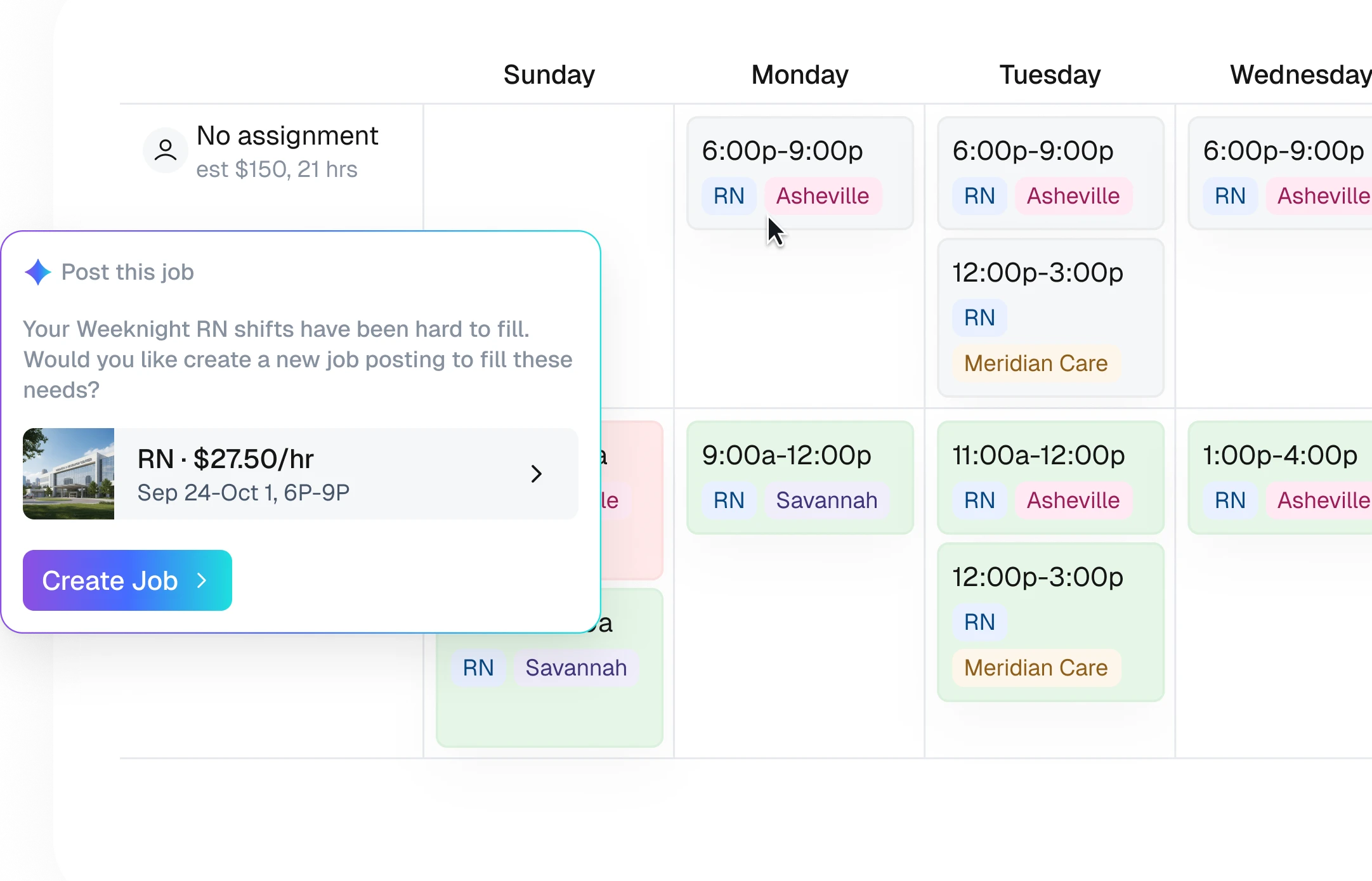
Thirty-day renewal path
Start worker reminders before a credential becomes urgent.
Scheduling block
Flag workers who should not be assigned after a credential expires.
Manager exception review
Route unresolved renewals to the owner before coverage breaks.
Connected by design
The workflow is the connective tissue.
Product data, automation logic, and AI action stay attached to the same operational record.
Map this workflow
Show us how your team handles credential expiration prevention today.
We’ll map the data, policies, channels, approvals, and result, then show which parts Teambridge can carry forward.