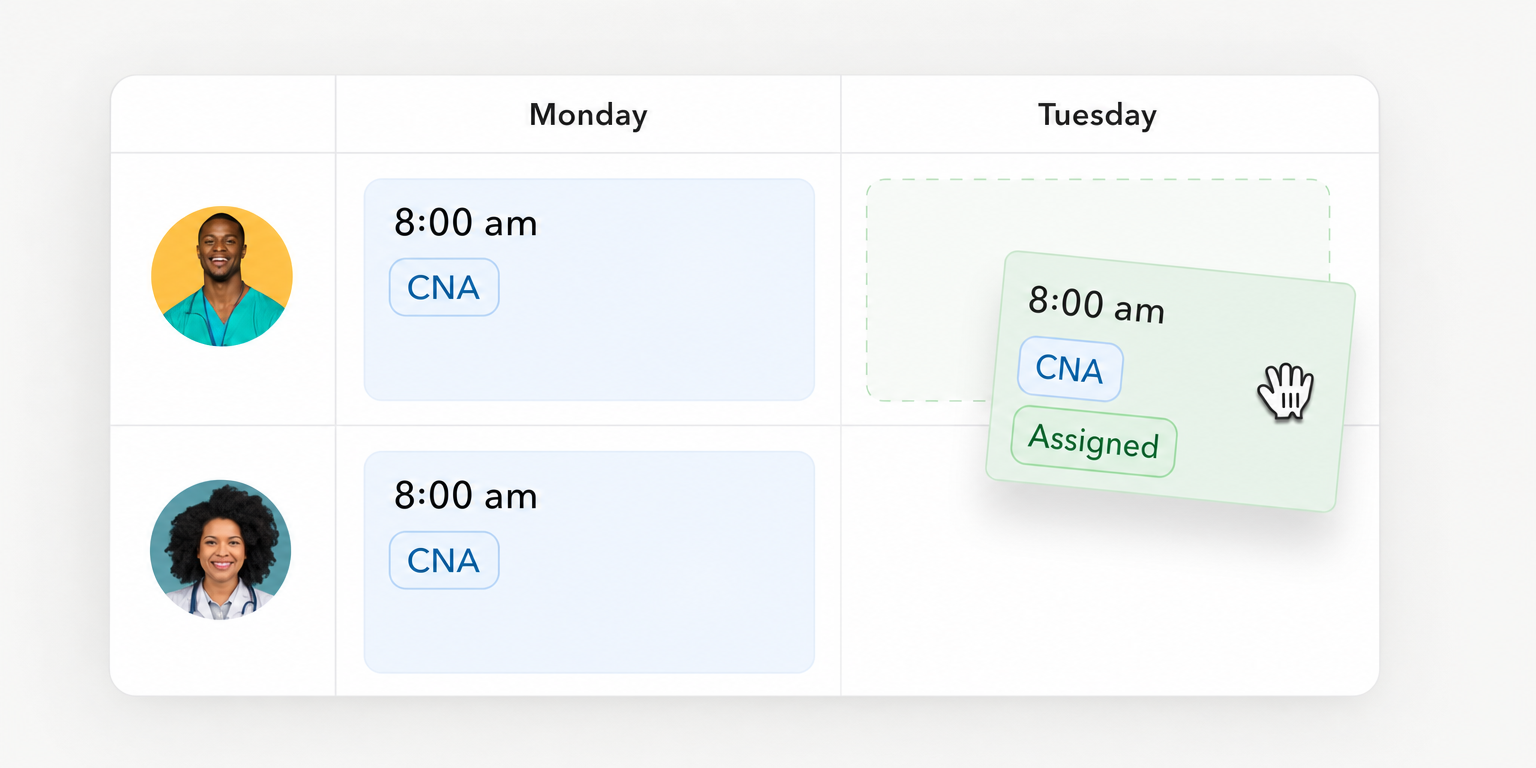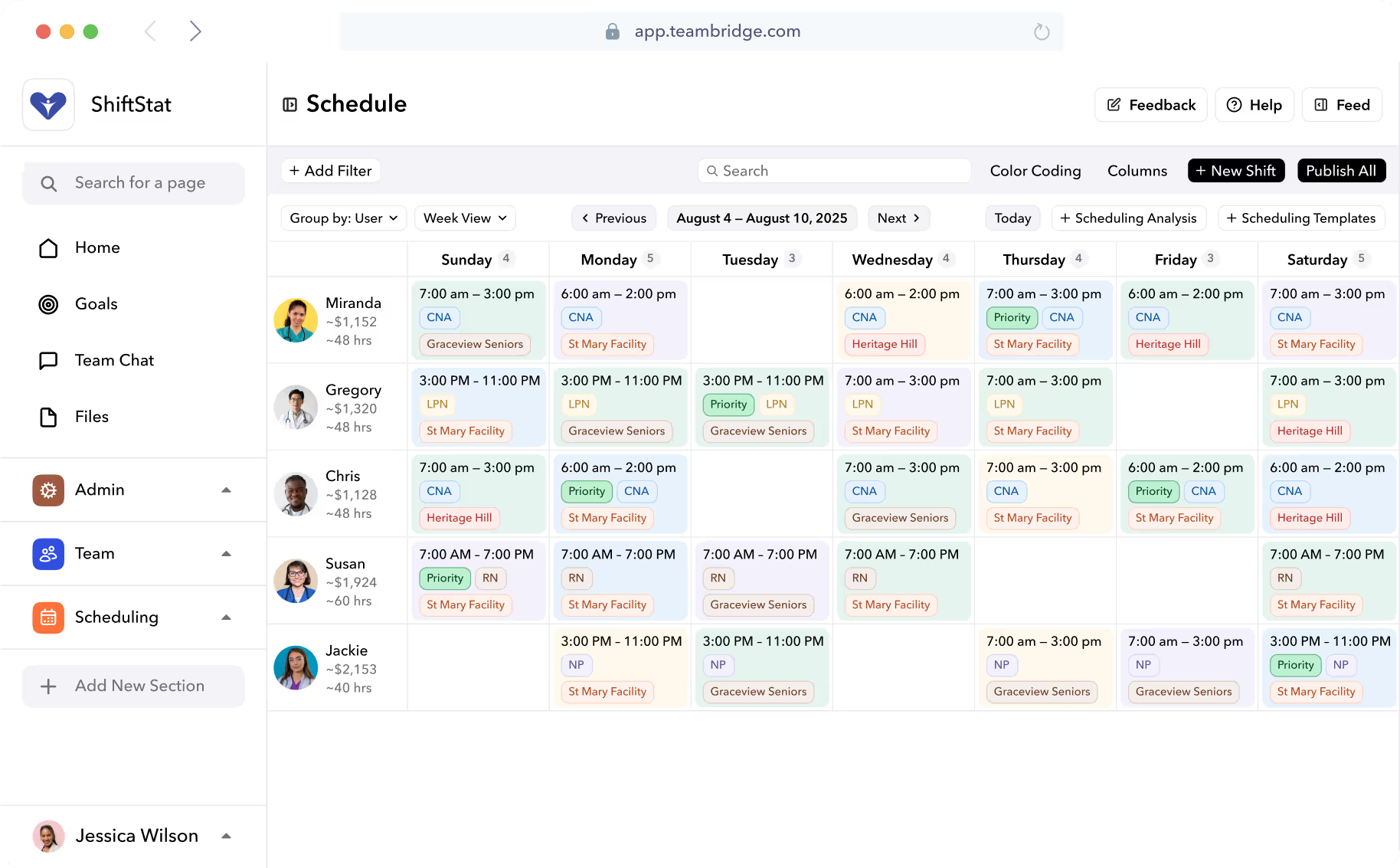


A staff rota must show who works where, when and in which role
A published shift is planned coverage, not proof that someone attended. Your rota needs a clear current assignment, an owner for changes and a way to identify work that remains uncovered.
You can manage that record through several options:
- Paper: establish where the authoritative copy lives and how absent workers receive changes.
- Spreadsheets: establish edit permissions, version ownership and a separate confirmation process.
- Dedicated scheduling software: test publication, worker access and replacement approval.
- A workforce platform: test those same actions and how assignments connect to worker readiness and time records.
The right choice depends on whether the process holds together during changes, not just whether someone can build the first rota.
Set coverage requirements and decision rights before building the rota
Step 1: The operations owner defines staffing needs by role, location and shift. The scheduling manager gathers availability and checks readiness. Name who can publish, approve changes and resolve uncovered work.

Use one staff rota rehearsal sheet to evaluate every option
Step 2: Copy this sheet into your evaluation document. These are proposed acceptance tests, not claims that any product passes them. Leave results empty until the rehearsal.
| Owner | Test | Acceptance criterion | Vendor question | Observed result | Unresolved issue | Decision |
|---|---|---|---|---|---|---|
| Scheduling manager | Publish a representative rota | Current record shows the correct worker, role, site and hours; conflicts receive the agreed response | Which conflicts warn, block or require approval? | |||
| Worker and supervisor | Find an assignment after a change | Both identify the same current assignment; confirmation follows the agreed process | What evidence of receipt or acknowledgment is available? | |||
| Duty manager | Process a call off and replacement | Replacement is approved and saved on the rota; any remaining gap is visible | When does a claim become an approved assignment, and who can approve it? | |||
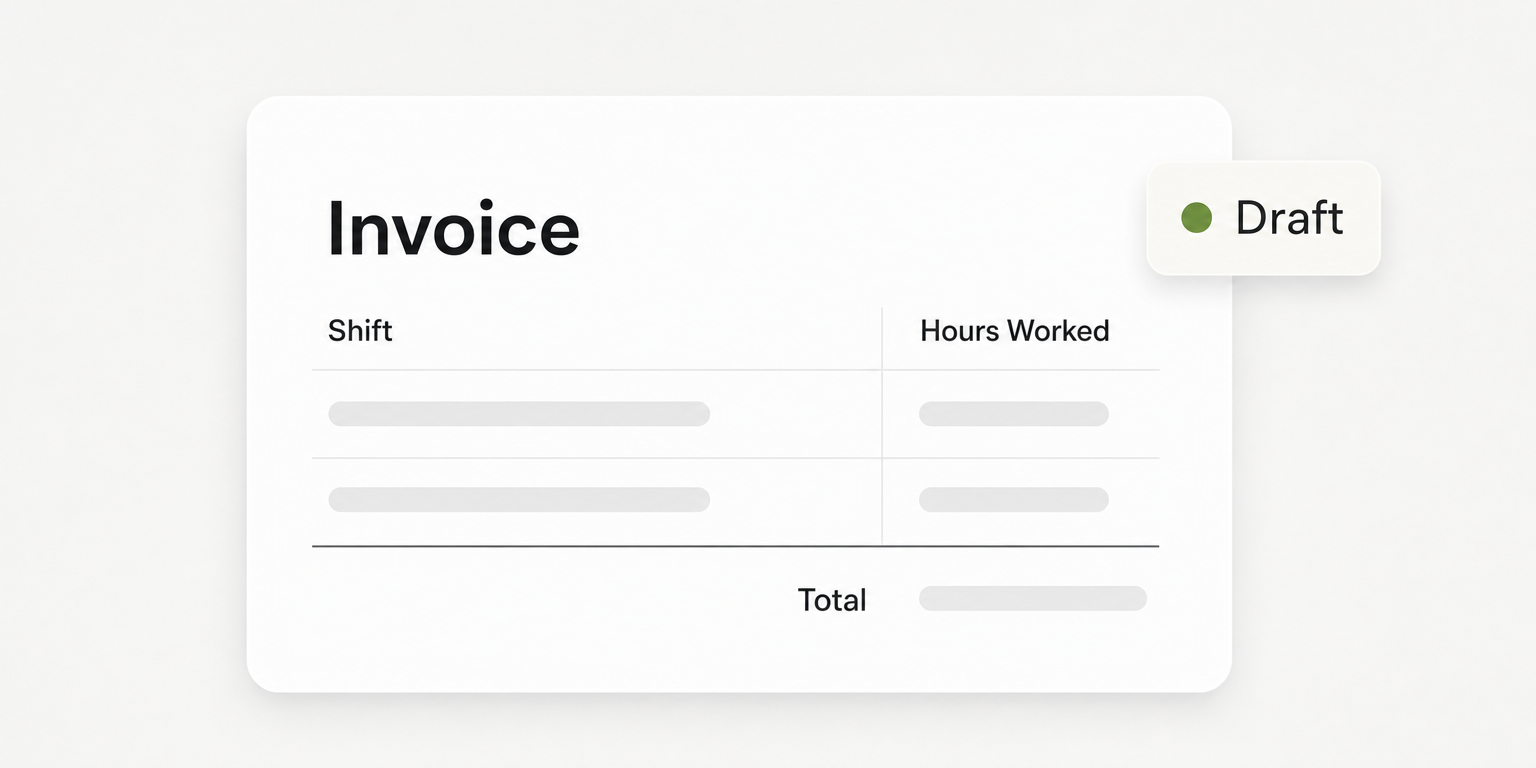
| Timekeeping owner | Reconcile planned and recorded hours | Differences are explained or assigned for correction before the review cutoff | Where do missed punches and changed assignments appear? |
Use the same representative operating week for every option. Record manual work as well as software behavior. A process that requires a supervisor to telephone each affected worker may be acceptable, but that work belongs in the observed result.
Before running the sheet, finish the coverage decisions from Step 1. Specify the role needed for each assignment, the site, the start and finish times, and the readiness information the scheduler must check. Copying last week's rota without reviewing availability can carry an old assignment error straight into the next week.
Teambridge's scheduling page describes scheduling around workers, roles, locations, timing, qualifications and availability. Those are useful dimensions for the test. They do not establish that every undesirable assignment is automatically prevented.
Classify each scheduling condition before asking for a demonstration:
- Warn: the scheduler sees a concern and can proceed under your policy.
- Block: the assignment cannot proceed until the condition is resolved.
- Require approval: a designated manager must authorize the exception.
Ask the vendor to demonstrate the proposed configuration using the access level your scheduler will actually have. A warning on screen is not evidence of a block. Record what remains saved after the user tries to proceed, and where the unresolved issue goes.
A completed rehearsal can expose a process failure before launch
Consider this hypothetical example: a retail team has one shop, a duty manager on each shift and a weekly rota. The trial deliberately includes a changed start time, a call off and a missed punch. These are test conditions, not customer results.
In the publication row, the scheduling manager records that the saved rota has the correct workers, roles and hours. An availability conflict produces a warning, but the scheduler can still save the assignment. The unresolved issue is whether that behavior matches policy; the operations owner must decide before the next trial, so the row remains on hold.
In the change row, the worker and supervisor find the same revised start time. No acknowledgment evidence is available in the tested process. The duty manager takes ownership of manual confirmation before the affected shift, and the decision is conditional until that process is rehearsed.
In the replacement row, a worker expresses interest but the original vacancy remains unresolved until the duty manager approves and saves the assignment. The row passes only after both views show the replacement. In the time row, the missed punch remains assigned to the timekeeping owner for investigation before the review cutoff, so that row remains open.
This is how to complete the sheet: observed behavior first, then an issue owner, resolution date and decision. “The demo looked good” is not an observed result.
Put the workflow into practice
See how your team could use this workflow
Rehearse a published change and a call off before going live
Step 3: Run controlled tests with the scheduling manager, a worker and the duty manager. Use a trial environment where available. If a test must touch live records, clearly identify it and prevent accidental dispatch or confusing worker messages.
Follow the saved assignment through each action:
- Publish the trial rota. The scheduling manager uses the intended publishing permissions. Confirm that the worker can find the assigned role, site and hours through the access method they will use at work.
- Change an assignment. An authorized manager revises the start time. Check the saved manager record and the worker's current view, then carry out the agreed confirmation process.
- Introduce a call off. The duty manager identifies the uncovered shift and follows the replacement process. Check eligibility and the proposed replacement's working pattern before approval.
- Complete the assignment. Confirm who has authority to approve the replacement, what the final saved rota shows and who owns the gap if nobody accepts.
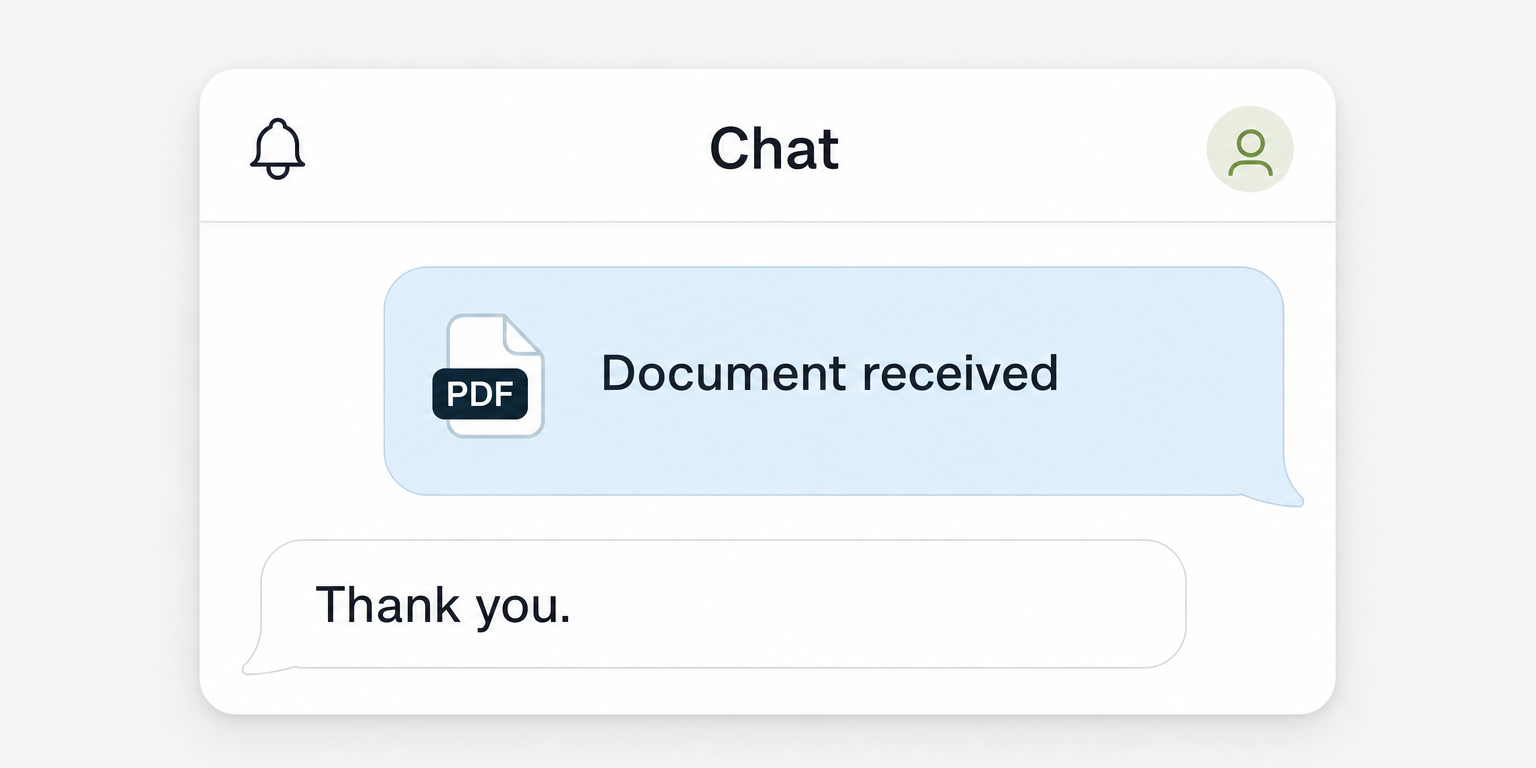
Keep four events separate: message delivery, worker acknowledgment, a shift claim and a confirmed assignment. Delivery does not prove that a worker understood a change. A claim may still need manager approval, depending on the process and configuration.
A replacement promise is not confirmed coverage until the responsible manager can identify the approved assignment on the current rota.
A photo of yesterday's rota, a spreadsheet attachment and a private message can each contain a different answer. During the rehearsal, ask the worker which record they would trust. If the manager needs a separate private conversation to explain whether the shift is covered, the process has not passed.
Availability alone should not settle the replacement decision. OSHA's worker fatigue guidance explains that long hours and irregular shifts can contribute to fatigue and increase accident and injury risks. Checking the replacement's working pattern is a proposed operating practice here, not a claim that OSHA mandates a particular rota rule.
Warning
Do not mark a replacement test as passed because an offer was sent or someone replied. Record the final assignment, its approval status and the escalation owner if coverage remains unresolved.
Evaluate Teambridge as the system around the rota
Teambridge connects scheduling with workforce operations as an all in one platform for hourly teams, tailored to each company. Evaluate it against the same rehearsal sheet rather than creating a separate standard for a platform purchase.
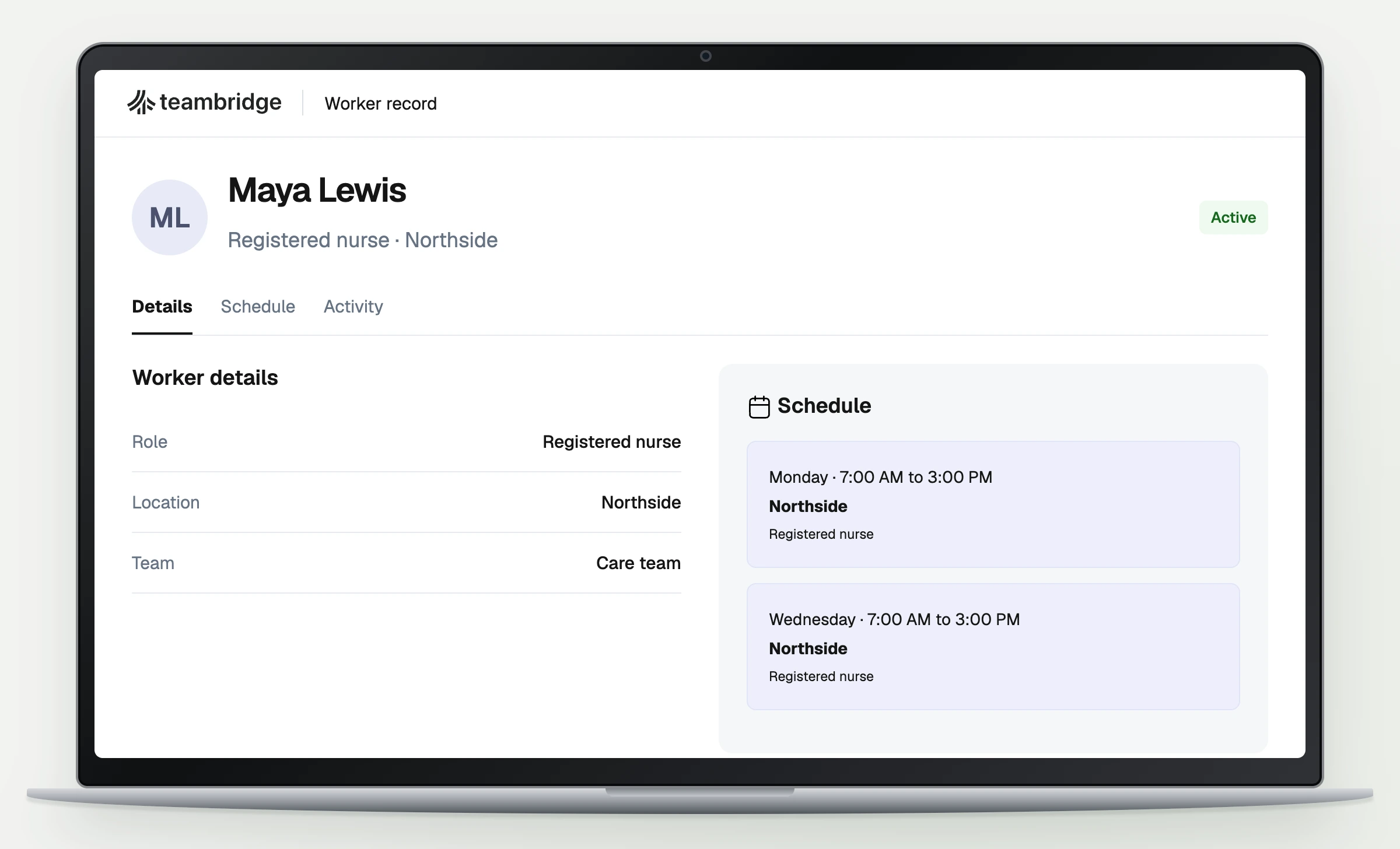
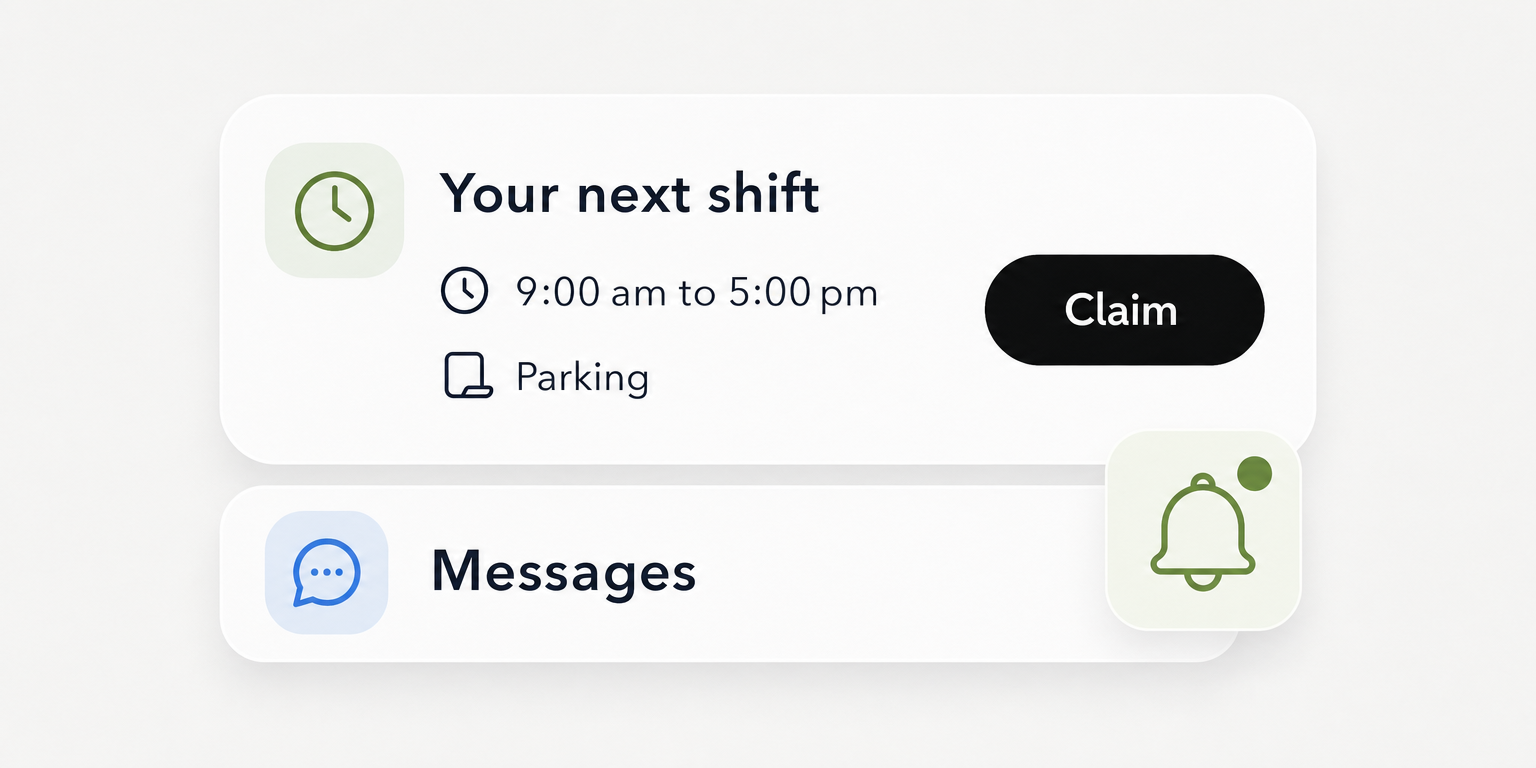
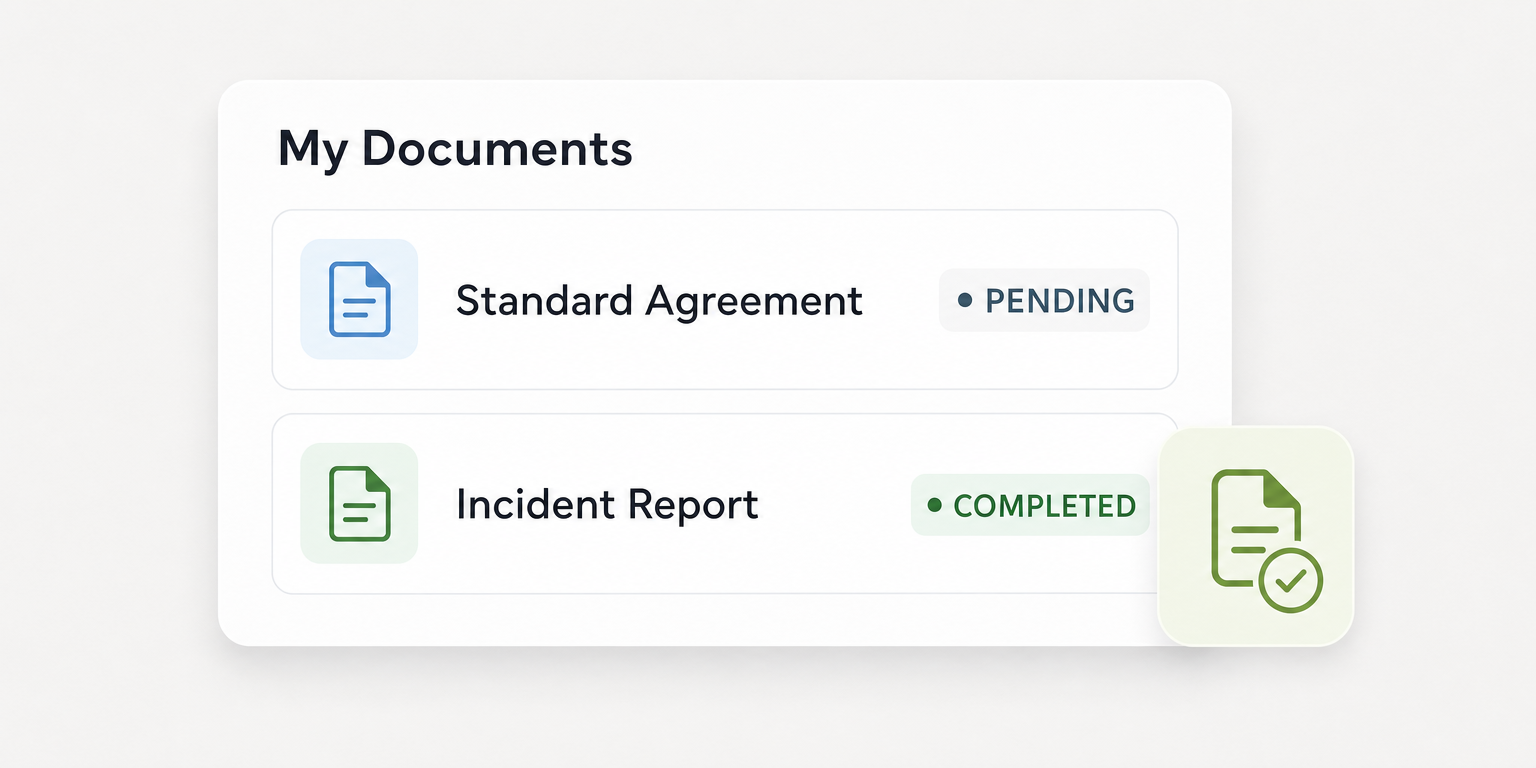
The documented worker experience includes upcoming work, open work and shift details. Teambridge scheduling gives you a starting point for testing whether workers can locate their current assignments after publication and changes.
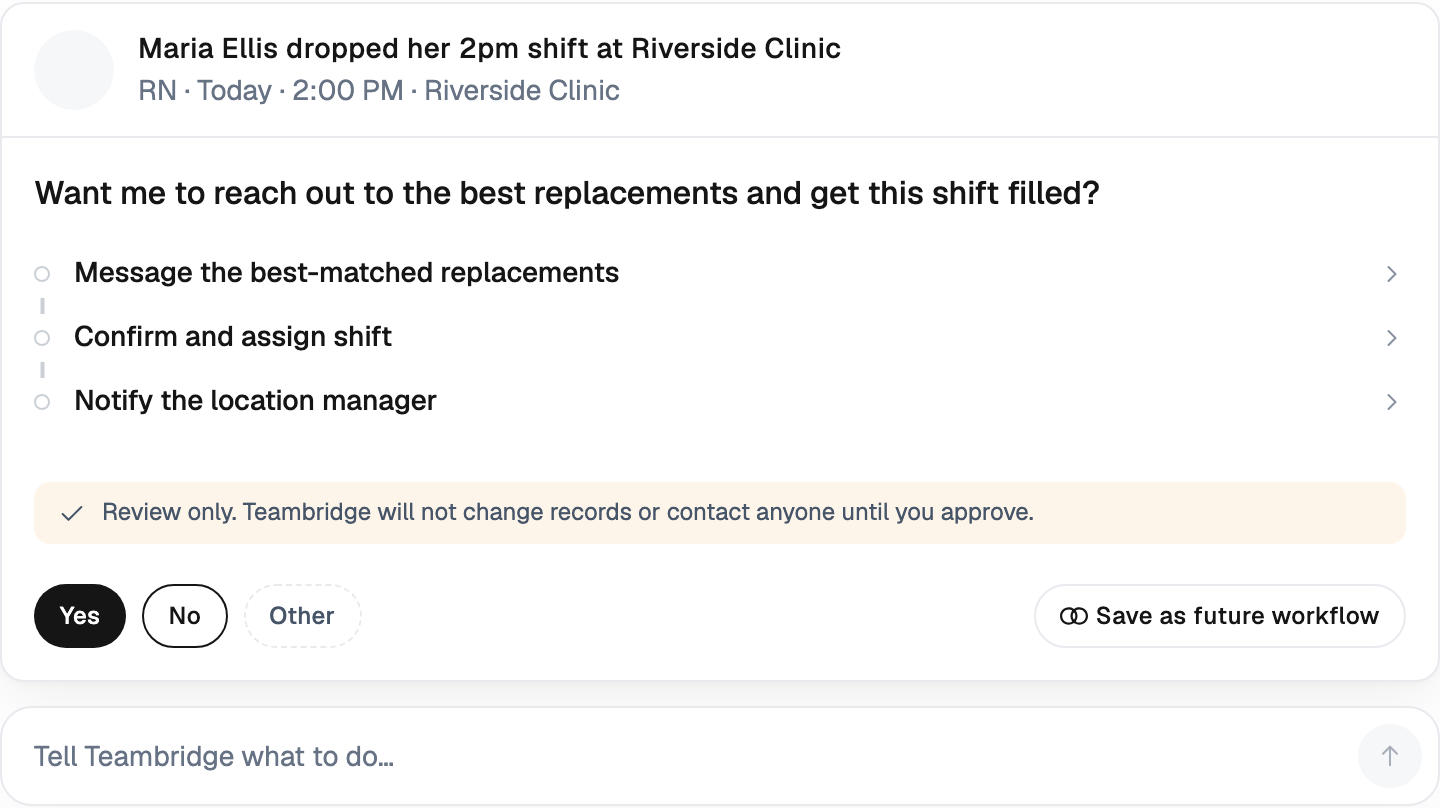
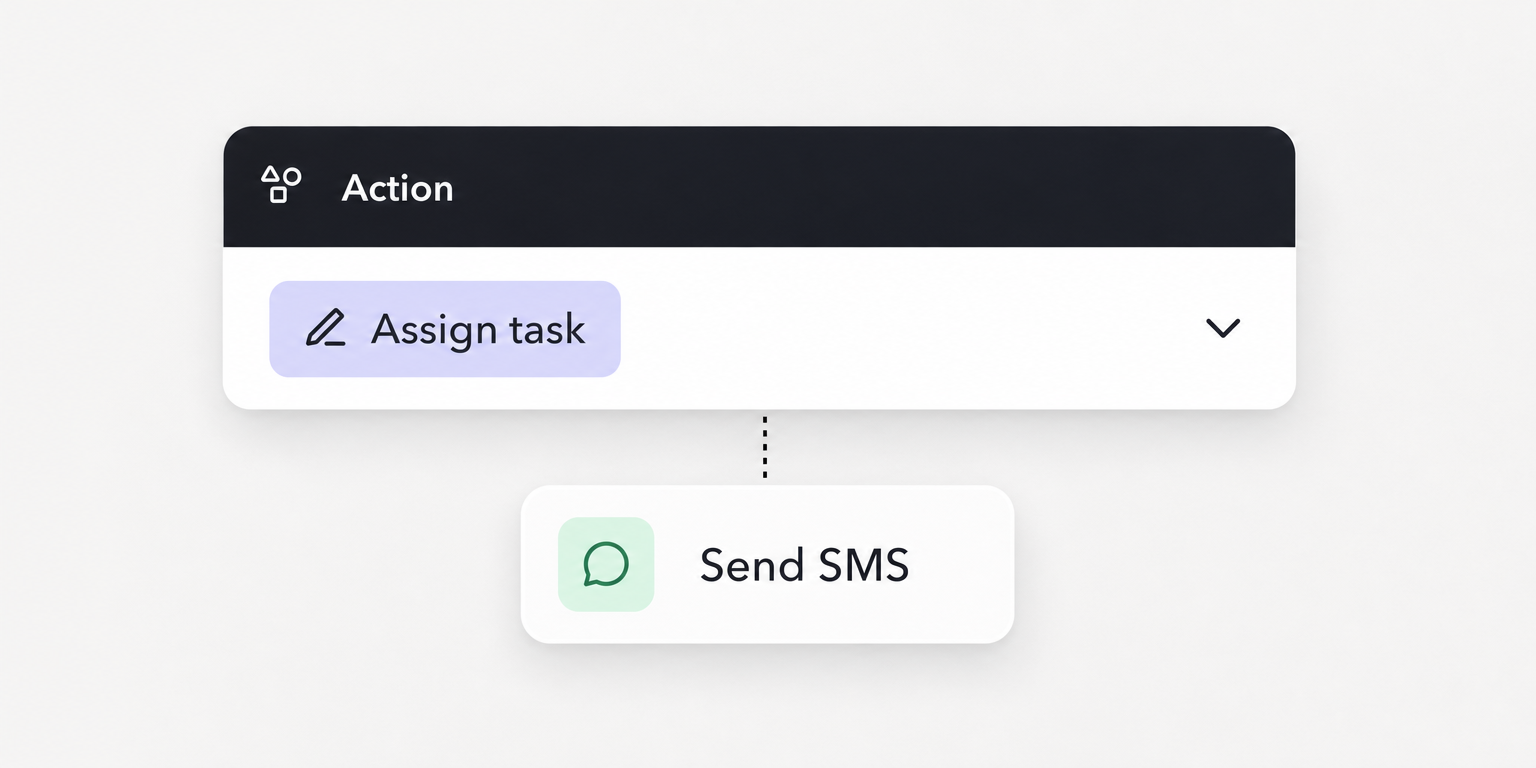
Teambridge's open shifts documentation describes publishing open work, worker claims, release requests, directed swaps with manager approval and assignment updates. Open shifts and call off coverage by text map to the replacement test. Claim and release rules depend on configuration, so require the demonstration to show the worker action, manager access, final saved assignment and unresolved exception path.
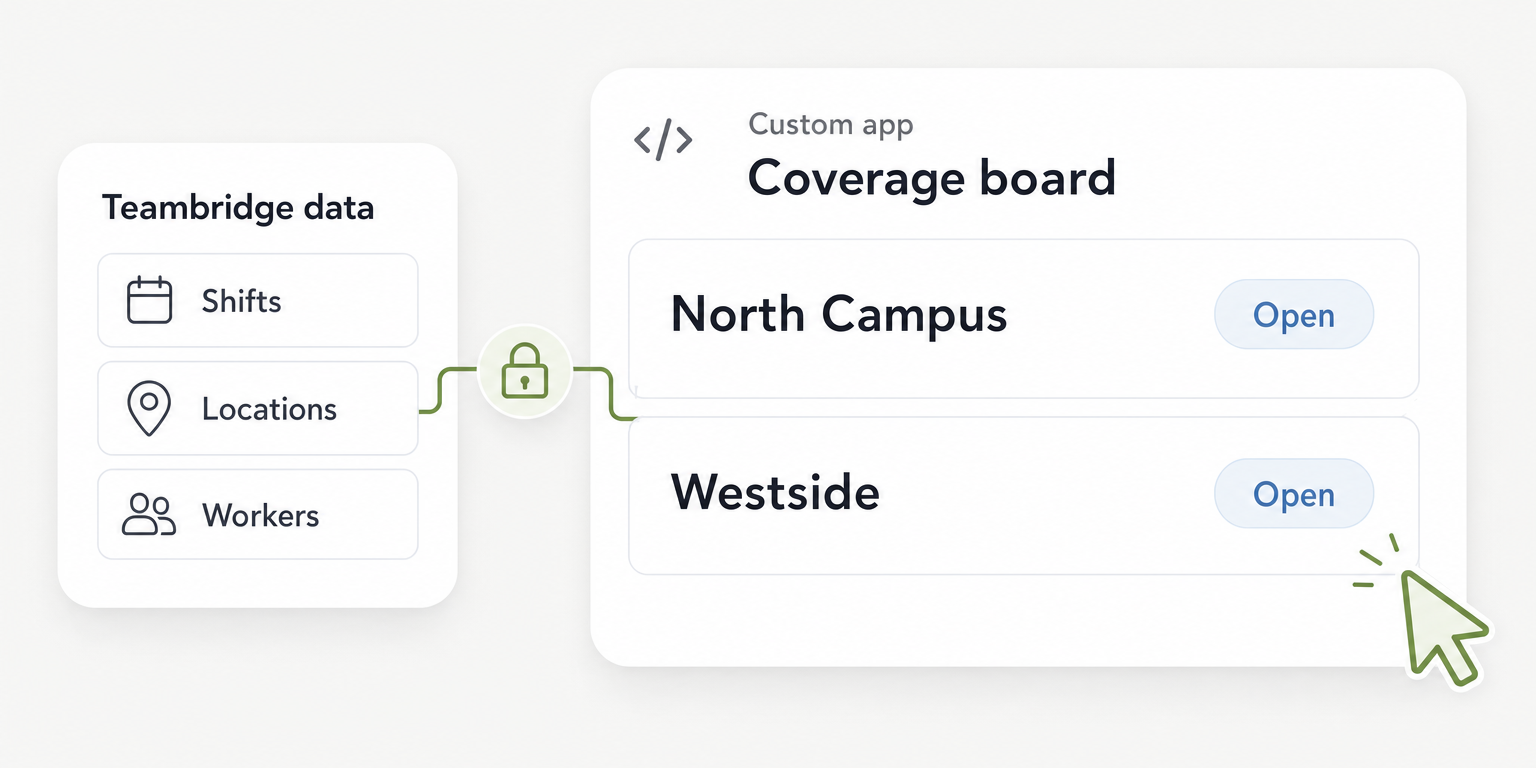
The Teambridge platform documents configurable records, permissions, forms and workflows, including credential uploads and review connected to worker readiness. Onboarding and credential tracking belong in the rota evaluation when those records determine whether a worker is ready for an assignment.
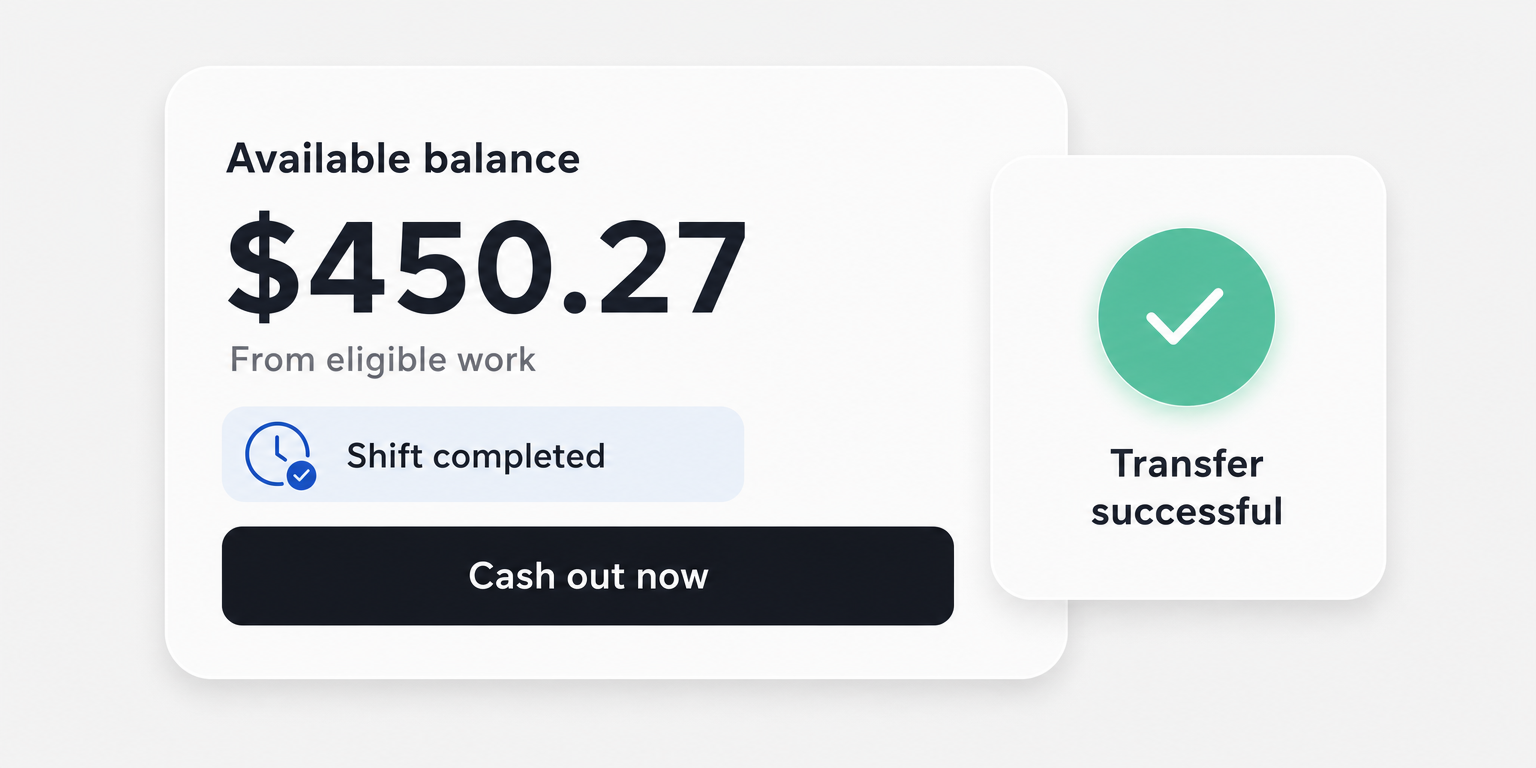
Time tracking and timesheets connect attendance and time data to workers and shifts for review before payroll. Ask the demonstrator to take a changed assignment through that review. Do not assume the exact missed punch process from a scheduling screen.
Operator view
Supporting evidence
https://www.teambridge.com/product/scheduling
https://www.teambridge.com/product/platform
The cited pages do not establish universal assignment blocking, guaranteed worker acknowledgment or guaranteed replacement coverage. Require demonstrations of those requirements. Workforce records also do not replace your responsibility to define staffing policy, evaluate worker suitability or interpret applicable employment rules.
Pilot one complete rota cycle through time review
Step 4: The operations owner selects a manageable team and names one authoritative rota for the pilot. Run the cycle from availability collection through publication, changes, attendance and timesheet review. Tell everyone where the current assignment lives and how to report a discrepancy.
The scheduling manager owns assignment errors. The duty manager owns live coverage. The timekeeping owner investigates differences between planned and recorded hours, including work that continued beyond the scheduled finish.
That distinction has a legal recordkeeping dimension in the United States. Under the applicable FLSA requirements described in Department of Labor recordkeeping guidance, fixed schedules can support records when employers indicate that scheduled hours were actually worked. When actual hours differ, employers must record the hours actually worked.
Do not silently change a time record to make it match the rota. Investigate the difference and follow the authorized correction process. The pilot should establish who can make a correction, what gets saved and where an unresolved question remains visible.
Keep unfinished tests in the same rehearsal sheet. Add the defect, accountable owner and resolution date to the unresolved issue cell, then repeat the affected test. A calendar demonstration alone will not expose a worker who cannot access the rota, an unclear replacement approval or an unresolved time exception.
Expand the rota only when coverage and exception measures are acceptable
Step 5: The operations owner approves expansion against thresholds agreed before the pilot. Use measures the team can actually observe. These are proposed operating measures, not industry benchmarks or promised software outcomes.
Track unfilled shifts at start time as required assignments without confirmed coverage when work begins. Track replacement elapsed time from receipt of the call off to the saved, approved replacement assignment. Keep unresolved call offs visible rather than excluding them from the review.
Track changes without verified acknowledgment at your chosen confirmation deadline. If the system cannot measure acknowledgment, record the manual confirmation method and its owner. Missing evidence should remain visible rather than being treated as success.
Track open time exceptions at the review cutoff, with a reason and owner for each. Define what blocks expansion before seeing the pilot results. A worker unable to find a current assignment may warrant a hold even when most other tests pass.
Set a practical operating cadence. Before each shift, the duty manager reviews coverage and unresolved changes. After each shift, the timekeeping owner reviews attendance differences. Each week, the operations owner reviews recurring failures and decides whether the process or configuration needs adjustment.
Take the rehearsal sheet into the next vendor demonstration. Ask the vendor to run your working week, including the awkward parts. Expand only when each failed test has a resolution, or an explicitly accepted operating process with an owner and a review date.

About the author

Content Writer at Teambridge
Anis Nanai is a content writer at Teambridge, with a focus on workforce management and the realities of running hourly teams. He prioritizes conversations with customers, staying close to the market, and understanding how workforce needs are changing. His writing connects those concerns to practical decisions about scheduling, time tracking, staffing, and automation. He examines product developments through the questions that matter to operators: what does this solve, how would it work for my team, and what evidence supports it?
Company perspective: this author works at Teambridge. Customer outcomes are attributed to their published sources.
View LinkedIn profile