

This is not a niche problem. The global time and attendance software market was valued at $3.3 billion in 2025, per IMARC Group's market report, and yet most tools in that market were built for a single-site hourly workforce. This explainer defines what time and attendance scheduling means for a staffing operation, walks the workflow from open shift to approved timecard, runs a worked no-show scenario, and ends with a decision framework you can reuse.
Why Time and Attendance Breaks Down in Staffing Operations
Absenteeism is a known cost in every hourly workforce. The U.S. Bureau of Labor Statistics puts the full-time worker absence rate around 3%, and SHRM has estimated unscheduled absenteeism costs roughly $3,600 per year per hourly worker. For a staffing agency, every absence compounds: the client expects coverage under a service agreement, and an unfilled shift can trigger a penalty clause or a lost account.
The deeper problem is architectural. In a typical staffing stack, four records that describe the same shift live in four places:
- The shift assignment lives in a scheduling spreadsheet or the ATS.
- The punch lives in a time clock app.
- The credential (forklift cert, OSHA card, license) lives in a folder.
- The bill rate lives in the invoicing system.
Nothing connects them until a coordinator does it by hand. That hand-assembly is where timecard exceptions, credential misses, and billing lag come from. When a worker clocks in, no system checks whether they were scheduled for that client, whether their credential is current, or which bill rate applies. Someone reconciles it later, usually on Friday, usually under payroll deadline.
What Time and Attendance Scheduling Means for a Staffing Agency
For a staffing agency, time and attendance scheduling is one connected loop, not two products. It has three parts:
- Scheduling that assigns qualified workers to client shifts. The schedule knows each worker's credentials, availability, and the client's requirements before it offers a shift.
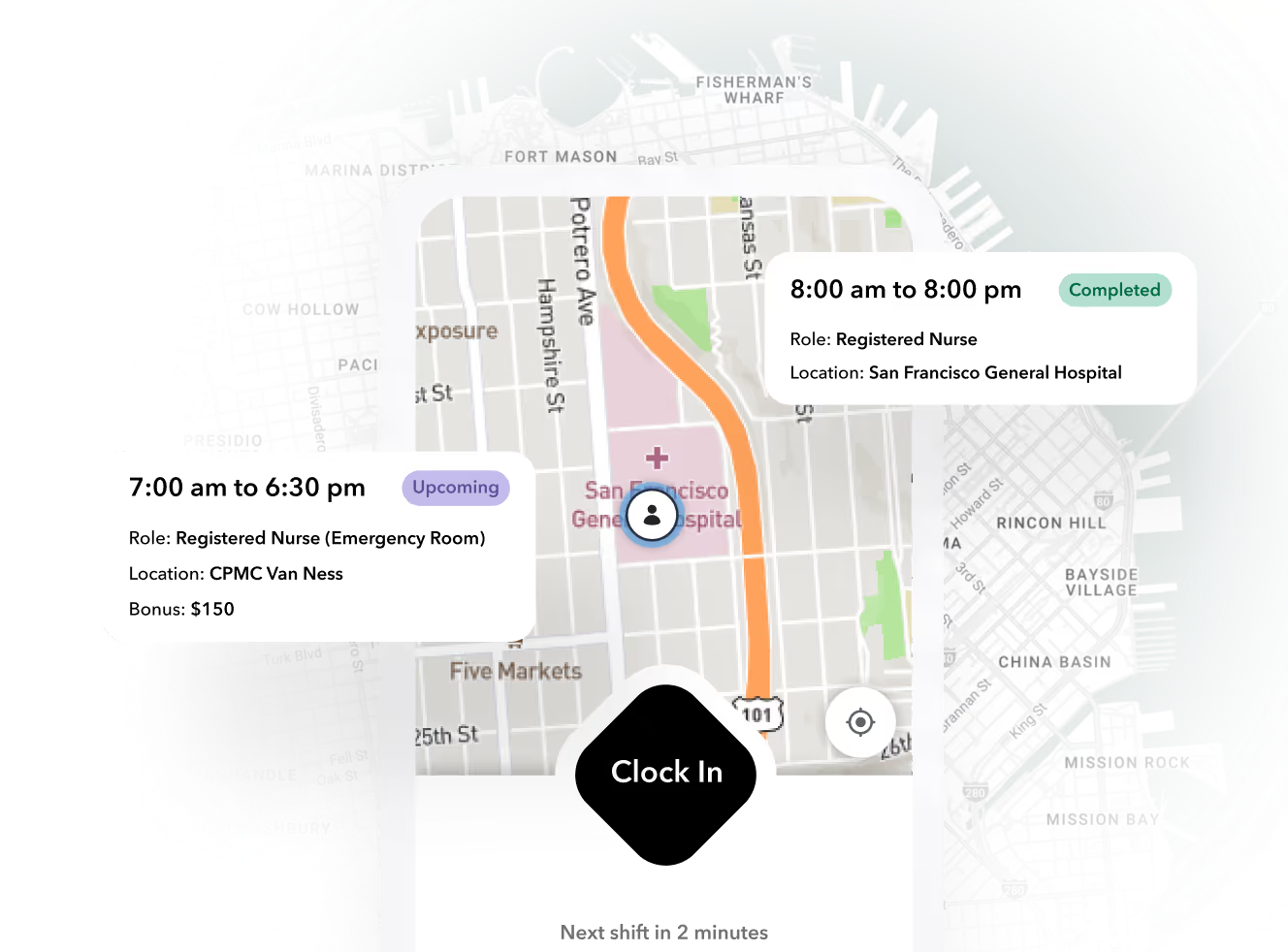
- Attendance capture that verifies who actually showed up, and where. Geofenced mobile clock-in ties the punch to a specific client site, not just a timestamp.
- A clean handoff of approved hours to payroll and client invoicing. The same timecard that pays the worker bills the client at the correct bill rate.
This is meaningfully different from generic workforce management. Tools like When I Work @ wheniwork.com, Deputy, or Homebase are built for one-location hourly teams: a restaurant, a retail store, a gym. They schedule employees of a single employer at a single pay rate. They do not model client placements, bill rates, credential gating per site, or the invoice that must come out of the same hours record. Bolting them onto a staffing stack recreates the reconciliation problem with nicer software.
The Staffing Workflow From Open Shift to Approved Timecard
Here is the workflow a unified staffing operation runs, end to end:
- Client order comes in. A client requests, say, 12 pickers for a 6 a.m. shift, with a required certification and an agreed bill rate.
- The system matches workers. Credential status, availability, and site history filter the pool. Unqualified workers never see the offer.
- Shift offers go out. Matched workers get the offer on their phone and confirm or decline.
- Geofenced clock-in at the site. The worker clocks in inside the site geofence. The punch attaches to the shift, the client, and the rate automatically.
- No-show triggers auto-backfill. If a confirmed worker has not clocked in by start time, the system fires offers to the next credential-matched workers without a coordinator lifting the phone.
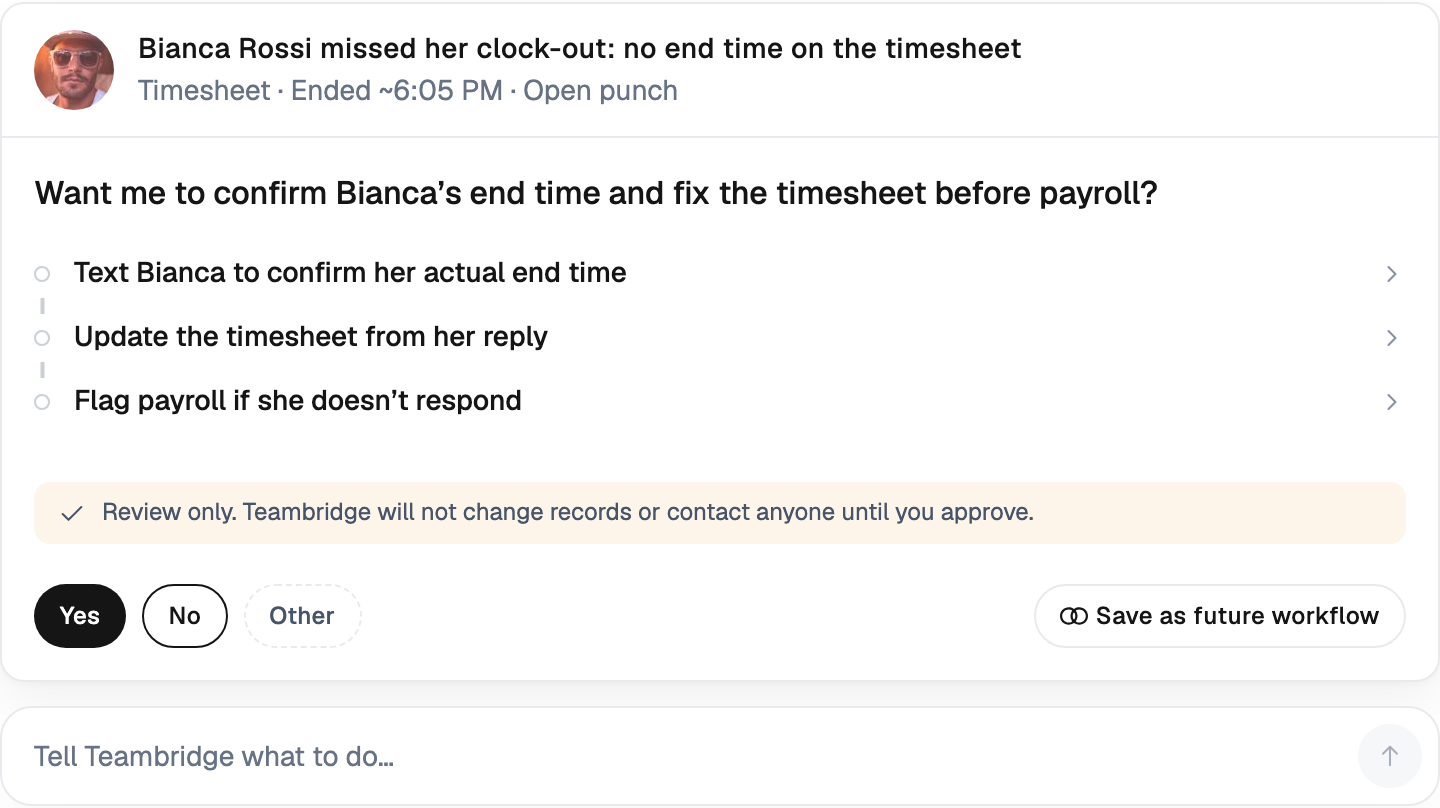
- Exceptions queue for review. Missed punches, early departures, and out-of-geofence attempts land in one queue instead of being discovered at payroll.
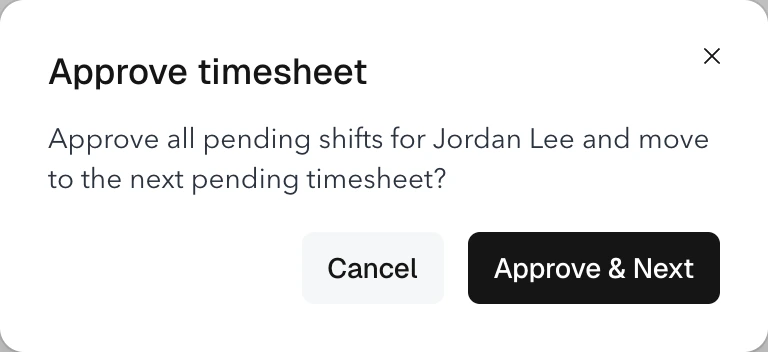
- Coordinator approves hours. One review pass approves the timecard against the shift record.
- Hours flow to payroll and invoicing. The approved timecard pays the worker and bills the client, with invoicing tied directly to timecards.
This is the operating model behind the Teambridge scheduling product and the broader Teambridge platform: schedule, attendance, credentials, and billing share one record, so the handoffs above are automatic rather than manual.
Ready to move?
Ready to see Teambridge in action?
Products discussed
Time and Attendance for Staffing: Why One System Must Drive Scheduling tools mentioned
Official marks identify the products materially discussed in this section.
Worked Scenario: Filling a 6 A.M. Industrial Shift After a No-Show
Hypothetical scenario, with stated assumptions: an agency staffs a 40-worker light industrial placement at one distribution center. Shift starts at 6 a.m. Bill rate is $24/hour; worker pay rate is $17/hour. The client agreement includes a $150 penalty per unfilled position per shift. Two confirmed workers no-show at 5:50 a.m.
Disconnected stack. The coordinator learns about the no-shows when the site supervisor calls at 6:10. She starts a phone tree through a list of available workers, reaches one at 6:30, and he arrives at 7:15. The second slot stays open. Cost: 75 minutes of coordinator time, one unfilled slot penalty of $150, 1.25 hours of lost margin on the late fill (roughly $9), plus a strained client conversation. When the late arrival finally clocks in, his punch sits in a punch app with no shift attached, so someone reconstructs his timecard on Friday.
Unified system. At 6:00, the system flags two missing clock-ins and instantly offers the shifts to credential-matched, available workers ranked by distance to the site. Both confirm by 6:05, clock in inside the geofence at 6:25, and their punches attach to the shift and the $24 bill rate with no manual work.
Worked scenario, hypothetical
Cost of one no-show slot: disconnected vs. unified
Assumptions: $24/hr bill rate, $17/hr pay rate, $150 unfilled-slot penalty, 8-hour shift.
- 016:00 a.m. two clock-ins missing; unified system auto-offers to matched workers.
- 026:05 a.m. both replacements confirm; geofenced clock-in at 6:25.
- 03Timecards close tied to shift, credential, and bill rate; invoice lines generate same day.
Run that single no-show across a week. At three no-shows per week, the disconnected stack leaks roughly $600 per week, over $30,000 per year, before counting the client relationships that quietly churn.
Important
The scenario above is hypothetical and uses assumed rates. Substitute your own bill rates, penalty clauses, and coordinator loaded cost to size the leak in your operation.
Three Approaches Agencies Use, and Where Each One Leaks
Agencies typically land in one of three stacks. Each fails somewhere specific.
| Approach | No-show recovery | Timecard exceptions | Credential enforcement | Punch-to-invoice lag |
|---|---|---|---|---|
| Spreadsheets + punch app | 30-60+ min phone tree | High; punches lack shift context | Manual; checked after the fact | 1-2 weeks of reconciliation |
| Generic scheduling tool + ATS (e.g., When I Work @ wheniwork.com) | Faster offers, still manual matching | Medium; hours exported across systems | Not modeled per client site | Days; rates rekeyed into invoicing |
| Unified workforce platform | Under 15 min auto-backfill | Low; punch inherits shift record | Gated before the offer goes out | Same day; hours become invoice lines |
The unified column describes the category Teambridge operates in, with honest boundaries: Teambridge is a workforce operations platform, not a sourcing or recruiting engine. It manages the workers you have already engaged, from scheduling through attendance, compliance, pay, and invoicing. It does not replace your ATS front end for candidate acquisition, and it will not fix a thin worker pool. If your bottleneck is recruiting volume rather than shift execution, a unified platform solves the wrong problem.
Decision Framework: Does Your Stack Need a Unified System?
Use this five-question diagnostic. Score one point for every yes.
- Do you staff more than five active client sites? Multi-site operations multiply reconciliation work per punch.
- Do credentials gate shifts weekly? If a lapsed certification can put you out of compliance with a client contract, enforcement must happen before the offer, not after.
- Do you process more than 20 timecard exceptions a week? Each exception is 10-15 minutes of coordinator time, which compounds to real headcount cost.
- Does punch-to-invoice take more than five business days? Billing lag is a cash flow problem, not an admin nuisance.
- Can you backfill a no-show in under 15 minutes today? If not, you are paying penalties or eating client goodwill on every absence.
Scoring: Zero to one yes, a point solution plus discipline will carry you. Two to three, the leaks are real but containable; tighten integrations and exception review first. Four to five, unification pays back quickly, because you are already spending the money in coordinator hours, penalties, and delayed cash. Reusable artifact: copy the five questions into your next ops review, score quarterly, and watch the trend rather than a single snapshot.
Next Step: See Scheduling and Attendance in One Record
The core finding: attendance data is only useful if it is attached to the shift, the credential, and the invoice. A punch floating in a standalone app creates work; a punch that inherits the full shift record closes the loop from client order to cash. If your diagnostic scored four or five, the next step is seeing the workflow live. Explore Teambridge scheduling, review pricing, or read how operators run this in practice in customer stories.

About the author

Content Writer at Teambridge
Anis Nanai is a content writer at Teambridge, with a focus on workforce management and the realities of running hourly teams. He prioritizes conversations with customers, staying close to the market, and understanding how workforce needs are changing. His writing connects those concerns to practical decisions about scheduling, time tracking, staffing, and automation. He examines product developments through the questions that matter to operators: what does this solve, how would it work for my team, and what evidence supports it?
Company perspective: this author works at Teambridge. Customer outcomes are attributed to their published sources.
View LinkedIn profile