Compare
Teambridge vs Deputy: scheduling software or AI workforce operations?
Scheduling is only one part of frontline operations. Teambridge is designed to connect scheduling with worker communication, time, compliance, documents, and operational workflows.


Teambridge is a fit for
- Teams that need more than schedule publishing
- Operators managing compliance-heavy or multi-site workforces
- Companies that want automated exception handling, not just manager alerts
The operating difference
A clearer look, side by side.
Deputy visuals are public product or brand assets where available. Teambridge is shown as the workflow layer operators use to turn events into action.
Public view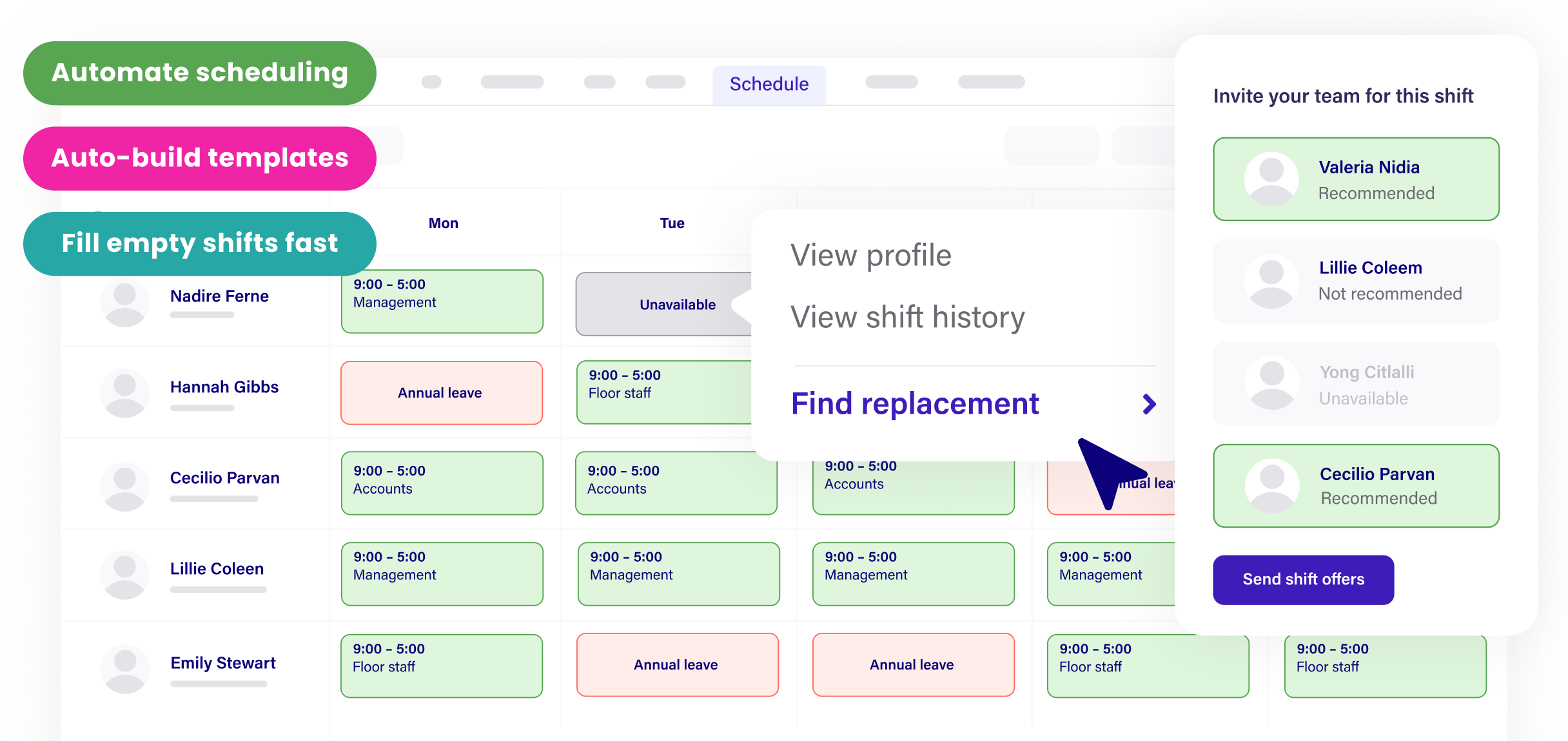 Workflow view
Build schedules, fill open shifts, and manage sites from one admin workspace.
How it works
From open shift to covered, automatically.
The problem
Friday coverage
2 gapsThe workflow
ranking eligible workers
Maria S.
RN · 2.1 mi · available
James T.
RN · overtime risk
Lena P.
RN · restricted site
The outcome
Coverage
FilledMaria S. confirmed
RN · 7:00 PM · covered in 47s
47s
to fill
0
manager texts
60%
faster time-to-fill for open shifts
40hrs
weekly admin time saved by Titan Medical Group
3x
faster event staffing turnaround
Inside Teambridge
See the actual product.
Scheduling & admin tools
Build schedules, fill open shifts, and manage sites from one admin workspace.

Time tracking & approvals
Capture hours, breaks, and exceptions, then approve for payroll.

Team communication
Message workers across channels and track acknowledgements.

Worker mobile app
Workers claim shifts, clock in, and complete tasks from their phone.
Documents & e-signature
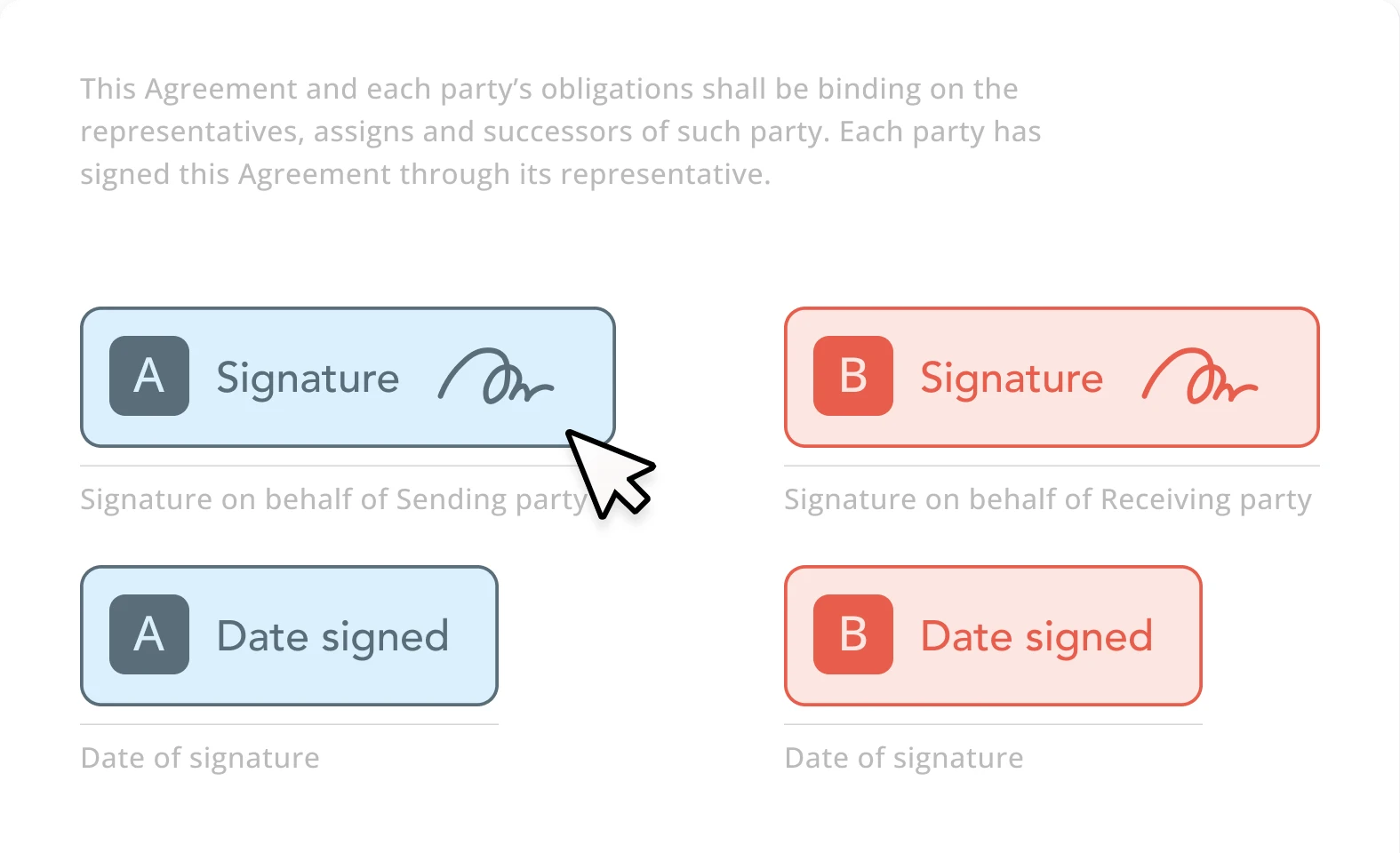
Send forms, collect e-signatures, and store signed documents.
Invoicing & billing
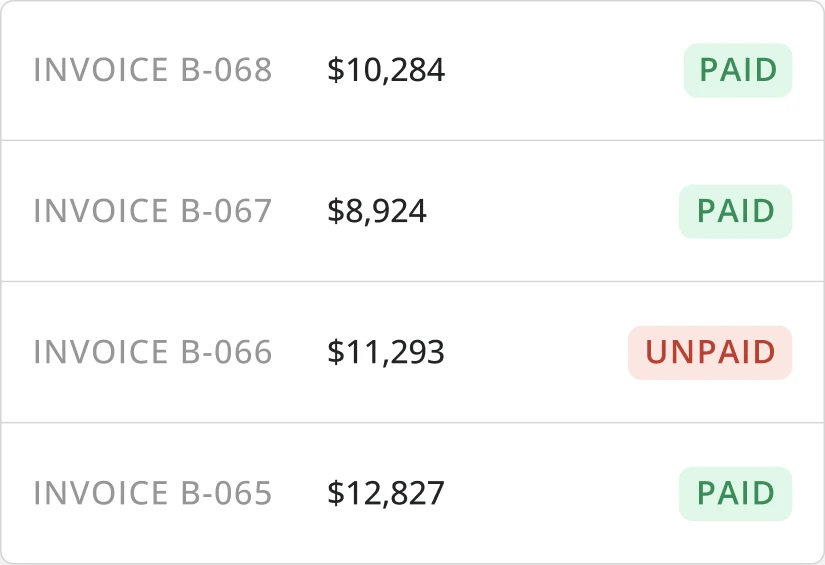
Turn approved time and activity into client-ready invoices.
Side by side
Deputy compared with Teambridge.
What to evaluate
Three questions that actually matter.
Scheduling depth
Compare whether the system can rank qualified workers, account for rules, trigger outreach, and keep schedules current as availability changes.
Exception handling
Missed punches, late arrivals, expired credentials, and callouts should trigger workflows instead of becoming manual manager tasks.
Operational breadth
If scheduling, time, communication, onboarding, and billing are disconnected, managers still spend time reconciling work across tools.
Fair read
Where each platform fits.
Where Deputy is strong
- Clear public focus on employee scheduling, time tracking, HR, payroll, and labor forecasting.
- Strong visual product story around shift scheduling for hourly teams.
- Good candidate when the core need is simpler scheduling and time visibility.
Where Teambridge is strong
- Built for workflows that happen after schedules change: callouts, no-shows, exceptions, and follow-up.
- Connects scheduling with worker communication, documents, compliance, onboarding, and billing.
- AI specialists can automate operational work that usually stays with managers.
What clients say
Deputyreviews, in clients' words.
Aggregated from public review platforms in June 2026. Ratings change over time, so open any source for current numbers.
G2
4.6/5
700+ reviews
View on G2Capterra
4.6/5
verified reviews
View on CapterraTrustpilot
3.9/5
verified reviews
View on TrustpilotClients praise
- Fast, easy shift scheduling with a clean way to spot open shifts
- Workers like the mobile app for clock-in/out, time off, and schedules
- Simple to set up compared with older scheduling systems
Common watch-outs
- Support is chat/email and offshored; users report slow resolution and no phone line
- Occasional bugs, glitches, and lag; schedule updates not always instant
- Pricing complexity; pay-rule/award interpretation issues reported
Which is right for you
Honestly? It depends on your team.
Both are good tools. Here is the straight answer on who each one fits best, so you pick what is right for you, not just for us.
Choose Deputy when
- Shift scheduling and a reliable time clock are the whole project
- You want fast, low-config setup and don't need connected operations
- Your shifts are straightforward, with little compliance or multi-site complexity
Choose Teambridge when
- Teams that need more than schedule publishing
- Operators managing compliance-heavy or multi-site workforces
- Companies that want automated exception handling, not just manager alerts
Learn how it works
Go deeper in the docs.
Fill open shifts
How Teambridge moves an open shift to a confirmed assignment.
Open docControl overtime
Block or flag overtime before it reaches payroll.
Open docPlatform concepts
Collections, workspaces, access groups, and workflows explained.
Open docVideo library
Short walkthroughs of real Teambridge workflows.
Open docAsk Nova
Open any documentation page and ask Nova how to build a workflow for your operation: scheduling, compliance, payroll prep, and more.
Open the docsFAQ
Common questions
How should teams compare Teambridge and Deputy?
Compare the workflows that matter after a schedule is created: coverage recovery, attendance exceptions, compliance checks, communication, onboarding, and reporting.
Who is Teambridge best for?
Teambridge is strongest for frontline organizations that need scheduling connected to broader workforce operations and AI automation.