Video library
Teambridge video library
Videos are useful when they explain the product workflow, not when they decorate the page. This library collects the available Teambridge walkthroughs with the operational question each one answers.
Video documentation
Choose the workflow you want to understand.
Each video has its own documentation page with the recording, the operational question, setup requirements, what to watch for, takeaways, and related concepts.
Scheduling
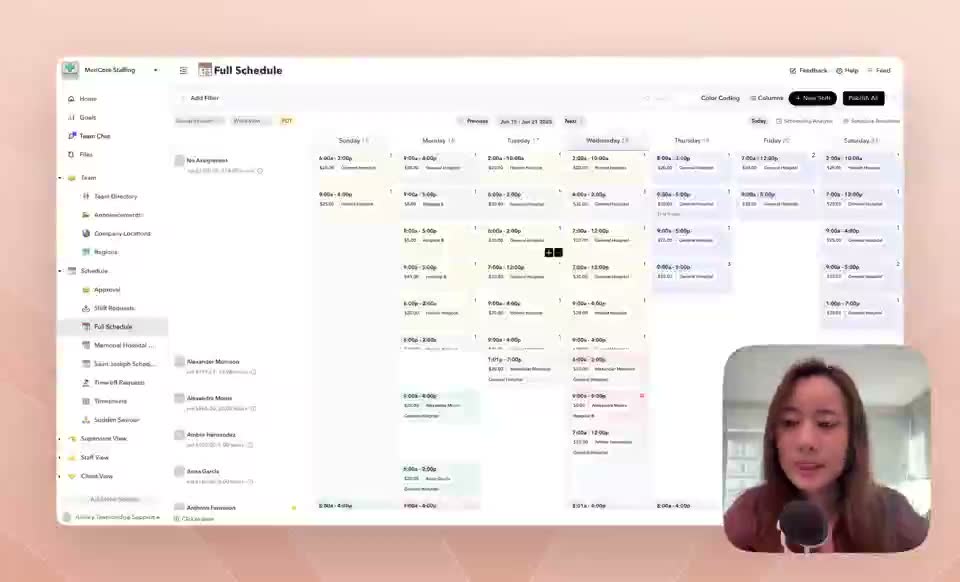
Filling open shifts
Open a shifts workspace, filter for unassigned work, broadcast to qualified staff, use recommendations, and track acceptance.
Scheduling
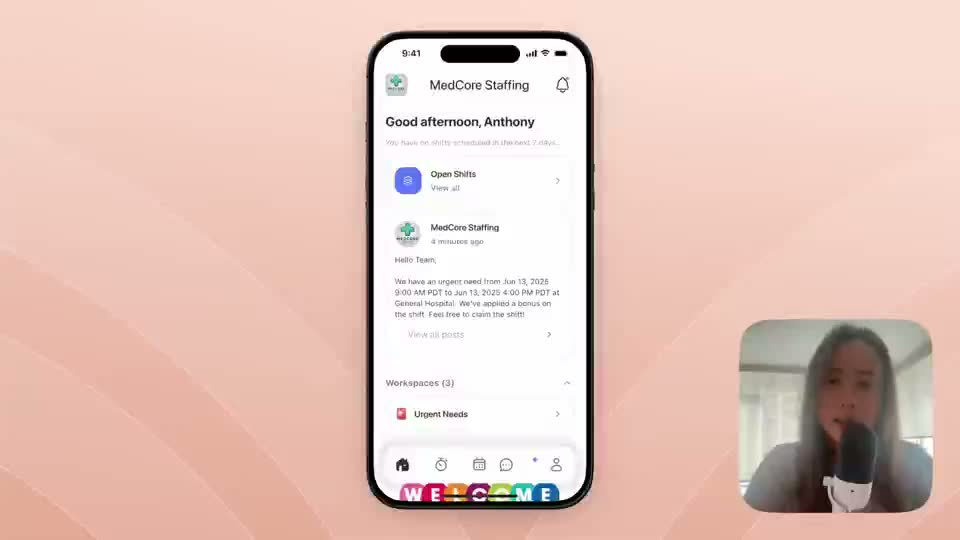
Filling last-minute shifts
Recover urgent coverage with automations, policy matches, targeted outreach, and response tracking.
Client operations
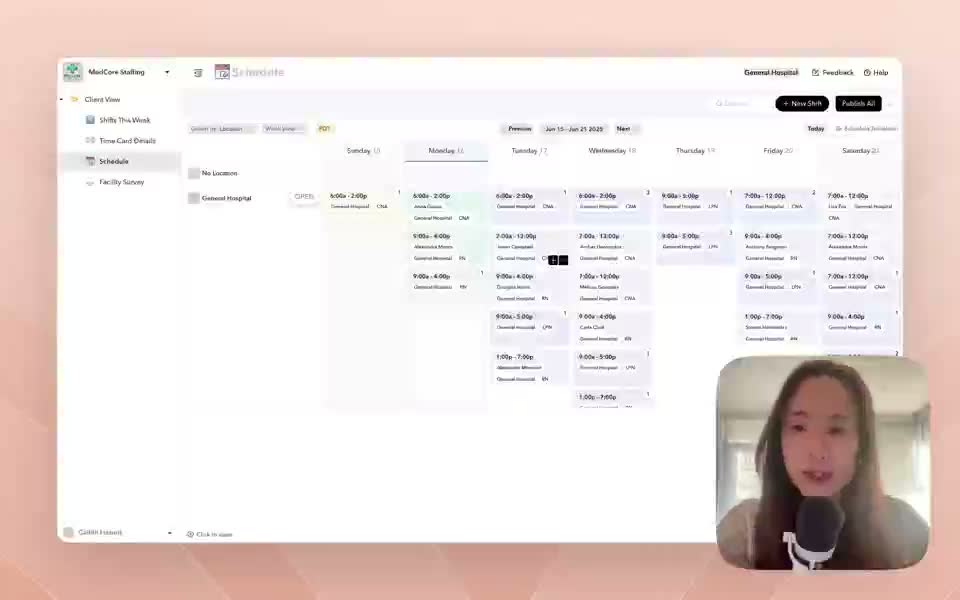
Client-created shifts
Let clients or facilities create shifts from a controlled workspace while internal teams keep fulfillment oversight.
Policy
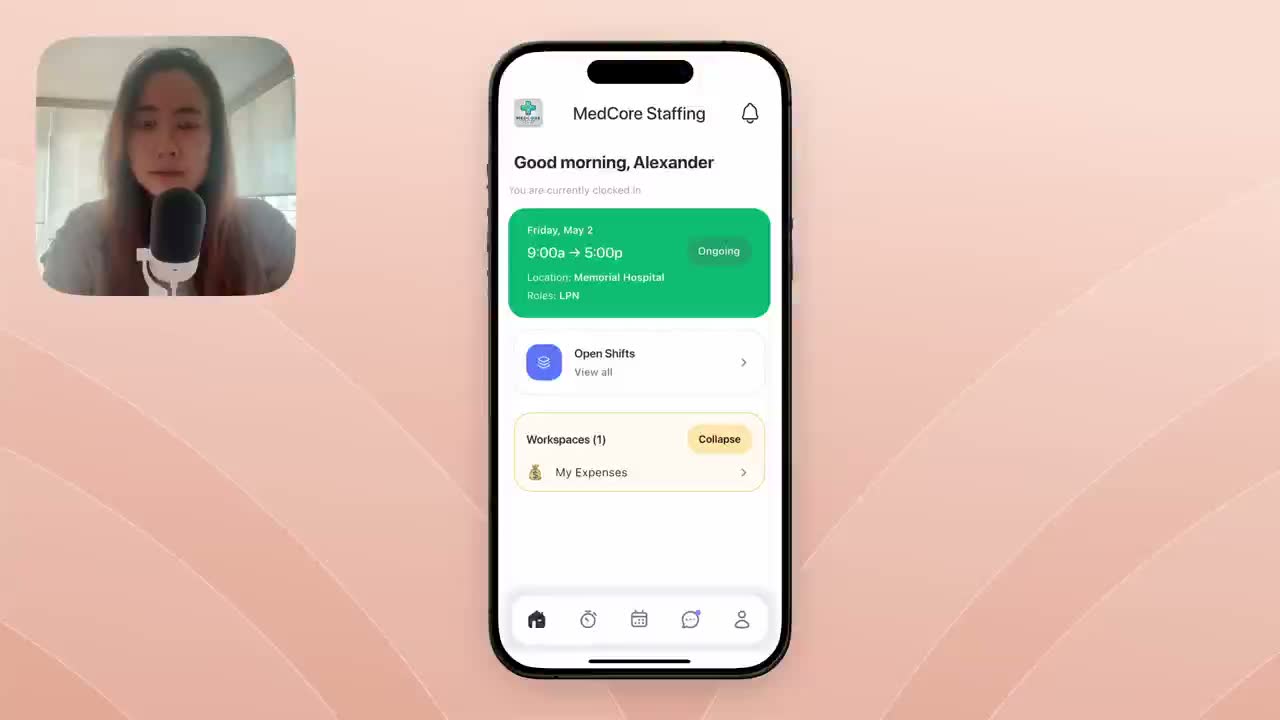
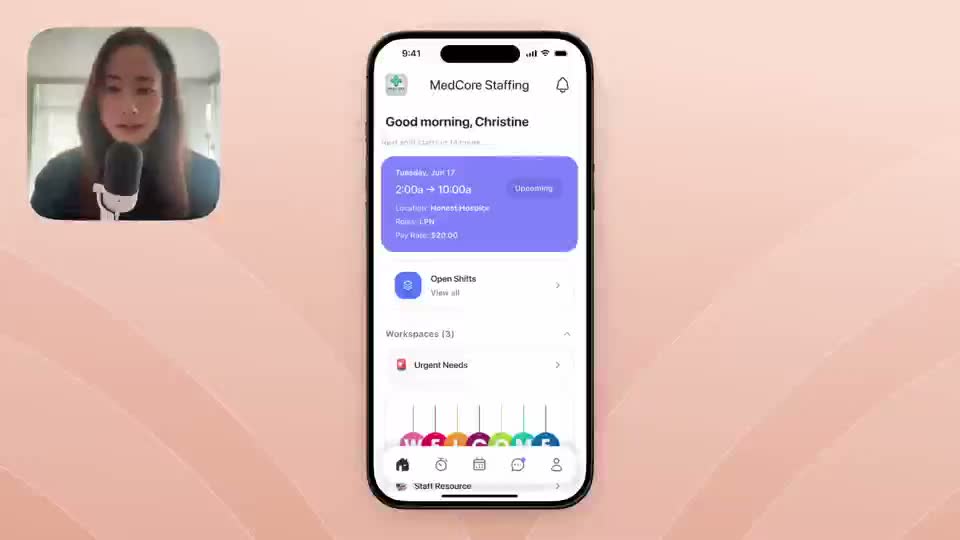
Auto-reject ineligible requests
Block requests that should never reach admin review, such as missing eligibility or client-specific restrictions.
Policy
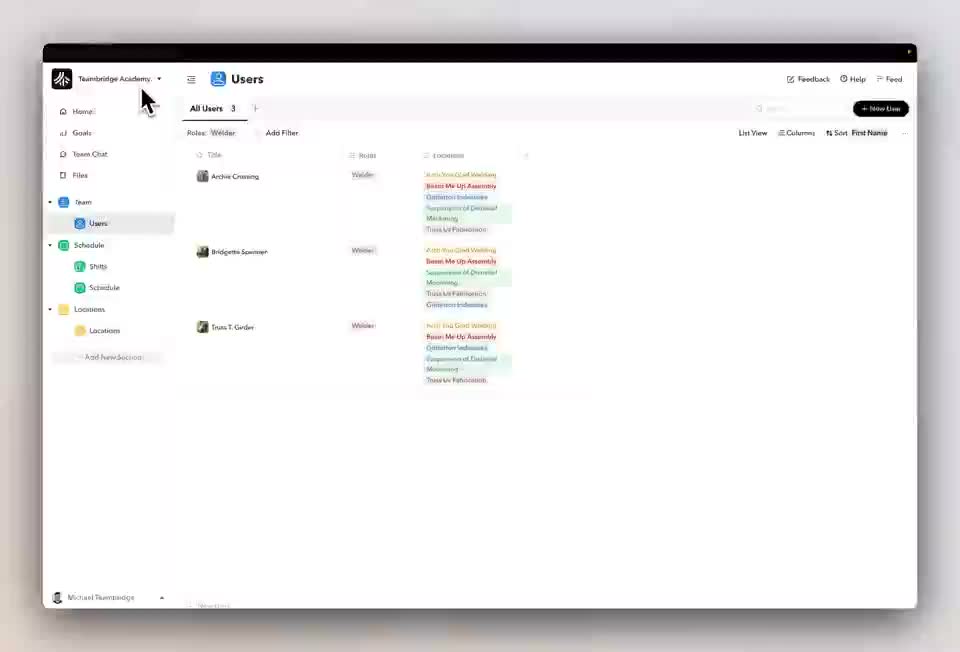
Auto-reject overtime
Block or flag shift requests that would create overtime, depending on how strict the client or location rule should be.
Compliance
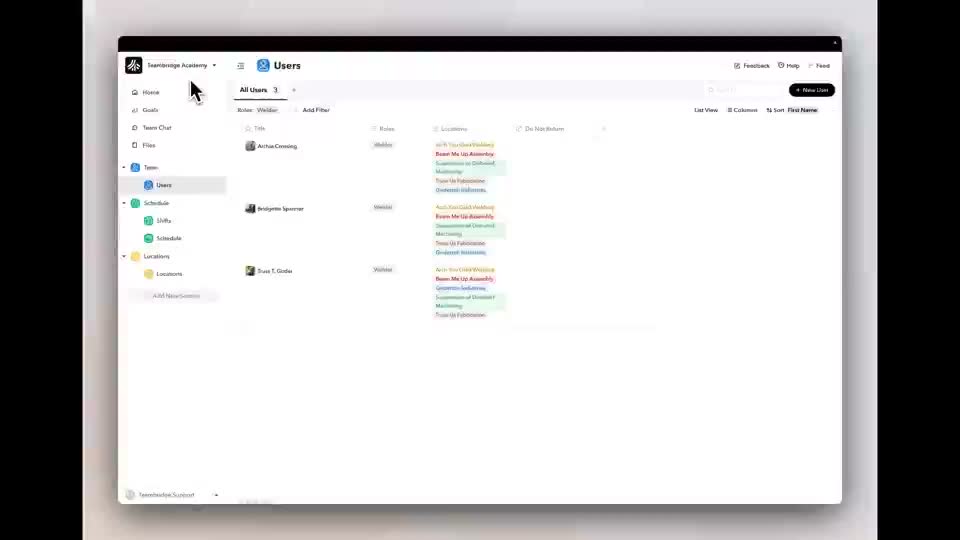
Do Not Return list
Use linked location records and automations to remove access when a worker should not return to a site.
Compliance
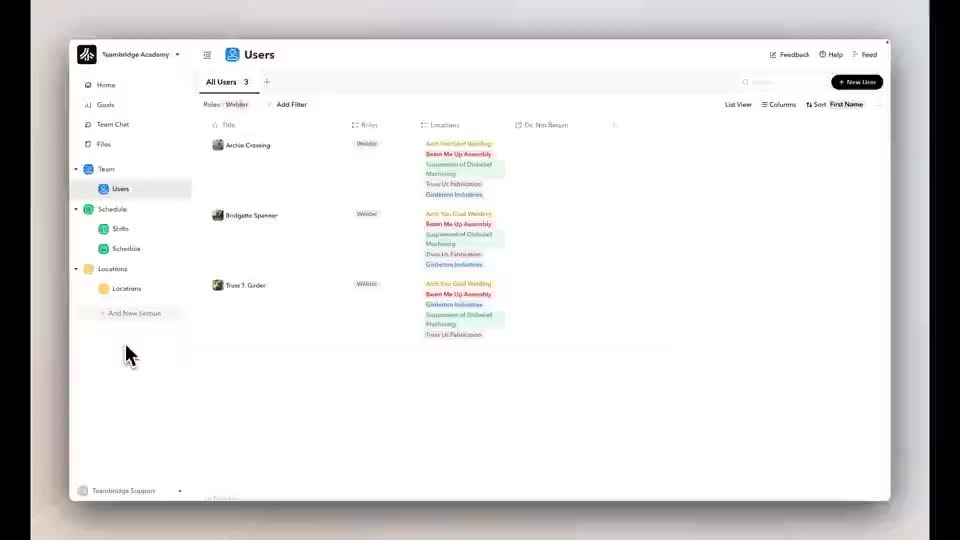
Do Not Return list short version
A shorter walkthrough of the DNR configuration and test path.
Performance
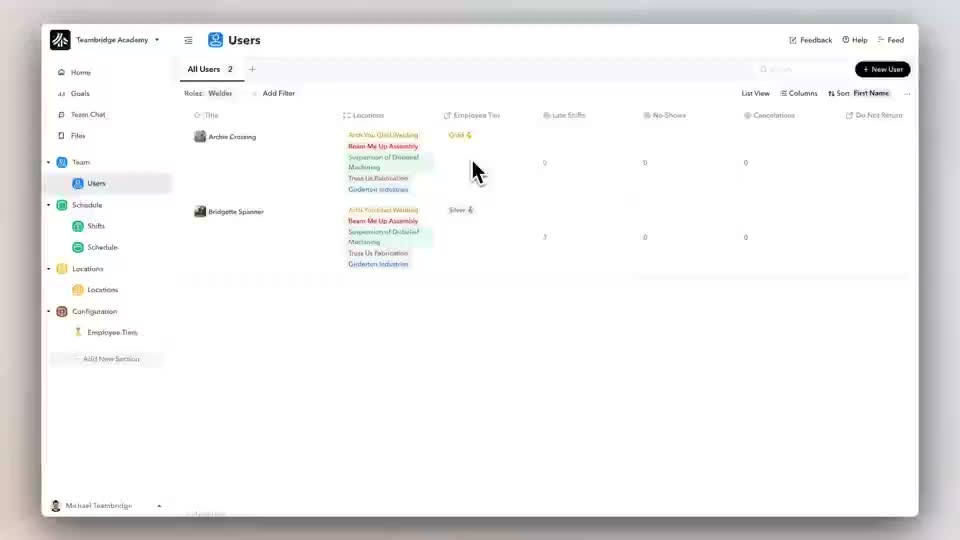
Employee tiers
Create tier records, assign workers, count attendance signals, and control shift access by performance tier.
Performance
Employee tiers short version
A condensed version of employee tier setup and eligibility control.
Performance
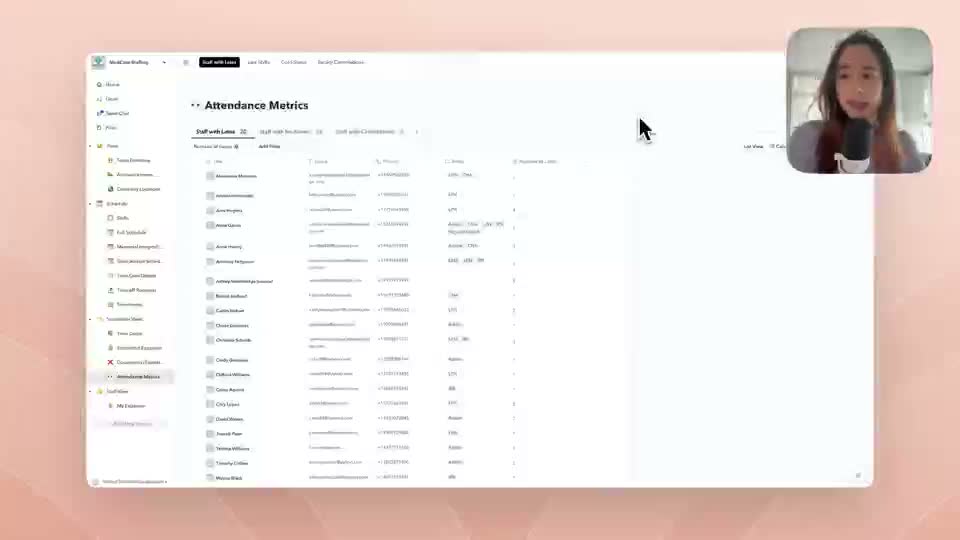
Attendance status and tiers
Track late shifts, no-shows, cancellations, and facility trends, then use those signals in worker performance tiers.
Mobile workflow
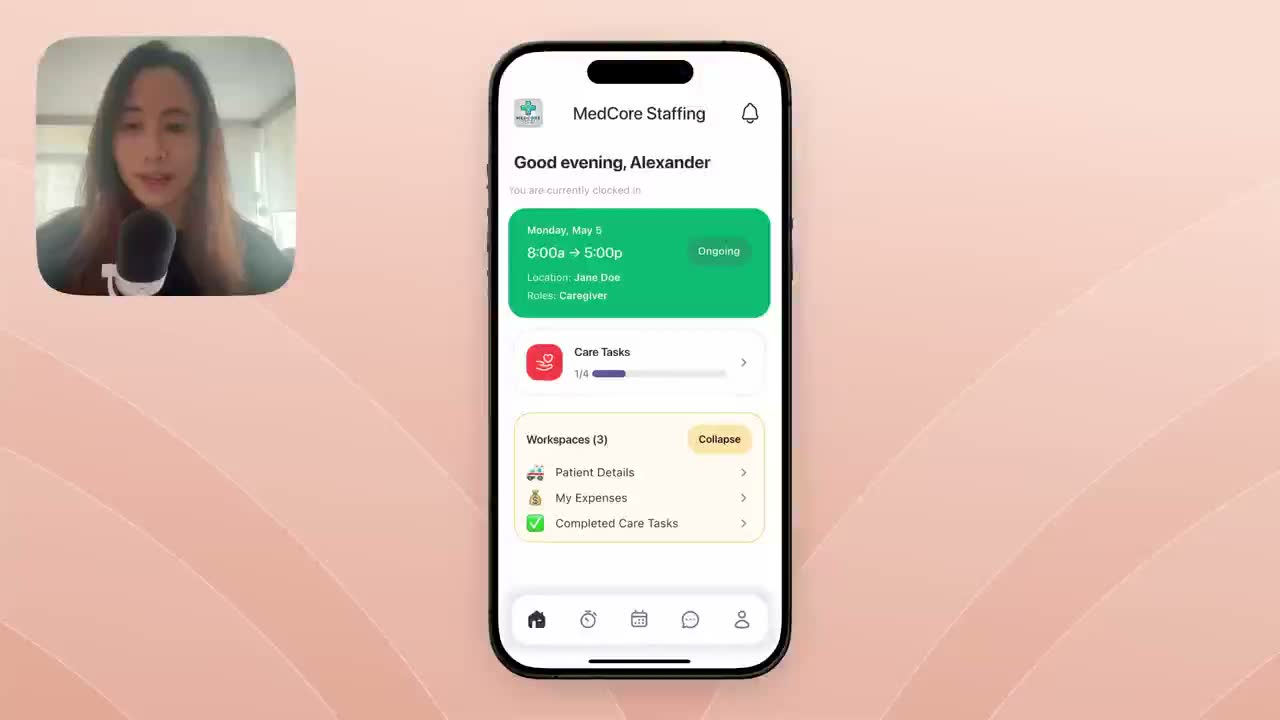
Auto-approve time off
Approve time off automatically for workers in good standing while routing exceptions to managers.
Payroll
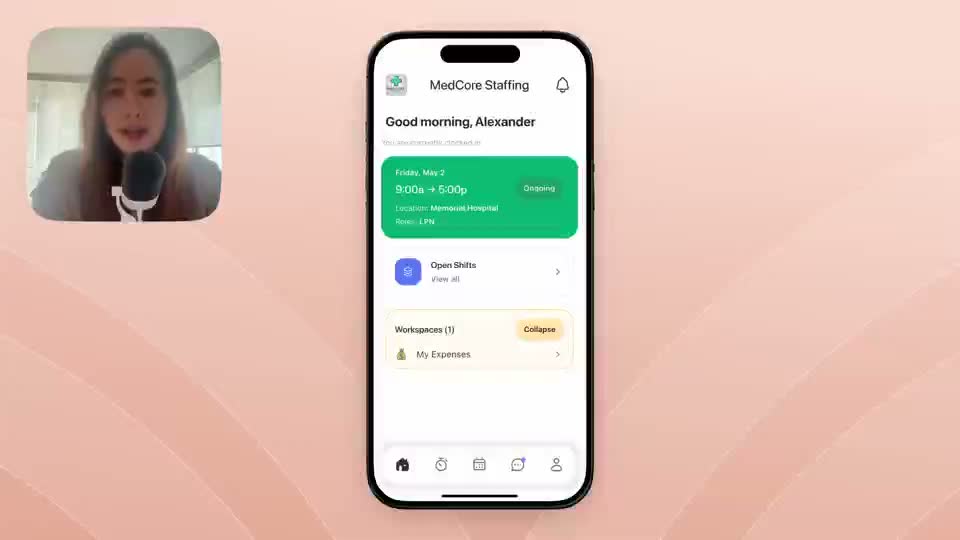
Callback adjustments
Let workers submit callback services from mobile so pay and bill totals update from structured records.
Payroll
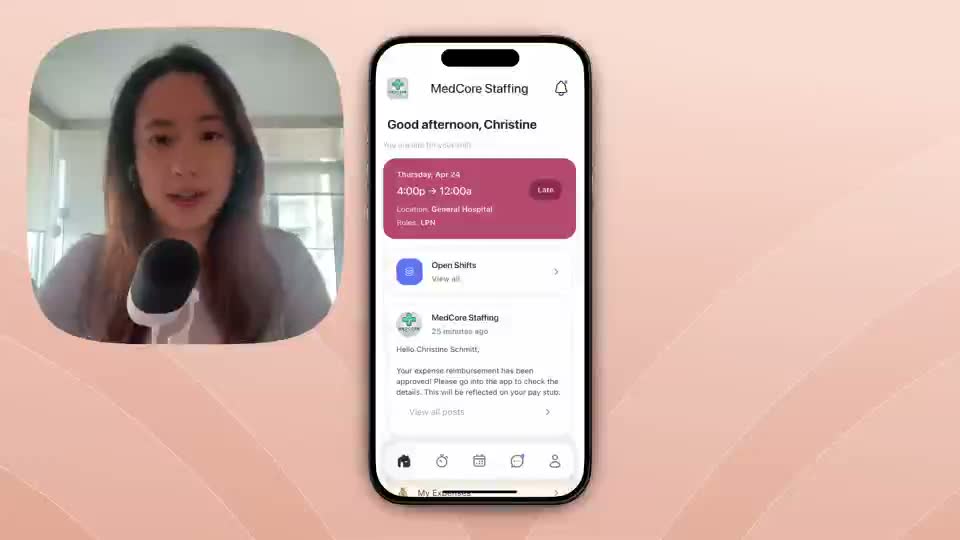
Reimbursements
Capture reimbursement amount, description, receipt, and review status from the mobile app.
Payroll
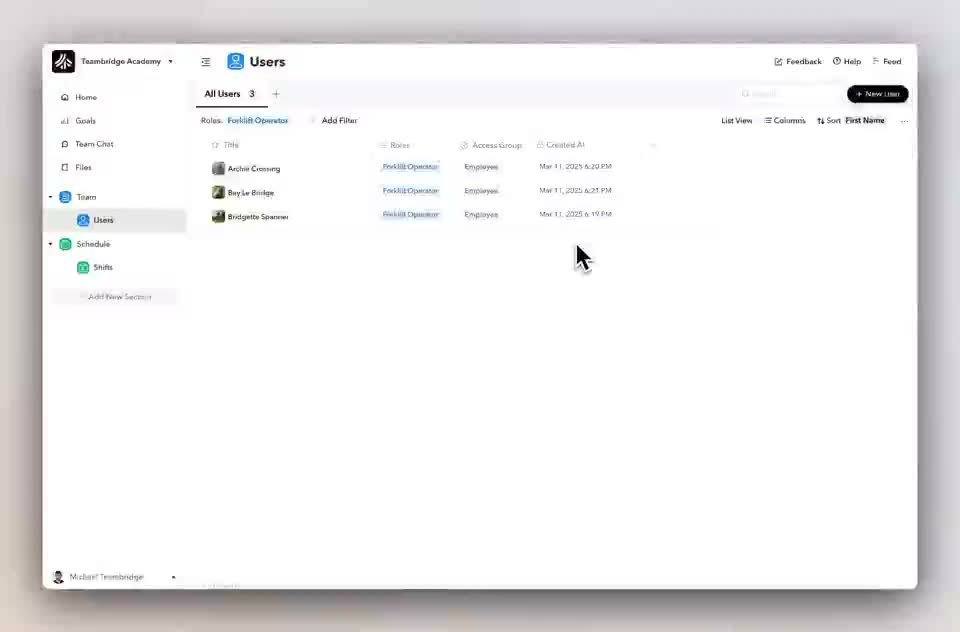
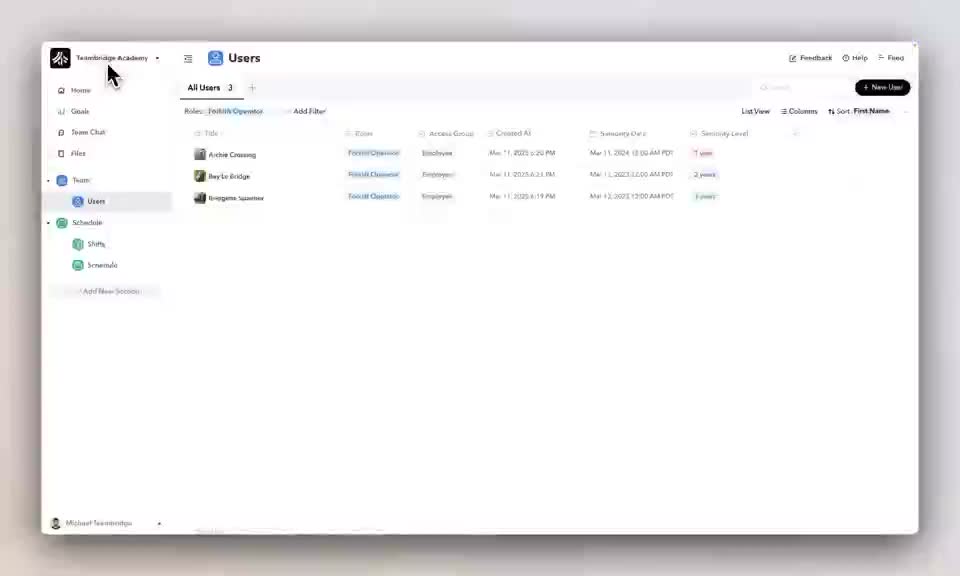
Seniority-based pay
Use worker seniority fields and payment rules to adjust pay rates without hard-coded software changes.
Payroll
Seniority-based pay short version
A shorter seniority-based pay setup example.
Field activity
Assign tasks to shifts
Attach service or care tasks to shifts so completed work becomes visible for admins, billing, and compliance.
Quality
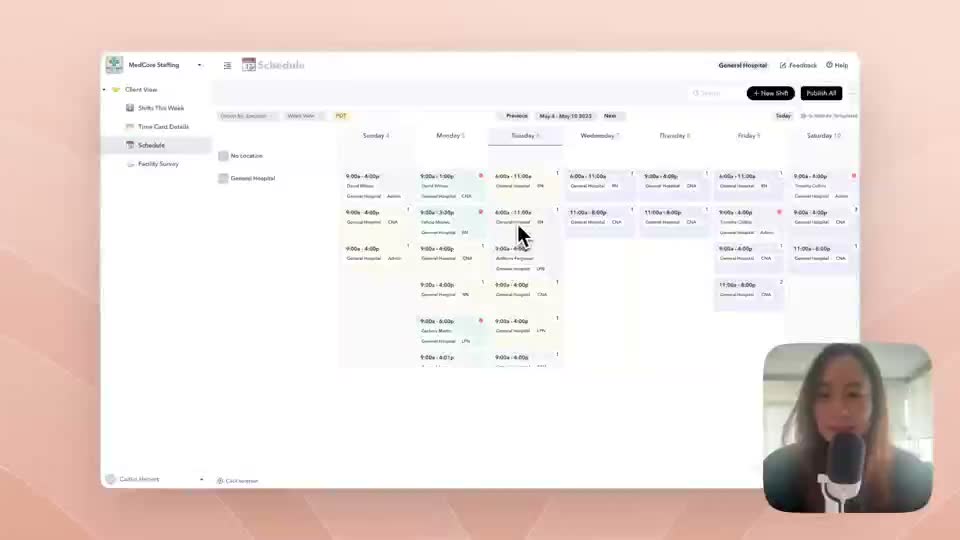
Facility survey
Collect structured facility feedback and surface results in dashboards by facility, shift, staff, or quality category.
Access control
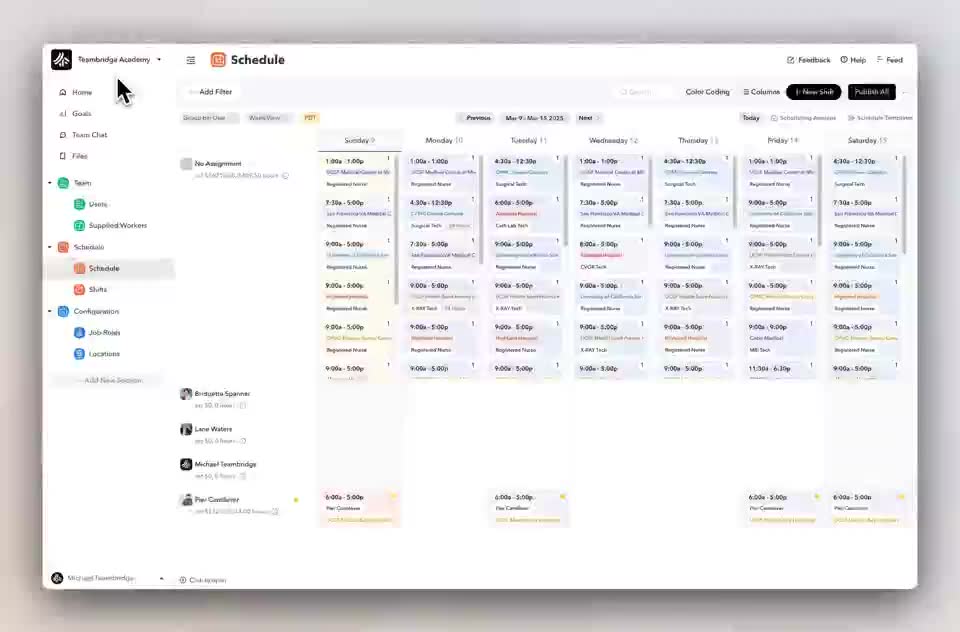
Facility access groups
Create scoped client or facility access without exposing sensitive admin settings.
Mobile content
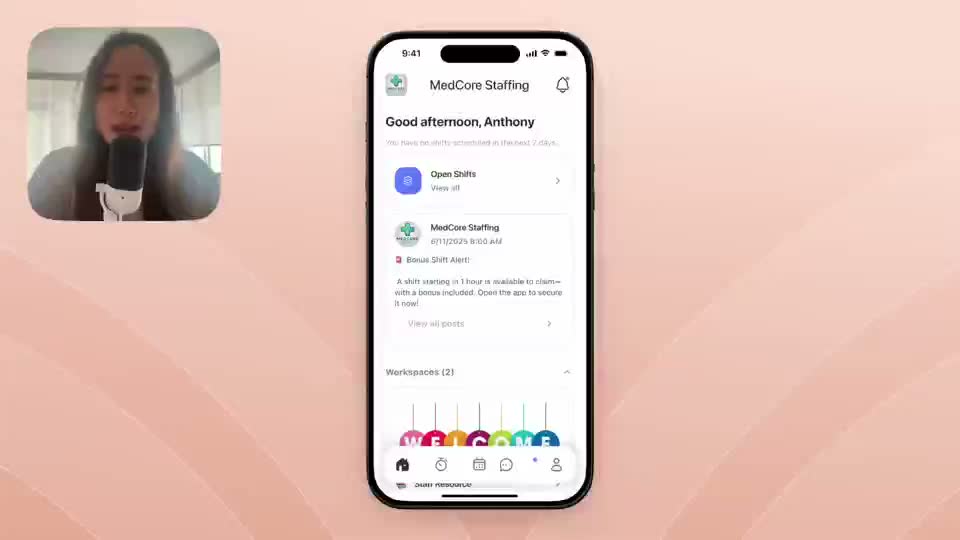
Self-serve information
Publish facility instructions, policy guidance, training content, and process references inside the mobile experience.
Configuration
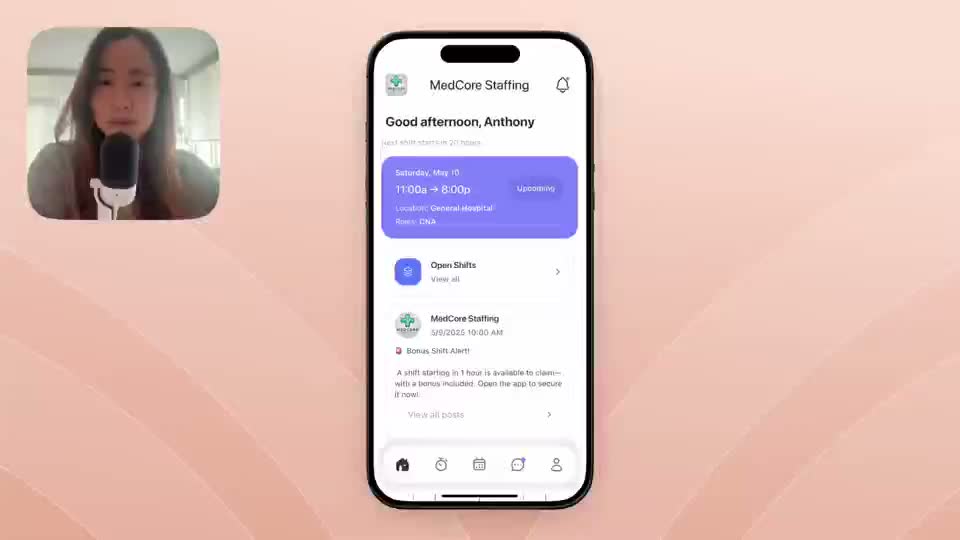
Blank canvas
Use flexible canvas workspaces for custom content, guides, training material, and operational reference pages.
Next