Compare
Teambridge vs When I Work: from shift coordination to automated workforce operations.
Teambridge is built for organizations where shift work creates downstream operational complexity across compliance, attendance, onboarding, communication, and pay.


Teambridge is a fit for
- Shift-based teams scaling across multiple sites, roles, or clients
- Operations leaders reducing admin work across multiple workflows
- Organizations that need worker communication and time data connected to scheduling
The operating difference
A clearer look, side by side.
When I Work visuals are public product or brand assets where available. Teambridge is shown as the workflow layer operators use to turn events into action.
Public view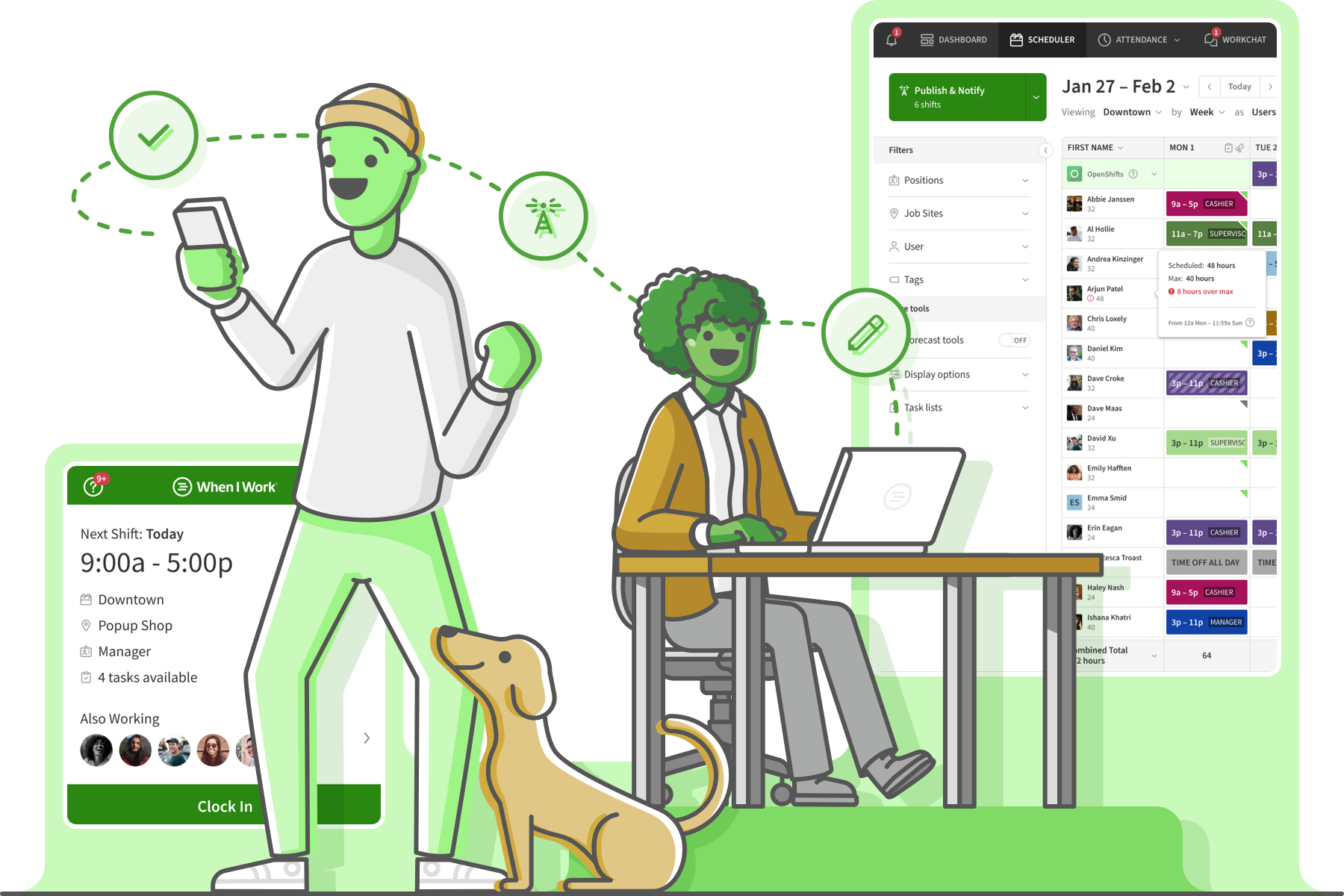 Workflow view
Build schedules, fill open shifts, and manage sites from one admin workspace.
How it works
From open shift to covered — automatically.
The problem
Friday coverage
2 gapsThe workflow
ranking eligible workers
Maria S.
RN · 2.1 mi · available
James T.
RN · overtime risk
Lena P.
RN · restricted site
The outcome
Coverage
FilledMaria S. confirmed
RN · 7:00 PM · covered in 47s
47s
to fill
0
manager texts
45%
employee retention lift at Levi's Stadium
75%
reduction in onboarding time
100s
of tailored workflows for ModSquad clients
Inside Teambridge
See the actual product.
Scheduling & admin tools
Build schedules, fill open shifts, and manage sites from one admin workspace.

Time tracking & approvals
Capture hours, breaks, and exceptions, then approve for payroll.

Team communication
Message workers across channels and track acknowledgements.

Worker mobile app
Workers claim shifts, clock in, and complete tasks from their phone.
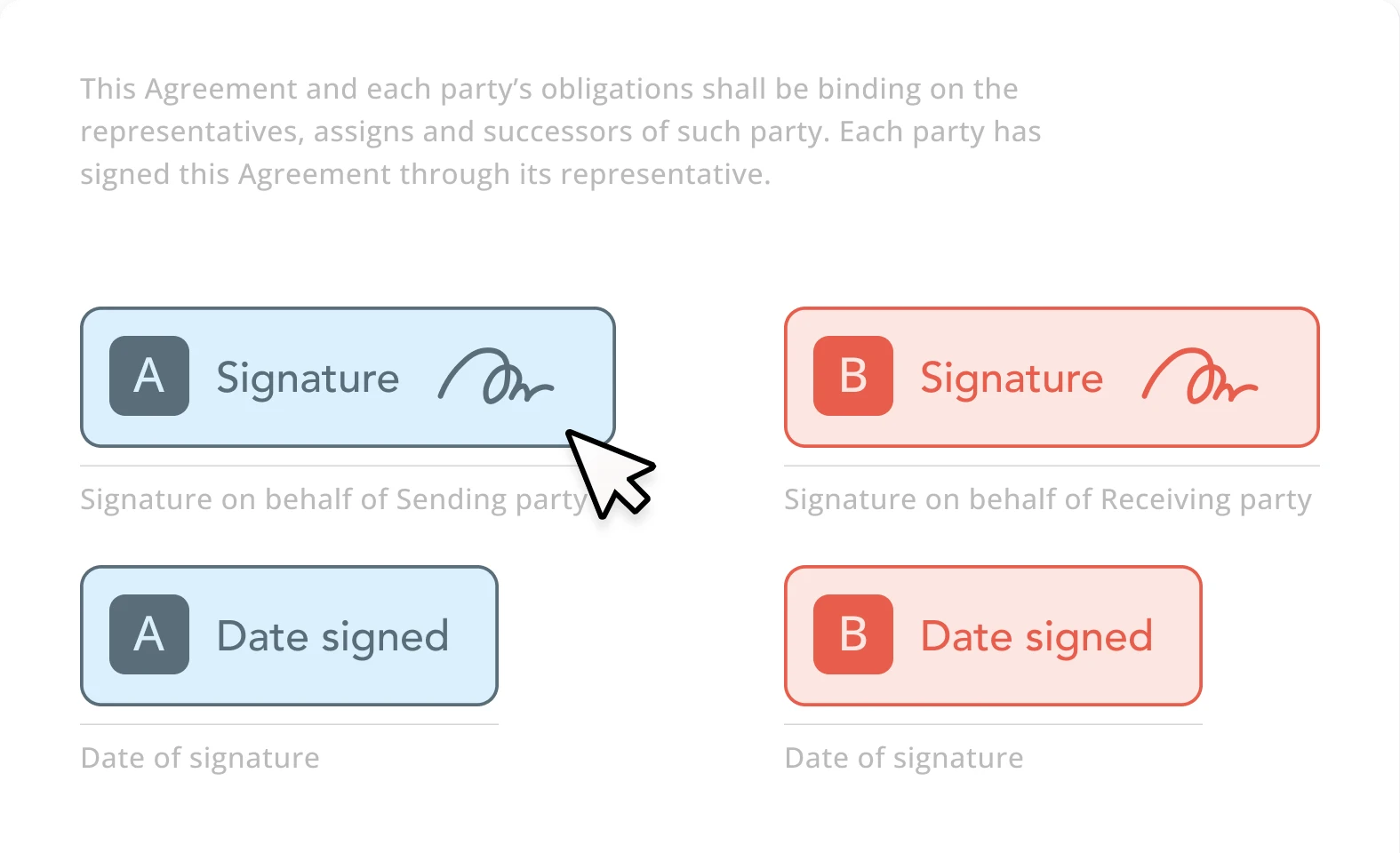
Documents & e-signature
Send forms, collect e-signatures, and store signed documents.
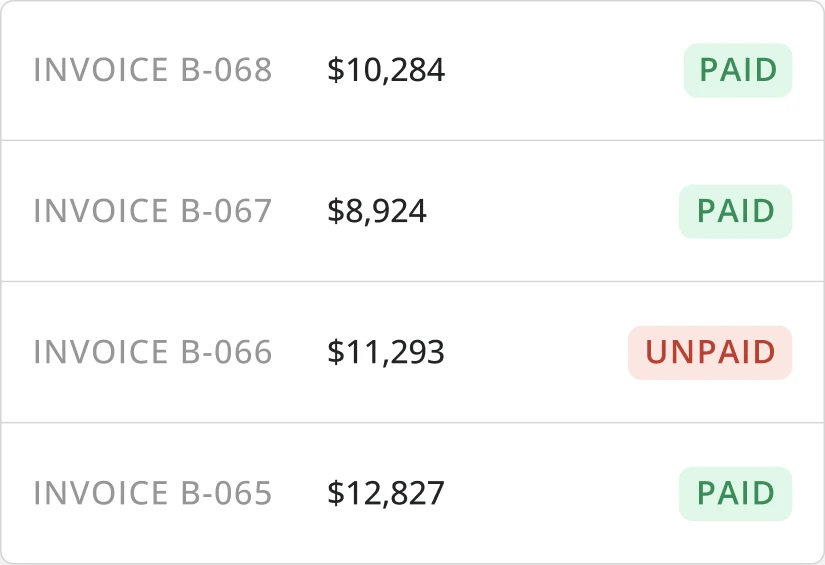
Invoicing & billing
Turn approved time and activity into client-ready invoices.
Side by side
When I Work compared with Teambridge.
What to evaluate
Three questions that actually matter.
Coverage recovery
Evaluate how each platform helps when someone declines, calls out, misses arrival, or becomes unavailable at the last minute.
Rules and readiness
For regulated or client-specific work, workers need to be matched to shifts based on credentials, role, availability, and policy constraints.
Administrative leverage
The key question is how much manager follow-up disappears after the platform is implemented.
Fair read
Where each platform fits.
When I Work is strong when
- Public positioning is easy to understand: employee scheduling, time clock, and team messaging.
- Useful fit for shift-based teams that want straightforward coordination.
- Strong mobile-first story for employees and managers managing shifts.
Teambridge is strong when
- Connects schedule coordination to readiness, credentials, onboarding, communication, and pay workflows.
- Handles higher-friction environments with multiple sites, roles, requirements, and exceptions.
- Focuses AI on taking action across repeated admin workflows.
What clients say
When I Workreviews, in clients' words.
Aggregated from public review platforms in June 2026. Ratings change over time — open any source for current numbers.
Clients praise
- Strong value for money for hourly scheduling teams
- Easy for new hires; built-in time tracking and team chat
- Helps managers spend less time on the schedule and more on the floor
Common watch-outs
- Functional UI, but users say the look feels dated
- Some workflow gaps reported (e.g., handling open-shift request approvals)
- Geared to simpler scheduling; less depth for cross-workflow operations
Which is right for you
Honestly? It depends on your team.
Both are good tools. Here is the straight answer on who each one fits best — so you pick what is right for you, not just for us.
Choose When I Work if you…
- You're a small shift team that wants simple, easy scheduling
- Scheduling, a time clock, and team chat cover essentially everything you need
- You're not trying to automate operations beyond the schedule itself
Choose Teambridge if you…
- Shift-based teams scaling across multiple sites, roles, or clients
- Operations leaders reducing admin work across multiple workflows
- Organizations that need worker communication and time data connected to scheduling
Learn how it works
Go deeper in the docs.
Fill open shifts
How Teambridge moves an open shift to a confirmed assignment.
Open docControl overtime
Block or flag overtime before it reaches payroll.
Open docPlatform concepts
Collections, workspaces, access groups, and workflows explained.
Open docVideo library
Short walkthroughs of real Teambridge workflows.
Open docAsk Nova
Open any documentation page and ask Nova how to build a workflow for your operation — scheduling, compliance, payroll prep, and more.
Open the docsFAQ
Common questions
Is Teambridge only for scheduling?
No. Teambridge includes scheduling, but the platform is designed around broader AI workforce operations.
What teams should evaluate Teambridge?
Teams with repetitive scheduling, communication, attendance, onboarding, or compliance work should evaluate Teambridge.
