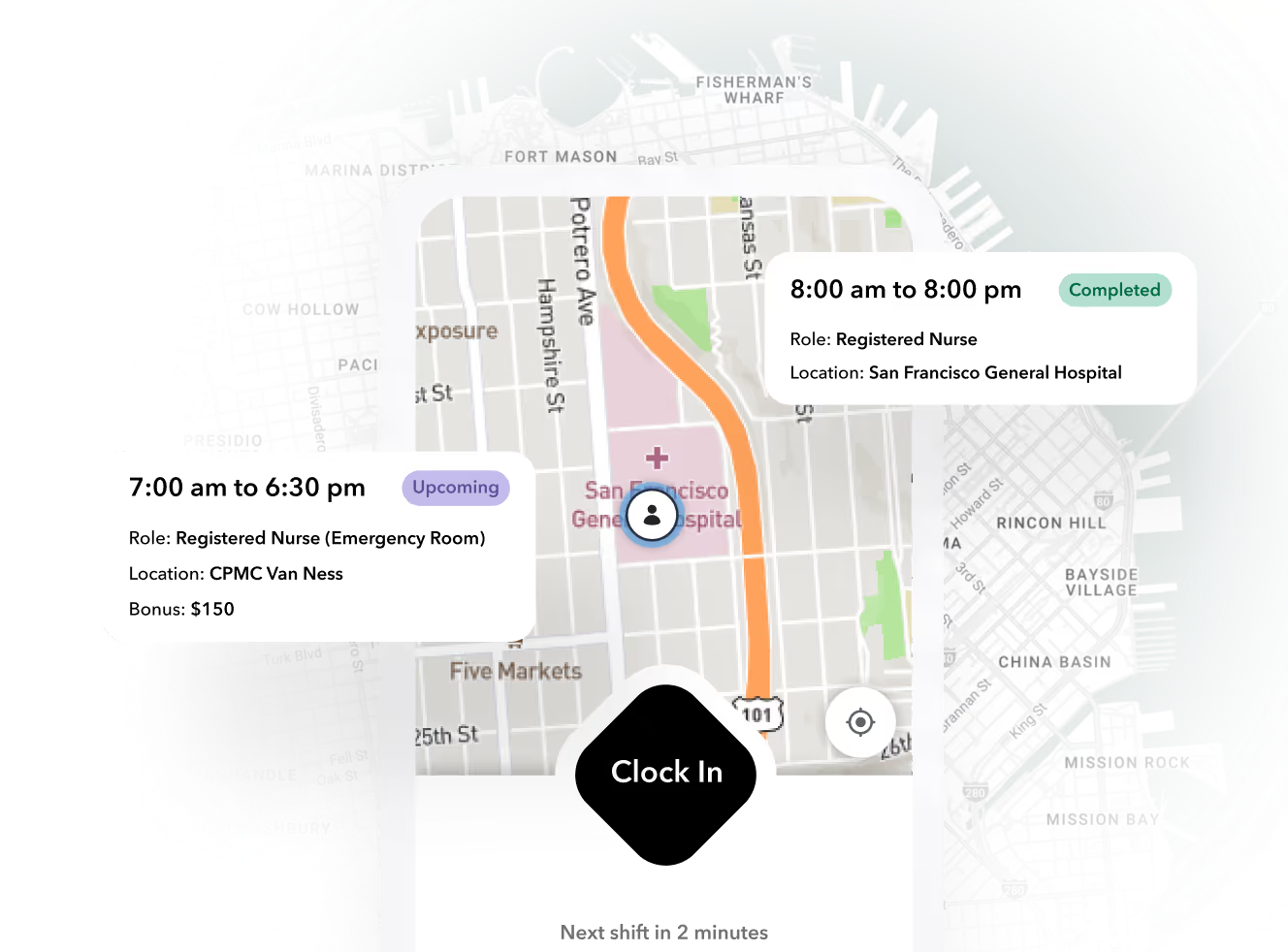


If you run hourly, field, or staffing workforces, the buying decision comes down to a different set of questions. Can a worker punch in at a jobsite with no signal. Do exceptions surface before payroll or after. Does a punch flow to pay without someone rekeying it. Can the system block a clock-in when a credential has lapsed. And what does the bill actually look like after add-ons and minimums.
This guide scores six named platforms against those five criteria, with published pricing and honest tradeoffs. Cloud time and attendance typically runs $2 to $10 per employee per month at headline rates, according to TechRepublic's 2026 roundup, but the spread between headline and actual is where budgets break. We will get to that arithmetic.
Why generic roundups mislead shift-workforce buyers
A roundup that scores "ease of use" and "integrations" is answering questions an office buyer asks. Shift operations fail in different places.
The failure modes look like this. A nurse aide shows up for a shift with an expired certification and clocks in anyway, because the time clock does not check. A crew at a stadium loses signal and the punches vanish, so supervisors reconstruct hours from memory on Sunday night. A staffing agency exports timesheets from one tool, reformats them in a spreadsheet, and imports them into payroll, introducing errors at every handoff.
None of those show up in a feature checklist. All of them show up in your labor cost and your compliance exposure.
Ready to move?
Ready to see Teambridge in action?
The five criteria that actually decide fit
Every score in this article maps to one of these five criteria. Define them before you sit through a single demo, and score vendors against them in the demo itself.
- Capture method and offline behavior. Can workers clock in with no connectivity, and do those punches sync cleanly when signal returns? A kiosk with an offline mode is not the same as a mobile app that works offline.
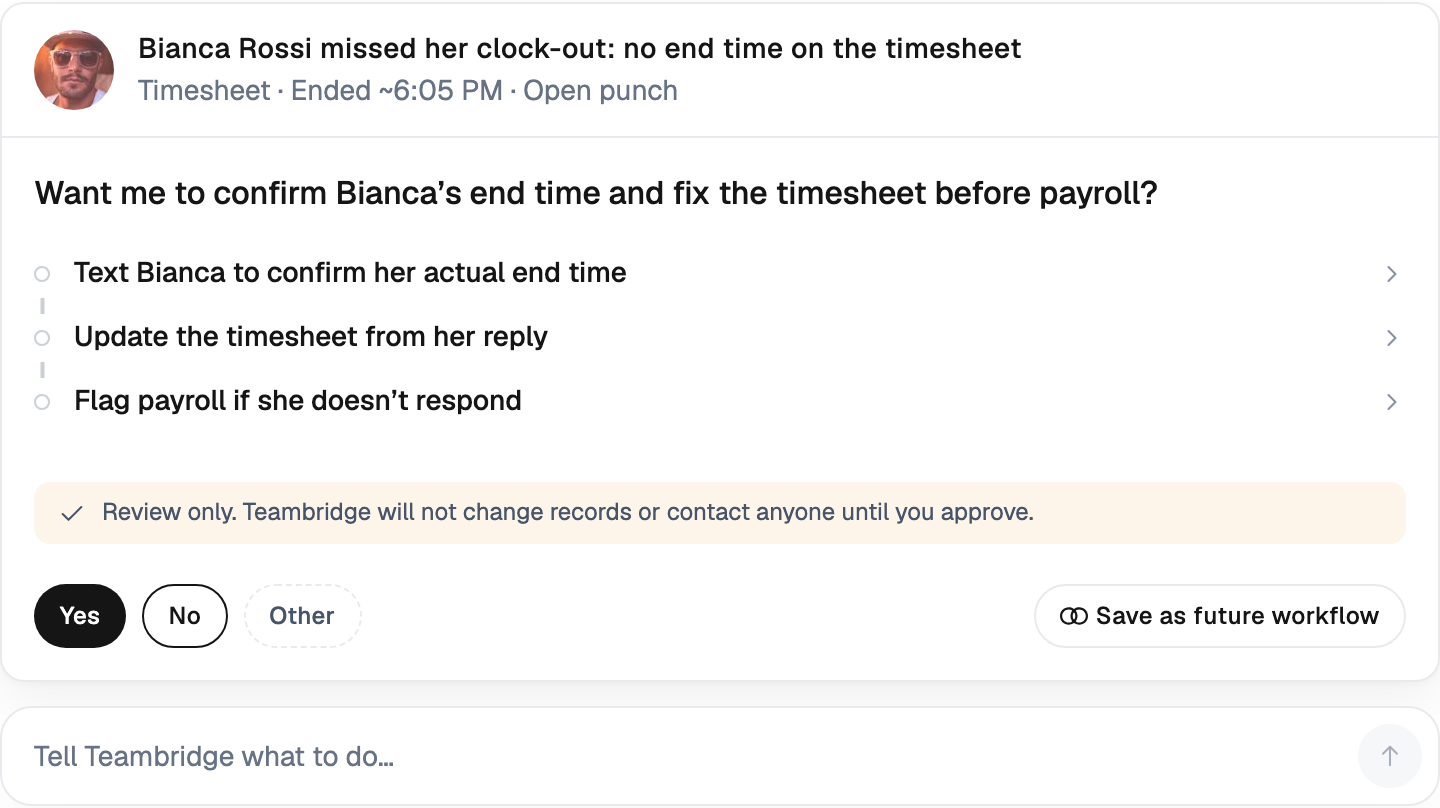
- Exception handling. When a punch is missed, late, or outside a geofence, where does it land, who clears it, and how long does that take at 200 workers?
- Payroll handoff. Do approved hours flow to payroll natively, through a certified integration, or through a CSV someone babysits?
- Credential and eligibility gating. Can the system block a clock-in when a license, OSHA card, or training has expired, or does it discover the gap after the shift is worked?
- Transparent per-worker pricing. What is the real bill per worker after base fees, add-on modules, and minimum monthly spends?
Tip
Bring this checklist into vendor demos and ask for a live walkthrough of each item with your headcount, not the vendor's demo data. A tool that handles exceptions beautifully at 12 employees can drown a supervisor at 300.
Head-to-head: six platforms scored against the rubric
Scores use three shorthand marks. Strong means the capability is native and documented. Partial means it exists with limits or at higher tiers. Weak means you need a workaround or a separate tool. Every claim below traces to a vendor pricing or help page, listed in the evidence panel after the table.
| Criterion | Deputy | Connecteam | Homebase | When I Work | UKG Ready | Teambridge |
|---|---|---|---|---|---|---|
| Offline capture | Partial: kiosk has offline mode; standard mobile app needs connectivity | Weak: app-based capture assumes connectivity | Weak | Weak | Partial: time clocks buffer punches; mobile varies | Strong: offline mobile capture built for field and venue work |
| Exception handling | Strong at Core tier and above | Partial: bulk actions at Advanced tier | Partial | Partial | Strong | Strong: dedicated exception queues for supervisors |
| Payroll handoff | Partial: integrations; native payroll is a paid add-on via Paycor at $8/user plus $49 base | Partial: payroll integration from Basic tier | Partial: native payroll as add-on | Weak: integrations only | Strong for UKG payroll customers | Strong: punches, pay rules, and payroll in one system |
| Credential gating at clock-in | Weak | Weak | Weak | Weak | Partial: configurable, often via add-on modules | Strong: expired credentials block assignment and clock-in natively |
| Pricing transparency | Strong: published per-user tiers from $5 Lite (annual) | Strong: published, free up to 10 users | Strong: per-location, from roughly $30/location/mo | Strong: from $2.50/user single location | Weak: custom quote only | Strong: published per-worker pricing |
Evidence
Evidence panel
Two things stand out when you score this way. First, credential gating is weak or absent in five of the six tools, which matters enormously if you staff credentialed work. Second, "payroll integration" covers a wide range, from a certified real-time sync to a CSV export your office manager reformats every Monday.
Products discussed
Best Time and Attendance Software for Shift Workforces (2026) tools mentioned
Official marks identify the products materially discussed in this section.
What each tool costs at 50, 200, and 500 workers
This is a hypothetical scenario with stated assumptions. We model a staffing agency running a single hub with one location group, using published starting prices as of early 2026, annual billing where it is the default quoted rate. No discounts, no negotiated enterprise terms. Custom-priced vendors are marked as such rather than estimated.
Assumptions: scheduling plus time tracking required, one admin per 50 workers included in the per-user count, no payroll add-on unless noted.
| Headcount | Deputy (Core, $6.50/user annual) | Connecteam (Ops Advanced) | When I Work (single location, $2.50/user) | Homebase (Plus, ~$70/location) | UKG Ready | Teambridge |
|---|---|---|---|---|---|---|
| 50 workers | ~$325/mo | $49 + 20 x $2.50 = $99/mo | $125/mo | ~$70/mo (one location) | Custom quote | Per-worker, see pricing page |
| 200 workers | ~$1,300/mo | $49 + 170 x $2.50 = $474/mo | $500/mo | Scales per location | Custom quote | Per-worker, see pricing page |
| 500 workers | ~$3,250/mo | Enterprise tier likely | $1,250/mo | Scales per location | Custom quote | Per-worker, see pricing page |
The arithmetic that bites is not in this table. It is in the add-ons. Deputy's payroll module adds $8 per user plus a $49 base fee, and a fully loaded Deputy seat lands closer to $20 than $5 once HR, Messaging+, and Analytics+ are stacked, per TechRepublic's pricing breakdown. Deputy also enforces a $30 monthly minimum spend, so a three-person shop pays for six. Homebase's per-location model is a bargain for one site and expensive across twenty. Connecteam's free tier is genuinely free up to 10 users, then the per-user overage rate becomes the number to watch.
The general pattern holds across the category: advertised per-employee rates diverge from actual bills once modules, base fees, and minimums land. Budget from the fully loaded number, not the headline.
Best fit by operating model: who should buy what
There is no overall winner here. There is a best fit per operating model, and buying outside your model is how tools get abandoned in month two.
Single-location SMB under 10 staff. Start with free tiers. Connecteam's Small Business plan is free for up to 10 users, and Homebase covers basics for one location. Do not pay per-user fees at this size.
Retail and hospitality SMBs, 10 to 100 workers. Homebase or When I Work. Both are priced predictably, both handle shift swaps and basic time tracking well, and neither requires an implementation project.
Complex multi-site shift operations. Deputy's Core and Pro tiers earn their price with demand forecasting, biometric clocking, and location hierarchies. The tradeoff is add-on stacking and the fact that admins count as billable users.
Enterprise already on UKG or ADP. Stay in your stack. UKG Ready's value is native payroll and HR on one record. The tradeoff is opaque pricing and implementations measured in months.
Staffing agencies and hourly operators whose pain is fragmentation. If your core problem is that scheduling, credentials, time capture, and payroll live in four systems and you pay humans to reconcile them, the fix is unification, not another point tool. The Teambridge platform runs scheduling, time tracking, compliance, and pay on one worker record, so punches become payroll without a reconciliation step. Boundary, stated plainly: Teambridge is per-worker priced and built for hourly and deskless operations. It is not a general HRIS, and if you need performance reviews and org charts, that is a different category.
Credential gating: the feature most roundups skip
For staffing, healthcare, and industrial work, the most expensive timekeeping failure is not a missed punch. It is a worked shift by someone whose credential lapsed last Tuesday, discovered during an audit three months later.
Most time and attendance tools treat eligibility as a scheduling concern at best. The scheduler might warn you. The time clock will still let the worker in, because the clock does not know what a credential is. Approximating gating in Deputy, Connecteam, or Homebase means a separate compliance tracker, a spreadsheet of expiry dates, and a supervisor checking a list at the door.
In a unified system the check happens at the point of capture. The worker profile carries credential status, the schedule will not offer the shift to an expired worker, and if someone tries to clock in anyway, the system blocks the punch and routes the exception to a supervisor. Teambridge's AI specialists monitor expiry dates in the background and flag renewals before they become blocked shifts, which converts a compliance discovery problem into a scheduling input.
If your workforce carries licenses, certifications, or site-specific training requirements, weight this criterion heavily in the rubric. It is the difference between compliance as a state and compliance as a cleanup project.
Switching without breaking payroll: a five-step migration path
The most common reason teams stay on a bad time clock is fear of the cutover. A disciplined migration removes that excuse.
- Audit your current state before you buy anything. Count punch sources, exception volume per pay period, and the hours your team spends reconciling. This is your baseline and your ROI case.
- Run the new system in parallel for one full pay period. Both clocks run. Compare outputs daily. Discrepancies tell you where pay rules are misconfigured before money depends on it.
- Map pay rules before importing history. Overtime, rounding, break deductions, and premium rules get configured and tested first. Historical punches import second. Reversing this order is the number one switching failure.
- Train supervisors on exception queues first, workers second. Workers need a five-minute orientation on the new clock-in. Supervisors need real training on clearing exceptions, because that queue is where payroll accuracy lives.
- Cut over at a payroll boundary. Never mid-period. Close a period in the old system, open the next one in the new.
Common switching risks, disclosed honestly
Lost historical punches. Export everything before your old contract lapses, in a format your payroll provider accepts. Some vendors gate history exports behind support tickets.
Mismatched pay rules. A rounding rule that differs by one minute across systems creates hundreds of exceptions in week one. This is why step 3 exists.
Week-one adoption drop-off. Expect 10 to 20 percent of workers to miss the new clock-in flow on day one. Put supervisors on the floor for the first three shifts and treat missed punches as a training signal, not a discipline issue.
If your evaluation has landed on unifying time capture with scheduling, credentials, and pay, see how Teambridge time tracking works inside the full platform, or go straight to pricing and run your own headcount through the per-worker model.
Frequently asked questions
See the FAQ section below for specific follow-ups on offline capture, credential gating, migration timing, and pricing math.

About the author

Content Writer at Teambridge
Anis Nanai is a content writer at Teambridge, with a focus on workforce management and the realities of running hourly teams. He prioritizes conversations with customers, staying close to the market, and understanding how workforce needs are changing. His writing connects those concerns to practical decisions about scheduling, time tracking, staffing, and automation. He examines product developments through the questions that matter to operators: what does this solve, how would it work for my team, and what evidence supports it?
Company perspective: this author works at Teambridge. Customer outcomes are attributed to their published sources.
View LinkedIn profile