

Run these five acceptance tests before approving release
Copy the pack below into your test register. Keep the record identifiers connected across all five cases so a scheduling change cannot disappear between separate demonstrations of scheduling, attendance, and export.
Note
This acceptance pack is hypothetical and unexecuted. Its expected results are proposed acceptance requirements, not verified Teambridge capabilities. Reviewers must complete the blank execution fields.
The pack assumes one site, one timezone, a credential required for assignment, supervisor approval for corrections, and an export containing only approved time. W101 has one Thursday shift and no other time that week. Its eight hours contain no unpaid break; premium and overtime calculations are outside this pack.
| Step | Input records | Operator action | Expected result | Observed result | Evidence reference | Pass decision |
|---|---|---|---|---|---|---|
| 1. Monday: worker readiness | W101; approved onboarding records; required credential valid through Friday at 23:59; site requirement R1 | Review readiness for Thursday assignment S101 | Readiness agrees with R1 and the underlying onboarding and credential records | |||
| 2. Tuesday: ineligible assignment | W102; required credential expired the preceding Sunday; proposed assignment S102; approved blocking rule R1 | Attempt to assign W102 to the credential dependent role | Assignment is prevented under R1; no active S102 assignment is created | |||
| 3. Wednesday: shift change | W101; S101 scheduled Thursday 08:00 to 16:00; agreed communication channel | Move S101 to Thursday 09:00 to 17:00 and publish the revision | One active assignment remains; duration stays eight hours; the schedule and worker communication reflect 09:00 to 17:00 | |||
| 4. Thursday: attendance correction | W101; timecard T101; erroneous punches 09:30 and 17:00; supervisor confirmation of a 09:00 start | Correct the start to 09:00, record the reason, and obtain supervisor approval | T101 shows eight hours; original and corrected values, reason, and approval evidence remain inspectable | |||
| 5. Friday: approved time export | Approved T101; synthetic unapproved W102 timecard T102 containing one hour; mapping M1 with worker ID, work date, and approved hours | Generate the test export and reconcile its records | Export contains W101, Thursday's date, and 8.00 approved hours under M1; T102 is excluded |
T102 is an intentionally inserted test fixture. It is not evidence that the rejected S102 assignment produced worked time. Its purpose is to test the export approval boundary independently of the assignment block.
Replace weekday labels with actual test dates and record the site's timezone before execution. Mark a case passed only when every expected result has supporting evidence. A correct total does not compensate for a missing approval record.
Freeze the rules and records that make a pass meaningful
Before anyone executes Step 1, operations and implementation owners must agree what constitutes success. Microsoft's testing strategy guidance calls for business process scope, entry and exit criteria, responsibilities, and tracked outcomes. Freezing R1 and M1 is this pack's proposed application of those principles, not Microsoft's prescribed workforce procedure.
- Approve the acceptance conditions. Record R1, mapping M1, correction approval requirements, and the expected communication outcome. Specify whether Step 3 requires a generated message, a delivered message, or worker acknowledgment. An expected result cannot be rewritten after a failure simply to obtain a pass.
- Assign access and ownership. Name an operations reviewer and evidence owner for each numbered case. Identify the documented permissions needed to inspect readiness, attempt an assignment, publish a revision, correct time, approve time, and generate an export. Use the intended operating roles rather than administrator access that bypasses restrictions.
- Confirm a safe test environment. Record the software version and relevant configuration revision. Use synthetic workers and controlled message recipients, and confirm that integrations can be exercised without sending real payroll records or worker messages. If a required integration cannot be tested, record that coverage gap rather than assuming it works.
Use product documentation to identify the actual screens, permissions, and save actions. This pack defines required outcomes; it does not supply vendor specific implementation instructions. Agree where a blocked or incomplete action should leave the underlying record, not merely which message should appear.
Microsoft also recommends recognizable data and realistic daily processes. Familiar roles, shift patterns, and approval responsibilities help reviewers recognize a wrong result without exposing real worker information.
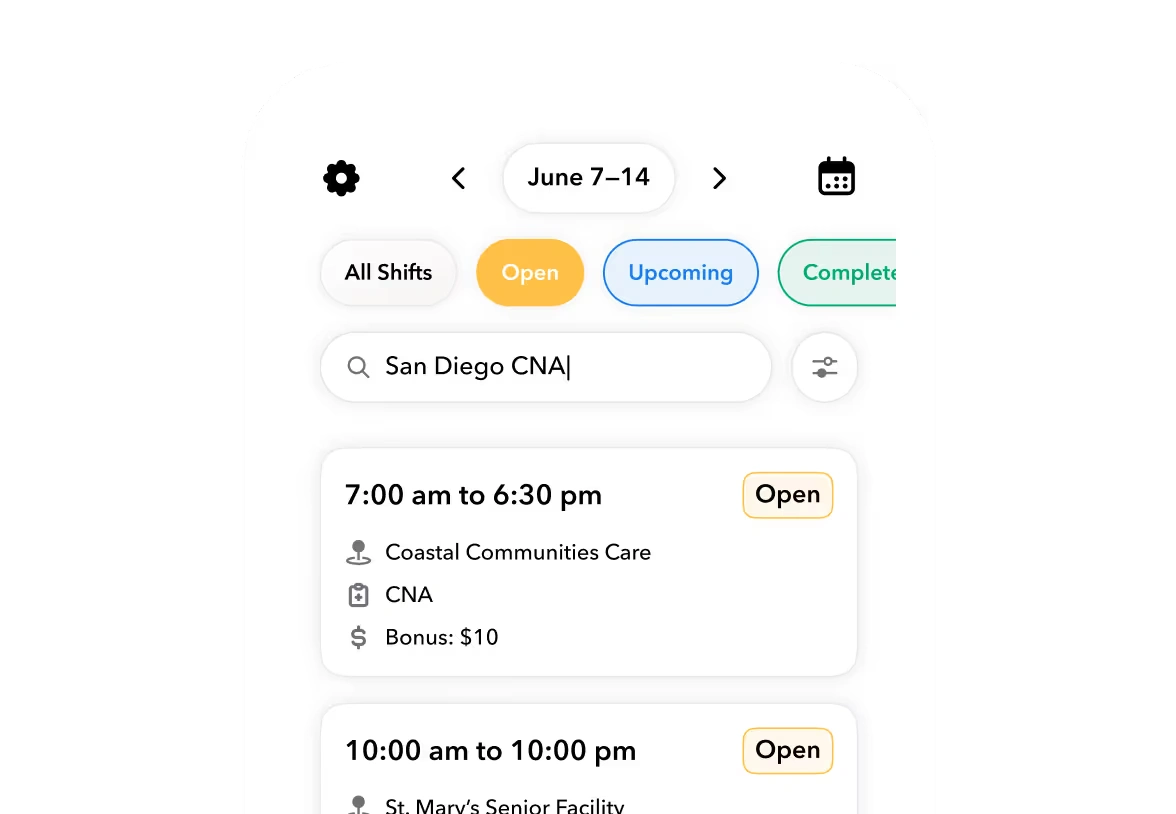
Illustrative product concept using example records. It shows connected worker information, not an executed acceptance test or a customer result.
Put the workflow into practice
See how your team could use this workflow

Capture the changed record, not just the success message
The last three columns turn the pack from a script into release evidence. In Observed result, describe what persisted after the action. In Evidence reference, identify the saved material supporting that observation. In Pass decision, record pass, fail, or not demonstrated against the complete expected result.
Every evidence reference should resolve to material identifying the environment, record, action, reviewer, and execution time. Keep evidence in an access controlled location that the approving reviewer can inspect. A reference to a local screenshot that nobody else can open is not a usable handoff.
For Step 2, inspect the resulting assignment state as well as the rejection message. The expected result requires no active S102 assignment. A warning followed by a saved assignment does not meet R1 as written.
For Step 3, capture the resulting schedule and the communication record. Confirm that S101 remains the single active assignment and that both records reflect Thursday 09:00 to 17:00. Inspect the saved revision rather than relying on the edit form before it was submitted.
For Step 4, retain evidence of the original 09:30 start, corrected 09:00 start, correction reason, and supervisor approval. For Step 5, retain the actual export file and its reconciliation to approved T101. Check W101, the work date, 8.00 approved hours, and the absence of T102; checking only the file total can miss an incorrect worker or date.
A completed entry must expose missing evidence
The following is a hypothetical completion of Step 4's execution fields, not an executed result. Assume the reviewer sees the corrected time but cannot find approval evidence:
Observed result: T101 shows 09:00 to 17:00 and eight hours. The original start and correction reason are visible, but supervisor approval has not been demonstrated.
Evidence reference: No evidence attached in this illustrative entry. A real execution must reference the retained correction record and approval evidence.
Pass decision: Not demonstrated. The displayed total is correct, but the required approval evidence is missing.
This example deliberately does not receive a pass. The same rule applies when a reviewer remembers seeing the right screen but cannot supply a required reference.
The Teambridge platform describes connected workforce records and configurable fields, permissions, forms, and workflows. Those are relevant to organizing operational records, but the page does not establish every control proposed here. Verify credential blocking, retained correction history, communication behavior, and export exclusion against applicable documentation and the configured environment.
This pack stops at an approved time export. It does not establish payroll processing, wage calculation, or acceptance by a downstream payroll system.
Separate product bugs from configuration and source data errors
A failed case needs investigation, not an immediate bug label. Microsoft's testing strategy guidance supports recording outcomes, tracking issues, and prioritizing corrective actions. The following workforce specific classification is this article's proposed method:
- Suspected product bug: Reproducible behavior contradicts an agreed requirement after the configuration and input records have been verified. Engineering investigation may still be needed to establish the cause.
- Configuration error: A permission, assignment rule, approval setting, or export mapping differs from the approved setup.
- Source data error: An input record is wrong, such as W102's credential expiry being entered as a future date instead of the preceding Sunday.
- Capability or scope gap: The agreed outcome is unavailable, unsupported, or still undefined. Missing functionality is not automatically a product defect.
Apply the distinction to Step 2. If W102 can be assigned because R1 was disabled, the finding concerns configuration. If the expiry record is wrong, classify the source data problem separately. If verified R1 is active, the credential is expired, and S102 still becomes active, record a suspected product bug with reproduction evidence.
If the product supports a warning but not the required block, record a capability gap. Do not quietly change the expected result from preventing assignment to displaying a warning.
Every finding needs the affected test number, reproduction evidence, operational impact, and an owner. Describe impact concretely: an ineligible assignment can persist, a correction cannot be traced, or unapproved time can enter the export. Those consequences give the release owner something actionable to prioritize.
Retest downstream records after fixing a failed case
Correcting one screen does not close a connected process failure. Preserve the failed execution and its evidence, record what changed, and create a new execution. Never overwrite the first result to make the test history look clean.
A change to R1 can affect both worker readiness and assignment behavior, so rerun Steps 1 and 2 and check the scheduling path. A change to correction approval or M1 requires Steps 4 and 5 to run together. Otherwise, a corrected T101 might display properly while its export still contains the wrong fields or includes T102.
Microsoft explains that its Dynamics 365 regression testing cannot account for every customer's data, configurations, and extensions. That supports testing the configured operating environment rather than relying solely on vendor tests. It is Dynamics 365 guidance, not evidence of Teambridge testing tooling.
Record the changed configuration or software version with each retest. After affected paths pass, repeat the connected week on the release candidate. The final acceptance evidence should describe the version and configuration being approved, not a mixture of results from earlier candidates.
Record release, conditional acceptance, or hold explicitly
Agree critical cases before execution. For this proposed pack, they include preventing an ineligible assignment, preserving trustworthy correction records, and excluding unapproved time from export. Operations may designate additional requirements as critical, including communication outcomes that determine whether a worker receives the changed shift.
Hold release when a critical case fails or required evidence is missing. Conditional acceptance applies only to documented noncritical issues with an owner, workable mitigation, due date, and explicit operations approval. Full acceptance requires the agreed exit criteria and retest evidence to be satisfied on the release candidate.
These are proposed release thresholds. Microsoft's solution acceptance guidance supports business stakeholder approval after testing establishes operational readiness; it does not prescribe these exact thresholds.
Operator view
Proposed release decision
The implementation owner should record the tested version, configuration revision, evidence references, unresolved issues, decision date, and approving operations reviewer. Conditional acceptance must identify the limits of that approval, not simply state that operations accepts the risk.
Use the staffing and scheduling implementation playbook for the broader rollout context. This acceptance pack answers a narrower question: can the proposed release carry the agreed operating week through to an approved export without losing the required controls or evidence?
Execute the cases, retain the evidence and record approval before describing the release as accepted.

About the author

Content Writer at Teambridge
Anis Nanai is a content writer at Teambridge, with a focus on workforce management and the realities of running hourly teams. He prioritizes conversations with customers, staying close to the market, and understanding how workforce needs are changing. His writing connects those concerns to practical decisions about scheduling, time tracking, staffing, and automation. He examines product developments through the questions that matter to operators: what does this solve, how would it work for my team, and what evidence supports it?
Company perspective: this author works at Teambridge. Customer outcomes are attributed to their published sources.
View LinkedIn profile