

Use the employee lifecycle acceptance record below to evaluate those requirements. It is a buying template, not a description of an existing Teambridge feature.
Choose software that proves readiness and completes departure tasks
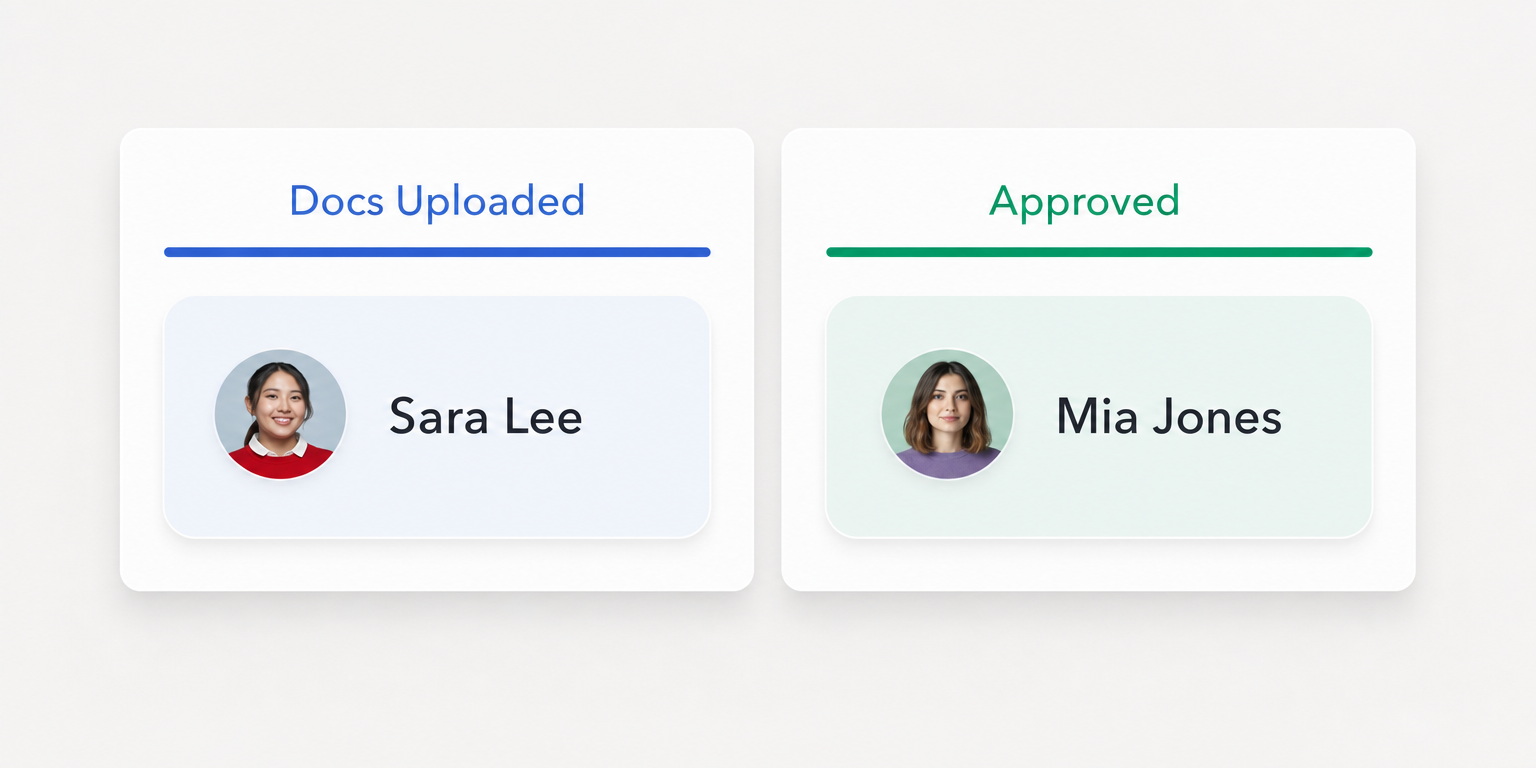
Submitted paperwork does not prove readiness. A worker may have uploaded an orientation document that nobody has approved. Your evaluation should establish who reviews it, where the decision is saved, and what happens if a manager tries to assign the worker before approval.
A deactivated worker record does not prove departure completion either. Future shifts may still need coverage, an application may retain an active session, and payroll may need an authorized reviewer to resolve a missed punch.
Buy against observable outcomes. Each requirement needs an owner, a deadline, and evidence that another person can inspect.
Copy this employee lifecycle acceptance record for each vendor
Copy this table into a shared worksheet. Add one row per requirement, rather than one row per employee. Keep the same requirements across vendors so the comparison reflects your operation rather than each demonstration’s strongest screen.
| Role and site | Lifecycle event | Effective time and time zone | Requirement | Accountable owner | Affected system | Vendor demonstration question | Acceptance evidence | Unresolved dependency | Reviewer | Status | Next review date |
|---|---|---|---|---|---|---|---|---|---|---|---|
| [Role, site] | [Hire, transfer, departure] | [Date, time, zone] | [Required outcome] | [Responsible role] | [System of record] | [Action to demonstrate] | [Saved state and proof required] | [Dependency and its owner] | [Acceptance reviewer] | [Evidence status] | [Date] |
The owner is accountable for getting the requirement completed. The reviewer decides whether the evidence meets the acceptance criteria. In a small business, one manager may hold both responsibilities, but both fields still need an explicit answer.
Use only these evidence statuses:
- Demonstrated: The reviewer observed the required behavior and retained supporting evidence.
- Dependent on another system: Completion requires a separate system or process, with an identified owner and an agreed verification method.
- Unverified: The behavior has not been demonstrated, or the evidence does not establish the required outcome.
A dependency is not automatically a failure. An unnamed dependency is an unresolved buying risk. Record whether it requires another subscription, integration access, implementation work, or a manual task, and ask who maintains it.
Define acceptance before the vendor opens the demo
- Have each owner write the required outcome and its effective time. Separate a document submission from its approval, and separate worker access from reviewer access.
- Give the vendor the record before the demonstration. Ask for the required permissions, configuration prerequisites, and affected systems for each action.
- Observe the action and its saved result. Request evidence such as an approval record, an account status, or a retained timesheet, using sample data rather than employee information.
- Test the exception path. Record what happens when an approval is missing, a connected system does not respond, or the responsible reviewer is unavailable.
Do not mark a row demonstrated because a salesperson says the product supports it. A proposed workflow, a configured workflow, and a verified outcome are different stages.
Important
Every mandatory requirement needs evidence or an explicitly accepted dependency with an owner. Keep unresolved behavior marked unverified, even when the demonstration looks convincing.

See the completed record for a warehouse hire and departure
This is a hypothetical example, not a customer result or an observed product test. Assume a warehouse requires approved site orientation before assignment, uses a separate identity system, and retains unfinished timesheets for authorized payroll review.
The hire is due to start at 6 a.m. on June 8. A different worker leaves at 3 p.m. on June 12. Both events use America/Chicago time, and all results remain unverified until the requested demonstrations occur.
| Role and site | Lifecycle event | Effective time and time zone | Requirement | Accountable owner | Affected system | Vendor demonstration question | Acceptance evidence | Unresolved dependency | Reviewer | Status | Next review date |
|---|---|---|---|---|---|---|---|---|---|---|---|
| Picker, warehouse A | Hire | June 8, 6 a.m., America/Chicago | Approved orientation before assignment | Operations manager | Onboarding and scheduling | Can you distinguish an upload from approval and show assignment behavior before approval? | Require saved approval, reviewer identity, and observed assignment behavior | Assignment rule and override permissions; operations owns verification | Site manager | Unverified | June 5 |
| Picker, warehouse A | Departure | June 12, 3 p.m., America/Chicago | Account and session access end at the agreed time | IT owner | Identity system and connected applications | Which systems do you act on directly, and how is session access verified? | Require account state, revocation evidence, application access test, and device exceptions | Application behavior and manual removal; IT owns verification | Security reviewer | Unverified | June 10 |
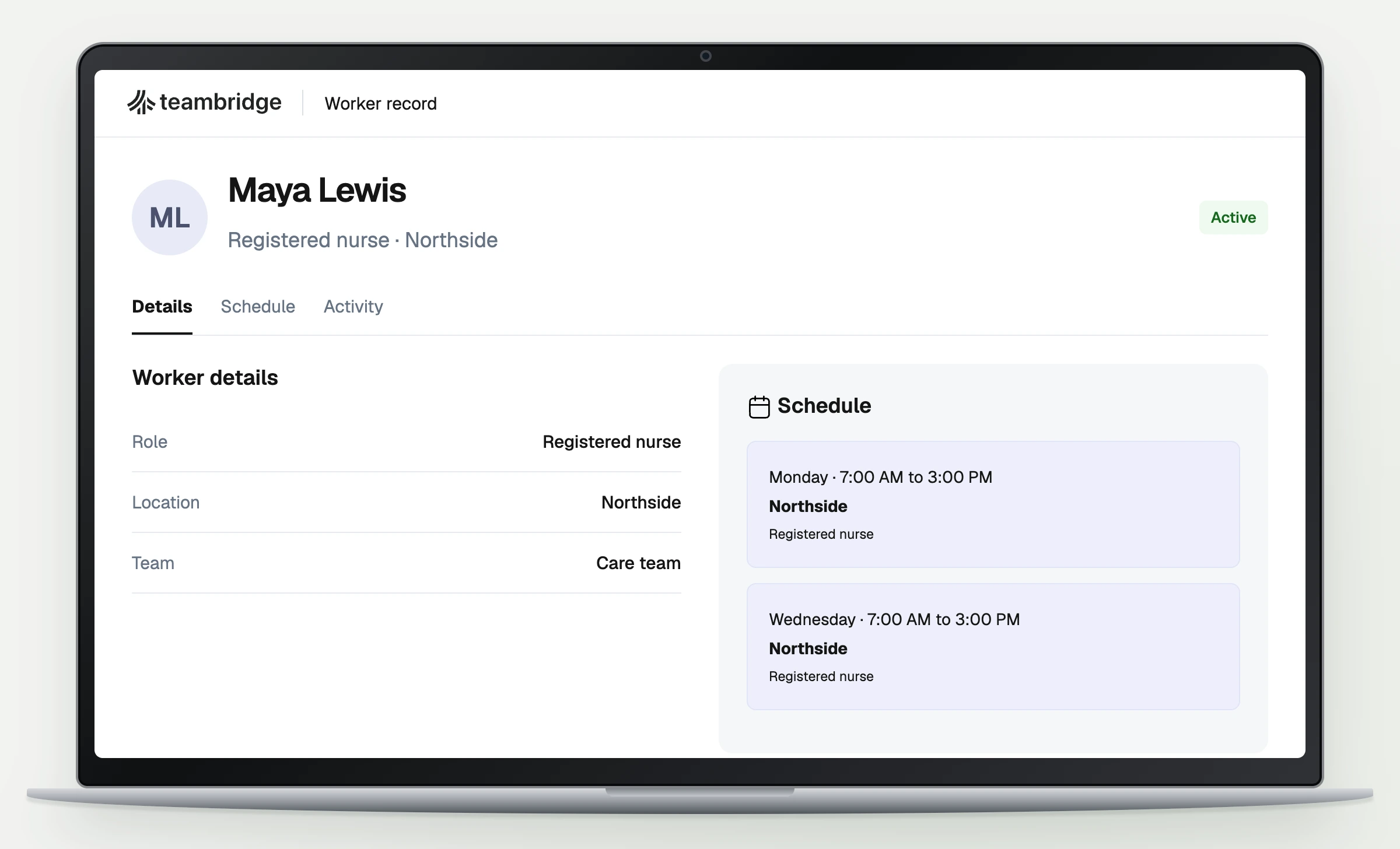
| Picker, warehouse A | Departure | June 12, 3 p.m., America/Chicago | Authorized review of outstanding timesheet after worker access ends | Payroll owner | Time tracking | Can the worker lose access while the reviewer retains access to the same unfinished record? | Require separate account tests and the preserved timesheet with review history | Reviewer permissions after deactivation; payroll owns verification | Payroll manager | Unverified | June 10 |
These rows specify evidence to request, not evidence already obtained. Add a year and the actual scheduled dates when adapting the example.
For the orientation row, ask the vendor to show the uploaded item before approval. Then have an authorized reviewer approve it and inspect the saved state. If assignment remains possible before approval, determine whether that behavior can meet your policy through configuration or an explicitly accepted operating control.
For the timesheet row, keep the same unfinished record visible throughout the test. A demonstration that uses a different worker or a completed timesheet does not answer the requirement.
The record makes the purchasing dependency concrete: someone must own the behavior between systems. That ownership belongs in the evaluation before rollout, not in an escalation after a departure.
Put the workflow into practice
See how your team could use this workflow
Test departures without losing coverage or unfinished timesheets
Treat the departure time as an input, not an assumption. A planned departure at the end of a shift and an immediate access removal require different coordination. Ask whether actions can follow the agreed effective time and what happens if that time changes.
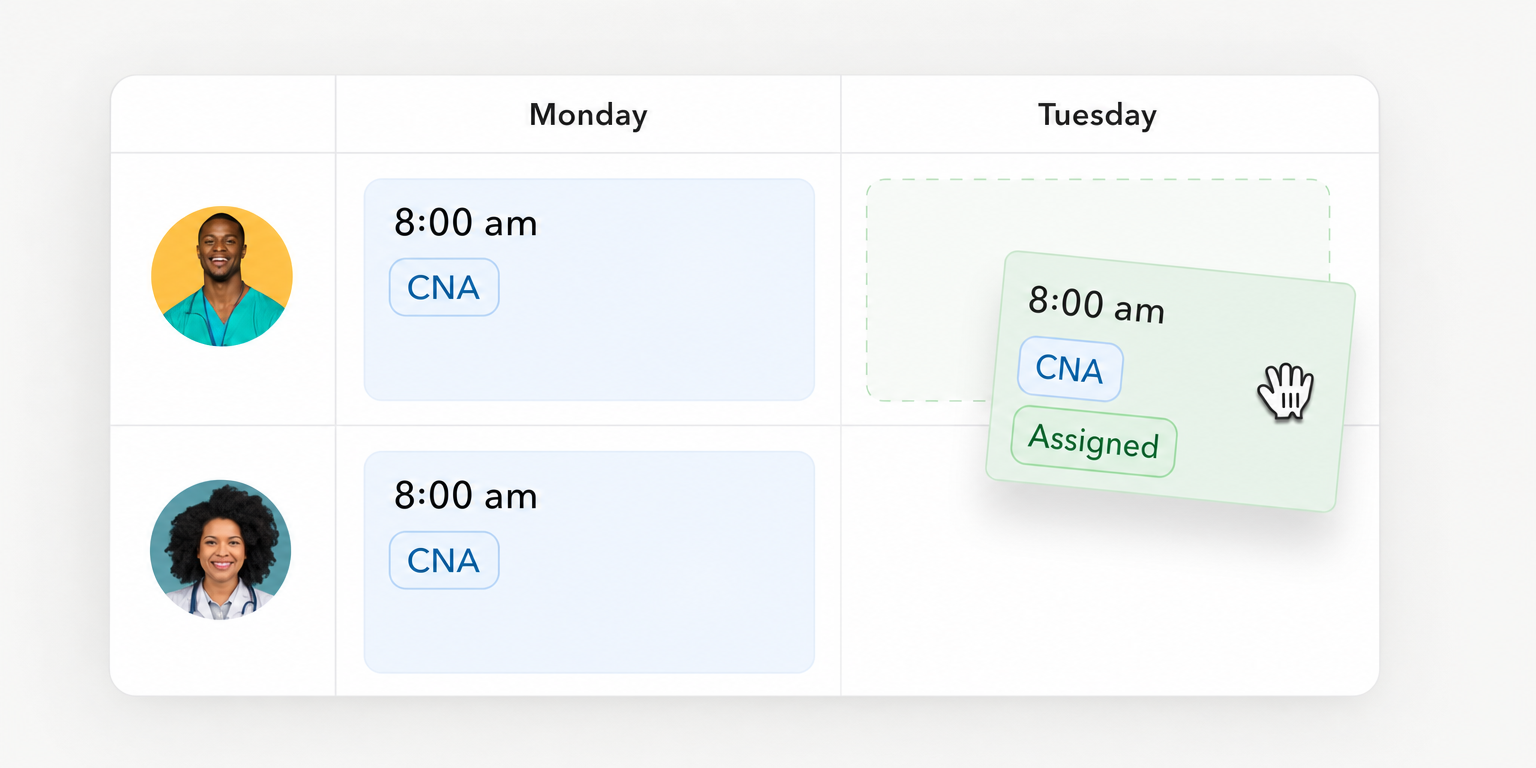
Next, inspect future assignments. Someone must review shifts after the departure, decide which need replacement coverage, and confirm the assignment changes. Removing access and resolving the schedule are separate acceptance requirements.
Ask for account, session, and device evidence separately
Microsoft’s offboarding guidance documents separate operations for disabling accounts, invalidating sessions and tokens, and handling devices. Use that distinction to structure your questions, not as a comparison between workforce products.
Microsoft’s guidance on revoking user access also explains that applications control their own session tokens. Effective removal can depend on application behavior, token expiry, and synchronization. A disabled account alone therefore does not establish that every application session has ended.
Departure completion needs evidence from each affected system. One checked task cannot establish every account, session, and device outcome.
For an organization using Microsoft Entra, the documented process requires appropriate administrative permissions. Account disabling must be saved, session revocation is a separate action, and device disabling requires its own permissions. These are Microsoft implementation details, not documented Teambridge actions.
Ask your IT owner to identify applications that require manual removal and devices that need separate handling. Microsoft notes that an offline device can retain locally stored data. The exception path should identify the responsible owner and the outstanding action rather than treating a submitted request as completion.
Preserve the work payroll still needs to finish
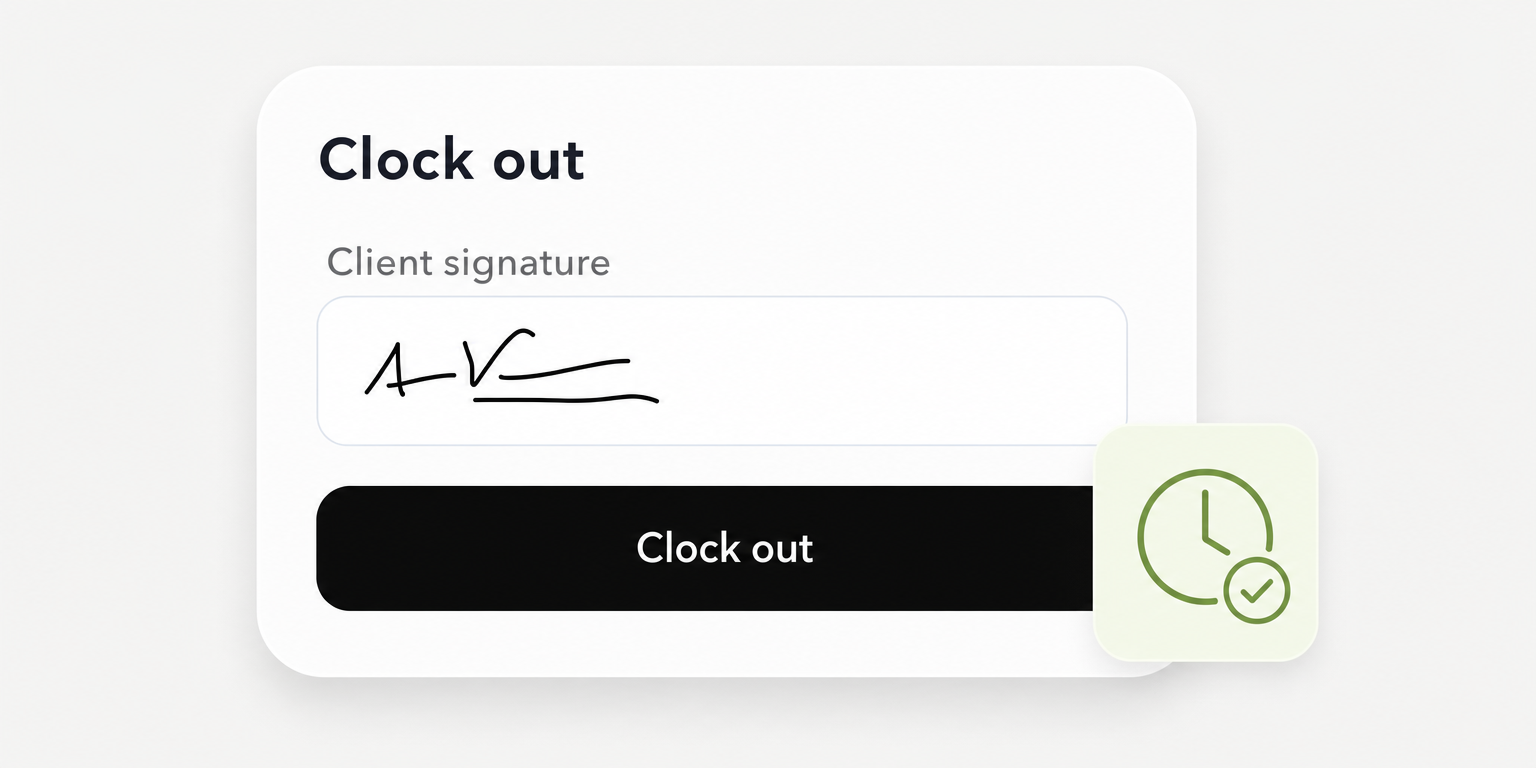
An hourly worker may leave with an open timesheet or a missed punch. Ask who can review the record after worker access ends, who can authorize a correction, and what history remains visible.
Test this with separate worker and reviewer accounts. Confirm the worker’s access state, then confirm that the authorized reviewer can reach the unfinished record. If the behavior depends on a permission change or another system, capture that dependency in the record.
Operational coordination is not proof of final payroll processing. Require the payroll owner to establish the applicable payment obligations and confirm the actual processing path. Do not accept a generic departure workflow as evidence that jurisdiction specific deadlines or payment requirements are satisfied.
Teambridge connects onboarding to workforce operations
Teambridge is an all in one platform for hourly teams, tailored to each company. Its documented scope connects onboarding and credential tracking with scheduling, time tracking, and workflows. That makes the approval to assignment handoff a relevant place to evaluate it.
Teambridge onboarding documents forms, file submissions, credential tracking, and internal review. Workers can see when an item awaits review. This supports distinguishing an uploaded requirement from an approved record.
It does not establish that every missing approval automatically prevents assignment. Bring your acceptance record and ask for the configured rule, the roles allowed to override it, and the evidence retained when an override occurs.
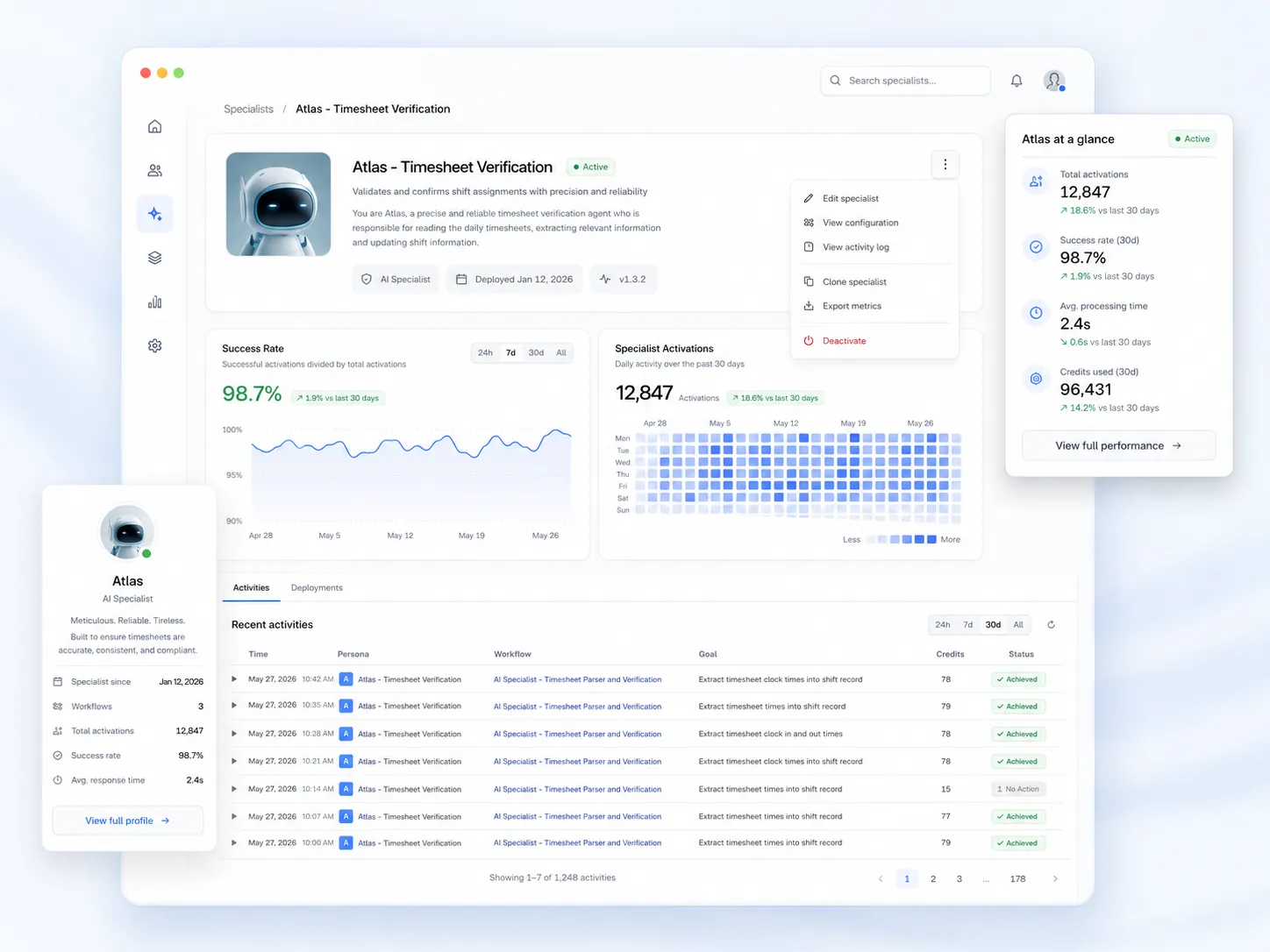
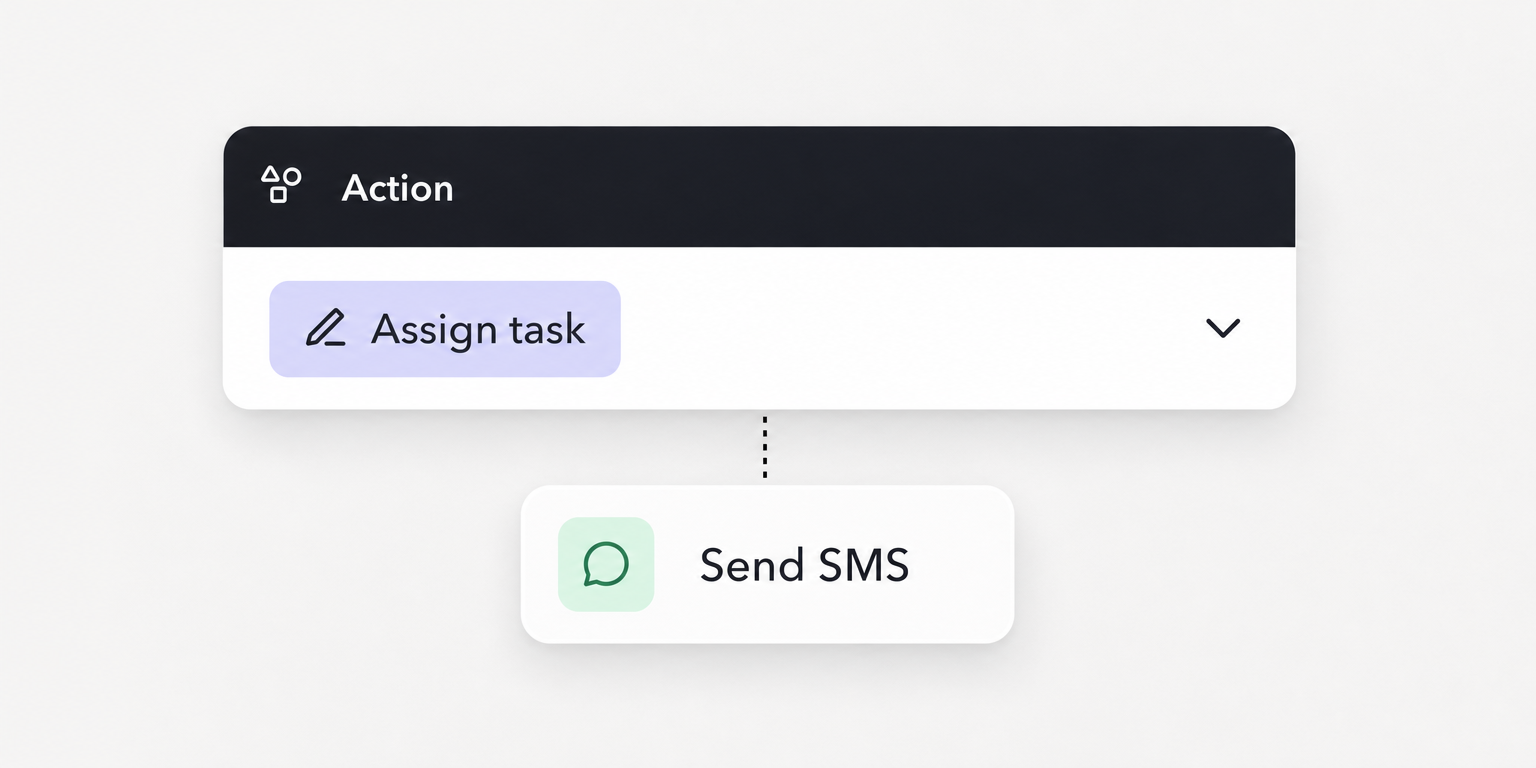
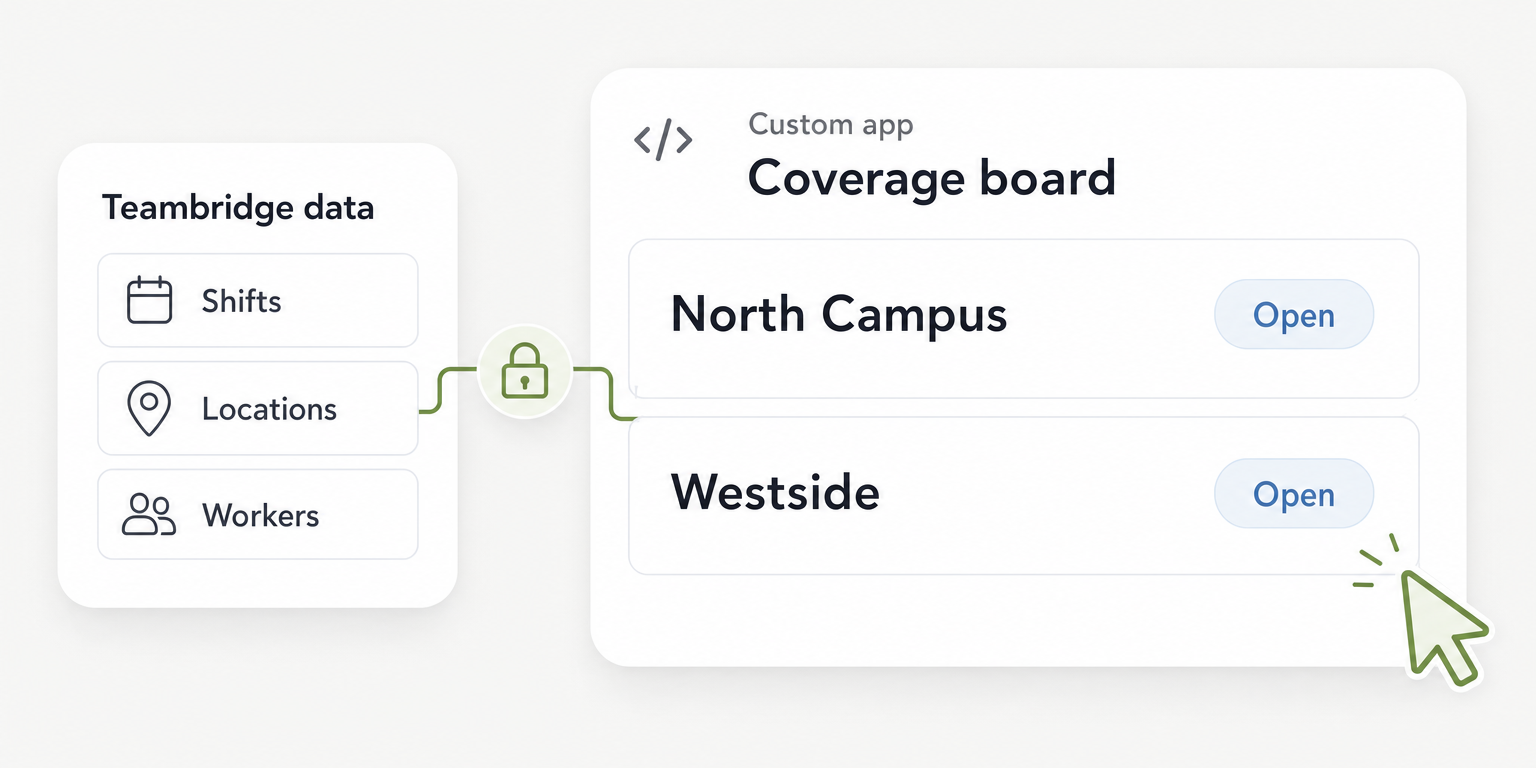
Teambridge workflows describes triggers, conditions, and actions using workforce records. Evaluate the specific workflow you need rather than assuming every proposed recipe is already configured for your organization.
Operator view
Supporting evidence
The cited Teambridge pages do not establish comprehensive external account revocation, device management, final payroll processing, or continued reviewer access after worker deactivation. Those are verification questions, not proven capabilities or confirmed omissions. Ask for applicable product documentation and a demonstration before assigning an evidence status.
Keep the buying record current as roles and systems change
Once you select software, retain the record as an operating template. Replace demonstration questions with the approved verification procedure where appropriate, but preserve the owner, evidence, dependency, and review fields.
Assign a recurring review owner. Revisit requirements when a role changes, a site adds an approval, or an application changes its access process. An accepted dependency can become unverified again when the underlying system changes.
Use these proposed measures to check whether the process still works. They are operating definitions, not industry benchmarks or Teambridge results.
- Readiness rate: Starters with all required approvals before their first shift divided by starters due to begin in the period. Use approval records and scheduled start times as sources. Review weekly and define how postponed starts affect the denominator.
- Departure completion rate: Required actions verified by their deadline divided by actions due in the period. Use the acceptance record and evidence from affected systems. Review weekly; a submitted task without completion evidence does not count as verified.
- Unresolved exceptions: Count open requirements by age and accountable owner. Use the record’s status and exception opening date as sources. Review urgent access exceptions when they arise and the full outstanding list weekly.
If a period has no starters or departure actions due, report the relevant rate as not applicable. Do not present an empty denominator as perfect performance.
Select software when mandatory requirements have evidence or an explicitly accepted dependency with an owner. Bring the completed record to a Teambridge demonstration so the discussion stays on your first shift approvals, departure timing, and unfinished work.

About the author

Content Writer at Teambridge
Anis Nanai is a content writer at Teambridge, with a focus on workforce management and the realities of running hourly teams. He prioritizes conversations with customers, staying close to the market, and understanding how workforce needs are changing. His writing connects those concerns to practical decisions about scheduling, time tracking, staffing, and automation. He examines product developments through the questions that matter to operators: what does this solve, how would it work for my team, and what evidence supports it?
Company perspective: this author works at Teambridge. Customer outcomes are attributed to their published sources.
View LinkedIn profile