

Choose an onboarding LMS that makes required learning visible before the first shift
An LMS manages learning assignments, course delivery, and evidence of completion. Operational onboarding also covers documents, credentials, and review decisions. Your evaluation needs to establish who owns each requirement and where supervisors see unresolved work.
A completed lesson is learning evidence. It does not automatically authorize someone to work.
Start with one role at one site. Ask vendors to demonstrate the worker experience and the supervisor review using the same learner record, rather than separate screens with unrelated sample data.
Define required learning by role and site before configuring courses
- Operations manager: Identify required learning for the role and site. Separate requirements due before the first shift from learning scheduled later.
- Training lead: Map each requirement to its course, assessment, correction process, and deadline. Identify what changes when someone transfers sites.
- Accountable supervisor: Define what evidence must be reviewed and who resolves an unfinished requirement.
TalentLMS documents learning paths, quizzes, assignments, and certificates. These are examples to request in demonstrations, not capabilities to assume every vendor includes. Ask which purchased plan and administrative permissions your proposed curriculum requires.

Use one vendor checklist to test access, learning records, and unresolved work
Copy this checklist into your evaluation document. These are proposed acceptance criteria, not promises about any named product. Leave the evidence and action columns blank until a demonstration or pilot produces something you can inspect.
| Owner | Acceptance criterion | Vendor question | Observed evidence | Unresolved action |
|---|---|---|---|---|
| Training lead | Role and site assignments change after a transfer without losing relevant learning history. | Can you transfer this learner, show the new requirements, and reopen the previous completion record? | ||
| Shift supervisor | A worker can start, interrupt, and resume a lesson on the intended device. | Can we test this with our worker access method and device rather than your demo login? | ||
| Training lead | Failed assessments have a correction path, with prior attempts available for review. | Can you fail an assessment, reassign the learning, and show which attempt records remain? | ||
| Operations manager | Overdue requirements reach a named owner who can resolve or escalate them. | Who receives this overdue item, and where is their follow up recorded? | ||
| Payroll lead | Actual training time reaches time review through a defined process. | How do we capture actual attendance time, correct it, and send it for review? | ||
| Systems owner | Missing, duplicate, and corrected completion records can be identified and reconciled. | Can you introduce each error and demonstrate the resolution without counting the completion twice? |
Record what happened, not what the vendor said
For each row, capture the account permissions used, the action performed, and the resulting saved record. Record any extra subscription, configuration, or manual work required. If the vendor cannot demonstrate the exception, leave that criterion unresolved rather than accepting a verbal assurance.
A feature label is not evidence that your process works. “Reporting” does not tell you whether the supervisor can inspect a failed attempt. “Mobile access” does not establish whether a worker can recover an interrupted lesson on the device they actually use.
Completed example: a transfer leaves the new assignment unresolved
Hypothetical example: Assume a warehouse worker transfers from one site to another. The second site requires an additional orientation lesson, while the original course completion should remain available.
For the training lead row, the observed evidence entry could read: “Previous completion remained visible after transfer. The additional orientation was not assigned until an administrator added it manually.” The unresolved action could read: “Training lead to document the manual assignment procedure; systems owner to test how transfers reach that owner before enrollment expands.”
This example does not describe a vendor result. It shows how the checklist separates an observed capability from a dependency that still needs an owner. A manual procedure may be acceptable, but only if the team understands its workload and failure path.
Put the workflow into practice
See how your team could use this workflow
Verify the learning record separately from the decision to approve work
Ask the vendor to open one learner's record before showing an aggregate dashboard. Inspect assigned courses, progress, completion evidence, and the exported result. Confirm that the person responsible for review has the required access, rather than relying on an administrator to answer every question.
TalentLMS reporting documentation describes individual user reporting under Reports > Users, including assigned and completed courses. It also documents an administrator export of training progress to Excel. Custom reporting has plan dependencies, so confirm the reporting scope included in the proposed purchase.
Have an authorized administrator perform that export and inspect the saved file against the learner record. If a completion is missing or differs between views, record the discrepancy in the checklist and assign reconciliation to the systems owner. Do not treat a successful download as proof that the records agree.
Attempt evidence needs its own check. TalentLMS documents printing individual attempts, but that does not establish that every attempt survives reassignment or a reset. Test the correction procedure you intend to use, then inspect the history again.
Keep operational review distinct from course completion
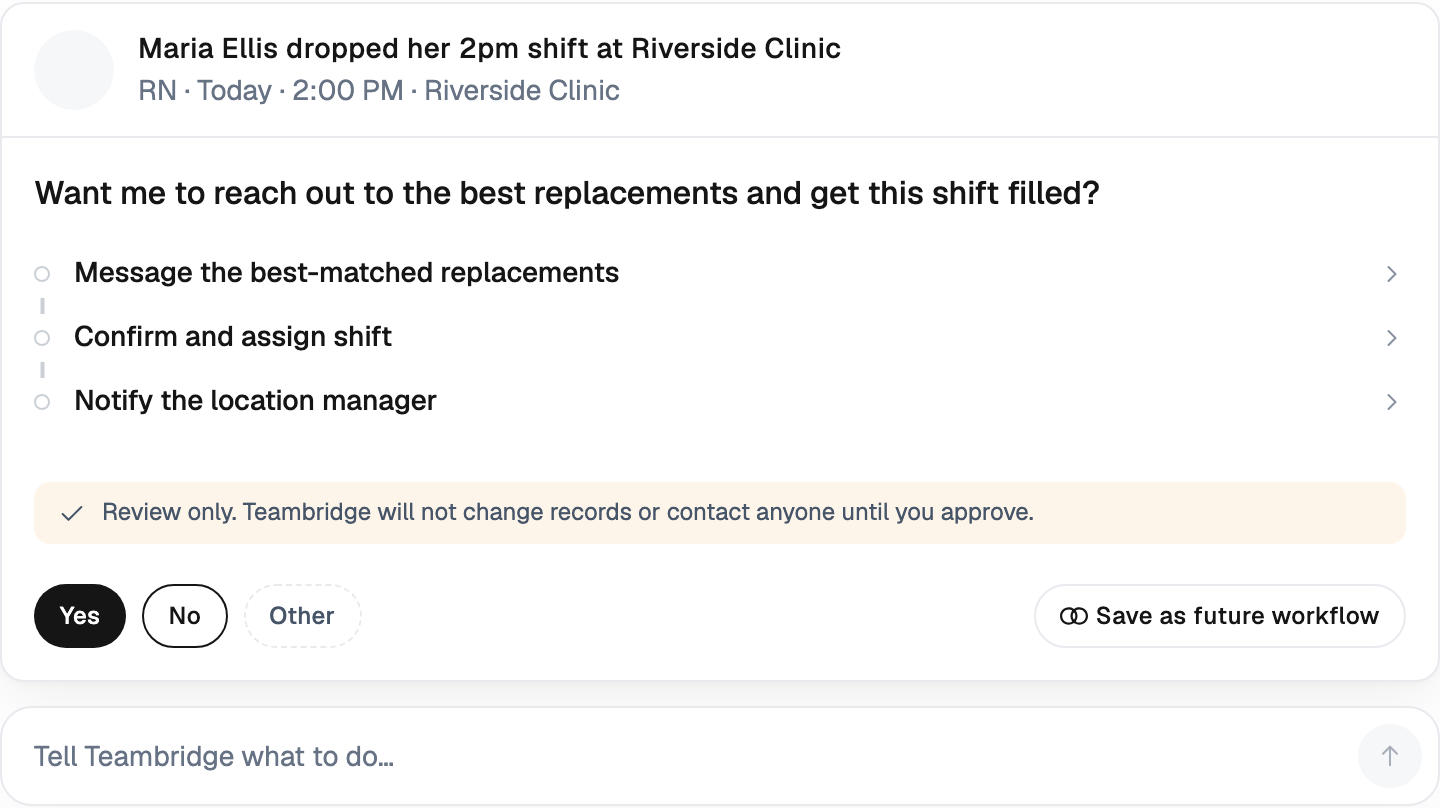
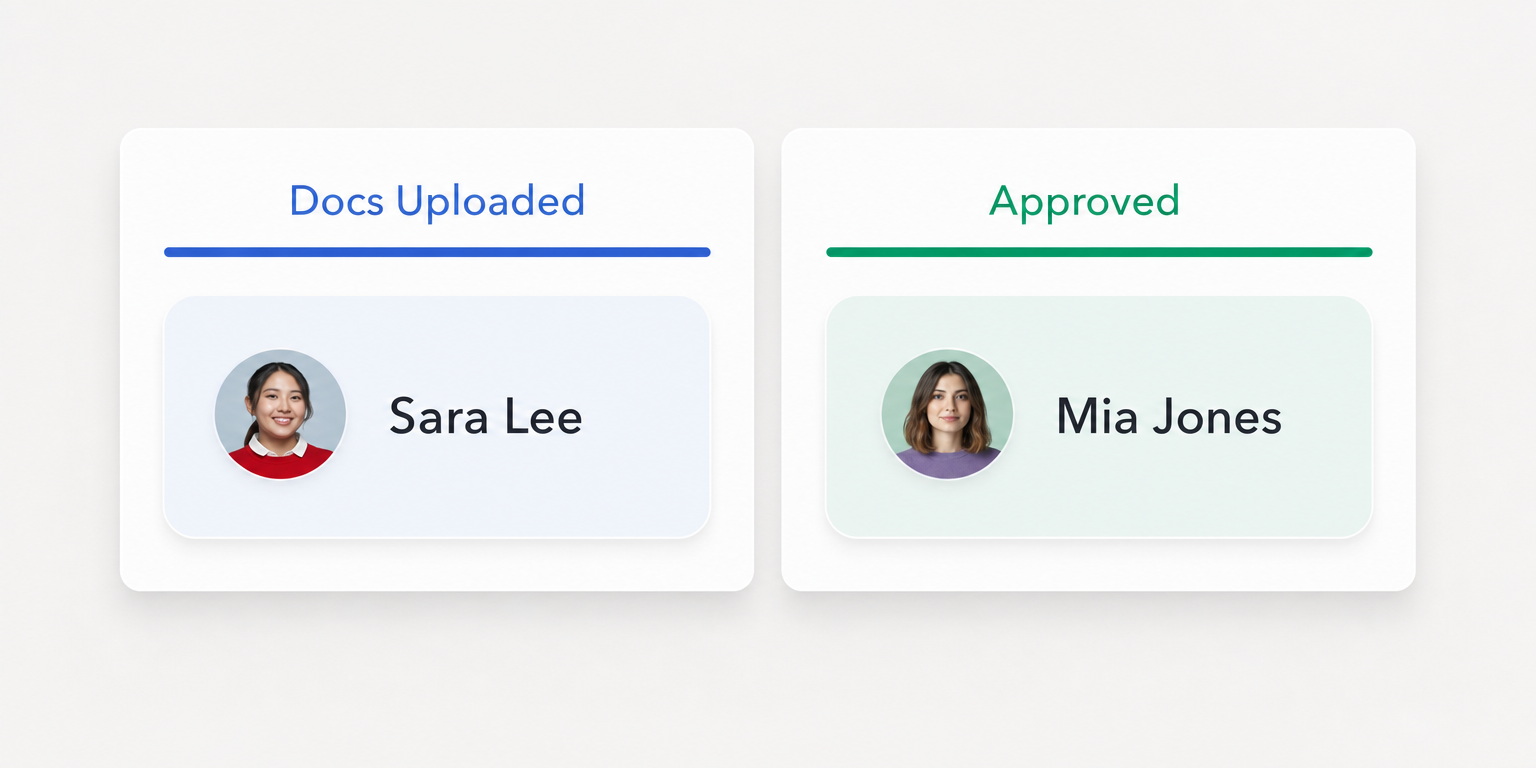
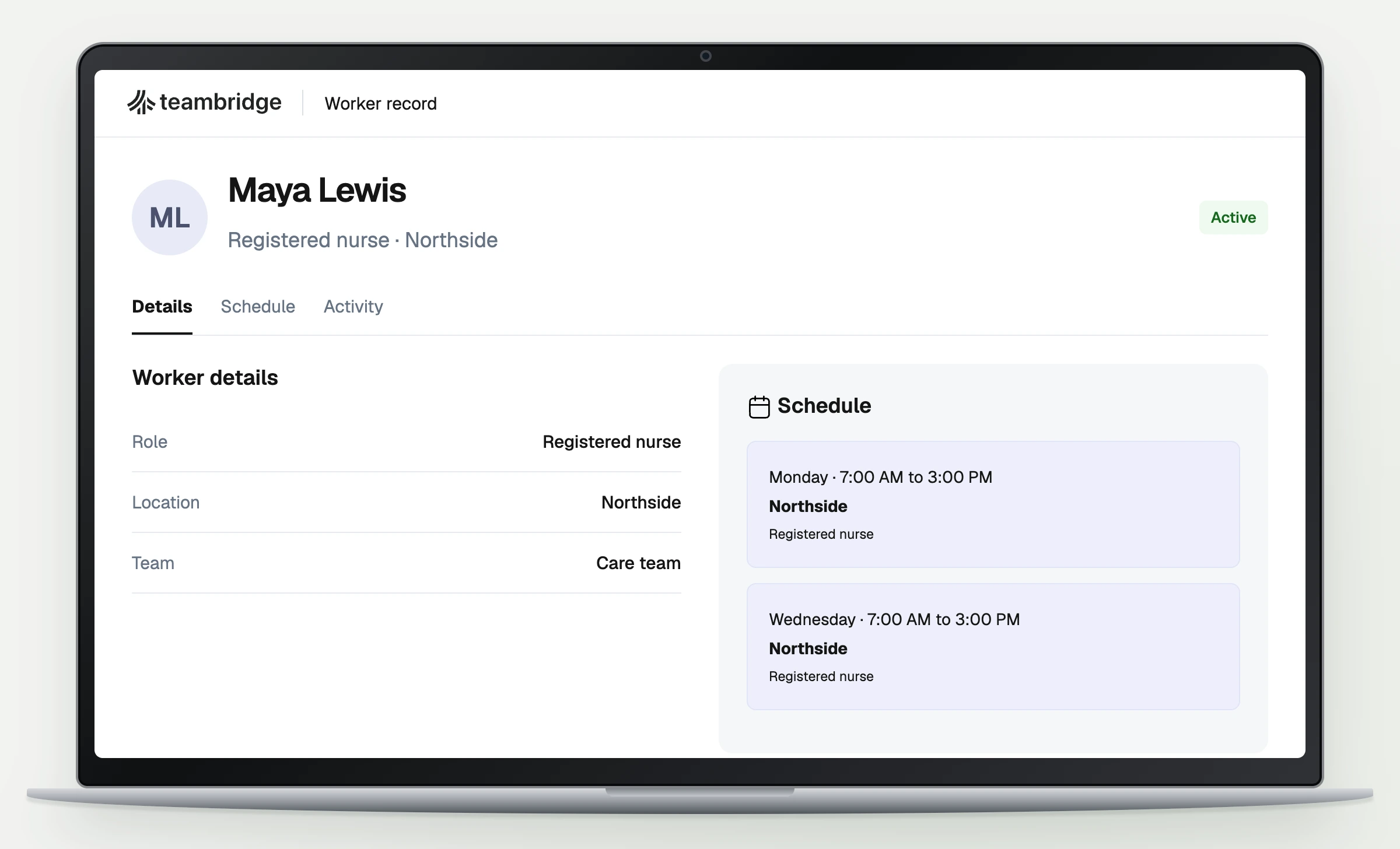
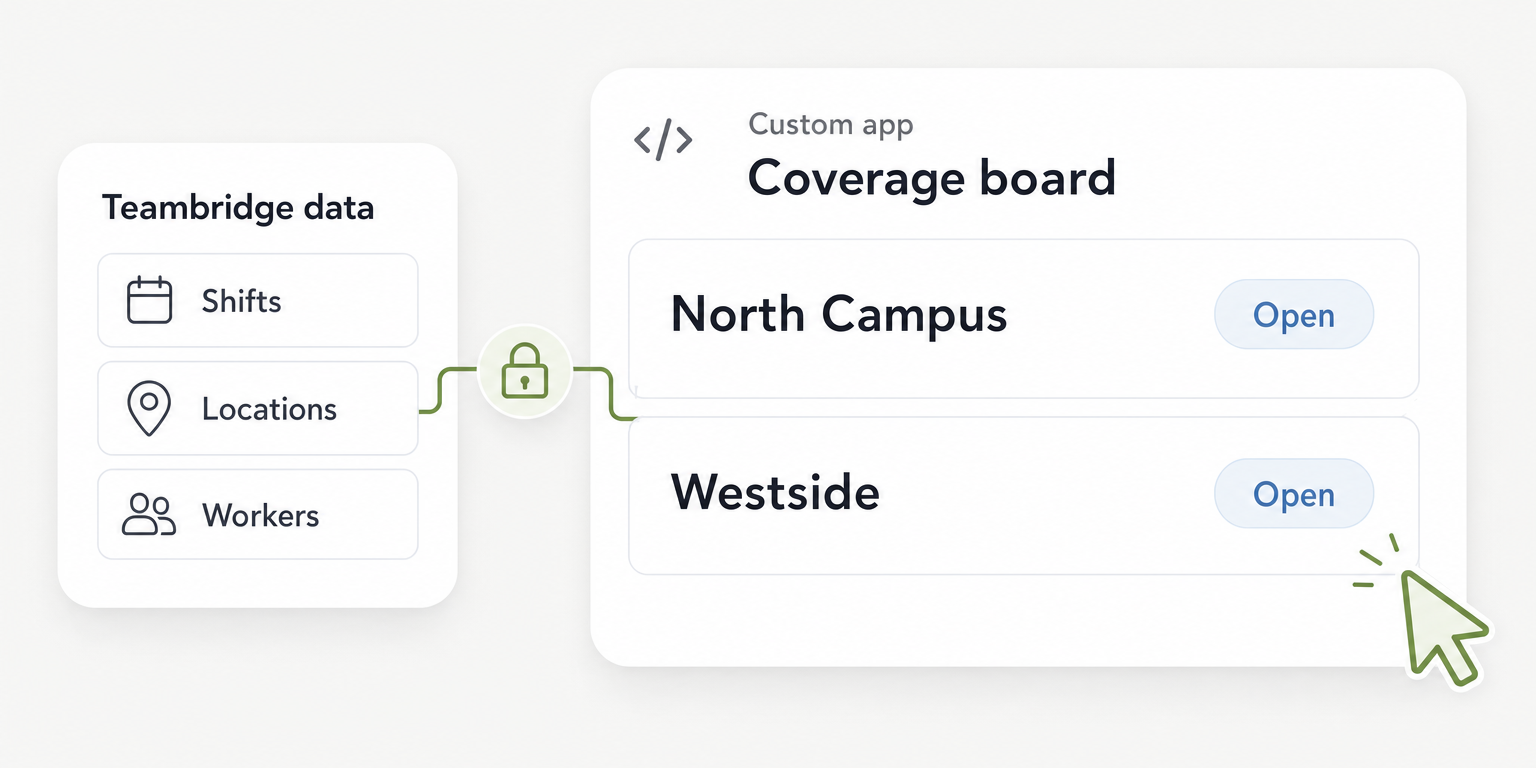
Teambridge onboarding connects forms, credential uploads, internal review, and missing item follow up to the onboarding process. Teambridge is an all in one platform for hourly teams, tailored to each company, with onboarding, credential tracking, and workflows. Those capabilities belong in the operational readiness evaluation.
Use the Teambridge platform discussion to establish how your onboarding and review workflow will operate. Keep the LMS evaluation focused on course delivery and learning evidence. The linked Teambridge pages do not verify native course authoring, an assessment engine, learning content package support, or a specific LMS integration; those capabilities remain unverified, not established as absent.
Operator view
Supporting evidence
Define the handoff explicitly: which learner identifier is used, what completion evidence is transferred, who checks it, and where approval is recorded. If the handoff is manual, document the review frequency and the backup owner. Do not assume an integration or automatic approval unless the proposed implementation has been demonstrated.
Pilot a complete worker learning session before expanding enrollment
Run the pilot with one role and its actual curriculum. The training lead should configure assignments using the vendor's documentation and the required administrative access. Save the configuration and verify it from the learner account before asking workers to begin.
The pilot should include the normal path and the failure paths from the checklist. A successful administrator demonstration is not a substitute for observing a worker complete the session.
- Test access and interruption. The supervisor observes the worker signing in on the intended device, opening the assigned lesson, leaving it, and returning. Record whether progress was saved and how access failures reach support.
- Test assessment correction. The training lead uses a designated test learner to submit a failed assessment and follow the proposed reassignment process. Inspect the resulting status and prior attempts before accepting the process.
- Reconcile the record. The systems owner compares the LMS completion evidence with the operational review record. Introduce a missing record, a duplicate, and a correction, then document how each is resolved.
- Review time and readiness. Payroll checks actual training time through the agreed time review process. The supervisor separately checks the learning evidence and any outstanding operational requirements before recording the work approval decision.
Course duration is not a time record
A course labeled with an estimated duration does not establish how long a worker spent attending training. Interruptions, access problems, and repeated assessments can change the session. Payroll needs actual training time and a correction path, not a course catalog estimate.
Warning
Do not assume required onboarding is unpaid because it happens before the first shift. Under the Department of Labor's general training time rule, exclusion requires attendance outside normal hours, voluntary attendance, training unrelated to the job, and no concurrent productive work. All four conditions must apply. Have payroll or counsel assess the applicable requirements.
When a test fails, record the affected learner, the expected state, the actual state, and the owner responsible for correction. Access failures belong with the access owner. Missing history and duplicate records need systems review, while an unresolved assessment needs the training lead's decision.
Review blocked learners daily and record failures weekly
During the pilot, supervisors should review blocked learners daily. Each unfinished requirement needs an owner and a next action. A learner waiting for password help should not sit in the same unresolved category as someone awaiting assessment review.
Weekly, the training lead should review incorrect assignments and assessment issues with operations. The systems owner should review record transfer failures and confirm that corrections remain saved after the next transfer or export. Payroll should review training time exceptions before the relevant time approval deadline.
Set acceptance thresholds before testing. Use measures the pilot team can reproduce rather than an enrollment total that hides unfinished work:
- Access success: Successful learner starts divided by attempted learner starts. Define success as reaching the assigned lesson and record the causes of failed starts.
- Timely required completion: Required learning items completed by their deadlines divided by required learning items due. State whether the count represents courses or another defined requirement.
- Unresolved exceptions: Open issues grouped by owner and age. Keep access, assessment, assignment, and record issues distinguishable.
- Supervisor administration time: Minutes spent assigning, chasing, checking, and correcting learning records divided by learners supported during the same period.
These are proposed operating measures, not industry benchmarks. Choose thresholds that fit the consequences of a failure and the staff available to resolve it. Document which failures prevent expansion even when the overall completion measure looks acceptable.
Keep three decisions separate throughout the review: learning completion, document or credential approval, and authorization for the first shift. A supervisor should be able to explain an unresolved readiness decision without reconstructing it from emails.
Commit only when learning evidence and supervisor ownership hold up
Make the purchase decision from the completed checklist and pilot records. Confirm that workers can finish required learning, supervisors can inspect unresolved requirements, and record corrections have an accountable owner. Check that the demonstrated permissions and reporting capabilities are included in the proposed scope.
Carry unresolved dependencies into the implementation agreement. Name the owner, the required action, and the evidence needed before expansion. If a manual handoff remains, include its review cadence and expected workload rather than describing it as an integration.
Expand enrollment only against the thresholds set before the pilot. For the operational side of that evaluation, review Teambridge's onboarding scope alongside your LMS requirements. Keep learning evidence and work approval connected through a defined process, without treating either as proof of the other.

About the author

Content Writer at Teambridge
Anis Nanai is a content writer at Teambridge, with a focus on workforce management and the realities of running hourly teams. He prioritizes conversations with customers, staying close to the market, and understanding how workforce needs are changing. His writing connects those concerns to practical decisions about scheduling, time tracking, staffing, and automation. He examines product developments through the questions that matter to operators: what does this solve, how would it work for my team, and what evidence supports it?
Company perspective: this author works at Teambridge. Customer outcomes are attributed to their published sources.
View LinkedIn profile