

Hospitality scheduling software exists to close that gap. This explainer defines what the category actually does, walks the workflow from occupancy forecast to filled shift, runs a worked scenario on a real operational problem, and gives you a decision framework for matching a tool to the pain you actually have.
What hospitality scheduling software actually does
Hospitality scheduling software is demand-driven shift planning for operations where staffing levels follow occupancy, event bookings, and housekeeping room credits rather than a fixed weekly roster. That last clause is the whole category. A dental office can run the same schedule for six months. A 180-room hotel cannot run the same schedule two Saturdays in a row, because Saturday one is at 78% occupancy with a wedding and Saturday two is at 54% with nothing on the books.
Generic calendar and shift-swap tools assume you already know how many people you need. Hospitality tools start one step earlier: they translate a demand signal (rooms to clean, covers to serve, events to staff) into a headcount by department, then fill that headcount against who is actually available and qualified. The difference matters because the cost of getting it wrong is asymmetric. Overstaff and you burn margin on a low-margin business. Understaff housekeeping by two attendants and you have rooms that cannot be sold at 4 p.m. check-in.
The urgency is compounding. According to the Bureau of Labor Statistics Job Openings and Labor Turnover Survey, accommodation and food services has run the highest separations rate of any major sector for decades, averaging roughly 73% annual turnover excluding the pandemic year, per an analysis of the JOLTS series by the Escoffier School of Culinary Arts. Every departure is a schedule that has to be rebuilt and a new hire whose availability, credentials, and department qualifications have to be re-entered somewhere. If that somewhere is a spreadsheet, the rebuild cost lands on a manager every single time. A real scheduling system absorbs that churn as a data problem instead of a memory problem.
The scheduling workflow, from occupancy forecast to filled shift
Most scheduling failures are workflow failures. The tool only helps if it covers all five steps below; most tools cover two or three.
- Forecast demand. Pull occupancy from the PMS and confirmed events from the banquet book. Convert to labor: rooms occupied divided by room credits per attendant gives housekeeping headcount; covers by outlet gives F&B; event staffing plans give banquet headcount.
- Translate demand into shift templates. Each department gets template shifts (morning housekeeping, evening front desk, banquet setup) with the role and any required qualification attached. This is where demand becomes a roster.
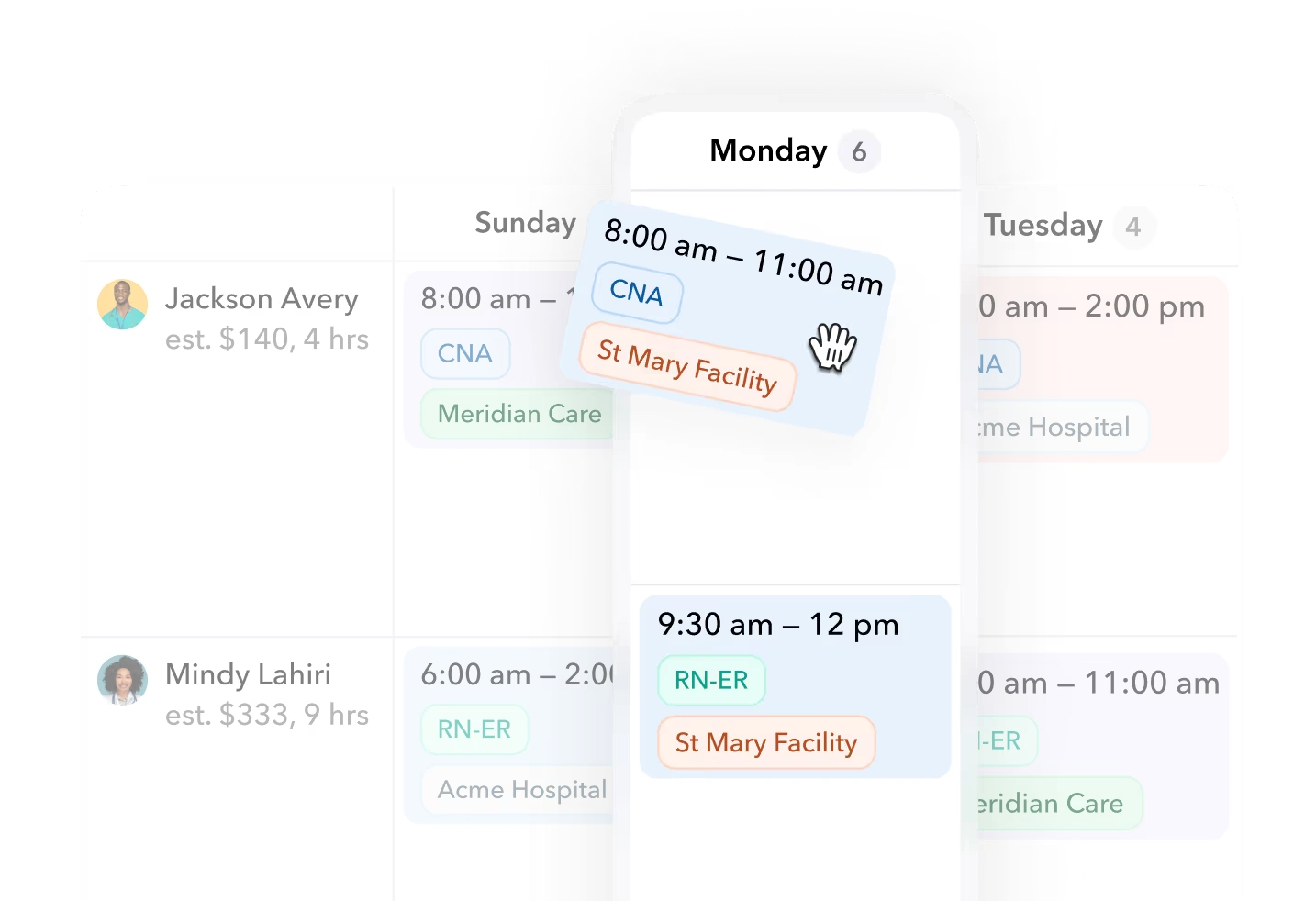
- Publish and let staff claim or confirm. Assigned staff confirm; open shifts go out for claiming. Confirmation matters because an unconfirmed assignment is an unfilled shift you do not know about yet.
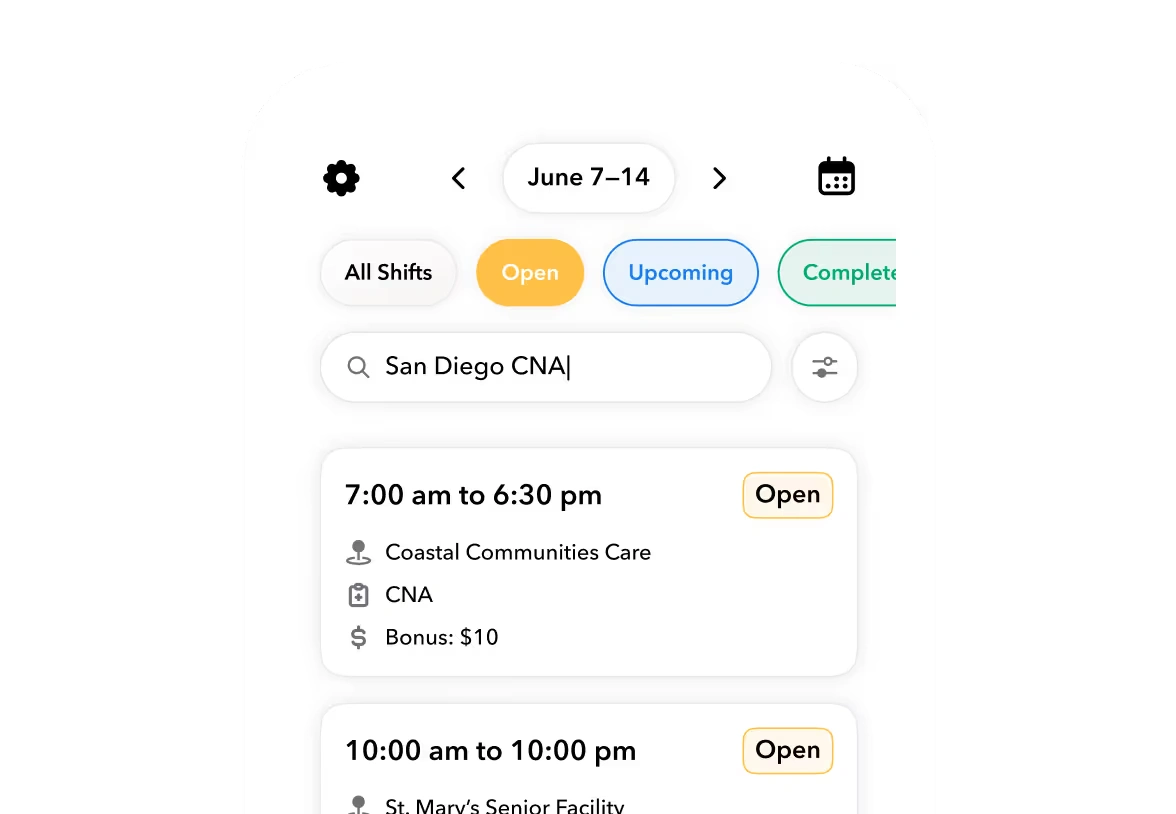
- Auto-fill gaps against availability and qualifications. Whoever is filling gaps needs to know who is available, who is qualified for that department, and who is about to hit overtime. Doing this by phone tree means the manager holds all three in their head.
- Handle call-offs day-of. A call-off at 6 a.m. restarts steps 3 and 4 under time pressure, with check-in at 4 p.m. as the deadline.
Warning
Spreadsheets break at step 1 because occupancy never flows in automatically, so the roster is built on last week's demand. Group texts break at step 5 because there is no record of who was offered the shift, who declined, or who is already at 38 hours. Each broken step is invisible until a room is not ready or a payroll run comes back wrong.
Ready to move?
Ready to see Teambridge in action?
Worked scenario: filling a 40-room-attendant weekend after two call-offs
This is a hypothetical scenario with stated assumptions. No real property or person is represented.
Assumptions: a 180-room property at 78% weekend occupancy, 15 room credits per attendant shift, and two day-of call-offs on Saturday morning.
Worked scenario
Two call-offs on a 78% weekend
Hypothetical 180-room property, 15 room credits per attendant, check-in at 4 p.m.
The arithmetic is the easy part. The hard part is that Option A fails silently: after 90 minutes of calls, the manager still does not know if the shift is covered, and the 20 at-risk rooms are discovered at 3 p.m. when early arrivals are standing in the lobby. Options B and C only work if availability and qualifications are already in the same system as the schedule. That dependency is the entire evaluation question.
Products discussed
Hospitality Scheduling Software: How Hotels Fill Shifts Fast tools mentioned
Official marks identify the products materially discussed in this section.
Spreadsheets vs. standalone scheduling apps vs. connected workforce platforms
There are three ways operators actually run this, and the differences are material.
| Dimension | Spreadsheet plus group text | Standalone app (Deputy @ deputy.com, When I Work @ wheniwork.com) | Connected platform (Teambridge) |
|---|---|---|---|
| Cost to run | Free in dollars, expensive in manager hours | Per-user subscription | Platform subscription |
| Speed to fill a call-off | 45 to 90 minutes, no tracking | Broadcast to claimers, minutes | Broadcast or auto-fill, minutes |
| Multi-department demand | Manual, one tab per department | Department schedules, demand import varies by plan | Demand templates tied to occupancy and events |
| Timecard handoff | Re-keyed into payroll | Export or integration | Schedule is the timecard baseline, no handoff |
| Overtime visibility | None before payroll | Warnings at publish in most tiers | Guardrails before publish and at fill time |
Standalone apps like Deputy and When I Work genuinely solve steps 3 and 4 for single-department operations, and for a small venue that may be enough. Their boundary is the handoff: the schedule is one system, time capture is an integration, and pay is someone else's problem, which is where errors creep back in. A connected platform like the Teambridge platform treats the published schedule as the baseline for time tracking and pay, so a claimed shift, a clock-in, and a paycheck are the same record at three points in time.
What to require before you buy: an operator checklist
Use this as the evaluation artifact. If a vendor cannot demonstrate an item live, it does not exist.
- Demand templates tied to occupancy. Housekeeping headcount should derive from rooms sold and room credits, not from copying last week. Otherwise you are staffing to history, not demand.
- Department and role-based qualifications. A banquet server should never be auto-offered a housekeeping shift. Qualifications must gate both publishing and gap fill.
- Open-shift claiming with manager approval. Claiming without approval creates overtime and qualification leaks; approval without claiming creates phone trees. You need both.
- Call-off broadcast with response tracking. Every offer, decline, and claim should be timestamped. When a shift goes unfilled, you need to know who was asked.
- Overtime guardrails before publish. The system should flag a 39-hour employee being scheduled into a sixth shift at the moment it happens, not on the payroll register.
- A live timecard feed. Clock-ins should compare against the schedule in real time so a no-show is visible at 7:05 a.m., not at payroll close.
Tip
Run your last bad Saturday through the demo. Give the vendor the actual occupancy, the actual call-offs, and the actual departments, and watch how many steps require a phone call. That number is your answer.
Where Teambridge fits in a hospitality stack
Teambridge is a workforce operations platform, and it is worth being precise about what that means and what it does not. It covers scheduling, time tracking, compliance, pay, and communication in one system, which maps directly onto steps 2 through 5 of the workflow above. The scheduling product auto-fills gaps against credentials and availability, and because the schedule is the timecard baseline, call-off coverage flows into pay without a re-key.
The boundary: Teambridge is not a property management system and not a point of sale. Your PMS still owns reservations and occupancy; your POS still owns covers and tips. Teambridge sits alongside them as the labor layer, consuming the demand signal and producing a staffed, compliant, paid roster. Operators evaluating the broader approach can see how venues and facilities teams use it in the customer stories.
Decision framework: match the tool to your fill-rate problem
Do not buy a platform for a phone-tree problem, and do not buy a phone-tree fix for a payroll problem. Diagnose first.
If call-offs are the pain, prioritize broadcast fill speed and response tracking. Measure time-to-fill on your last ten call-offs. If it is over 30 minutes, any tool with open-shift broadcast pays for itself in recovered rooms.
If overtime creep is the pain, prioritize pre-publish guardrails. Pull your last quarter's overtime hours and check how many were visible at publish time. If the answer is none, the guardrail is the feature that matters.
If payroll errors are the pain, prioritize the scheduling-to-timecard connection. Count how many times a schedule change had to be re-entered anywhere last month. Every re-entry is an error waiting for a paycheck.
Before any demo, test the workflow yourself with the free workforce management tools, including labor cost and scheduling calculators. If the math above matches your property, you already know which of the three problems you have.

About the author

Content Writer at Teambridge
Anis Nanai is a content writer at Teambridge, with a focus on workforce management and the realities of running hourly teams. He prioritizes conversations with customers, staying close to the market, and understanding how workforce needs are changing. His writing connects those concerns to practical decisions about scheduling, time tracking, staffing, and automation. He examines product developments through the questions that matter to operators: what does this solve, how would it work for my team, and what evidence supports it?
Company perspective: this author works at Teambridge. Customer outcomes are attributed to their published sources.
View LinkedIn profile