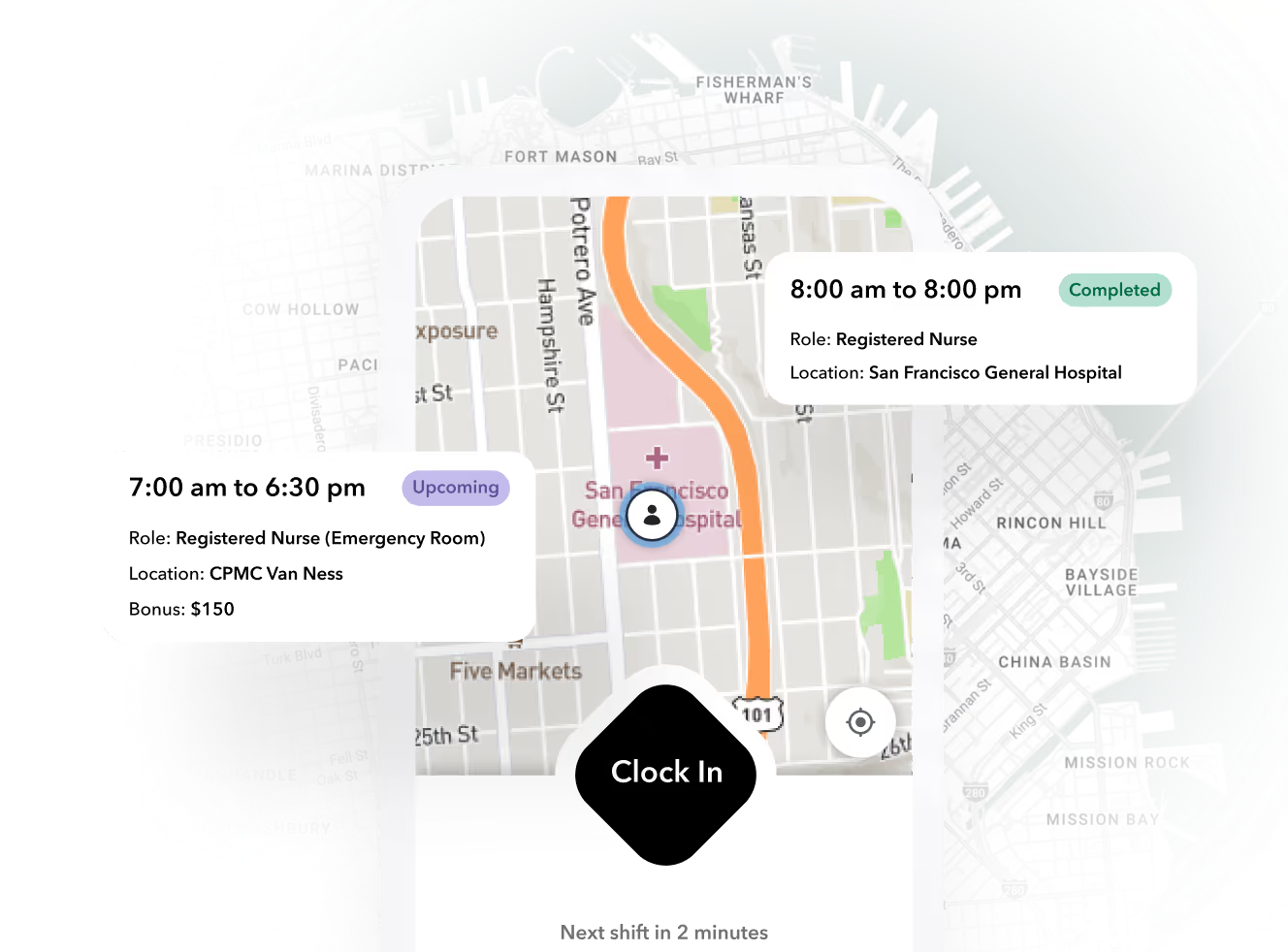
This is an explainer for operators who run hourly, shift-based teams. We will define what a work schedule actually has to do, walk through the four failure modes that break one, show the end-to-end workflow, compare the common tooling approaches, and run a worked scenario with explicit assumptions. It ends with a decision framework you can apply regardless of vendor.
What a Work Schedule Actually Has to Do Beyond Listing Shifts
A work schedule is an operational contract with five simultaneous constraints:
- Demand coverage. Every required role, at every site, for every shift window, has a qualified body assigned.
- Availability. The people assigned have said, recently, that they can actually work those hours.
- Credentials. Licenses, certifications, and background checks are current through the shift date, not just at hire.
- Labor cost. Projected hours stay inside budget, including overtime thresholds.
- Labor law. Break rules, predictive scheduling notices, and hour limits are respected.
Operators know the pain here. A schedule can satisfy all five constraints at publish time and violate three of them 48 hours later. A temp calls off. A caregiver's TB test lapses. A worker picks up two extra shifts and drifts past 40 hours. Each event is small. Together they mean the published artifact no longer describes reality.
This is where most tooling stops. Per-user apps like When I Work (@wheniwork.com, from $2.50 per user per month for a single location, per Software Finder's pricing summary) handle the publishing step well. What they leave to the manager is the maintenance loop: detecting drift, finding a backfill, confirming the replacement, and updating the time record so payroll still reconciles.
Ready to move?
Ready to see Teambridge in action?
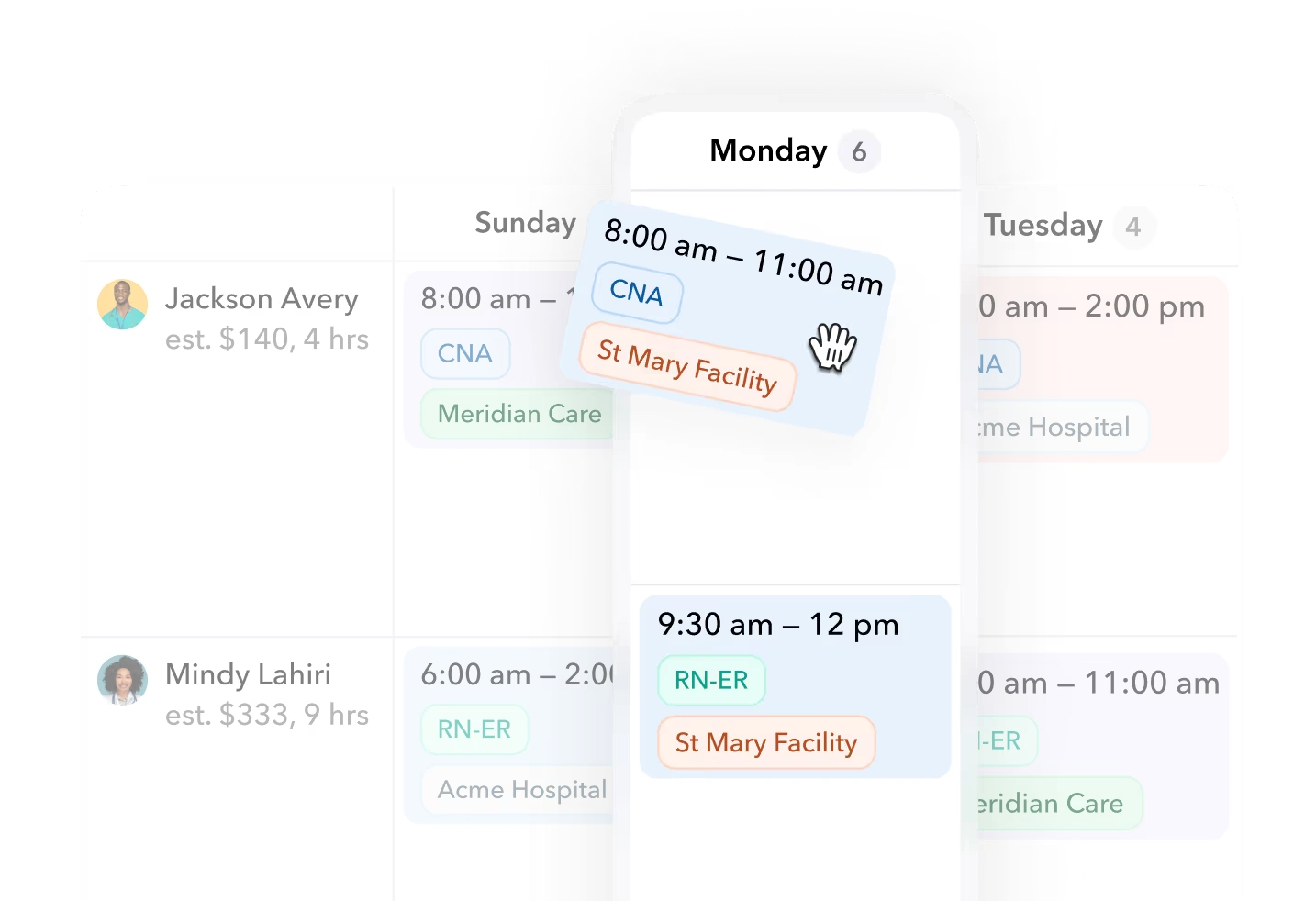
The Four Failure Modes That Break a Published Schedule
Each failure mode has a different owner, a different detection method, and a different cost. Treating them as one generic "scheduling problem" is how teams end up solving none of them.
1. Call-offs
The highest-frequency failure. Detection depends on the worker telling you, often by text, often late. The cost is coordinator time plus coverage risk. In a worked hypothetical below we price this in minutes.
2. Stale availability
A worker's stated availability from onboarding is three months old. You schedule them for a Saturday they can no longer work, and you find out Thursday. The fix is a freshness rule: availability older than a set number of days gets re-confirmed before publish.
3. Overtime creep
A worker at 38 scheduled hours accepts two swap offers and lands at 46. Nobody projected it because swaps were approved ad hoc. The U.S. Department of Labor's FLSA overtime rules make hours over 40 in a workweek expensive at 1.5x for nonexempt workers, and several states add daily overtime on top. Overtime has to be projected before publish, not discovered on the timecard.
4. Credential expiry
A certification lapses mid-week and the worker is still on the schedule for shifts they are no longer legal to work. Detection requires credential data that lives next to the schedule, not in a filing cabinet or an HR inbox.
Warning
Hypothetical scenario, assumptions stated: a 40-worker light industrial site loses three temps to Monday call-offs. With no live availability layer, the coordinator runs a phone tree at roughly 5 minutes per attempted contact, across 18 candidates, to fill three spots. That is about 90 minutes of coordinator time for one morning, and two of the three backfills arrive 40 minutes late because confirmation happened by voicemail.
How a Work Schedule Workflow Runs End to End
Here is the full loop. Note where each step traditionally lives, and where it must live for the schedule to stay accurate.
- Demand intake. Capture required roles, headcount, and shift windows per site. Traditionally: email from the client or site manager.
- Draft against constraints. Match demand to availability, credentials, and projected hours. Traditionally: a spreadsheet and the scheduler's memory.
- Publish and confirm. Workers see their shifts and explicitly confirm. Traditionally: a printed sheet or a mass text, with confirmation assumed.
- Backfill. Call-offs and declines trigger a targeted offer to eligible, available, credentialed workers. Traditionally: the phone tree.
- Reconcile. Actual worked time is compared to the schedule, exceptions are resolved, and payroll gets clean data. Traditionally: a time clock export someone cross-checks by hand.
Steps 2 through 5 only stay accurate if they share one worker record. When scheduling, time tracking, and communication live in separate tools, every change requires a human to propagate it. In a connected platform like the Teambridge platform, a worker's confirmation updates the schedule and the expected timecard at once, and a call-off can broadcast the open shift only to workers who clear the availability and credential rules. Teambridge is one operational option here, and it has a boundary worth stating: it is a workforce operations platform, not a demand forecasting engine. You still bring the staffing requirements; it keeps the schedule honest against them.
Products discussed
Work Schedule Software: How Modern Shift Teams Build It tools mentioned
Official marks identify the products materially discussed in this section.
Comparing Common Approaches: Spreadsheets, SMB Apps, and Workforce Platforms
| Dimension | Spreadsheet + texts | Per-user SMB apps | Integrated workforce platform |
|---|---|---|---|
| Backfill speed | Phone tree, 60-90+ min | Broadcast to all staff, eligibility filtered manually | Targeted offer to eligible and available workers |
| Multi-site support | One tab per site, no roll-up | Often priced per location or limited | Built for multi-site, multi-client |
| Credential gating | Manual checklist | Rarely native | Blocks ineligible assignments at publish |
| Overtime projection | After the fact | Alerts at clock-in | Projected before publish |
| True cost per worker | Free license, high labor cost | From ~$2.50/user/mo (When I Work @wheniwork.com); Homebase @homebase.com from ~$20-30/location/mo (SaaSworthy); Deputy @deputy.com per-user tiers | Higher license, lower coordinator labor |
| Best fit | Under ~15 workers, one site | Single location, under ~50 workers | Volume, credentials, or multi-client complexity |
The honest boundary: if you run one location with 20 reliable workers, a spreadsheet plus a $30 per month app is the right answer. Paying platform prices for a publishing problem is waste. Platforms earn their cost when the maintenance loop, backfills, credentials, and multi-site rollups, is where your hours go.
Worked Scenario: Rebuilding a Week After Two Call-Offs and a Lapsed Certification
Hypothetical, assumptions stated: a 60-worker home care agency. Tuesday, 7:00 AM. Two caregivers call off for their 8:00 AM visits, and a third caregiver's TB test expired yesterday. The coordinator earns $28 per hour. Each missed visit costs the agency a $95 billable visit and damages a client relationship.
Spreadsheet approach. The coordinator checks the printed schedule, pulls a paper credential file to confirm who is current (15 minutes), then calls down a list of 14 possibly available caregivers at about 5 minutes each (70 minutes). Two visits are backfilled by 9:30 AM; one visit is missed because no confirmed replacement was found in time.
Connected system approach. The credential lapse was flagged at publish the prior week and that caregiver was already reassigned pending renewal. The two call-offs broadcast to caregivers filtered by current TB status, availability on Tuesday mornings, and under 38 projected hours. Both shifts are claimed and confirmed inside 20 minutes while the coordinator handles one client call.
| Cost line | Spreadsheet + texts | Connected system |
|---|---|---|
| Coordinator time | ~100 min ($47 labor) | ~20 min ($9 labor) |
| Missed visits | 1 ($95 lost revenue) | 0 |
| Late arrivals | 2 likely | 0-1 |
| Total event cost | ~$142 plus client risk | ~$9 |
The Pre-Publish Checklist That Prevents Most Schedule Failures
This is the artifact to copy into your own process, whatever tools you run. Most schedule failures are detectable at publish time if you check the right four things.
- Availability freshness. Every assigned worker's availability was confirmed within the last 7 days. Older than that, re-confirm before publish.
- Credential clearance. Every credential required for a shift is valid through the shift date, not just today. A Wednesday expiry should block Friday's assignment now.
- Overtime projection. Project total hours including pending swap requests. Anyone landing over 40 gets flagged before the schedule goes out, when you still have options.
- Confirmation deadline with escalation. Every published shift carries a confirm-by time. Unconfirmed shifts escalate automatically to a backfill broadcast, not to the coordinator's memory.
Tip
Run this checklist as a standing pre-publish routine, not a reaction to last week's failure. Teams that gate publish on these four checks typically find their mid-week firefighting drops sharply because the failures were never published in the first place.
Choosing Your Work Schedule Setup: A Decision Framework
Match the tooling to the failure mode you actually have, not the publishing demo every vendor leads with.
- Count your failure modes. If call-offs are rare, credentials are simple, and overtime never surprises you, you have a publishing problem. A spreadsheet or a low-cost SMB app solves it.
- Weigh workforce size and site count. Under roughly 50 workers at one site, per-user or per-location pricing wins on total cost. Past that, coordinator labor on backfills usually exceeds the license difference.
- Score credential complexity. If expired credentials can create legal exposure or missed revenue, credential gating at publish is not optional. That rules out most lightweight tools.
- Price your coordinator hours honestly. At $28 per hour, ten hours a week of phone trees is over $14,500 a year in labor alone. Compare that against platform pricing before deciding the platform is expensive.
- Check the pre-day-one side. A schedule is only as good as the data behind it. Availability, credentials, and pay details collected during onboarding determine whether publish-time checks have anything to check. Teambridge's onboarding product covers that intake side, and the Document Studio keeps credential expirations tracked against the schedule.
If your profile matches multi-site, credentialed, or high-volume backfill, book a 20-minute walkthrough and bring your worst week from last quarter. The right question for any vendor is not "show me how you build a schedule." It is "show me what happens at 7:04 AM on Tuesday when two people call off."

About the author

Content Writer at Teambridge
Anis Nanai is a content writer at Teambridge, with a focus on workforce management and the realities of running hourly teams. He prioritizes conversations with customers, staying close to the market, and understanding how workforce needs are changing. His writing connects those concerns to practical decisions about scheduling, time tracking, staffing, and automation. He examines product developments through the questions that matter to operators: what does this solve, how would it work for my team, and what evidence supports it?
Company perspective: this author works at Teambridge. Customer outcomes are attributed to their published sources.
View LinkedIn profile