This analysis totals the real operating cost of that fragmented stack, walks through the failure points the seams create, builds a worked total-cost scenario for a 12-seat agency, and gives you a decision table and a demo checklist you can reuse. The conclusion up front: for high-volume, shift-based staffing, the stack you can afford and the stack that fills shifts reliably are usually not the same stack.
The seat price is not the price: what staffing agencies actually run
The recruitment software market is projected to grow from roughly $3.74 billion in 2026 to $7.48 billion by 2034, a CAGR near 8.95%, according to Fortune Business Insights. That growth is not agencies buying one system. It is agencies buying several. The typical operating stack for a shift-based agency looks like this:
- ATS/CRM for candidates, clients, and job orders
- Scheduling tool for shift assignment and gap filling
- Time and attendance, often with its own mobile app
- Onboarding and credentialing, sometimes a module, often email plus a doc tool
- Payroll bridge or middleware to reconcile time data into pay and bill
- Worker communication, usually SMS or WhatsApp threads outside everything else
That is five to seven systems holding one worker's record. Industry research found 47% of staffing agencies integrated a cloud-based ATS between 2023 and 2025, but front-office adoption runs far ahead of back-office connection. The ATS knows who the candidate is. It usually does not know whether that person's certification lapsed Tuesday, whether they clocked in Friday, or whether they have stopped answering texts.
The seat price covers the first bullet. The operating cost lives in the gaps between all six.
Ready to move?
Ready to see Teambridge in action?
Where the fragmented stack bleeds: four operational failure points
Each of these failure modes comes from a seam between systems, not from a bad tool. Each carries a direct operating cost.
1. Credential valid in the ATS, expired at check-in
The candidate record says compliant. The credential file says expired three days ago. In a fragmented stack, nothing reconciles those two facts before the worker arrives on site. The operating implication: your coordinator finds out from the client's gate, the shift goes unfilled, and you eat the client-relationship damage, not just the margin. In healthcare and industrial staffing, this is also an audit exposure, not just a missed shift.
2. Schedule change that never reaches the time clock
A coordinator moves a worker from the day shift to the night shift in the scheduling tool. The timekeeping system still expects the day shift. Monday morning brings an exception queue of mismatched punches, and someone spends hours reconciling before payroll can run. The operating implication: payroll cycle time and a recurring weekly labor cost that never appears on any software invoice.
3. Onboarding documents scattered across email threads
I-9s, W-4s, certifications, and client-specific paperwork collected by reply-all. When a client or an auditor asks for a worker's complete file, the answer is a search across three inboxes. The operating implication: slower time-to-start (which is where candidates ghost and take a competing offer) and compliance risk you cannot quantify until someone asks for the file.
4. No-show discovered at shift start
In a disconnected stack, the first signal that a worker will not show is the empty post at 6:00 AM. Backfilling at that point means phone calls against a shrinking clock. The operating implication: fill rate drops, and your best coordinators spend their mornings on reactive triage instead of proactive redeployment. Predictive signals, like a worker who stopped opening shift reminders, live in data the fragmented stack never joins together.
Warning
A note on evidence limits. Much of the published data in this category is vendor-reported or drawn from self-selected survey panels. Treat any single stat as directional. The failure points above are structural: they follow from data living in separate systems, and you can verify them against your own exception reports and no-show logs before trusting any survey.

Total cost of ownership: a worked scenario for a 12-seat agency
This is a hypothetical, labeled as such. Assumptions: 12 internal staff seats, 400 active W2 temp workers, light-industrial mix, one-year horizon, list prices where published and mid-market estimates where not. It is a model to adapt, not a quote.
Hypothetical 12-seat agency
The fragmented stack carries two prices
This 400-worker model combines published ATS pricing with clearly labeled estimates. Replace every assumption with your own quotes and operating data.
Five point solutions plus integration maintenance
Exception labor and unfilled-shift margin in this model
$67,200 divided by 400 active workers
$95,280 divided by 400 active workers
| Cost line | Fragmented stack (per-seat model) | Unified platform (per-worker model) |
|---|---|---|
| ATS/CRM (12 seats x $165/mo) | $23,760/yr | Included in platform |
| Scheduling tool (12 seats, est. $60/seat/mo) | $8,640/yr | Included |
| Time and attendance (est. $4/worker/mo) | $19,200/yr | Included |
| Onboarding and credentialing (estimate) | $6,000/yr | Included |
| SMS and messaging tool (estimate) | $3,600/yr | Included |
| Integration and middleware maintenance (estimate) | $6,000/yr | $0 |
| Software subtotal | ~$67,200/yr | Per-worker rate x 400 workers |
| Hidden cost: timecard exception labor (10 hrs/wk x $30/hr) | ~$15,600/yr | Reduced if exceptions drop |
| Hidden cost: unfilled-shift margin loss (4 shifts/wk x $60 margin) | ~$12,480/yr | Reduced if fill rate improves |
| Modeled operating total | ~$95,280/yr | Software plus reduced leakage |
| The artifact you can reuse: list your own tools down the left column, put your real invoices next to them, then add two rows for exception-labor hours and unfilled-shift margin from last quarter. Most agency operators have never seen those two hidden rows on one page. |
Decision table: point solutions vs. unified platform by agency profile
Unified is not always the right answer. Match the model to the operating reality.
| Agency profile | Dominant workflow | Stack model that fits | Why |
|---|---|---|---|
| Executive search / retained | Candidate pipeline, client relationships | Point solutions (strong ATS/CRM) | No shifts, no timekeeping; scheduling is a calendar |
| Perm placement, high volume | Submittals and interviews | ATS plus light add-ons | Time tracking and credentialing rarely gate placement |
| High-volume light industrial | Daily shift fill, attendance, pay | Unified platform | Seams between schedule, time, and messaging are the business |
| Healthcare per diem | Credential-gated shift fill | Unified platform with compliance built in | Expired license at check-in is an audit event, not an inconvenience |
| Event / venue staffing | Burst scheduling, mass messaging | Unified platform | Texting 200 workers from the scheduling record is the core job |
The pattern: the more your revenue depends on a worker physically showing up to a shift, the more the seams cost you, and the stronger the case for one worker record across scheduling, time, and compliance.
What to test in a demo before you sign anything
Skip the slideware. Each test below maps to a failure mode from earlier. Run them live, with your data if the vendor allows it.
- Fill a shift from the candidate record in under three clicks. If filling a shift means exporting a list and switching tools, failure mode 4 stays with you.
- Expire a credential and watch what happens. Set a test worker's certification to expired. Does the scheduler block the assignment automatically, or does it let you book a compliance violation? This is failure mode 1.
- Change a shift, then run the timecard exception report. If the schedule change does not flow into timekeeping, you are buying failure mode 2 and its Monday-morning reconciliation queue.
- Text 200 workers from the same system. Not an integration demo. The same worker record, same screen. If messaging is a third tool, your no-show signals stay invisible.
- Ask for renewal terms in writing. What is the cap on year-two increases, and what happens to the bill if your seat count drops mid-term? Per-seat annual contracts generally hold you to the count you signed.
- Ask where onboarding documents live. If the honest answer involves email or a shared drive, failure mode 3 is in the contract.
Tip
Bring last quarter's numbers to the demo: timecard exception count, no-show count, and unfilled shifts. Ask the vendor to show you the screen where each of those numbers would have been caught earlier. If that screen does not exist, the tool will not move those numbers.
How Teambridge fits: scheduling, time, and compliance on one worker record
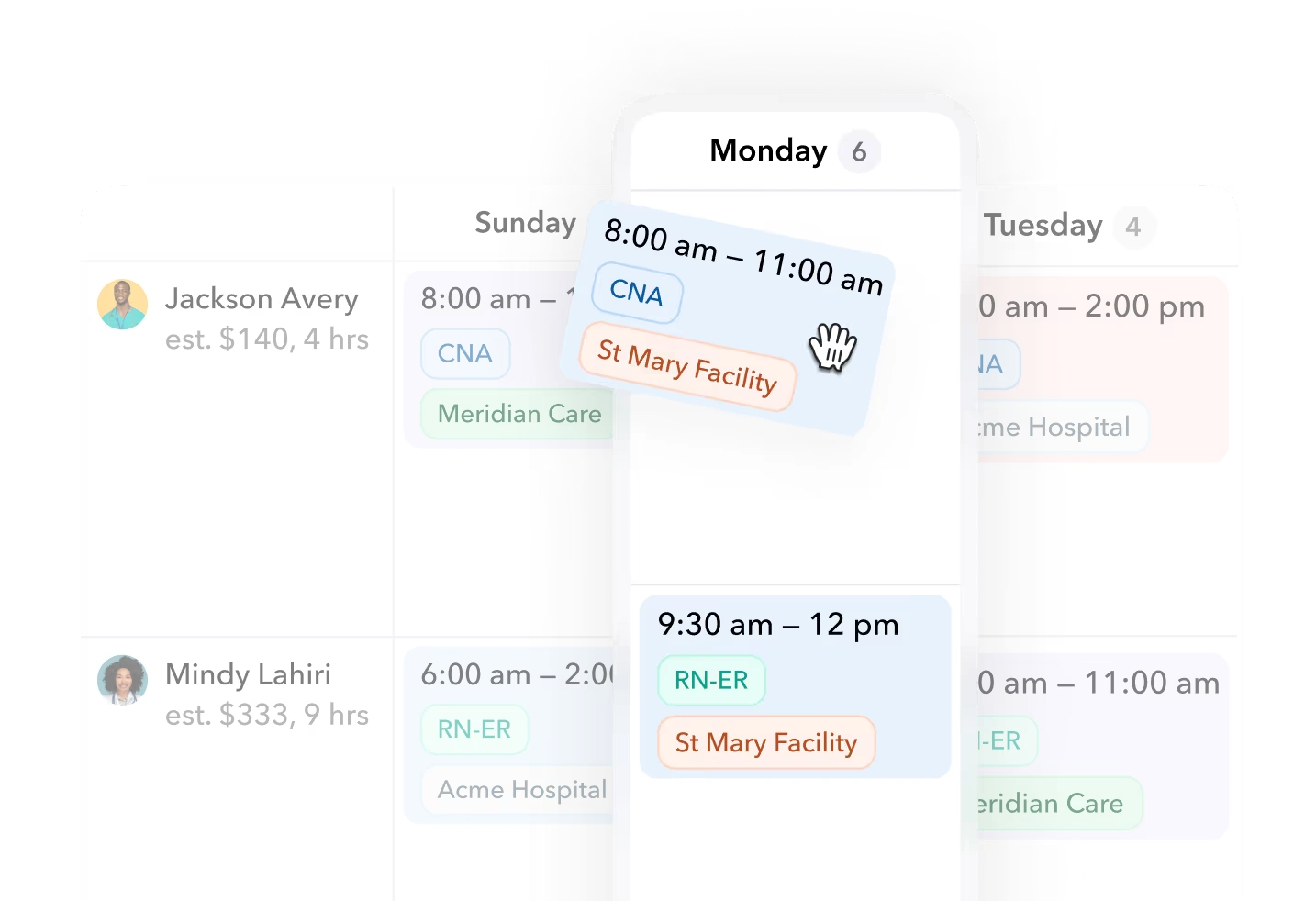
Teambridge is one operational option in the unified-platform column, built specifically for shift-based, high-volume W2 staffing rather than search. The platform holds a single worker record across the ATS, AI-driven scheduling, time tracking, credential enforcement, and worker messaging, with AI Specialists that run gap-filling and no-show prediction in the background rather than waiting for a coordinator to notice a problem.
Concretely, that means the demo tests above are the product's normal state: a credential expiry blocks assignment at scheduling time, a schedule change is the same record the time clock reads, and a broadcast text goes out from the shift view. Pricing is per worker rather than per internal seat, which changes the TCO math from the third section; see /pricing for current structure.
Boundaries, stated plainly: Teambridge is not a retained-search CRM, and if your agency's revenue is perm placement with no shifts to fill, a deep ATS plus light add-ons will serve you better. We also do not invent outcome claims here. For how real operators run on the platform, read the customer stories and ask for a reference in your vertical.
Run the numbers on your own stack
Close the loop with your own data, in this order:
- Inventory the stack. List every tool, its seat count, its annual cost, and its renewal date. Include the messaging app and the spreadsheet someone maintains to glue two systems together.
- Pull last quarter's leakage. Timecard exception count and the hours spent fixing them, no-show count, and unfilled shifts with the margin each one carried.
- Apply the TCO table. Drop your real numbers into the model from section three. Compute your break-even per-worker rate.
- Run the demo checklist. Book working demos, not presentations, and run the six tests above with your scenarios.
- Decide on evidence. Compare the true operating total of what you run today against the unified option at your actual worker count. Then negotiate renewal terms in writing, whichever direction you go.
The agencies that get this decision right are not the ones that found the cheapest seat price. They are the ones that priced the seams.

About the author

Content Writer at Teambridge
Anis Nanai is a content writer at Teambridge, with a focus on workforce management and the realities of running hourly teams. He prioritizes conversations with customers, staying close to the market, and understanding how workforce needs are changing. His writing connects those concerns to practical decisions about scheduling, time tracking, staffing, and automation. He examines product developments through the questions that matter to operators: what does this solve, how would it work for my team, and what evidence supports it?
Company perspective: this author works at Teambridge. Customer outcomes are attributed to their published sources.
View LinkedIn profile