Choose software that connects shift coverage to actual worked time
A clock demonstration proves little about what happens after a replacement takes over. Ask the vendor to show the changed assignment and the replacement’s recorded work together. Use the purchase brief below to record what you require, who owns each decision and what the vendor actually demonstrates.
Require actual hours to survive every schedule change
A published shift is a plan, not proof of hours worked. For covered nonexempt employees, US federal guidance requires records of daily and weekly hours. When work differs from a fixed schedule, the records must reflect actual hours.
The Department of Labor also explains that the workday can extend beyond the scheduled shift. These sources support the actual hours requirement, not a complete compliance assessment.
Operator view
Supporting evidence
Copy this coverage change purchase brief into your evaluation
Copy this table into your evaluation document. Complete the buyer column before the demonstration, then use the same sample with every vendor.
The completed example is hypothetical. It assumes one warehouse shift, a replacement starting at 8:00 a.m., no unpaid break and actual work ending at 4:20 p.m. It is not a customer result or a verified product demonstration.
| Field | Your purchase brief | Hypothetical completed example |
|---|---|---|
| Site and operating requirement | Site: ____; required result: ____ | Warehouse receiving; replacement assignment must remain connected to actual worked time. |
| Original assignment | Worker reference: ____; scheduled hours: ____ | Original worker scheduled from 8:00 a.m. to 4:00 p.m. |
| Coverage change | Replacement reference: ____; change: ____ | Original worker calls off. Replacement starts at 8:00 a.m. and works until 4:20 p.m., with no unpaid break. |
| Scheduler owner | Accountable role: ____ | Scheduler owns the replacement assignment. |
| Time approval owner | Accountable role: ____ | Supervisor confirms actual worked time. |
| Acceptance criterion | Mandatory result: ____ | Replacement worker, saved assignment and actual work through 4:20 p.m. remain identifiable during review. Apply the actual hours requirement. |
| Vendor question | Demonstration prompt: ____ | Show the replacement assignment and recorded work through 4:20 p.m., then show manager review without substituting the planned end time. |
| Observed evidence | Evidence status: ____; record reference: ____ | Not yet demonstrated. Record the saved assignment and reviewed time record after testing. |
| Configuration dependency | Required setup: ____; access: ____; purchase scope: ____ | Not yet established. Verify scheduler access, supervisor approval access and required configuration. |
| Unresolved issue | Issue: ____; owner: ____; due date: ____ | Time approval owner to verify correction history, offline recovery and payroll field mapping. Due date to be assigned before testing. |
| Decision owner | Accountable role: ____; decision: ____ | Operations owner. Decision pending demonstration. |
| Next review date | YYYY/MM/DD: ____ | Buyer to enter the demonstration date, then the next pay cycle review date. |
The scheduled end in this example is 4:00 p.m. The actual end is 4:20 p.m. The demonstration must preserve that distinction rather than make the time record look like the schedule.
Ask the vendor to show the replacement’s daily and weekly totals after review. Then ask what changes if the replacement starts early instead of finishing late. You are testing whether actual work survives the scheduling process, not whether the calendar looks correct.
Complete requirements before recording vendor evidence
- Assign the people who will judge the result. The scheduler defines what counts as a saved replacement assignment. The supervisor defines what they need to confirm worked time. The operations owner decides whether either requirement is mandatory for purchase.
- Run the sample using the intended access. Ask the vendor to demonstrate the worker, scheduler and supervisor views with the permissions those roles would receive. Record who can change the assignment, who can edit time and who can approve the record.
- Reopen the saved records. Request evidence that the assignment and time record remain available after saving and reopening them. Put any missing behavior in the unresolved issue field, with an owner and a date for the next test.
Keep the completed example as a reference, but replace its operating assumptions with your own. A warehouse supervisor, store manager and staffing coordinator may need different assignment details. The acceptance criterion should name the details your reviewers actually use.
A filled shift is not a finished time review.
Put the workflow into practice
See how your team could use this workflow
Products discussed
Time Tracker Employee Scheduling Software: Purchase Brief tools mentioned
Official marks identify the products materially discussed in this section.
Separate demonstrated behavior from configuration and purchase assumptions
Use the observed evidence field to distinguish three states. This prevents a presentation promise from becoming an assumed purchasing requirement that nobody owns.
- Demonstrated: The vendor ran the sample, saved the relevant records and showed the result to the responsible reviewer.
- Dependent on configuration: The result requires identified setup, permissions or purchased scope. Record the dependency and who will prove it after configuration.
- Unresolved: The behavior was not shown, the answer was incomplete or the sample did not meet the acceptance criterion.
A feature name is not evidence. Neither is a slide showing a clean timesheet. Your evidence should identify the sample assignment and the time record that the supervisor reviewed.
Test the assignment change, worker access and correction path
Start with ownership. Ask who updates the assignment after a swap or call off, and what saved record confirms that the replacement now owns the shift. If the supervisor must reenter worker or assignment details during time review, record that work in the brief.
Next, test the worker’s access. Can the replacement find the assignment using the access method your workforce will actually use? Ask what happens when the worker cannot sign in or lacks connectivity, including who resolves an incomplete record.
Do not assume offline behavior from a successful connected demonstration. Ask whether anything is saved during an interruption, what happens when access returns and how the manager identifies missing or duplicate entries. Keep the answer unresolved until the relevant behavior is shown or documented.
Then request a correction. Ask the vendor to show what remains visible when a supervisor corrects a time entry, including the original value, revised value and responsible person where your requirements call for them. Record whether approval must happen again and who handles an unresolved dispute.
These are proposed evaluation tests. They are not claims that every vendor provides the same controls.
Confirm the purchasing scope behind the demonstration
Ask which configuration, access permissions and purchased components are required to reproduce the sample. Record those dependencies before treating the demonstrated result as available in your intended setup. A demonstration performed with broader permissions may not represent the supervisor’s daily experience.
For payroll, name the actual destination and required fields. Ask the vendor to prove the transfer of the worker identifier, approved hours and any assignment details your payroll process needs. An available connection does not establish that your required mapping has been configured and tested.
This is where buying mistakes become visible. A clock demonstration can hide a disconnected assignment process. A payroll connection can hide missing fields. The purchase brief keeps each claim attached to evidence and an accountable owner.
Evaluate Teambridge against the same coverage change requirement
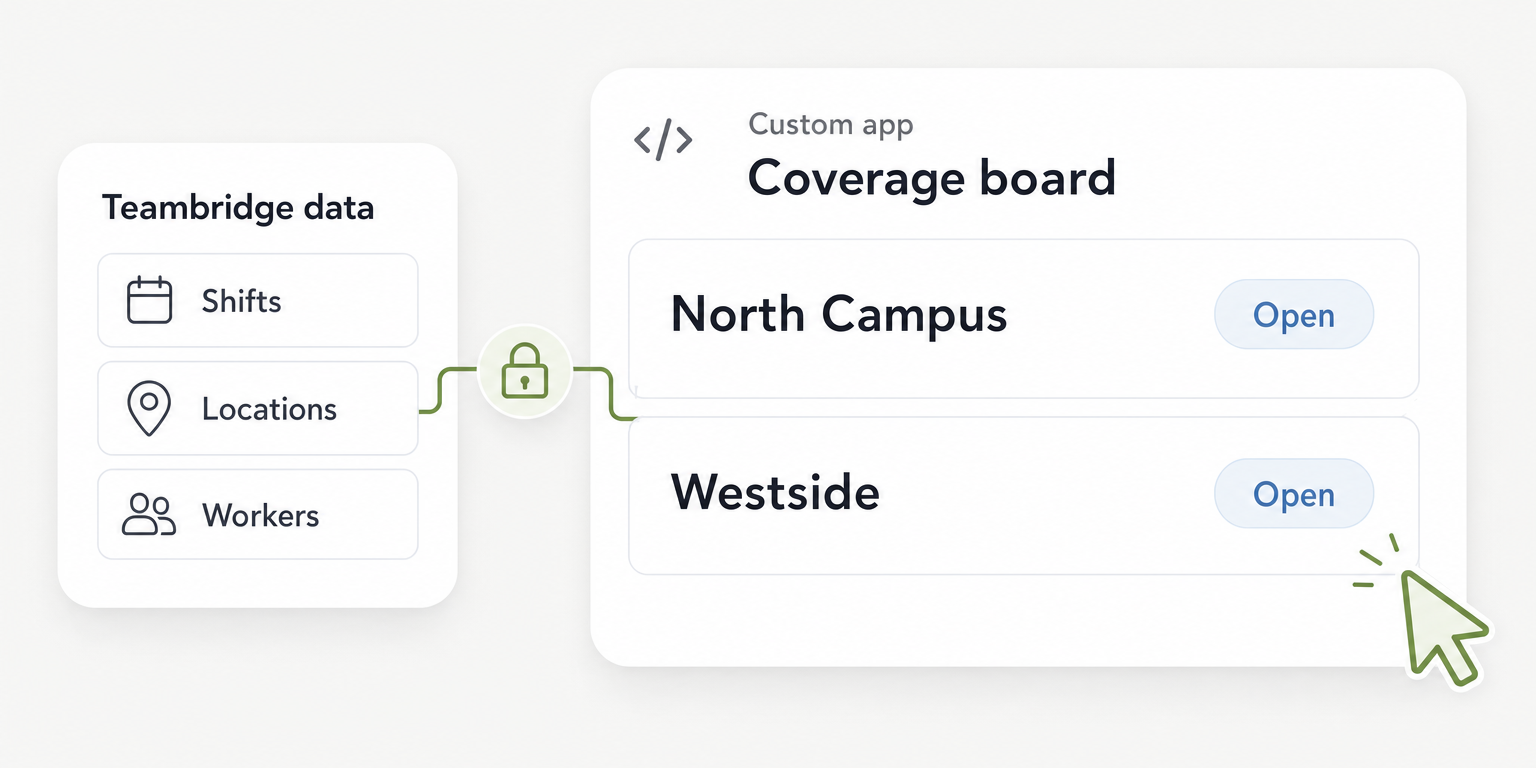
Teambridge’s platform brings workforce operations into an all in one platform for hourly teams, tailored to each company’s operations. Its public product pages describe configurable records, permissions and workflows. Use those capabilities as the starting point for the sample, not as proof that your configuration already passes it.
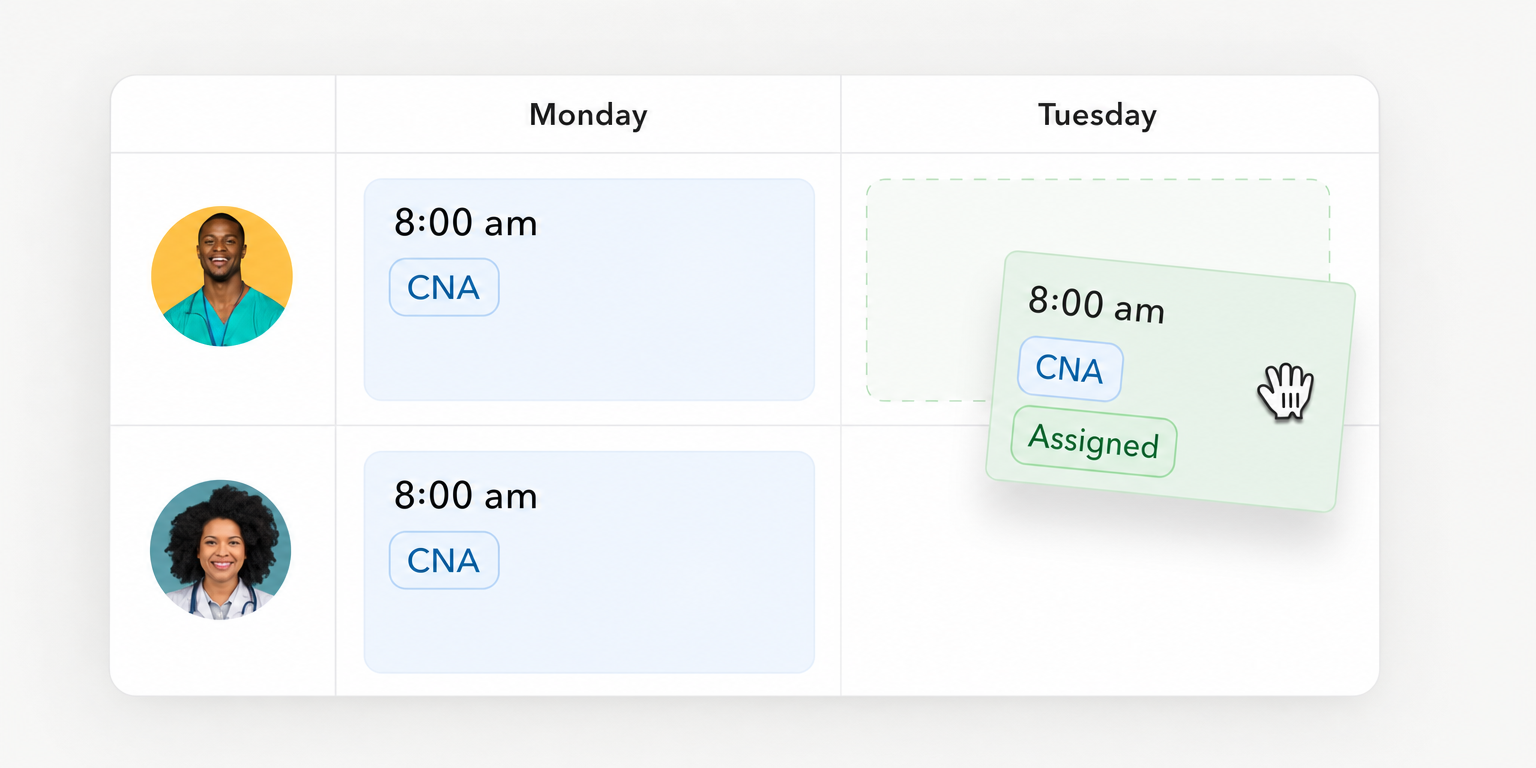
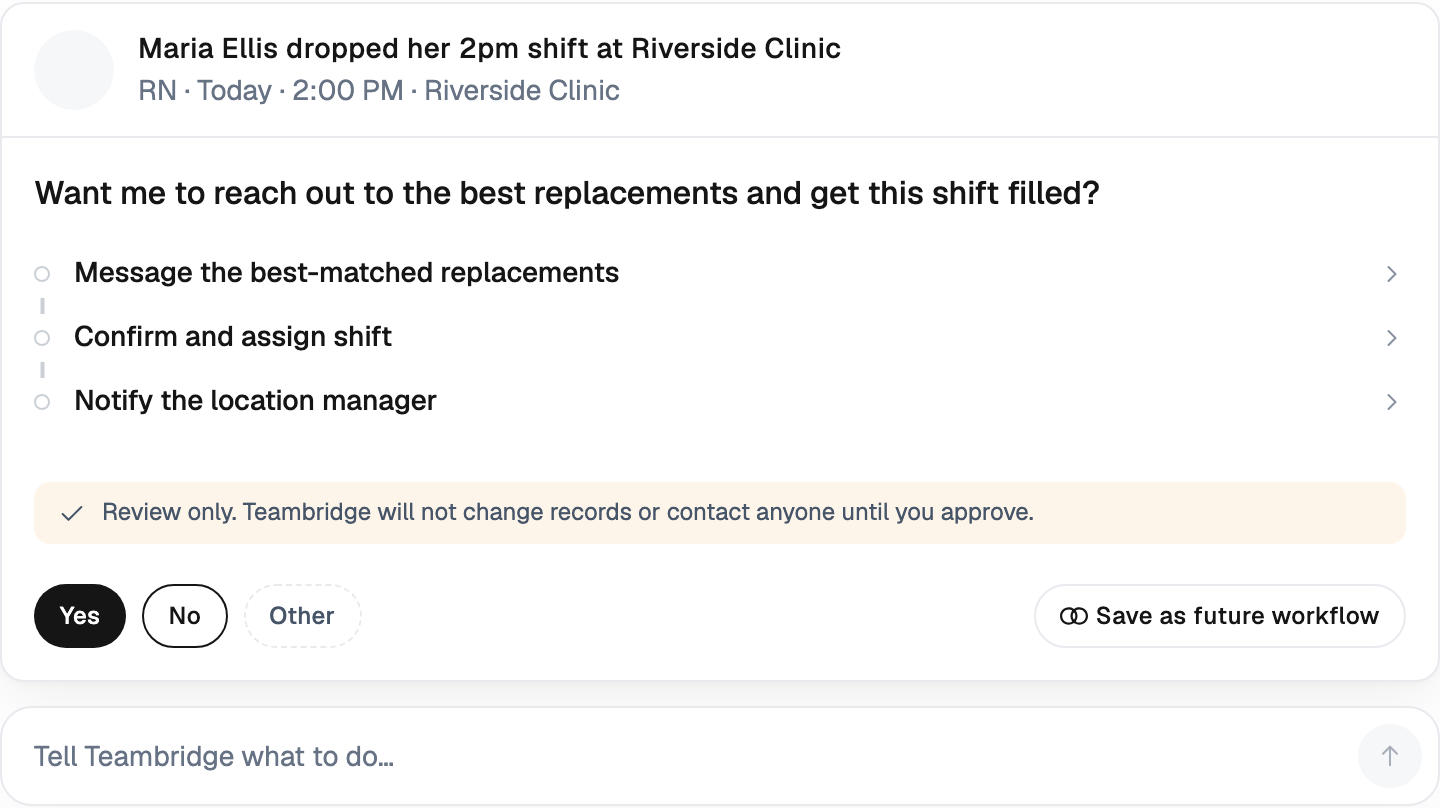
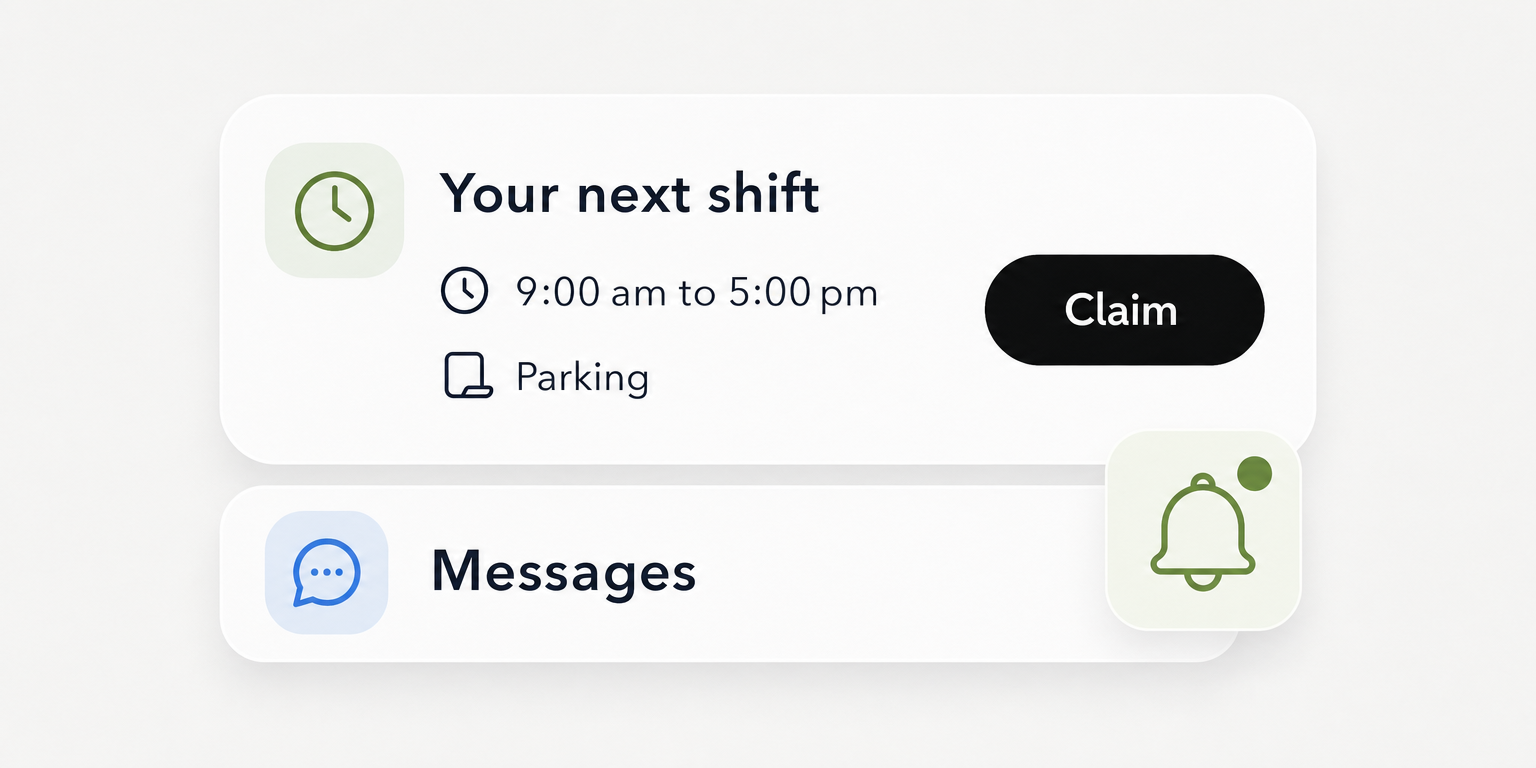
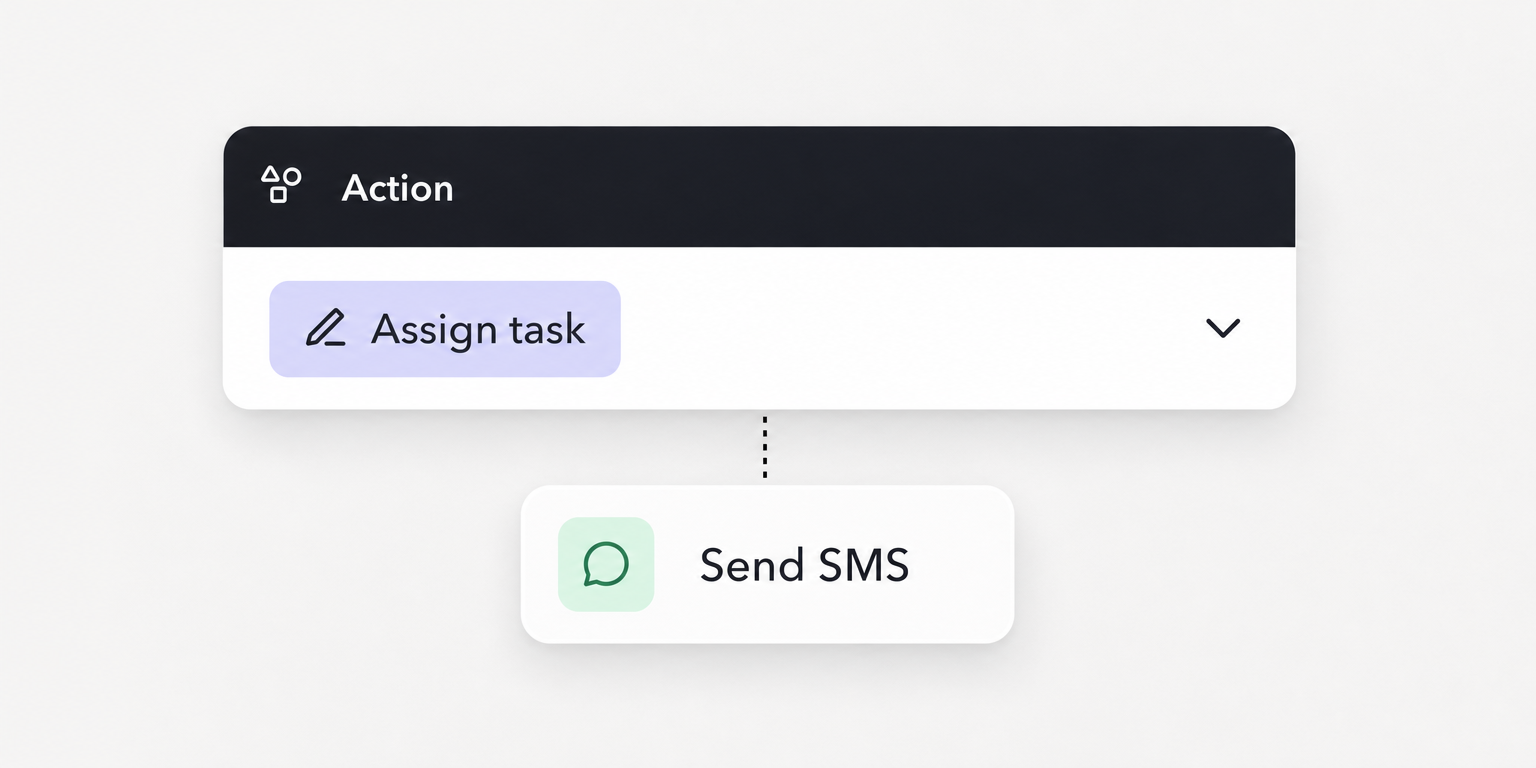
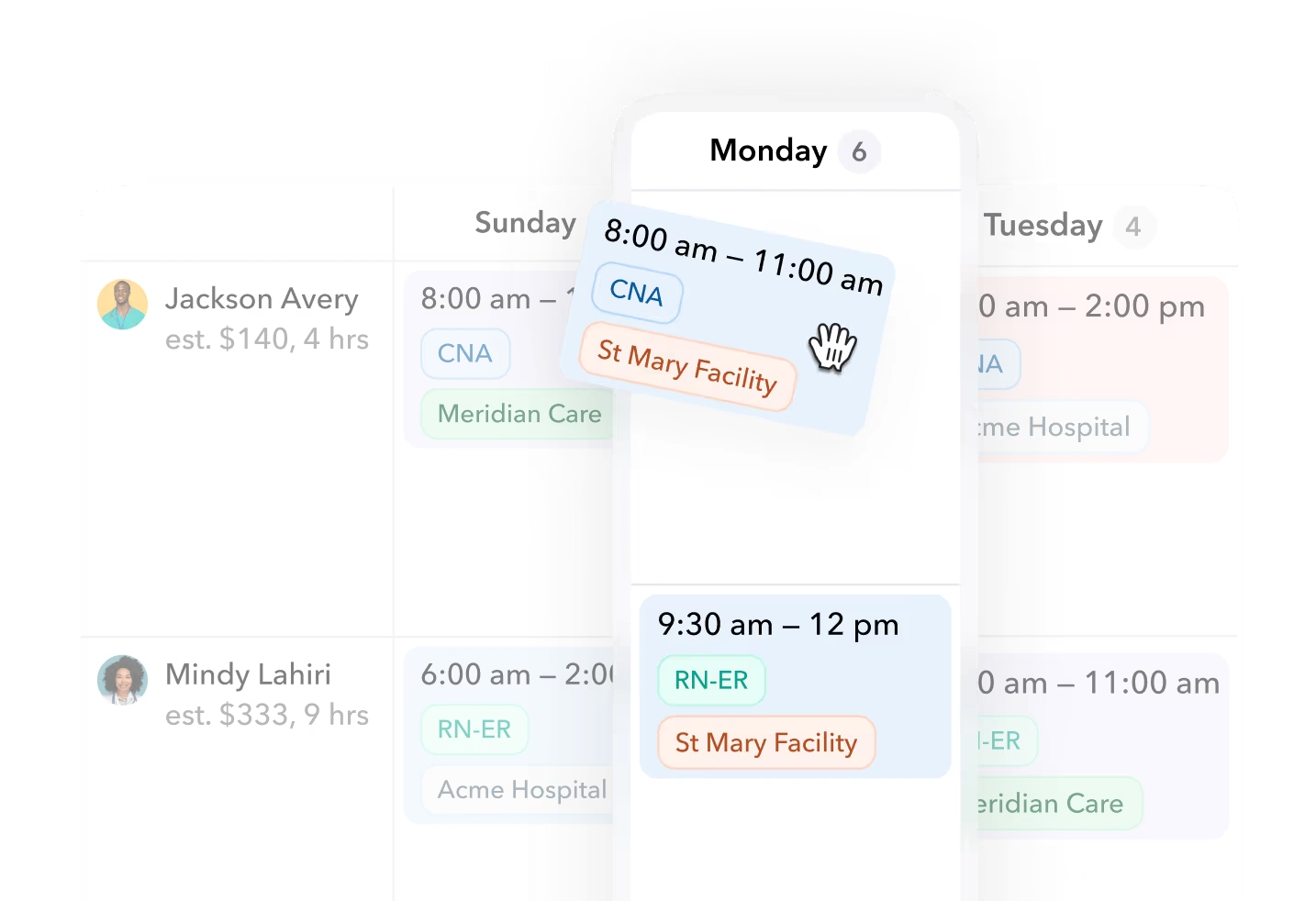
Teambridge scheduling describes creating, publishing and filling shifts, with mobile claims returning a confirmed assignment to the schedule. The page also shows open shift outreach through the app and SMS. For your call off scenario, ask who updates the original assignment and what confirms the replacement’s acceptance.
The distinction matters when evaluating coverage by text. Outreach to a worker and a saved replacement assignment are different events. Ask the demonstration to show both rather than assuming every text response completes the assignment process.
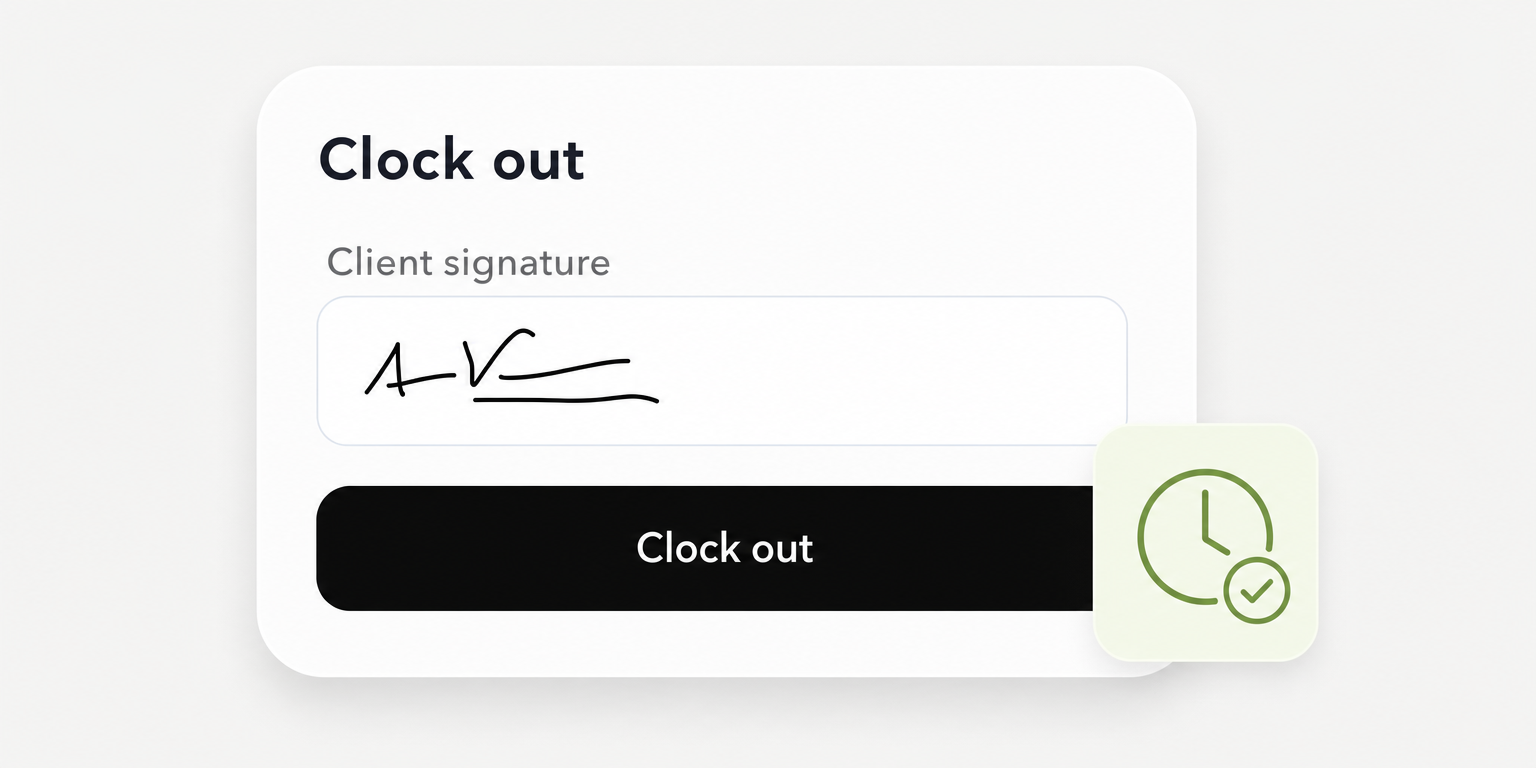
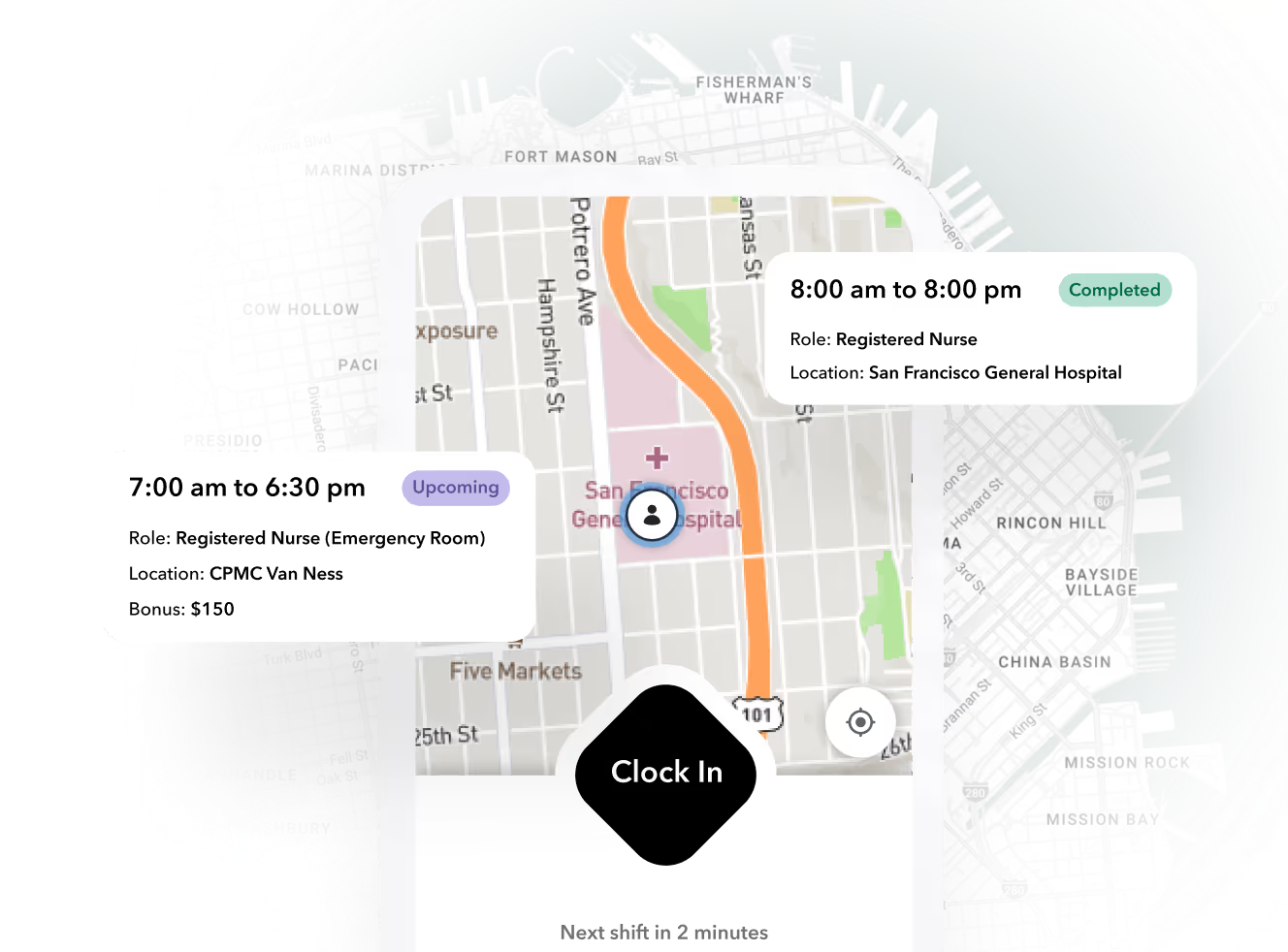
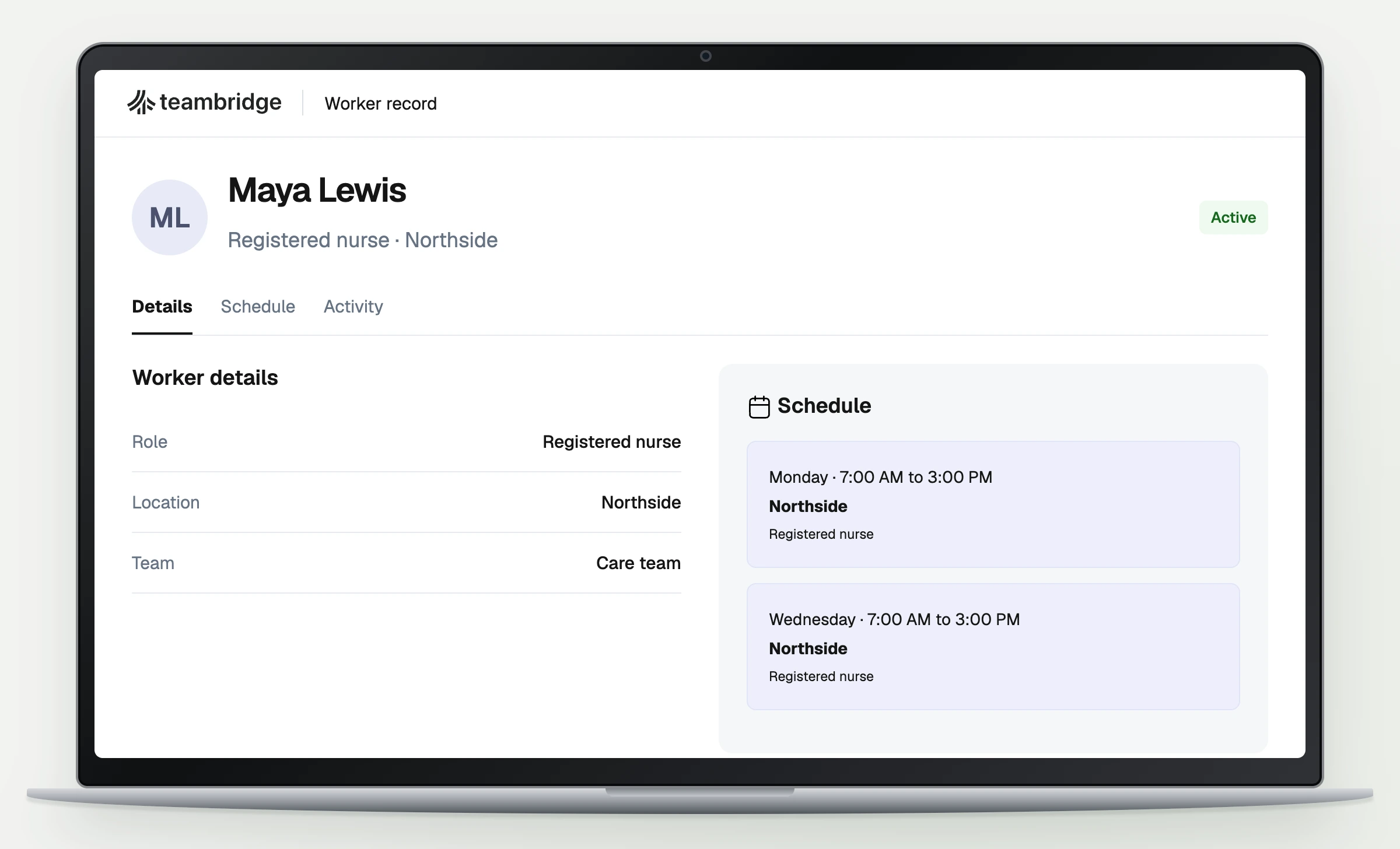
Teambridge time tracking describes scheduled and recorded time appearing together for review. Apply the same hypothetical shift: show the replacement’s assignment, recorded work through 4:20 p.m. and the supervisor’s review. Ask the vendor to identify the permissions and configuration required for that result.
The time tracking page also describes a configurable missing clock out workflow with reminders and escalation to manager review. Treat that as a documented workflow option, not a universal default. If it matters to your purchase, add the required setup and exception owner to the same brief.
Keep the product boundary clear. These public descriptions establish workforce operations capabilities, not proof of your payroll destination compatibility, required correction history or offline recovery behavior. They also do not establish payroll tax filing or compliance with every local wage rule. Those requirements need their own documented verification.
Make the purchase decision explicit and refresh it each pay cycle
The operations owner should record one decision in the brief: proceed, require further proof or reject the option. Base that decision on mandatory criteria established before testing. If a dependency remains unresolved, assign an owner and a review date rather than treating it as an implementation detail that will resolve itself.
Keep the brief after selection. During initial use, compare the demonstrated process with the process your schedulers and supervisors actually run. Add recurring problems to the unresolved issue field so the same document remains useful beyond the purchase meeting.
Track these measures for a consistent reporting period:
- Duplicate entry rate: Coverage changes requiring duplicate entry divided by all coverage changes. Scheduling owns this measure. Define duplicate entry as retyping information already recorded elsewhere in the coverage process.
- Assignment mismatch rate: Worked shifts without matching assignments divided by all worked shifts. The time approval owner checks whether each reviewed shift can be tied to the right worker and assignment.
- Unresolved review rate: Unresolved time reviews at payroll cutoff divided by all reviews due. The time approval owner records what remains open and who must resolve it.
These are proposed operating measures, not published benchmarks or claimed Teambridge results. Multiply each ratio by 100 if you report it as a percentage. Use the same reporting period for each numerator and denominator, and mark a measure not applicable when its denominator is zero.
Set your own thresholds before testing. Define which failures block approval and which require an assigned correction date. That keeps the decision from changing simply because the demonstration looked polished.
Refresh the brief each pay cycle and after a material workflow change, such as adding a site or changing the payroll destination. Recheck the affected acceptance criterion rather than rerunning unrelated features. Bring the completed brief and the sample shift to the next vendor demonstration, and ask the vendor to show the records your managers will actually review.

About the author

Content Writer at Teambridge
Anis Nanai is a content writer at Teambridge, with a focus on workforce management and the realities of running hourly teams. He prioritizes conversations with customers, staying close to the market, and understanding how workforce needs are changing. His writing connects those concerns to practical decisions about scheduling, time tracking, staffing, and automation. He examines product developments through the questions that matter to operators: what does this solve, how would it work for my team, and what evidence supports it?
Company perspective: this author works at Teambridge. Customer outcomes are attributed to their published sources.
View LinkedIn profile