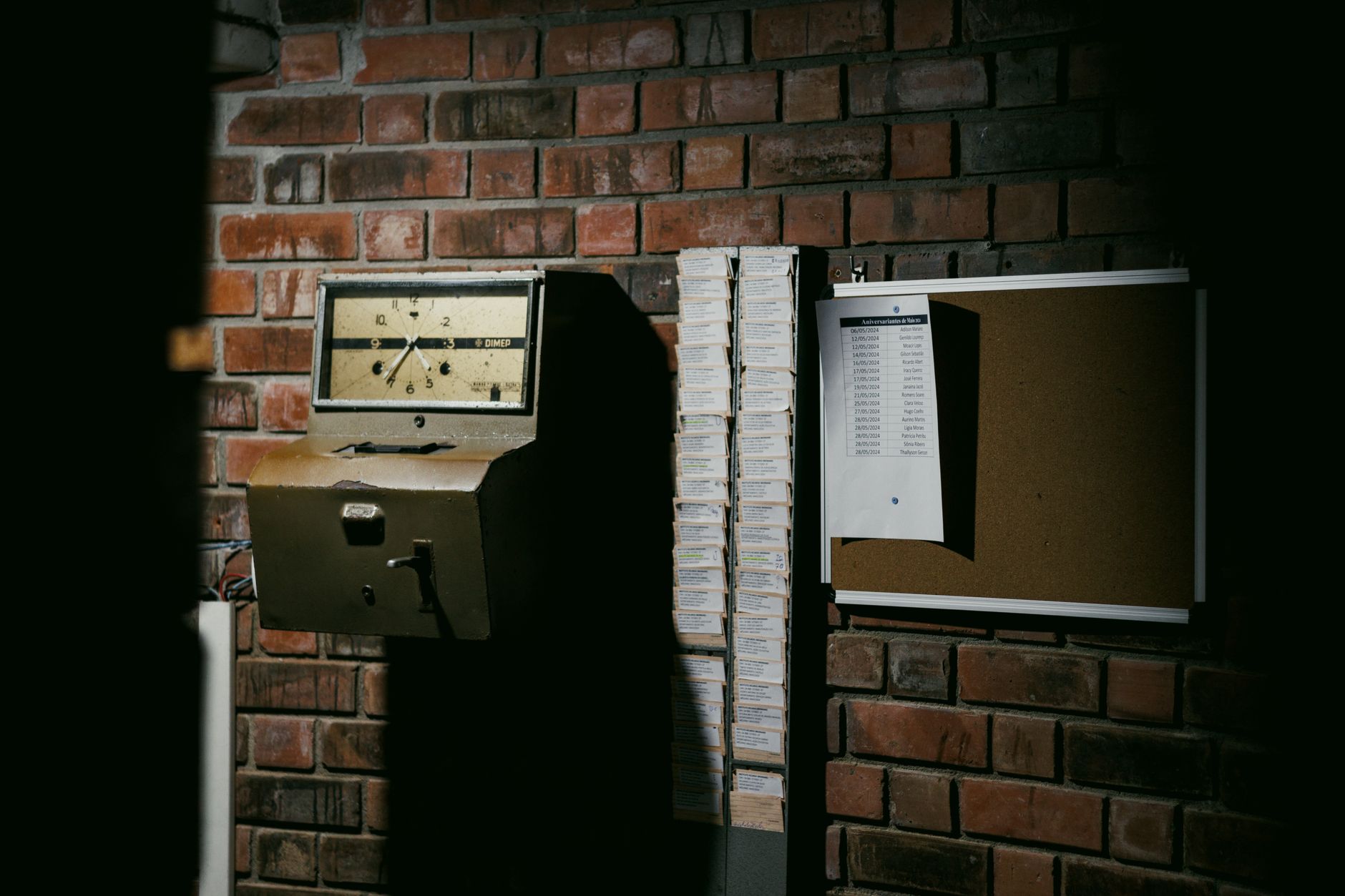
Most time tracking apps were built for someone sitting at a desk, billing hours against a client matter or a Jira ticket. That's a fine product. It is also almost completely useless to the operations manager running 600 nurses across 14 hospitals, the construction superintendent with three job sites, or the staffing agency dispatcher trying to reconcile 1,200 timecards before Tuesday's payroll cutoff.
Shift work isn't desk work. Every timecard exception in a shift-based operation is a payroll risk, a compliance risk, or a client invoice dispute waiting to happen. And the tools dominating the time tracking app category were not designed to absorb that pressure.
This piece reframes what a time tracking app actually has to do when the workforce is hourly, mobile, regulated, and often non-English-first. If you're evaluating software for a staffing agency, a healthcare system, a job site, or a multi-location services operation, the rubric below is the one that matters.
The Time Tracking App Problem No One Talks About: Shift Work Isn't Desk Work
The time tracking app market is loud, crowded, and overwhelmingly oriented around knowledge workers. Pomodoro timers, project budgets, billable-hour reports, screenshot surveillance for remote employees. None of it solves the actual operational pain in shift-based industries — which is that you have hundreds or thousands of people clocking in and out of physical locations every day, and the cost of getting it wrong is enormous.
The scale of that cost is not theoretical. A seminal time theft survey conducted by Robert Half International found that employers lose about 4.5 hours per week per employee. The American Payroll Association reports that 75% of U.S. businesses are affected by buddy punching, and time theft including practices like buddy punching can cost businesses up to 7% of annual payroll.
Important
If your time tracking app cannot prove who was on site, when, and where — at the moment of clock-in — it is not solving the shift-work problem. It is just a digital timesheet.
A time tracking app for a staffing agency, a hospital, or a job site has to do fundamentally different work than a timer with a logo. It has to verify identity and location. It has to enforce break law before the violation happens. It has to route exceptions, separate bill rates from pay rates, and hand a clean, audit-defensible record to payroll and clients. Anything less is shifting risk back onto the operator.
Clock-In Has to Prove Where, When, and Who — Not Just Log a Timestamp
A timestamp is a claim. A verified clock-in is evidence. The difference becomes obvious the first time a client disputes a 12-hour shift, the DOL asks for records, or a worker insists they were on site when they weren't.
A shift-grade time tracking app has to do three things at the clock-in event itself:
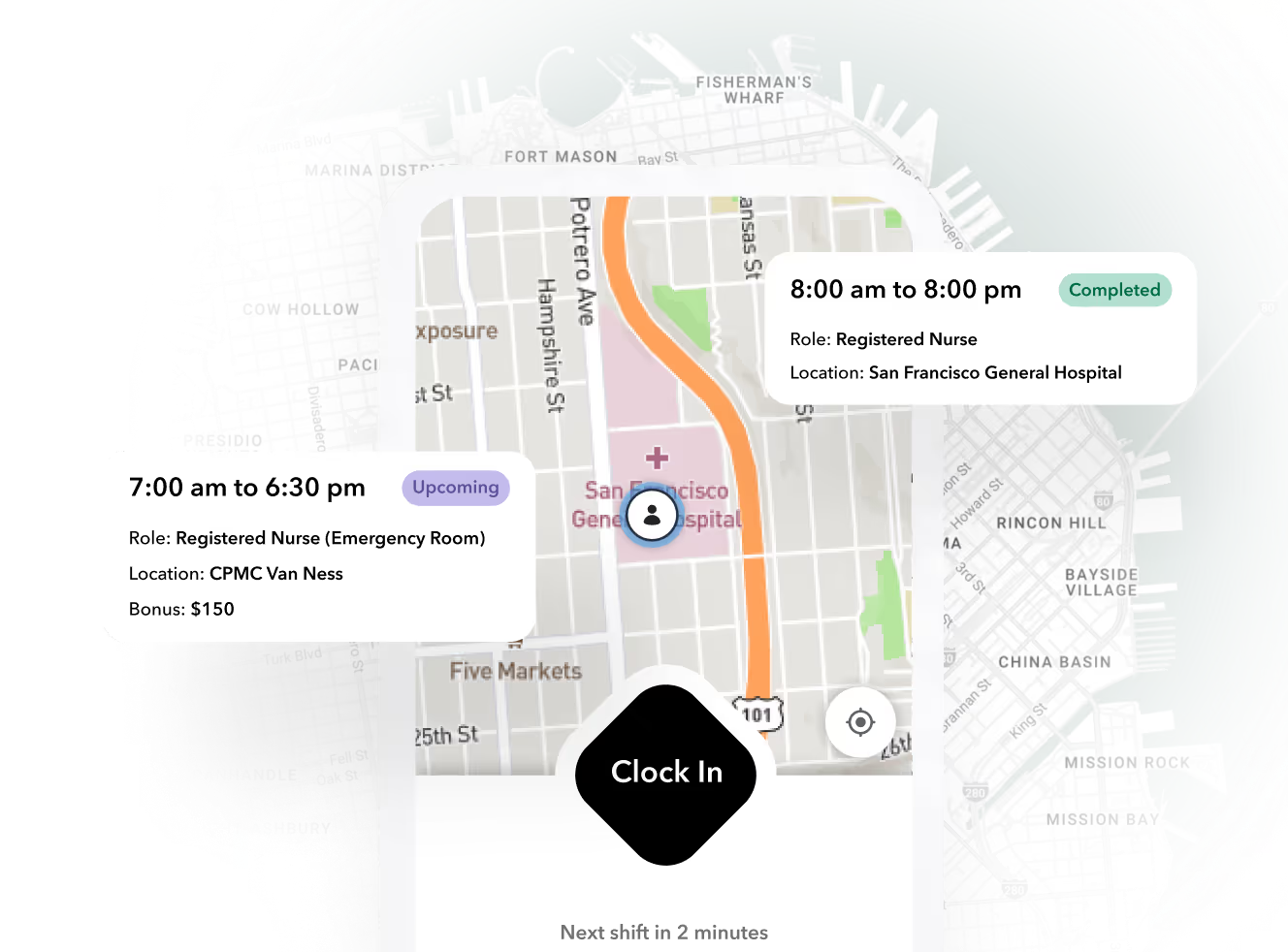
- Confirm location. GPS coordinates and a geofence around the actual job site — not the parking lot, not the coffee shop on the corner. A nurse clocking in from the parking lot is not on the floor. A framer clocking in from the wrong job code is a billing error in motion.
- Confirm identity. Photo capture, facial recognition, or biometric confirmation tied to the device. Requiring employees to take a selfie when they clock in and out prevents buddy punching entirely.
- Confirm eligibility. Active credential, current orientation, valid assignment. If a nurse's BLS expired yesterday, the app should block the clock-in and route the issue to a manager — not let them work a shift the agency can't bill for.
The mobile app is where this actually happens. It's the only piece of software that touches every worker, every shift, every day. If the mobile experience is bad — slow, English-only, requires a fresh login every morning — workers will route around it, and the verification layer collapses.

Buddy punching is a process problem, not a tech problem
Buddy punching exists because operators created the conditions for it. Strict attendance policies, no flexibility, shared kiosks with PIN codes, no consequence for the favor. The technology fixes the surface. Geofence plus photo capture plus device binding makes the act mechanically harder. But if your policies are punitive enough that workers cover for each other, you'll find new variants of the same problem. The app is a tool, not a culture.
Timecard Exceptions Are the Real Workload — and Where Apps Quietly Fail
Here is the unsexy truth about time tracking in a shift-based operation: payroll's week is not spent processing clean timecards. It's spent reconciling exceptions.
Missed clock-outs. Unapproved overtime. Meal break violations. Shift mismatches between scheduled and worked. A clock-in at 6:58 against a 7:00 shift, with a manager who has to decide whether the two minutes count. Multiply that by 800 workers and you understand why most payroll teams have someone whose entire Monday is timecard chasing.
A good time tracking app surfaces exceptions. A bad one buries them in a CSV.
| Exception Type | What a Bad App Does | What a Shift-Grade App Does |
|---|---|---|
| Missed clock-out | Leaves the shift open, defaults to 24 hours, payroll fixes manually | Auto-flags at scheduled end + grace period, prompts worker, routes to supervisor |
| Unapproved overtime | Pays it, surfaces it on the report next week | Blocks before threshold, requires manager pre-approval, alerts in real time |
| Meal break violation | Records the punch, leaves liability sitting in the database | Enforces by jurisdiction rules, prompts worker, generates premium pay if required |
| Early clock-in | Pays from the timestamp | Rounds to scheduled start unless manager approves |
| Wrong job code / location | Posts to wrong project, surfaces in client dispute | Blocks based on geofence, requires correction at the source |
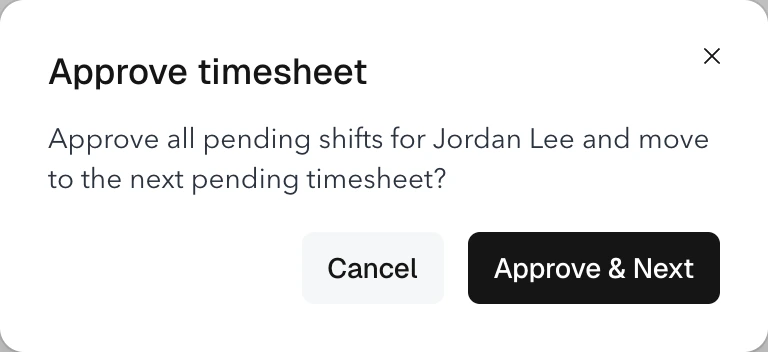
The administrative win here is real, not marketing. When an app auto-categorizes exceptions, routes them to the right manager, and pushes a clean export to payroll, you collapse the reconciliation cycle from days to hours. That is what "AI in time tracking" should actually mean — not surveillance, not screenshots, but the back-office work disappearing because the system handled it.
Ready to move?
Ready to see Teambridge in action?
Compliance Isn't a Setting — It's the Whole Point in Regulated Industries
A generic time tracking app falls apart the moment you cross into healthcare, security, construction, or any other industry with real wage-and-hour exposure. Compliance is not a checkbox on the settings page. It is the reason the system exists.
The rules are not optional and they are not uniform:
- California and Oregon meal/rest break law with premium pay for violations
- Predictive scheduling ordinances in NYC, Seattle, Philadelphia, Chicago, and now several states
- Prevailing wage on public construction projects, with certified payroll reporting
- Credential expiry that has to block clock-in for nurses, security guards, and trades
- EVV requirements in home care, tied to Medicaid billing
- EU and Denmark mandates that have raised the global floor
Denmark's case is instructive. All employers in Denmark are required to implement a time registration system for their employees. The law comes into effect on 1 July 2024. The law applies to all employees, including part-time, full-time, and temporary workers. The legal requirement is to implement an "objective, reliable and accessible" system for tracking each employee's daily working hours, and per Lexology, it is a direct downstream of the 2019 Deutsche Bank ruling at the European Court of Justice. Manual spreadsheets do not meet the bar.
For U.S. operators in healthcare staffing, the meal-break and credential layers are usually where the system either earns its license fee or becomes a liability. A nurse who works through lunch without an attestation is a wage claim. A travel RN whose ACLS lapsed mid-assignment is a billing reversal. The app has to enforce the rule at clock-in, not catch it in an audit three months later.
In construction, the layer that breaks generic apps is job-code accuracy plus certified payroll. If your time tracking app can't tag hours to the right cost code, with the right prevailing wage rate, and produce a WH-347 your GC accountant will accept, you're rebuilding the timesheet by hand every Friday.
Compliance enforcement at the moment of the punch is worth ten compliance reports after the fact. The reports document what already happened. The enforcement prevents what shouldn't.
From Punch to Paycheck to Invoice: The Integration That Decides Everything
A time tracking app is only as good as what it hands off. In a staffing operation, that handoff happens twice — once to payroll for the worker's check, and once to invoicing for the client's bill. The two paths share the same timecard but use different rates, different overtime treatments, and different rounding rules.
This is where staffing agencies live or die on margin. A one-hour discrepancy between what you billed and what you paid is a client dispute, a reissued invoice, and a margin hit. Multiply across 1,200 weekly timecards and the math gets brutal.
The pipeline a shift-grade system has to handle:
- Bill rate vs. pay rate separation. Often different, sometimes by client, sometimes by role, sometimes by shift differential.
- Burden calculation. Taxes, workers' comp, benefits — built into the bill rate or surfaced as a separate line.
- Overtime spread. Daily versus weekly OT, who pays the premium when a worker covers two clients in the same week.
- Multi-EIN handling. Common in agencies running multiple legal entities or client co-employment structures.
- Export formats. ADP, Paychex, Paylocity, QuickBooks, NetSuite, custom GLs.
Teambridge's invoicing and time tracking sit on the same data model precisely so this handoff stops being a manual reconciliation. The timecard, the pay calculation, and the client invoice all read from one source of truth. When a punch changes, every downstream artifact updates. That's the only way you keep margin clean at scale.
What "AI Time Tracking" Actually Means When the Hype Clears
Every vendor in this category is now selling AI. Most of it is marketing dust. A few applications are genuinely useful for shift-based operations:
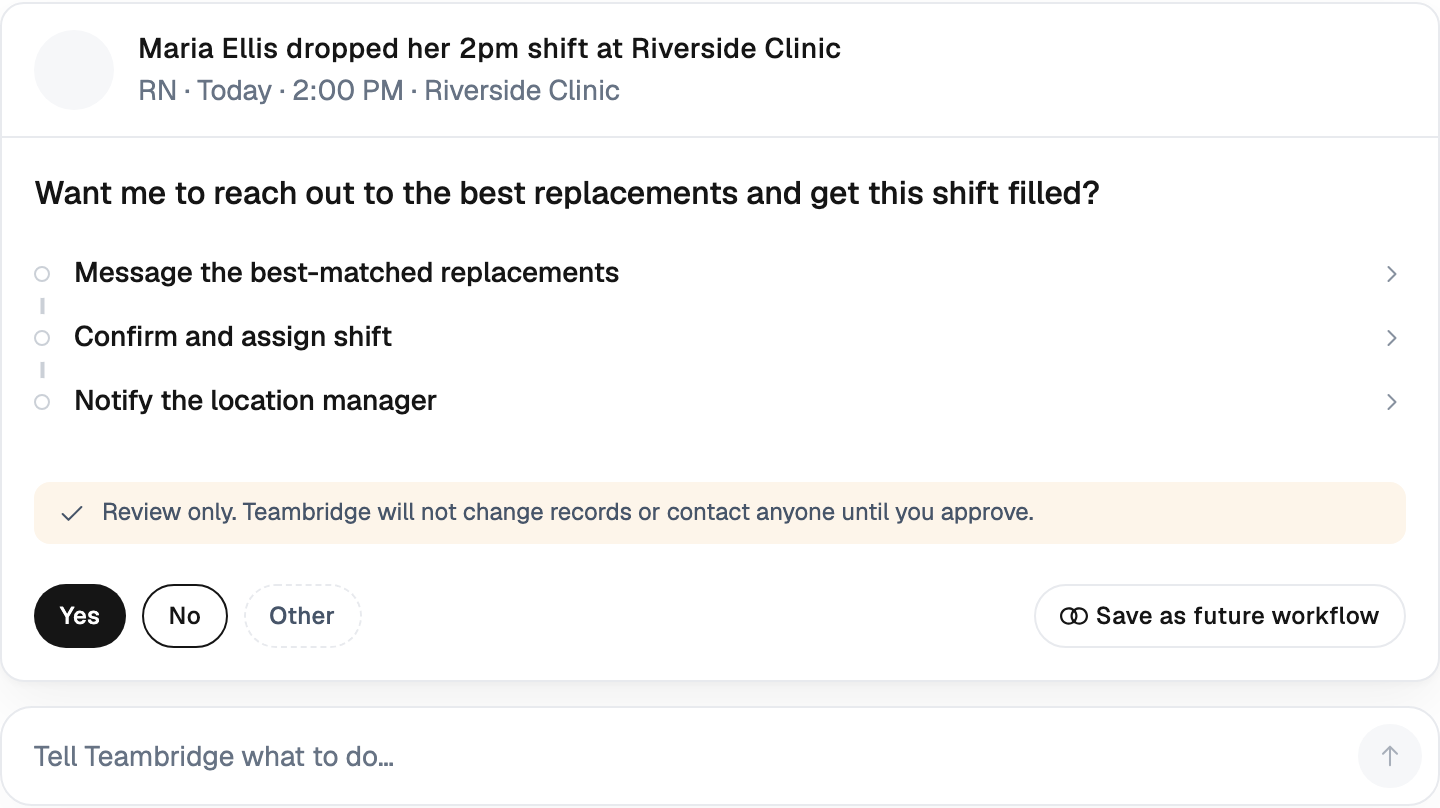
- No-show prediction before the shift starts, so the dispatcher fills the gap proactively instead of reactively at 6:45 a.m.
- Auto-categorization of exceptions so payroll isn't manually tagging "missed clock-out" 400 times a week.
- Fraud pattern detection — repeated clock-ins from the same device or IP, time punches that don't match GPS, geofence near-misses that suggest a worker clocked in from the parking lot every Tuesday.
- Real-time labor cost overruns flagged before the OT happens, not after payroll runs.
What AI in shift-based time tracking is not, and shouldn't be: keystroke surveillance, screenshots, mouse-movement tracking. These tools were built for desk workers and they trigger real backlash when applied to mobile workforces. They don't apply to a CNA at a bedside or an electrician on a roof, and they corrode trust without producing useful operational signal.
The Teambridge approach to AI in workforce operations is autonomous agents handling the work that used to absorb half a coordinator's week — not watching workers do theirs.
Buyer's Checklist: 12 Questions to Ask Before You Sign
This is the operator-grade checklist. If the vendor can't answer these with a demo, not a sales deck, keep looking.
- GPS and geofence accuracy. How tight is the radius? What's the failure mode when GPS is weak indoors?
- Offline clock-in. What happens on a job site with no cell signal? Does the app queue punches and sync, or does it just fail?
- Credential gating. Can the system block a clock-in when a license is expired, and route the renewal to the worker automatically?
- Multi-location and multi-EIN support. Can you run different rules per client, per location, per legal entity from one console?
- Meal-break enforcement by jurisdiction. California rules in California, Oregon in Oregon, federal where federal applies — without custom code per state.
- Exception routing. Who gets notified, in what channel, with what SLA, when an exception fires?
- Payroll export formats. Native support for your actual payroll provider, not a generic CSV.
- Bill-vs-pay rate separation. Can the system carry independent rates for the same shift, with overtime applied correctly on both sides?
- Audit trail retention. How long are records kept, in what format, and how fast can you produce them when a DOL or client auditor asks?
- Mobile UX for non-English-first workforces. Multi-language, low-friction, works on cheap Android devices, not just current-gen iPhones.
- Integration depth. Real APIs, real webhooks, real partners — not "we have an open API, here's a PDF."
- What happens at audit. If a client demands a complete record of who worked when and where for the last 12 months, can you export it in a defensible format inside one business day?
Tip
The fastest way to evaluate a time tracking app is to ask the vendor to demo timecard exception handling, not clock-in. Clock-in is easy. Reconciling 200 exceptions before Tuesday payroll is the actual job.
The Real Question Isn't "Time Tracking App" — It's What System It's Part Of
The last failure mode in this category is buying a great time tracking app in isolation. The data is clean inside the app, then immediately corrupts the moment it crosses into scheduling, payroll, or invoicing — because none of those systems share a model of the worker, the shift, or the client.
This is the case for treating time tracking as one capability inside an operational platform, not a standalone tool. Scheduling decides who's supposed to be there. Time tracking confirms who actually was. Compliance enforces the rules. Payroll and invoicing translate the result into dollars in two directions. When those four functions sit on one data model — as they do in the Teambridge Platform — the exception count drops, the margin leak closes, and the operations team gets their week back.
A punch is just a data point. Whether it becomes a clean paycheck and a clean invoice, or a wage claim and a client dispute, depends on every system it touches between Monday morning and Friday's payroll run. Pick accordingly.

About the author

Content Writer at Teambridge
Anis Nanai is a content writer at Teambridge, with a focus on workforce management and the realities of running hourly teams. He prioritizes conversations with customers, staying close to the market, and understanding how workforce needs are changing. His writing connects those concerns to practical decisions about scheduling, time tracking, staffing, and automation. He examines product developments through the questions that matter to operators: what does this solve, how would it work for my team, and what evidence supports it?
Company perspective: this author works at Teambridge. Customer outcomes are attributed to their published sources.
View LinkedIn profile