Employee scheduling software
Employee scheduling software.
Create, publish, and fill shifts from one live schedule built around your workers, sites, qualifications, and availability.
Aug 17 to Aug 23
NextTeam
17 Mon
18 Tue
19 Wed
20 Thu
21 Fri
22 Sat
23 Sun
Open shifts
2:00 to 10:30
1
Maya R.
6:00 to 2:30
North Campus6:00 to 2:30
North Campus2:00 to 10:30
Riverside2:00 to 10:30
Riverside
Jordan K.
8:30 to 5:00
Central Venue8:30 to 5:00
Central Venue8:30 to 5:00
Central Venue8:30 to 5:00
Central Venue8:30 to 5:00
Central Venue
Avery M.
10:00 to 6:30
Westside Site10:00 to 6:30
Westside Site10:00 to 6:30
Westside Site7:00 to 3:30
Central Venue
Sam T.
9:00 to 5:30
Central Venue9:00 to 5:30
Central Venue9:00 to 5:30
Central Venue4:00 to 11:30
Central Venue4:00 to 11:30
Central Venue
Riley C.
7:00 to 3:30
North Campus7:00 to 3:30
North Campus12:00 to 8:30
Westside SiteScheduling operations teams trust at scale


One live operating schedule
More than a calendar of names.
Each shift can carry the context managers need to make the right assignment. Teambridge brings the worker, role, location, timing, and operating rules into one scheduling workspace.
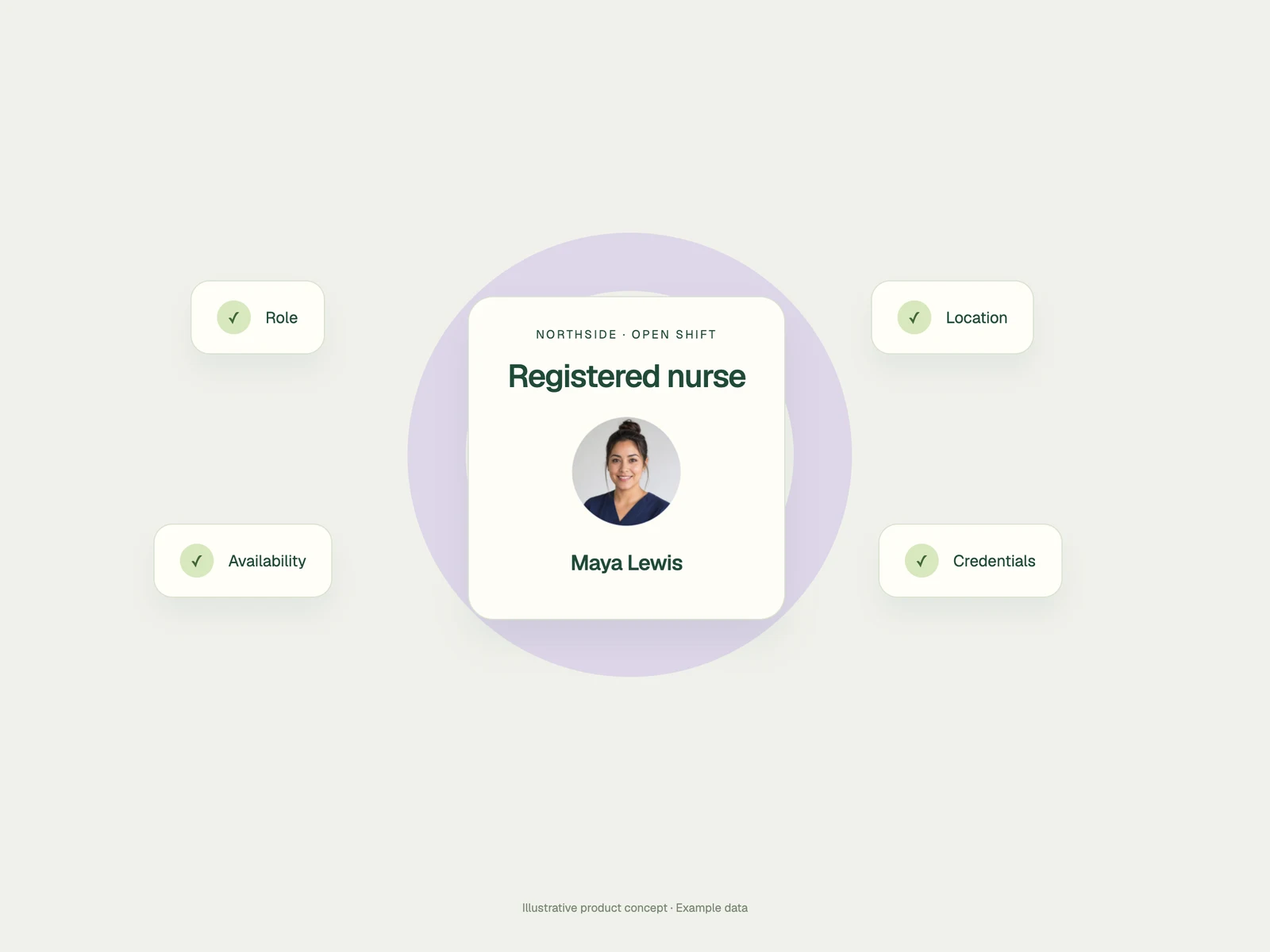
The rules travel with the work
Put the right person on the right shift.
Who can work
Filter by role, credentials, location, tier, and the worker fields your operation uses.
When they can work
Use availability, preferences, hours, and the limits your managers need to respect.
What the shift requires
Keep the site, role, instructions, pay details, and assignment together on the shift.
Coverage after publish
Turn an open shift into coverage.
Teambridge uses the rules already attached to your operation to reach the right workers. They see the complete shift, claim from mobile, and return a confirmed assignment to the schedule.
Build the eligible audience
Send the shift with full context
Write the claim back to the schedule
Open shift coverage
Friday · Central Venue
Event supervisor
4:00 PM–11:30 PM · Central Venue
18 eligible workers found
Role, availability, location, and credentials checked
+14Shift delivered with context
Time, role, site, instructions, and claim action included
Coverage confirmed
Maya R. claimed the shift
Returned to the live schedule at 4:03 PM

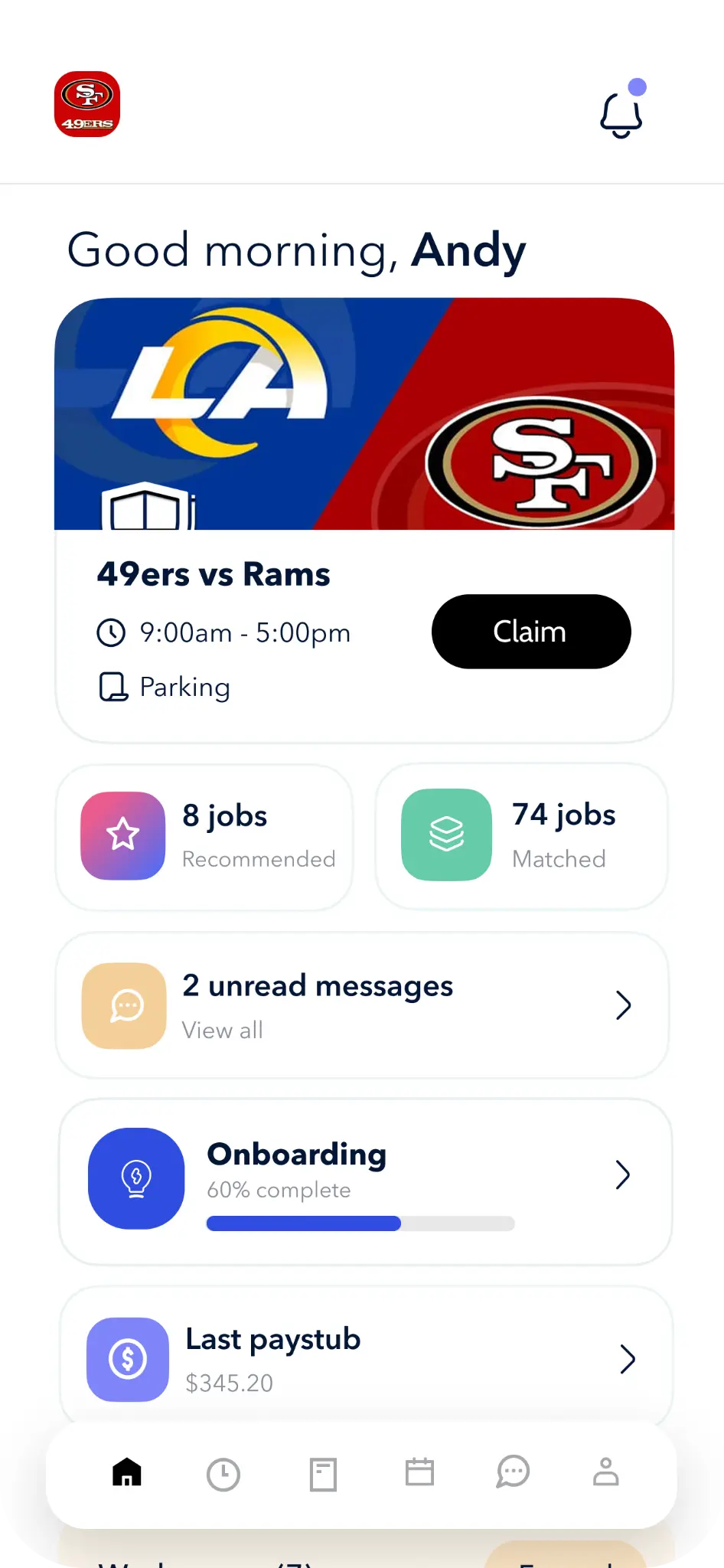
Worker view
Next shift, one tap away
The worker side of the schedule
The schedule goes where the worker goes.
Workers can see what is open, what is upcoming, and what they have completed from their phones. The schedule carries the time, role, location, and shift details with it.
Publish open work to eligible workers
Let staff review and claim shifts from their phones
Keep upcoming and completed work in one place
400
shifts filled
Time to coverage
Less than 40 minutes

Verified customer result
Three days became less than 40 minutes.
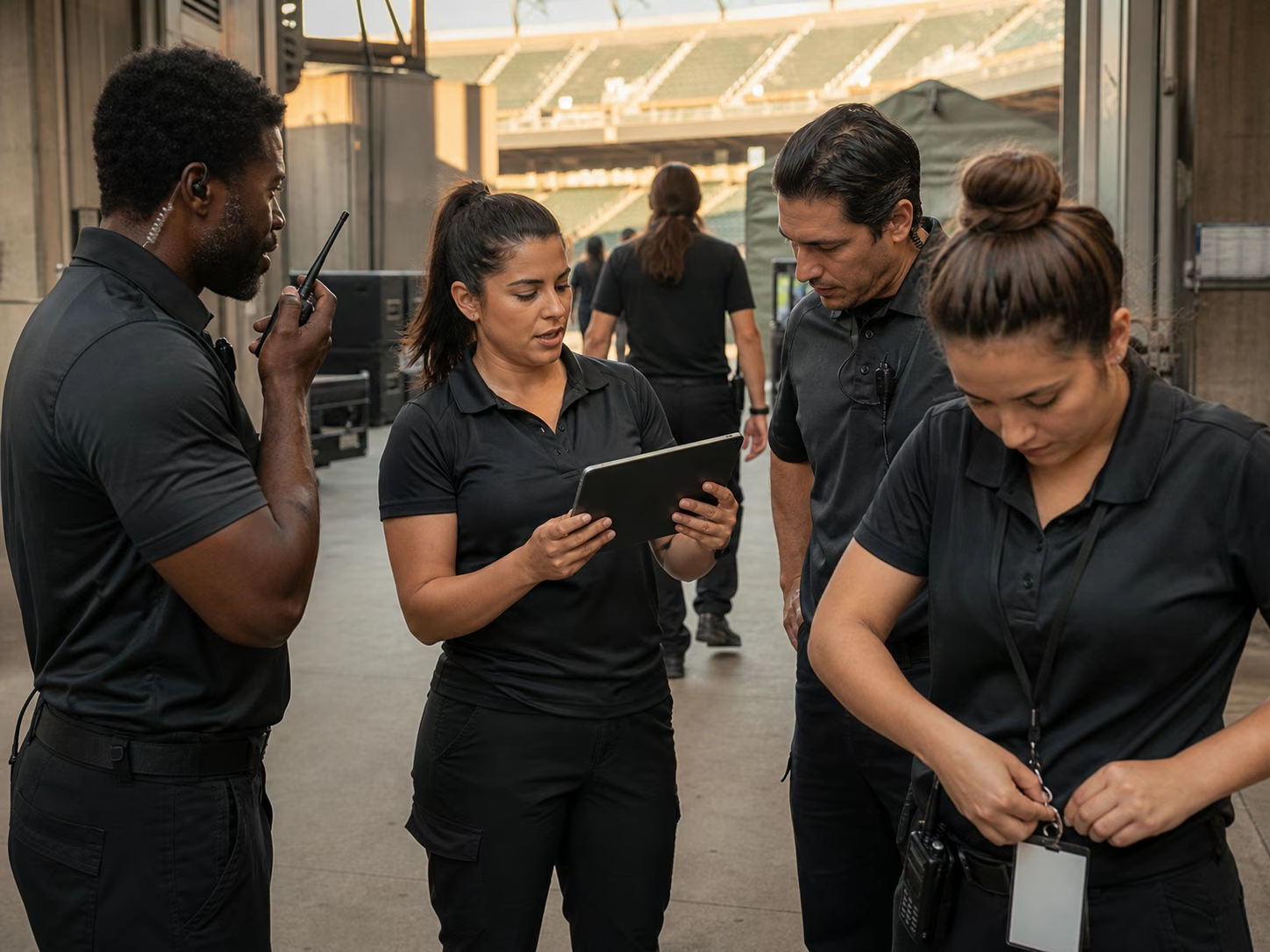
Sentry staffs NFL games, PGA tournaments, concerts, and other major events. Teambridge gave workers a self-service way to claim open shifts while managers watched coverage happen in real time.
“We filled 400 shifts in less than 40 minutes. In the old days, that would have taken us three days, if we filled it at all. And it was all self-service.”
Brandon Igdalsky · COO, Sentry Event Services
Before
Up to 3 days
With Teambridge
Under 40 min
The schedule connects the operation
A schedule gets better when it knows the worker.
Scheduling is part of the Teambridge workforce platform. The shift can use the same worker context as communication, time tracking, onboarding, and the workflows that respond when something changes.
Explore the platformWorker app
Give workers one place to see, claim, and manage their shifts.
Communication
Send the update to the people affected by the schedule change.
Time tracking
Connect the planned shift to attendance and the hours worked.
Automations
Respond to open shifts, claims, and schedule changes with your rules.
Scheduling solutions
Go deeper on the workflow you need to fix.
Scheduling questions
What buyers ask before the demo.
Clear answers about where Teambridge scheduling fits and how it works with the rest of your workforce operation.
Teambridge scheduling is best for frontline teams that need to create, publish, fill, and recover shifts across a large hourly workforce.
Yes. Teambridge can use AI agents to reach qualified workers, manage replies, apply workflow rules, and return a claimed shift.
Teambridge combines scheduling with worker data, policies, communication, time tracking, onboarding, and AI agents so coverage work can be automated inside the same system.
Yes. Teams can publish open shifts to eligible workers, who can review the shift details and claim available work from the Teambridge mobile experience.
Yes. Teambridge is configurable around the worker, role, location, credentials, availability, and other fields your operation uses. The exact setup is defined during implementation.
See your scheduling workflow
Bring us the schedule that is hardest to run.
We will show how Teambridge can represent your workers, shifts, sites, and rules in one operating schedule.