Workforce automation software
Make the next step automatic.
Build no code workflows from the people, shifts, sites, and data already in Teambridge. When work changes, the right action happens on time.
Open shift recovery
Teambridge automation
When
A priority shift is four hours from start
Event supervisor · 4:00 PM to 10:00 PM
If
The shift is still unclaimed
Then
Add the approved incentive
Notify qualified workers

New shift available
Just now
Event Supervisor · Today, 4:00 PM
Downtown venue · 6 hour shift
Built for work that changes by the minute




Build the logic
Build the rule once. Let it run every time.
Choose what starts the workflow, when it should continue, and the actions Teambridge takes next. The people, shifts, sites, and fields are already there.
Automation builder
New worker onboarding
Open the event that starts the workflow.
Trigger
Choose an event that will start your automation
Condition
Filter down to what this automation applies to
Now editing
Trigger
Coverage without the chase
Fill the shift before it becomes a fire drill.
When a critical shift stays open, Teambridge can spot the risk, apply your guardrails, reach the right workers, and keep the schedule current. Your scheduler only sees the exception.

Event supervisor
Friday at 4:00 PM
One rule takes it from here
Teambridge handles the chase.
The workflow moves through the routine decisions in seconds, with the operating limits your team already trusts.
01
Detect the risk
The shift is still open four hours before start.
02
Apply your rules
Worker pool, timing, and incentive limits are checked.
03
Start recovery
Qualified workers get the right offer immediately.
04
Close the loop
A claim updates the schedule without another handoff.
Human judgement stays in the loop
If the shift stays open, route the exception with the full context already attached.
Step in only when needed
Where teams begin
Start with the work you repeat every day.
Use a proven playbook as your starting point, then adapt the trigger, timing, conditions, and actions to the way your team actually operates.
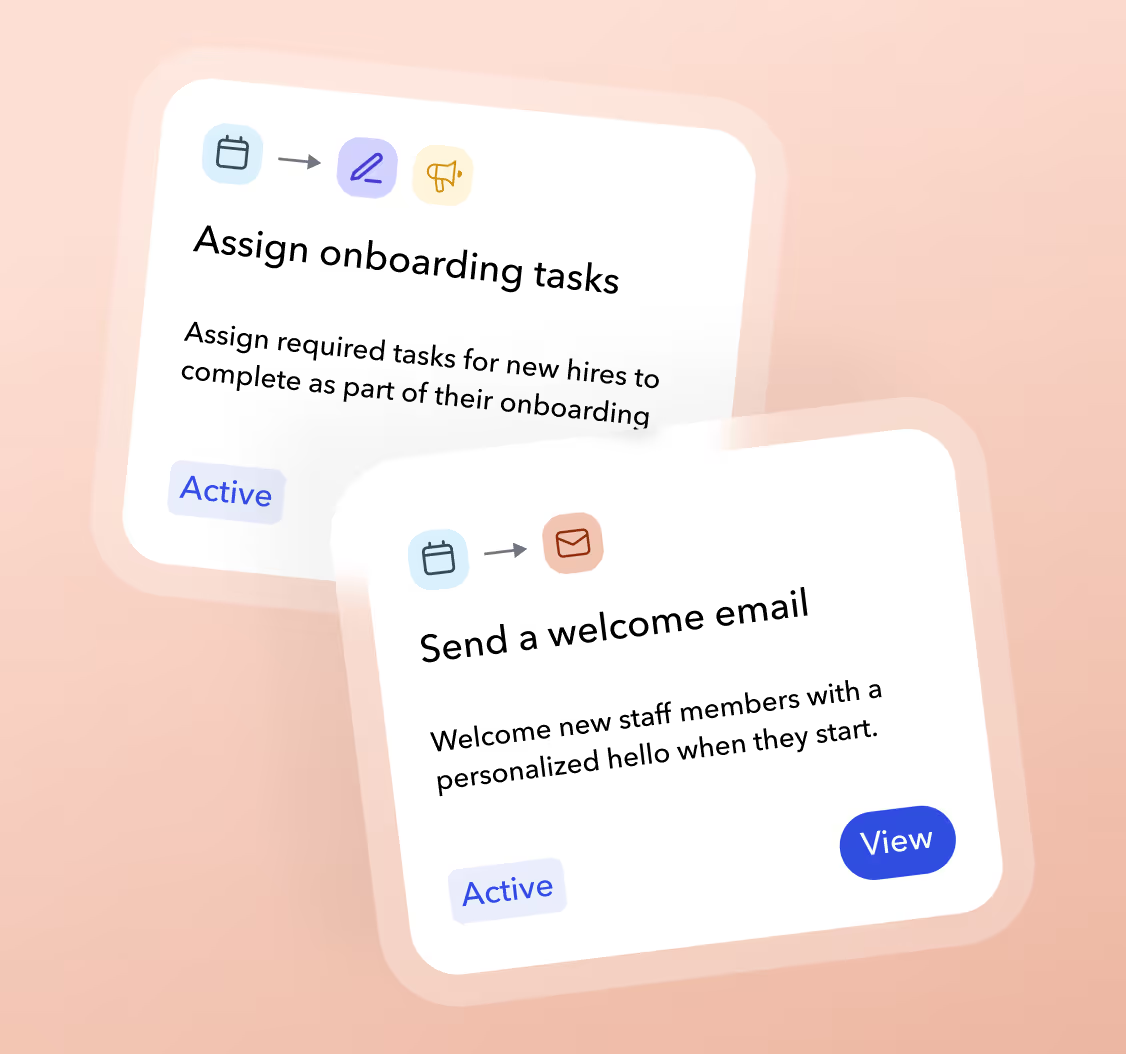
Onboarding
Move every new hire forward
Assign tasks, send the right welcome message, and update access as onboarding work is completed.
Explore onboarding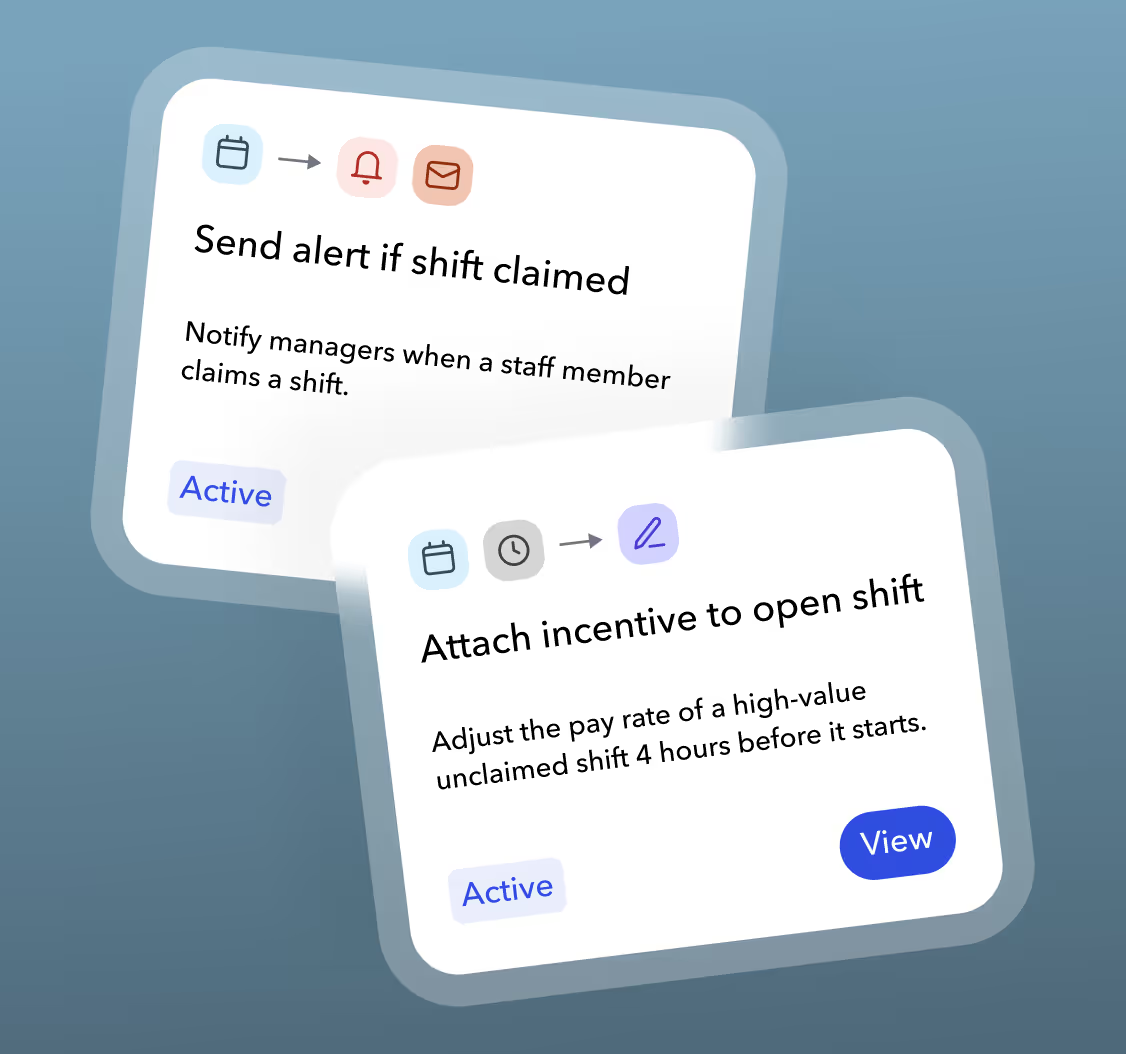
Scheduling
Respond before coverage becomes a fire drill
Alert schedulers, confirm shift claims, and add an incentive when an important shift stays open.
Explore scheduling
Time and attendance
Act on the moment, not the next report
Follow up on missed clock ins, capture notes at clock out, and apply location based rules.
Explore time and attendance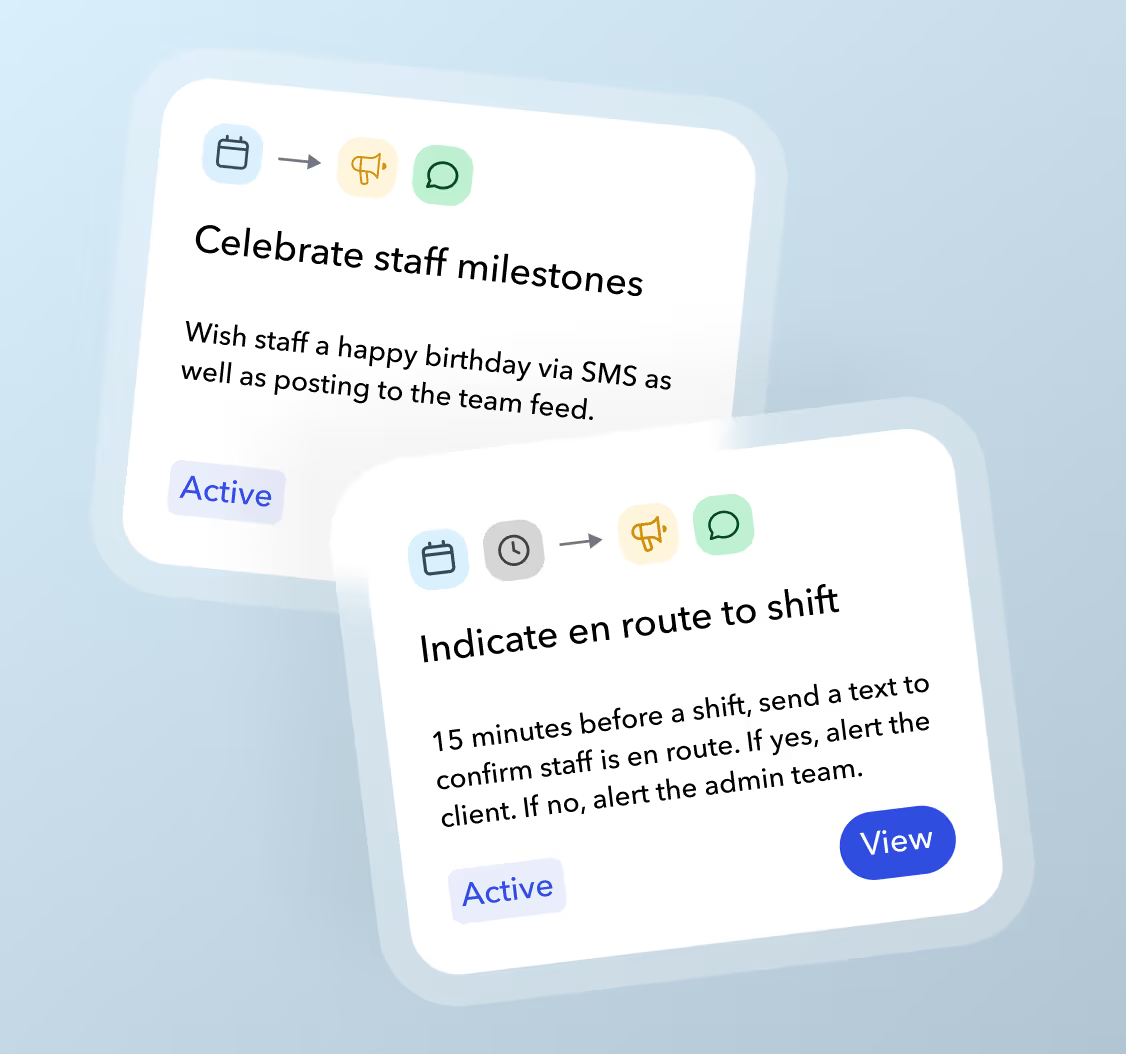
Communication
Send the message while it still matters
Confirm workers are en route, remind teams before shifts, and keep managers informed without another manual handoff.
Explore communicationAutomations
Rules your operation can see and change
Notify managers of no shows
Clock in is missing 10 minutes after start
Assign new hire tasks
Worker record is created
Enforce job site geofence
Worker leaves the approved location
Control stays visible
Set it once. Change it whenever work changes.
The logic is not hidden in another tool or owned by one technical person. Your team can see the rule, update its conditions, pause it, and keep the workflow aligned with the operation.
Defined boundaries
Actions run only when the conditions you set are true.
Operational timing
Use timing to act before, during, or after a workforce event.
One connected workforce
The event and the action live together.
Teambridge Automations are built into the workforce platform. Scheduling, onboarding, time, and communication can become parts of one workflow without copying data into a separate automation tool.
When the work needs judgment, bring in an Agent.
Automations follow defined rules. Agents handle context that changes case by case.

Rob Stevenson
COO, Florida Panthers

Customer proof
“From scheduling and shift claiming to real time updates during games, the platform helps us operate more efficiently and focus on what matters most.”
Teambridge gives the Florida Panthers one place to staff, communicate, and keep live event operations moving.
Questions buyers ask
Workforce automation, clearly explained.
Workforce automation software turns repeatable operating rules into workflows that run automatically. In Teambridge, those rules can respond to workforce events such as a worker being created, a shift being claimed, a record changing, or a clock in occurring.
Put one process to work
Bring the rule. We’ll build the workflow.
Show us the process your team repeats. We’ll map the trigger, conditions, and actions in Teambridge.