For an operations leader, the purchase test is practical: can your team move a hire from submission to a defensible readiness decision without chasing updates across messages? Use the worksheet below to turn reviews into questions, then replace vendor promises with observed evidence.
Useful onboarding reviews show worker completion and manager approval
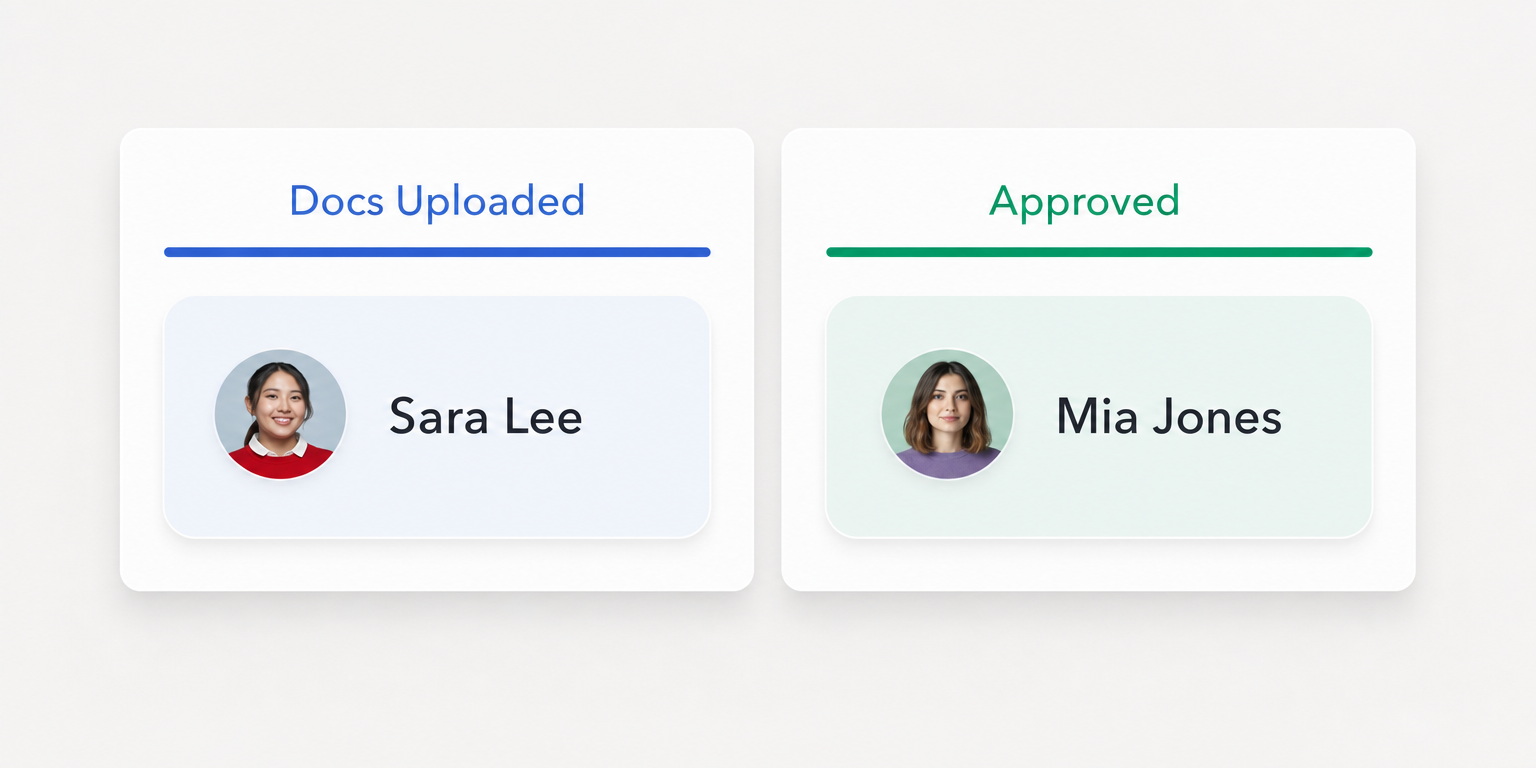
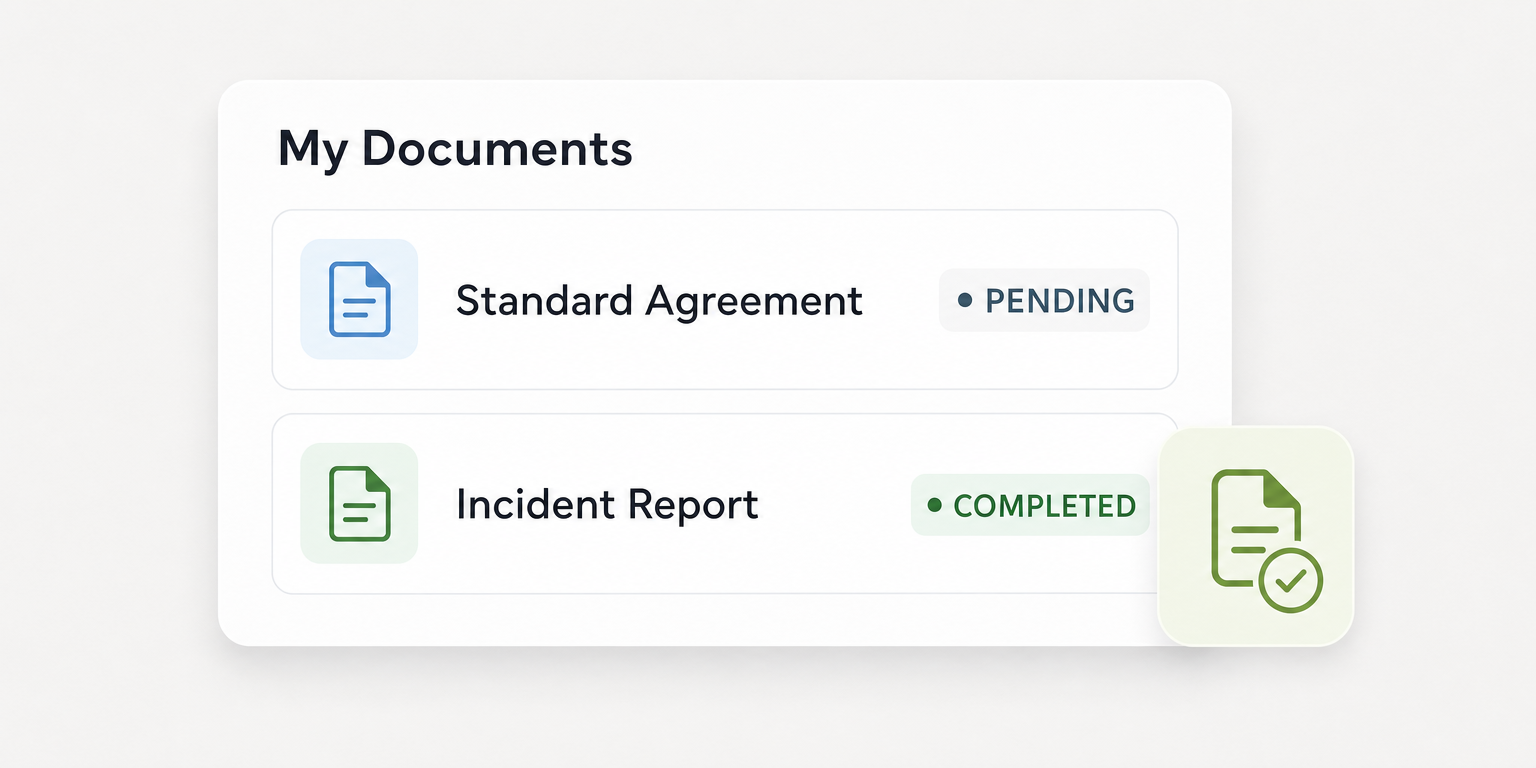
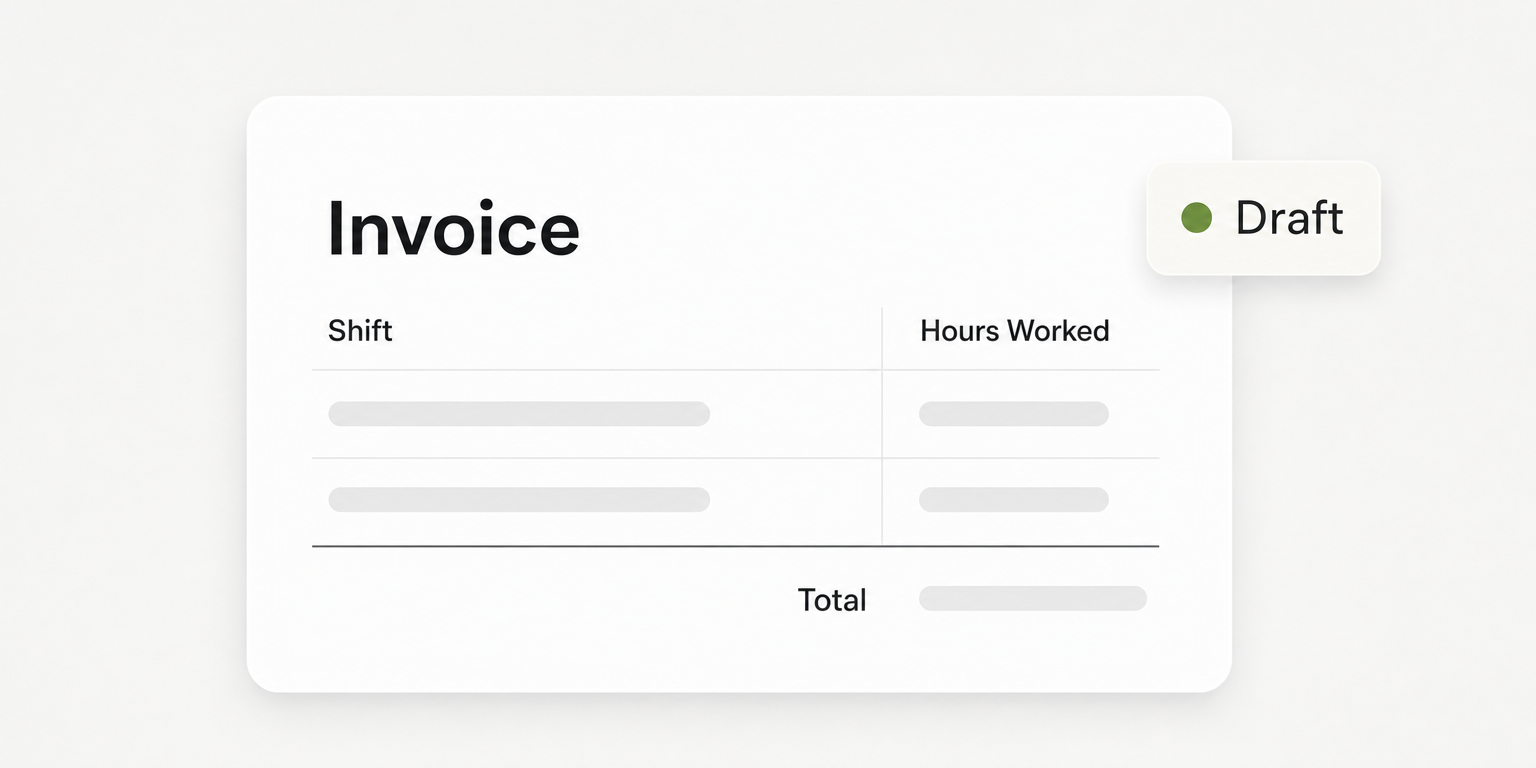
Submitted paperwork and approved readiness are separate states. Teambridge onboarding documents phone completion and visibility into items awaiting internal review. Its published sample queue distinguishes uploaded documents awaiting approval from approved records.
Copy this worksheet for each shortlisted product. These are proposed buyer tests, not claims that either vendor supports every sequence.
| Owner | Criterion | Vendor question | Observed evidence | Unresolved dependency | Acceptance decision |
|---|---|---|---|---|---|
| Onboarding lead | Phone correction | Can a worker replace an unreadable document on a phone? | Record action and saved result | Access and correction setup | Pending |
| Credential reviewer | Review ownership | Who receives rejected work and confirms correction? | Record reviewer and status | Permissions and backup reviewer | Pending |
| Site manager | Site change | What requirements change when a hire moves sites? | Record changed requirements | Site rules and approval ownership | Pending |
| Operations owner | Stalled hire | Who sees unfinished work and owns the next action? | Record visibility and resolution | Escalation rules and coverage | Pending |
A missed start can begin with a small ambiguity: the worker believes the upload finished onboarding, while the manager is still waiting for approval. Reviews worth using explain how that ambiguity gets resolved.
Submission proves that something arrived. Approval records a separate decision about whether it is acceptable.
Filter reviews for the same hiring conditions your team faces
Step 1 belongs to the operations owner: define the hiring situation before collecting opinions. Choose one hourly role, one site, an expected hiring volume, and the person responsible for approving each required item. Include the devices workers will actually use and whether hires usually have company email access.
A review from an administrator onboarding office employees may still contain useful information. It does not establish that a worker can correct a document from a personal phone between shifts. Prioritize accounts that identify the reviewer's role, the hiring conditions, and the work they personally completed.
Separate three evidence types as you read:
- Reviewer experience: what someone reports happened in their organization.
- Official documentation: what the vendor publishes about product scope.
- Your test evidence: what your worker and manager accounts actually complete in the proposed configuration.
None substitutes for the others. A positive experience does not prove your permissions will work, and a product page does not prove your implementation is ready.
The FTC's online marketplace buying guidance recommends checking multiple sources and not relying on star ratings alone. That is general review literacy guidance, not research about onboarding software buyers, but the same caution is useful here.
Check disclosures too. The FTC's review rule guidance explains how incentives can affect credibility. A disclosed incentive is a reason to examine the context, not evidence that a particular review is false.
Mark reviews as incomplete when they omit worker access failures, setup effort, or rejected documents. Those omissions become demo questions rather than reasons to assume the product fails.
Compare documented onboarding scope before booking demos
This is a limited comparison of published scope, not a market ranking. Both products deserve evaluation against the same worksheet, but their documented emphasis gives you different starting questions.
BambooHR's onboarding page describes electronic signatures, customizable checklists, automated tasks, reminders, and document status reporting. It also describes new hire packet progress and task lists. That makes it relevant to buyers evaluating paperwork and task management, while phone correction and reviewer coverage still need demonstration.
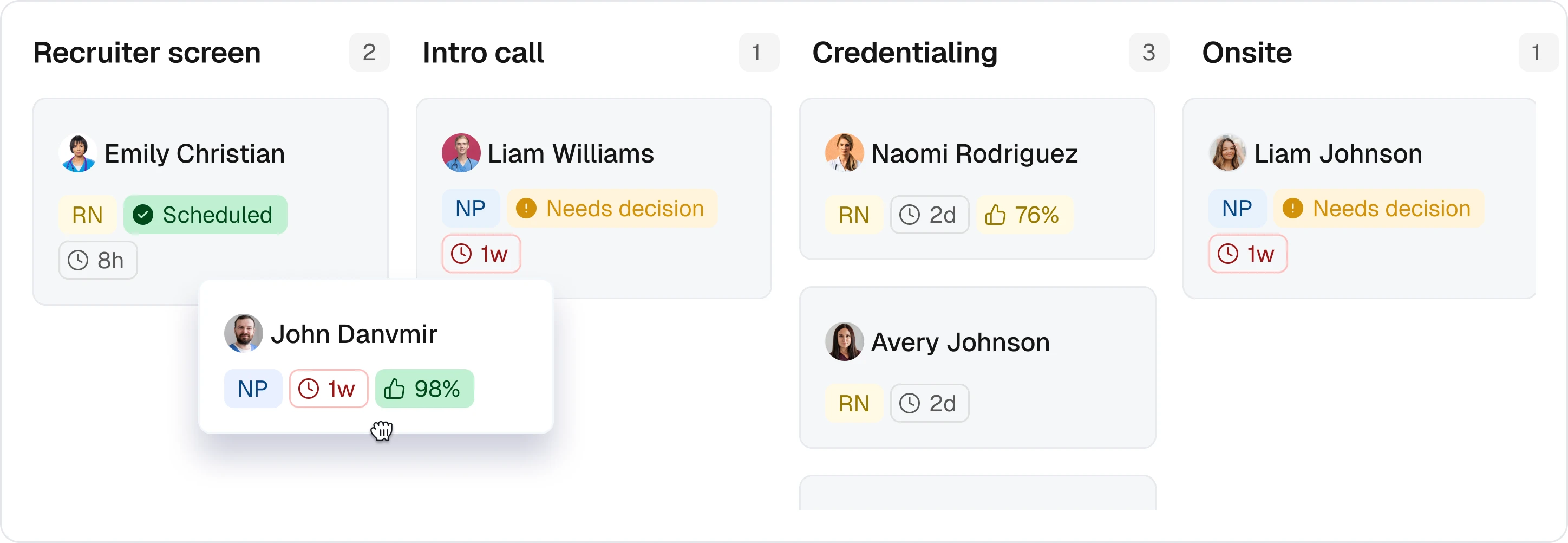
Teambridge is an all in one platform for hourly teams, tailored to each company. Its platform documentation connects onboarding forms, credential uploads, review, and missing item follow up with worker and role records. It also documents configurable permissions, views, and workflows.
That scope is relevant when the onboarding decision must remain connected to workforce operations. It does not establish automatic authorization to work, legal compliance, or a substitute for a specialist training or credential verification system.
Operator view
Supporting evidence
Official onboarding page
Official platform page
For either option, confirm purchasing dependencies before accepting a demo as proof. Ask which required functions are included in the proposed package, who configures them, what implementation work you own, and which connections require separate setup. Record answers in the worksheet rather than assuming the public page describes your purchase.
Review age can also change relevance. On September 22, 2026, BambooHR announced new hire packets for returning employees, including employees who completed a packet during previous employment. If seasonal rehires are central to your operation, ask for a demonstration of that current process rather than relying only on older reviews.
The release note does not establish required permission levels. Treat access and the handling of incomplete returning worker records as questions for the vendor.
Put the workflow into practice
See how your team could use this workflow
Record vendor proof in one hourly onboarding review worksheet
Step 2 belongs to the onboarding lead: use the opening worksheet during every shortlisted vendor demonstration. Keep the same criteria so a polished presentation does not quietly change the purchase test.
The criteria are informed by the submission and review scope in Teambridge onboarding and the task management scope in BambooHR onboarding. Neither page proves the complete exception sequence your operation needs.
Write the exact action and resulting state in the observed evidence column. “Worker uploaded replacement from phone; replacement remained visible after reopening the record” is useful evidence if you actually observe it. “Mobile supported” is too vague to settle the correction question.
Keep configuration promises in the unresolved dependency column until they are implemented and retested. Ask the vendor to identify the required access for the worker, reviewer, and site manager. If the demonstration uses an administrator account for every action, you have not tested the intended division of work.
A completed entry should expose the remaining work
Hypothetical worksheet example: assume one warehouse role, one site, and a designated credential reviewer. During a fictional test, the worker replaces an unreadable file, but the reviewer cannot see it without help from an administrator.
The completed entry would read: Owner: onboarding lead. Criterion: phone correction. Vendor question: can the worker replace an unreadable document on a phone? Observed evidence: replacement saved and remained visible to the worker after reopening.
Unresolved dependency: reviewer access requires configuration and another test. Acceptance decision: pending, because the replacement has not reached the person responsible for approval.
This is an illustration of how to record evidence, not a reported result for either product. It shows why successful upload alone should not close the worksheet row.
Test the rejected document path before accepting a polished demo
Step 3 is a controlled pilot, owned by the onboarding lead with the reviewer and site manager participating. Use hypothetical test records, one hourly role, one site, and a designated reviewer. Label every record as test data and avoid uploading real identity documents into an evaluation environment.
Run the sequence with the access each person would have after launch:
- Submit from the worker's phone. Open the assigned onboarding work, submit an intentionally unreadable sample document, and confirm what remains saved after leaving and reopening the record.
- Review using reviewer access. Have the designated reviewer identify the problem and demonstrate the available rejection or correction process. Record who can see the reason and who owns the next action.
- Correct using worker access. Replace or resubmit the document through the demonstrated process. Check whether the corrected version and its current status are clear to the reviewer.
- Make the readiness decision. Have the site manager inspect the current record and explain what still prevents approval. Record who is authorized to resolve each remaining item.
These are test instructions, not vendor implementation instructions. Use the vendor's current documentation to configure permissions and workflows. If the product requires a different correction path, record that path and decide whether your team can operate it.
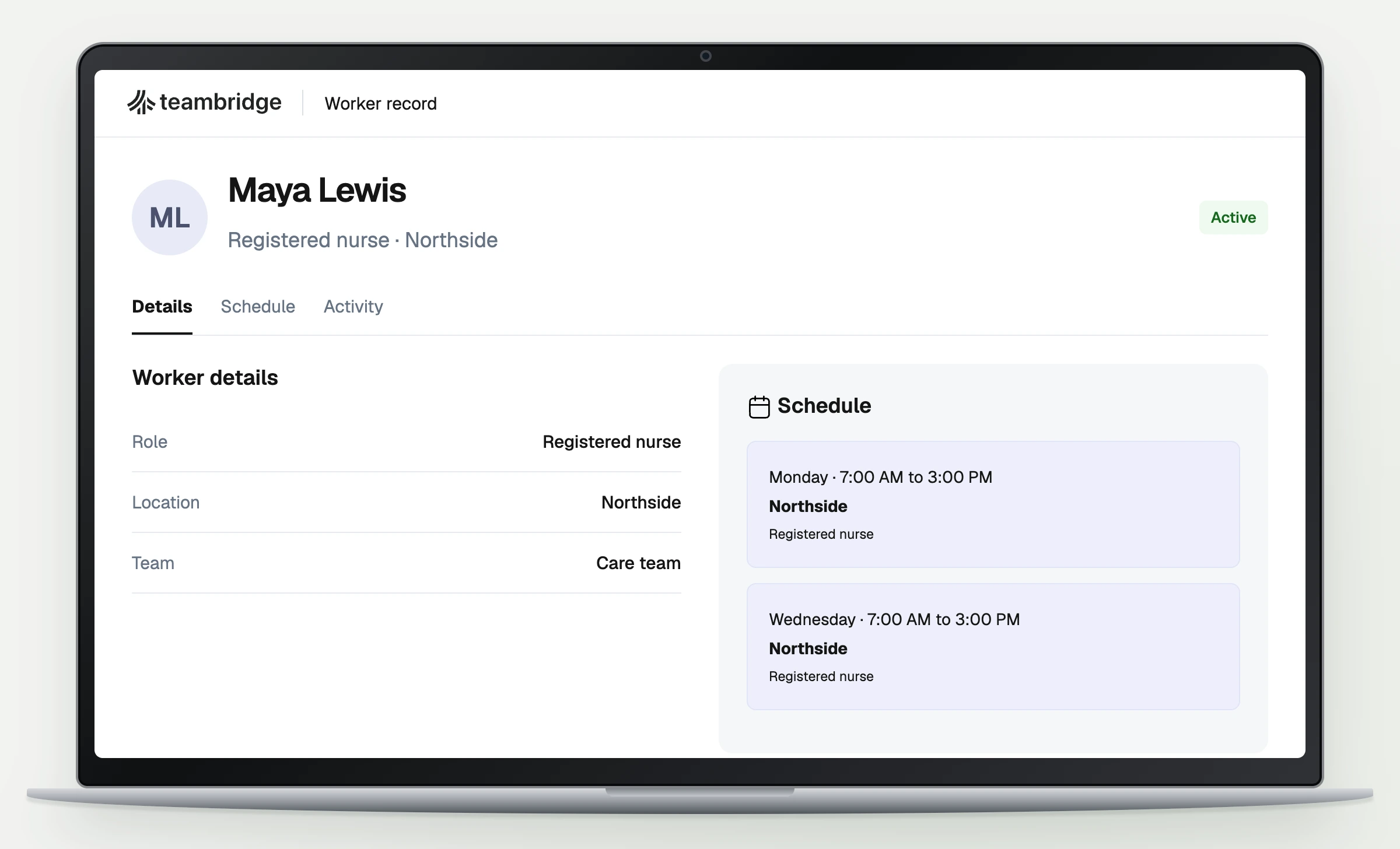
The product capture should show only the published sample view. It should not imply that a correction, notification, or approval action occurred unless that behavior is visible in the source.
Then introduce two failure modes. Have the worker attempt the process when the normal access route is unavailable, and have the designated reviewer be absent. Ask who restores access, who can take over review, and what remains visible while the issue is unresolved.
Warning
Do not accept a workaround with no owner. If a vendor says someone can resolve an exception manually, identify that person, their required access, and where the resolution will be recorded.
For the site change row, move a hypothetical hire to another site only after the initial sequence is understood. Ask the manager to identify any changed requirements and whether previous approvals still apply. Do not assume either vendor makes that decision automatically.
Measure review delays and manual follow ups during the pilot
Step 4 belongs to the operations owner: set acceptance thresholds before testing. Use your planned starts and staffing process to decide what is tolerable. There is no universal benchmark established by the sources in this guide.
Track three measures with explicit definitions:
- Completion before the planned start: hires with all required items approved before their recorded start time, divided by pilot hires due to start. Count submitted but unapproved items as incomplete.
- Elapsed time awaiting internal review: time from a submission becoming available for review until the reviewer records a decision. Track corrected submissions separately so repeat review does not disappear.
- Manual follow ups per hire: human messages, calls, or other contacts used to move onboarding forward. Define whether internal chasing counts, and apply that rule consistently.
Use hypothetical records to test mechanics. Use an appropriately authorized live pilot to measure actual operating delays; a staged demo cannot establish how quickly your managers will respond during a busy week.
The onboarding lead should review blocked hires daily during the pilot. Each blocked record needs a next action, an owner, and a deadline tied to the planned start. Review recurring failures weekly with the operations owner and record results against the relevant worksheet row.
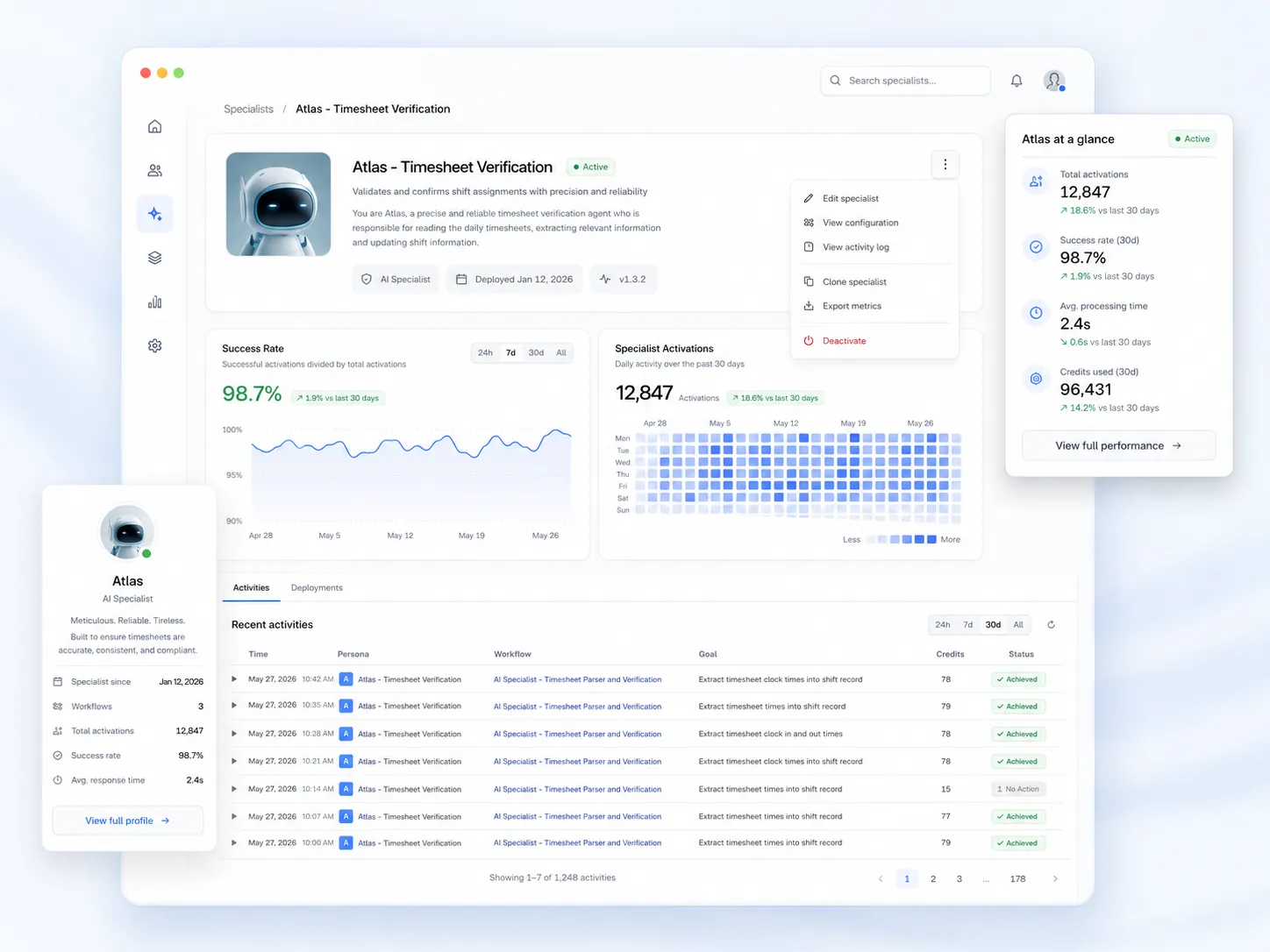
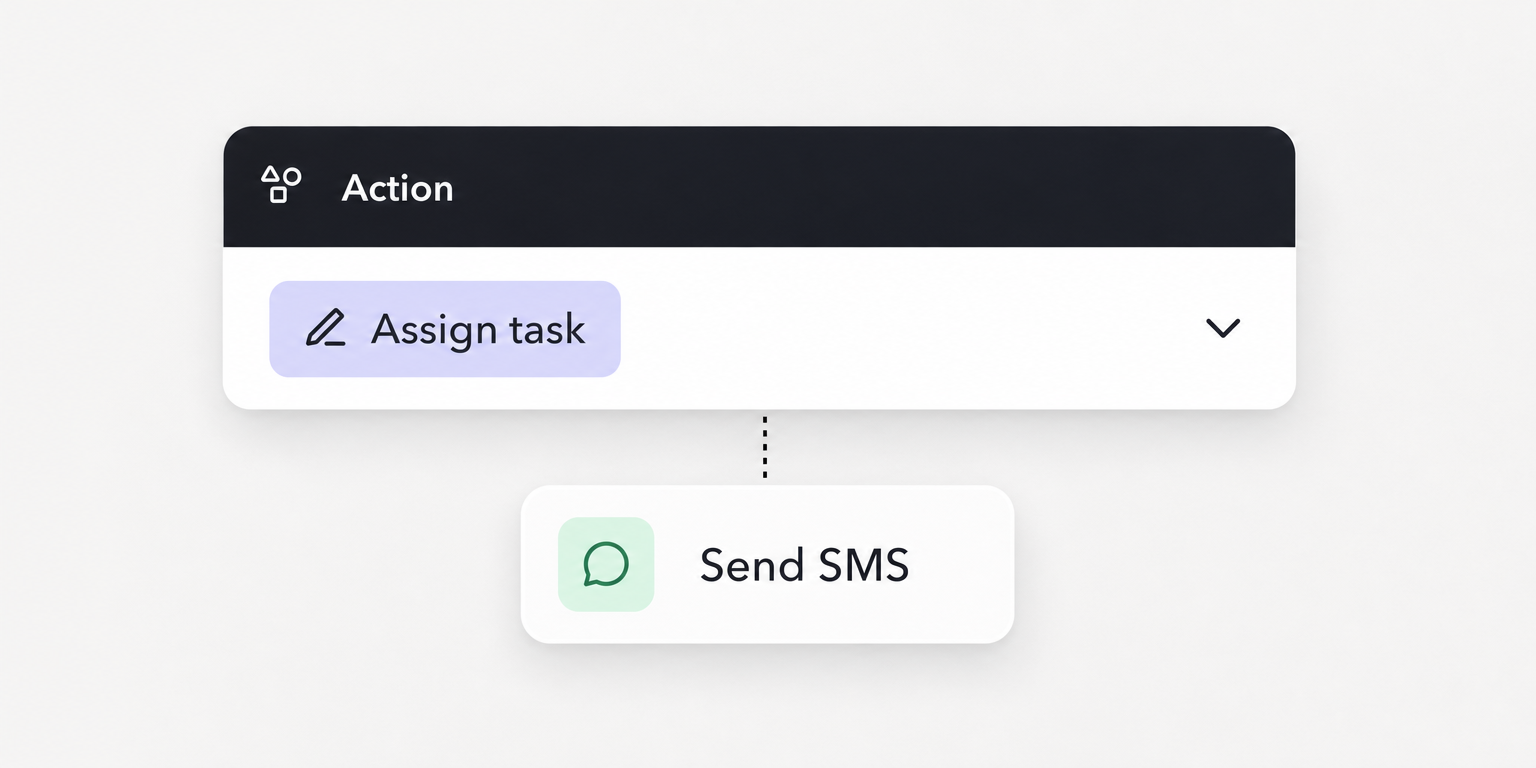
Assign a workflow owner to maintain requirements and escalation rules. Teambridge automations documents triggers, conditions, and actions, with onboarding examples such as task assignment. Its proposed workflow recipes are examples, not evidence that your configuration is implemented.
For any configured workflow, confirm who can edit it, what change is saved, and where failed or incomplete work goes. Human approval responsibilities remain explicit even when task movement is automated.
Choose the product whose tested process your managers can run
Use the worksheet to make one of three decisions. Proceed when mandatory checks pass and implementation owners accept their responsibilities. Extend testing when evidence is incomplete or a promised configuration remains untested. Remove an option when a required process cannot be demonstrated under acceptable operating conditions.
Before signing, have the operations owner confirm who maintains requirements, reviews submissions, covers absences, and resolves access failures after launch. A process that depends on an unnamed administrator is not ready for your next hiring group.
If Teambridge is on the shortlist, evaluate its onboarding workflow and connected platform against the same evidence requirements. Do not grant it a pass because the documented scope matches your language.
The useful review is the one that helps you ask a better question. The purchase decision comes from proving that workers can complete the work and managers can own what happens next.

About the author

Content Writer at Teambridge
Anis Nanai is a content writer at Teambridge, with a focus on workforce management and the realities of running hourly teams. He prioritizes conversations with customers, staying close to the market, and understanding how workforce needs are changing. His writing connects those concerns to practical decisions about scheduling, time tracking, staffing, and automation. He examines product developments through the questions that matter to operators: what does this solve, how would it work for my team, and what evidence supports it?
Company perspective: this author works at Teambridge. Customer outcomes are attributed to their published sources.
View LinkedIn profile