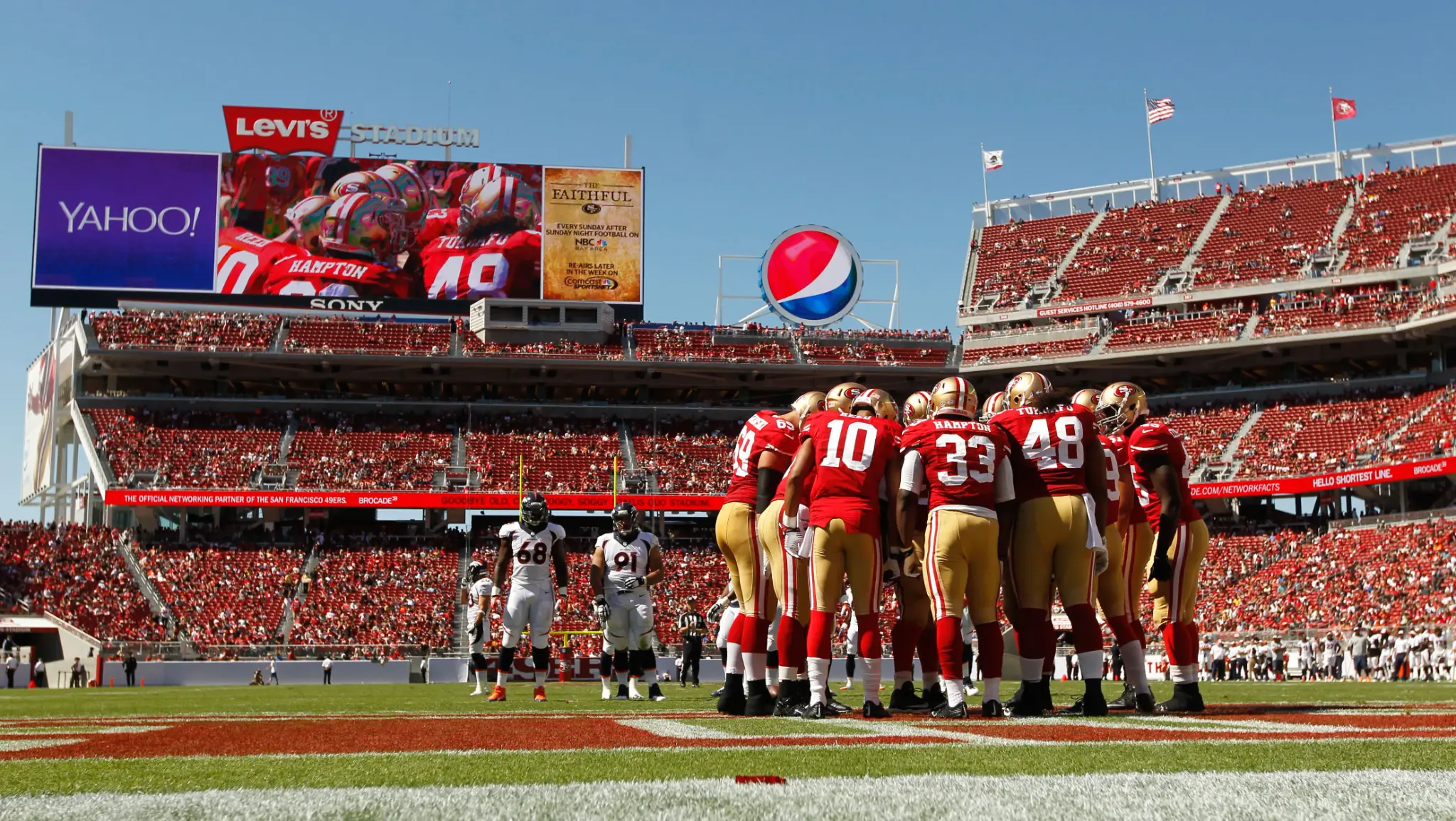
1,000
employees coordinated for every major event
Guest services · Scheduling, communication, and event readiness
Read the storyLive Events Employee Communication Software
Target event staff, ushers, security teams, and guest services using venue, event, gate, zone, and role, deliver the message through configured channels, keep replies visible, and focus follow up on the people who still need attention.
Communication that carries enough operating context to change the work, not just notify people about it.
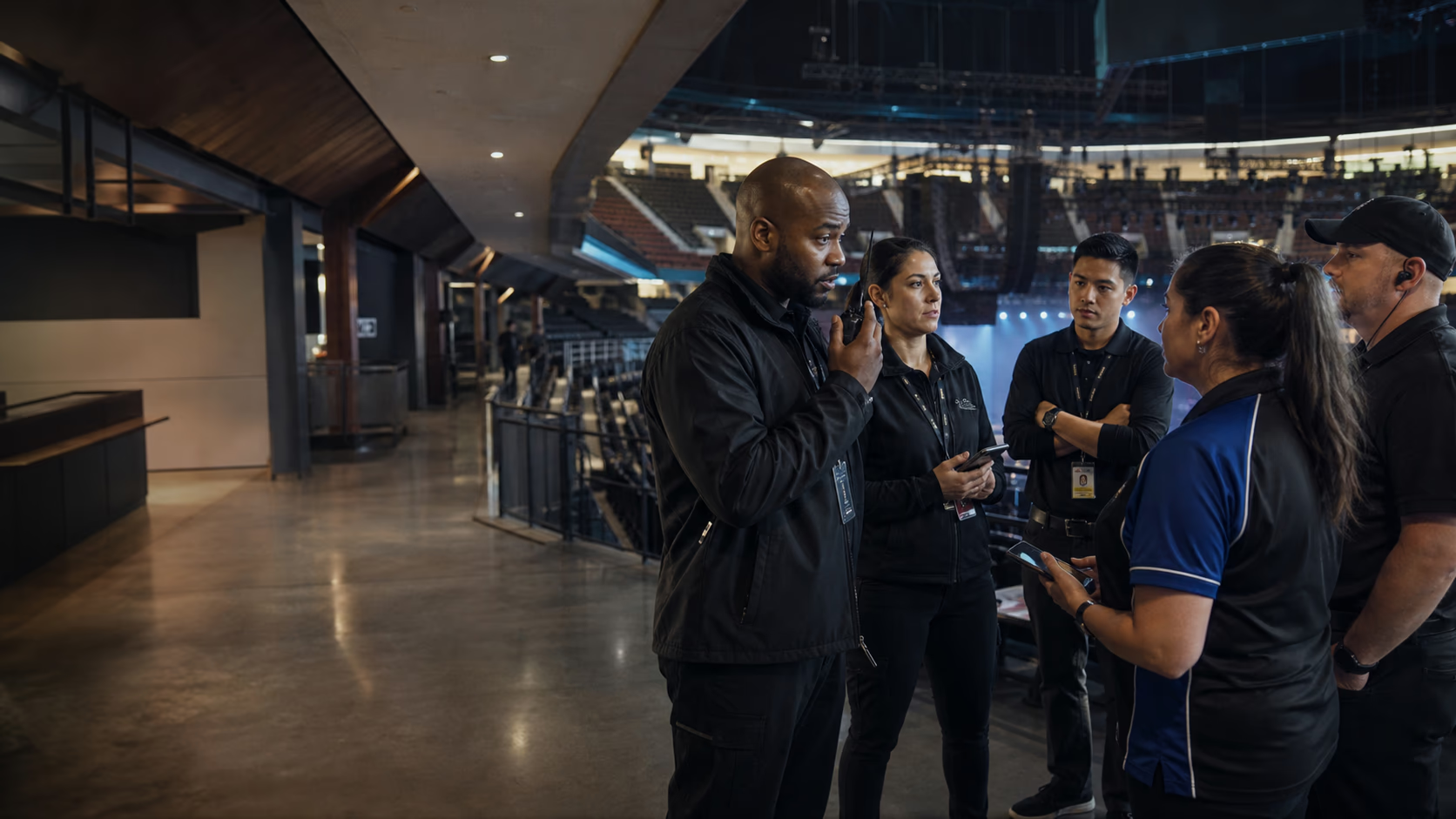
Live Events workspace
Communication is live
Guest services lead
Jordan Reed · West Gate
Game day · 3:30 PM call
Live Events and frontline teams running their workforce on Teambridge





Live Events · Communication in practice
Illustrative event communication example. West gate staff must report to the east staff entrance.
 Communication
Product preview · Sample records
Conversation continuity
Use communication in the app as the operational record, then support delivery through the channels your workforce actually checks when they are enabled for the workflow.
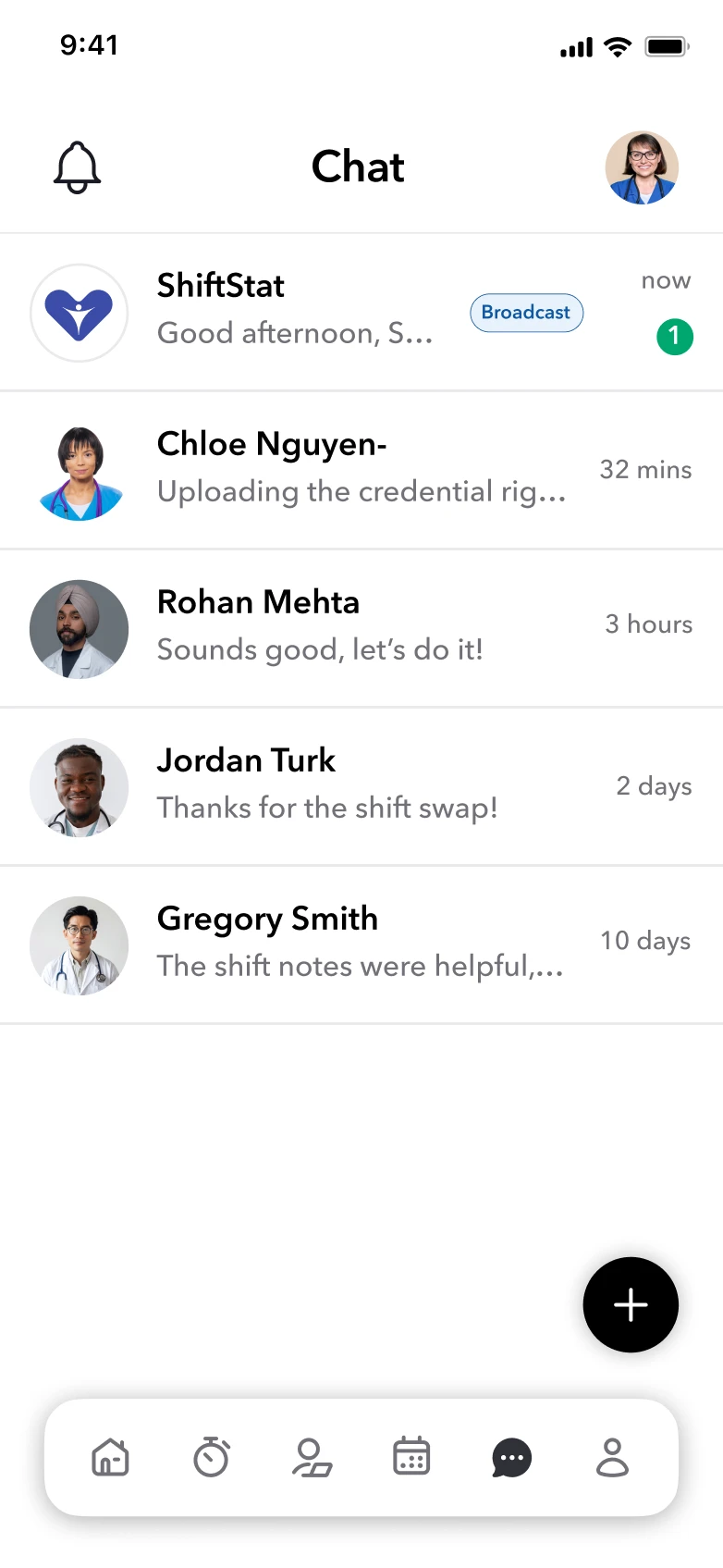
In app
The full thread, file, reply, and workforce context live here.
SMS
Support timely delivery when text delivery is configured.
Give longer updates and attachments an additional route.
The preview uses separate sample records. People, locations, times, and exceptions may differ from this industry example.
Use the workforce context to define who needs the update.
Give workers the change and the details needed to act on it.
Confirm the channels and acknowledgement signals in your setup. Sending an update does not establish understanding.
Event operations lead
In this example: Update the current assignment audience. Event and zone specified. Current crew identifiable.
Carry forward: Updated reporting details to assigned workers.
Still to confirm: Response visibility depends on the communication setup.
Live event teams in action
See how event and distributed workforce teams improve shift filling, event readiness, and frontline coordination.
1,000
employees coordinated for every major event
Guest services · Scheduling, communication, and event readiness
Read the story

99%
faster shift filling across nationwide events
Event services · Staffing at scale, outreach, and coverage
Read the story
At scale
staffing workflows tailored to each client and configured at record speed
Distributed workforce · Configurable processes for unique client needs
Read the storyBuilt around live event operations
West gate staff must report to the east staff entrance. Connect the workforce update to the people and work it affects.
Explore Teambridge communicationLive Events
Communication
Audience
West gate crew
Event
Saturday evening
New reporting point
East staff entrance
Illustrative context for your setup. Your team defines the records, fields, and review requirements.
Define the audience and configured channels for the workforce update.
Keep the location, assignment details, and instructions clear for the people receiving the message.
Confirm what delivery or acknowledgement signals are available and who handles outstanding questions.
Alongside your existing systems
Plan the workforce workflow alongside these systems. Available connections, data exchanged, and setup requirements are confirmed during implementation.
Your setup
Review the scope
Teambridge coordinates workforce operations around your ticketing, venue operations, payroll, and event systems. It does not claim to replace every system of record, and integration scope depends on your implementation.
Products working together
Start with the workflow under pressure, then connect the products that supply its worker, work, document, message, time, pay, and billing context.
Mon 9:30am
St. Mary's Care
Tue 2:00pm
Downtown Site
Wed 6:00am
St. Mary's Care
Thu 10:00am
Northside Hub
Fri 2:00pm
Downtown Site
Scheduling
Identity verified
Onboarding · just now
Direct deposit added
Onboarding · just now
Safety training passed
Onboarding · just now
Recruiting and credentialing
Downtown Site
12 members
Scheduling Agent


Voice call
2:34
Worker communication
AI Agents
Time and payroll
Cashed out
$0.00
Instant pay
Total invoiced
$0USD
Total paid
$0USD
Client invoicing
Review and sign
Page 2 of 2
…or impair any subsequent rights.
This Agreement and each party’s obligations are binding on the representatives, assigns, and successors of such party. Each party has signed this Agreement through its authorised representative.
(Signature, on behalf of Disclosing Party)
Document Studio
AI Specialist
Scheduling
△ Policy
🔔 Action
Staffing automation
Product questions
Practical questions about employee communication in a real live event operating model.
It can target event staff, ushers, security teams, and guest services using venue, event, gate, zone, and role, keep messages tied to active work, collect replies, and surface the people who still need follow up.
Teambridge supports in app communication and can support SMS, email, and mobile push where those channels are enabled and configured.
Supported communication flows can surface delivery, read, acknowledgement, and reply states so teams can focus on unresolved responses.
Yes. When paired with Teambridge Automations, supported message states can drive configured reminders, routing, or manager review.
Start with one real workflow
Use a product walkthrough to review your records, rules, worker actions, manager decisions, and the system connections your team needs.
More Live Events expertise
Connect event calendars, attendance, call times, and event day changes to role, event access, training, availability, and venue requirements so venue and event operations managers can publish work, recover coverage, and keep every change on one live schedule.
Give event staff, ushers, security teams, and guest services one branded mobile place for schedules, open work, onboarding, time, documents, messages, and the actions tied to each event shift.
Use triggers, conditions, actions, approvals, and AI agents to handle defined live event follow up while venue and event operations managers keep control of consequential decisions.
Review the labor signals, operating model, measures, and practical recommendations behind this workflow.
Read the reportFree planning toolTurn the operating question into a result your team can inspect, discuss, and use in the next decision.
Use the free tool