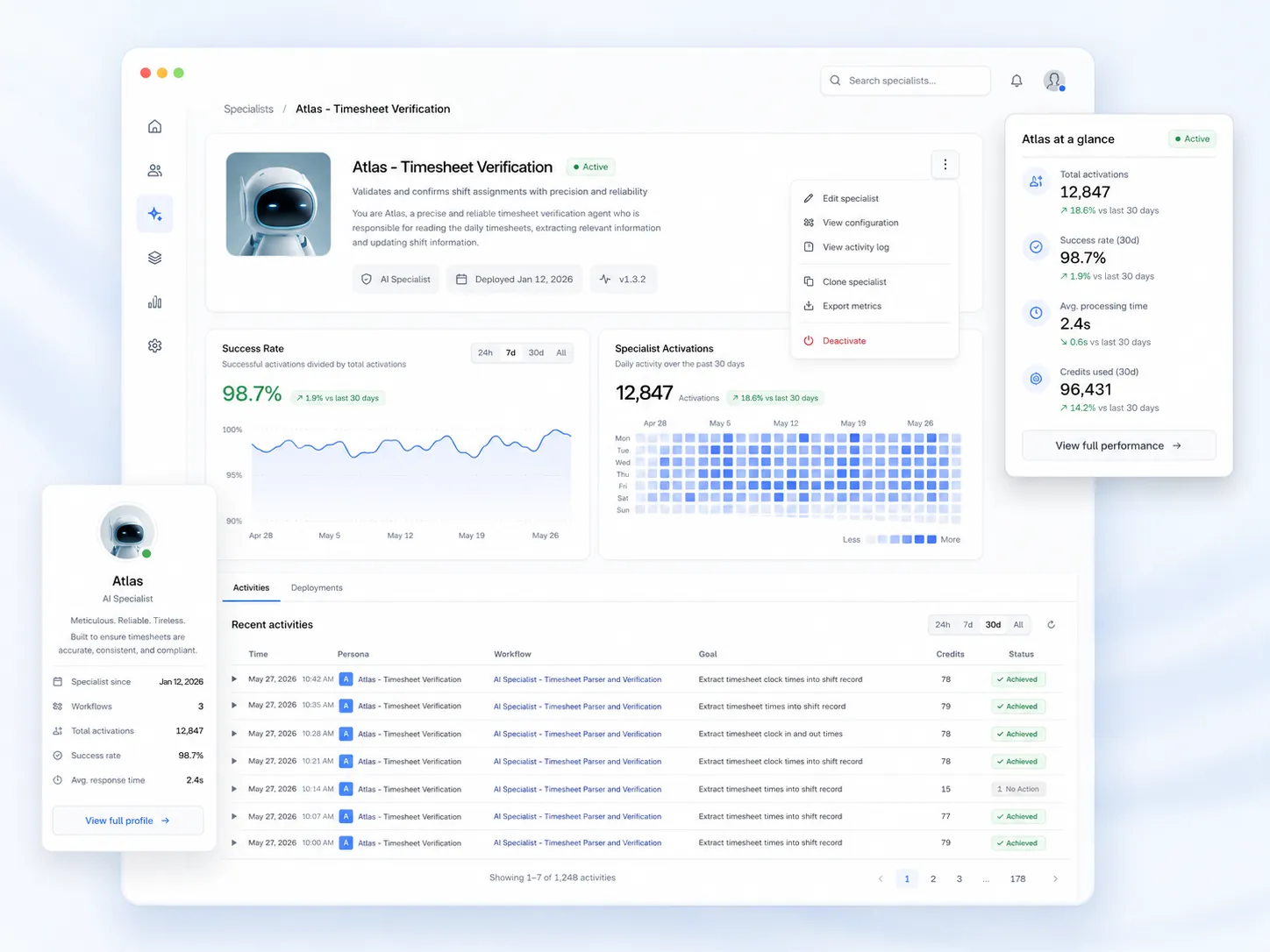


Symplr is a healthcare workforce management tool used by hospitals, large provider networks, and staffing agencies to manage credentials, staffing, and compliance. Teambridge, by contrast, is a modern, cloud-based, all-in-one workforce management solution built to streamline onboarding, scheduling, timekeeping, and real-time operations through automation, integrations, and a mobile-first experience for staffing firms. While both platforms support healthcare staffing needs, they differ significantly in functionality, flexibility, ease of use, and how quickly teams can adapt workflows as demands change.
This guide breaks down Teambridge vs. Symplr across key features, scheduling software capabilities, automation, pricing, and real-world usability so you can determine which software solution best fits your organization’s workforce, compliance requirements, and long-term growth goals.
Platform overviews
Symplr and Teambridge are both cloud-based software solutions, but they are designed for very different operational models. Here is what each platform is built to do and the types of teams they serve best.
What is Symplr?
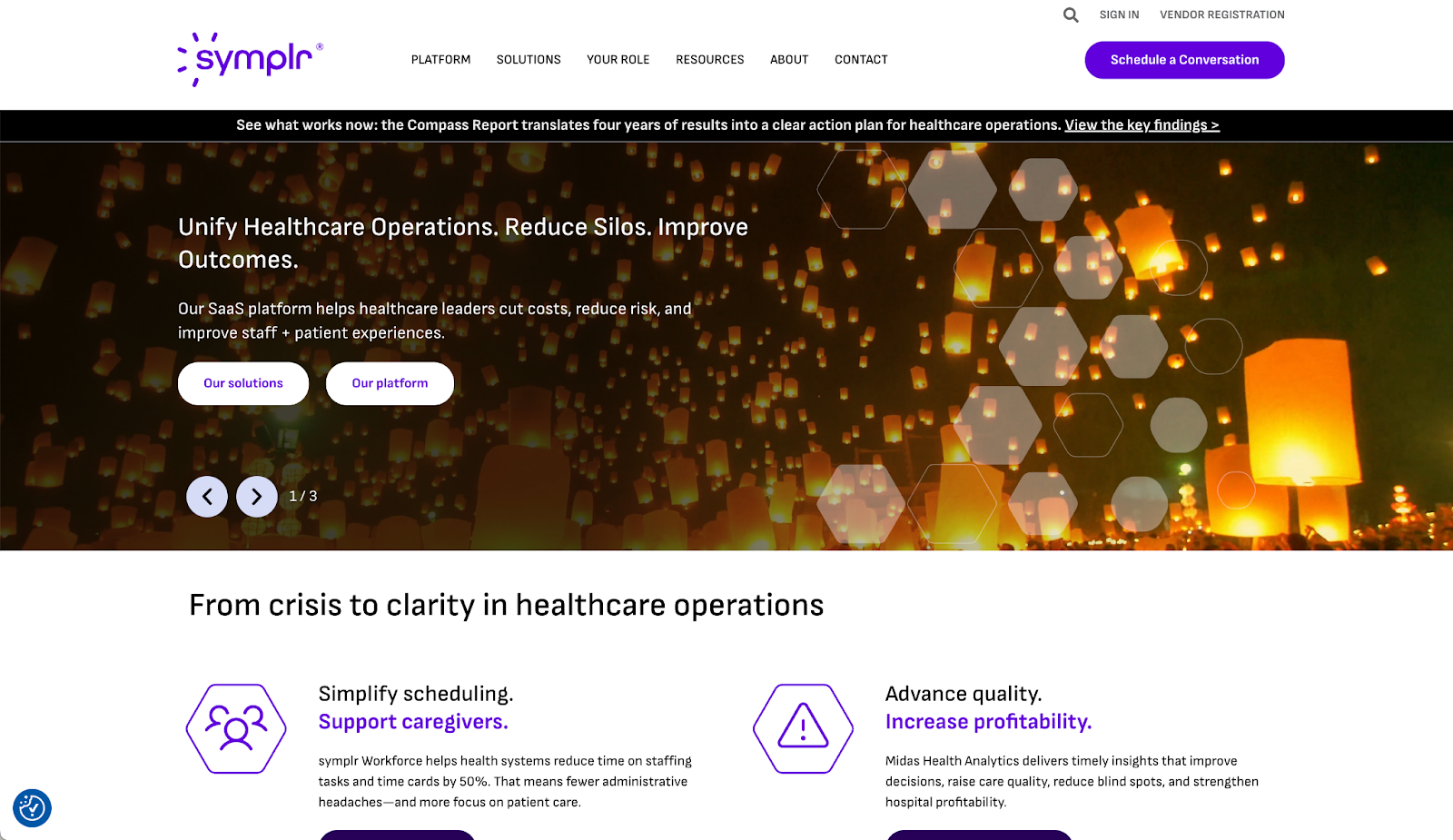
Symplr is a traditional healthcare and agency workforce management tool designed primarily for hospitals and large health systems managing provider lifecycles. Its core functionality centers on credentialing, compliance tools, predictive staffing, and scheduling software that ensures only qualified providers can clock in, access systems, or appear on schedules. Symplr connects recruiting, credentialing, employee scheduling, attendance tracking, and timekeeping into a highly governed environment with integrations into EHRs, payroll systems, and human resources platforms. The platform is built for scale and standardization, but its breadth of functionality and modular structure can introduce a steeper learning curve for schedulers and frontline team members managing daily operations.
What is Teambridge?
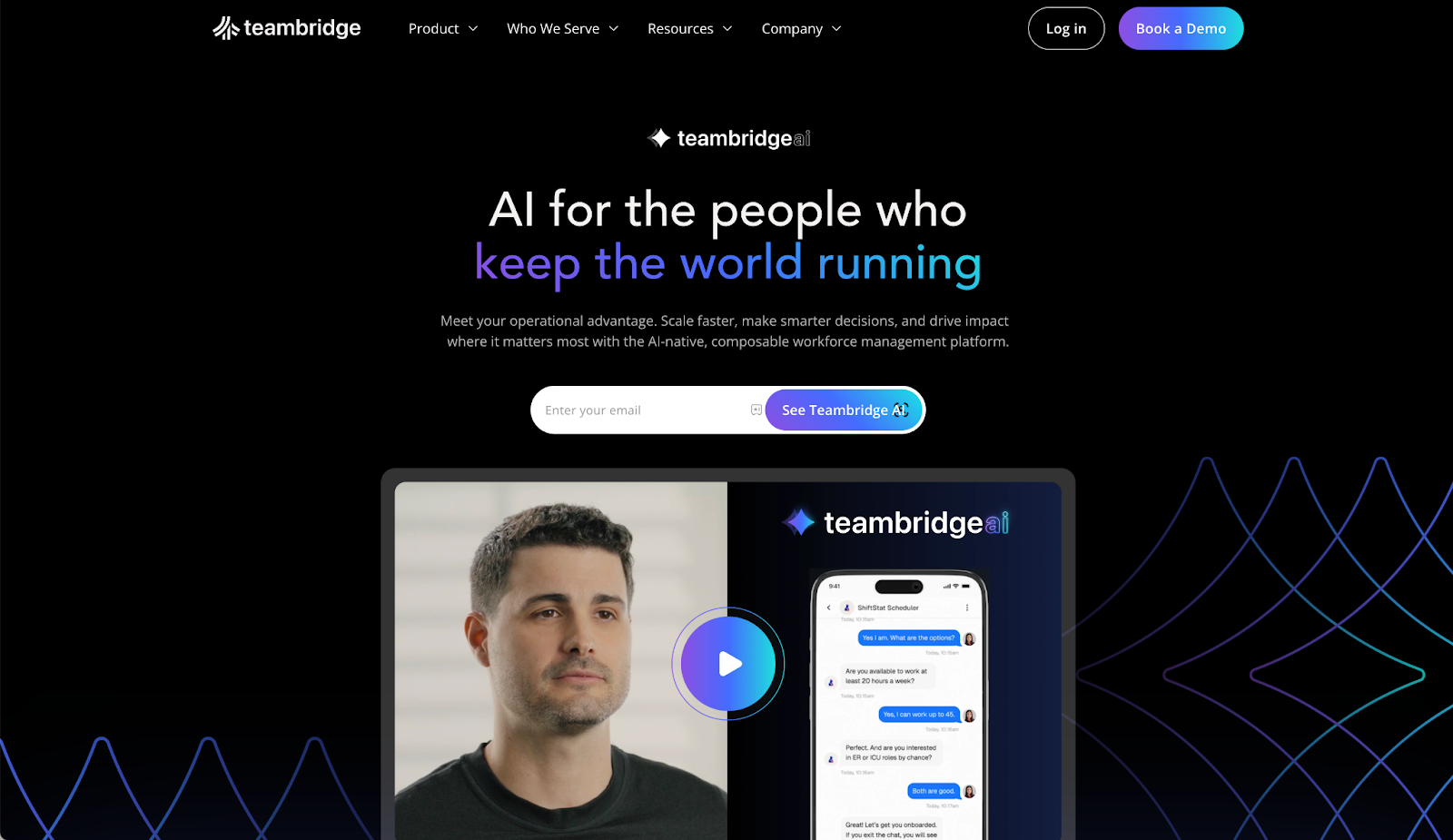
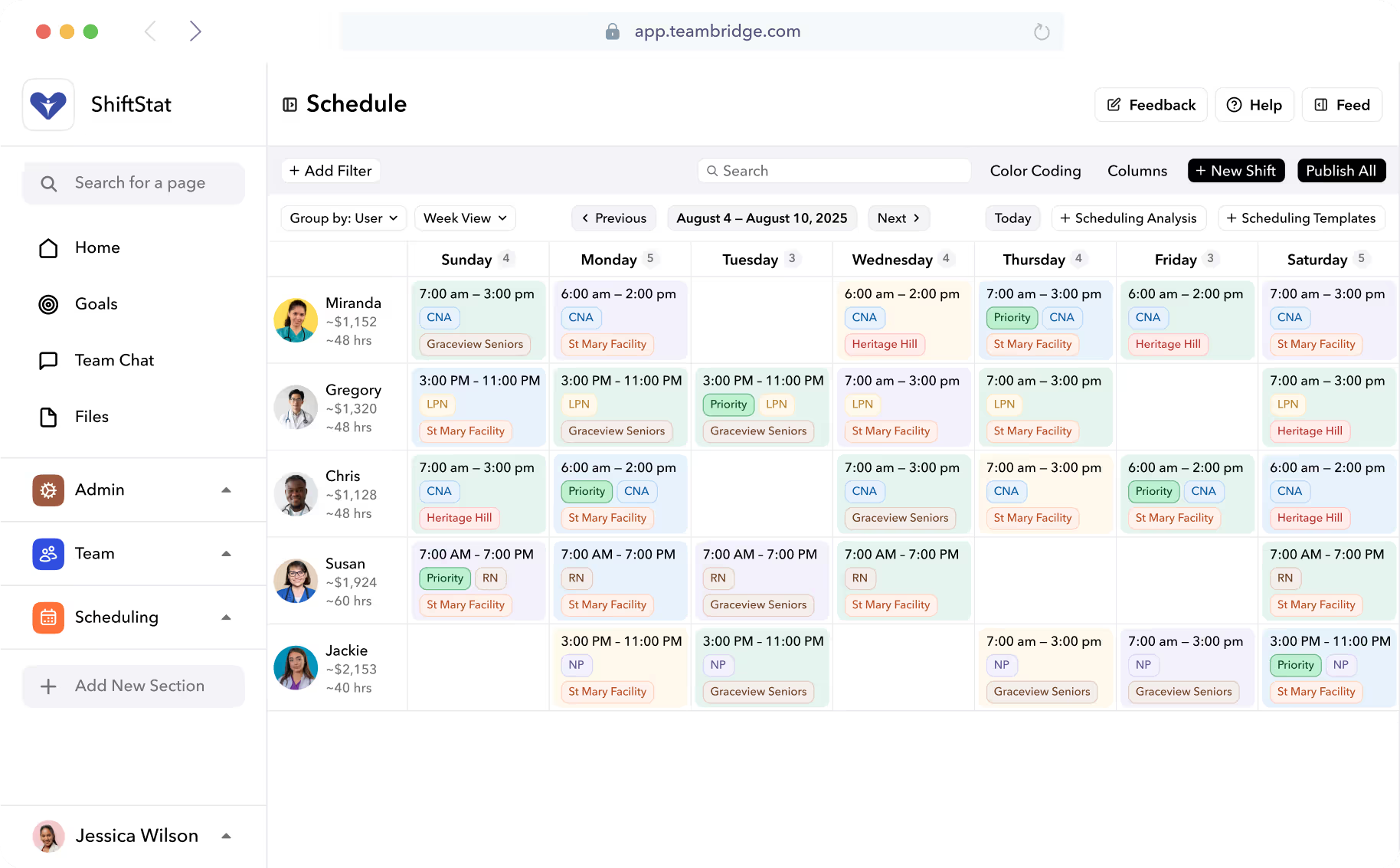
Teambridge is a modern, all-in-one workforce management solution built to help organizations streamline operations from recruiting through time tracking and earned wage access in a single system. Rather than relying on rigid, hard-coded workflows, Teambridge uses no-code building blocks that allow managers to customize workflows, scheduling features, notifications, and compliance rules without engineering support. It brings together recruiting, onboarding, credential management, employee scheduling, attendance tracking, messaging, and payroll integration in one mobile-first platform. With real-time dashboards, drag-and-drop scheduling tools, automated scheduling for open shifts, and AI-driven workflow automation, Teambridge is designed to optimize workforce operations for medical staffing firms, staffing agencies, and distributed frontline workforces that need flexibility, speed, and high adoption across the mobile app.
Key feature comparison
When comparing workforce platforms, the biggest differences usually show up in core functionality, especially in how recruiting, onboarding, scheduling, and daily workforce execution are connected. Compare Symplr and Teambridge’s approach to workforce management, automation, and real-time operations from the ground up.
1. Core functionality
Symplr’s core functionality is built around healthcare compliance and provider lifecycle control. Its workforce management tools are designed to ensure credentials, labor rules, and forecasting models are enforced before providers appear on schedules or clock in.
- Credential-first workforce management: Recruiting, onboarding, and scheduling are tightly gated by credentials, licenses, and privileges to support healthcare compliance and labor laws.
- Enterprise employee scheduling: Shift scheduling is designed for large provider pools, supporting long-range forecasting and demand planning across departments.
- Predictive staffing and forecasting: Uses historical census and utilization data to forecast staffing needs and manage labor costs over time.
- Timekeeping and attendance tracking: Supports time clocks, clock in/clock out workflows, employee hours, and timesheets tied to credential status.
- Compliance-driven workflow controls: Built-in compliance tools prevent uncredentialed providers from taking open shifts or accessing scheduling features.
Teambridge approaches core functionality as a unified workforce management solution that connects recruiting, onboarding, scheduling, and time tracking into a single operational workflow.
- Omnichannel communication: Reach staff through unified messaging that brings SMS, email, in-app chat, and voice together in one organized thread, making it easy to broadcast updates, run group channels, and automate reminders so teams stay aligned without switching tools.
- Unified recruiting and onboarding: Candidates move from application to onboarding with automated workflows, document collection, and credential checks in one system.
- Smart employee scheduling: Drag-and-drop scheduling tools and automated scheduling help fill open shifts in real time based on availability, rules, and skills.
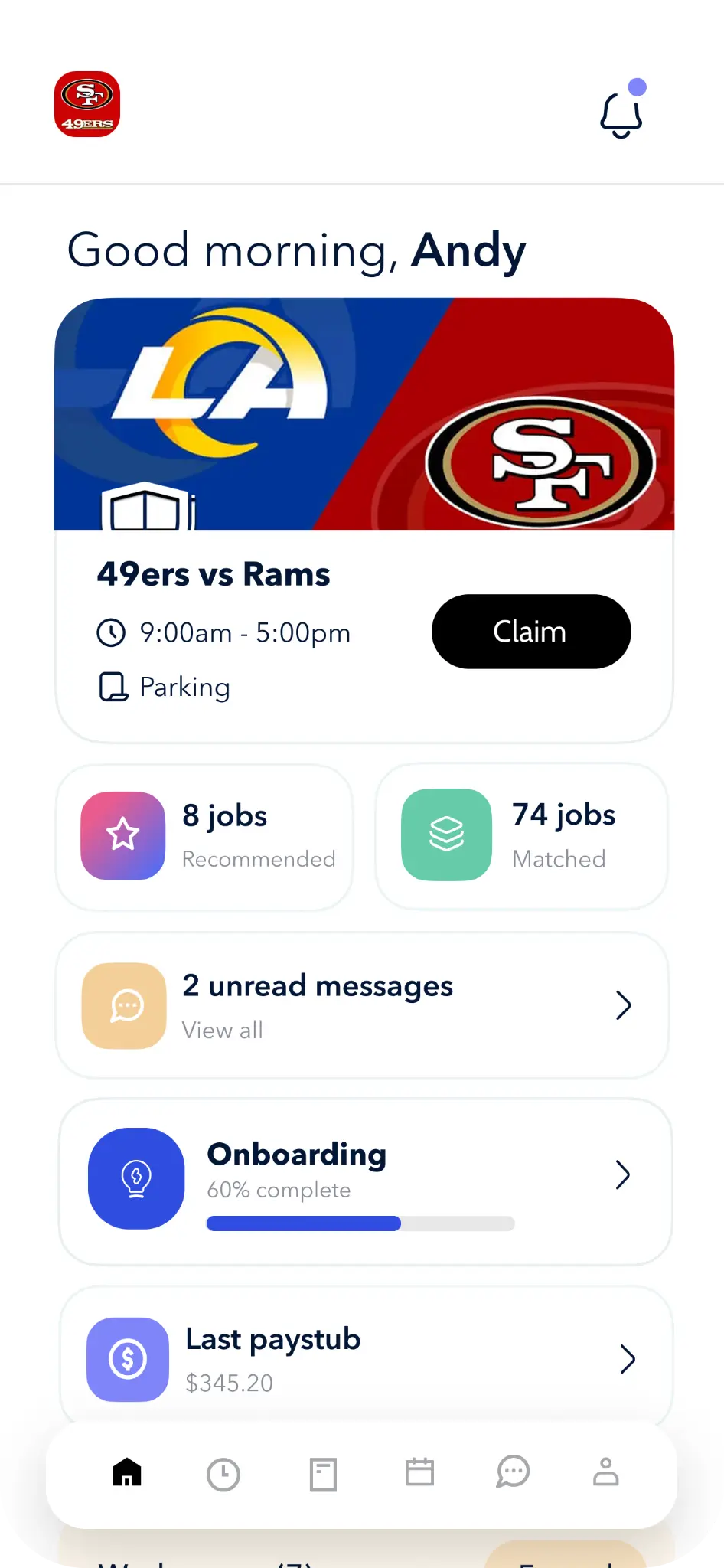
- Mobile-first time tracking: Staff clock in using a mobile app with geofencing, time clocks, and real-time attendance tracking tied directly to timesheets.
- AI-driven workforce automation: Automation handles shift coverage, notifications, credential follow-ups, and schedule changes without manual intervention.
- End-to-end workforce execution: Scheduling, time off, swap shifts, messaging, task management, and timekeeping all live in one all-in-one platform.
Integration & ecosystem
Symplr’s integration strategy is built for large enterprises that rely on centralized systems of record. Its ecosystem focuses on deep, tightly coupled integrations that support compliance, credential governance, and clinical operations.
- EHR-centric integrations: Deep two-way integrations with Epic, Oracle Health, and Meditech ensure provider credentials and access permissions stay aligned in real time.
- Enterprise payroll and HR systems: Connects with payroll systems and human resources platforms such as Workday, ADP, and Infor for payroll processing and employee records.
- Consolidated data model: Multiple Symplr modules share a centralized provider database to support workforce management and compliance tools.
- Predictive staffing data flow: Forecasting and scheduling software draw from historical utilization and attendance tracking data across departments.
- Enterprise IT dependency: Integrations often require coordination with internal IT teams, increasing setup time and the overall learning curve.
Teambridge takes an integrated, operations-first approach that reduces reliance on outside tools by centralizing core workforce workflows in one platform.
- Payroll integrations: Native payroll integration with ADP, Paychex, Gusto, and QuickBooks supports payroll processing directly from approved timesheets and employee hours.
- HR and onboarding tools: Integrates with document management, background checks, and credential verification tools to streamline onboarding workflows.
- Open API architecture: Enables real-time data exchange with external systems without locking teams into rigid integration templates.
- Operational dashboards: Integrated data flows into a real-time dashboard that gives schedulers and managers visibility into labor costs, attendance, and open shifts.
- All-in-one workflow design: By reducing reliance on disconnected tools, Teambridge helps staffing agencies and medical staffing firms simplify integrations while improving ease of use.
Customization, automation, and user experience
Customization and user experience determine whether a workforce management tool actually gets adopted by frontline staff and schedulers. Below we compare how Symplr and Teambridge handle workflow configuration, automation, notifications, and day-to-day usability across desktop and mobile app environments.
Symplr offers deep configuration designed for complex healthcare environments, with a strong emphasis on control, governance, and compliance.
- Configurable: Supports complex labor laws, credential requirements, and scheduling constraints across providers and departments.
- Predictive automation: Uses forecasting models and historical utilization data to automate staffing recommendations.
- Credential-based controls: Automation blocks providers from clocking in or accepting open shifts when credentials expire.
- Enterprise user interface: Functionality is robust, but user reviews frequently note a steeper learning curve for schedulers and frontline team members.
- Mobile access for clinicians: The mobile app supports self-service scheduling, swap shifts, notifications, and time off requests, though navigation differs from newer mobile-first tools.
Teambridge focuses on making customization and automation accessible without sacrificing power, enabling teams to adapt workflows as operations evolve.
- No-code workflow customization: Managers configure workflows, scheduling features, compliance tools, notifications, and policy-driven rules without engineering support or long implementation cycles.
- Powerful automation builder: Automated scheduling, shift reminders, credential follow-ups, and escalation rules can be built using drag-and-drop logic.
- Mobile-first user experience: The mobile app is designed for frontline workers to clock in, swap shifts, request time off, and manage availability with minimal training.
- Self-service for team members: Employees manage schedules, time and attendance, and messaging independently, reducing admin workload.
- Easier learning curve: A user-friendly interface and consistent workflows improve ease of use and adoption across staffing agencies and medical staffing firms.
Pricing and total cost of ownership
Pricing for workforce management software goes beyond monthly licensing. Implementation time, required integrations, training effort, and ongoing administrative overhead all contribute to total cost of ownership, especially in regulated environments.
Symplr
Symplr uses a modular, enterprise pricing model typically based on health system size, such as bed count, number of providers, or licensed modules. Organizations often purchase specific capabilities, credentialing, scheduling, timekeeping, or analytics, rather than a single all-in-one package. Implementation commonly involves multi-month projects, data migration, and coordination with internal IT, which can increase upfront costs. While deep integrations with EHRs, payroll systems, and human resources platforms add long-term value, they can also extend setup timelines and raise the overall learning curve for schedulers and administrators.
Teambridge
Teambridge follows a custom, usage-based pricing approach aligned with workforce size and operational complexity. While public pricing is not available, costs typically reflect platform access combined with active workforce usage rather than separate fees for core functionality. Because recruiting, onboarding, scheduling, time tracking, attendance tracking, messaging, and payroll integration are included in a single software solution, organizations often reduce spend on overlapping tools. Faster implementation, no-code workflow configuration, and built-in automation help lower administrative overhead and accelerate time to value compared to traditional enterprise workforce management tools.
Choosing your staffing platform
Not every workforce management solution fits every organization. The right choice depends on workforce size, compliance complexity, operational flexibility, and how much automation your teams need to manage scheduling, timekeeping, and daily execution. Below are scenarios where each platform is typically the better fit.
When Symplr is the better fit
Symplr is suited for healthcare organizations and agencies that prioritize centralized governance, credential enforcement, and standardized workflows across large provider networks.
- Large hospital systems: Organizations managing thousands of providers across multiple facilities and departments.
- Enterprise forecasting needs: Teams relying on long-range forecasting models to plan staffing levels and manage labor costs.
- EHR-dependent workflows: Health systems that require deep integrations with clinical systems and human resources platforms.
- Dedicated IT and admin teams: Organizations with resources to manage complex implementations and ongoing system configuration.
- Standardized scheduling models: Teams that favor simplicity over customization options in their scheduling software.
When Teambridge is the better fit
Teambridge is a strong choice for organizations that need flexibility, speed, and real-time control over workforce operations.
- Staffing agencies and medical staffing teams: Managing high-volume, distributed frontline workforces with frequent open shifts.
- Dynamic shift scheduling: Teams that need automated scheduling, drag-and-drop tools, and real-time updates to fill shifts quickly.
- Mobile-first workforces: Organizations where team members rely on a mobile app to clock in, swap shifts, request time off, and receive notifications.
- Operational efficiency goals: Teams looking to streamline onboarding, time tracking, attendance tracking, and timesheets in one all-in-one platform.
- Lean operations teams: Businesses that benefit from no-code workflow automation instead of heavy IT involvement.
- Faster adoption requirements: Organizations that value ease of use and a lower learning curve for schedulers and frontline staff.
Can you use both?
Some organizations consider using Symplr and Teambridge together, but this approach often creates more complexity than value.
- Integration-based data flow: APIs enable partial data exchange, but real-time synchronization between systems is typically limited.
- Operational complexity: Maintaining two workforce management platforms increases training requirements, administrative overhead, and ongoing system maintenance.
- Consolidation trade-off: As a result, many teams ultimately consolidate onto a single platform to eliminate duplicated workflows and reduce operational risk.
Comparing Symplr vs Teambridge
A side-by-side comparison helps clarify how each workforce management solution performs in real operational environments. Here are the strengths and trade-offs of Symplr and Teambridge, based on functionality, usability, and deployment considerations.
Symplr – pros and cons
Pros
- Designed specifically for healthcare providers or agencies with complex credentialing, compliance tools, and labor law requirements.
- Supports large-scale employee scheduling, attendance tracking, and timekeeping across multiple facilities and departments.
- Prevents providers from clocking in or accepting open shifts without valid credentials, reducing compliance risk.
- Uses historical data and forecasting models to help schedulers plan staffing levels and manage labor costs.
- Integrates with major EHRs, payroll systems, and human resources platforms commonly used by health systems.
Cons
- Full functionality often requires licensing multiple modules rather than using a single all-in-one platform.
- Enterprise deployments can involve longer implementation timelines, including data migration and IT coordination.
- User reviews frequently cite a steeper learning curve for schedulers and frontline team members.
- Workflow customization is powerful but less flexible for teams that need rapid operational changes.
- Total cost of ownership can increase due to licensing structure, implementation effort, and ongoing administration.
Teambridge – pros and cons
Pros
- Combines recruiting, onboarding, employee scheduling, time tracking, attendance tracking, messaging, and payroll integration in one all-in-one workforce management solution.
- Allows no-code customization of workflows, scheduling features, and compliance rules without engineering support.
- Provides a mobile-first, user-friendly experience where frontline workers can clock in, swap shifts, request time off, and receive notifications through the mobile app
- Uses automation and real-time dashboards to reduce manual scheduling, credential follow-ups, and administrative work.
- Delivers an easier learning curve and faster adoption across medical staffing firms and staffing agencies.
Cons
- Flexible workflow configuration requires thoughtful setup during initial implementation.
- Optimized for organizations with complex workforce operations rather than very small businesses needing a basic scheduling tool.
- Has fewer long-standing deployments compared to legacy platforms like Symplr.
How to pick the best staffing software for you
Choosing the right workforce management solution requires a clear understanding of your operational priorities, workforce complexity, and long-term growth plans. Rather than focusing only on surface-level functionality, it’s important to evaluate how well each platform supports real-time execution, automation, and day-to-day ease of use for both admin teams and frontline team members.
- Lifecycle coverage: Determine whether you need an all-in-one workforce management solution that spans onboarding, scheduling, time tracking, and payroll processing or a narrower scheduling software focused on one function.
- Mobile adoption: Evaluate how well the mobile app supports frontline workflows such as clock in, swap shifts, time off requests, and notifications.
- Automation depth: Assess how much automation is available to streamline onboarding, automated scheduling, attendance tracking, and timesheets.
- Integration requirements: Identify required integrations with payroll systems, human resources platforms, and other workforce tools.
- Ease of use: Consider the learning curve for schedulers and team members, as usability directly affects adoption and efficiency.
- Cost beyond pricing: Look beyond subscription pricing to understand implementation effort, training needs, and long-term administrative overhead.
Key questions to ask when evaluating
Before committing to a workforce management solution, decision-makers should ask practical questions that reflect real operational needs rather than feature checklists. Below are key questions that help clarify fit and reduce risk.
- How user-friendly is the mobile app for frontline workers? High adoption depends on intuitive clock in, time off, and shift scheduling experiences.
- Can workflows be customized without engineering support? No-code customization options reduce reliance on IT and speed up change management.
- How does the system handle compliance and labor laws? Automated credential checks, geofencing, and compliance tools help prevent costly errors.
- What real-time visibility does the dashboard provide? Managers need immediate insight into employee hours, open shifts, and labor costs.
- How strong are integrations with payroll systems and HR tools? Reliable payroll integration minimizes errors in timesheets and payroll processing.
- What level of automation is available for scheduling and notifications? Automated scheduling and alerts reduce manual coordination work.
- How steep is the learning curve for schedulers and administrators? A lower learning curve leads to faster adoption and fewer support requests.
Migration, data, and risk considerations
Implementing a new workforce management solution introduces operational risk, especially in heavily regulated environments. Careful planning helps ensure continuity and long-term success.
- Data migration strategy: Define how employee records, credentials, schedules, and historical timesheets will be migrated and validated.
- Phased rollout: Reduce disruption by rolling out the software solution in stages rather than all at once.
- Training and adoption: Provide targeted training to minimize the learning curve for schedulers, administrators, and frontline team members.
- Integration validation: Test payroll integration, attendance tracking, and timekeeping workflows before full deployment.
- Vendor support: Evaluate customer support responsiveness during implementation and ongoing operations.
- Compliance assurance: Confirm that the platform supports labor laws, credential tracking, and audit requirements.
A smarter era of staffing software
Workforce technology is evolving as staffing organizations face rising labor costs, tighter compliance requirements, and greater expectations from frontline teams. The next generation of workforce management solutions is being shaped by automation, real-time visibility, and software designed around how people actually work.
- AI-driven automation: Modern workforce management tools increasingly rely on automation to handle scheduling, credential tracking, notifications, and routine administrative tasks without manual intervention.
- End-to-end workflows: Organizations are moving away from fragmented systems toward all-in-one platforms that connect onboarding, employee scheduling, time tracking, and payroll processing.
- Mobile-first adoption: Frontline workers now expect user-friendly mobile apps for clock in, swap shifts, time off requests, and real-time messaging.
- Real-time operational insight: Dashboards that surface employee hours, open shifts, attendance tracking, and labor costs in real time are becoming essential for daily decision-making.
- Flexible workflow customization: No-code customization options allow teams to adapt scheduling features and compliance tools as labor laws and operational needs change.
- Integration simplicity: Cloud-based platforms are prioritizing clean integrations with payroll systems and human resources software rather than complex, brittle connectors.
Teambridge vs. Symplr: The Smarter End-to-End Platform
If your organization prefers the established status quo, with enterprise-grade credentialing, standardized workflows, and EHR integrations, Symplr remains a reliable workforce management tool for large provider networks. It supports compliance-first operations where governance, forecasting, and centralized control are the top priorities.
If your goal is to streamline workflows, improve real-time visibility, and give frontline team members a user-friendly, mobile-first experience, Teambridge offers a more flexible path forward. Its all-in-one workforce management solution connects recruiting, onboarding, employee scheduling, time tracking, attendance tracking, communication, and payroll integration in a single, cloud-based platform designed to optimize daily operations while reducing administrative overhead.
To modernize workforce management without adding complexity, explore how Teambridge can support your teams. Book a demo with Teambridge today.

About the author

Content Writer at Teambridge
Anis Nanai is a content writer at Teambridge, with a focus on workforce management and the realities of running hourly teams. He prioritizes conversations with customers, staying close to the market, and understanding how workforce needs are changing. His writing connects those concerns to practical decisions about scheduling, time tracking, staffing, and automation. He examines product developments through the questions that matter to operators: what does this solve, how would it work for my team, and what evidence supports it?
Company perspective: this author works at Teambridge. Customer outcomes are attributed to their published sources.
View LinkedIn profile