

Deputy is a workforce management and scheduling tool for small businesses, hospitality teams, and hourly workforces. Teambridge, by contrast, is an all-in-one, cloud-based workforce management platform designed to support more complex staffing environments, including healthcare and other shift-based and contingent staffing environments. It brings onboarding, scheduling, time and attendance, and payroll integration into a single system. While both platforms support shift scheduling, mobile clock-ins, and timesheets, they differ in automation depth, integrations, and their ability to scale with changing business needs.
Platform overviews
Before comparing scheduling features and automation in detail, it helps to understand how each platform approaches workforce management at a core level. Deputy and Teambridge are both cloud-based solutions, but they serve different business needs, team sizes, and workflow complexity. Below we outline what each platform is built to do and where it fits best.
What is Deputy?
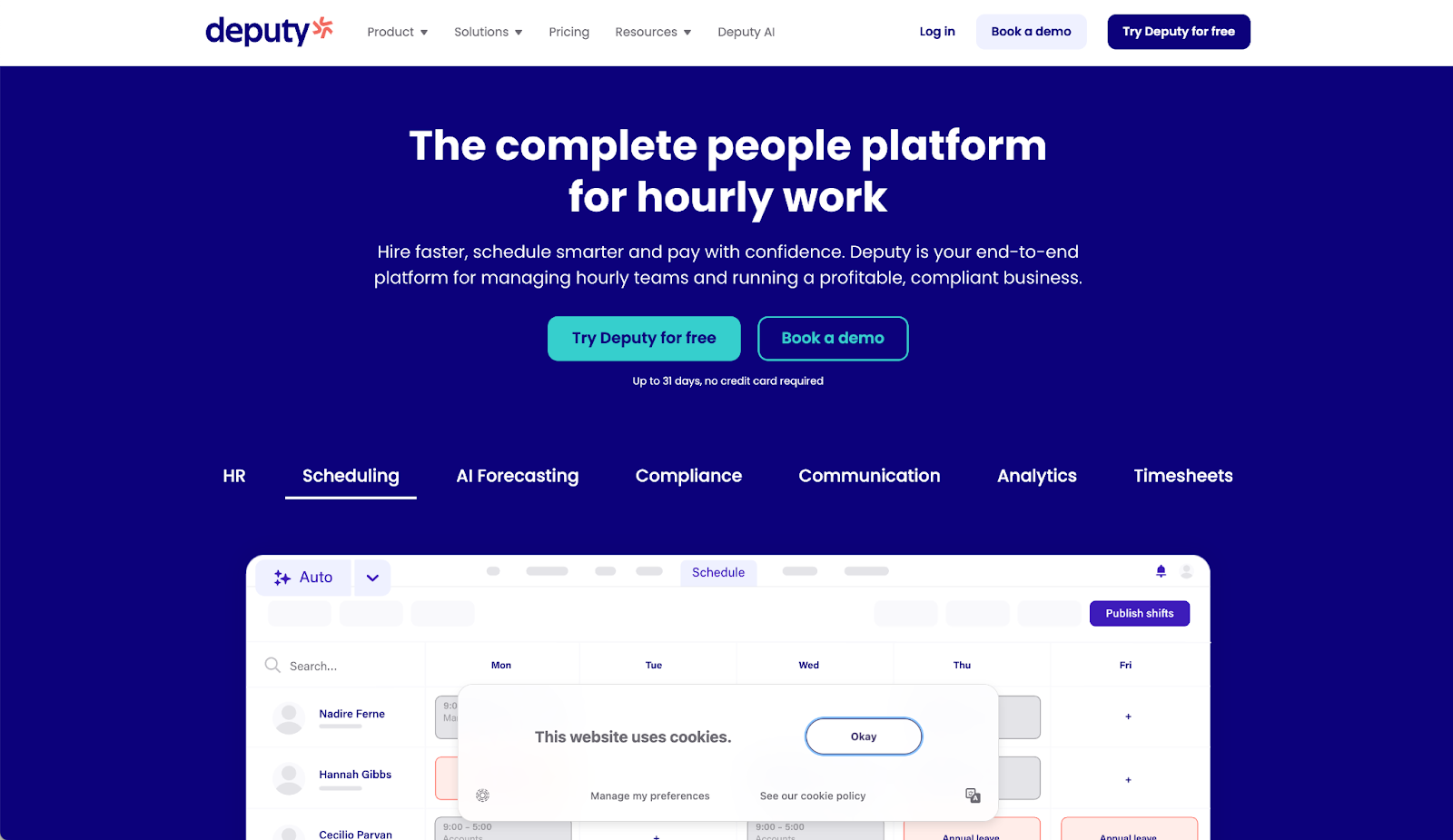
Deputy is a workforce management and employee scheduling platform used by small businesses and hourly teams in retail, hospitality, and some healthcare settings. It focuses on core scheduling and time management functions, including shift scheduling, time and attendance tracking, and basic labor compliance through a mobile time clock. Deputy supports features such as drag-and-drop scheduling, auto-scheduling, shift swaps, time-off requests, and real-time updates for schedule changes. The platform integrates with payroll systems like QuickBooks to export timesheets and support payroll processing. Deputy is typically adopted for its straightforward setup and usability, with workflows best suited for simpler scheduling needs rather than more complex staffing environments.
What is Teambridge?
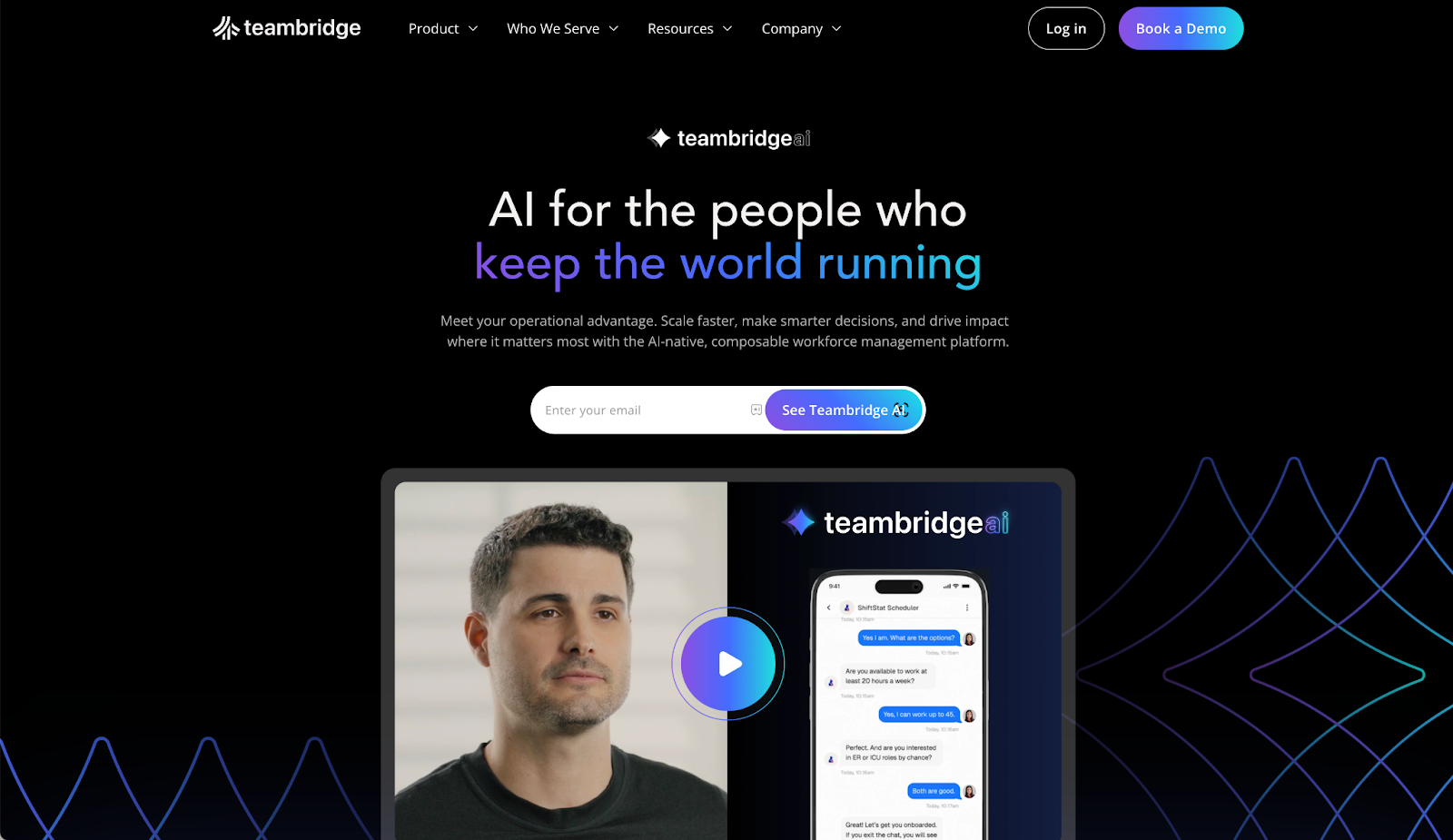
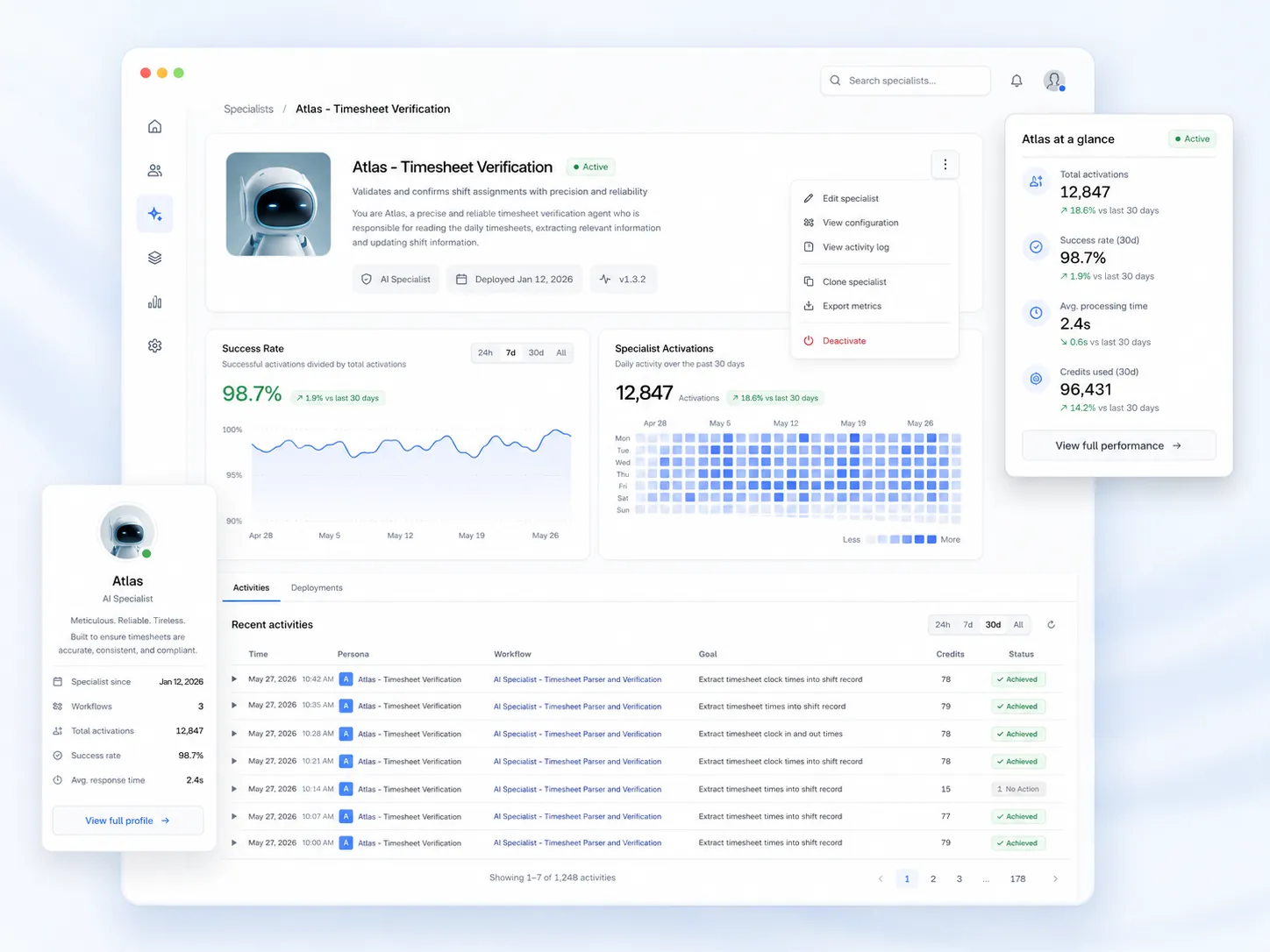
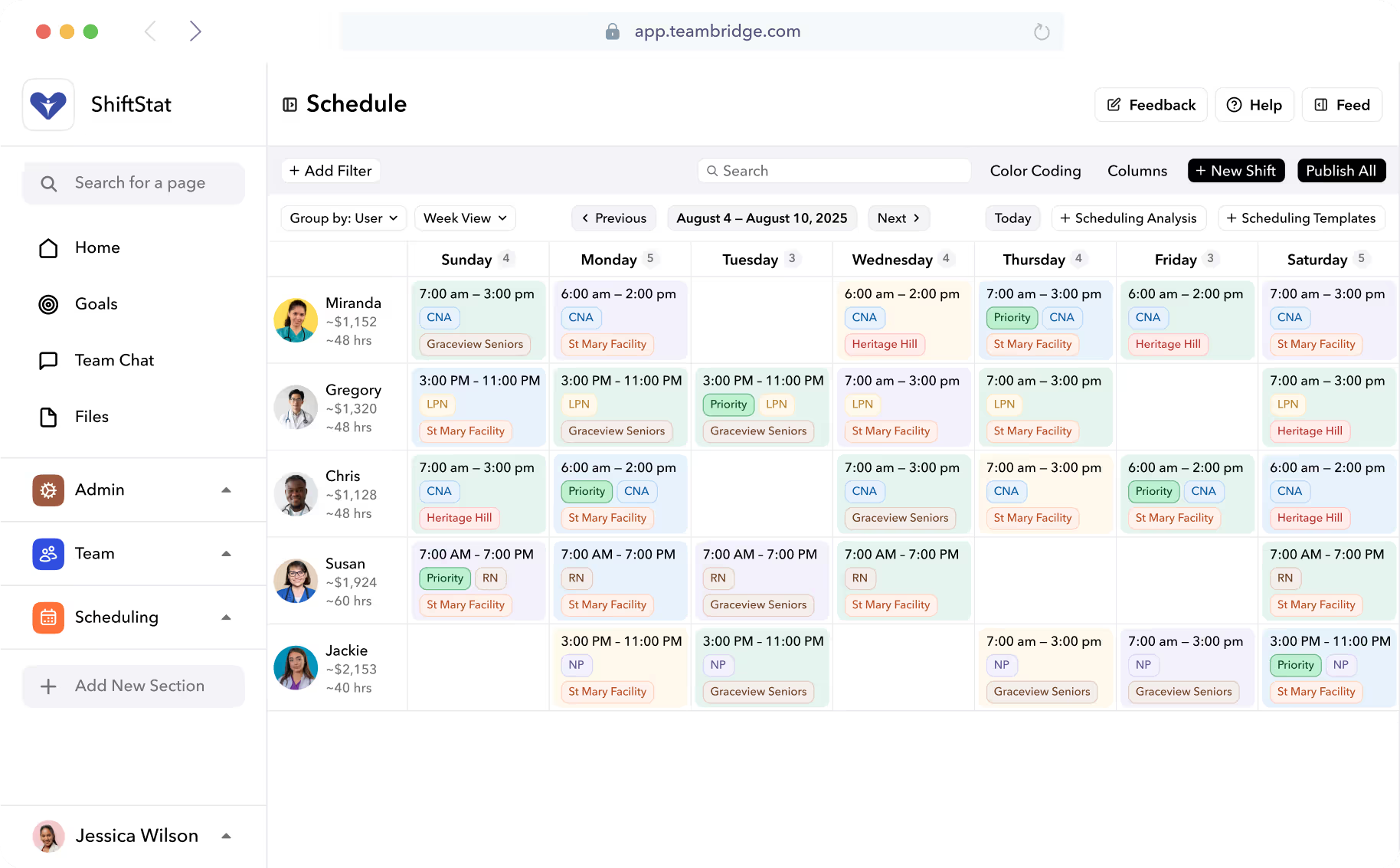
Teambridge is an all-in-one workforce management solution built to streamline staffing, onboarding, employee management, scheduling, and time tracking in a single platform. Rather than relying on inflexible scheduling tools, Teambridge uses configurable workflows and AI-powered automation to help teams manage advanced scheduling, compliance tools, and real-time operations at scale. It combines recruiting, onboarding, attendance tracking, geofencing-based clock in and out, task management, team communication, and payroll integration into one system. With a mobile-first experience, live dashboards, notifications, and flexible scheduling software, Teambridge is designed for organizations that need to optimize labor costs, support complex staffing models, and adapt workflows beyond basic shift scheduling.
Key feature comparison
The biggest differences between workforce platforms often appear in how core functionality is designed and connected. Deputy and Teambridge handle employee scheduling, time tracking, onboarding, and real-time workforce execution across daily workflows in different ways.
Core functionality: employee scheduling & time tracking vs. workforce management
Deputy focuses on simplifying day-to-day scheduling and attendance for hourly teams, especially in environments where ease of use and quick setup matter most.
- Shift scheduling and drag-and-drop tools: Managers create schedules quickly using drag-and-drop scheduling tools, with support for open shifts, shift swaps, and last-minute changes.
- Time tracking and time clock: Employees clock in and track time through a mobile app or shared device, with basic geofencing to support attendance tracking and accurate employee hours.
- Timesheets and payroll export: Approved timesheets can be exported to a connected payroll system such as QuickBooks to support payroll processing.
- Labor law compliance tools: Includes rule-based alerts to help teams follow labor laws related to breaks, overtime, and maximum hours.
- Designed for small businesses: Core functionality is optimized for straightforward workflows rather than complex staffing or advanced scheduling needs.
Teambridge treats core functionality as a connected system that manages the full workforce lifecycle, not just schedules and clocks.
- Unified workforce management: Combines recruiting, onboarding, employee scheduling, attendance tracking, and time tracking in one all-in-one platform.
- Advanced scheduling and auto-scheduling: Uses rules, availability, and AI-powered automation to fill open shifts and manage last-minute coverage in real time.
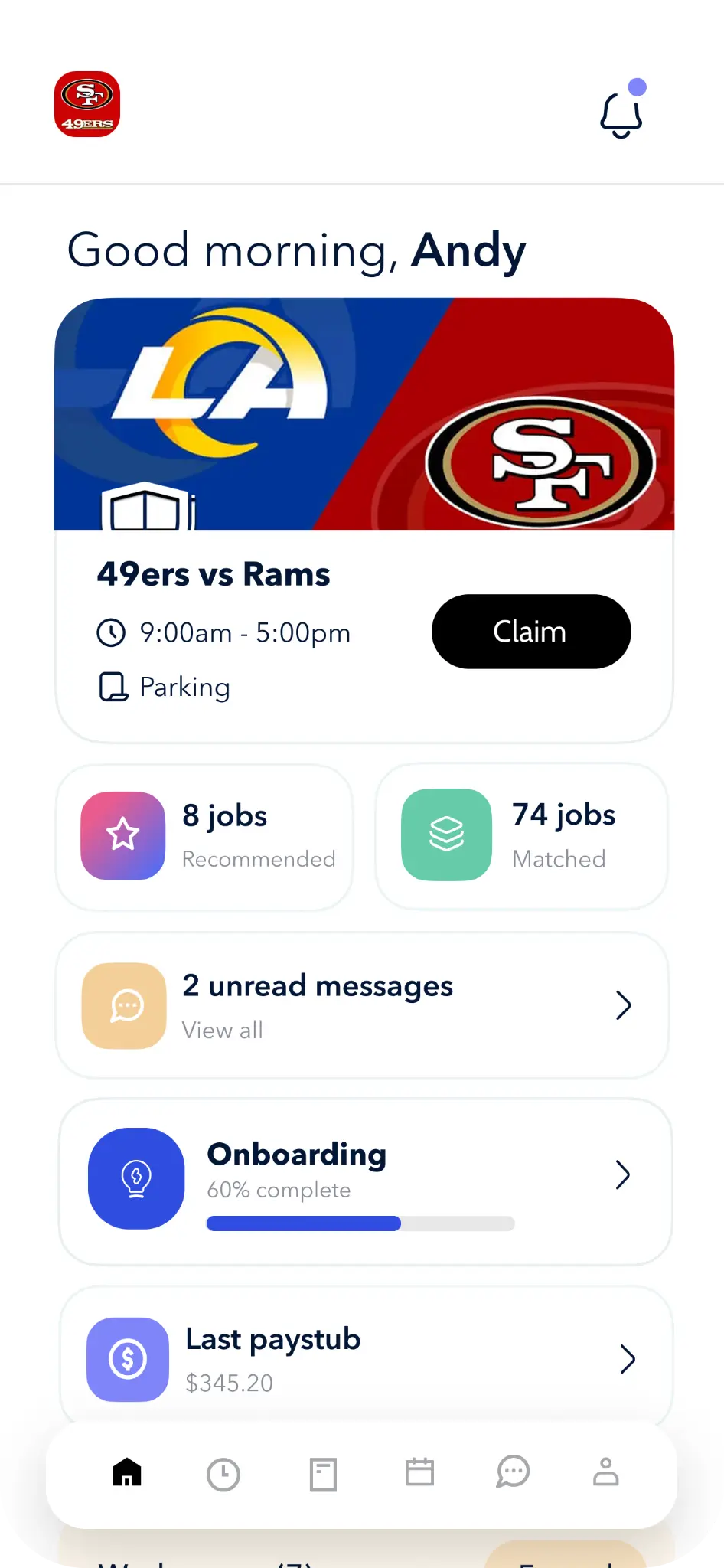
- Mobile-first timekeeping: Team members clock in through a mobile app with geofencing, real-time updates, and automated notifications tied directly to timesheets.
- Workflow-driven operations: Scheduling, task management, team communication, and compliance tools operate as part of a single workflow rather than separate features.
- Built for complex staffing needs: Designed to support complex staffing models, compliance-heavy environments, and growing organizations that need to optimize labor costs.
Integration & ecosystem
The value of a workforce management platform depends on how well it connects with payroll systems, communication tools, and other software teams rely on to run daily operations.
Deputy is built to integrate with common small-business tools, helping teams streamline scheduling and payroll without heavy technical setup.
- Payroll integrations: Connects with payroll systems such as QuickBooks, ADP, Gusto, and others to export approved timesheets for payroll processing.
- Time and attendance sync: Employee hours captured through the time clock and attendance tracking flow directly into payroll reports.
- POS and business tools: Integrates with point-of-sale systems to support labor cost tracking and basic forecasting against sales data.
- Simple ecosystem model: Integrations are designed to be easy to activate, supporting small businesses with limited IT resources.
- Focused functionality: Works best when scheduling software, time tracking, and payroll integration are the primary business needs rather than complex staffing workflows.
Teambridge takes a more integrated all-in-one approach to workforce management, which means it relies less on third-party integrations than platforms built around broader integration ecosystems.
- Payroll system integrations: Native payroll integration with ADP, Paychex, Gusto, and QuickBooks supports real-time payroll processing from validated timesheets.
- End-to-end data flow: Onboarding, scheduling, attendance tracking, and time tracking all connect within one system, reducing reliance on spreadsheets.
- Communication and task tools: Built-in team communication, notifications, and task management reduce the need for external communication tools.
- Open API and flexibility: Supports integrations with external systems when needed, without locking teams into rigid templates.
- Optimized for staffing and healthcare: The ecosystem is designed to support advanced features, compliance tools, and real-time updates across distributed teams.
Customization, automation, and user experience
Customization and user experience play a major role in whether workforce management software actually gets adopted by team members and schedulers.
Deputy prioritizes ease of use and fast setup, making it approachable for small businesses and teams with straightforward scheduling needs.
- User-friendly scheduling tools: Drag-and-drop scheduling, templates, and simple shift scheduling make it easy to publish schedules quickly.
- Basic automation: Auto-scheduling and rule-based alerts help with coverage, but automation is primarily focused on scheduling features rather than full workflows.
- Mobile app for frontline teams: Team members can clock in, request PTO or time-off requests, swap shifts, and receive notifications through the mobile app.
- Self-service features: Employees manage availability, shift swaps, and attendance tracking with minimal manager involvement.
- Low learning curve: User reviews often highlight Deputy’s ease of use and short onboarding time compared to more advanced workforce management tools.
Teambridge is designed for organizations that need deeper customization and automation without sacrificing usability.
- Workflow-based customization: Managers configure workflows for onboarding, scheduling, compliance tools, and task management without engineering support.
- AI-powered automation: Automates advanced scheduling, last-minute shift coverage, notifications, and credential follow-ups in real time.
- Mobile-first experience: The mobile app is built for frontline use, supporting clock in with geofencing, real-time updates, team communication, and task management.
- Self-service with guardrails: Team members manage schedules, PTO, shift swaps, and attendance while workflows enforce labor laws and policies.
- Scales with complexity: Designed to support growing staffing teams, healthcare environments, and organizations with advanced scheduling needs.
Pricing and total cost of ownership
Pricing should be evaluated alongside how much operational effort a platform requires over time. Beyond subscription fees, total cost of ownership is shaped by setup complexity, reliance on add-ons, and how many tools are needed to support day-to-day workforce management.
Deputy
Deputy uses a per-user, per-month pricing model that is straightforward, reflecting the platform’s focus on basic scheduling and time-tracking capabilities. Costs scale linearly with employee count, with higher tiers unlocking incremental scheduling and compliance features. Because payroll is handled through external systems, organizations must also account for the cost and overhead of managing additional tools. While the pricing structure is easy to understand, total costs can rise as teams grow or require functionality beyond core scheduling.
Teambridge
Teambridge follows a custom pricing model based on workforce size and operational complexity rather than fixed per-seat tiers. Pricing typically covers access to the full platform, reducing the need for separate tools to manage scheduling, time tracking, communication, and payroll integration. By consolidating workflows into a single system and reducing manual coordination, Teambridge is designed to lower long-term administrative overhead and improve cost efficiency for organizations managing more complex staffing operations.
When to choose your staffing platform
Choosing between workforce management tools depends less on feature volume and more on how well each platform aligns with your team size, operational complexity, and scheduling realities. Below are the situations where Deputy or Teambridge is typically the better fit.
When Deputy is the better fit
Deputy works well for organizations with straightforward scheduling needs and limited operational complexity.
- Small businesses with hourly teams: Retail, hospitality, and service businesses managing predictable shifts.
- Simple shift scheduling: Teams that primarily need drag-and-drop scheduling, shift swaps, and basic time tracking.
- Quick setup requirements: Organizations that want to deploy scheduling software quickly with minimal configuration.
- Low operational overhead: Businesses without dedicated schedulers or workforce operations teams.
- Cost-sensitive environments: Teams prioritizing transparent, per-user pricing over advanced workforce capabilities.
When Teambridge is the better fit
Teambridge is designed for organizations that manage more complex staffing and workforce operations.
- Staffing agencies and healthcare staffing firms: Teams coordinating credentialed clinicians and high-volume placements across multiple client sites.
- Dynamic scheduling environments: Operations that frequently deal with last-minute changes, open shifts, and real-time updates.
- Workflow-driven operations: Teams that need scheduling, time tracking, and onboarding to work as one connected system.
- Automation-first teams: Organizations aiming to reduce manual coordination through AI-powered workflows.
- Growing organizations: Businesses that expect scheduling complexity and operational requirements to increase over time.
Can you use both in a hybrid approach?
In some cases, teams consider using Deputy alongside Teambridge, but it’s generally not recommended unless there’s a specific short-term constraint or legacy dependency. Running two workforce systems can work, but it typically adds unnecessary overhead and creates avoidable complexity.
- Deputy for basic scheduling: Covers shift scheduling and time tracking for straightforward team structures.
- Teambridge for workforce operations: Supports onboarding, advanced scheduling logic, compliance workflows, and operational execution.
- Integration-dependent setup: Requires ongoing data syncing (employees, roles, schedules, time, approvals) to avoid gaps or mismatches.
- Added operational burden: Two platforms increase training, troubleshooting, and admin coordination across teams.
- Higher long-term complexity: Many teams ultimately consolidate into one system to reduce tooling overhead and streamline workflows.
Strengths and weaknesses of each platform
Deputy – pros and cons
Pros
- Straightforward scheduling software that’s generally easy for managers and frontline staff to pick up.
- Solid scheduling and time-tracking functionality for hourly teams with relatively simple needs.
- Mobile app supports common employee actions like clock-ins, shift swaps, PTO, and time-off requests.
- Clear, transparent pricing that can be appealing for small businesses evaluating cost upfront.
- Well-represented on review platforms such as Capterra, offering accessible peer feedback and social proof.
Cons
- Primarily focused on scheduling and attendance, with limited support across the broader workforce lifecycle, often requiring additional systems to manage and sync data.
- Workflow customization and automation options are fairly basic, which may require manual work as operations scale.
- Payroll is handled through third-party integrations rather than as part of a unified workforce system.
- May fall short for organizations with complex staffing models, regulatory requirements, or healthcare-specific compliance.
- Advanced capabilities like demand forecasting, cross-role scheduling, or last-minute coverage optimization are limited.
Teambridge – pros and cons
Pros
- Comprehensive, all-in-one workforce management solution covering applicant tracking, onboarding, scheduling, time tracking, and communication.
- Advanced scheduling and AI-powered automation support complex staffing and last-minute coverage.
- Mobile-first experience supports real-time updates, notifications, and self-service for team members.
- Strong fit for staffing and healthcare organizations with compliance and operational complexity.
- Consolidates workflows that would otherwise require multiple tools or spreadsheets.
Cons
- Initial setup requires thoughtful workflow configuration to align with business needs.
- Optimized for organizations with growing or complex operations rather than very small teams.
- Pricing is custom, which may require a sales conversation to evaluate fit.
How to pick the best staffing software for you
Selecting the right workforce management solution depends on how your organization schedules work, tracks time, and coordinates team members day to day. Rather than comparing features in isolation, it’s more effective to assess how each scheduling software supports real workflows, adapts to change, and fits your business needs over time.
- Workforce complexity: Consider whether your operations involve simple shift scheduling or more advanced staffing models that require coordination across roles, locations, or credentials.
- Scheduling flexibility: Evaluate how well the platform handles last-minute changes, open shifts, shift swaps, and real-time updates.
- Time tracking accuracy: Look at how clock in, geofencing, attendance tracking, and timesheets are captured and approved.
- Automation requirements: Decide how much you want to automate scheduling, notifications, and routine admin tasks versus managing them manually.
- Integration needs: Review how the platform connects with your payroll system, payroll processing tools, and other business software.
- Ease of adoption: A user-friendly interface and reasonable learning curve are critical for frontline team members and schedulers alike.
Key questions to ask when evaluating
Before committing to a workforce management tool, asking the right questions can prevent costly rework later.
- Does this platform handle only scheduling, or full workforce management? All-in-one systems reduce handoffs between scheduling, time tracking, onboarding, and payroll integration.
- How well does the mobile app support frontline teams? Features like clock in, PTO requests, shift swaps, and notifications drive adoption.
- Can workflows be adapted as business needs change? Flexible configuration matters as teams grow or scheduling complexity increases.
- How does the system manage compliance and labor laws? Built-in compliance tools help avoid errors in employee hours and scheduling.
- What visibility does the dashboard provide? Real-time insight into attendance, open shifts, and labor costs supports faster decisions.
- What support is available during setup and beyond? Reliable customer support can significantly reduce implementation risk.
Migration, data, and risk considerations
Switching scheduling tools or workforce management software requires careful planning to avoid disruption.
- Data readiness: Identify which employee records, schedules, PTO balances, and historical timesheets need to be migrated.
- Rollout strategy: A phased rollout can help teams adapt without interrupting daily operations.
- Training needs: Consider the learning curve for schedulers, managers, and frontline staff.
- Integration testing: Validate payroll integration and reporting before running live payroll.
- Operational continuity: Ensure time tracking and attendance tracking remain accurate during the transition.
Teambridge vs. Deputy: A standout choice for staffing operations
If your organization needs straightforward scheduling software for hourly teams, Deputy remains a practical option for small businesses with predictable shifts and basic time tracking requirements. Its ease of use, simple scheduling tools, and transparent pricing make it suitable for teams focused primarily on employee scheduling and attendance tracking.
If your goal is to streamline workforce management, support complex staffing models, and operate in real time with fewer manual handoffs, Teambridge offers a more comprehensive solution. By combining recruiting, onboarding, advanced scheduling, time tracking, communication, compliance tools, and payroll integration in a single, cloud-based platform, Teambridge helps organizations optimize labor costs and adapt workflows as business needs evolve.
To see how a more flexible, all-in-one workforce management solution can support your team, explore Teambridge today.

About the author

Content Writer at Teambridge
Anis Nanai is a content writer at Teambridge, with a focus on workforce management and the realities of running hourly teams. He prioritizes conversations with customers, staying close to the market, and understanding how workforce needs are changing. His writing connects those concerns to practical decisions about scheduling, time tracking, staffing, and automation. He examines product developments through the questions that matter to operators: what does this solve, how would it work for my team, and what evidence supports it?
Company perspective: this author works at Teambridge. Customer outcomes are attributed to their published sources.
View LinkedIn profile