Compare
Teambridge vs Quinyx: enterprise WFM, or AI workforce operations.
Quinyx is enterprise workforce management with AI forecasting and scheduling. Teambridge focuses on AI specialists that execute the operational work end to end.

Teambridge is a fit for
- Teams that want AI to execute follow-up, not only forecast labor
- Operators who need exception handling across time, comms, and pay
- Frontline orgs connecting scheduling with documents and billing
The operating difference
A clearer look, side by side.
Quinyx visuals are public product or brand assets where available. Teambridge is shown as the workflow layer operators use to turn events into action.
Public view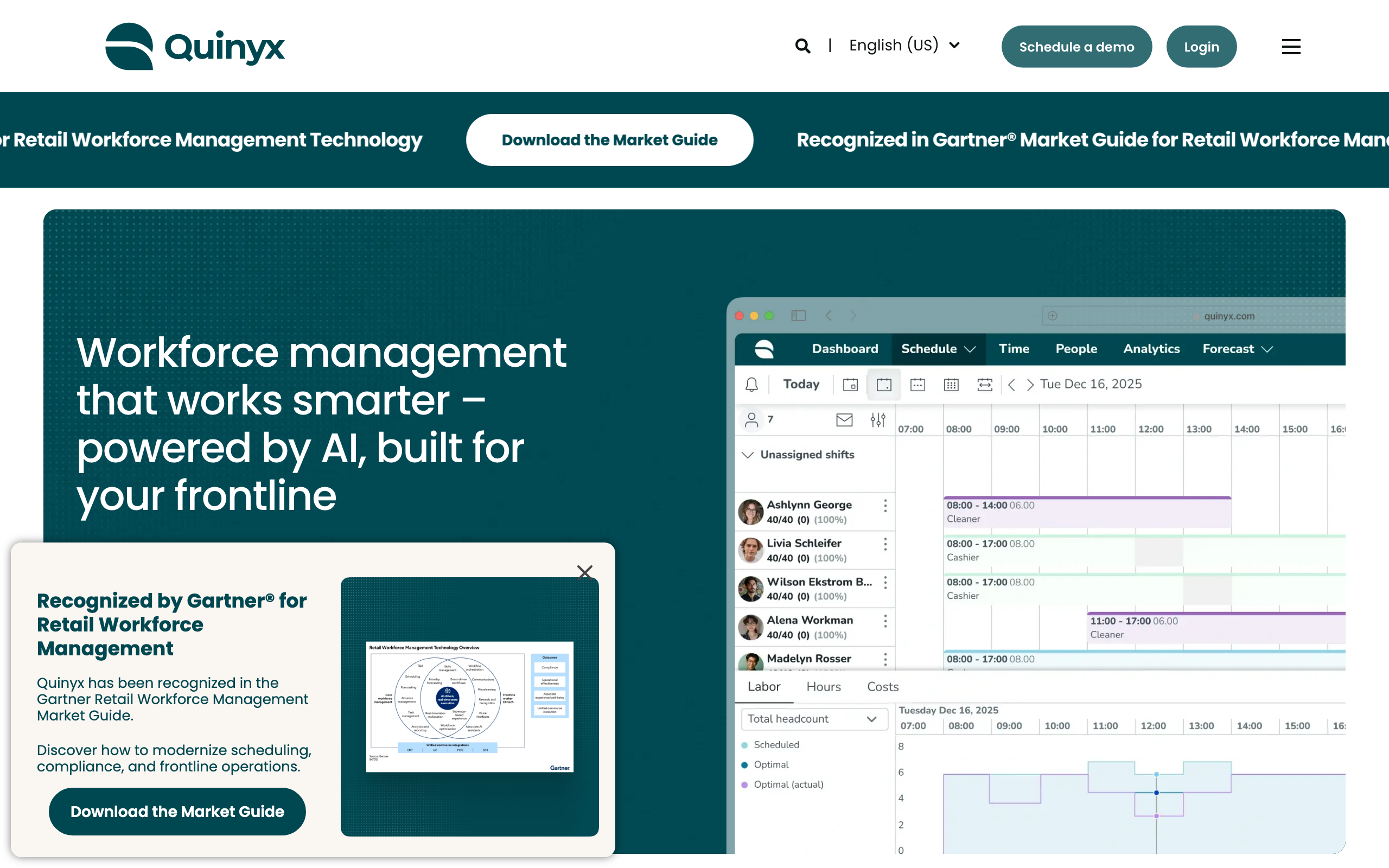 Workflow view
Build schedules, fill open shifts, and manage sites from one admin workspace.
How it works
From open shift to covered — automatically.
The problem
Friday coverage
2 gapsThe workflow
ranking eligible workers
Maria S.
RN · 2.1 mi · available
James T.
RN · overtime risk
Lena P.
RN · restricted site
The outcome
Coverage
FilledMaria S. confirmed
RN · 7:00 PM · covered in 47s
47s
to fill
0
manager texts
3x
faster shift fill rate
40%
less admin work
85%
fewer payroll errors
Inside Teambridge
See the actual product.
Scheduling & admin tools
Build schedules, fill open shifts, and manage sites from one admin workspace.

Time tracking & approvals
Capture hours, breaks, and exceptions, then approve for payroll.

Team communication
Message workers across channels and track acknowledgements.

Worker mobile app
Workers claim shifts, clock in, and complete tasks from their phone.
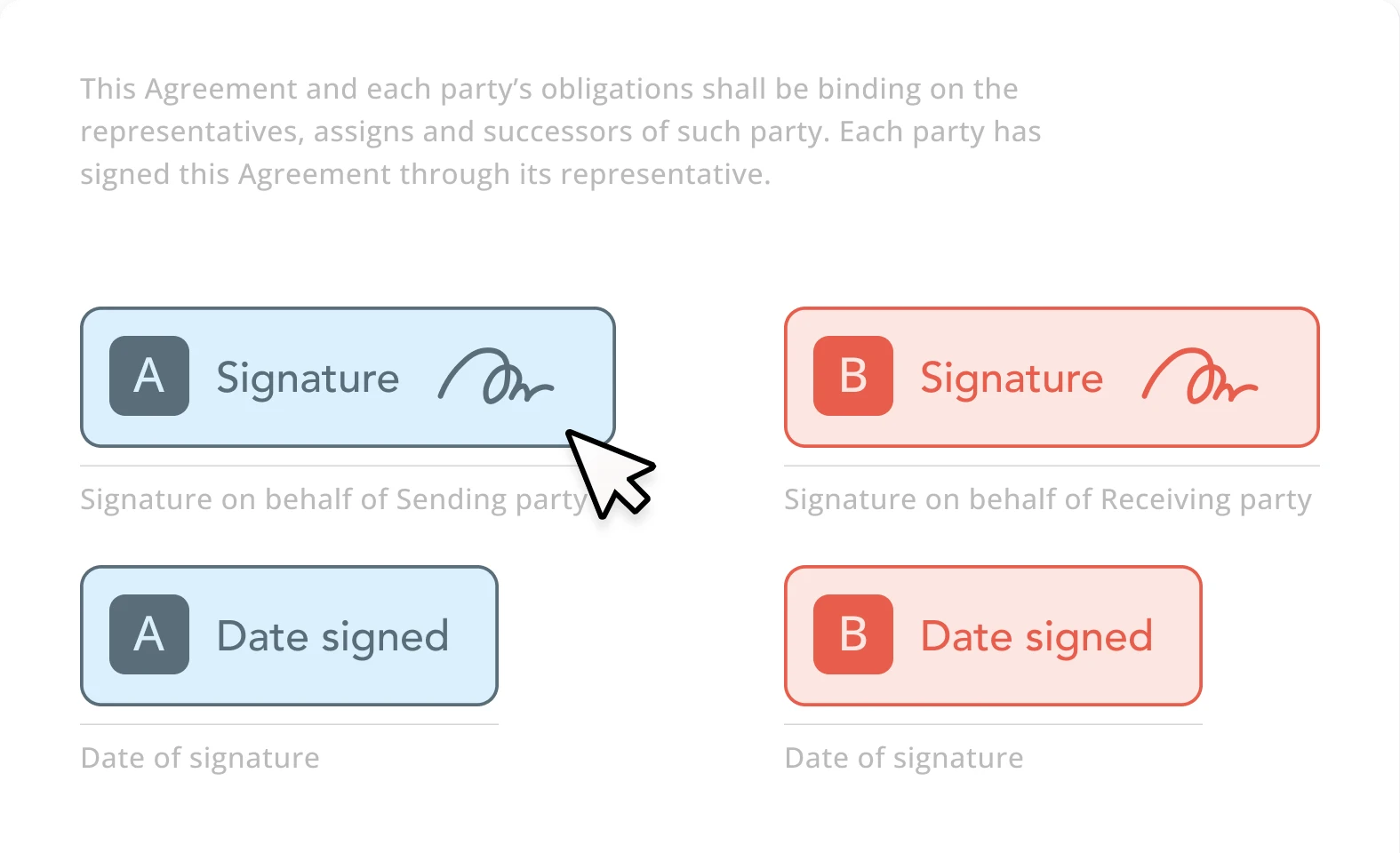
Documents & e-signature
Send forms, collect e-signatures, and store signed documents.
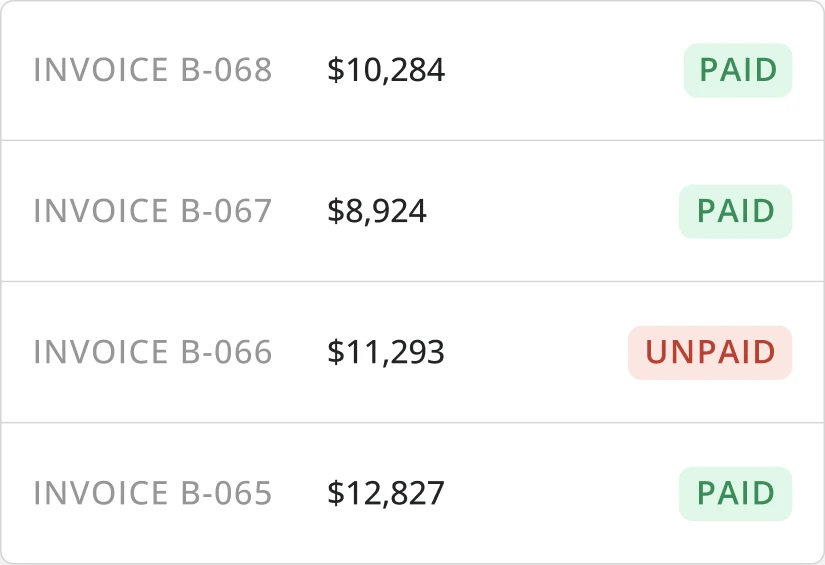
Invoicing & billing
Turn approved time and activity into client-ready invoices.
Side by side
Quinyx compared with Teambridge.
What to evaluate
Three questions that actually matter.
Workflow automation
Look beyond whether a platform stores data — can it detect exceptions, trigger outreach, enforce rules, and move work forward automatically?
Exception handling
Missed punches, late arrivals, expired credentials, and callouts should trigger workflows instead of becoming manual manager tasks.
Operational breadth
If scheduling, time, communication, onboarding, and billing are disconnected, managers still spend time reconciling work across tools.
Fair read
Where each platform fits.
Quinyx is strong when
- AI-powered demand forecasting and complex scheduling at scale
- Intuitive interface with a low learning curve for daily tasks
- Measurable labor-cost reductions reported by enterprise users
Teambridge is strong when
- Built for what happens after schedules change: callouts, no-shows, and follow-up
- AI specialists automate operational work that usually stays with managers
- One platform across scheduling, time, communication, compliance, and billing
What clients say
Quinyxreviews, in clients' words.
Aggregated from public review platforms in June 2026. Ratings change over time — open any source for current numbers.
Clients praise
- AI-powered forecasting that goes beyond simple scheduling tools
- Intuitive interface with a low learning curve
- Handles complex scheduling at scale with reported labor-cost savings
Common watch-outs
- Slow response times during reporting and lag when switching modules
- Reporting is comprehensive but not always easy to use
- Customization can feel limited for specific needs
Which is right for you
Honestly? It depends on your team.
Both are good tools. Here is the straight answer on who each one fits best — so you pick what is right for you, not just for us.
Choose Quinyx if you…
- AI labor-demand forecasting is the primary capability you're buying
- You optimize budget-driven scheduling across high-volume retail or hospitality sites
- Forecast accuracy matters more than automating the work after the schedule
Choose Teambridge if you…
- Teams that want AI to execute follow-up, not only forecast labor
- Operators who need exception handling across time, comms, and pay
- Frontline orgs connecting scheduling with documents and billing
Learn how it works
Go deeper in the docs.
Fill open shifts
How Teambridge moves an open shift to a confirmed assignment.
Open docControl overtime
Block or flag overtime before it reaches payroll.
Open docPlatform concepts
Collections, workspaces, access groups, and workflows explained.
Open docVideo library
Short walkthroughs of real Teambridge workflows.
Open docAsk Nova
Open any documentation page and ask Nova how to build a workflow for your operation — scheduling, compliance, payroll prep, and more.
Open the docsFAQ
Common questions
Is Teambridge an alternative to Quinyx?
Yes. Quinyx is strong for enterprise forecasting and scheduling; Teambridge adds AI specialists that execute the operational follow-up across the workflow.
Does Teambridge do labor forecasting?
Teambridge focuses on executing operations — fill, recovery, exceptions, and follow-up. Forecasting-heavy enterprises may weigh Quinyx's labor optimization.
Which is faster to implement?
Teambridge is built to configure to real operating logic quickly; evaluate both against your exact rules and timeline.