Compare
Teambridge vs UKG: choosing a workforce platform for faster frontline operations.
UKG is widely known in workforce management. Teambridge is built for operators who want AI-native workflows across scheduling, communication, compliance, time, onboarding, and pay.

Teambridge is a fit for
- Teams modernizing high-volume shift operations
- Operators that need workflow automation across multiple systems
- Frontline organizations that want AI specialists to handle repetitive admin work
The operating difference
A clearer look, side by side.
UKG visuals are public product or brand assets where available. Teambridge is shown as the workflow layer operators use to turn events into action.
Public view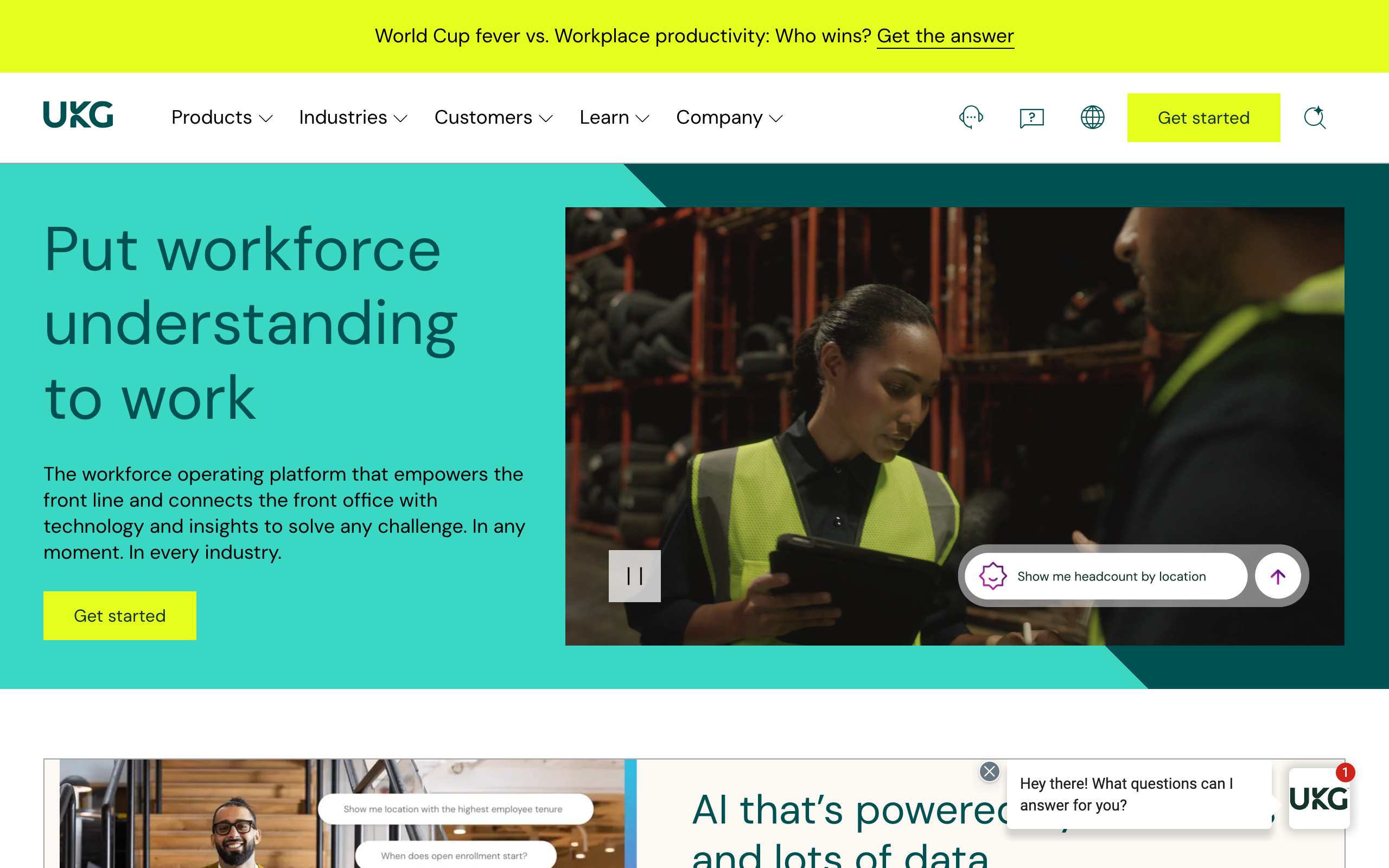 Workflow view
Build schedules, fill open shifts, and manage sites from one admin workspace.
How it works
From open shift to covered, automatically.
The problem
Friday coverage
2 gapsThe workflow
ranking eligible workers
Maria S.
RN · 2.1 mi · available
James T.
RN · overtime risk
Lena P.
RN · restricted site
The outcome
Coverage
FilledMaria S. confirmed
RN · 7:00 PM · covered in 47s
47s
to fill
0
manager texts
$2.4M
annual labor savings reported by ProCare HR
45%
employee retention lift at Levi's Stadium
75%
reduction in onboarding time for USS
Inside Teambridge
See the actual product.
Scheduling & admin tools
Build schedules, fill open shifts, and manage sites from one admin workspace.

Time tracking & approvals
Capture hours, breaks, and exceptions, then approve for payroll.

Team communication
Message workers across channels and track acknowledgements.

Worker mobile app
Workers claim shifts, clock in, and complete tasks from their phone.
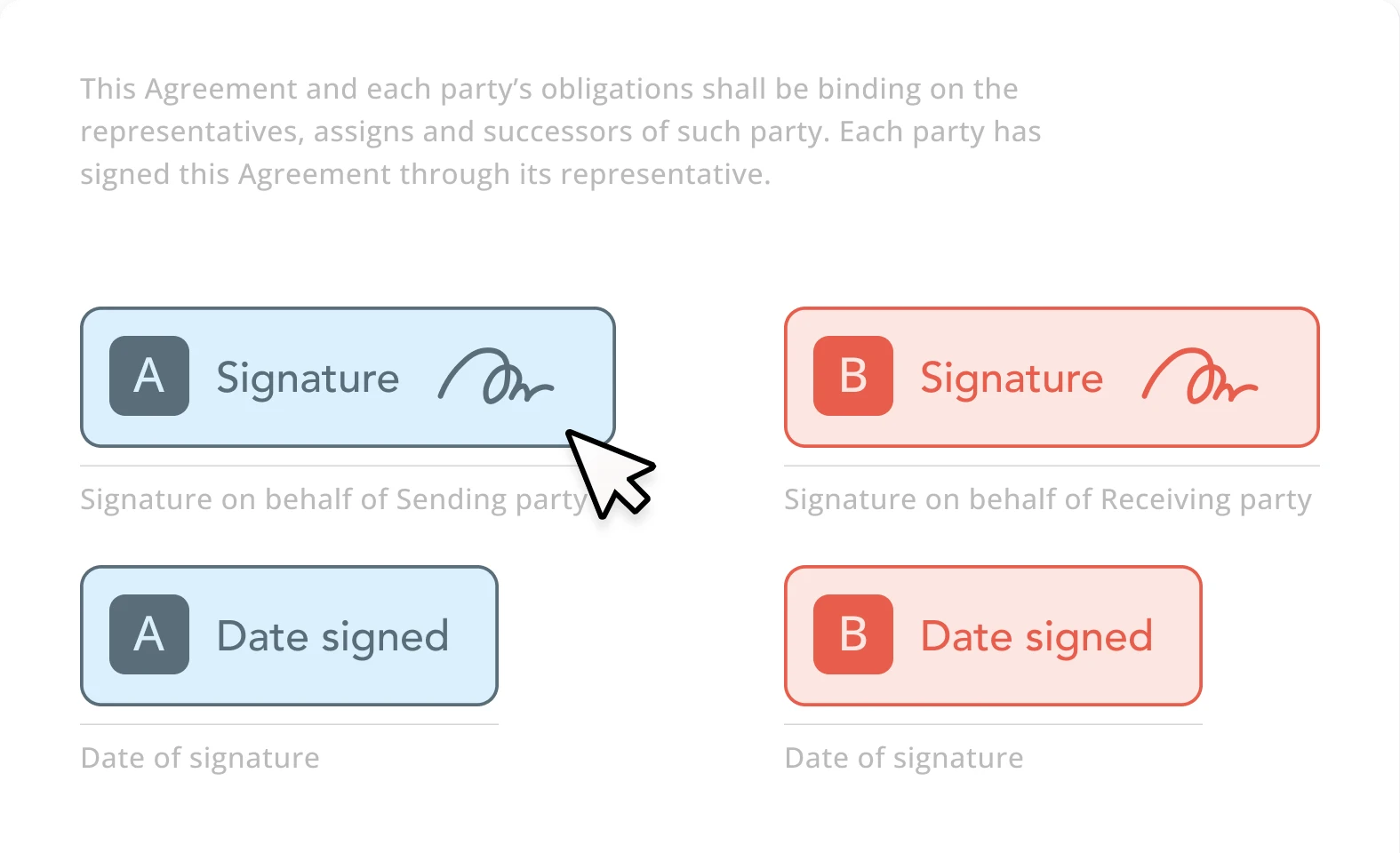
Documents & e-signature
Send forms, collect e-signatures, and store signed documents.
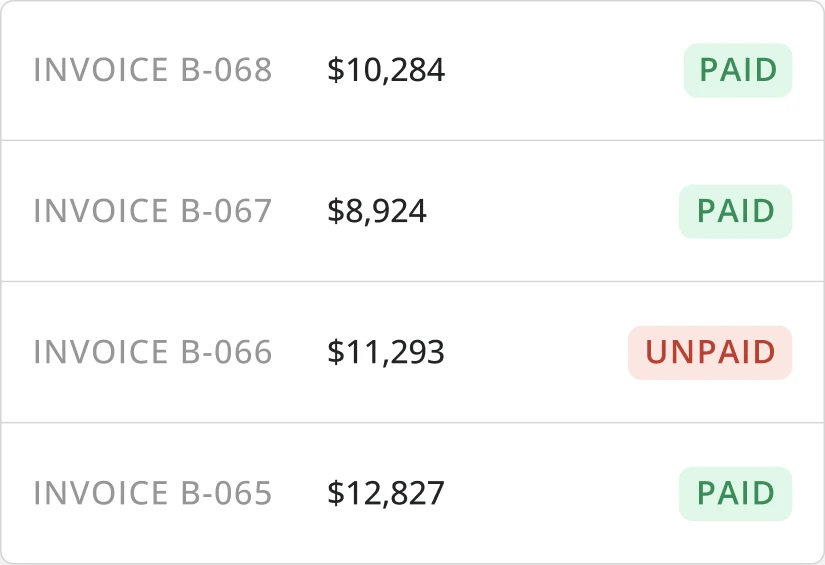
Invoicing & billing
Turn approved time and activity into client-ready invoices.
Side by side
UKG compared with Teambridge.
What to evaluate
Three questions that actually matter.
Workflow automation
Look beyond whether a platform stores workforce data. Evaluate whether it can detect exceptions, trigger outreach, enforce rules, and move work forward automatically.
Implementation flexibility
Frontline operations vary by industry, site, client, credential, and pay rule. Buyers should evaluate how quickly the platform can adapt to real operating logic.
Worker experience
Adoption depends on whether staff can view schedules, respond to shifts, complete tasks, and get updates without manager follow-up.
Fair read
Where each platform fits.
Where UKG is strong
- Broad HR, payroll, time, scheduling, and workforce management suite coverage.
- Recognizable enterprise vendor for large, complex HR and operations teams.
- Public positioning emphasizes people-first AI, insights, and global workforce breadth.
Where Teambridge is strong
- AI workflows built to execute frontline follow-up, not only surface workforce data.
- Flexible operating layer across scheduling, time, documents, communication, and billing.
- Designed for operators who need fast configuration around real site, client, role, and credential logic.
What clients say
UKGreviews, in clients' words.
Aggregated from public review platforms in June 2026. Ratings change over time, so open any source for current numbers.
Clients praise
- Broad HR, payroll, time, and workforce management suite in one platform
- Strong value and ROI versus stitching multiple point tools together
- Advanced scheduling for complex shift patterns; user-friendly mobile app
Common watch-outs
- Steep learning curve and long implementation, often cited at 6–12 months
- Reporting can be complex; admins report support that struggles to scale
- Interface can feel slow or dated; premium pricing (~$20–30 per employee/mo)
Which is right for you
Honestly? It depends on your team.
Both are good tools. Here is the straight answer on who each one fits best, so you pick what is right for you, not just for us.
Choose UKG when
- You're standardizing HR, payroll, and benefits across a large workforce
- One enterprise vendor for HCM and WFM matters more than rollout speed
- You have the IT and HR resources for a 6–12 month implementation
Choose Teambridge when
- Teams modernizing high-volume shift operations
- Operators that need workflow automation across multiple systems
- Frontline organizations that want AI specialists to handle repetitive admin work
Learn how it works
Go deeper in the docs.
Fill open shifts
How Teambridge moves an open shift to a confirmed assignment.
Open docControl overtime
Block or flag overtime before it reaches payroll.
Open docPlatform concepts
Collections, workspaces, access groups, and workflows explained.
Open docVideo library
Short walkthroughs of real Teambridge workflows.
Open docAsk Nova
Open any documentation page and ask Nova how to build a workflow for your operation: scheduling, compliance, payroll prep, and more.
Open the docsFAQ
Common questions
Is Teambridge an alternative to UKG?
Teambridge may be considered by teams evaluating workforce management platforms, especially when AI-native workflow automation and frontline operations are central to the buying criteria.
What should buyers compare first?
Start with your highest-friction workflows: open shift coverage, no-show recovery, timecard exceptions, onboarding, compliance, and worker communication.