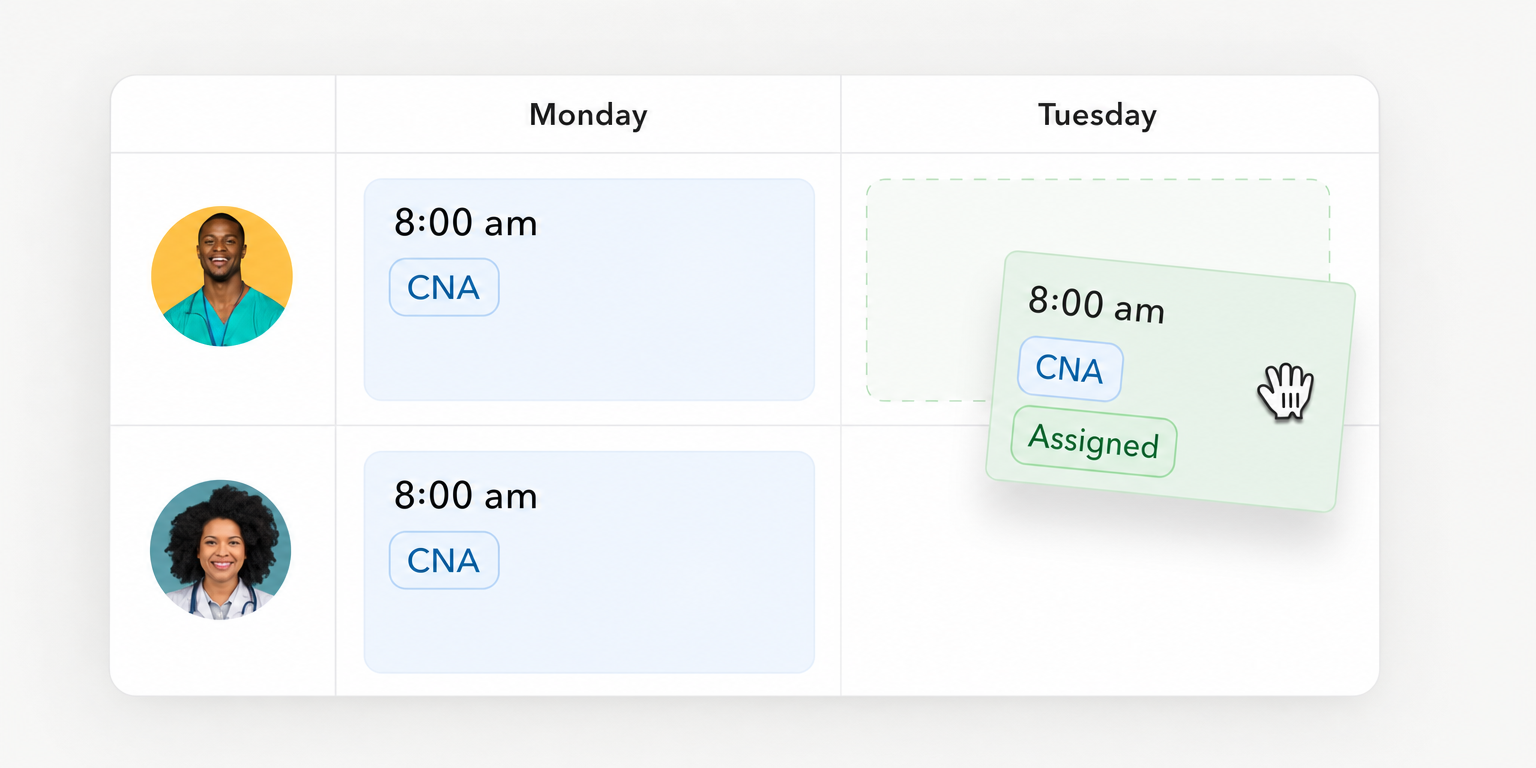
Hotel staff scheduling software assigns workers to department shifts. Shortlist Teambridge for an all in one platform for hourly teams, HotSchedules for hotel restaurants and bars, Unifocus for hotel labor planning, and M3 Labor Management for labor oversight alongside M3 accounting. These are editorial fit assessments based on the linked documentation, not tested rankings.
Broader hospitality workforce management connects schedules with attendance and labor costs. Whether you search for hotel staffing software or a hotel staff scheduler, the buying question is the same: can the proposed setup translate your workload into coverage and deliver usable records to payroll?
4 top hotel employee scheduling software options
Start with department fit. A restaurant scheduling demonstration does not prove housekeeping workload planning, and a payroll integration listing does not prove your import will reconcile.
| Product and evidence | Housekeeping, front desk, and food service fit | Purchasing route | Connections and evaluation boundary |
|---|---|---|---|
| Teambridge | Consider for scheduling and hourly workforce operations across departments. Demonstrate your housekeeping workload and desk coverage requirements. | Discuss property requirements directly. | Hotel documentation connects time records with property, department, role, and review. Named PMS compatibility and payroll mapping require confirmation. |
| HotSchedules | Strongest documented fit here is restaurants and bars. Demonstrate housekeeping planning and front desk minimum coverage separately. | Fourth directs buyers to a demo. | Fourth names PAR POS, Toast, Oracle Micros, and NCR Aloha. POS connections do not establish hotel PMS compatibility. |
| Unifocus | Consider for hotel labor planning using business drivers and labor standards. Test each department’s drivers. Housekeeping operations require separate scope confirmation. | Demo route; confirm included modules and commercial terms. | Scheduling documentation covers skills, seniority, and assignments across properties. Confirm the proposed PMS and payroll connections. |
| M3 Labor Management | M3 explicitly describes front desk and housekeeping scheduling. Demonstrate food service workload requirements. | Sales and demo route; request a scoped proposal. | M3 documents a connection to Accounting Core. Payroll fields and approved time delivery need separate validation. |
These purchasing routes are not comparable subscription prices. Request proposals against the same property count, departments, implementation responsibilities, and required connections.
Unifocus’s separate housekeeping product documents room assignments, mobile task sheets, supervisor reassignment, and inspections. Do not assume those functions come with the scheduling proposal. Across all four options, an undocumented capability needs demonstration; it is not automatically absent.
Must have features for hotel staff scheduling software
Housekeeping needs departures, stayovers, cleaning standards, and room readiness deadlines. Front desk needs minimum position coverage even when occupancy falls. Food service needs demand inputs such as reservations and sales, with qualified staff assigned to the necessary positions.
Hotel shift scheduling answers who works when. Hotel labor management systems should also help you compare planned labor with recorded work. For hospitality employee scheduling across properties, evaluate shared worker hours rather than treating each property calendar as an isolated plan.
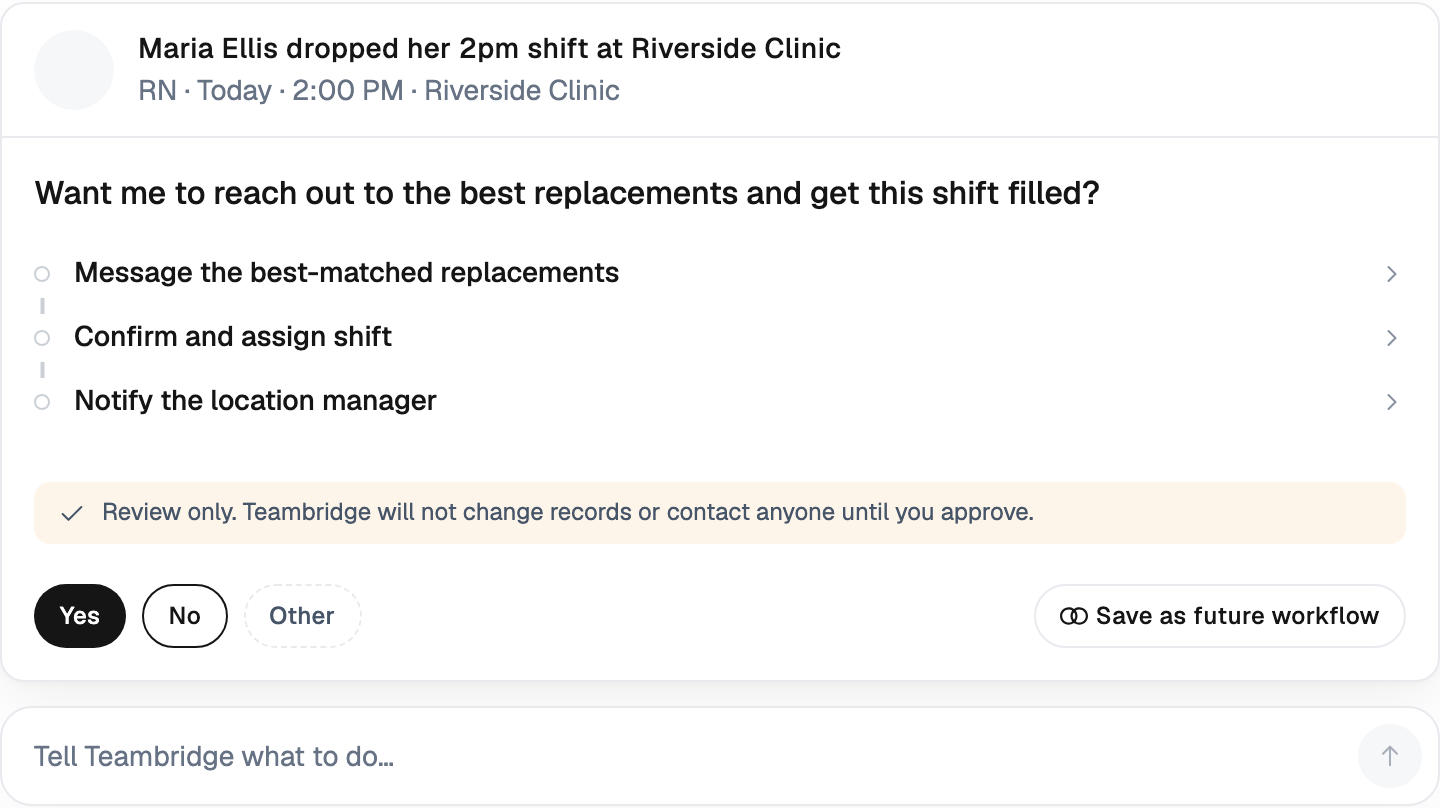
For call offs and open shifts, test three independent requirements:
- Eligibility: Does the proposed setup apply role, location, availability, and hours requirements?
- Communication: Can an eligible worker receive and respond to the opening?
- Saved assignment: Does the accepted assignment appear on the schedule, with unresolved coverage still visible?
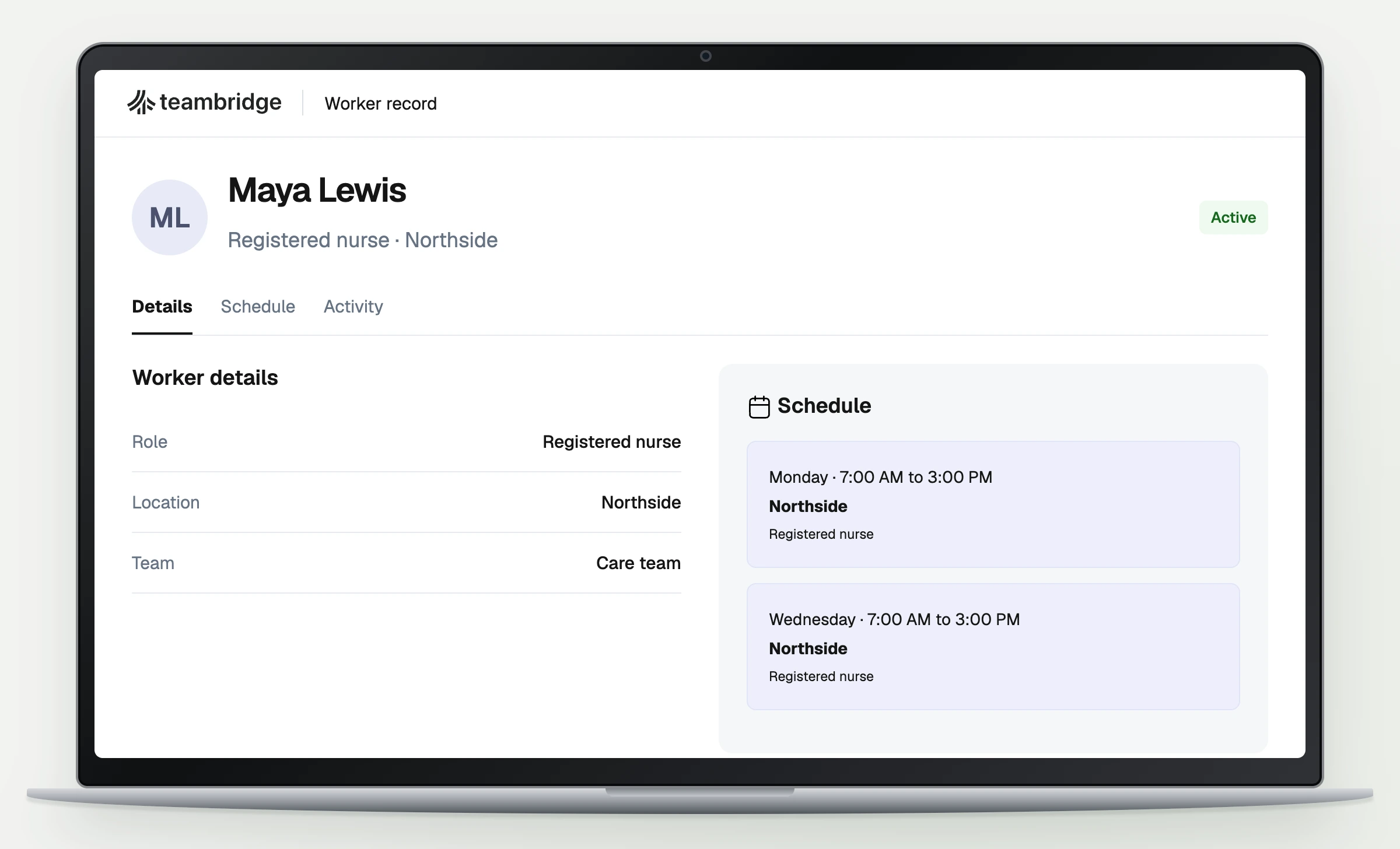
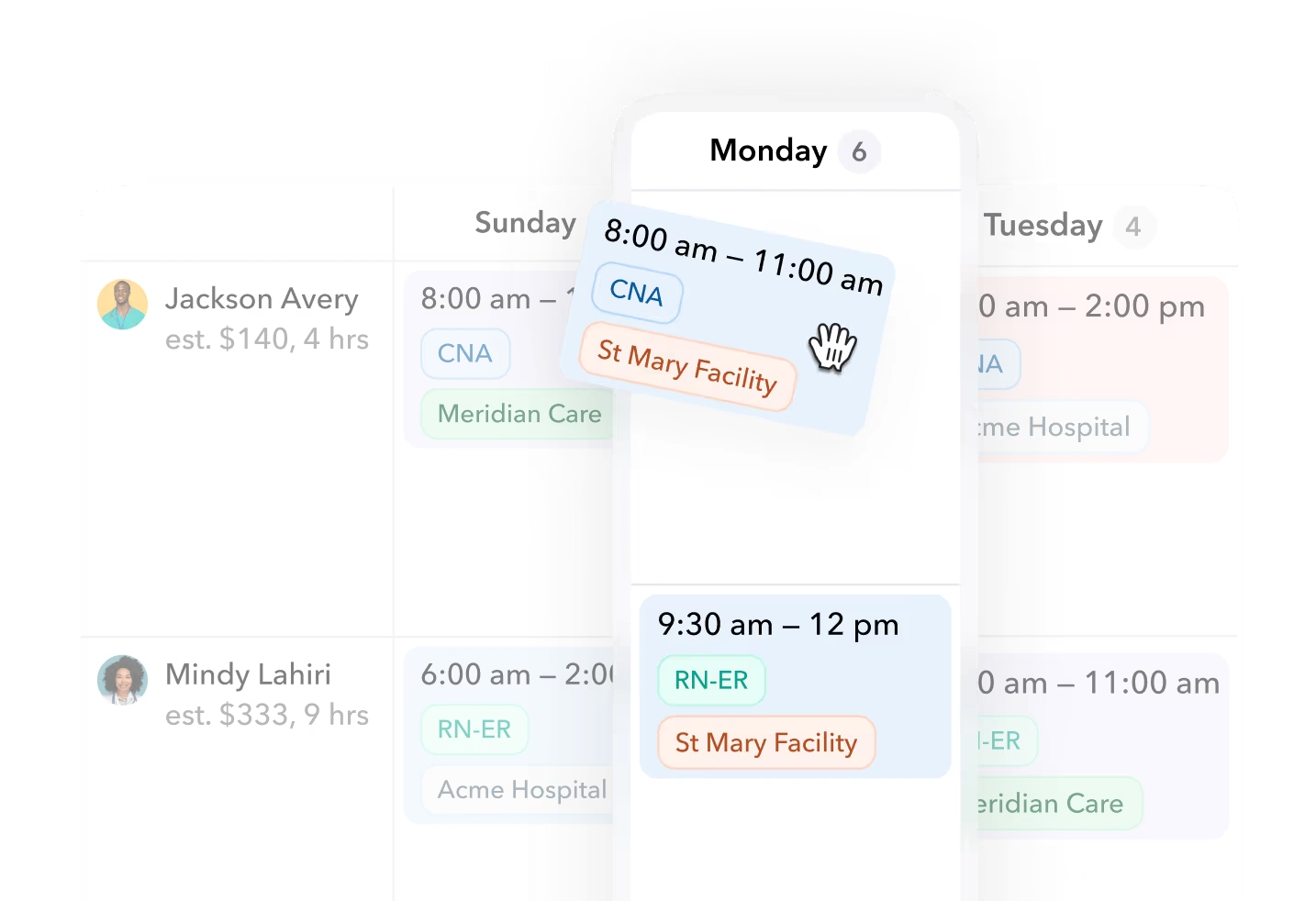
Teambridge scheduling documents assignment criteria and mobile open shift claims returned to the schedule. That supports a coverage workflow, not a guarantee that someone will accept every opening.
Verify the connection, not just the integration logo
The public evidence supports specific connections, not universal compatibility. Unifocus integrations identifies PMS, payroll, and HCM categories, but the supplied documentation does not establish a named PMS field specification. Ask every vendor to confirm your exact PMS, version, and required data.
Operator view
Supporting evidence
https://www.proliant.com/integrations/marketplace/unifocus
https://www.m3as.com/wp-content/uploads/2024/08/Inova-M3-Pdf-.pdf
https://help.hotschedules.com/hc/en-us/articles/4421642338701-Understanding-Partner-Integrations-and-APIs
ProLiant’s direction label does not establish live synchronization. The Inova field list does not establish the reverse delivery of approved time to payroll. Fourth’s general integration documentation describes feasibility, development, testing, and approval, rather than proving that a particular hotel connection is ready.
Require a written mapping with the named system, applicable product, supported fields, transfer direction, refresh interval, and error owner. Have payroll identify who can approve and export time, where the approved state is saved, and what happens when a record is rejected. A connector is useful only when the receiving system accepts the required records.
Put the workflow into practice
See how your team could use this workflow
Best practices for effective hotel employee scheduling
Build the staffing requirement before assigning names. Occupancy alone cannot tell you how many rooms require a full departure clean or when those rooms must be ready.
Calculate housekeeping work separately from desk coverage
This hypothetical example uses illustrative assumptions, not hotel benchmarks or customer results: 60 departures, 40 stayovers, 30 minutes per departure clean, 15 minutes per stayover, and six productive cleaning hours per attendant shift.
| Step | Calculation | Result |
|---|---|---|
| Departure cleaning | 60 × 30 minutes | 1,800 minutes |
| Stayover cleaning | 40 × 15 minutes | 600 minutes |
| Total productive work | (1,800 + 600) ÷ 60 | 40 hours |
| Attendant shifts required | 40 ÷ 6 = 6.67, rounded up | Seven shifts |
Seven attendant shifts cover the assumed aggregate workload. Productive cleaning time excludes breaks and other duties. Laundry, public areas, inspections, and deep cleans need separate allowances.
Seven shifts can cover the total cleaning hours and still miss room readiness deadlines.
If most departures happen late and arrivals cluster early, distributing those shifts evenly across the day will not solve the workload peak. Adjust start times and qualified float coverage against the actual room release window.
Keep minimum position coverage separate. Assume this property requires one front desk position from 7 a.m. to 11 p.m. and one night audit position from 11 p.m. to 7 a.m. That requires 16 front desk hours plus eight night audit hours, before relief and handoffs; these are property requirements, not legal minimums.
Use the calculation during schedule preparation:
- Confirm departure and stayover counts and their expected timing.
- Convert the workload into productive hours using the property’s own cleaning assumptions.
- Add separate duties, coverage positions, relief, and handoffs.
- Assign eligible workers, then check the effect of call offs and changed departure timing.
For a completed variation, change the mix to 70 departures and 30 stayovers. The result is (70 × 30 + 30 × 15) ÷ 60 = 42.5 productive hours; dividing by six gives 7.08, requiring eight attendant shifts under the same assumptions. The room count remains 100, but the staffing requirement changes.
Products discussed
Hotel staff scheduling software that fits your property tools mentioned
Official marks identify the products materially discussed in this section.
Hotel staff scheduling challenges facing today’s hospitality professionals
Most scheduling failures appear at the boundaries between departments, properties, or payroll dates. Test those boundaries before buying.
Fluctuating demand changes the work, not just occupancy
An occupied room is not the same workload as a departure clean. A breakfast rush does not follow the same staffing curve as room cleaning. Require separate demand inputs and labor assumptions for each department instead of accepting one occupancy ratio for the entire hotel.
Shared workers need eligibility and combined hours checks
Cross training does not make every worker eligible for every assignment. A worker qualified for reception may not be ready for night audit, and a worker available at another property may already have substantial scheduled hours.
Have HR verify the relevant employer setup and applicable overtime rules. Then compare combined hours against a manually checked reference. Separate property schedules should not hide work that must be considered together.
Turnover also makes employee records stale. Review active status, availability, and qualifications when building the schedule. If using labor market evidence, distinguish quits counts from quits rates: BLS JOLTS Table 11 reports rates separately, and leisure and hospitality is broader than hotels.
Compliance and labor laws require bounded rules
Under California DLSE guidance, a meal period of at least 30 minutes generally applies when work exceeds five hours. Mutual waiver is permitted when the total workday does not exceed six hours. A second meal generally applies beyond ten hours; waiver through twelve hours requires mutual consent and that the first meal was not waived.
A qualifying paid on duty meal requires that the nature of the work prevent relief from all duties and that a written agreement allow revocation. A staffing shortage is not automatic permission. When a required meal is not provided, the general remedy is one additional hour at the regular rate per affected workday, not an hour for every individual missed meal, under the same DLSE guidance.
Warning
Software supports configured rules and review. It does not guarantee compliance or replace review of applicable law and collective bargaining agreements.
Overnight shifts introduce another boundary. Test how the proposed system assigns dates, hours, and departments when work crosses midnight or a payroll period. Do not accept a clean schedule view as proof of a correct payroll record.
How Teambridge handles hotel time tracking and timecard management
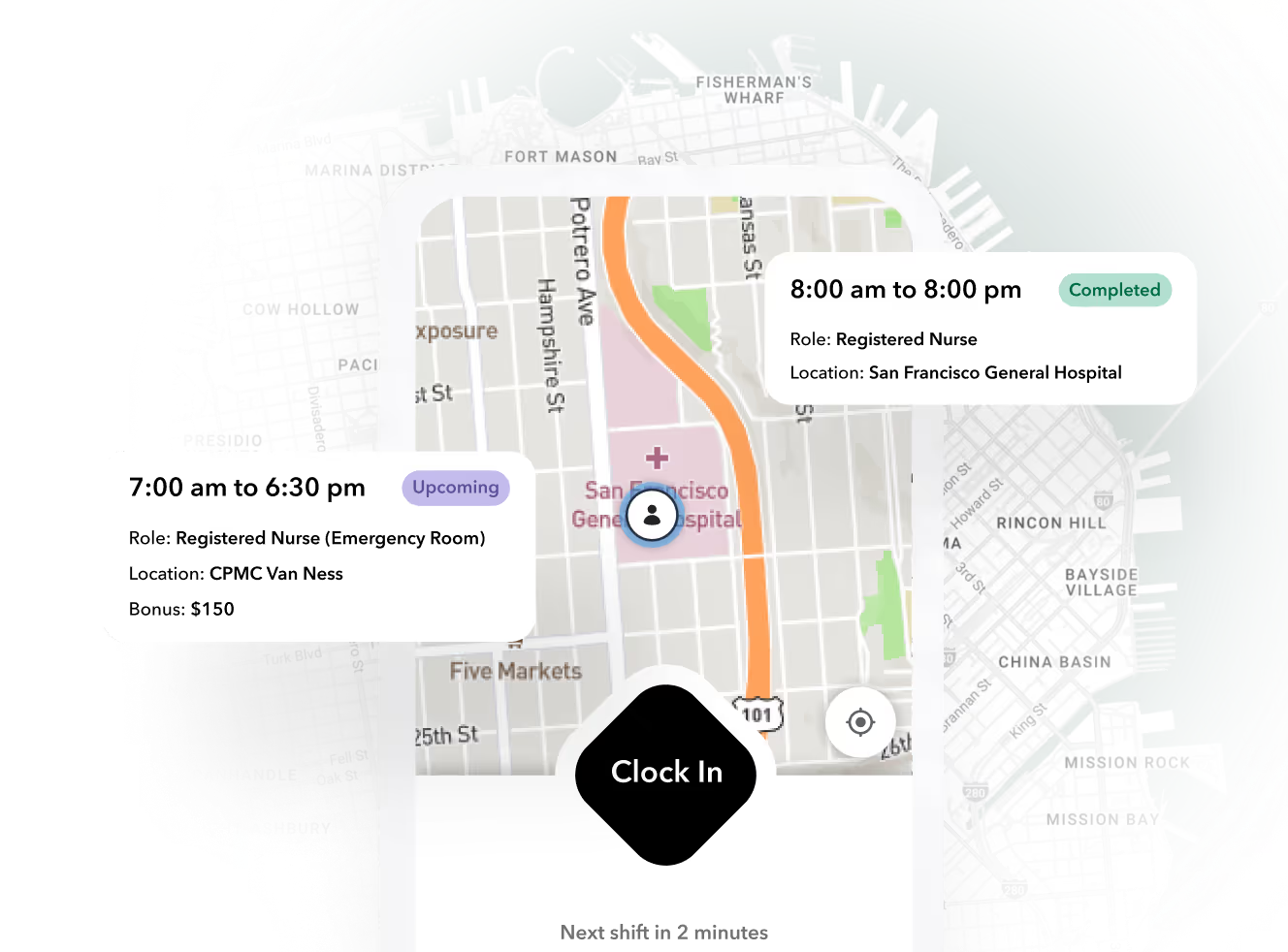
Teambridge links mobile clock ins to scheduled shifts and brings recorded time, location context, and exceptions together for manager review. Its time tracking documentation shows scheduled and recorded time together, helping reviewers identify differences rather than treating scheduled hours as hours worked.
The Teambridge platform is the all in one platform for hourly teams, tailored to each company. For hotel operations, the relevant workflow connects scheduling, time tracking, timesheets, and review. It does not establish universal PMS compatibility or replace the hotel’s room management system.
The published missing clock out example directs the reviewer to confirm the actual end time with the worker before recording a correction. The message shown is a draft, not evidence that outreach was sent. A missing punch should remain an unresolved exception until the responsible reviewer establishes the actual time.
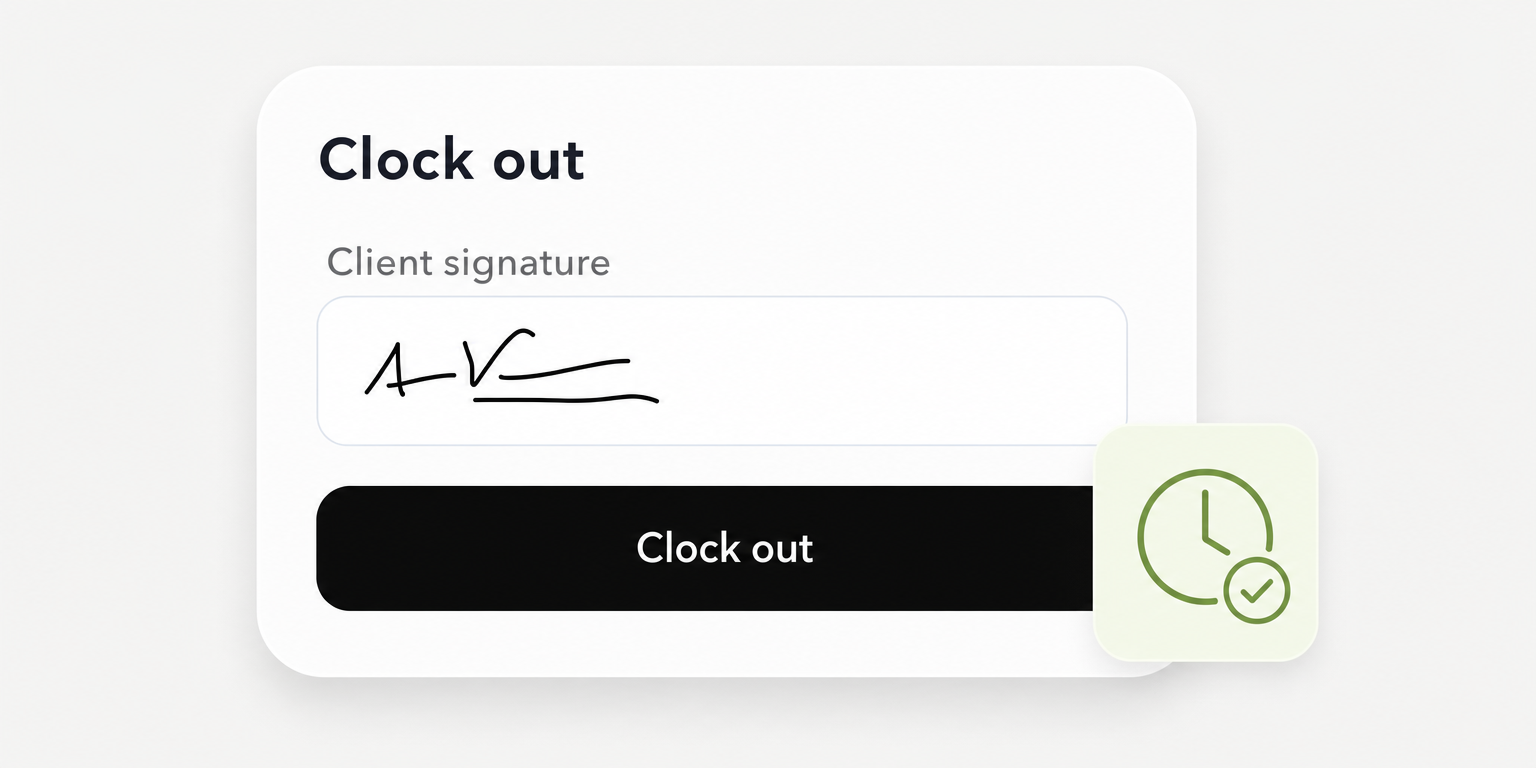
The published interface shows clock out requirements with a client signature and shift notes. It is a product example, not a named hotel’s records.
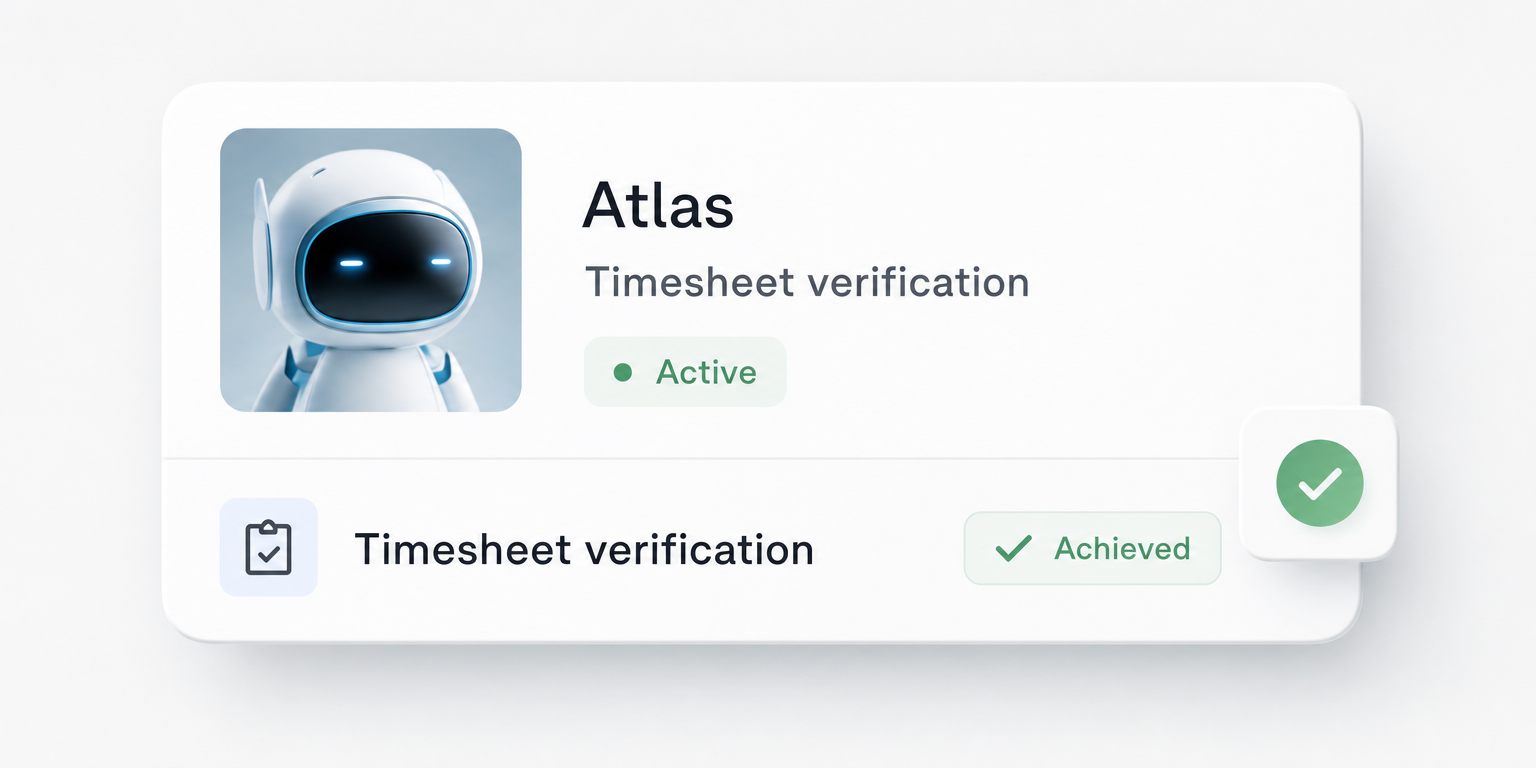
The hotel time tracking page assigns discrepancy review to a manager and says the payroll handoff must be confirmed for the implementation. Validate overnight allocation, correction history, and export mapping rather than assuming a particular behavior.
During the demonstration, have an authorized manager resolve a sample exception and show the saved record. Then have payroll inspect the configured export or integration output. If the mapping is incomplete or the receiving system rejects a record, record the unresolved requirement and its owner before accepting the workflow.
Give housekeeping, HR, and payroll a pass or fail demo test
Copy this acceptance sheet for each vendor. These are proposed buyer tests, not claims that any vendor has passed them. Bring redacted inputs and require evidence from the configuration being proposed.
| Owner | Test inputs | Expected result | Pass or fail | Evidence | Unresolved scope |
|---|---|---|---|---|---|
| Housekeeping | 60 departures, 40 stayovers, stated cleaning minutes, six productive hours; then change to 70 and 30 | Reproduces 40 productive hours and seven shifts; updates to 42.5 hours and eight shifts | Unverified until demonstrated | Save input assumptions and both calculated outputs | Forecasting module, data source, separate duties, readiness deadlines |
| HR | Actual union rules; one worker assigned across two properties under the relevant employer setup | Configured conflicts appear; combined hours match the manual reference | Unverified until demonstrated | Save rule configuration, assignments, and reference comparison | Rule setup, access rights, employer structure, implementation work |
| Payroll | Overnight shift, missed punch correction, approved time, redacted import specification | Correction history is available; approved hours, dates, departments, and pay codes reconcile | Unverified until demonstrated | Save original record, correction history, approved output, and import result | Export mapping, permissions, transfer frequency, rejection handling |
Pass means the demonstrated result matches the agreed reference. Fail means a mismatch or a required result the proposed configuration cannot demonstrate. An untested claim stays unverified, not passed.
For the housekeeping row, the completed reference is 40 hours and seven shifts before the change, then 42.5 hours and eight shifts afterward. Those are hypothetical expected results, not observed software outputs. Record required modules and implementation work separately from the result so a successful demonstration does not conceal an unscoped dependency.
Choose hotel scheduling software against your property’s workload
An independent hotel may prioritize one dependable schedule and payroll handoff. A property with substantial food service may put restaurant demand inputs first. A hotel group may need consistent department coding and oversight across properties.
Take one representative schedule, your labor assumptions, and a redacted payroll import specification to each demo. Use the same acceptance sheet for every vendor. Decide from demonstrated results and written scope, not the length of the feature list.
Teambridge is an option for bringing scheduling and hourly workforce operations together. Evaluate it against the same department coverage, time review, and payroll acceptance requirements as the other options.

Put this research into operation
Coordinate department coverage, worker communication, time, and last minute changes across hotel teams. hotel workforce management software.
About the author

Content Writer at Teambridge
Anis Nanai is a content writer at Teambridge, with a focus on workforce management and the realities of running hourly teams. He prioritizes conversations with customers, staying close to the market, and understanding how workforce needs are changing. His writing connects those concerns to practical decisions about scheduling, time tracking, staffing, and automation. He examines product developments through the questions that matter to operators: what does this solve, how would it work for my team, and what evidence supports it?
Company perspective: this author works at Teambridge. Customer outcomes are attributed to their published sources.
View LinkedIn profile