Reviewed September 2026
How to evaluate a Kronos alternative in 2026
UKG Dimensions is now called UKG Pro Workforce Management. Teams searching for a Kronos alternative may be comparing a current UKG product, planning a move from a legacy Kronos environment, or reconsidering how scheduling, time, communication, and workforce records should work together. Define that starting point before comparing vendors.
Clarify the current system
Document the exact Kronos or UKG product, hosted environment, custom rules, integrations, reporting dependencies, and records that must remain available.
Test one operating week
Follow demand, scheduling, availability, open work, time capture, corrections, approvals, communication, and payroll preparation through one realistic week.
Plan the migration evidence
Define which worker records, schedules, pay rules, balances, audit history, and integration mappings must be validated before launch.
Compare Kronos competitors
Compare each option using the same operating scenarios, required integrations, migration evidence, implementation ownership, and total administrative effort.
Product boundary
Teambridge supports configurable workforce operations across connected products. It does not replace every payroll, human capital management, benefits, or finance system in an enterprise stack.
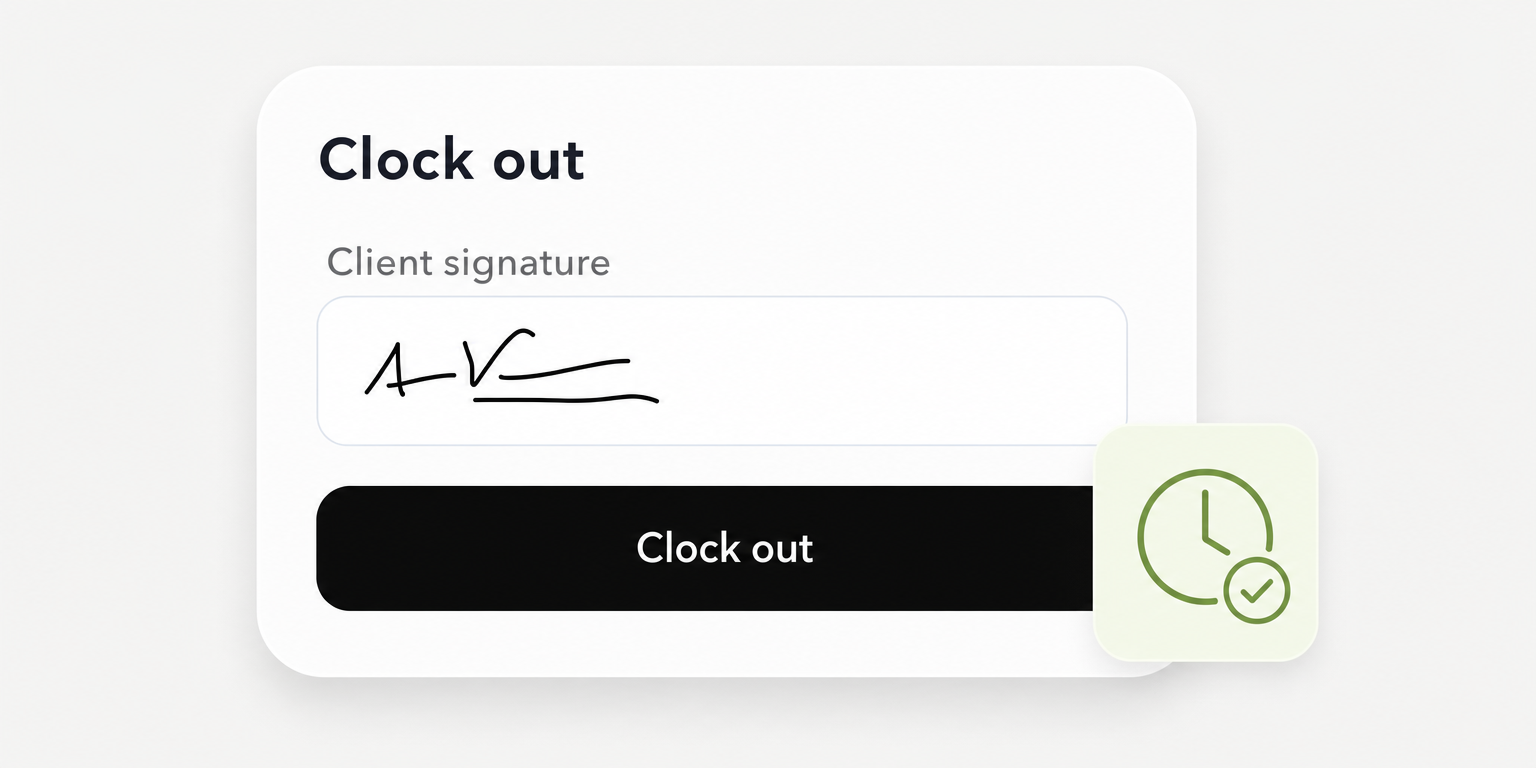
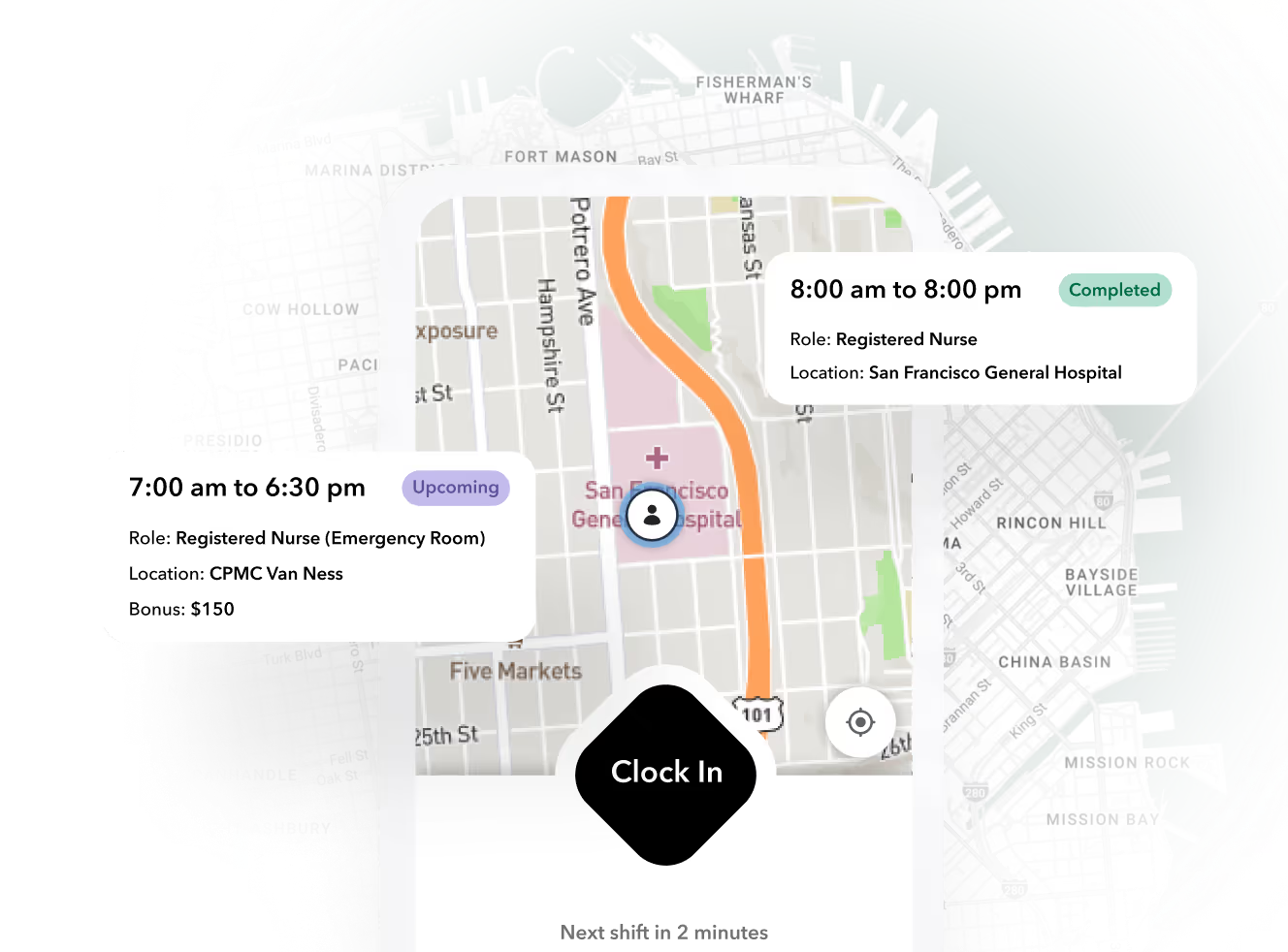
The best Kronos alternatives for attendance tracking depend on what your operation needs to prove. Shortlist Teambridge for scheduling, time tracking, timesheets, and workflows together; Deputy for attendance approval tiers; When I Work for shared terminals and documented payroll transfers; Connecteam for connected sites with location restrictions; and Dayforce for correction history and payroll approval.
These are editorial fit judgments based on the vendor documentation linked below, not tested rankings. A late arrival needs an owner. A missing overnight punch needs a correction that payroll can trace. The right system must handle those exceptions under your actual rules.
Best Kronos alternatives for attendance tracking
Start with the requirement that could eliminate a vendor:
- Teambridge: Evaluate it when hourly operations need an all in one platform tailored to the company. Require proof of your payroll connection and clock requirements.
- Deputy: Evaluate it when approval controls determine the attendance plan you need. Check the exact app if offline punching is mandatory.
- When I Work: Evaluate it when shared terminals and payroll transfers drive the decision. Confirm the attendance inclusive subscription and destination mapping.
- Connecteam: Evaluate it when sites have connectivity and need location restrictions. Standard offline punching is not supported.
- Dayforce: Evaluate it when correction history and payroll approval are central requirements. Establish purchased scope through a proposal.
The comparison below separates documented behavior from unresolved requirements. An unresolved requirement is not proof that a feature is missing.
Which Kronos product are you replacing?
A Kronos alternative should replace the scope you actually use. UKG’s naming guide distinguishes Kronos Workforce Central, now UKG Workforce Central, from Kronos Workforce Ready, now UKG Ready. They are not interchangeable product names.
UKG Ready is a suite covering HR, payroll, time, and workforce management. It is not simply Kronos’s mobile app. Replacing attendance while retaining payroll is a different project from replacing that wider suite.
Before requesting demonstrations, record your installed product, payroll destination, pay rules, clock models, and required historical records. Identify who owns each configuration. Keeping the incumbent is a valid outcome if another system cannot meet the mandatory requirements.
Top 5 Kronos alternatives and competitors for attendance tracking
This table uses official product, help, and pricing pages from the supplied research dated November 17, 2026. Prices and entitlements need confirmation before purchase. Documentation establishes specific behaviors, not a guarantee that every configuration will work for your operation.
| Vendor | Best fit | Documented attendance capability | Plan dependency | Decision boundary and primary sources |
|---|---|---|---|---|
| Teambridge | Hourly teams bringing workforce operations together | Scheduling, time tracking, timesheets, and workflows | Confirm proposed configuration and scope | Demonstrate offline capture, payroll compatibility, and clock reuse. Platform, time tracking |
| Deputy | Teams comparing approval controls | Basic clocking and timesheets in Lite; automatic timesheet approval in Core; advanced timesheets in Pro | Required approval behavior determines the tier | Current Time Clock and legacy Kiosk have different connectivity requirements. Pricing, current app |
| When I Work | Shared terminals and documented payroll transfers | Computer, Android, and iOS terminals; manager edits; pay period closing; payroll transfers | Confirm attendance selection and configured total | Closing a period prevents employee changes, not necessarily all administrator changes. Attendance guide, pricing |
| Connecteam | Connected sites evaluating location restrictions | Geofences and configurable automatic clock out | Advanced lists 10 geofence sites; geofence exit automation requires Expert | Standard clocking requires connectivity. Pricing, geofence settings, offline boundary |
| Dayforce | Buyers prioritizing correction history and payroll approval | Audit report covers time entries, meals, breaks, and pay adjustments; location payroll approval workflow | Obtain contracted module and permission scope | Guides do not establish cost, deployment effort, or hardware compatibility. Audit report, payroll approval |
Teambridge brings hourly operations into one platform
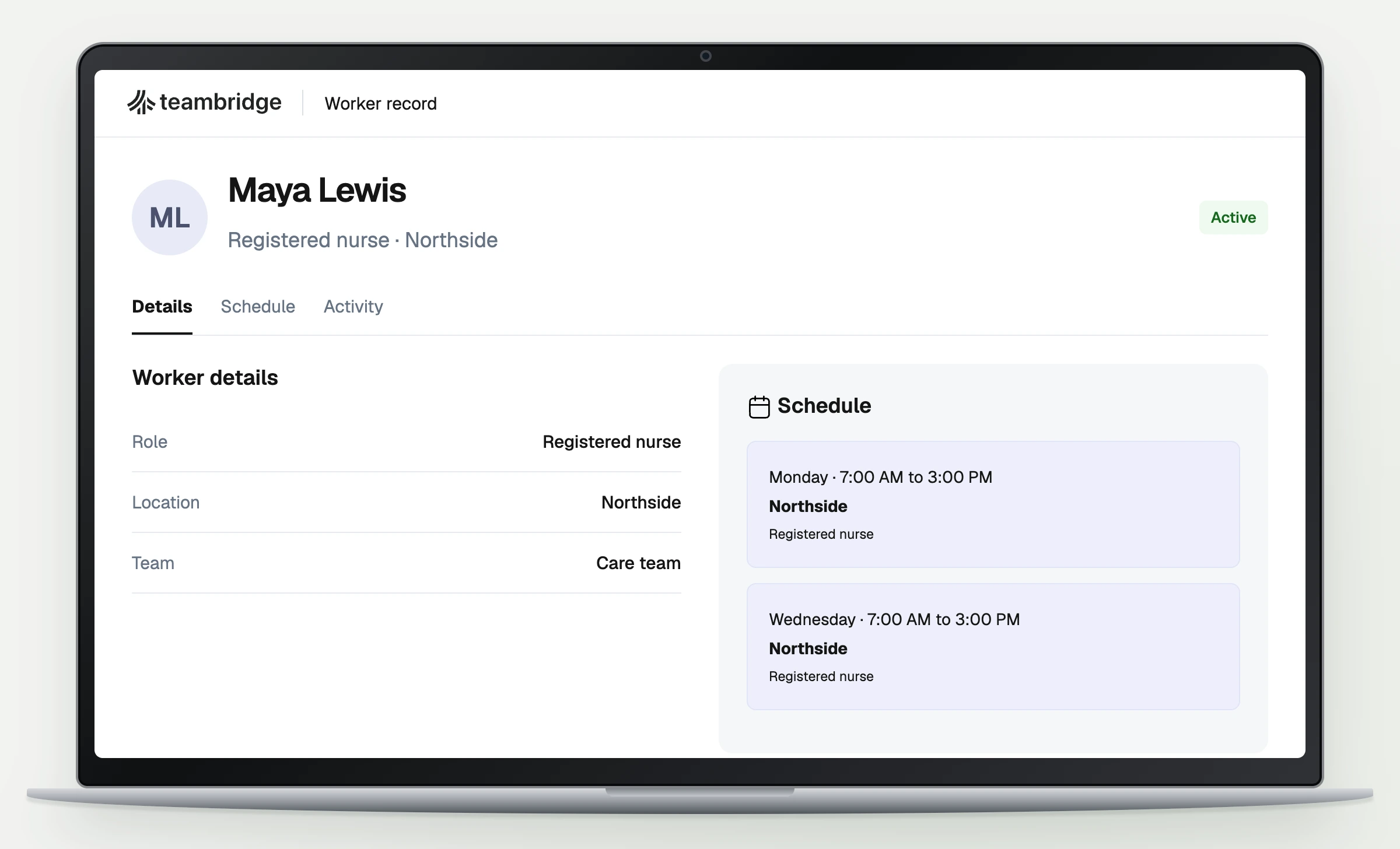
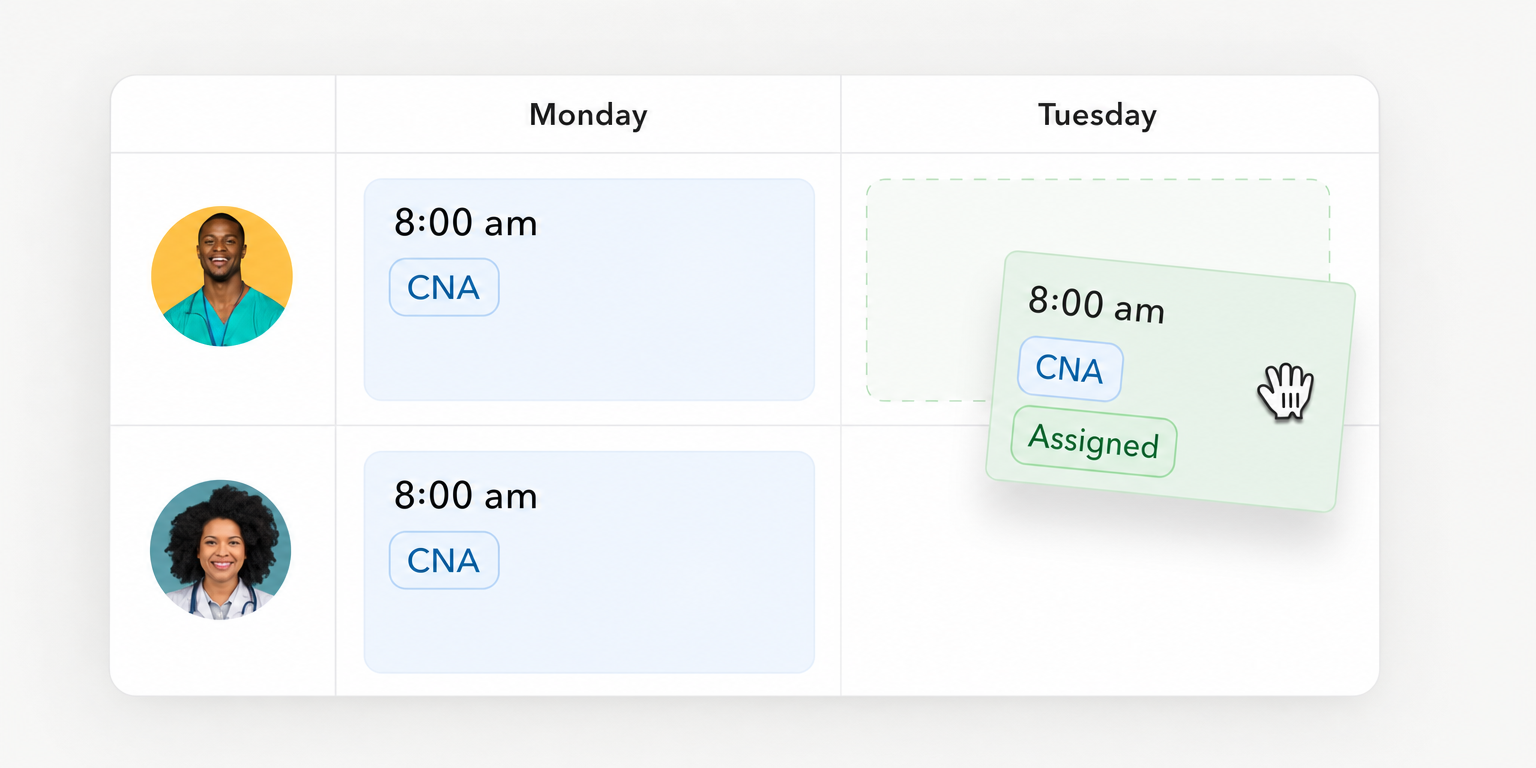
Teambridge’s platform brings scheduling, time tracking, timesheets, and workflows together in an all in one platform tailored to each company. It belongs on the shortlist when attendance decisions need to stay connected to the rest of hourly operations.
Keep evaluating until your required payroll transfer, offline behavior, and clock compatibility are demonstrated. Workforce operations capabilities alone do not establish a replacement for a wider HR or payroll suite.
Deputy makes approval requirements a tier decision
Deputy’s pricing documentation separates basic time capture from automatic timesheet approval and advanced timesheets. Choose the tier around the approvals you need, rather than assuming the entry plan covers the whole process.
Offline requirements deserve a separate decision. The current Time Clock app requires connectivity, while the documented offline option uses a discontinued legacy app. That distinction can outweigh a subscription difference.
When I Work documents the path from terminal to payroll
When I Work’s attendance guide describes shared terminals, timesheet review and editing, closing pay periods, and transferring payroll information. That makes it worth evaluating when several workers use one device and payroll needs a defined handoff.
A listed connection is a starting point, not proof that every earning code or job allocation transfers. Keep evaluating if your required destination fields remain unresolved.
Connecteam requires a connectivity decision first
Connecteam’s offline documentation says standard mobile, kiosk, desktop, and NFC punches require connectivity. Its API exception allows custom physical clock integrations to queue punches and submit the original time later.
That exception does not make the standard kiosk offline capable. Choose it for evaluation when connectivity is dependable, or when a separately scoped integration can satisfy your outage requirements.
Dayforce documents correction history and approval
The Dayforce Timesheet Audit Report tracks changes to time entries, meals, breaks, and pay adjustments. Its payroll approval guide describes reviewing attendance problems before approving location payroll.
Managers or other authorized users correct missing entries and adjustments before approval. Approval is one step in payroll closing, not evidence that payroll has finished processing. Confirm permissions, modules, and implementation scope before treating that workflow as a purchased capability.
Put the workflow into practice
See how your team could use this workflow
Products discussed
Best Kronos Alternatives for Attendance Tracking by Use Case tools mentioned
Official marks identify the products materially discussed in this section.
What to look for when choosing a Kronos alternative
Alerts need a recipient and a deadline
Ask each vendor to demonstrate a late arrival and a no show against a scheduled shift. Record when the notification fires, who receives it, and what happens if nobody responds. A dashboard flag and an immediate supervisor notification are different operating behaviors.
For missed punches, inspect who can request, edit, approve, and reopen a correction. Require the saved record to retain the original entry, changed entry, editor, and approval evidence according to your acceptance requirements. Do not infer those controls from an “attendance tracking” label.
An attendance demonstration is incomplete until the corrected time reaches the payroll destination and reconciles.
Overnight shifts and geofences need separate tests
Geofencing does not establish automatic clock in. Teambridge’s time tracking page describes worker initiated clocking with location validation, not automatic clock in when someone crosses a boundary.
Connecteam’s specific geofence instructions place exit based automatic clock out in Operations Expert. An administrator with access to time clock settings must select the exit behavior and click Save; location services must be active. Test disabled location services as an exception rather than assuming the same result.
Supporting evidence
Geofence exit is a configured clock out behavior, not proof of automatic clock in.: Connecteam documentation
Overnight settings change how daily limits and automatic clock out behave across midnight.: Connecteam overnight settings
Connecteam documents that enabled overnight shifts allocate hours after midnight to the starting day. With overnight shifts disabled, a new daily limit begins at midnight. Test both the attendance record and payroll allocation against your intended configuration.
Offline support belongs to a device and app
Deputy’s current Time Clock app requires an active connection on iOS and Android. Its legacy iPad Kiosk documentation describes local storage and later synchronization, but also limited support, no new features, and possible future retirement.
Warning
Shared kiosk support does not prove offline support. Require the exact device, app version, recovery behavior, and supported lifecycle in writing.
If a finalist cannot capture punches during an outage, test an agreed fallback. Confirm how payroll receives the fallback record, who approves it, and how duplicate punches are prevented after service returns.
Attendance pricing, payroll connectors, and clocks change the total
Compare the plan that passes your attendance tests. The supplied pricing research lists Deputy at $5 for Lite, $6.50 for Core, and $9 for Pro per user monthly in USD, excluding applicable taxes. Confirm region, billing selection, and entitlements before budgeting.
Connecteam Operations Advanced lists $49 monthly with annual billing or $59 with monthly billing for the first 30 users. Additional users cost $2.50 or $3 monthly respectively. Advanced’s general automatic clock out label should not be treated as proof of Expert’s geofence exit behavior.
When I Work’s pricing page separates the attendance selection from scheduling prices. Obtain the configured total rather than reuse the scheduling headline. Obtain an official Dayforce proposal and a defined Teambridge scope instead of estimating either.
A supported connector still needs reconciliation
When I Work documents connections with ADP RUN, ADP Workforce Now, Gusto, Paychex, QuickBooks Online, Rippling, and Square. It describes spreadsheet export separately. A file that someone uploads manually is not the same handoff as a configured integration.
For every finalist, identify the exact payroll product and supported transfer method. Verify employee IDs, earning codes, job allocations, correction handling, and responsibility for rejected records. Teambridge buyers can use its integrations resources to begin that discussion, then require evidence for their specific destination.
Include clock replacement, device management, setup, integration work, parallel payroll, and historical record access in the purchase scope. Do not assume an existing Kronos clock will work with another platform because both products support time capture.
Test each Kronos alternative against the same attendance failures
Copy this acceptance sheet into a spreadsheet. Duplicate the six rows for the incumbent and every finalist, then complete the vendor, plan, and configuration fields before testing. These are evaluation requirements, not claims that any product passes.
| Test | Owner | Expected result | Evidence | Vendor | Plan | Configuration | Actual result | Pass or fail | Remediation owner | Retest date |
|---|---|---|---|---|---|---|---|---|---|---|
| Late arrival and no show | Shift supervisor | Correct recipient notified within agreed threshold | Schedule, punch and notification timestamps | Fill | Fill | Threshold and recipients | Record | Record | Assign | Set |
| Missing overnight punch | Supervisor and payroll | Correct workday allocation, approval and correction history | Original record, corrected record and approval log | Fill | Fill | Workday boundary and permissions | Record | Record | Assign | Set |
| Connectivity interruption | Site manager and IT | Original timestamps preserved without duplicates, or fallback accepted | Device log, recovered records or fallback approval | Fill | Fill | Device, app and outage method | Record | Record | Assign | Set |
| Missed break and overtime | Payroll | Exceptions and calculated hours match approved rules | Rule settings and expected versus actual totals | Fill | Fill | Break and overtime rules | Record | Record | Assign | Set |
| Payroll transfer | Payroll and integration owner | IDs, hours, earning codes and jobs reconcile at destination | Source totals, destination totals and rejected records | Fill | Fill | Connector or export mapping | Record | Record | Assign | Set |
| Existing clocks | IT and procurement | Every model supported or replacement plan approved | Written compatibility evidence or replacement scope | Fill | Fill | Model, firmware and connection | Record | Record | Assign | Set |
Completed example: a hypothetical overnight test
Assume a test shift runs from 10 p.m. to 6 a.m., with no unpaid break, and the approved configuration allocates it to the starting day. The worker has no recorded clock out. This is fictional test data, not a vendor result.
A completed row could read: vendor, finalist A; plan, quoted attendance plan; configuration, starting day allocation with supervisor approval; actual result, 8 hours recorded correctly but approval evidence absent; status, fail. Evidence would include the original punch, corrected record, and destination preview. Assign remediation to the configuration owner and set a retest date before allowing cutover.
Run the pilot through a complete payroll cycle
- Fix the acceptance rules first. Payroll approves expected hours and earning codes. Operations sets alert timing, and IT records the required devices.
- Pilot a limited site. Run the same exceptions through the incumbent and finalists using approved test records. Keep live pay protected from experimental changes.
- Reconcile at the destination. Compare employee level records and totals. Resolve rejected transfers and missing approvals before marking a test passed.
- Approve cutover explicitly. Retain required history and establish a retrieval method. Assign unresolved issues and keep a documented fallback if reconciliation fails.
Selecting a Kronos competitor for your team
Shortlist by operating fit, eliminate options that fail mandatory attendance tests, and compare the remaining choices on verified plan scope, payroll handoff, and clock requirements. A lower subscription does not settle a failed payroll transfer. Keeping the incumbent is reasonable when no alternative passes.
For Teambridge, bring your own missed punch and approval scenarios to a demonstration of scheduling, time tracking, timesheets, and workflows. Use the platform overview to define scope and the staffing workflow context when client and assignment requirements affect the evaluation. Choose based on the records and handoffs your team can prove, not the length of a feature list.

Put this research into operation
Compare a configurable frontline operating system with legacy workforce suites before choosing an alternative. modern workforce management platform.
About the author

Content Writer at Teambridge
Anis Nanai is a content writer at Teambridge, with a focus on workforce management and the realities of running hourly teams. He prioritizes conversations with customers, staying close to the market, and understanding how workforce needs are changing. His writing connects those concerns to practical decisions about scheduling, time tracking, staffing, and automation. He examines product developments through the questions that matter to operators: what does this solve, how would it work for my team, and what evidence supports it?
Company perspective: this author works at Teambridge. Customer outcomes are attributed to their published sources.
View LinkedIn profile